01. Edit your form 403 online print online
Type text, add images, blackout confidential details, add comments, highlights and more.

Type text, add images, blackout confidential details, add comments, highlights and more.

Draw your signature, type it, upload its image, or use your mobile device as a signature pad.

Send 403 form via email, link, or fax. You can also download it, export it or print it out.
Form 403 is primarily used as a tax-related document in India, specifically within the state of Gujarat. It is utilized to facilitate the movement of goods by registered dealers across state lines, ensuring compliance with regional tax laws. Providing documentation through Form 403 ensures that transferred goods are reported accurately, allowing for transparency and adherence to the local Commercial Tax Department's requirements. The form plays a critical role in maintaining legal accountability and preventing tax evasion during goods transportation.
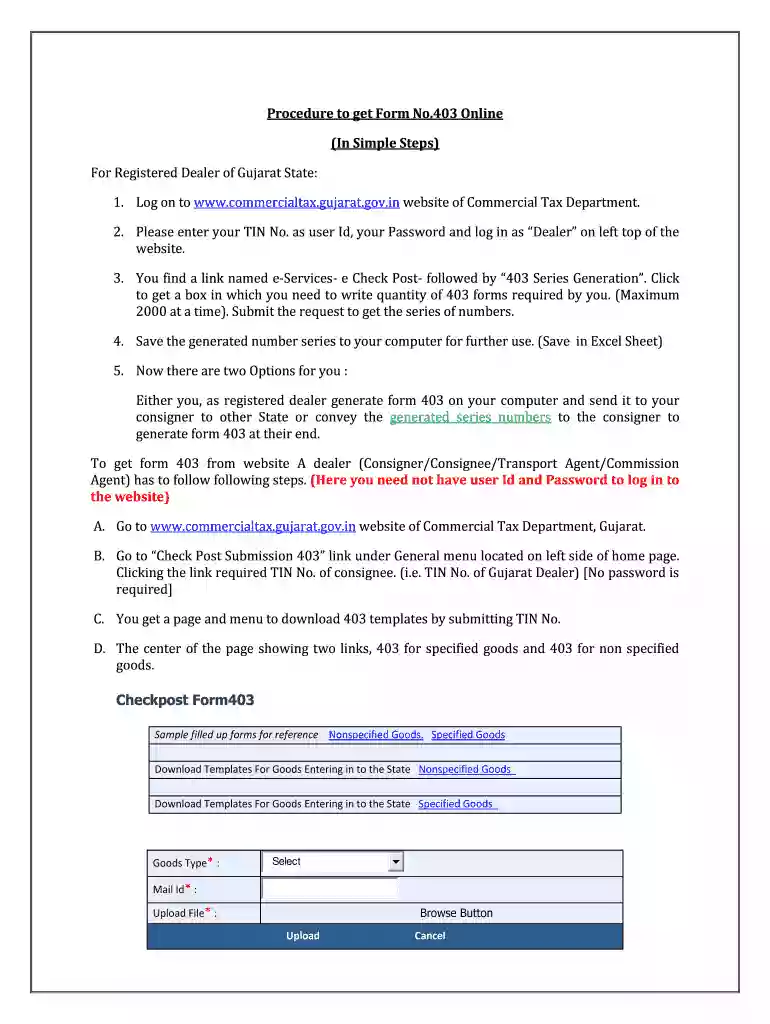
To use Form 403 effectively, registered dealers must first log into the Commercial Tax Department's online portal. Once logged in, they will need to generate a series of form numbers, corresponding to the transportation of specified goods. This process involves downloading and completing a template using an Excel sheet where necessary information such as customer details, vehicle information, and goods description is filled out. The completed form acts as proof of legitimate transportation, especially useful during any checks by authorities.
Obtaining Form 403 involves accessing the official website of the Commercial Tax Department of Gujarat. Dealers must create an account or log into their existing one to access the form. It is important to generate the form number before transportation, as this serves as a unique identifier for each transaction. After generating the number, the corresponding Excel template becomes available, wherein necessary details about the transaction can be embedded. Once completed, this document can be downloaded and printed for physical record-keeping during the movement of goods.
Using Form 403 is crucial for maintaining lawful compliance with the taxation laws, particularly within the state of Gujarat. It ensures that goods transported between regions are documented, preventing potential penalties or legal challenges from tax authorities. The use of this form also aids companies in meeting their tax reporting obligations, which can streamline business operations and improve trust with regulatory bodies.
Form 403 serves a legal purpose by acting as an official document recognized by the government to verify that goods are transported legally. It includes all pertinent details regarding a transaction, which helps tax authorities monitor goods movement and uphold tax regulations. Incorrect or false information on the form can lead to severe penalties and legal consequences, highlighting the importance of accuracy and honesty while filling out this form.
Failure to appropriately use or complete Form 403 can lead to significant penalties. Such penalties include fines imposed by the tax authorities for not adhering to mandatory transport documentation. In extreme cases, non-compliance could lead to legal action taken against the business, suspension of transport operations, and additional charges for delinquency. Hence, thorough understanding and execution of the form's requirements are essential for any business entity engaging in the transit of goods within Gujarat.
At DocHub, your data security is our priority. We follow HIPAA, SOC2, GDPR, and other standards, so you can work on your documents with confidence.