
Get any PDF form from the DocHub library of ready-made templates - Page 2128
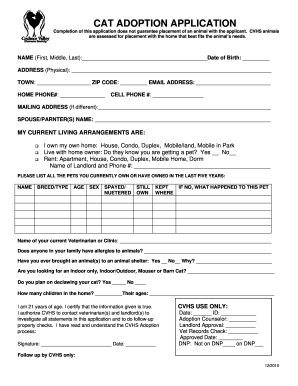
Cat adoption application
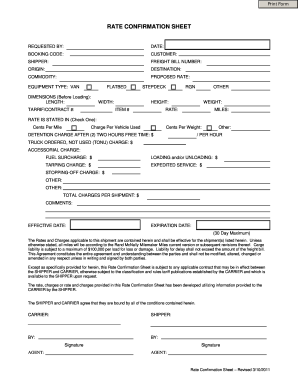
Blank rate confirmation pdf
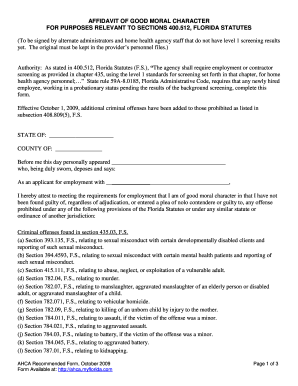
Affidavit of good moral character 2020

Hepatitis b vaccine documentation form
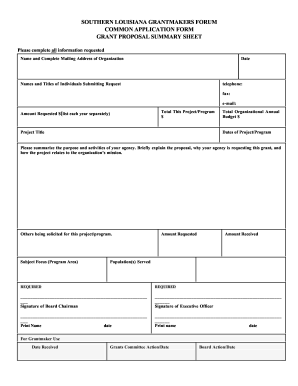
Southern louisiana common application grant proposal summary sheet
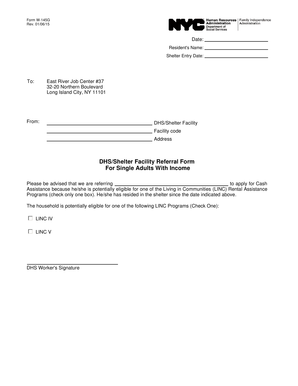
W145g
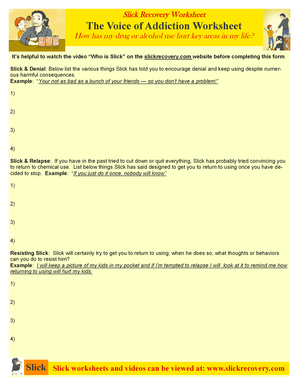
Slick recovery
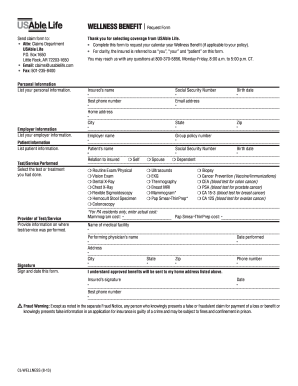
Usable claim forms
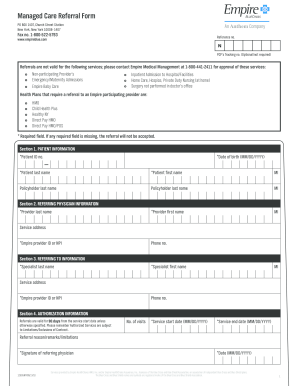
Blue cross blue shield managed care referral form

Dance team sign up sheet
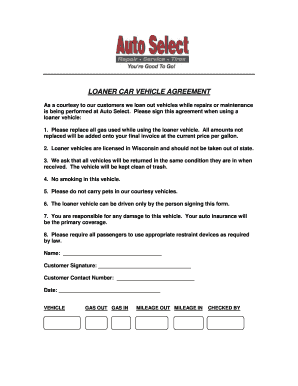
Vehicle loaner agreement pdf
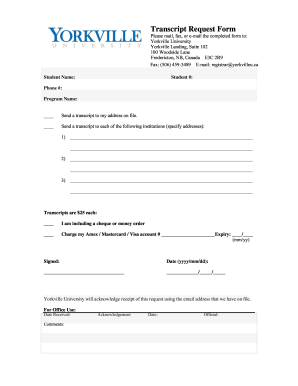
Yorkville university transcript request
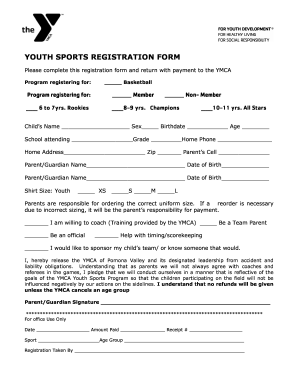
Youth sports sign up form pdf

Spire placement test

AFFORDABLE CARE ACT OBAMACARE INTAKE FORM

Fl eng 21b

Sheet metal fitting order form

Electron configuration worksheet pdf with answers
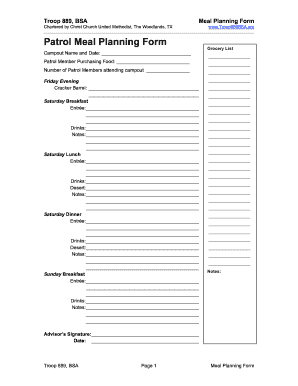
Boy scout meal planning form

Police vetting form

Ufcw local 496

Bank levy response form

Lacrosse tryout evaluation form
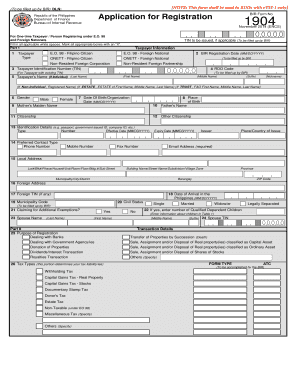
Form 1904 printable
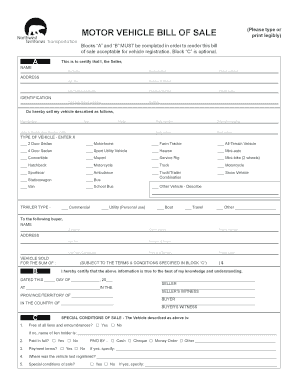
Bill of sale nwt
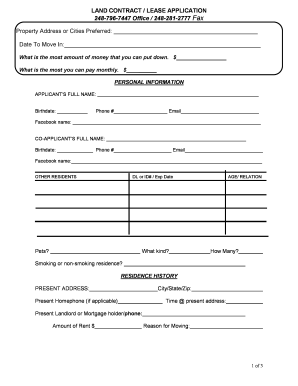
Land contract application - vlcdesignercom
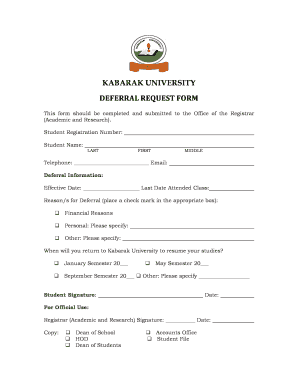
Kabarak university deferral

Concrete credit blank

Appear order thereon get
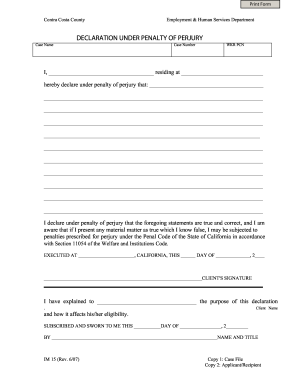
I certify under penalty of perjury

Form for new folio register 32 in vic
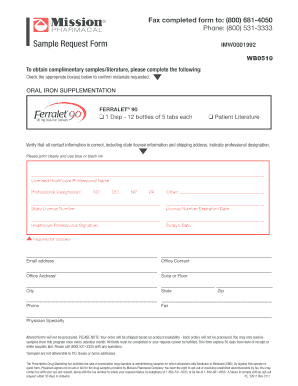
Samples for healthcare professionals
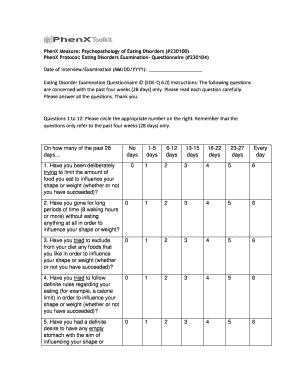
Binge eating questionnaire printable
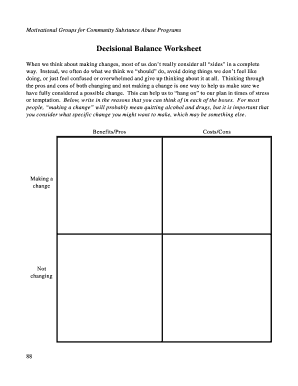
Decisional balance worksheet

Client Hold Harmless Form

Public transfer request form
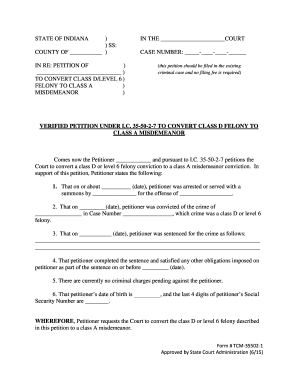
Indiana form tcm 35502 2
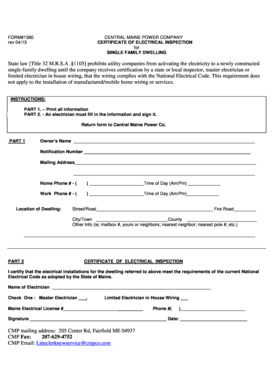
Cmp form 1360
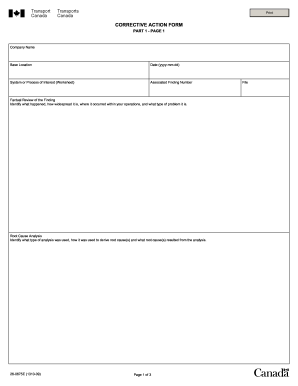
Canada transports corrective action form
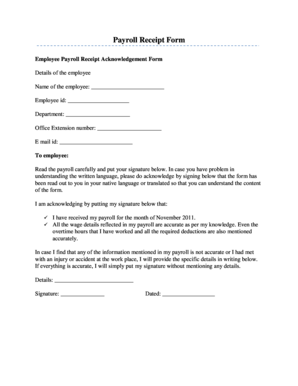
Payroll receipt template word
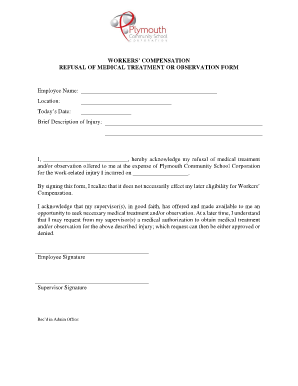
Refusal of medical treatment form
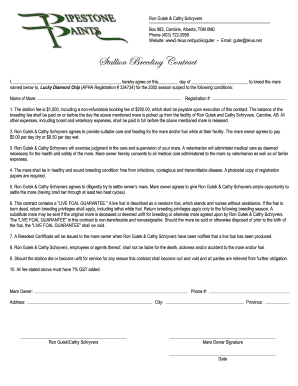
Blank stallion breeding contract
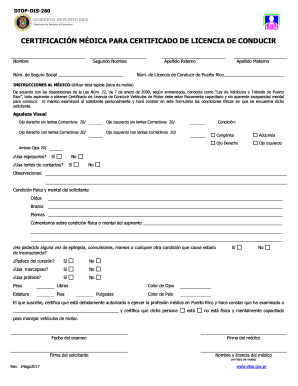
Dtop dis 260
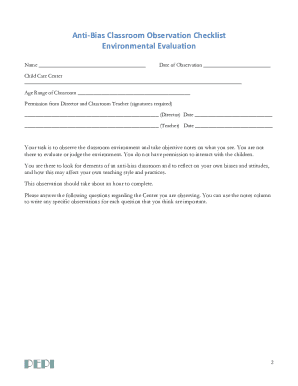
Bias checklist

Guest billing make
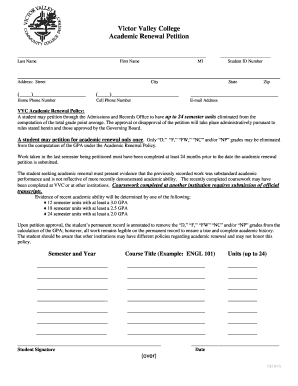
Academic renewal vvc
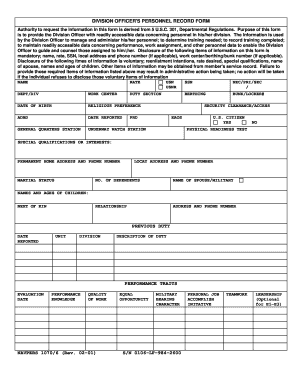
Division officers personnel record form
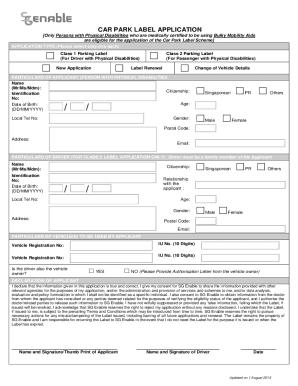
Sg enable car park label

Home health aide care plan pdf

Chapter 1 government test

First Grade Report Card - Council Rock School District - crsd

ACTIVITY SCATTERPLOT DATA SHEET - tsesdistrict833org
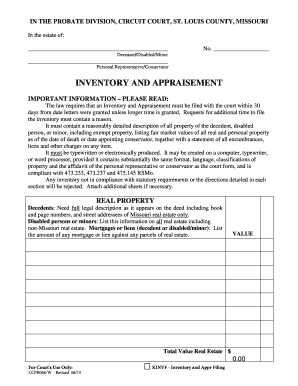
Inventory appraisement form
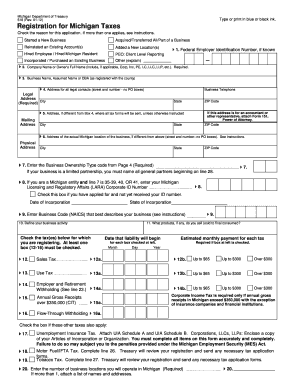
Form 518

Ncnda template word

Medicare edi enrollment form

Notice of entry form ontario

Interview release consent form

How to get w2 from albertsons

Fit to fly certificate format word
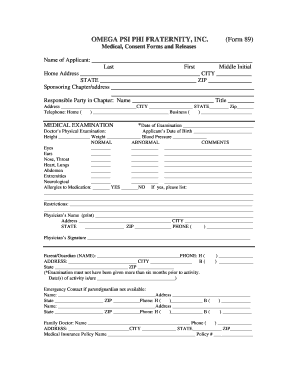
OMEGA PSI PHI FRATERNITY INC Form 89 Medical Consent
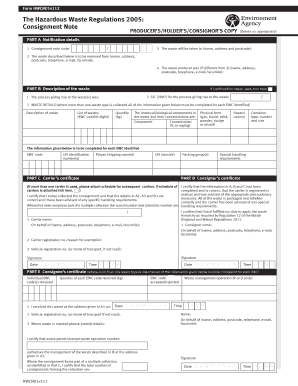
Hwcn01v112
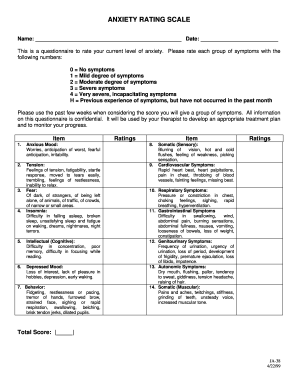
Anxiety assessment tools
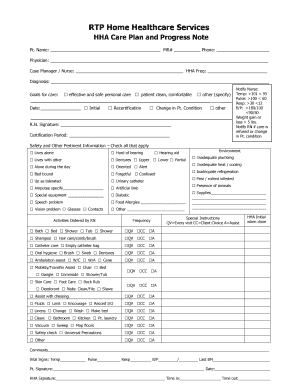
ARIES Care Plan Instructions & Sample Goals - Contra Costa Health...
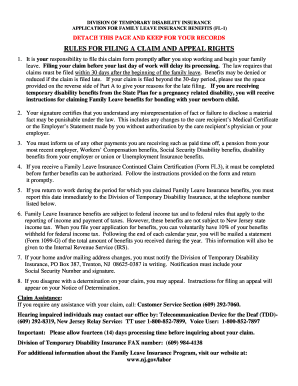
Fl3 form nj pdf
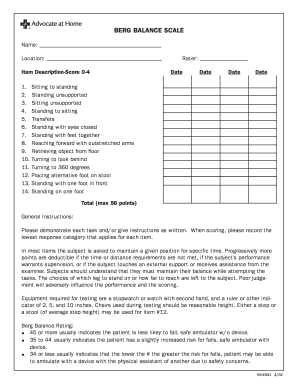
Berg balance test pdf

Da form 5305
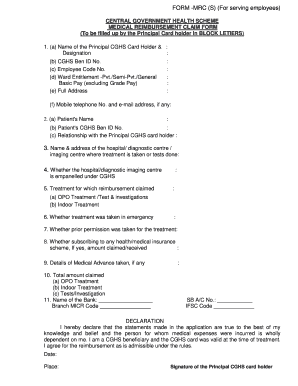
Form mrc
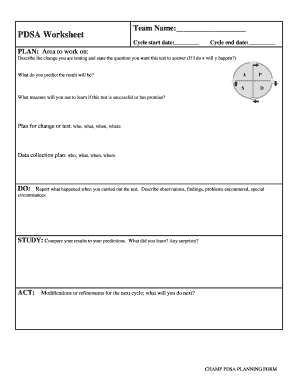
Pdsa worksheet pdf
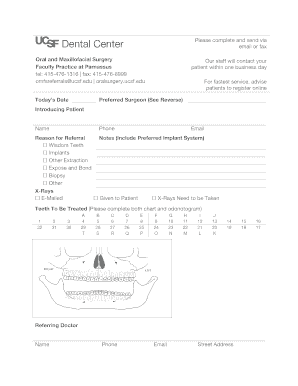
Ucsf dental referral form

Ltfrb special permit
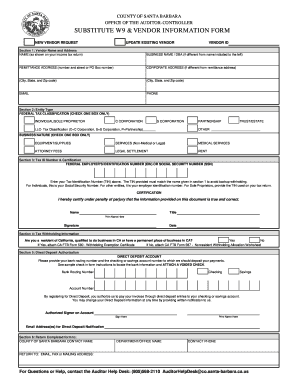
W-9 Substitute Vendor Direct Deposit Registration Form - sbartscommission
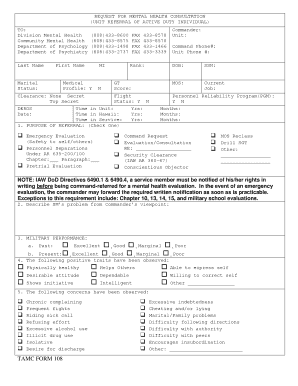
Tamc 108 pdf

How do i document a verbal consent
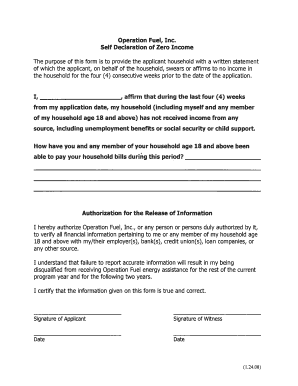
Zero income form
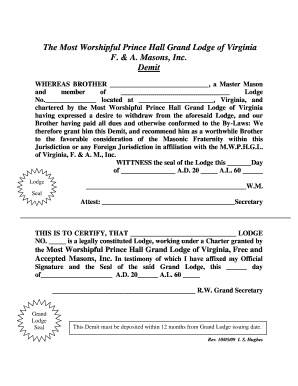
Mwphgl virginia demit grand
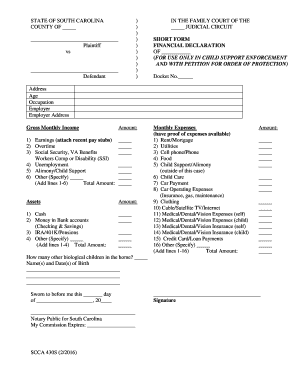
Sc form financial
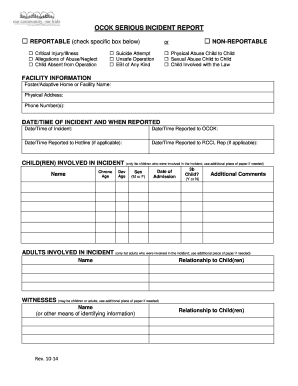
Atlanta ga elder and neglect form to fill out
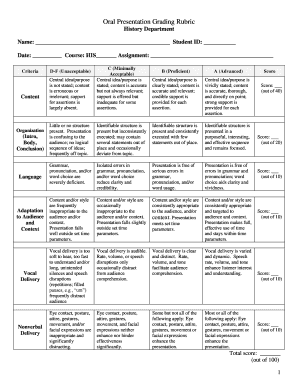
Presentation grading rubric
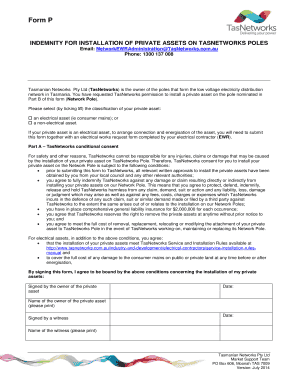
Centrepay sa325 form
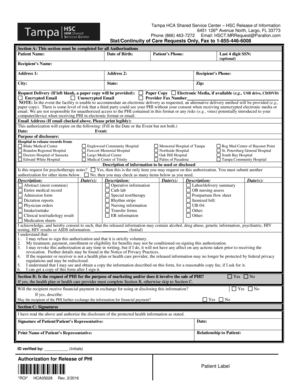
Hsct mrrequest parallon com
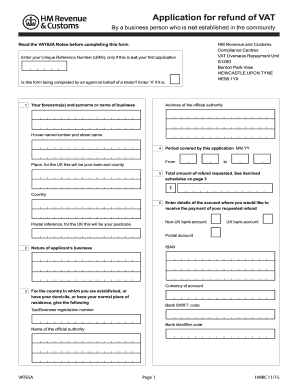
Vat 65a
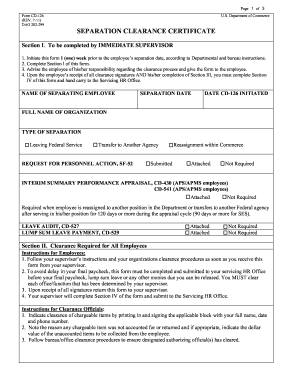
Doc 126 form
Stanford house staff wellness survey
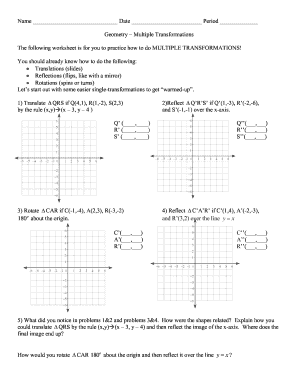
Combined transformations worksheet pdf

KS Department of Health and Environment Presumptive Medical Disability Questionnaire KS Department of Health and Environment Presumptive Medical Disability Questionnaire

Recours aux services
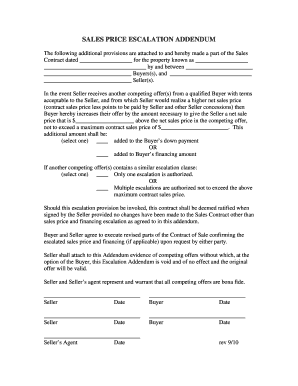
Escalation addendum form

Tn subpoena
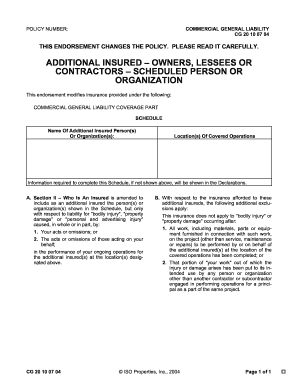
Cg2010
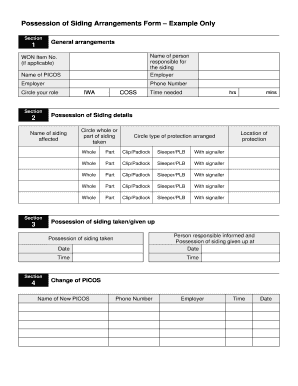
Possession of sidings form
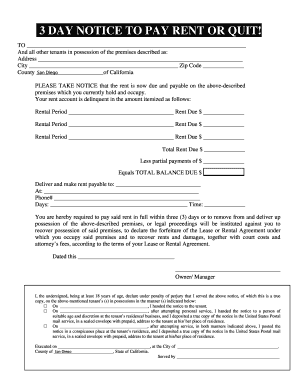
California 3 day notice to pay or quit pdf
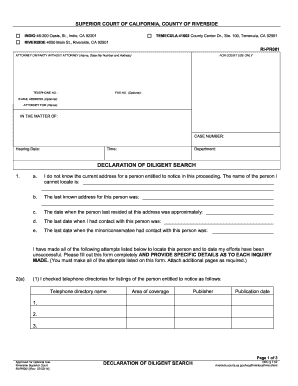
Declaration diligent search
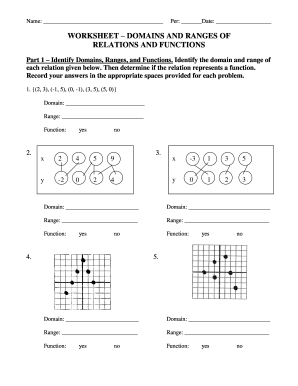
Worksheet domains ranges form
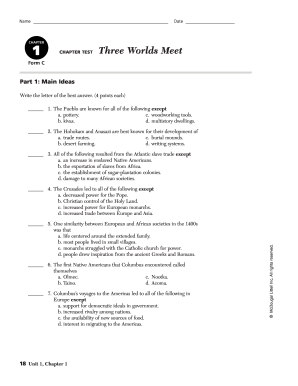
Chapter 1 three worlds meet test pdf
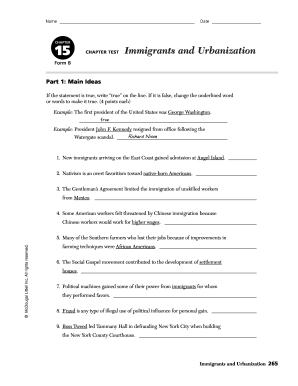
Chapter 15 immigrants and urbanization test form a
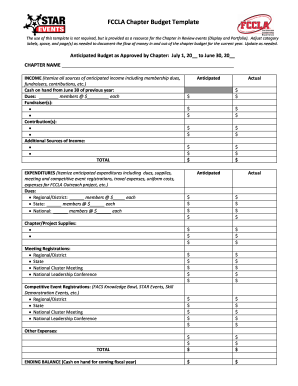
Fccla budget template
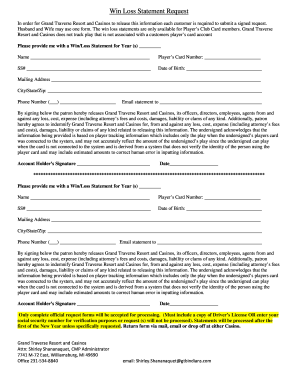
Soaring eagle win loss statement
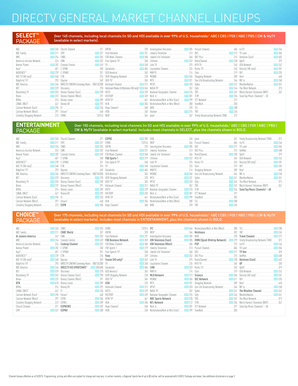
Channel guide template
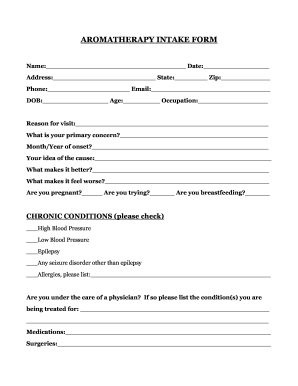
Aromatherapy intake form
Benefit from the DocHub online library of fillable PDF forms
Searching the PDF forms doesn't have to be a tedious and time-consuming process. With the DocHub online library, it has become easier to find the fillable PDF forms and modify them in your browser. The service allows you to adjust the document to your needs using powerful editing tools.
You can use online document editing features to modify almost any type of document with ease. You just need to find the template of your choice, open it in the editor, and use the toolbar to make the necessary corrections.
Follow this guide to get your document done with DocHub:
- Find the PDF template you need.
- Click the Get Form button to open the file in the editor.
- Use the toolbar to fill out and edit the document.
- Easily add and highlight text, insert images, checkmarks, and symbols.
- Drop new fillable fields, and rearrange or delete pages from your file.
- Save changes and download your record.
DocHub empowers everyone to streamline document editing, signing, and distribution, and form completion. Create an account and benefit from our well-organized PDF Forms library and comprehensive editor.