




01. Edit your aromatherapy consent form online
Type text, add images, blackout confidential details, add comments, highlights and more.

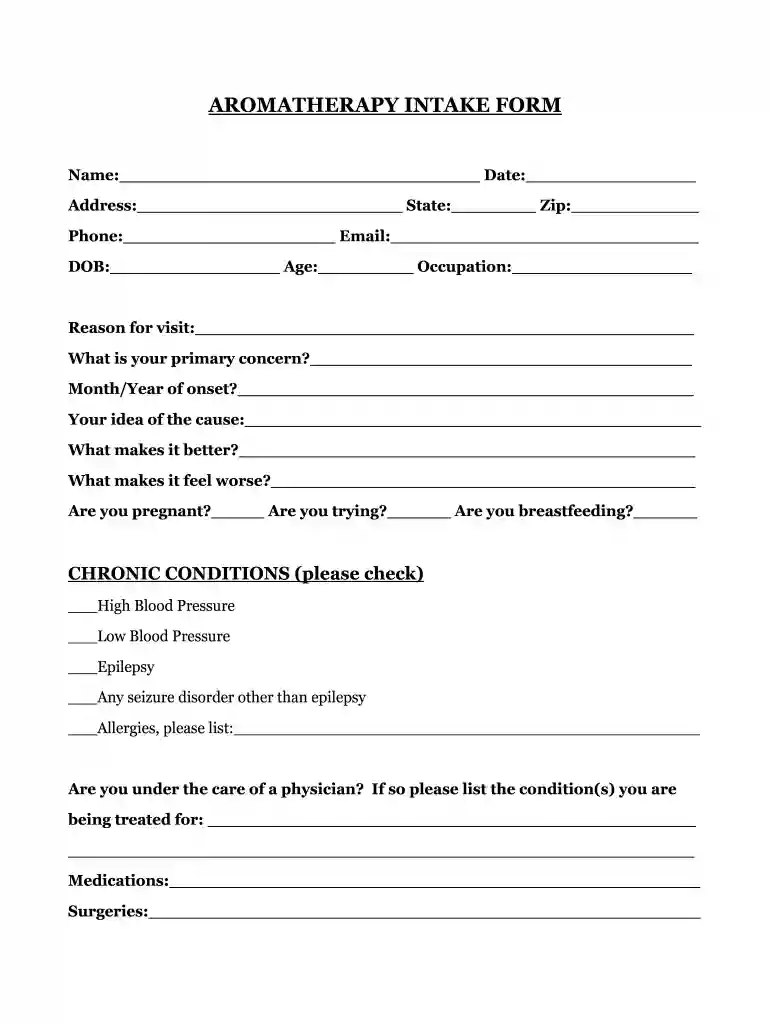
Type text, add images, blackout confidential details, add comments, highlights and more.

Draw your signature, type it, upload its image, or use your mobile device as a signature pad.

Send it via email, link, or fax. You can also download it, export it or print it out.

Start filling out your aromatherapy intake form online for free today!
We've got more versions of the aromatherapy consent form form. Select the right aromatherapy consent form version from the list and start editing it straight away!
| Versions | Form popularity | Fillable & printable |
|---|---|---|
| 2010 | 3.9 Satisfied (28 Votes) |
Sure, electronically drawing your signature is appropriate, but only if you utilize a tool that complies with industry regulations and policies. Try DocHub, which ensures eSignature validity under ESIGN and UETA requirements. All you need to eSign your aromatherapy intake form is an account with DocHub and an internet connection. After you open your document in our editor, click Sign and choose the Draw tool.
If you edit your aromatherapy intake form with DocHub, you only need a steady web connection and virtually any web browser installed on your device. No need to install any third-party applications or research guides. Just open a tab with DocHub, drag and drop your file, and edit it on the spot.
At DocHub, your data security is our priority. We follow HIPAA, SOC2, GDPR, and other standards, so you can work on your documents with confidence.
Date of Initial Visit. 1. Have you had a professional massage before? Yes. No. If yes, how often do you receive massage therapy?Read more
This brochure not only introduces our initial topic but also includes a self-assessment form for depression. We hope it will help individuals understand theirRead more
Mar 28, 2024 The purpose of this study is to see if using an essential oil called Bergamot will have any effect on your comfort, ease, and stress.Read more


