
Get any PDF form from the DocHub library of ready-made templates - Page 2129
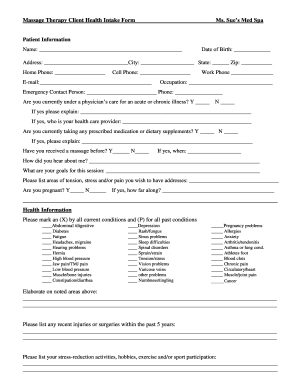
Spa intake form
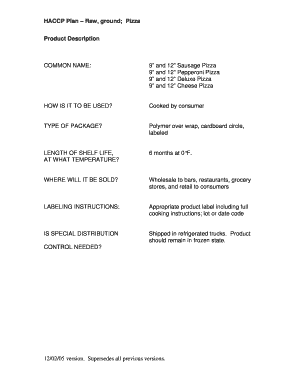
Haccp plan for pizza
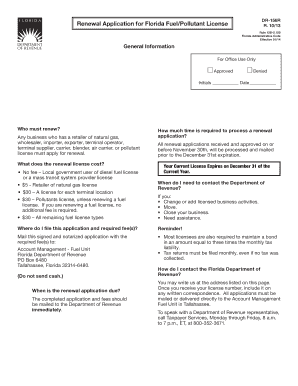
Dr156r
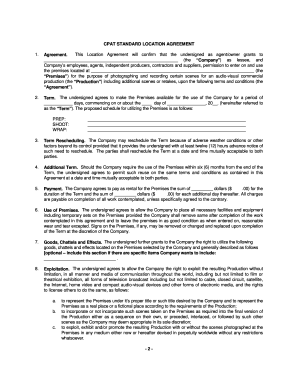
CPAT STANDARD LOCATION AGREEMENT Company
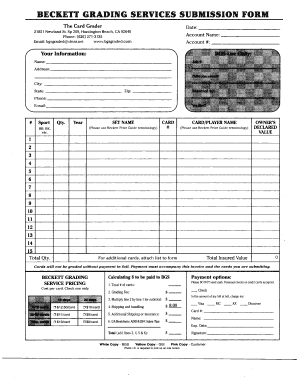
Bgs form
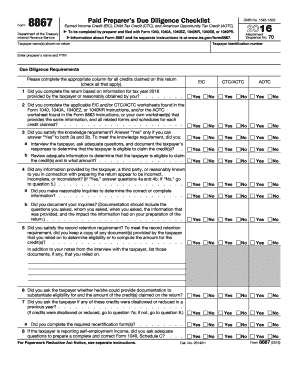
Irs form 8867 2016
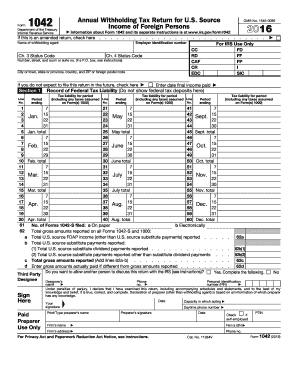
Form 1042DocHubcom 2016
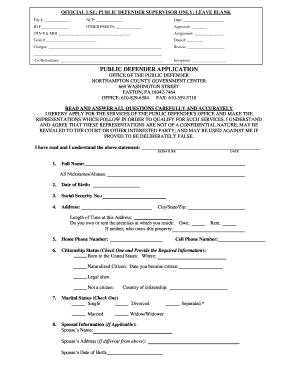
Northampton county public defender application
Short term therapeutic program
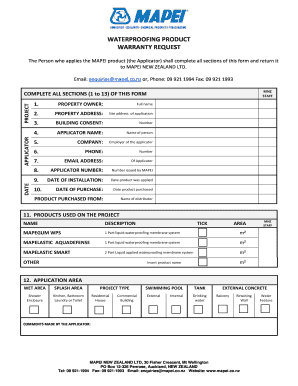
Waterproofing warranty certificate format
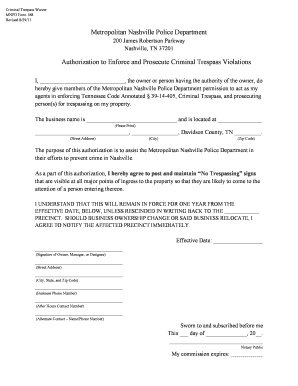
Criminal trespass waiver mnpd form 188 fillable
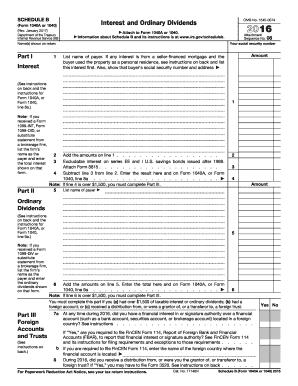
Schedule b 2016 form
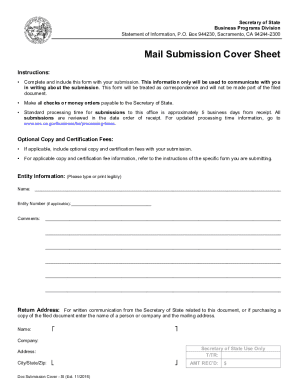
Si form 2016
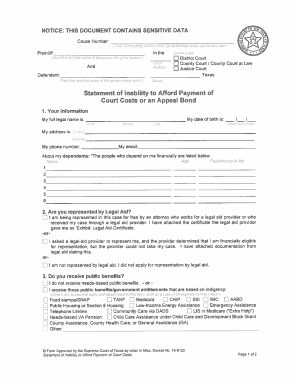
Statement of Inability to Afford Payment of Court Costs or an Appeal ... - txcourts
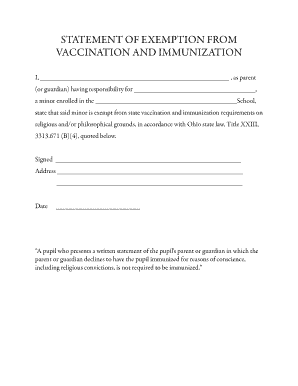
STATEMENT OF EXEMPTION FROM VACCINATION AND...
Mep2389
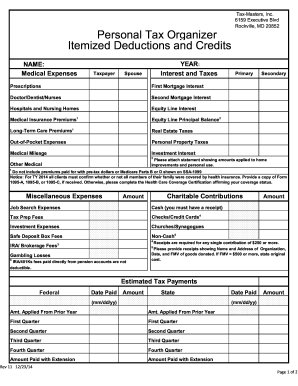
Nurse tax deduction worksheet
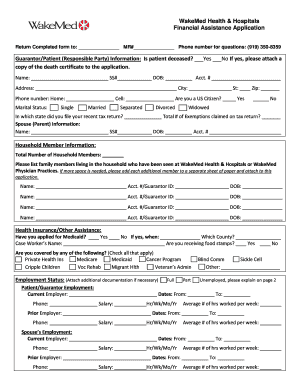
Wakemed charity care
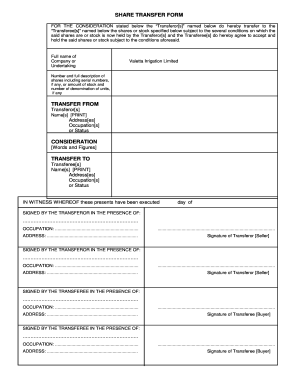
Share transfer form template nz

BEFORE ME, the undersigned authority, personally appeared VICTIMS NAME, who, after being by

Labor market research worksheet
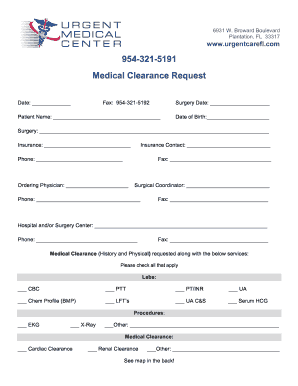
Medical clearance request form
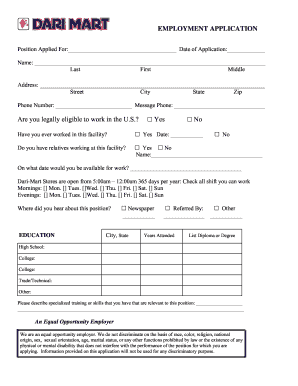
Dari employment application
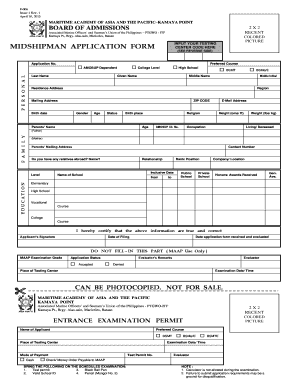
Forms gle r1pqkrkd4mduydvd6

7th grade fsa countdown answer key
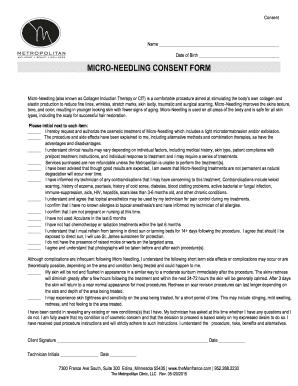
Spousal consent form for aig retirement
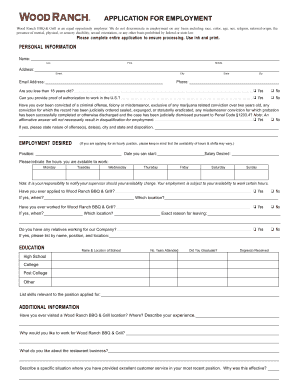
Wood ranch application
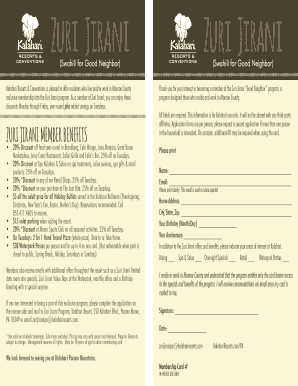
Kalahari zuri poconos
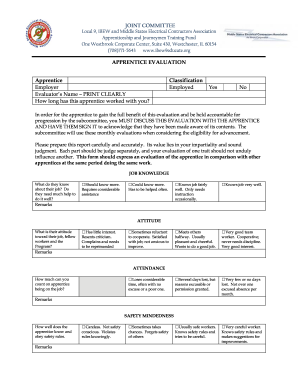
Apprentice evaluation example
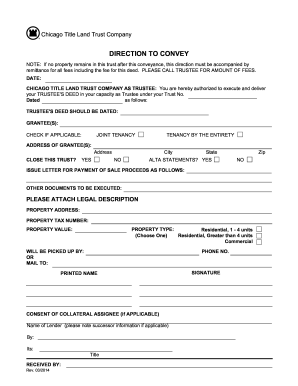
Chicago title land trust direction to convey
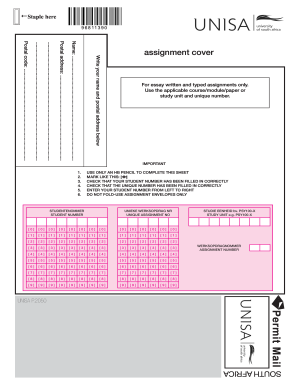
Unisa assignment
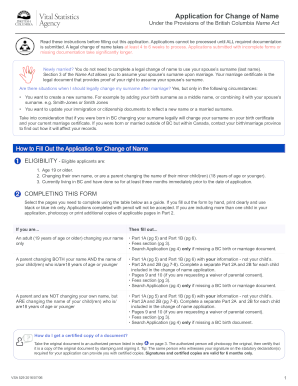
Vital statistics bc name change
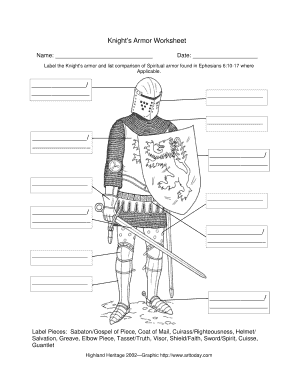
Knights and knighthood worksheet answers
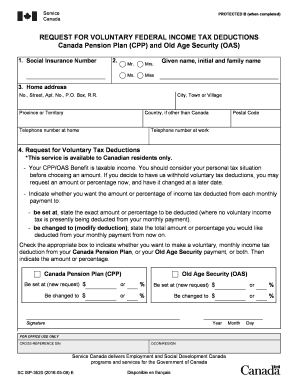
Isp3520
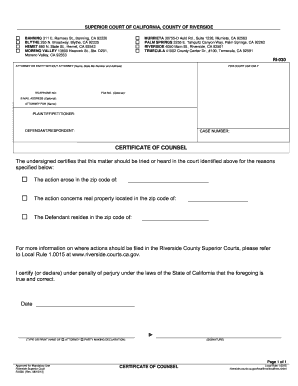
Certificate counsel county

Navy prr

Brookhill ranch
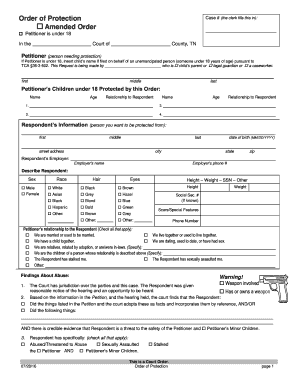
Order of protection
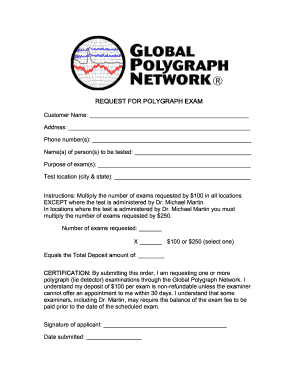
Lie detector results template
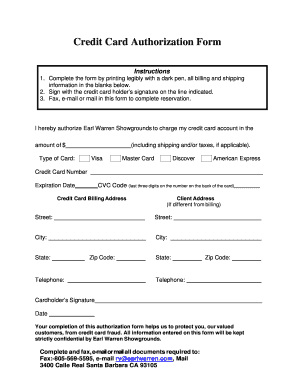
Credit card authorization form
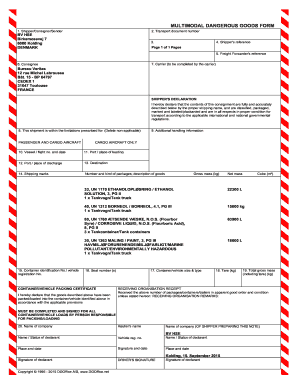
Dangerous form
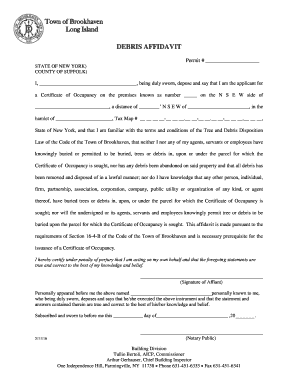
Debris affidavit form
Calista corporation dividends 2020
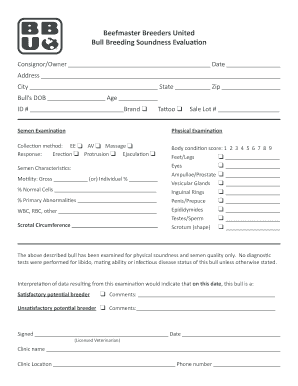
Bull Breeding Soundness Evaluation
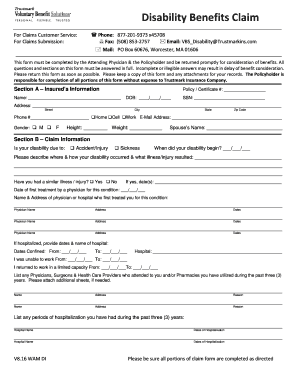
Disability Benefits Claim - trustmarksolutions.com
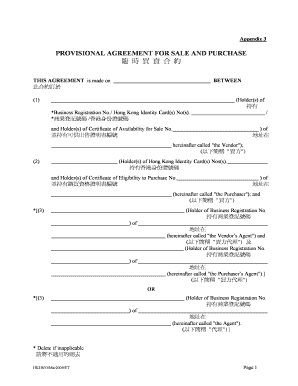
Provisional sale and purchase agreement sample hong kong

The great mail race questionnaire
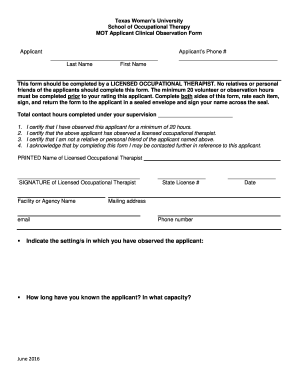
Texas Woman s University - twu
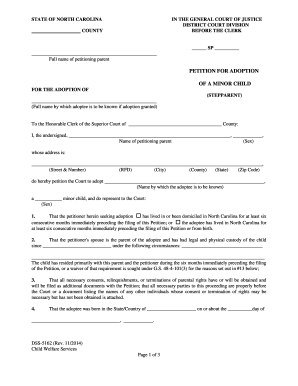
Dss 5162
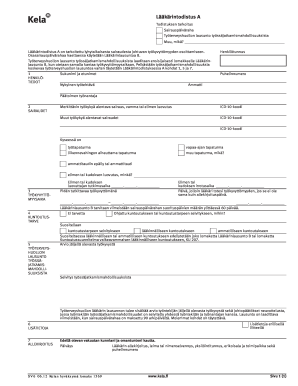
Sv6 lomake
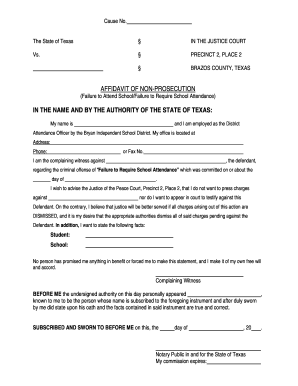
Texas non prosecution form
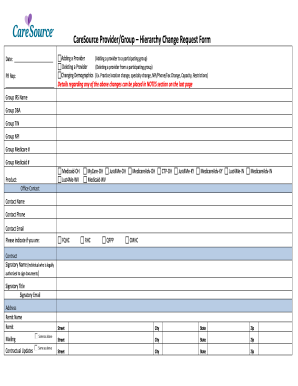
Caresource form
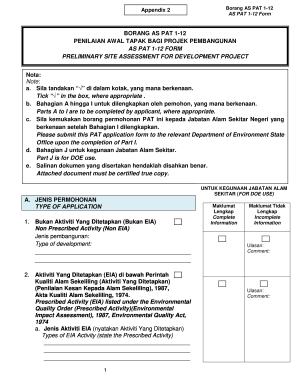
Borang as pat 1 12
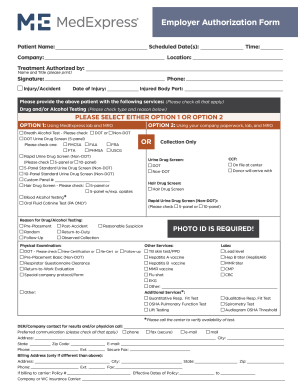
Medexpress employer authorization form
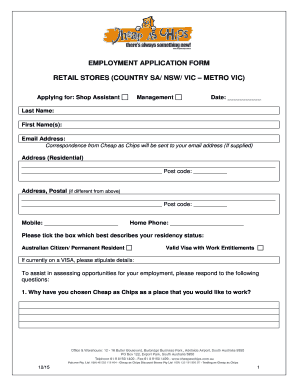
Cheap as chips jobs
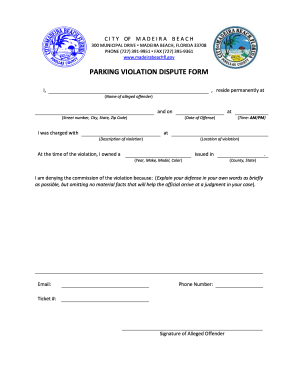
Violation dispute form

San antonio airport parking veterans

Basketball rotation chart
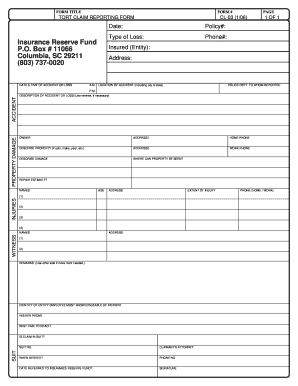
Sc tort claim form
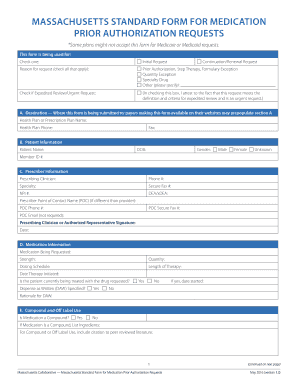
Massachusetts standard form for medication prior authorization requests
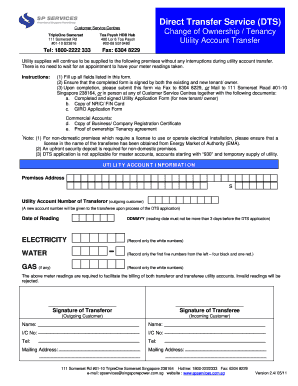
- services - services spservices

Maryland form 548 instructions
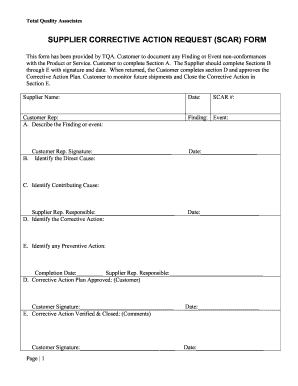
Supplier corrective action request template excel
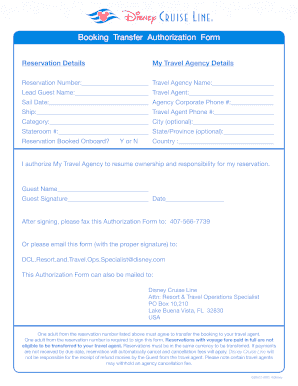
Disney travel agent transfer form

Football coach application
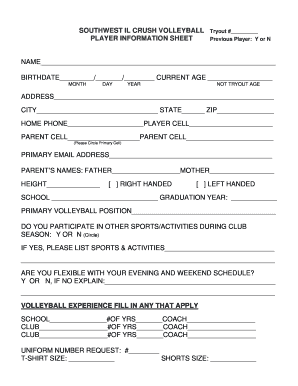
Information sheet
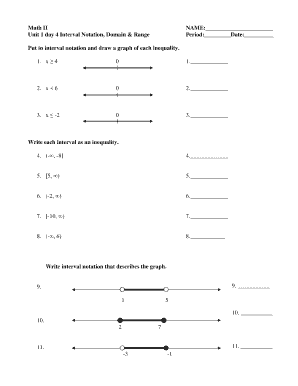
Interval notation worksheet
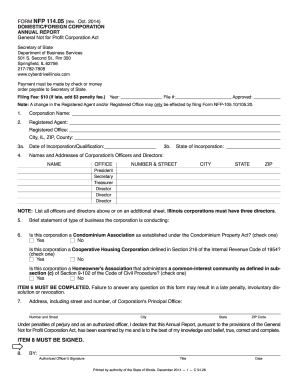
Form nfp 114 05

Guranter
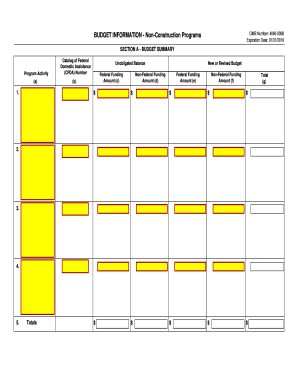
4040 0006
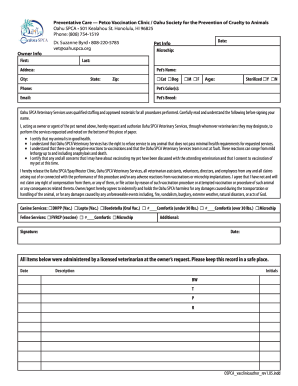
Petco vaccinations schedule oahu 2020
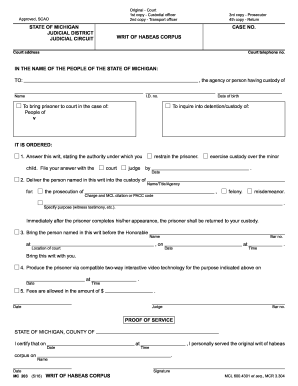
Michigan writ
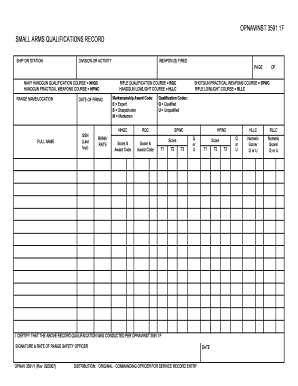
Navy small arms qualification record
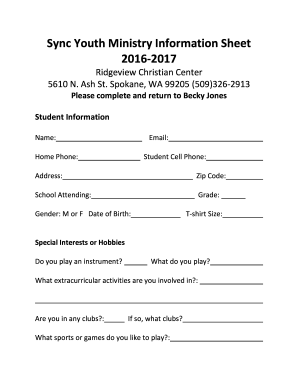
Youth group information sheet
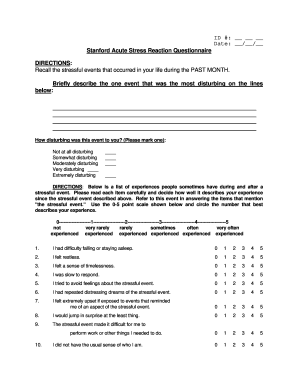
Stanford acute stress questionnaire
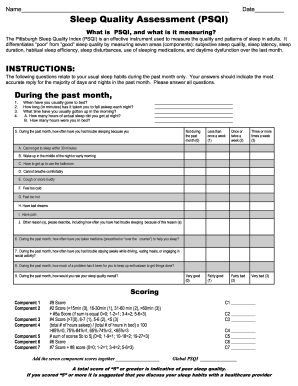
Sleep quality assessment
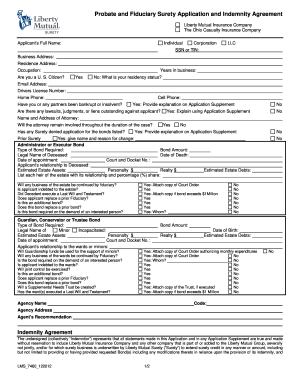
Lms 7460 122012
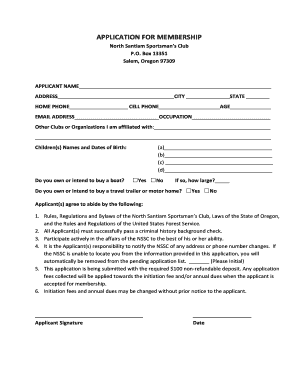
North santiam sportsman club
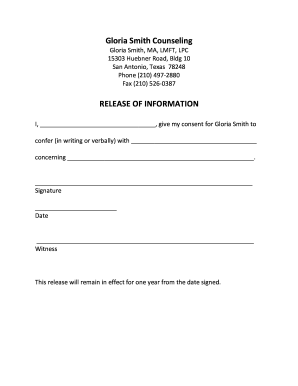
Counseling release of information template
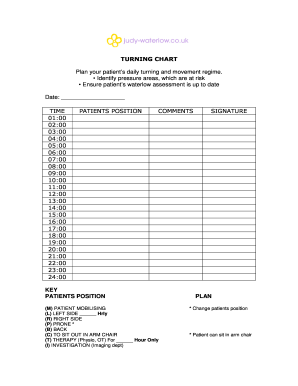
Turning chart template
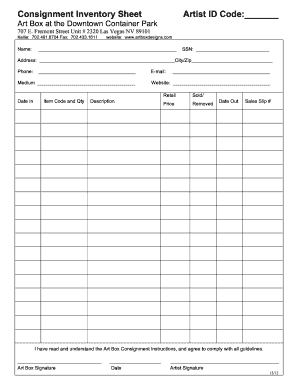
Consignment forms and guidelinesdocx
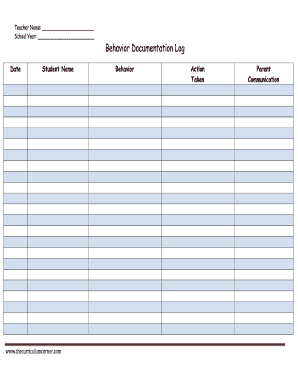
Behavior documentation log

Medical terminology practice worksheets pdf
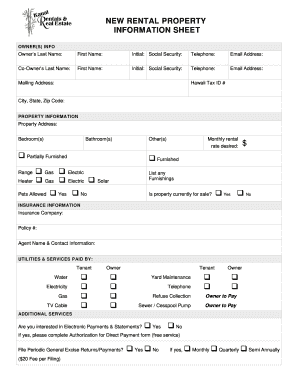
Rental property information sheet template
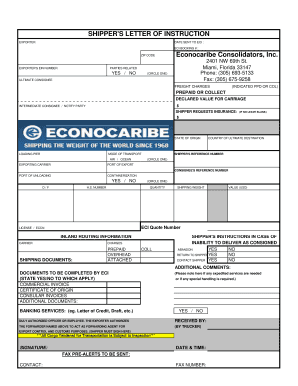
Ecu worldwide
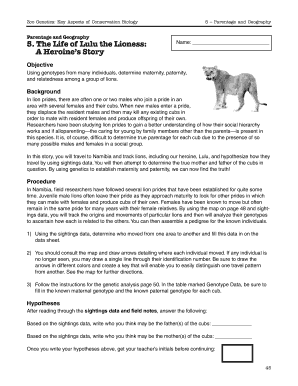
Lulu the lioness answer key
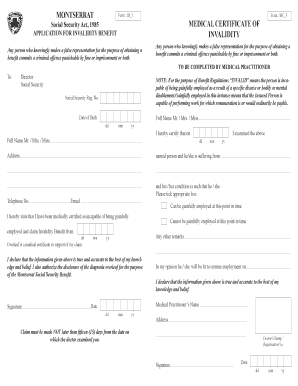
Ib1 form online pdf
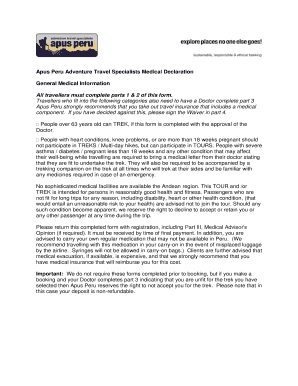
Peru health declaration form
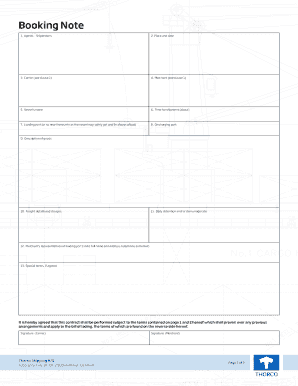
Booking note form
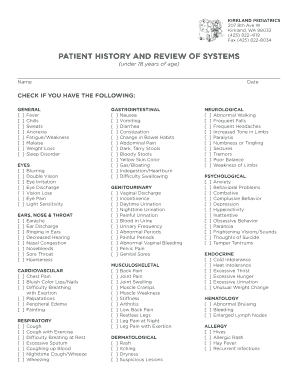
Review of systems template
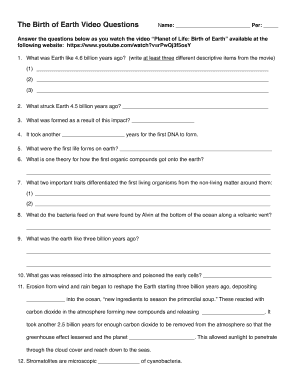
How the earth was made birth of the earth worksheet answers

Crescent ridge application

Odu sheet

Brookvale living skills

Yola lab results form
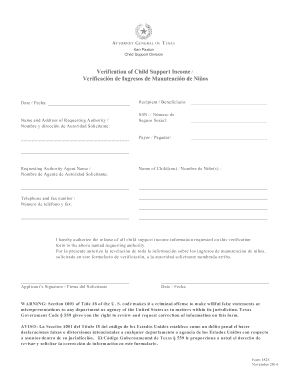
Form 1825 verification child support

Jbphh application for an agent privilege letter

Vtr 421

Od1
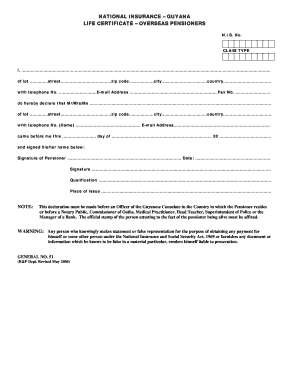
Life certificate form for pensioners guyana
Benefit from the DocHub online library of fillable PDF forms
Searching the PDF forms doesn't have to be a tedious and time-consuming process. With the DocHub online library, it has become easier to find the fillable PDF forms and modify them in your browser. The service allows you to adjust the document to your needs using powerful editing tools.
You can use online document editing features to modify almost any type of document with ease. You just need to find the template of your choice, open it in the editor, and use the toolbar to make the necessary corrections.
Follow this guide to get your document done with DocHub:
- Find the PDF template you need.
- Click the Get Form button to open the file in the editor.
- Use the toolbar to fill out and edit the document.
- Easily add and highlight text, insert images, checkmarks, and symbols.
- Drop new fillable fields, and rearrange or delete pages from your file.
- Save changes and download your record.
DocHub empowers everyone to streamline document editing, signing, and distribution, and form completion. Create an account and benefit from our well-organized PDF Forms library and comprehensive editor.