
Get any PDF form from the DocHub library of ready-made templates - Page 1910
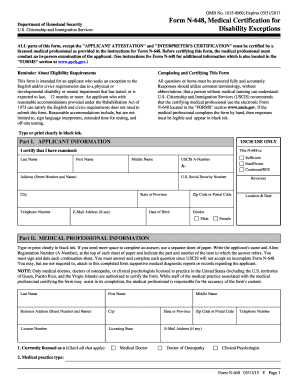
DocHub com en search form n 648
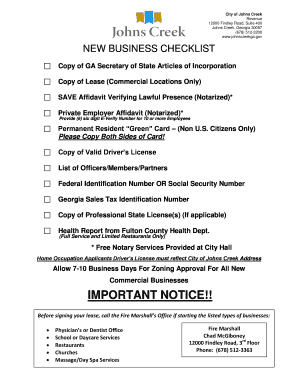
Occupation tax

Form W-9 request for taxpayer identification number and certification - colorado
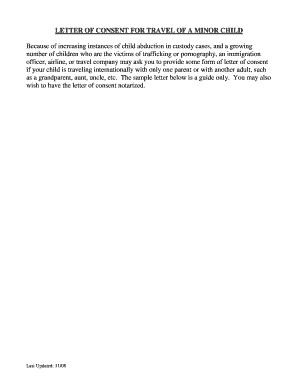
LETTER OF CONSENT FOR TRAVEL OF A MINOR CHILD Because
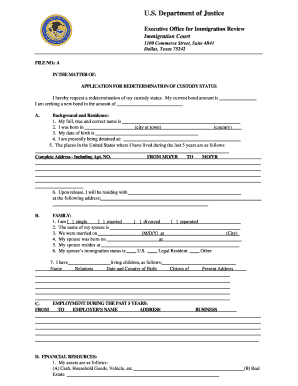
Department of Justice Executive Office for Immigration Review Immigration Court 1100 Commerce Street, Suite 4B41 Dallas, Texas 75242 FILE NO - justice
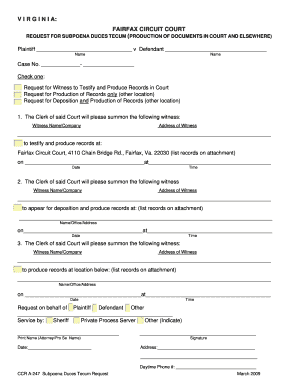
Subpoena Duces Tecum Request (Civil) Form CCR-A-247 - fairfaxcounty
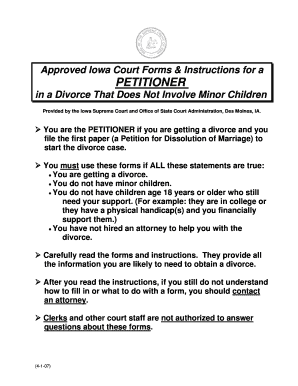
Iowa Courts: Petitioner's Packet - iowacourts
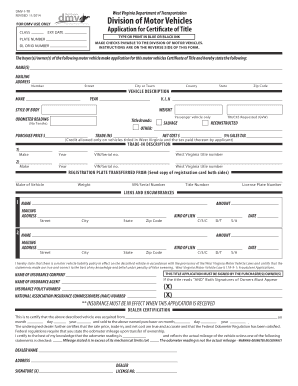
Dmv 1 tr
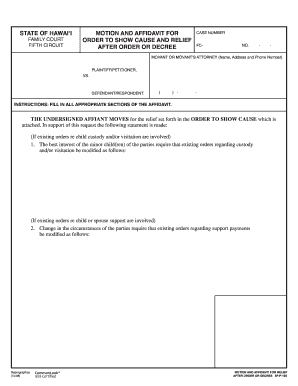
Motion cause relief
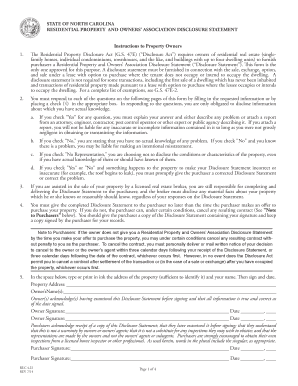
STATE OF NORTH CAROLINA RESIDENTIAL PROPERTY AND OWNERS ASSOCIATION DISCLOSURE STATEMENT Instructions to Property Owners 1 - ncrec
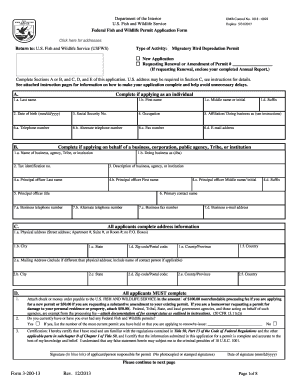
Get - fws
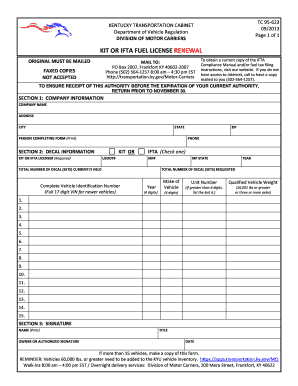
Tc 95 623
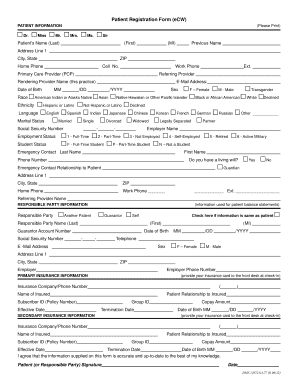
Patient Registration Form (eCW) PATIENT...
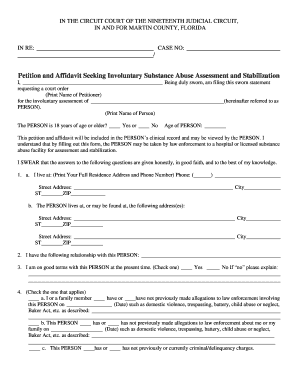
Florida marchman act form printable
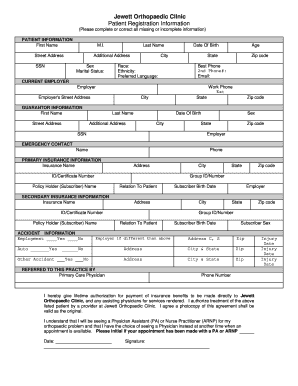
Jewett orthopaedic patient registration
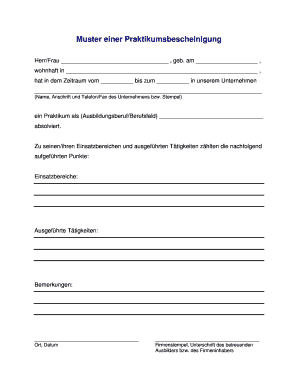
Praktikumsbescheinigung vorlage pdf kostenlos
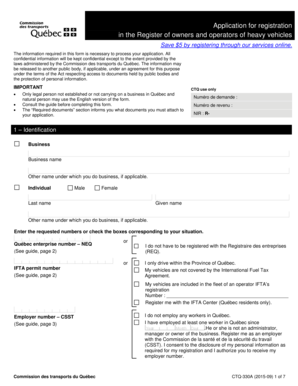
Ctq 330a in word
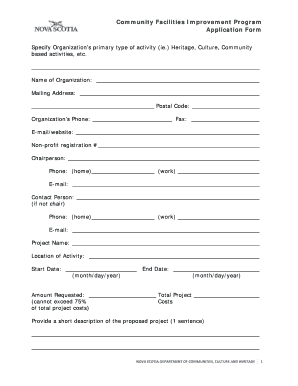
Facilities improvement program application

Centralia-Chehalis Emblem Club #163 Scholarship Application ... - rochester wednet
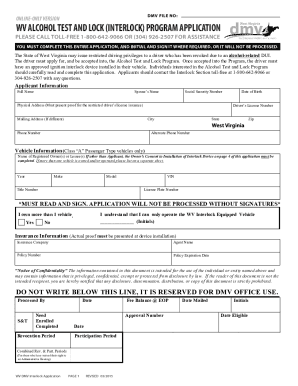
Wv dmv interlock application
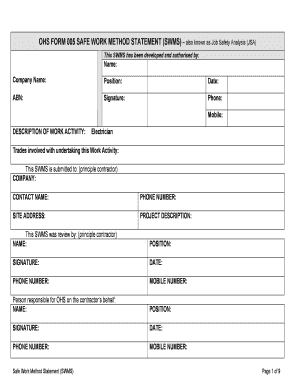
Form 005
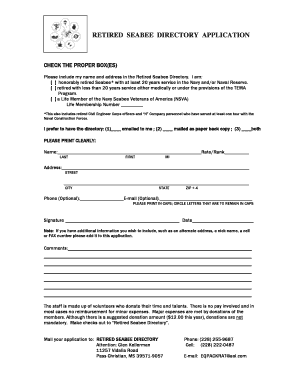
Retired seabee directory
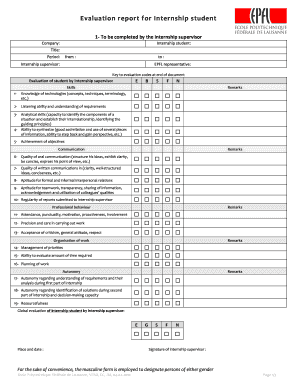
Internship report

Class review form
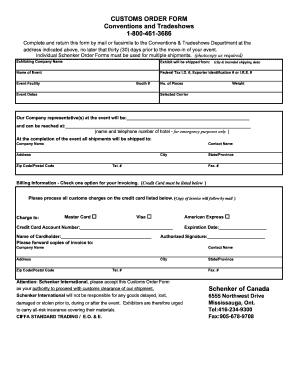
Canadian commercial invoice template
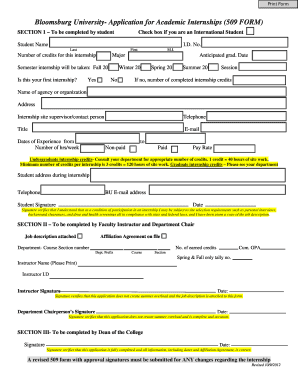
Bloomsburg form application make
Berichtsheft vorlage
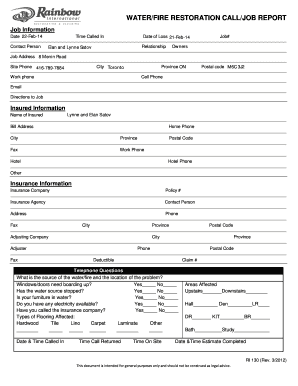
Water/fire restoration call/job report - Rainbow International - rainbowintl
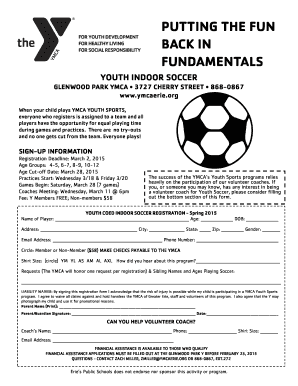
Spring Soccer Registration Form - YMCA of Greater Erie
General tenancy agreement (Form 18a)
Bokep pdf
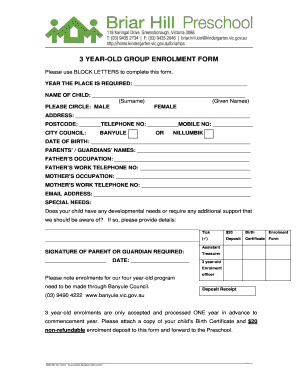
3 YEAR-OLD GROUP ENROLMENT FORM - Kindergarten IT Program
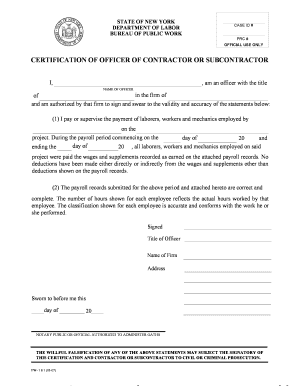
1 8 1
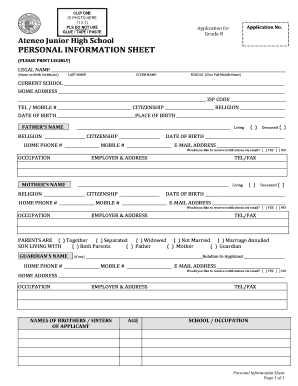
Personal information sheet pdf
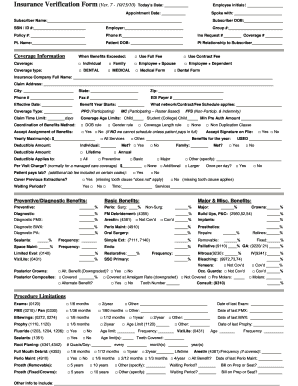
Insurance Verification Form (Ver

Warren county pa dog license
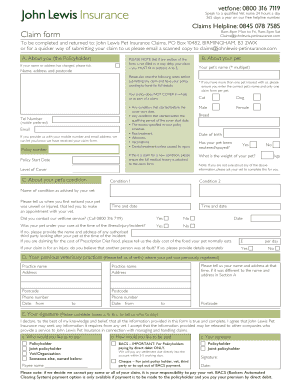
John lewis pet insurance claim form

Reservation slip
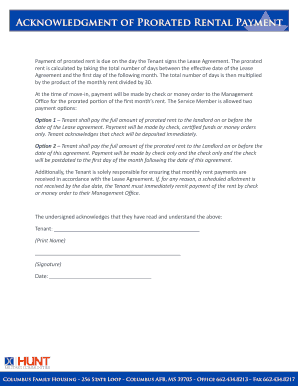
ACKNOWLEDGEMENT OF PRORATED RENTAL PAYMENT
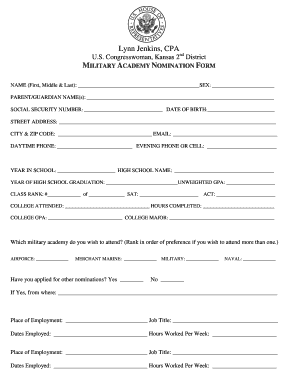
Academy Nomination Form - Congresswoman Lynn Jenkins - lynnjenkins house

Pacu checklist
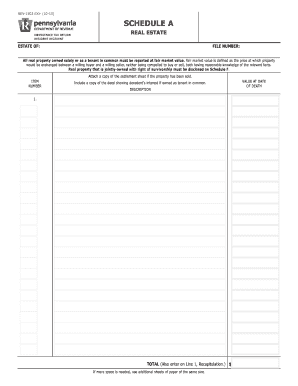
Schedule A - Real Estate REV-1502 PA Department of Revenue

Part warrant
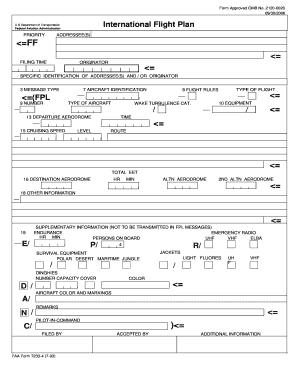
Dd1801

Fpi rental application

New zealand institute mba referee make

How to get referee form

Metacognitive reading log
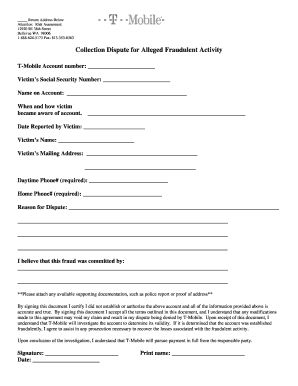
T mobile dispute form
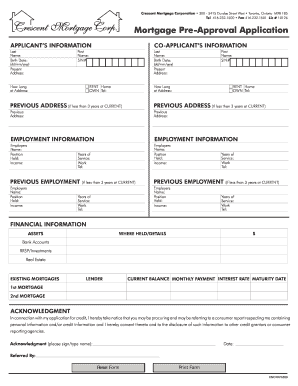
Mortgage Pre-Approval Application - Crescent Mortgage Corp. - crescentmortgage
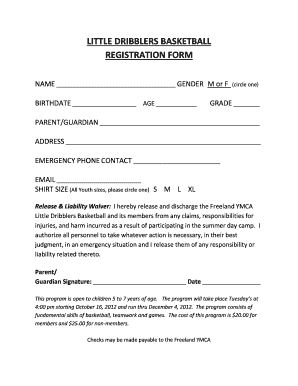
LITTLE DRIBBLERS BASKETBALL REGISTRATION FORM
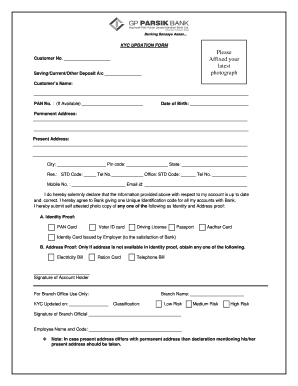
Kyc details updation form pdf
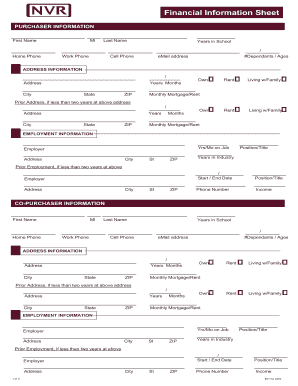
Nvr information sheet sample
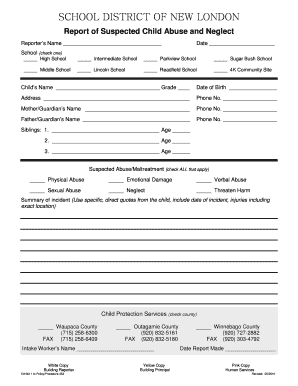
454 Exhibit 1 Report of Suspected Child Abuse Form
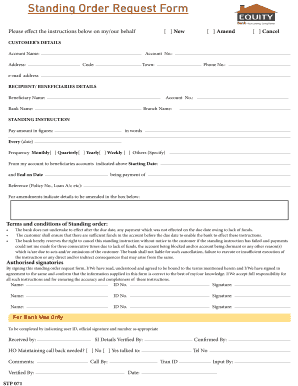
Equity bank standing order
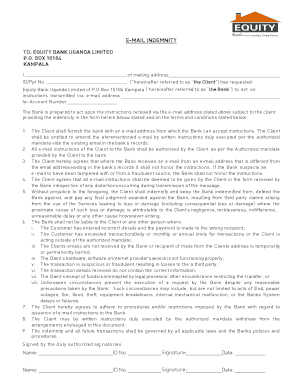
Equity bank letterhead

Disclose form

Instructions: Initial Disclosures - United States District Court ... - cand uscourts
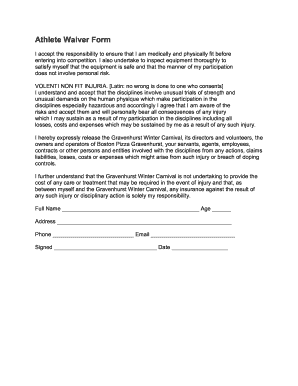
Athlete waiver form

27 pine street lewiston maine
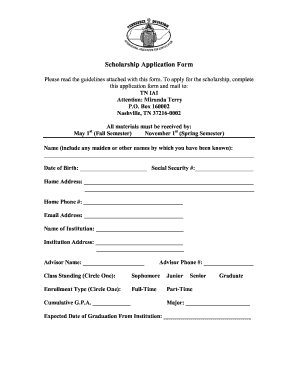
Tniai

Sample Agreement Edit as needed Form 2b (08.15.12) - sharecareleelanau
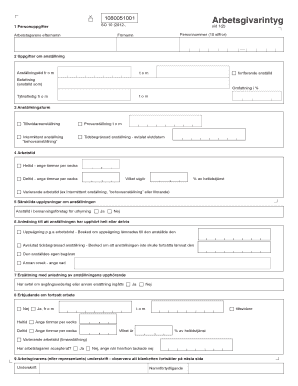
2 Uppgifter om anstllning
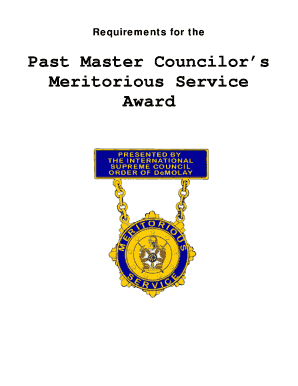
PMC-MSA Requirements and Application - Northern California ...

Non interference agreement

Board worksheet
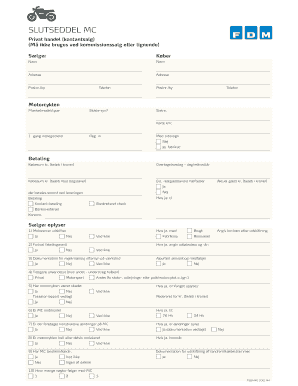
Slutseddel mc
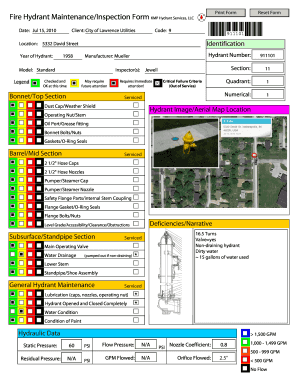
Fire Hydrant MaintenanceInspection Form KMP

Dtf 950
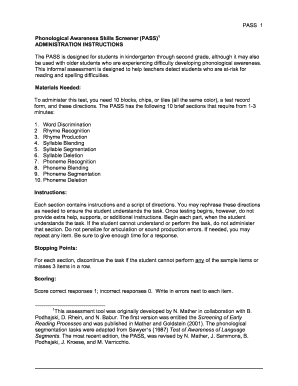
Phonological awareness screener
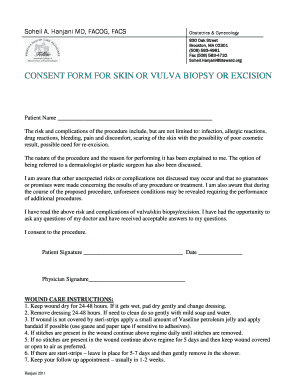
Biopsy consent form
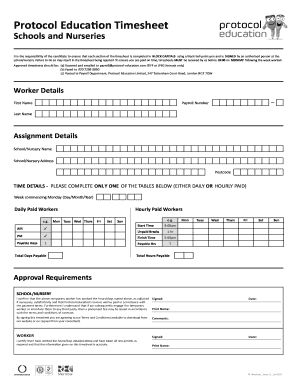
Protocol education printable paper timesheet
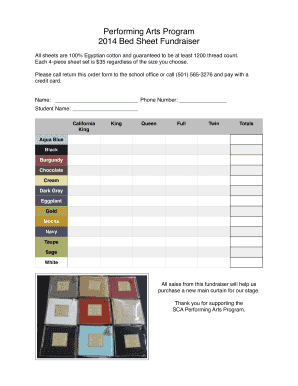
Bed sheet form
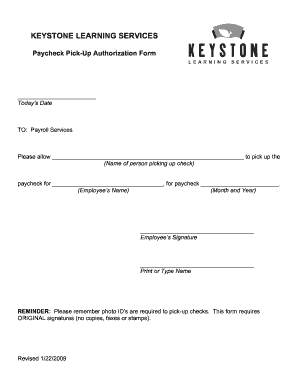
Authorization to pick up check
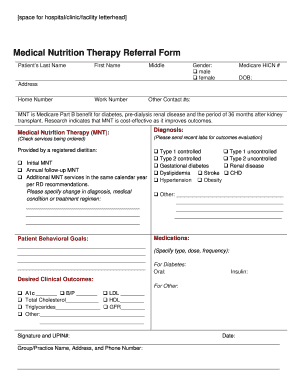
Medical Nutrition Therapy Referral Form
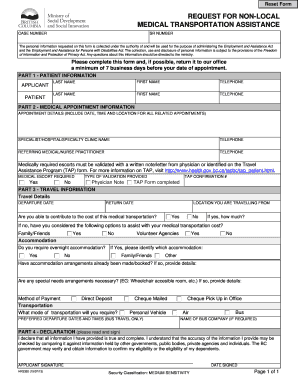
Request for local or non local medical transportation assistance
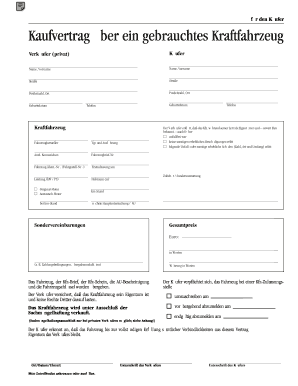
Fr den Kufer
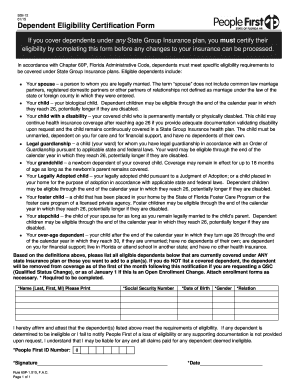
Get dependent myfloridacom search
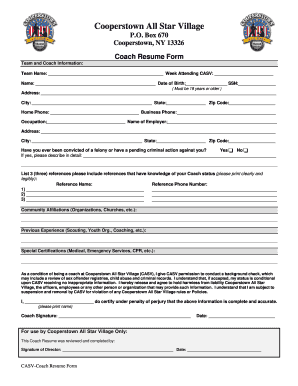
Cooperstown paperwork
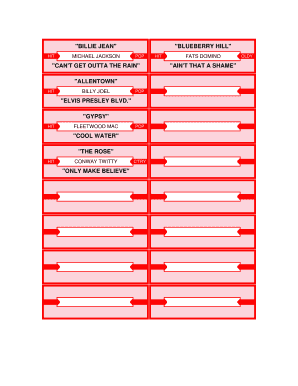
Jukebox labels word template
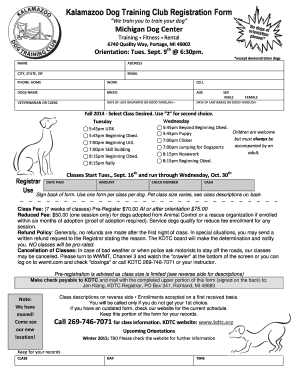
Kdtc
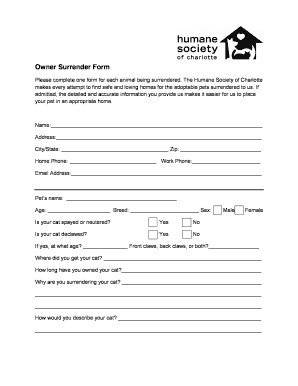
Cat Surrender Form - Humane Society of Charlotte - humanesocietyofcharlotte
Occupational Therapy Certificate - PediaStaff,...
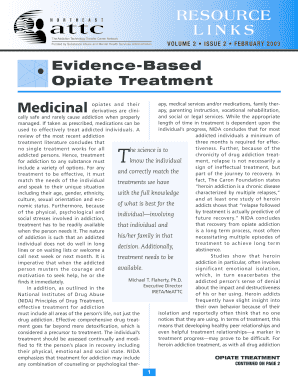
RESOURCE LINKS - s2sdl
SANZIE PRIVATE HOME CARE SERVICES
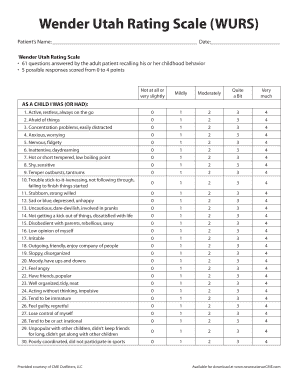
Utah wurs
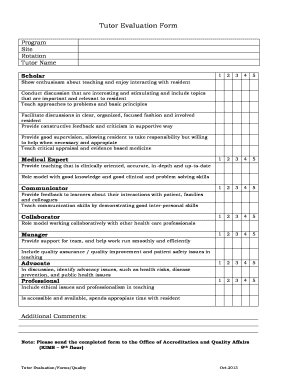
Tutor evaluation form
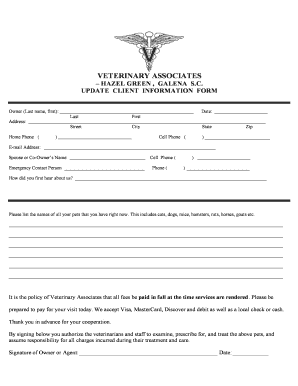
Client summary template

Employer Owned Life Insurance - Notice and Consent Form.PDF

Ccdf v10 14

Asthma Treatment Plan - The Pediatric Asthma Coalition of New ...

Asthma treatment plan
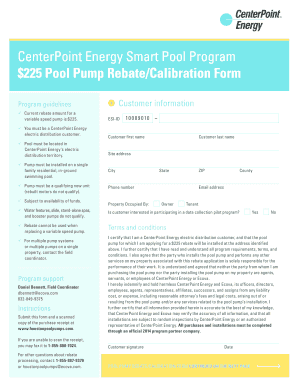
Centerpoint pool pump
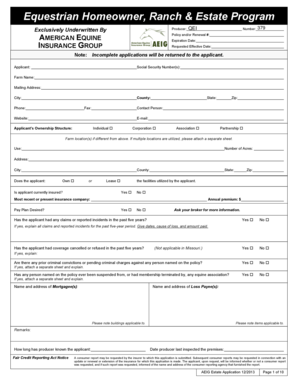
AEIG Personal and/or Commercial Farm - Quality Equine Insurance
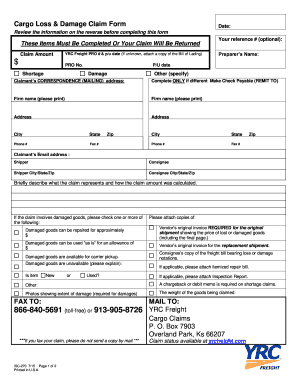
ISC-270 Cargo Loss Damage Claim form - 5-09.doc
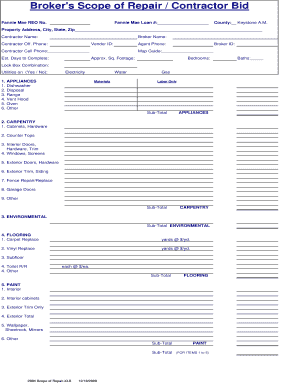
Scope contractor bid
Insurance trust deed
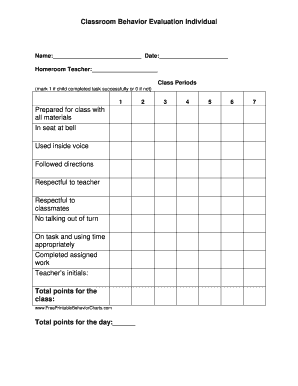
Behavior chart for school
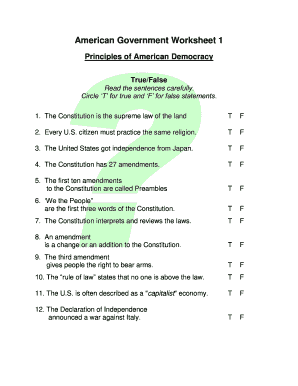
American government worksheet
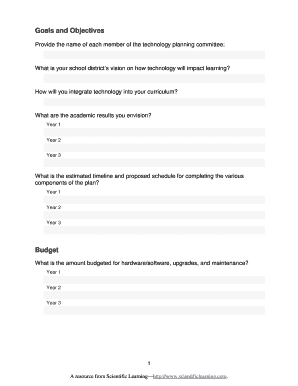
School technology plan template
Benefit from the DocHub online library of fillable PDF forms
Searching the PDF forms doesn't have to be a tedious and time-consuming process. With the DocHub online library, it has become easier to find the fillable PDF forms and modify them in your browser. The service allows you to adjust the document to your needs using powerful editing tools.
You can use online document editing features to modify almost any type of document with ease. You just need to find the template of your choice, open it in the editor, and use the toolbar to make the necessary corrections.
Follow this guide to get your document done with DocHub:
- Find the PDF template you need.
- Click the Get Form button to open the file in the editor.
- Use the toolbar to fill out and edit the document.
- Easily add and highlight text, insert images, checkmarks, and symbols.
- Drop new fillable fields, and rearrange or delete pages from your file.
- Save changes and download your record.
DocHub empowers everyone to streamline document editing, signing, and distribution, and form completion. Create an account and benefit from our well-organized PDF Forms library and comprehensive editor.