
Get any PDF form from the DocHub library of ready-made templates - Page 1909
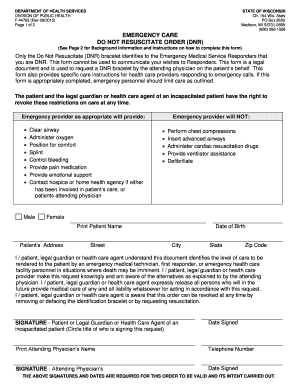
Dnr form wisconsin
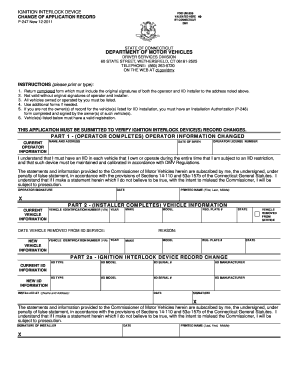
Ct p247

(EFT) Direct Deposit Form

Kentucky aoc 740
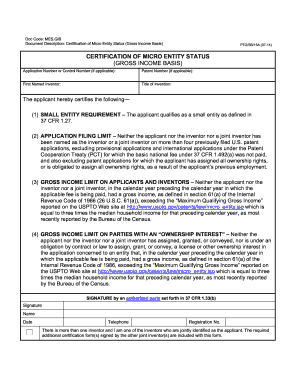
Pto sb 15a
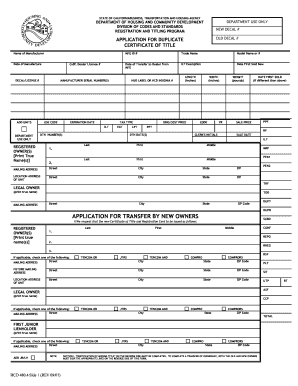
How to add a name to a mobile home title in california
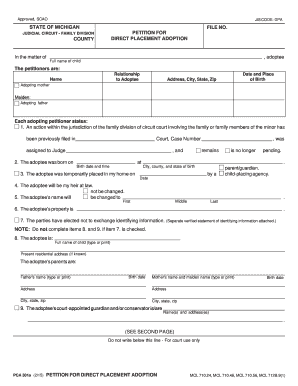
Michigan form adoption

Installment Plan Agreement (DE 999D)
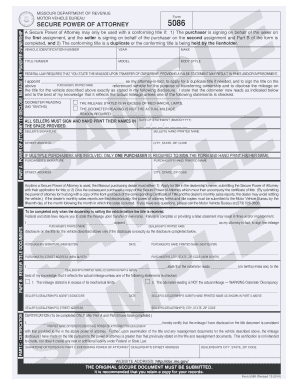
Missouri power of attorney form 5086
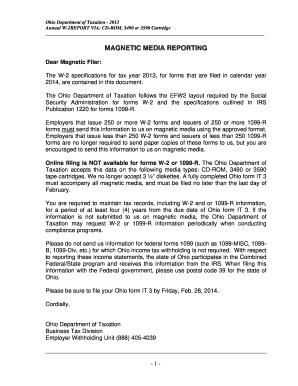
MAGNETIC MEDIA REPORTING - tax ohio
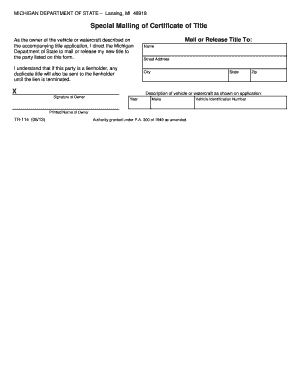
Lost title michigan pdf
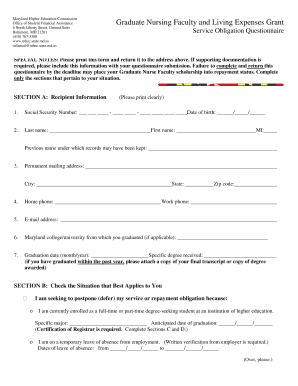
GNF Service Obligation Questionnaire Form - mhec maryland
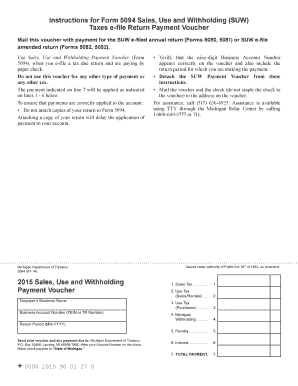
Form 5094
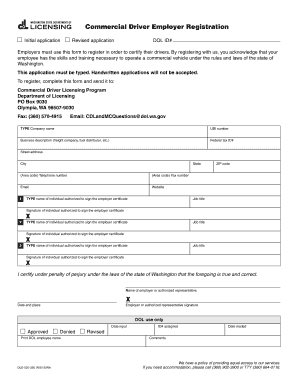
Commercial Driver Employer Registration form - dol wa
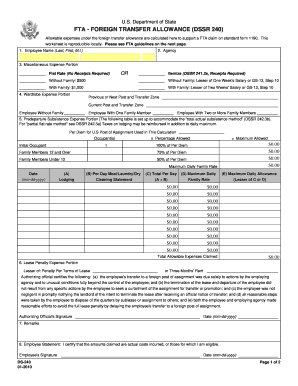
Dssr 240
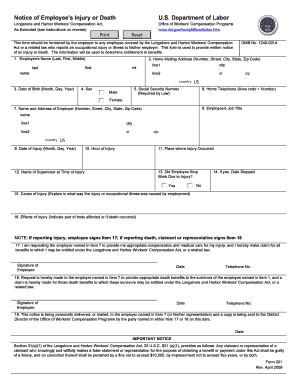
Ls 201
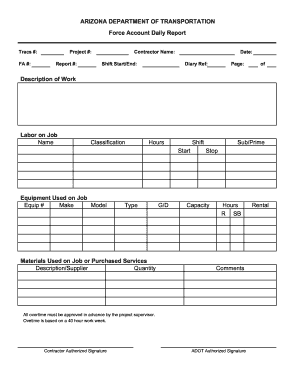
Force Account Daily Report - azdot
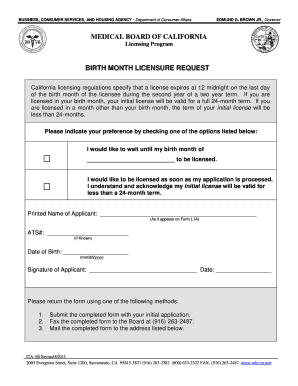
Birth month licensure request

DMV-4-TR REV 2/15 West Virginia Department of Transportation Division of Motor Vehicles A
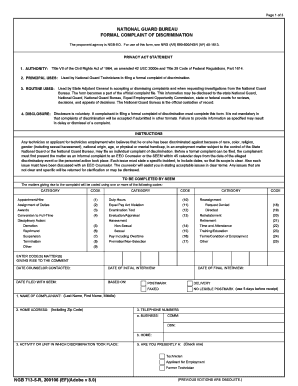
Formal complaint statement

Form 16 - Alabama Judicial System
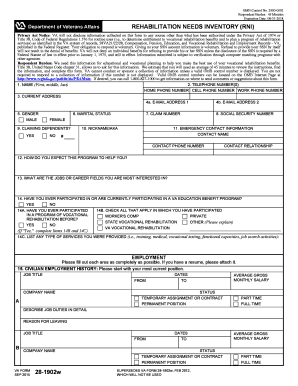
28-1902w REHABILITATION NEEDS INVENTORY (RNI) - Veterans ... - vba va
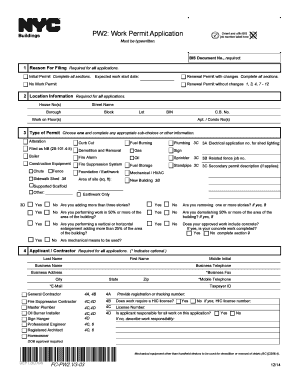
Working papers

Owcp 1240 0037
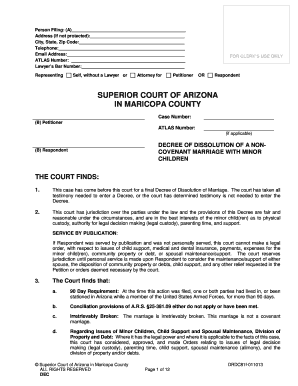
DECREE OF DISSOLUTION OF MARRIAGE (DIVORCE) WITH MINOR CHILDREN. DECREE OF DISSOLUTION OF MARRIAGE (DIVORCE) WITH - superiorcourt maricopa
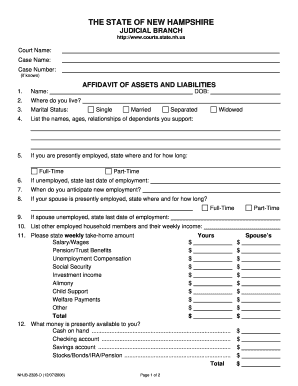
Nhjb 2328 d
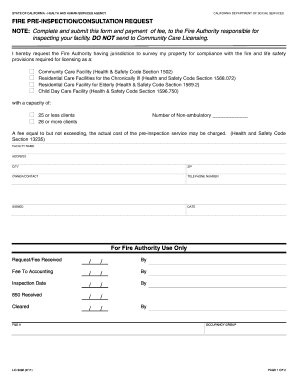
Lic 9092
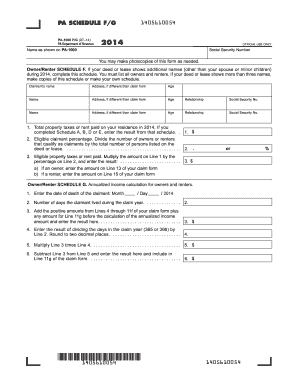
Pa schedule fg 2014 form
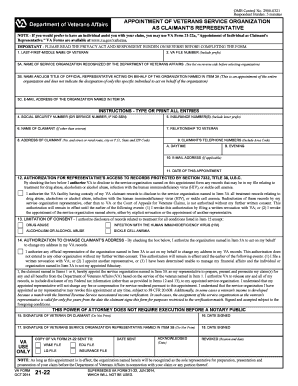
Va form 21 22 2014
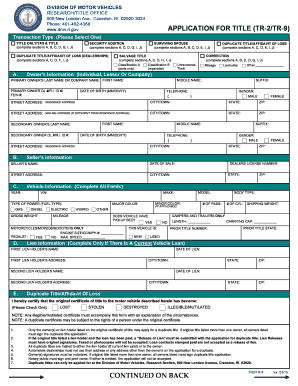
APPLICATION FOR TITLE (TR-2/TR-9) CONTINUED ON BACK - dmv ri
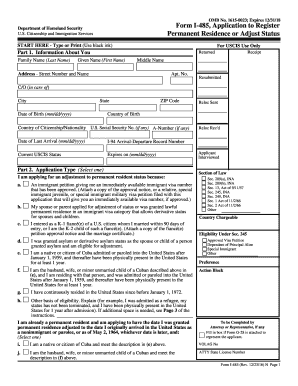
I485 application 2013 form

Metro action online application
Dmv tint exemption
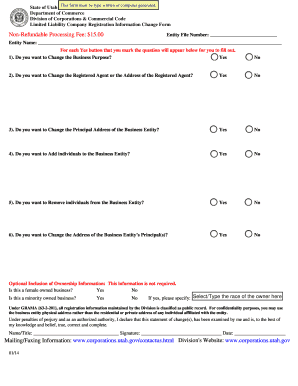
Llcricf.doc - corporations utah
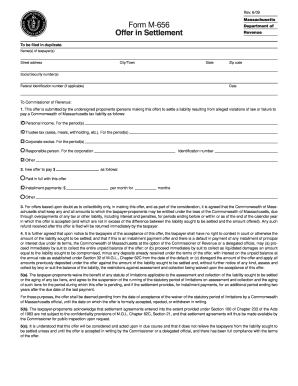
Massachusetts form settlement
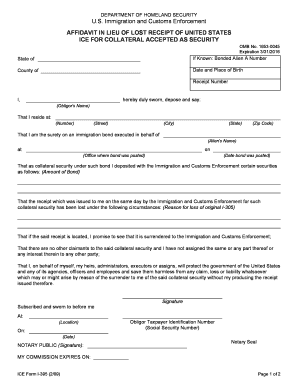
Ice form i 395 fillable
Affidavit of Domestic Partnership form (ET-2371) - etf wi
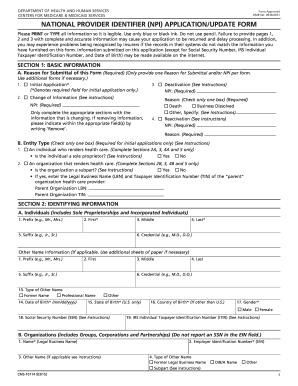
Npi application printable
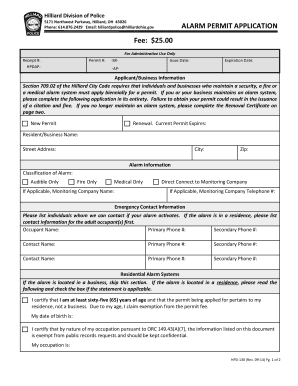
Oh alarm permit
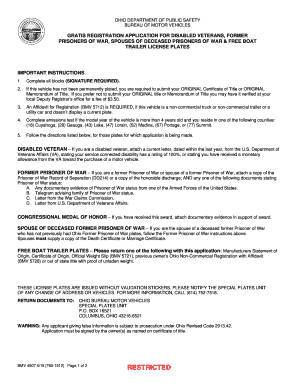
Bmv4507

Dhcs form 5999
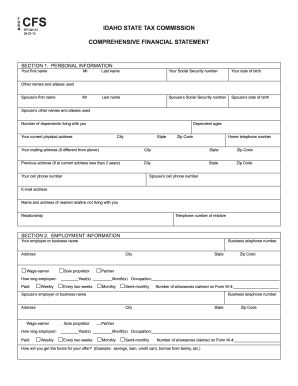
Idaho financial tax commission
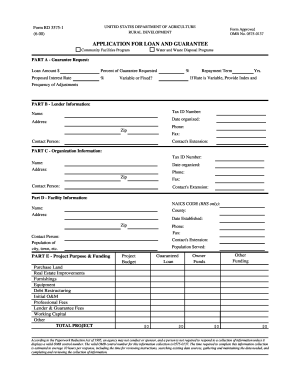
3575 1
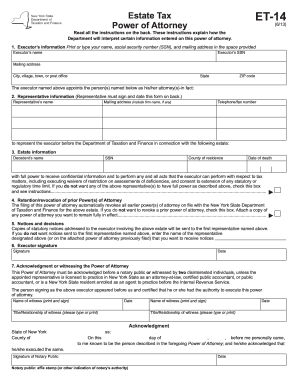
Et 14
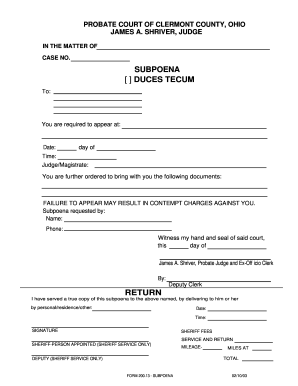
Oh subpeona duces tecum form
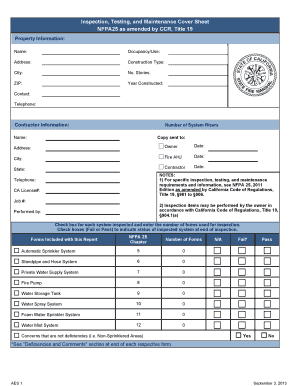
Nfpa 5 year sprinkler inspection form
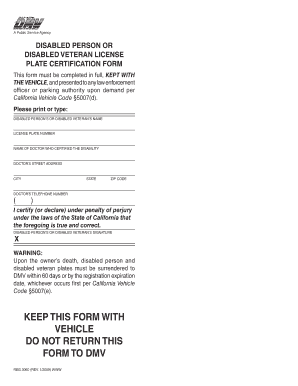
License plate ca
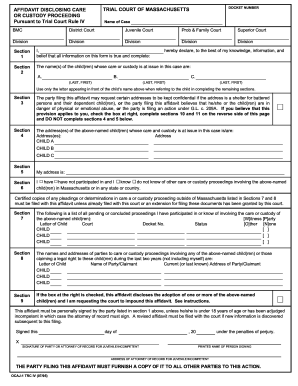
Ma iv form
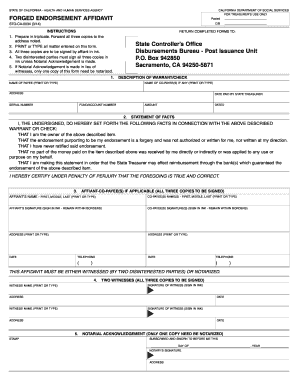
STO CA 0034 (3/14) - California Department of Social Services - cdss ca
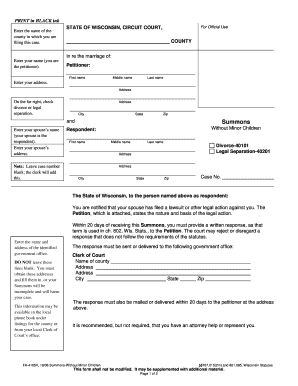
FA-4105: Summons without Minor Children - Wisconsin Court System - wicourts
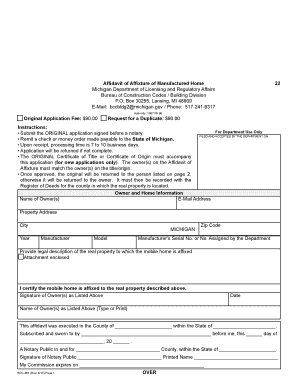
Affidavit of affixture form
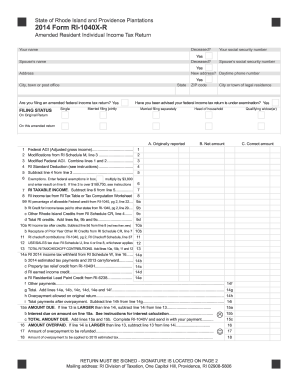
2014 Form RI-1040X-R - tax ri
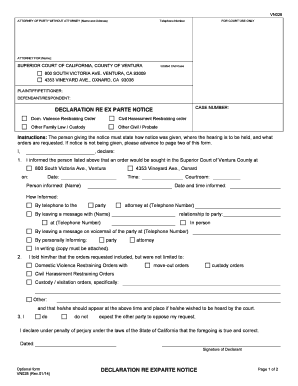
California parte ventura county

Pa law
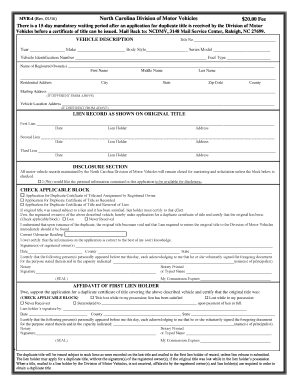
Mvr4
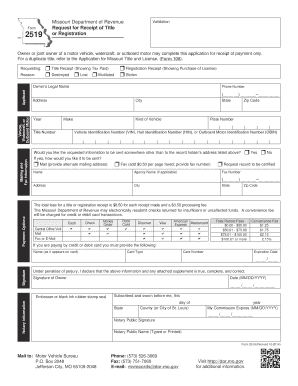
Form 2519 missouri

Mc 361
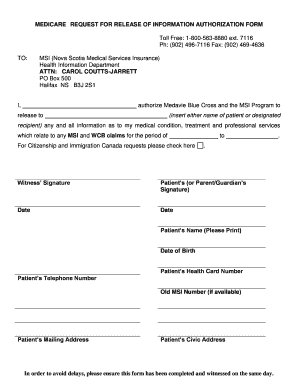
Medicare request for release of information authorization form

R 1009 1998 form
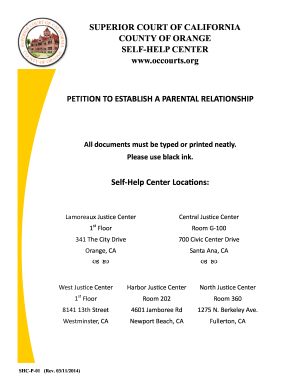
Form shc p 01
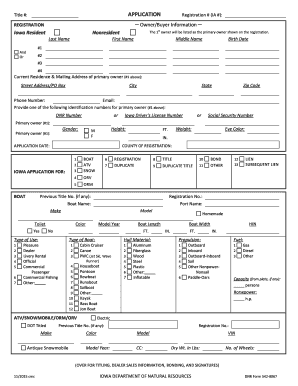
Ia registration
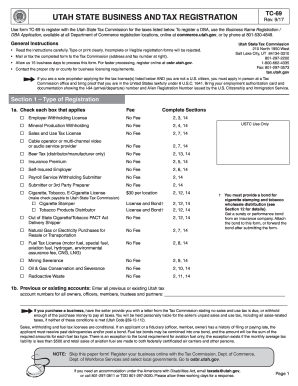
Tc 69

Michigan proof of service
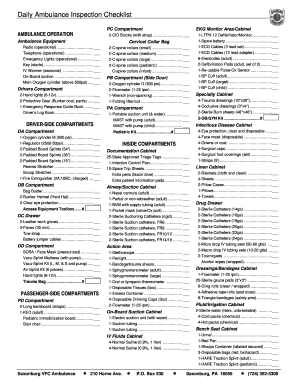
Ambulance equipment list pdf
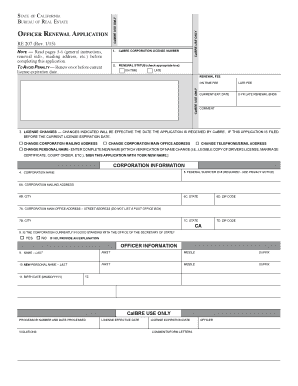
Corporation Officer Renewal Application (RE 207) - dre ca
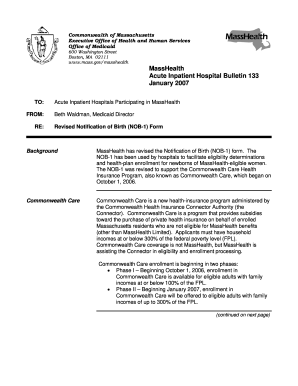
Ma form nob1 bulletin 133
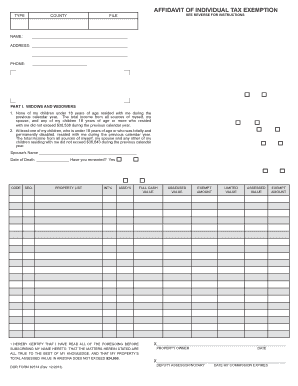
Dor 82514 affidavit 2013 form
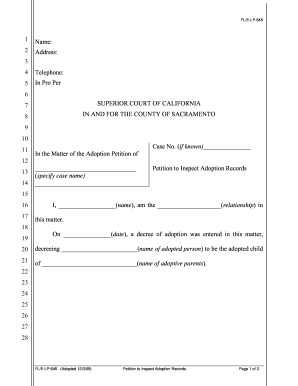
PETITION TO INSPECT ADOPTION RECORDS - saccourt ca
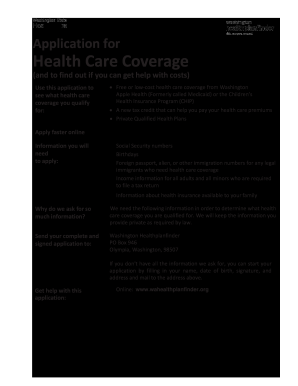
Free or lowcost health care coverage from Washington - hca wa
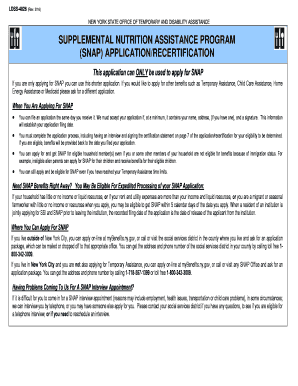
SNAP Benefits Application - LDSS-4826 - otda ny

Form 14039

Nhct 2a
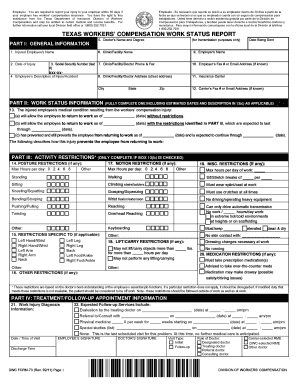
Dwc 09 form
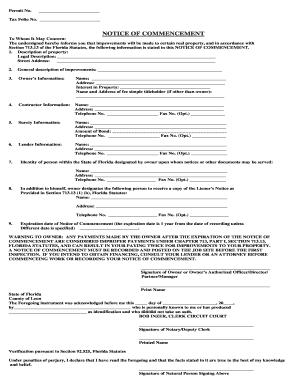
Leon county notice of commencement
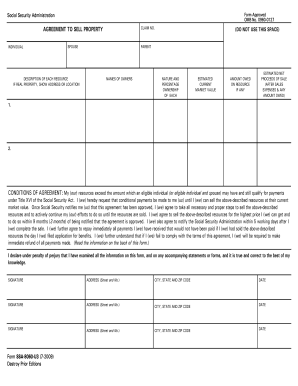
Ssa 8060 form

CLUBHOUSE RESERVATION FORM - Grand Oaks Master...
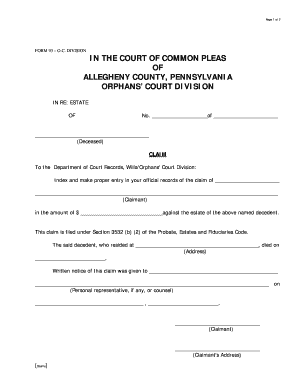
Pa form 93
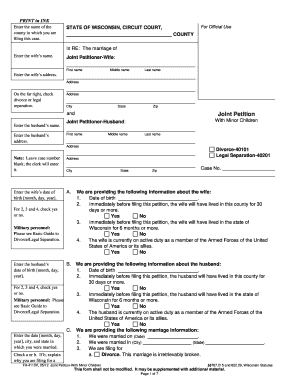
FA-4110
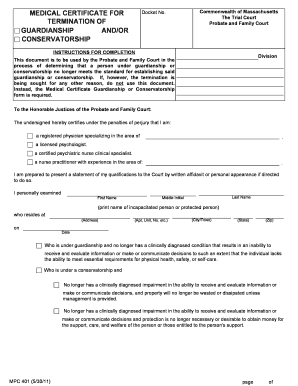
Medical Certificate for Termination of Guardianship and ... - Mass.Gov - mass
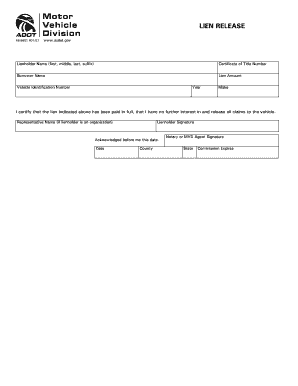
48-9901.doc
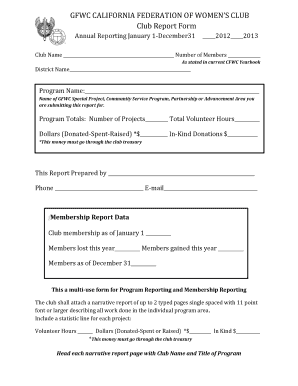
Cfwc
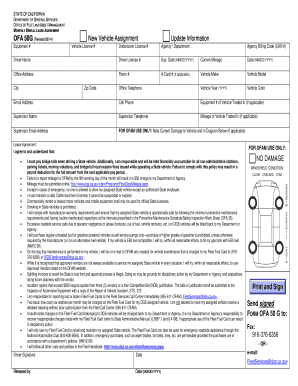
STATE OF CALIFORNIA DEPARTMENT OF GENERAL SERVICES OFFICE OF FLEET AND ASSET MANAGEMENT MONTHLY RENTAL LEASE AGREEMENT OFA 50G (Revised 09/14) Equipment # - documents dgs ca

Minnesota vehicle registration
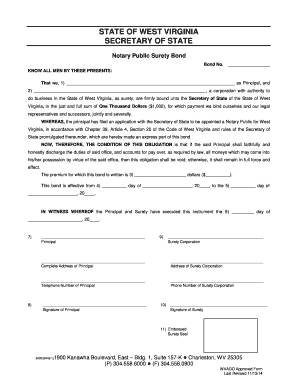
Wv surety wvago

Mass gov child support
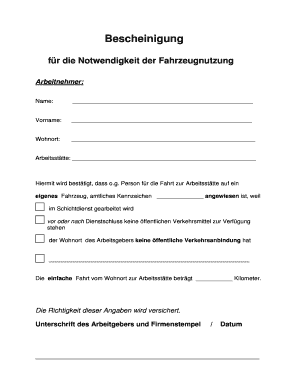
Bescheinigung für die notwendigkeit der fahrzeugnutzung
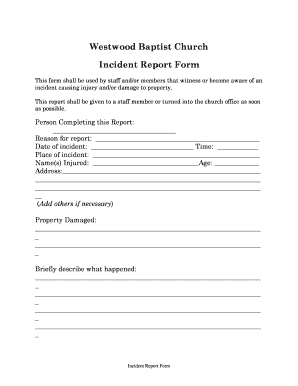
Church accident report form
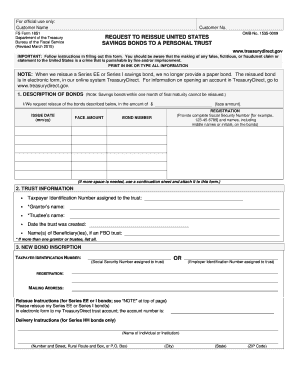
Fs form 1851
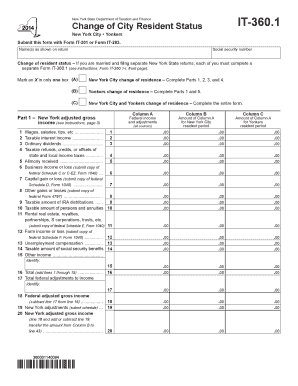
It 360 1 form
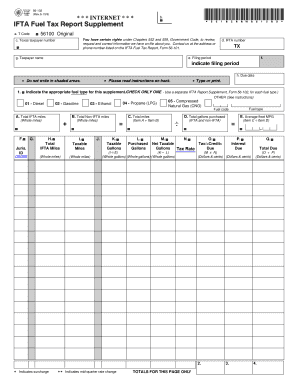
56100 Original

TDCJ Offender Rules and Regulations for Visitation Handbook
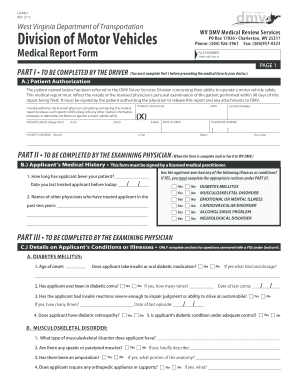
2012 WV DLAB-1
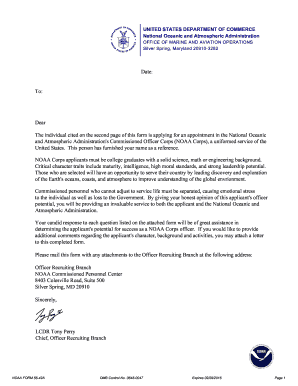
Commerce employment
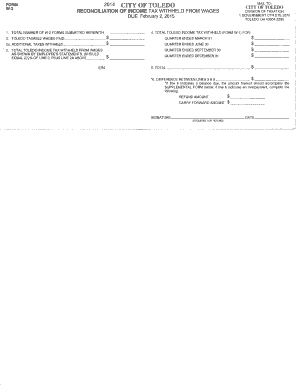
2014 W-3 Reconciliation - City of Toledo
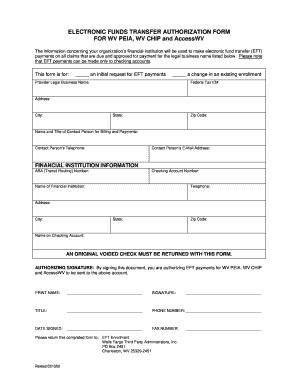
Wv electronic funds peia
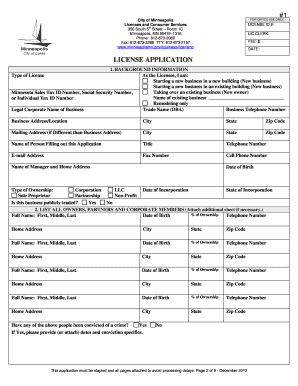
Gov/business-licensing License Application Guidelines and Checklist DBA: Expiration: Sept 1 License Code: 129-133 Rev Code: 311008 MCO: 349 Adm Issuance: Yes CSR: Inspector: License Type: Motor Vehicle Towing/Servicing Class A DEFINITIONS:

Form vec b 32

Plant and Plant Product Declaration Supplemental Form
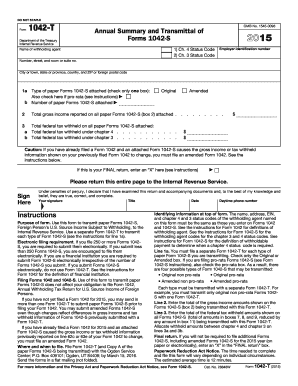
2014 Form 1042-T. Annual Summary and Transmittal of Forms 1042-S - irs
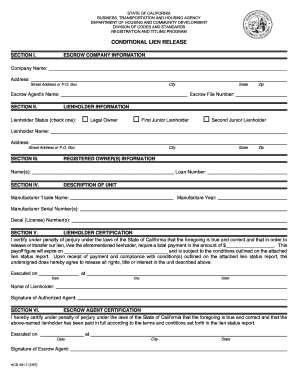
Fillable hcd 481 7
Benefit from the DocHub online library of fillable PDF forms
Searching the PDF forms doesn't have to be a tedious and time-consuming process. With the DocHub online library, it has become easier to find the fillable PDF forms and modify them in your browser. The service allows you to adjust the document to your needs using powerful editing tools.
You can use online document editing features to modify almost any type of document with ease. You just need to find the template of your choice, open it in the editor, and use the toolbar to make the necessary corrections.
Follow this guide to get your document done with DocHub:
- Find the PDF template you need.
- Click the Get Form button to open the file in the editor.
- Use the toolbar to fill out and edit the document.
- Easily add and highlight text, insert images, checkmarks, and symbols.
- Drop new fillable fields, and rearrange or delete pages from your file.
- Save changes and download your record.
DocHub empowers everyone to streamline document editing, signing, and distribution, and form completion. Create an account and benefit from our well-organized PDF Forms library and comprehensive editor.