
Get any PDF form from the DocHub library of ready-made templates - Page 841

Truncated Taxpayer Identification Numbers on Forms W-2 and
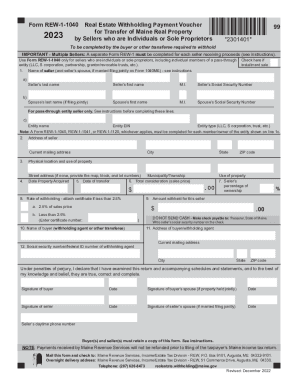
Real Estate Withholding Return for
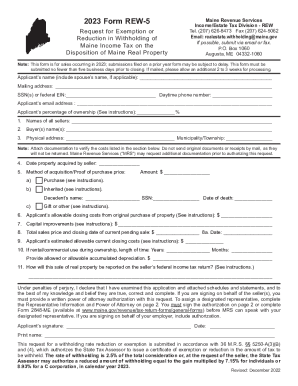
2023 Form REW-5 - Maine
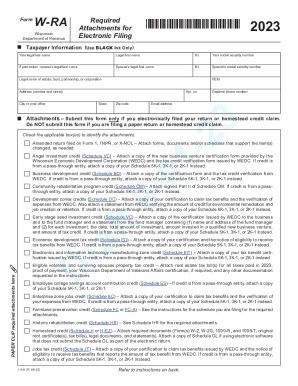
2023 I-041 Wisconsin Form W-RA, Required Attachments for Electronic Filing Form W-RA
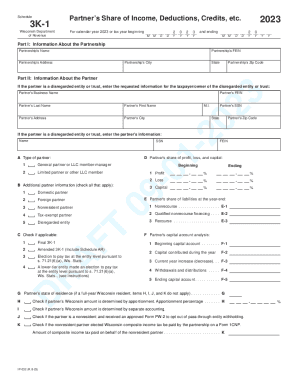
Partnership- Forms - SC Department of Revenue
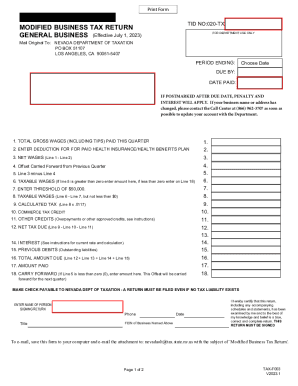
Introduction to Nevada Commerce Tax Video Training Series
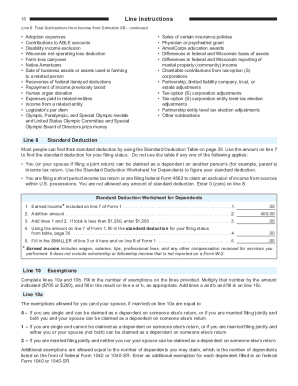
2023 I-111 Form 1 Instructions - Wisconsin Income Tax Form 1 Instructions
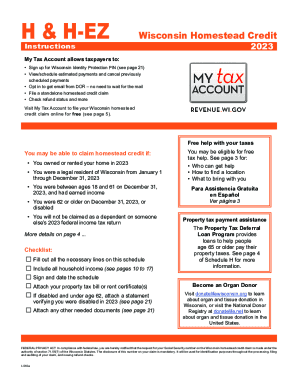
2023 I-016a Schedule H & H-EZ Instructions - Wisconsin Homestead Credit
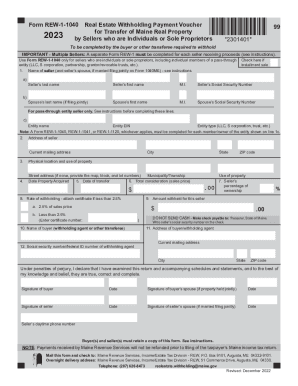
Form REW-1-1040 - Maine
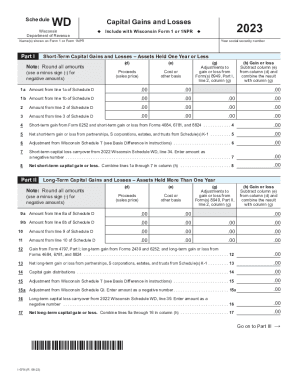
2023 I-070 Schedule WD - Capital Gains and Losses Wisconsin Schedule WD - Capital Gains and Losses
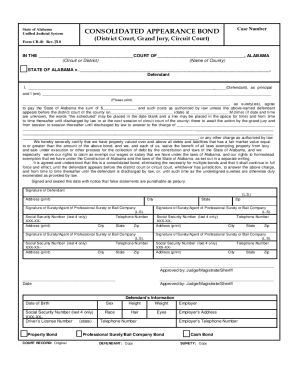
Form Cr 10Fill Out Printable PDF Forms Online
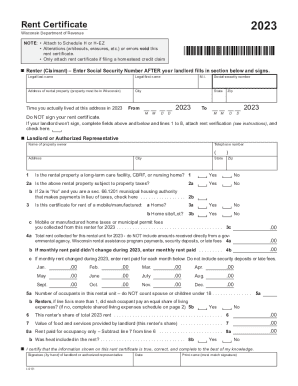
I Uploaded Rent Certificate, but not included in return?
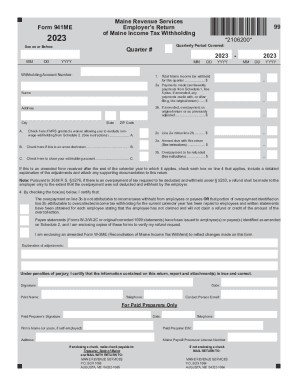
2023 - 2023 Quarter # Form 941ME 99 *2106200* Maine Revenue
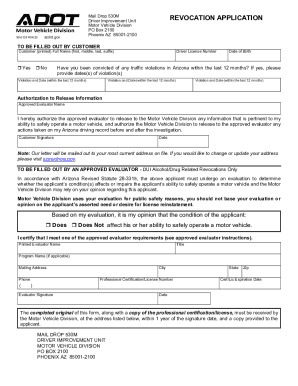
2010 Form AZ DoT 99-0139 Fill Online, Printable, Fillable
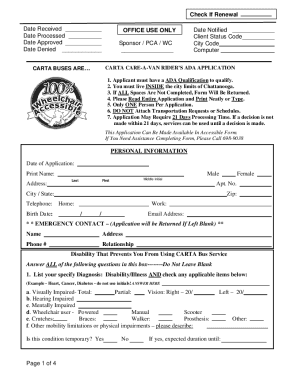
2016 Major Declaration Form
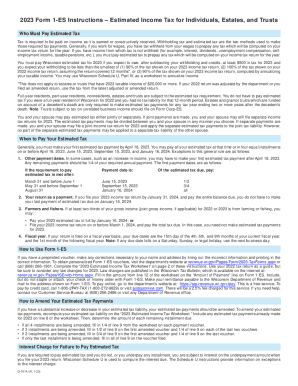
2023 D-101a Form 1-ES Instructions - Estimated Income Tax for Individuals, Estates, and Trusts Form
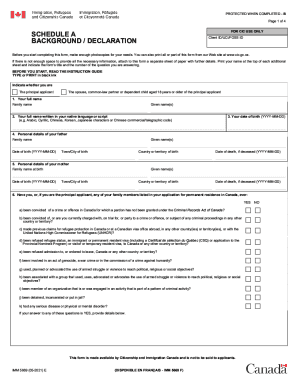
Canada IMM 5669 2023
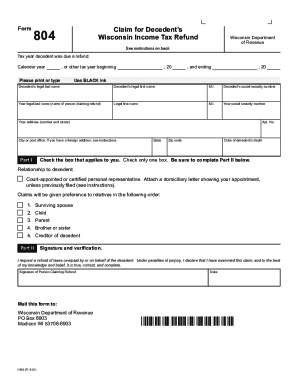
2023 I-804 Form 804 Claim for Decedent's Wisconsin Income Tax Refund (fillable)
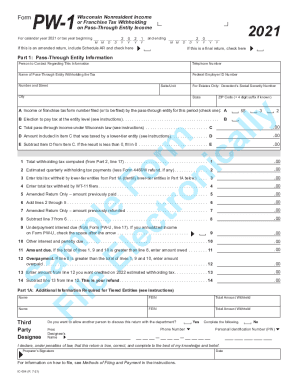
2021 IC-004 Form PW-1 Wisconsin Nonresident Income or Franchise Tax Withholding on Pass-Through Enti
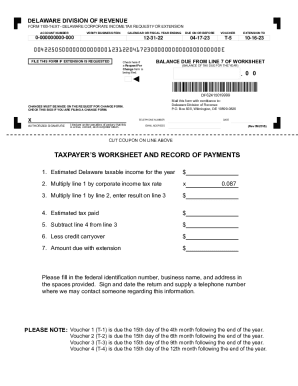
Form 1100-t-ext

Florida Form F 1120Fill Out Printable PDF Forms Online

Updating Wisconsin Certificate of Exemption Status (CES)

Solid Waste Fees, Motor Vehicle Fees, and Gross Receipts

Filing of Value Adjustment Board petitions after the deadline

Florida Discretionary Sales Surtax - Finance & Accounting

Taxes are getting rejected because I have too many

(Required by law)

Unrelated business income tax (ubit) - Finance & Accounting
Virginia Tax Personal Identification Number (PIN)

Create New User Profile - Online Taxpayer Application

County Local Option Transient Rental Tax Rates (Tourist

Instructions for Filing Wholesaler Importer Fuel Tax Return

Premium Taxes & Fees - Delaware Department of Insurance
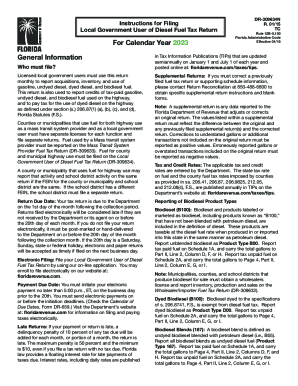
Refund Claims for Diesel Fuel and Motor Vehicle Fuel Tax
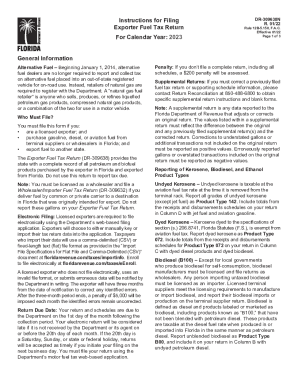
April 2022 MF-001 instr Instructions - Fuel Tax Refund Claim
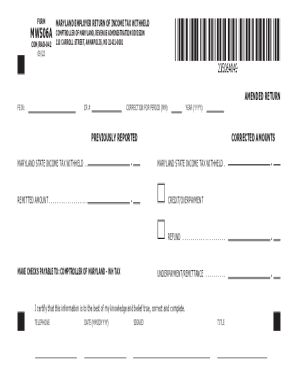
2023 MW506A 49 011123 A

Supplier of Diesel Fuel Tax Return - CDTFA

WV IT-104 Employee's Withholding Exemption Certificate
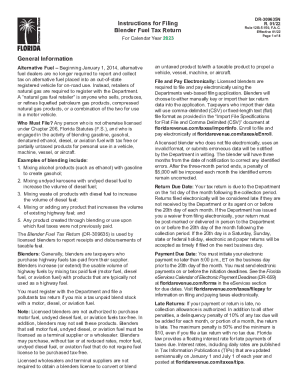
Instructions for Filing Blender Fuel Tax Return

Motor Fuel Terminal Operator - West Virginia Tax Division

MW506NRS49 010423 B MW506NRS49 010423 B
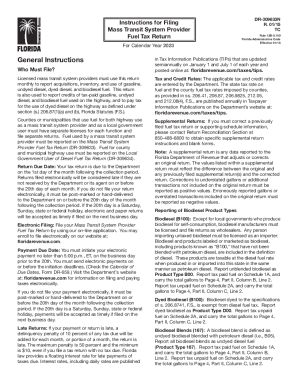
Instructions for Filing Mass Transit System Provider Fuel Tax
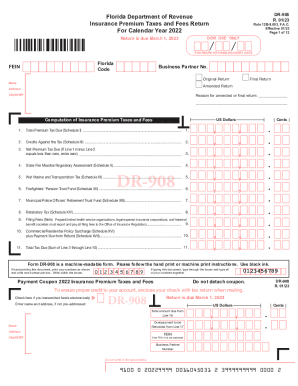
DR-908 Florida Insurance Premium Taxes and Fees Return
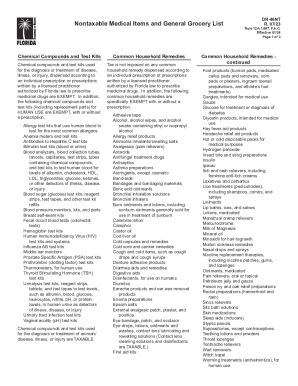
Florida Sales Tax Rules
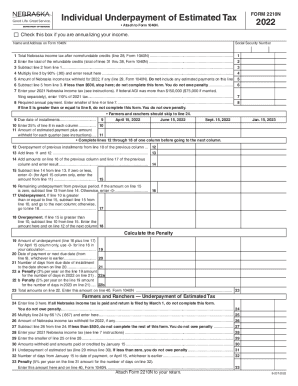
Individual Underpayment of Estimated Tax 2022
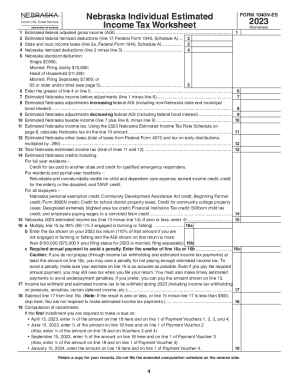
Nebraska - Individual Estimated Income Tax Payment Vouchers
Nebraska County City Lottery Annual Report Form 35K
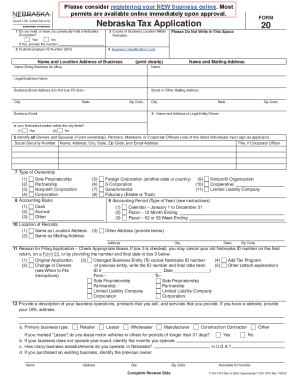
Nebraska Tax Application, Form 20
Search and Pay Property Taxes - Baltimore County Government

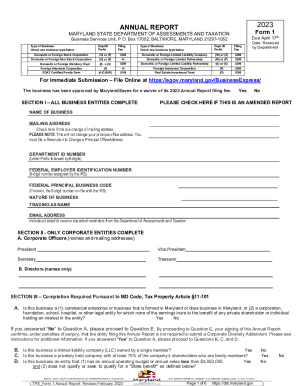
Instructions for 2023 Form 1, Annual Report & Business Personal

U S Tax I D Numbers (ITIN) for Canadians - Madan CA
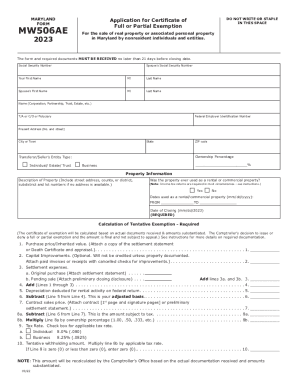
Sec 03 04 12 04 Certificate of Full or Partial Exemption

2023 NJ-1040-O E-File Opt-Out Request Form 2023 NJ-1040-O E-File Opt-Out Request Form
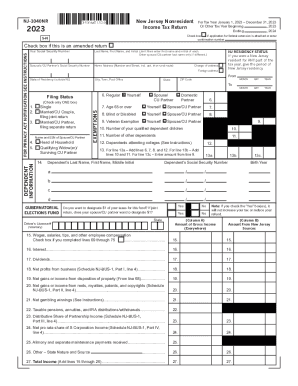
New Jersey State Tax Filing
Check the Status of Your New Jersey Income Tax Refund

2023 Corporation Business Tax Form Instructions 2023 Corporation Business Tax Form Instructions
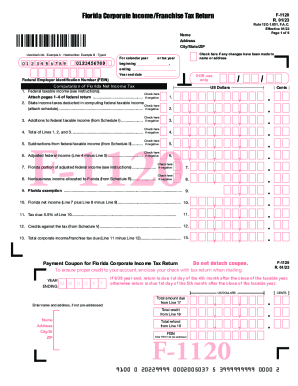
Florida Corporate Short Form Income Tax Return For
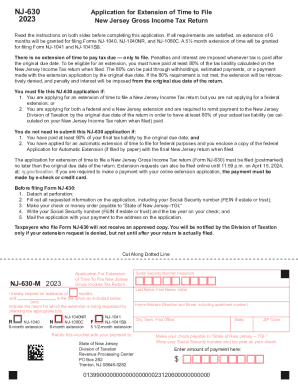
State of New Jersey APPLICATION FOR EXTENSION OF
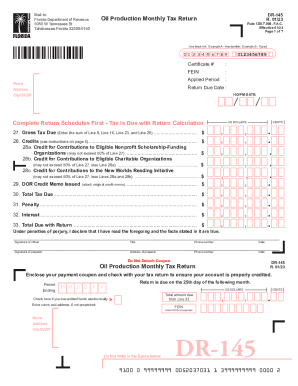
Instructions for DR-15EZ
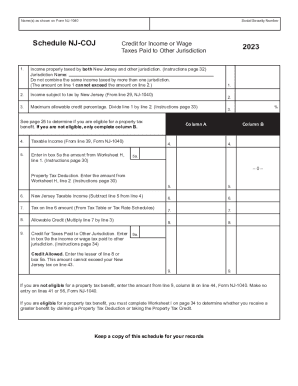
NJ 1040 - Schedule NJ-COJ - Credit for Income or Wage Taxes Paid
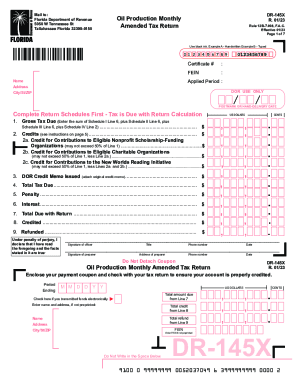
Effective 01 23
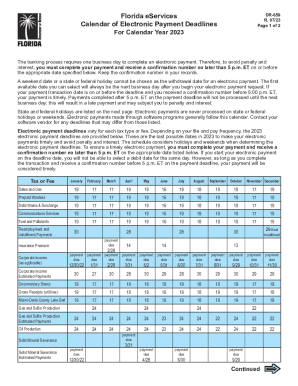
Florida Small Business Taxes: What Employers Should Know

New Jersey Election to Participate in a Composite Return
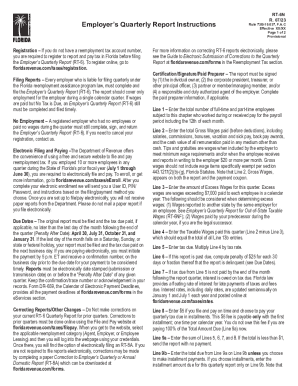
Florida Payroll Tax Registration: The Ultimate Guide + FAQs

2019 Schedule NJ-DOP & Schedule NJ-WWC 2019 Schedule NJ-DOP & Schedule NJ-WWC
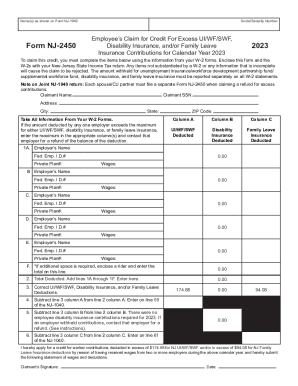
2023 Employees Claim for Credit For Excess UI WF SWF, Disability Insurance, and or Family Leave Insu

NJ-1040 Form - FTP Directory Listing
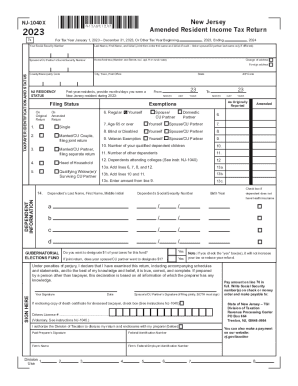
2023 New Jersey Amended Resident Income Tax Return, form NJ-1040X 2023 New Jersey Amended Resident I

Securing your Tax Clearance Certificate

2023 Form LF-5 2023 Form LF-5 Litter Control Fee return

Maryland Estate Tax Return
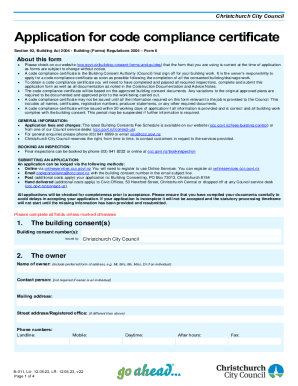
Application for code compliance certificate
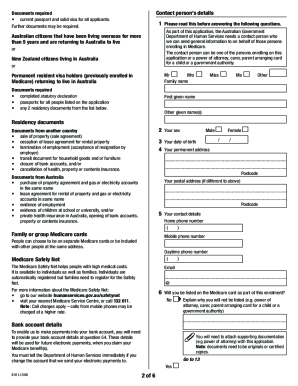
Medicare enrolment application - Department of Human Services - humanservices gov

Verification of working life residence in australia

Claim for a Commonwealth Seniors Health Card - humanservices gov

1490s form

Medicare claim form
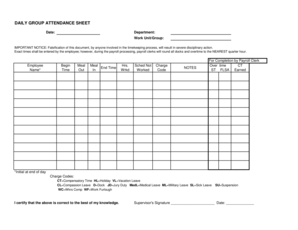
DAILY GROUP ATTENDANCE SHEET - St Louis - stlouis-mo
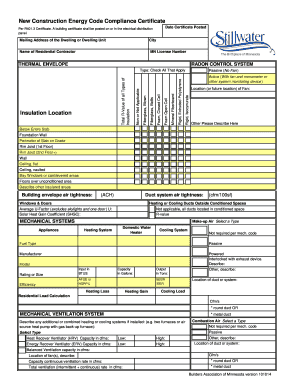
Minnesota energy certificate

The Institute for Creation ResearchThe Institute for Creation

Form SP-116 Application for Private Pond Permit - Idaho
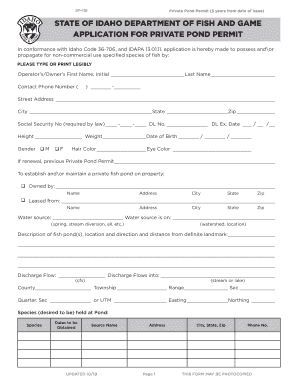
Department of fish and game - Idaho Fish and Game - Idaho

Idaho fish and game private pond permit

Fontana yard sale permit
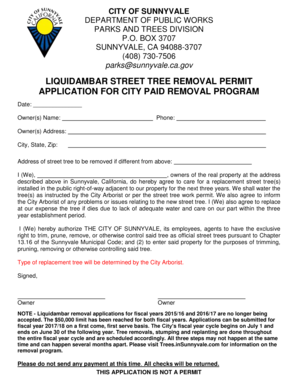
LIQUIDAMBAR STREET TREE REMOVAL PERMIT APPLICATION FOR - sunnyvale ca
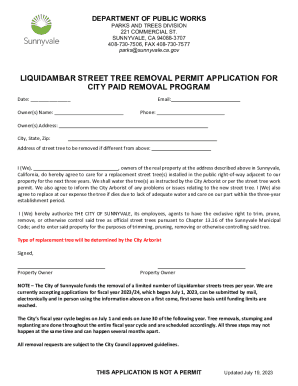
Sunnyvale Tree Removal Permit Form - Fill Out and Sign

Bowl-a-thon pledge sheet 2013 - Camp Exclamation - campexclamationpoint
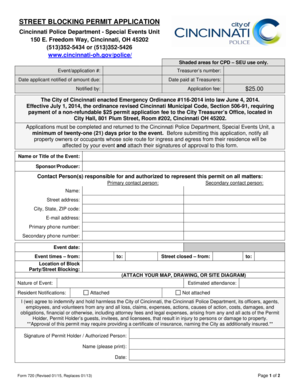
F720 Street Blocking Permit Application - Cincinnati - cincinnati-oh

Pr1350

Application and Permit to Hold Game in Captivity - Michigan
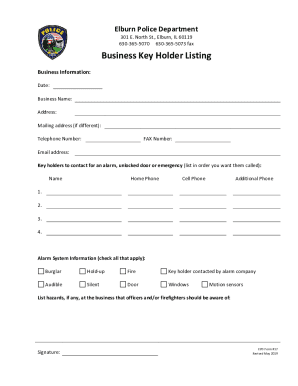
Police DepartmentVillage of Elburn, Illinois
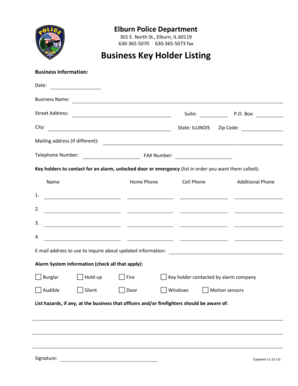
Business Key Holder Listing - Elburn

Kitchen hood inspection checklist
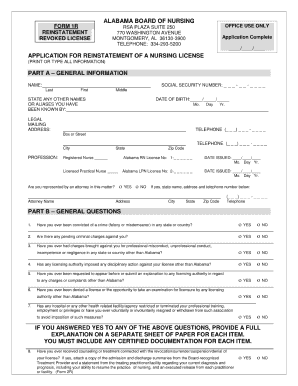
Alabama board of nursing reinstatement
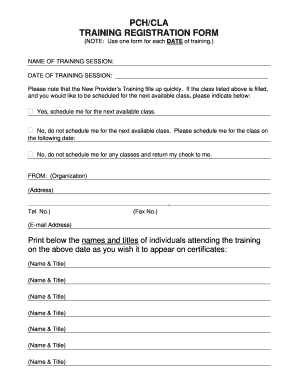
Pch agent format
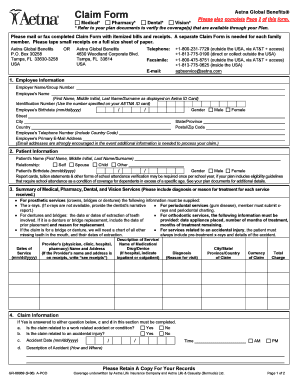
Claim Form Aetna Global Benefits

Ab 123 wisconsin department of revenue form

AB-123: DISTILLED SPIRITS WINE - revenue wi
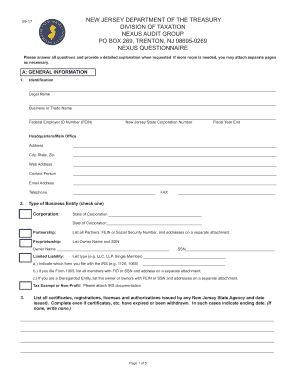
New jersey nexus questionnaire
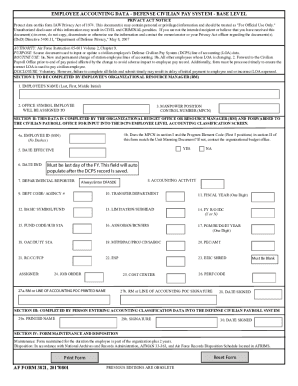
Employee Accounting Data Form
Benefit from the DocHub online library of fillable PDF forms
Searching the PDF forms doesn't have to be a tedious and time-consuming process. With the DocHub online library, it has become easier to find the fillable PDF forms and modify them in your browser. The service allows you to adjust the document to your needs using powerful editing tools.
You can use online document editing features to modify almost any type of document with ease. You just need to find the template of your choice, open it in the editor, and use the toolbar to make the necessary corrections.
Follow this guide to get your document done with DocHub:
- Find the PDF template you need.
- Click the Get Form button to open the file in the editor.
- Use the toolbar to fill out and edit the document.
- Easily add and highlight text, insert images, checkmarks, and symbols.
- Drop new fillable fields, and rearrange or delete pages from your file.
- Save changes and download your record.
DocHub empowers everyone to streamline document editing, signing, and distribution, and form completion. Create an account and benefit from our well-organized PDF Forms library and comprehensive editor.