




Here's how it works

01. Edit your cf1702a online
Type text, add images, blackout confidential details, add comments, highlights and more.

02. Sign it in a few clicks
Draw your signature, type it, upload its image, or use your mobile device as a signature pad.

03. Share your form with others
Send claim child benefit via email, link, or fax. You can also download it, export it or print it out.
How to use or fill out child care subsidy claim forms with our platform

- Click ‘Get Form’ to open the Child Care Subsidy Claim form in the editor.
- Begin by entering your supplier number, which is essential for processing your claim. This number identifies you in the government accounting system.
- Fill in the child care provider's name and address. If applicable, include the license number for licensed settings.
- Specify the month and year for which you are claiming subsidy. Ensure this matches your attendance records.
- List each child's name as it appears on the Benefit Plan, along with their corresponding care code and number of days claimed.
- Calculate and enter the total subsidy amount claimed for each child based on the days of care provided, ensuring it does not exceed authorized limits.
- Review all entries for accuracy before signing the declaration at the bottom of the form to certify that all information is true and complete.
- Submit your completed claim form via fax or mail to the Child Care Subsidy Service Centre, keeping a copy for your records.
Start using our platform today to streamline your child care subsidy claims effortlessly!
Fill out child care subsidy claim forms online
It's free
It's free
See more child care subsidy claim forms versions
We've got more versions of the child care subsidy claim forms form. Select the right child care subsidy claim forms version from the list and start editing it straight away!
Security and compliance
At DocHub, your data security is our priority. We follow HIPAA, SOC2, GDPR, and other standards, so you can work on your documents with confidence.
Learn more


Related forms
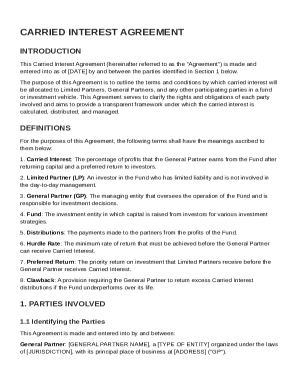
Carried Interest Agreement Template
The Carried Interest Agreement outlines the terms for allocating and distributing carried interest among General Partner ...
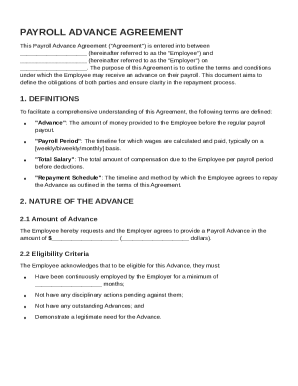
Payroll Advance Agreement Template
The Payroll Advance Agreement outlines the terms under which an Employee can receive an advance on their payroll from th ...
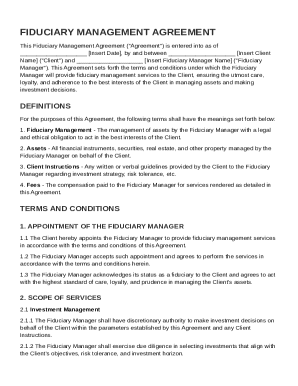
Fiduciary Management Agreement Template
The Fiduciary Management Agreement outlines the terms under which a Fiduciary Manager will provide asset management serv ...
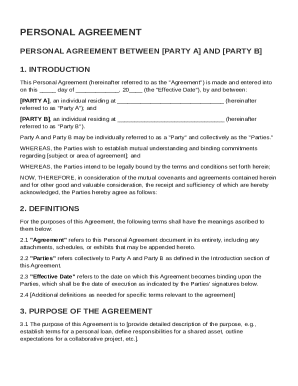
Personal Agreement Template
This Personal Agreement outlines the mutual commitments and responsibilities between Party A and Party B, establishing a ...
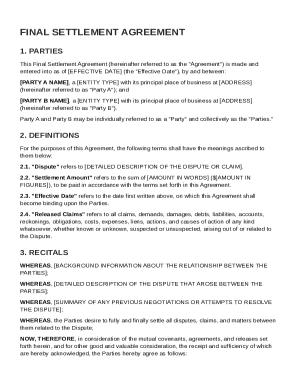
Final Settlement Agreement Template
The Final Settlement Agreement outlines the terms under which Party A and Party B agree to resolve their disputes, inclu ...
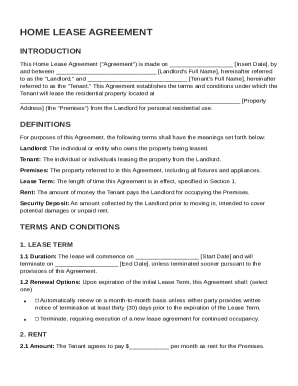
Home Lease Agreement Template
The Home Lease Agreement outlines the terms and conditions for leasing a residential property between a landlord and ten ...
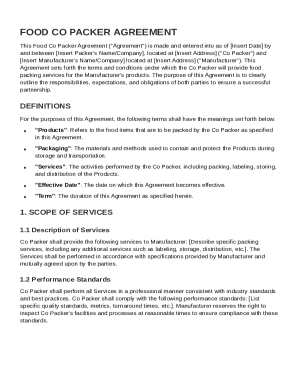
Food Co Packer Agreement Template
The Food Co Packer Agreement outlines the terms and conditions between a Co Packer and a Manufacturer for food packing s ...
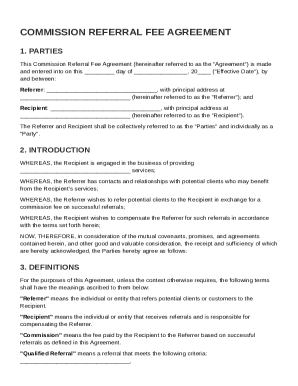
Commissionreferral Fee Agreement Template
The Commission Referral Fee Agreement outlines the terms between a Referrer and a Recipient for referring potential clie ...