




Here's how it works

01. Edit your dochub com fillable form online
Type text, add images, blackout confidential details, add comments, highlights and more.

02. Sign it in a few clicks
Draw your signature, type it, upload its image, or use your mobile device as a signature pad.

03. Share your form with others
Send green card application via email, link, or fax. You can also download it, export it or print it out.
How to use or fill out cidb green card renewal form with our platform

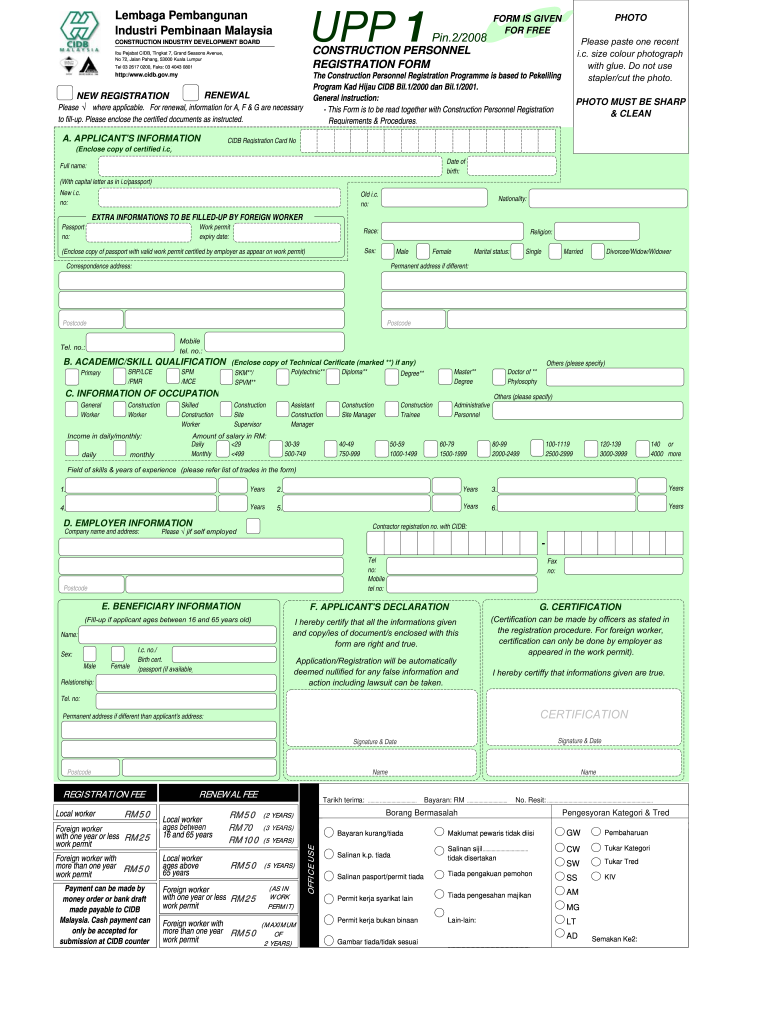
- Click ‘Get Form’ to open the cidb green card renewal form in the editor.
- Begin with Section A, where you will need to provide your personal information. Paste a recent color photograph in the designated area and ensure it is glued securely.
- Fill in your CIDB Registration Card number, date of birth, full name (as per your identity card), and both new and old identity card numbers. Include your nationality.
- If you are a foreign worker, complete the additional fields for passport number, work permit expiry date, race, religion, and sex. Make sure to attach certified copies of necessary documents.
- Proceed to Section B for academic qualifications. Indicate your highest qualification and attach any relevant certificates.
- In Section C, provide details about your occupation and income. Select your job title from the options provided and specify your salary range.
- Complete Section D with employer information including company name and registration number with CIDB.
- Finally, review Sections F and G for declarations and certifications before submitting the form along with payment details as instructed.
Start using our platform today to easily fill out your cidb green card renewal form online for free!
Fill out cidb green card renewal form online
It's free
It's free
See more cidb green card renewal form versions
We've got more versions of the cidb green card renewal form form. Select the right cidb green card renewal form version from the list and start editing it straight away!
Security and compliance
At DocHub, your data security is our priority. We follow HIPAA, SOC2, GDPR, and other standards, so you can work on your documents with confidence.
Learn more


Related forms
Funding Agreement Template
The document is a Funding Agreement between a Fund Provider and a Receiving Organization, outlining the terms and condit ...
Nurse Practitioner Independent Contractor Agreement Template
The document is an Independent Contractor Agreement between a Nurse Practitioner (NP) and a Client/Employer, outlining t ...
Wedding For Wedding Planner Contract Template
The Wedding Planning Services Agreement outlines the terms and conditions between a Client and a Wedding Planner for wed ...
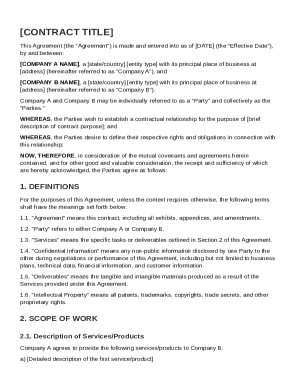
Contract Template
This document is a contractual agreement between Company A and Company B, outlining the terms of their relationship, inc ...
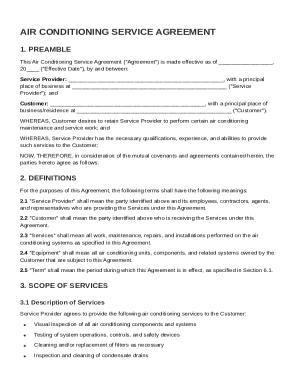
Air Conditioning Service Agreement Template
The Air Conditioning Service Agreement outlines the terms and conditions between a Service Provider and a Customer for a ...
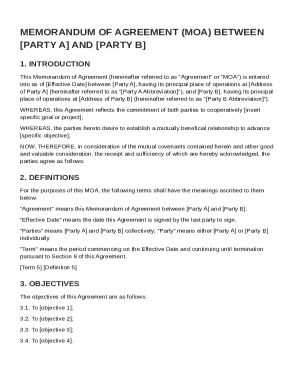
Air Force Memorandum of Agreement Template
This Memorandum of Agreement (MOA) outlines the collaborative relationship between [Party A] and [Party B], detailing th ...
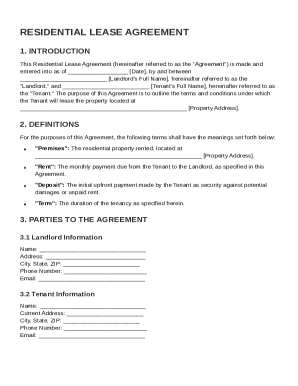
Rent Tenancy Agreement Template
The document is a Residential Lease Agreement outlining the terms and conditions for leasing a property between a landlo ...
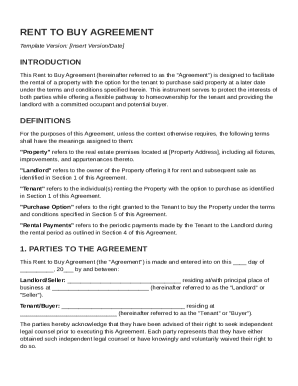
Rent to Buy Agreement Template
The Rent to Buy Agreement outlines the terms under which a tenant can rent a property with the option to purchase it lat ...