




Here's how it works

01. Edit your ohio court common pleas online
Type text, add images, blackout confidential details, add comments, highlights and more.

02. Sign it in a few clicks
Draw your signature, type it, upload its image, or use your mobile device as a signature pad.

03. Share your form with others
Send common pleas licking county via email, link, or fax. You can also download it, export it or print it out.
How to use or fill out Ohio Court Common Pleas with our platform

- Click ‘Get Form’ to open the Ohio Court Common Pleas document in the editor.
- Begin by filling in the names and dates of birth for both the Plaintiff/Petitioner and Defendant/Petitioner at the top of the form.
- Enter the case number in the designated field to ensure proper identification of your case.
- In Branch 1, select your requests regarding temporary custody and parenting time by checking the appropriate boxes. Provide any necessary details in the spaces provided.
- Proceed to Branch 2 and indicate whether you are seeking to allocate or reallocate parental rights. Again, check the relevant boxes and provide supporting information as needed.
- Complete the affidavit section by detailing your reasons for requesting an ex parte order, including information about children involved and any visitation preferences.
- Finally, sign and date the document where indicated, ensuring all required fields are completed before submission.
Start using our platform today for free to streamline your document editing and filing process!
Fill out ohio court common pleas online
It's free
It's free
Security and compliance
At DocHub, your data security is our priority. We follow HIPAA, SOC2, GDPR, and other standards, so you can work on your documents with confidence.
Learn more


Related forms
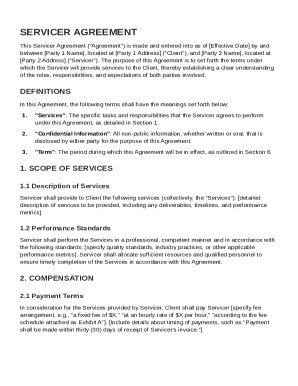
Servicer Agreement Template
The Servicer Agreement outlines the terms and conditions under which a Servicer provides specified services to a Client. ...
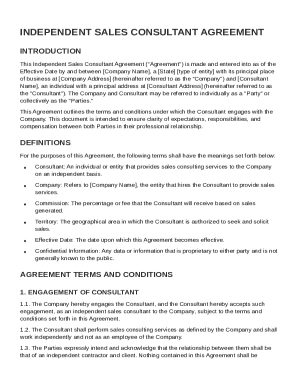
Independent Sale Consultant Agreement Template
The Independent Sales Consultant Agreement outlines the terms and conditions between a company and an independent sales ...
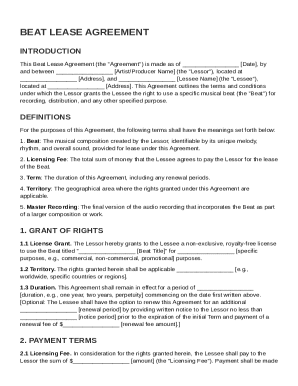
Beat Lease Contract Template
The Beat Lease Agreement outlines the terms under which an artist/producer (Lessor) grants a lessee the right to use a s ...
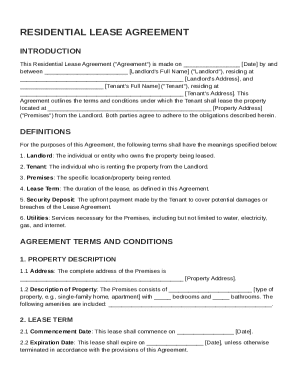
Landlord and Tenant Agreement Template
The Residential Lease Agreement outlines the terms and conditions for leasing a property between a Landlord and a Tenant ...
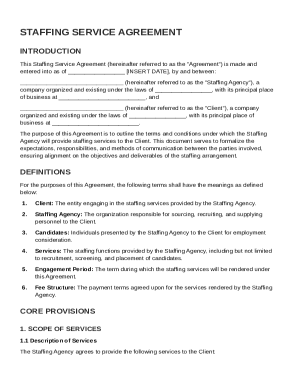
Staffing Service Agreement Template
The Staffing Service Agreement outlines the terms and conditions under which a Staffing Agency provides staffing service ...
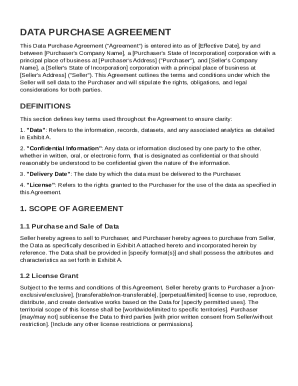
Data Purchase Agreement Template
The Data Purchase Agreement outlines the terms and conditions for the sale of data from a Seller to a Purchaser, includi ...
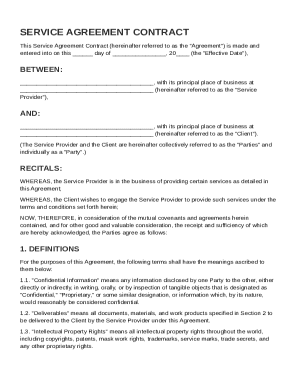
Indesign Contract Template
This Service Agreement Contract outlines the terms and conditions between a Service Provider and a Client for the provis ...
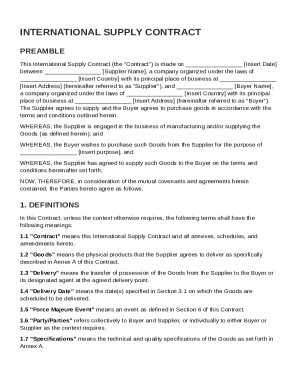
International Supply Contract Template
The document is an International Supply Contract between a Supplier and a Buyer, outlining the terms and conditions for ...