
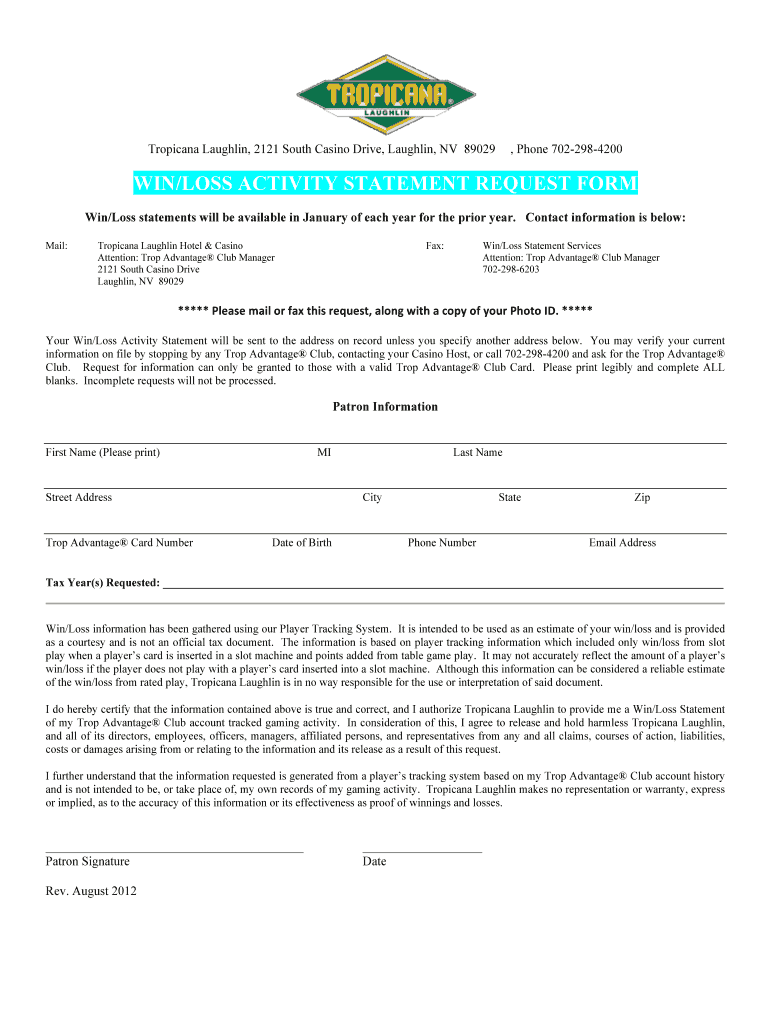




Here's how it works

01. Edit your tropicana win loss statement online
Type text, add images, blackout confidential details, add comments, highlights and more.

02. Sign it in a few clicks
Draw your signature, type it, upload its image, or use your mobile device as a signature pad.

03. Share your form with others
Send win loss report template via email, link, or fax. You can also download it, export it or print it out.
How to use or fill out Tropicana Win Loss Statement with our platform

- Click ‘Get Form’ to open the Tropicana Win Loss Statement in the editor.
- Begin by filling out your Patron Information. Enter your First Name, Middle Initial, Last Name, and ensure all fields are printed legibly.
- Provide your Street Address, City, State, Zip Code, and Phone Number. This information is crucial for processing your request.
- Enter your Trop Advantage® Card Number and Date of Birth to verify your identity.
- Specify the Tax Year(s) you are requesting the Win/Loss statement for in the designated field.
- Review all entered information for accuracy. Incomplete requests will not be processed.
- Sign and date the form at the bottom to certify that the information provided is true and correct.
Start using our platform today to easily fill out your Tropicana Win Loss Statement online for free!
Fill out tropicana win loss statement online
It's free
See more tropicana win loss statement versions
We've got more versions of the tropicana win loss statement form. Select the right tropicana win loss statement version from the list and start editing it straight away!
| Versions | Form popularity | Fillable & printable |
|---|---|---|
| 2012 | 4.9 Satisfied (484 Votes) |
Security and compliance
At DocHub, your data security is our priority. We follow HIPAA, SOC2, GDPR, and other standards, so you can work on your documents with confidence.
Learn more


Related forms
Airbnb Co Host Agreement Template
The Airbnb Co-Host Agreement formalizes the relationship between a property owner (Host) and a property manager (Co-Host ...
Convertible Note Agreement Template
The Convertible Note Agreement outlines the terms under which an Investor provides funds to a Company in the form of a c ...
Writer Contract Template
The Writer Agreement Template outlines the terms and conditions for a writing engagement between a Client and a Writer. ...
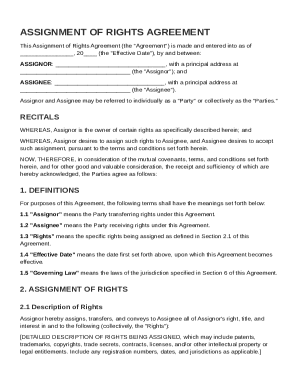
Assignment of Rights Agreement Template
The Assignment of Rights Agreement is a legal document between an Assignor and an Assignee, outlining the transfer of sp ...
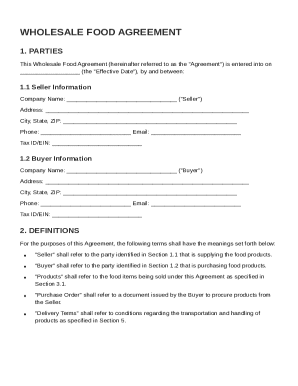
Wholesale Food Agreement Template
The Wholesale Food Agreement outlines the terms and conditions between a Seller and a Buyer for the purchase and sale of ...
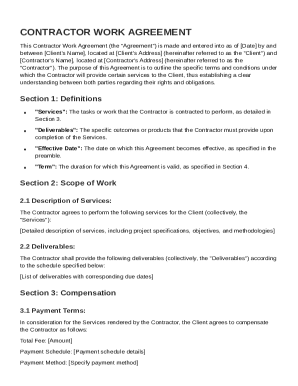
Contractor Work Agreement Template
The Contractor Work Agreement outlines the terms and conditions between a Client and a Contractor for the provision of s ...
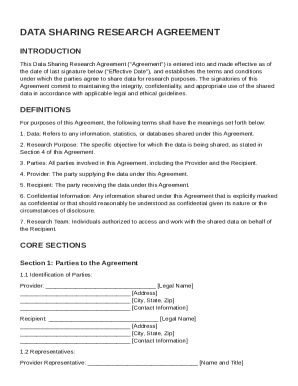
Data Sharing Research Agreement Template
The Data Sharing Research Agreement outlines the terms and conditions for sharing data between a Provider and a Recipien ...
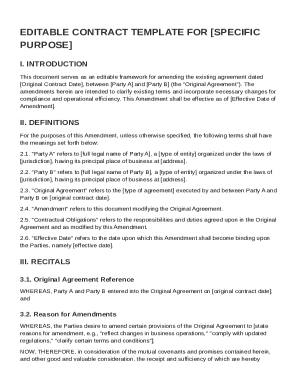
Edit Contract Template
This document is an editable contract amendment template designed to modify an existing agreement between two parties. I ...