
Get any PDF form from the DocHub library of ready-made templates - Page 2170
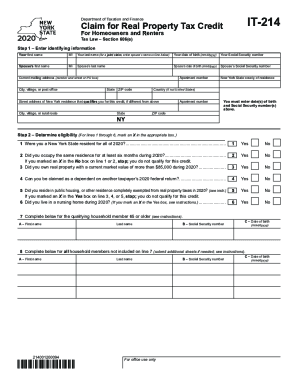
It 214 form 2020
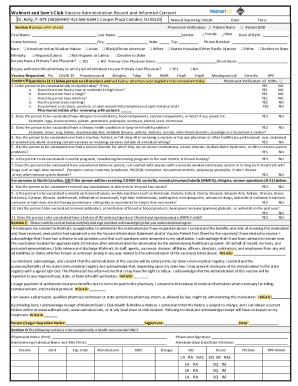
Vaccine administration consent form
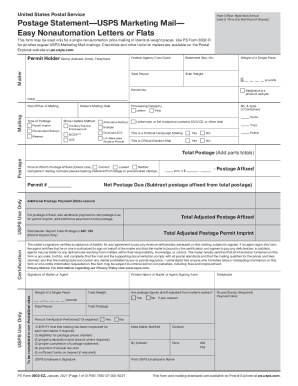
3602 ez
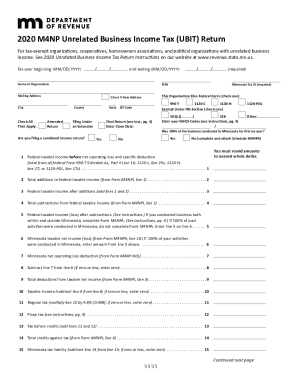
M4np
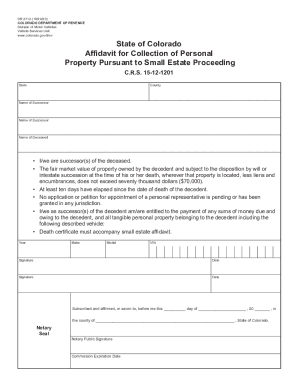
Co dr2712 form
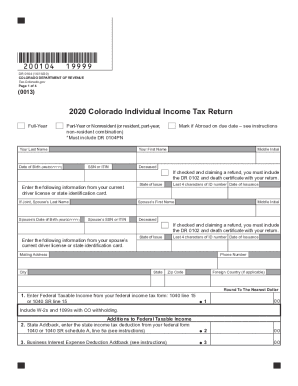
Colorado tax
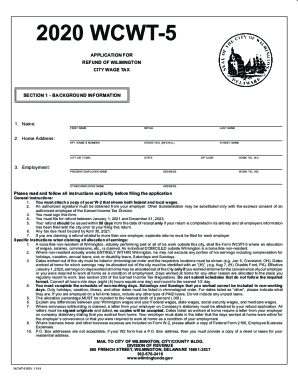
Wcwt 5
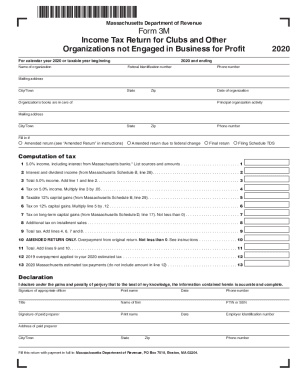
Form 3m
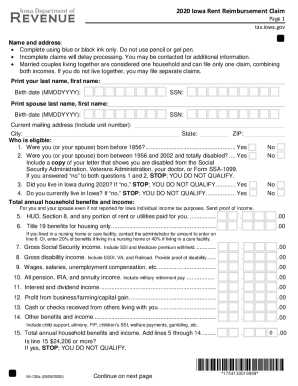
2020 iowa rent reimbursement claim form
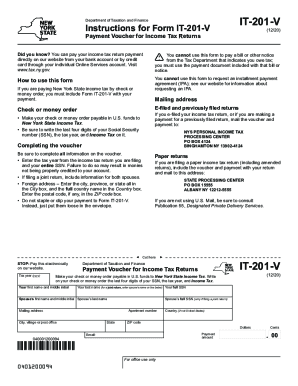
Forms it 201

C100 form
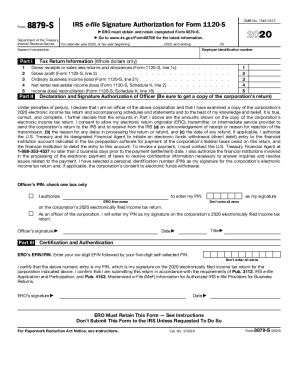
Form 8879
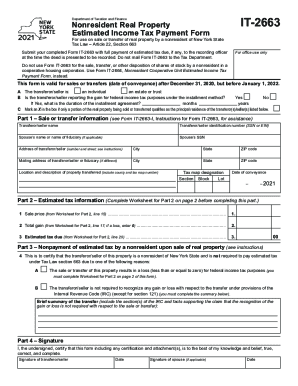
It 2663 form 2021

I129
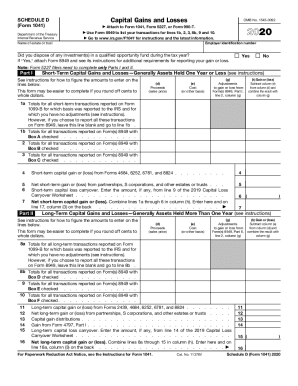
Irs schedule d
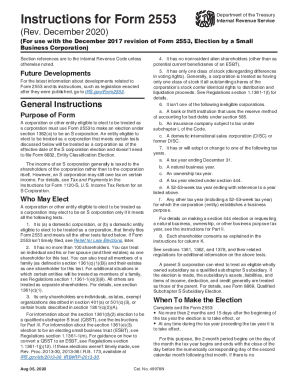
Form 2553
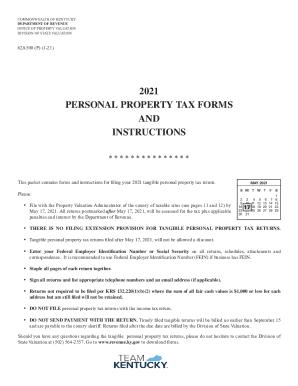
62a500 kentucky 2021

Scdnr license online

K kansas tax
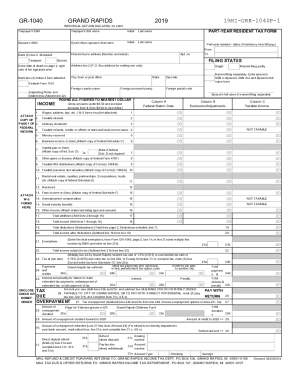
Mi form grand rapids city tax
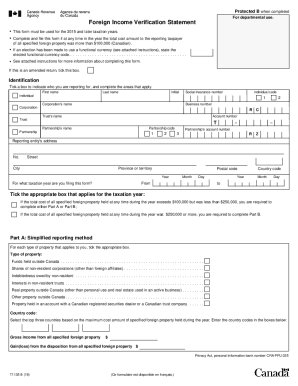
T1135
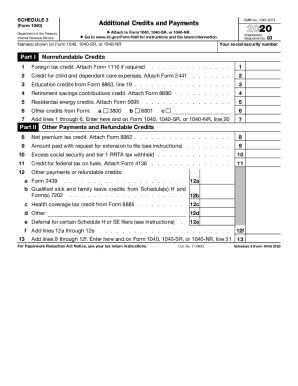
Schedule 3

Gbhc157e
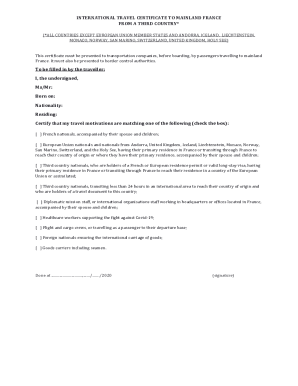
How to fill international travel certificate to mainland france
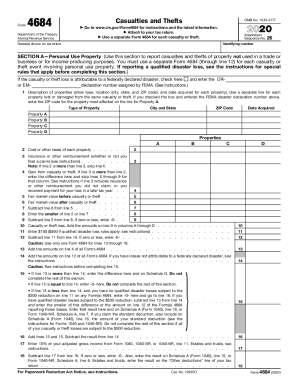
Form 4684
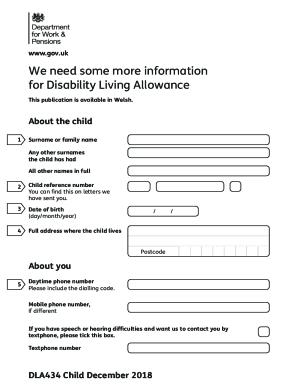
Dla434 child december 2018 pdf
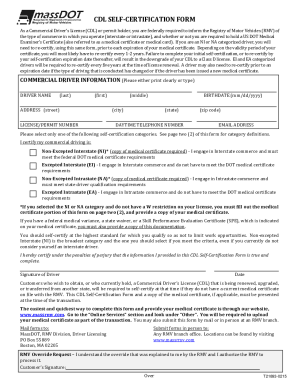
Ma cdl self certification form
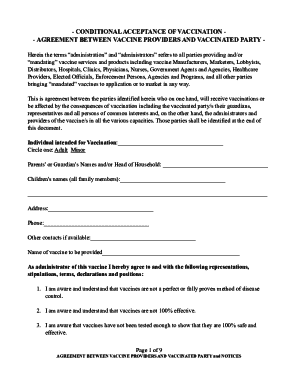
Conditional acceptance letter covid 19
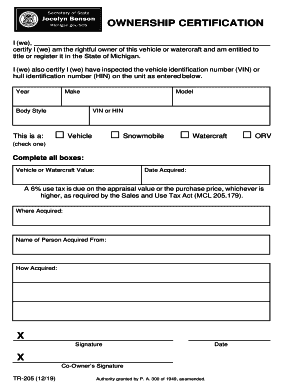
Tr 205

Irs tax forms
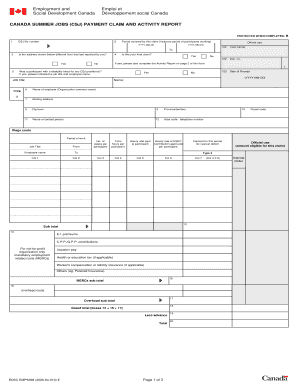
Comp jobs csj
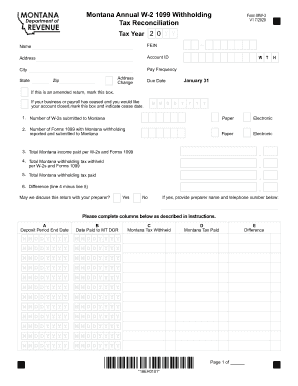
Montana tax column
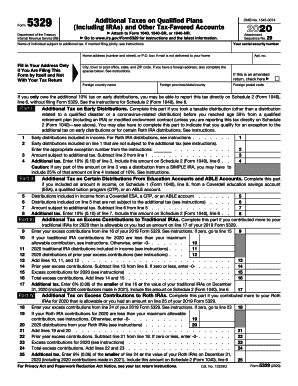
Form 5329
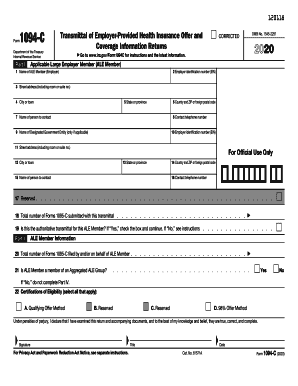
1094 c
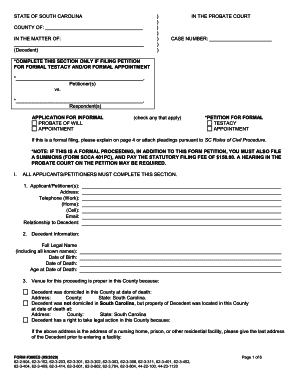
300es form
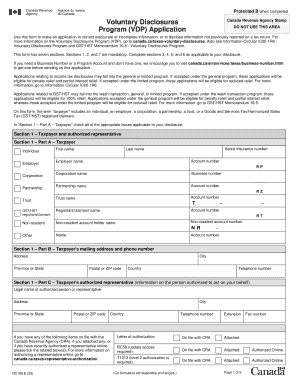
Rc 199
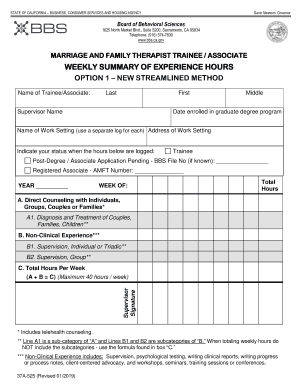
Bbs weekly summary of hours

Mo 941
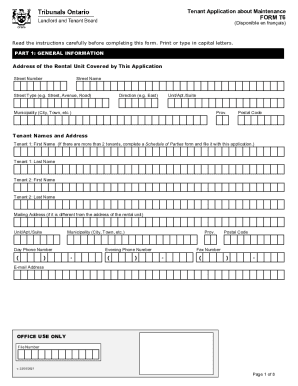
Form t6 tenant landlord board
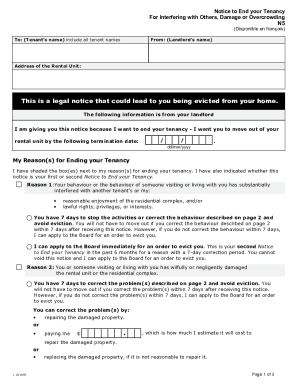
N5 form ontario
2019 enhanced star
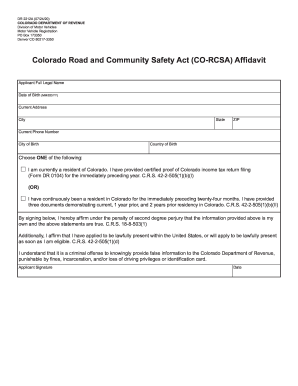
Colorado dr2212a

Rexall flu shot consent form
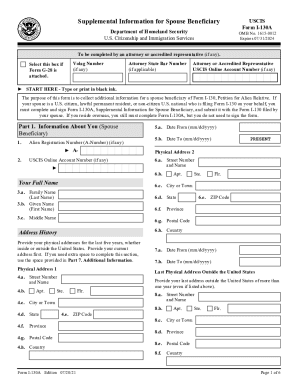
Form i 130a
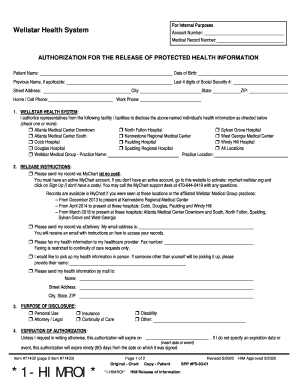
Wellstar urgent care doctors note

Ssa 3368bk form
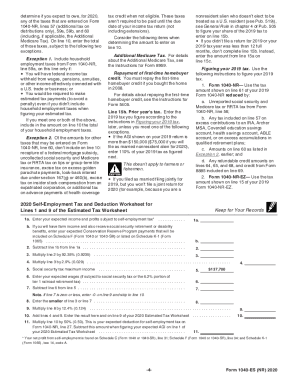
Irs form tax
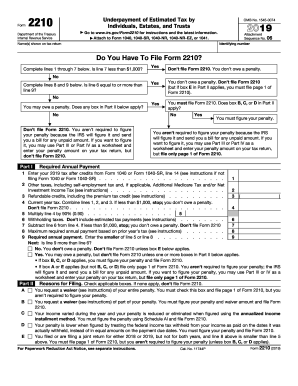
2210
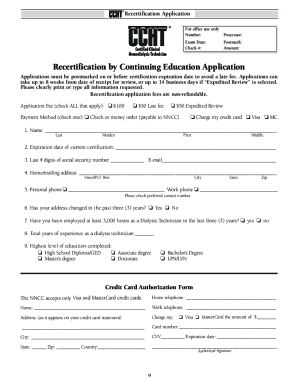
Ccht recertification
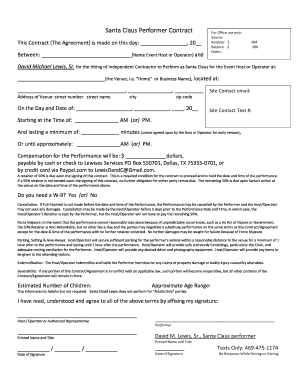
Santa contract
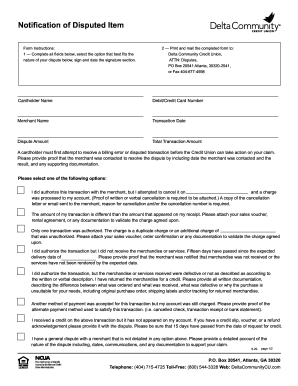
Delta community dispute
Imm 5492

Dd form 2789
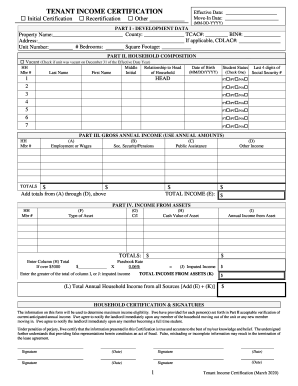
How to income certification download

3602 ez

Mi need unemployment
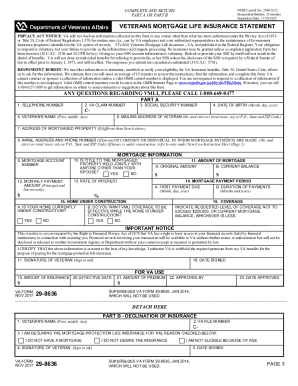
Va form 29 8636
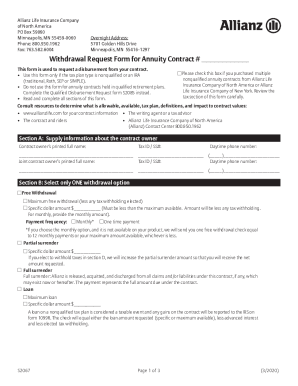
Allianz s2067
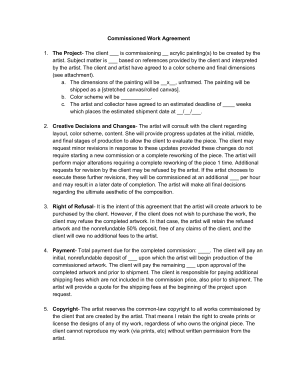
Digital art commission contract
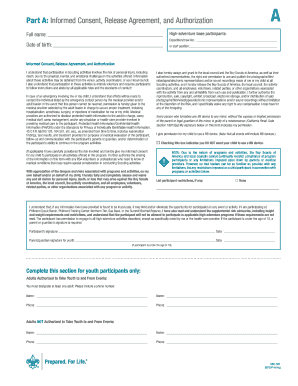
Scout medical form
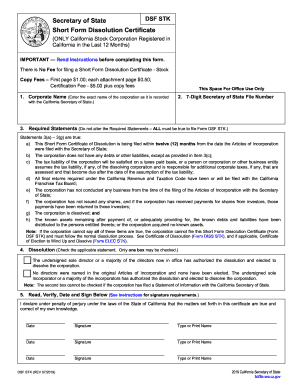
Form diss stk
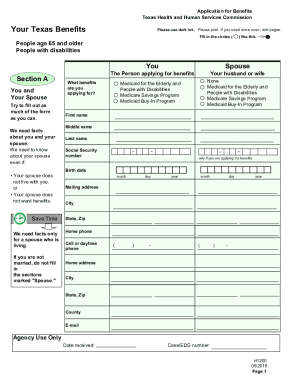
Texas benefits form application
Residence questionnaire
Form ssa 820 bk
Ssn name change
Modelo 145
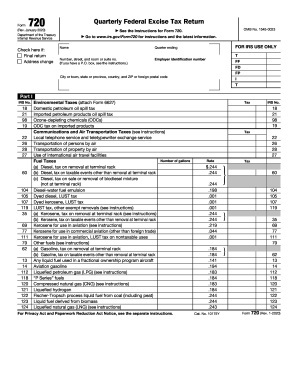
Form 720
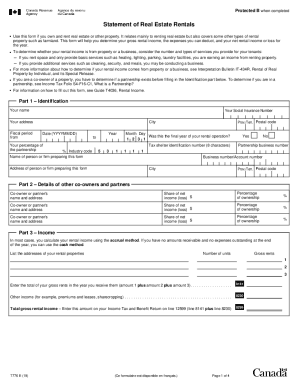
T776 form

Dl 31 form
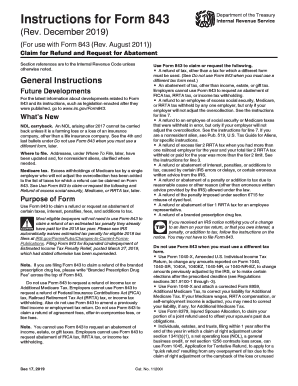
Form 843 form

Br20 form
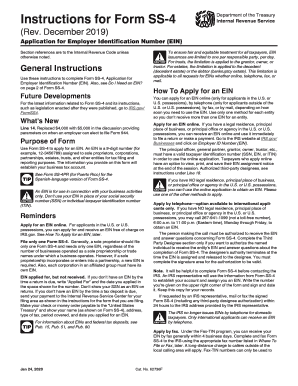
The ss4 form
Nss 1a

Tceq all self
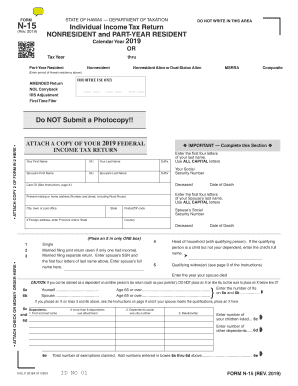
Hawaii n15 tax form
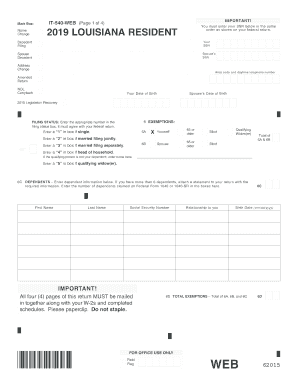
2019 it 540
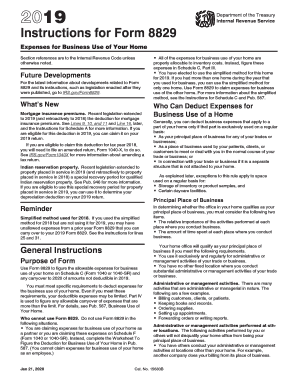
Form 8829 instructions 2016 pdf
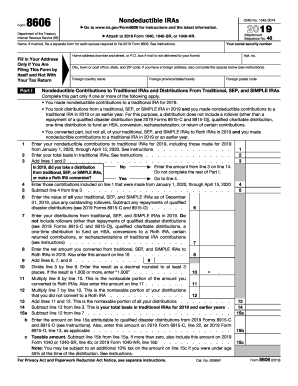
2017 8606
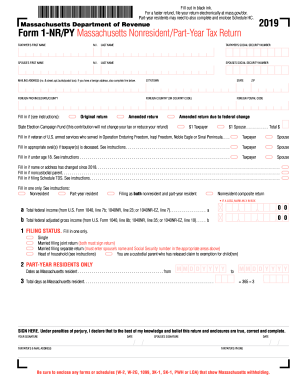
2019 form 1 massachusetts resident income tax
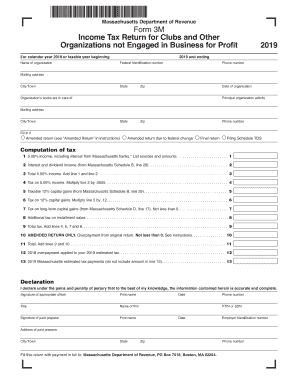
Massachusetts form 3m
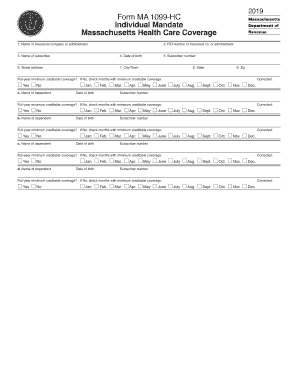
Harvard pilgrim federal id number
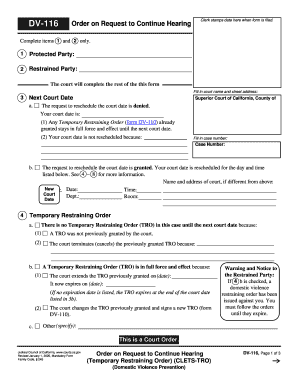
Dv 116
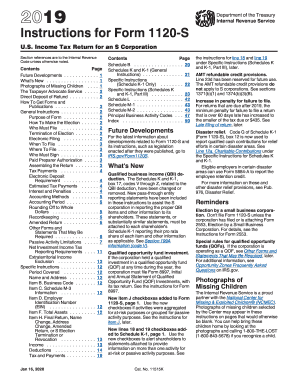
2017 irs instructions 1120s
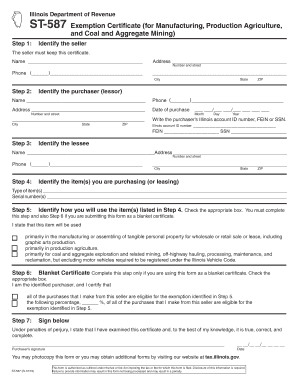
Illinois exemption certificate

Dissolution of marriage san diego

Fl 610
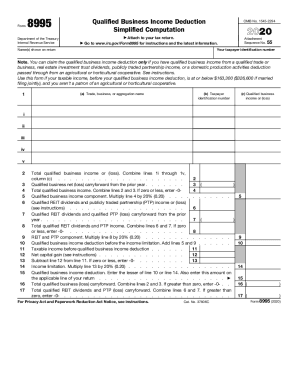
Form 8995
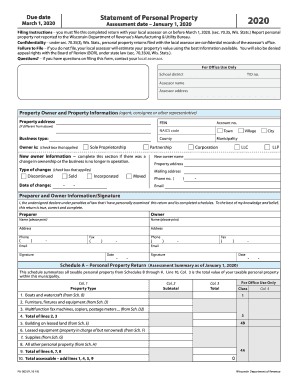
Statement wisconsin
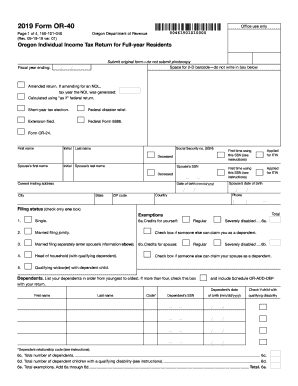
Oregon revenue form
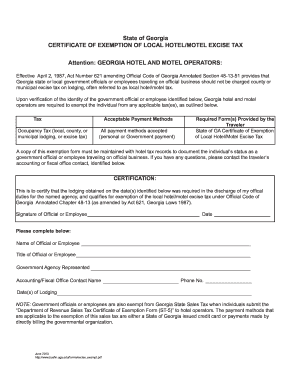
Georgia hotel tax exempt form
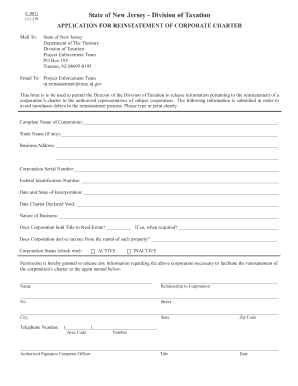
C 9021
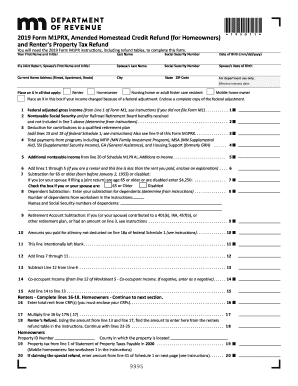
2019 m1prx
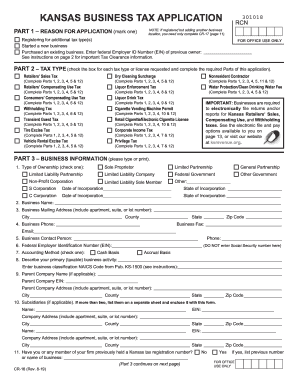
Ks form application
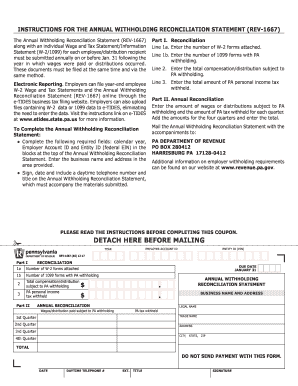
Pa withholding form
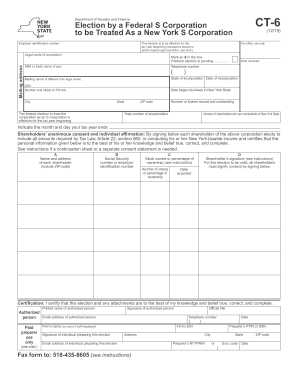
New york form ct6

2019 iowa state personal return
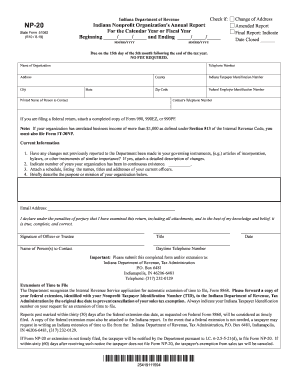
Np 20 indiana tax form

Form 2019 fl
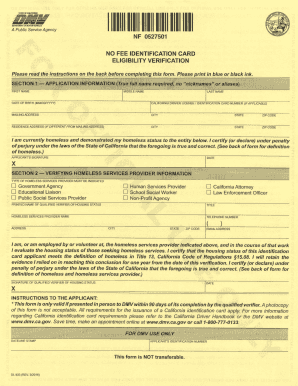
Dl 932
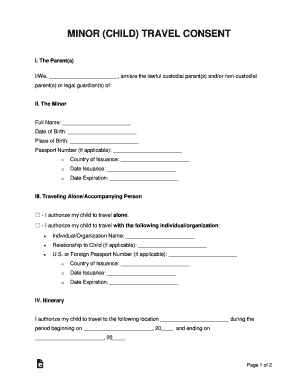
Court Forms - Virginia Beach Bar Association
Benefit from the DocHub online library of fillable PDF forms
Searching the PDF forms doesn't have to be a tedious and time-consuming process. With the DocHub online library, it has become easier to find the fillable PDF forms and modify them in your browser. The service allows you to adjust the document to your needs using powerful editing tools.
You can use online document editing features to modify almost any type of document with ease. You just need to find the template of your choice, open it in the editor, and use the toolbar to make the necessary corrections.
Follow this guide to get your document done with DocHub:
- Find the PDF template you need.
- Click the Get Form button to open the file in the editor.
- Use the toolbar to fill out and edit the document.
- Easily add and highlight text, insert images, checkmarks, and symbols.
- Drop new fillable fields, and rearrange or delete pages from your file.
- Save changes and download your record.
DocHub empowers everyone to streamline document editing, signing, and distribution, and form completion. Create an account and benefit from our well-organized PDF Forms library and comprehensive editor.