




01. Edit your how to buy an inactive llc online
Type text, add images, blackout confidential details, add comments, highlights and more.

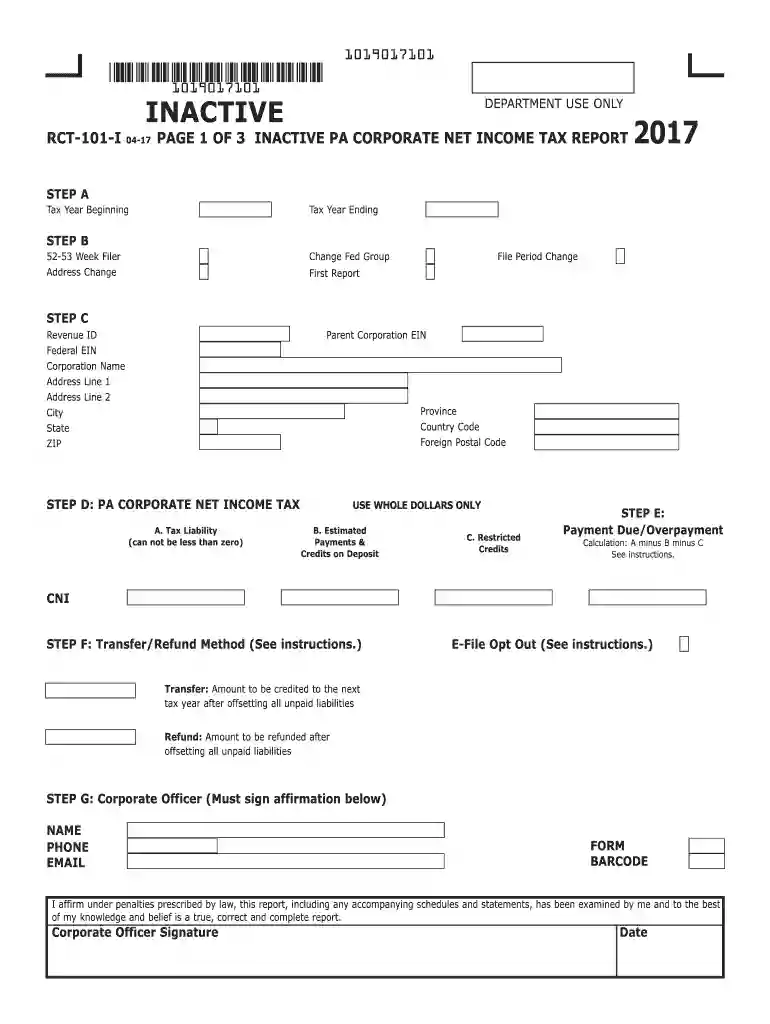
Type text, add images, blackout confidential details, add comments, highlights and more.

Draw your signature, type it, upload its image, or use your mobile device as a signature pad.

Send it via email, link, or fax. You can also download it, export it or print it out.

Start using our platform today to easily complete your pa inactive llc form online for free!
We've got more versions of the how to buy an inactive llc form. Select the right how to buy an inactive llc version from the list and start editing it straight away!
| Versions | Form popularity | Fillable & printable |
|---|---|---|
| 2024 | 4.9 Satisfied (22 Votes) | |
| 2023 | 4.6 Satisfied (60 Votes) | |
| 2022 | 4.2 Satisfied (36 Votes) | |
| 2021 | 4.9 Satisfied (31 Votes) | |
| 2020 | 4.4 Satisfied (55 Votes) | |
| 2019 | 4.1 Satisfied (41 Votes) | |
| 2018 | 4.3 Satisfied (195 Votes) | |
| 2017 | 4.3 Satisfied (140 Votes) | |
| 2015 | 4.1 Satisfied (52 Votes) | |
| 2012 | 4.4 Satisfied (283 Votes) |
At DocHub, your data security is our priority. We follow HIPAA, SOC2, GDPR, and other standards, so you can work on your documents with confidence.
Jan 1, 2024 For LLCs formed between January 1, 2024, and January 1, 2025: You need to file within 90 days of formation. For LLCs formed on or afterRead more
Has the corporation previously had business activity anywhere? 7. If the answer to 6 is Yes, enter the last tax period the corporation had.Read more
Since 2017, Penn America Energy has been quietly working to line up support for a US$6.4 billion LNG project that would export gas from the Marcellus shale. TheRead more


