







Definition & Meaning
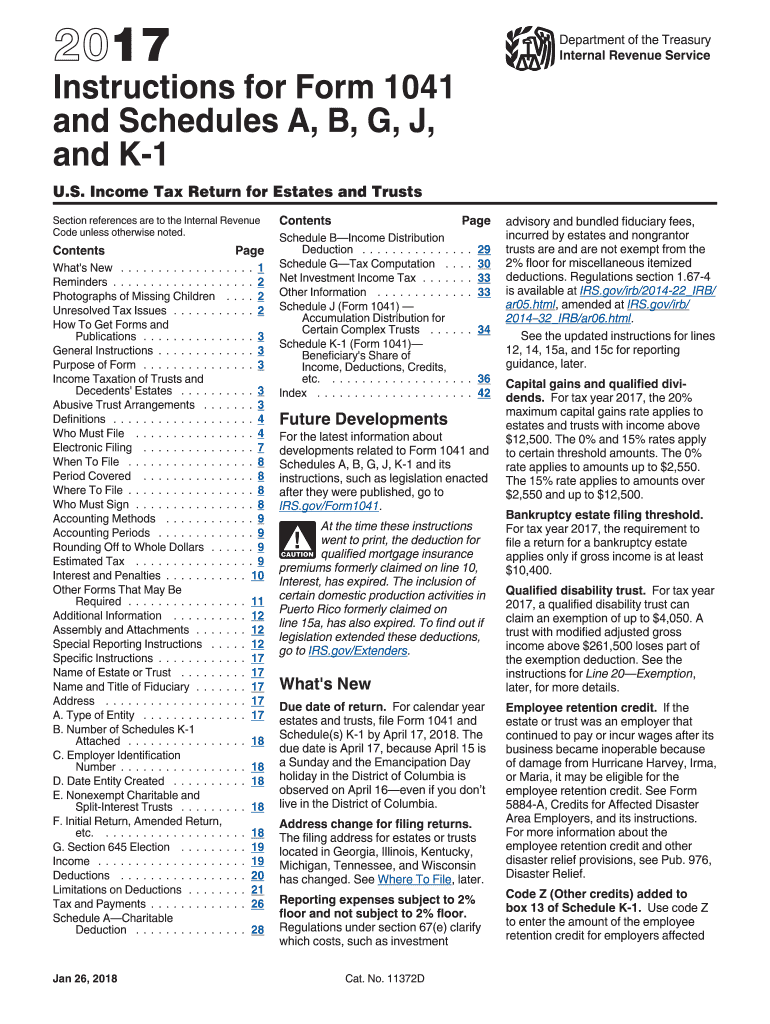
Form 1041, U.S. Income Tax Return for Estates and Trusts, is a crucial document used for filing income tax returns on behalf of estates and trusts. The 2017 instructions for this form provide detailed guidance on how to navigate the complexities involved in tax filing for these entities. Estates and trusts are required to file Form 1041 to report income, deductions, gains, and losses, ensuring compliance with U.S. tax regulations. The instructions cover various elements, including the general purpose of the form, who must file, and specific directions for completing different sections.
How to Use the 1041 Instructions 2017 Form
To effectively use the 1041 instructions from 2017, start by understanding the structure and purpose of each section. Begin with an overview of the form to familiarize yourself with its parts. Next, use the instructions as a step-by-step guide to accurately report financial information. Key steps include identifying taxable income sources, determining eligible deductions, and understanding applicable credits. Refer to relevant schedules connected to Form 1041, such as Schedule A for deductions or Schedule D for capital gains. Pay special attention to examples and scenarios provided in the instructions to avoid common pitfalls and ensure precise filing.
Steps to Complete the 1041 Instructions 2017 Form
- Gather Necessary Information: Compile all relevant financial data, including income statements, records of deductions, and documents linking to beneficiaries.
- Follow Section Instructions: Carefully read through each section of the 1041 instructions before filling out the form. This includes the income, deduction, and credit sections.
- Utilize Schedules: Complete associated schedules as advised. For example, use Schedule D to record capital gains and losses accurately.
- Calculate Tax Liability: Use the instructions to compute the estate or trust's taxable income and compare it to specified rates to determine tax liability.
- Review and Verify: Double-check each entry for accuracy, ensuring that all calculations align with provided guidelines.
- Sign and Submit: Once reviewed, sign the form and submit it through approved IRS channels, either electronically or via mail.
Important Terms Related to 1041 Instructions 2017 Form
- Fiduciary: An individual or entity responsible for managing assets for the benefit of another, such as an executor or trustee.
- Beneficiaries: Individuals or entities entitled to receive income distributions from a trust or estate.
- Distributable Net Income (DNI): The maximum amount that can be distributed to beneficiaries and taxed on their returns.
- Simple Trust: A trust that is required to distribute all income annually and does not distribute principal.
- Complex Trust: A trust that may accumulate income, distribute principal, or make charitable contributions.
Filing Deadlines / Important Dates
The deadline for filing Form 1041 for the tax year 2017 was typically April 17, 2018. It's essential to adhere to this deadline to avoid penalties. If an extension is needed, Form 7004 can be filed to request an additional six months, moving the deadline to October 15. Keeping track of these dates is vital, as early planning can prevent late submissions and potential fines. Additionally, note the deadlines for estimated tax payments, generally set in January, April, June, and September.
Penalties for Non-Compliance
Failing to file Form 1041 by the deadline can result in penalties. For each month or part of a month the form is late, the IRS may charge a penalty of 5% of the unpaid tax due, up to a maximum of 25%. If fraudulent behavior is detected, penalties can increase significantly. It's also possible to incur fines for underpayment or misreporting, emphasizing the importance of accuracy and timely compliance.
IRS Guidelines
The IRS provides comprehensive guidelines for the use of Form 1041, ensuring that fiduciaries accurately report financial activities of trusts and estates. These guidelines explain filing requirements, outline how to report income, and describe the treatment of various deductions and credits. The IRS expects fiduciaries to maintain thorough documentation and follow instructions meticulously. If clarification is needed, consult the IRS or a tax professional for assistance.
Software Compatibility (TurboTax, QuickBooks, etc.)
Form 1041 instructions from 2017 can be effectively utilized with software solutions like TurboTax, QuickBooks, and other tax preparation tools. These programs help import financial data, facilitate calculation of taxes, and streamline the submission process. When selecting software, ensure it is compatible with IRS e-file systems and updated to reflect any changes in tax laws since 2017. Using specialized software can significantly reduce the complexity of completing forms, allowing for a more efficient and accurate filing experience.




