
Get any PDF form from the DocHub library of ready-made templates - Page 1971
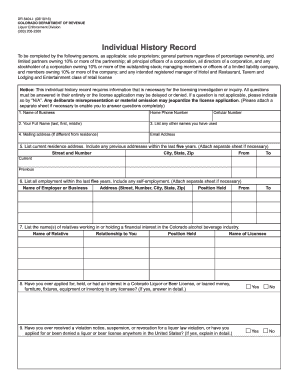
Dr 8404
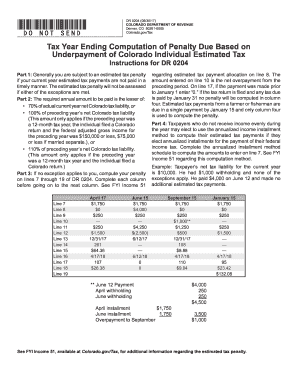
2011Colorado Income Tax Filing Guide - Colorado.gov
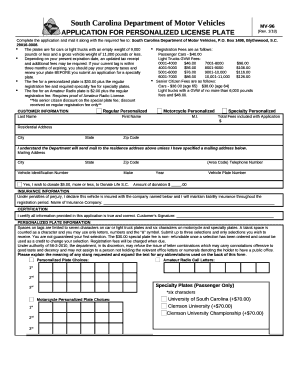
South carolina form 96
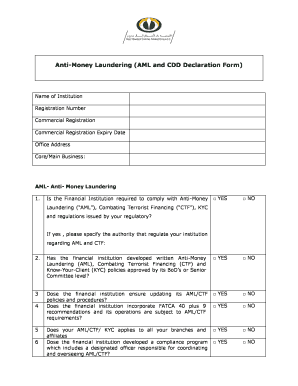
Anti money laundering declaration form

Mvt 15 1
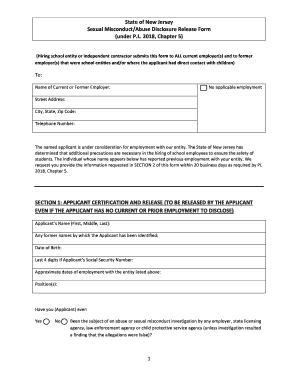
Nj sexual misconduct and abuse disclosure release

Form RP-425-E:7/18:Application for Enhanced STAR Exemption for the 2019-2020 School Year:rp425e
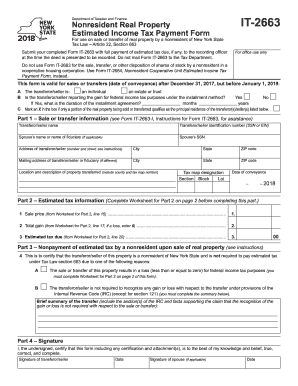
It 2663 form 2018

Dc cv 082 form
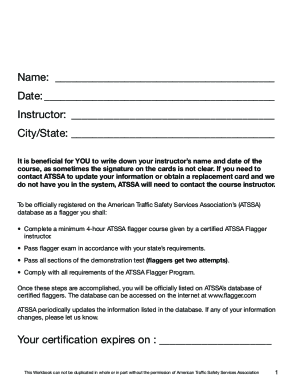
Flagger Workbook
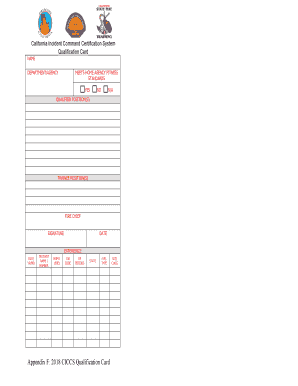
Ciccs card
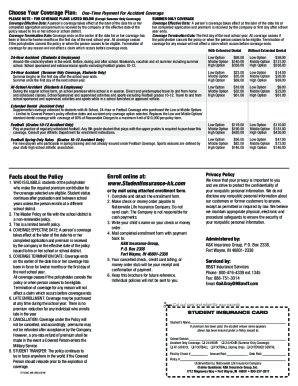
Www studentinsurance kk com

Informal caregiver invoices
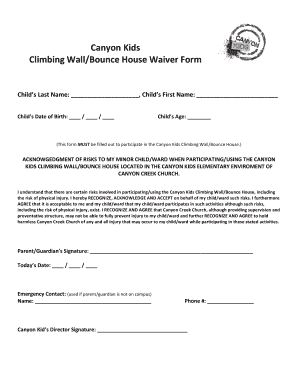
Printable bounce house waiver
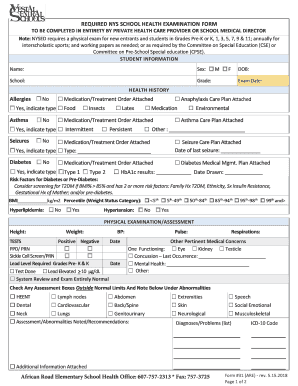
Required New York State School Health Examination Form. Required New York State Health Examination Form No. 31 for African Road Elementary students
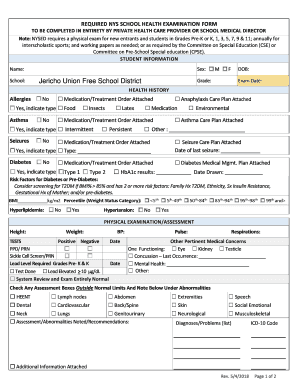
Nys school physical form 2021 pdf

Pnp ape form 2021

Esrs employer enrollment form

Pacu nurse report sheet
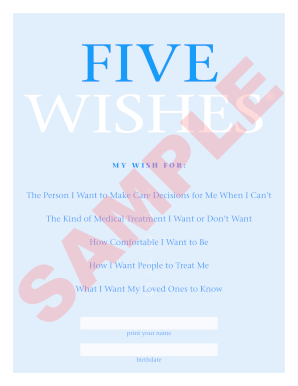
Five wishes document

Cosmetology transcript sample
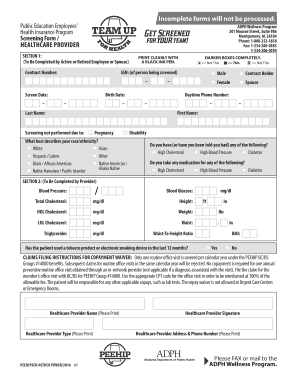
Alabama peehipscrhlthcr screening form make
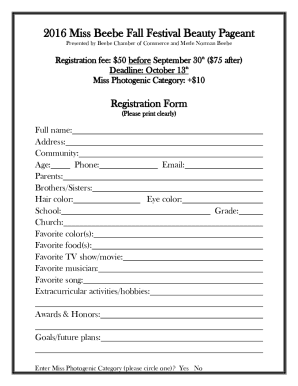
Printable pageant forms
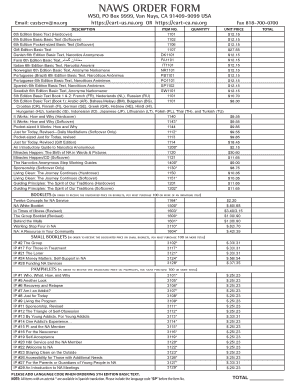
Naws form na search
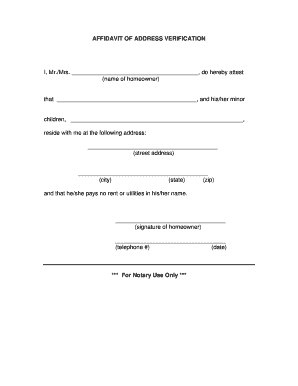
Address affidavit form

Turo inspection form
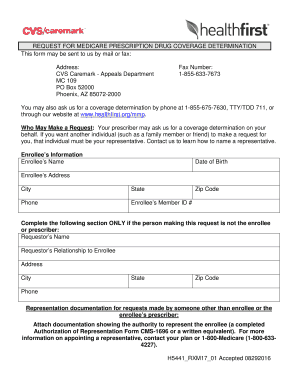
CVS Caremark - Appeals Department
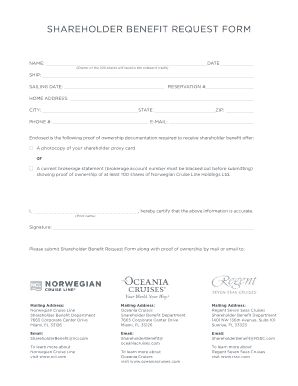
Ncl shareholder benefit form
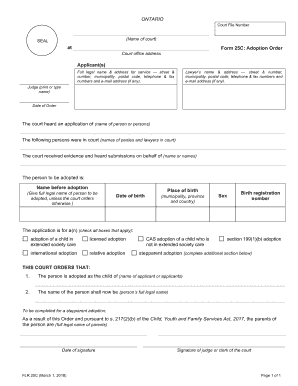
Ontario adoption order court
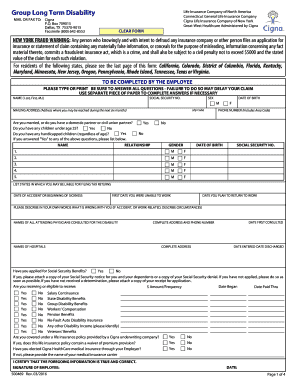
Cigna term disability
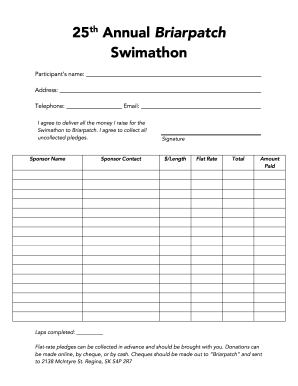
25th Annual Briarpatch Swimathon pledge form.docx

Aa new group form
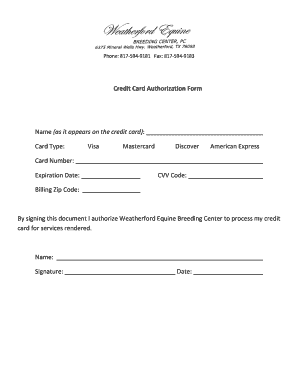
Credit card authorization form template
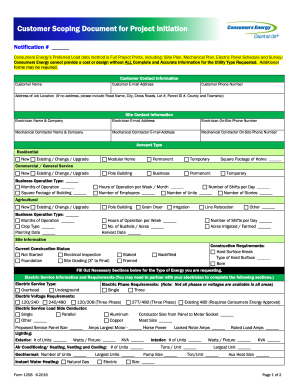
Energy form document

CR-765 Release (Jail Form) - State of Alaska

Voya claimant form

Sloto cash

Temporary cadc ky
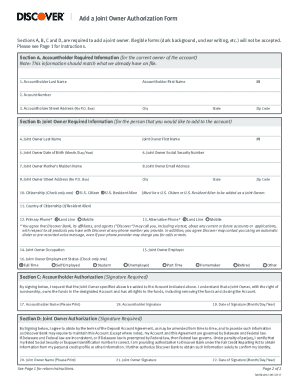
Discover checking add joint account holder
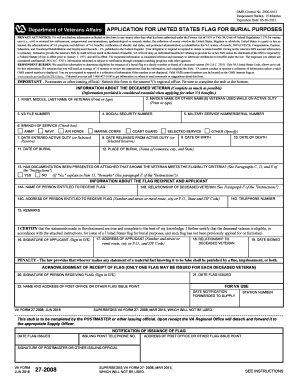
Va 27 2008
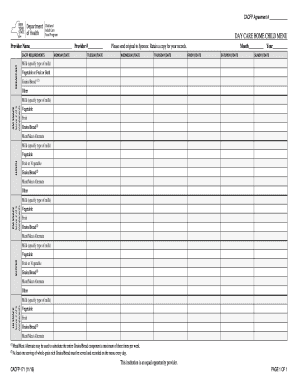
Cacfp 171 DocHub
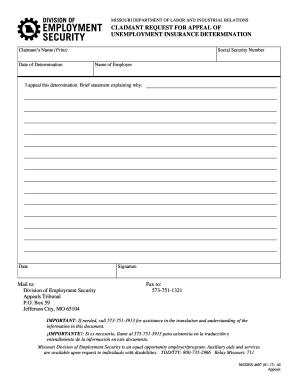
Missouri modes determination
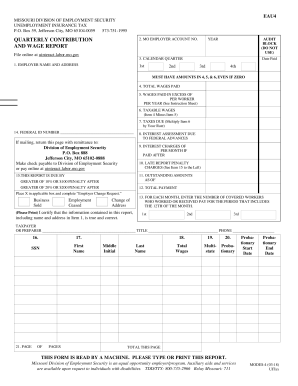
Quarterly Contribution And Wage Report
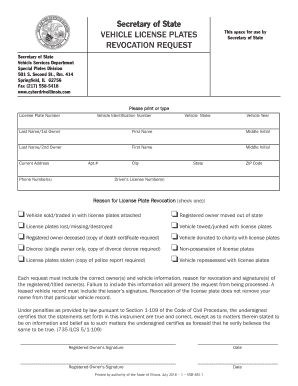
Revoke illinois license
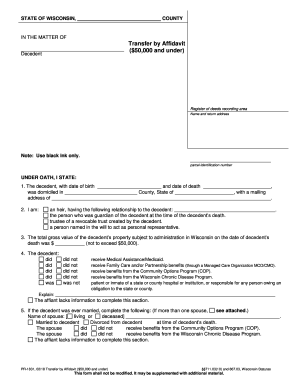
Note: Use black ink only
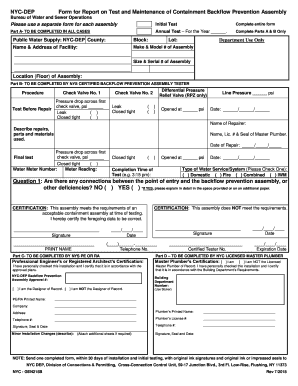
Gen215b
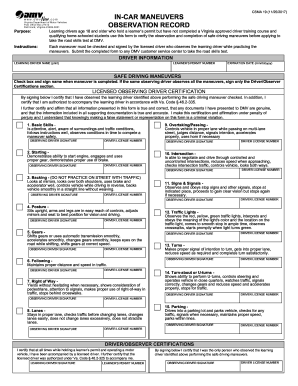
In car maneuvers observation record
Importer self assessment handbook
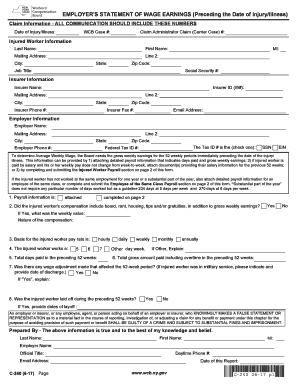
Statement wage form

Employer verification of earnings

International Fuel Tax Agreement - IFTA Regsitration. Registration form for International Fuel Tax Agreement - IFTA

Nh odometer disclosure statement
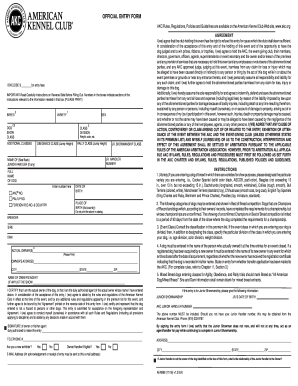
Akc agility entry form
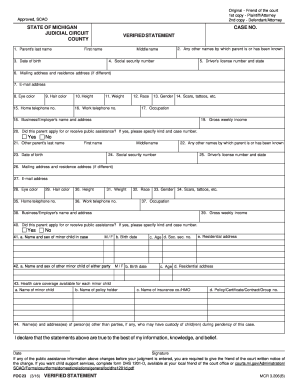
Application iv d services

Ny guardian report
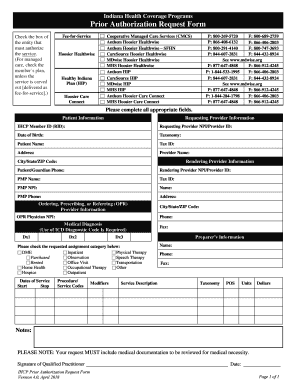
Health authorization request
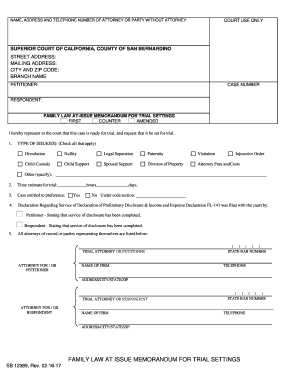
Sb 12389

Rhode island clamming license

Mv 198c

Texas floral

Illinois revenue board
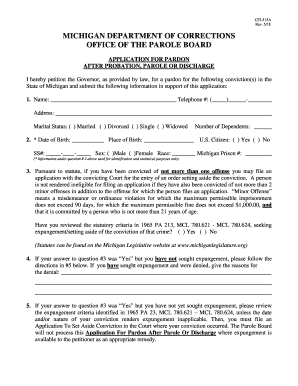
Application michigan expungement
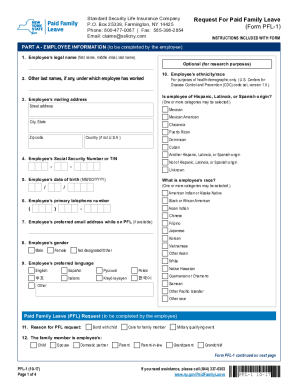
Form pfl 1
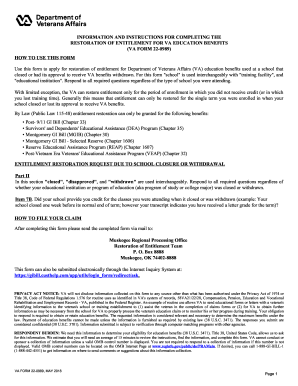
22-0989. Restoration of Entitlement for VA Education Benefits

Application For Employment Gull Lake Sewer - glswa.org

Imperial health authorization form

Tollfaktura / Customs Invoice
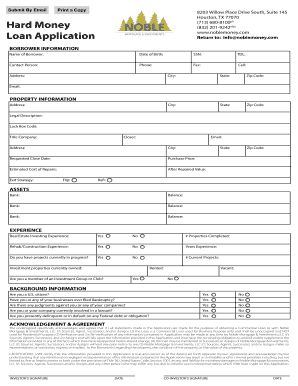
Hard Money Loan Application - Noble Mortgage

New jersey government records
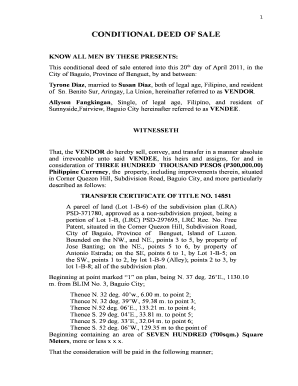
Deed of conditional sale sample

Texas w 9

Mobile county sheriff's office pistol permit

General denial answer sample

Sterilization log sheet public health ontario
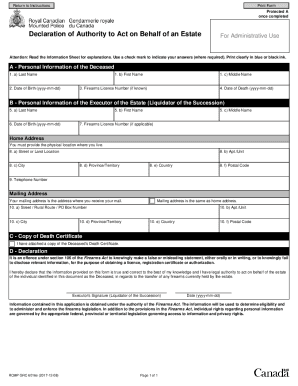
Rcmp grc 6016e

Nevada daily las vegas
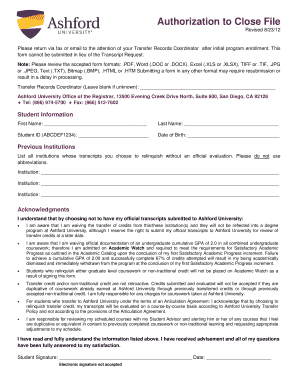
Ashford university student portal
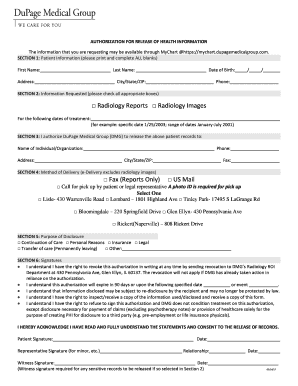
Dupage medical group medical records
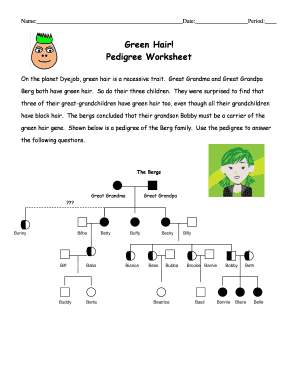
Green hair pedigree worksheet

Gap in cover declaration
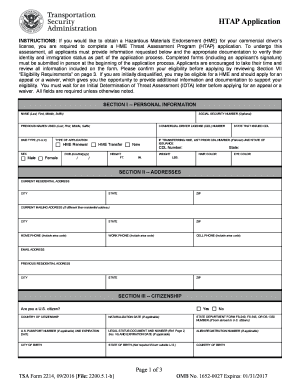
Htap application
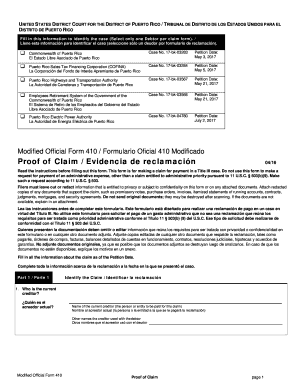
Modified official form 410
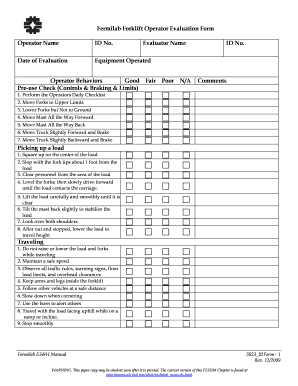
Forklift operator evaluation form
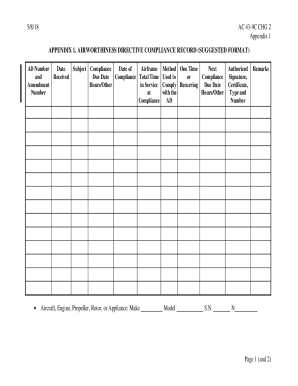
Ac 43 9c
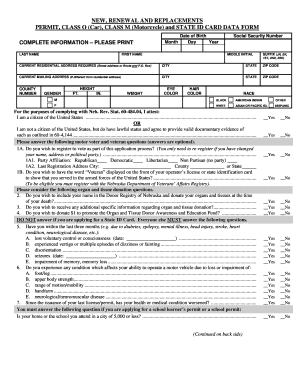
Scdmv form 452
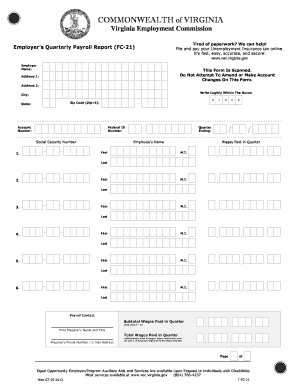
Vec forms fc20
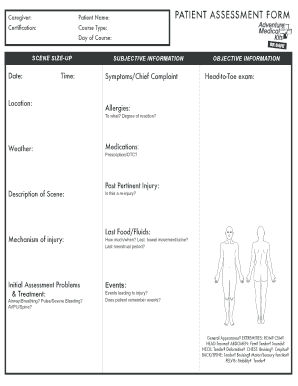
Medical patient assessment form
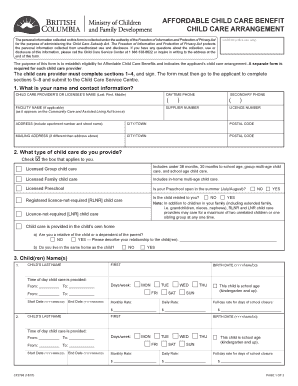
Child care arrangement form
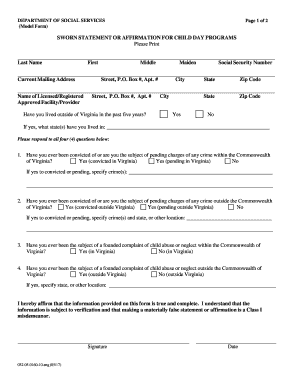
Virginia sworn statement
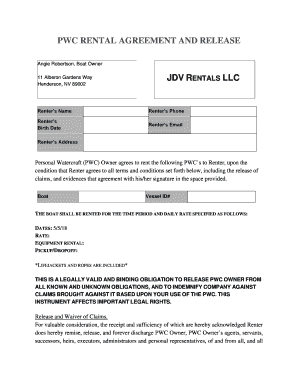
PWC RENTAL AGREEMENT AND RELEASE
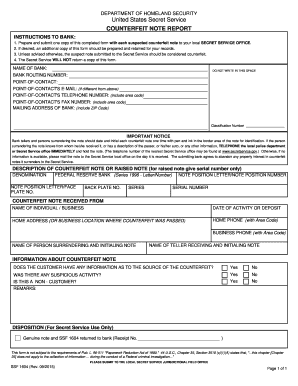
Counterfeit note
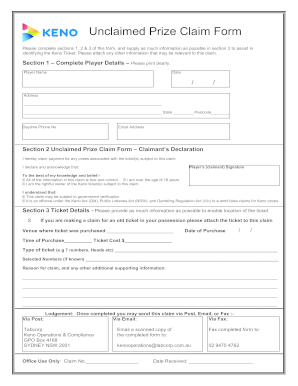
Keno connect
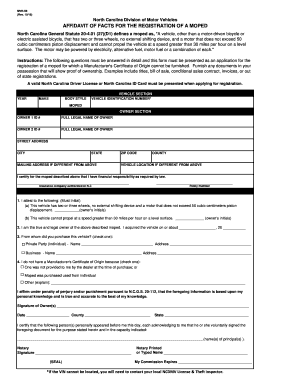
Nc motor fact registration mvr
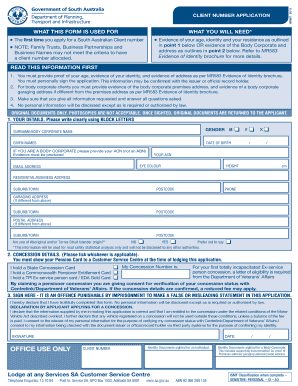
Mr667
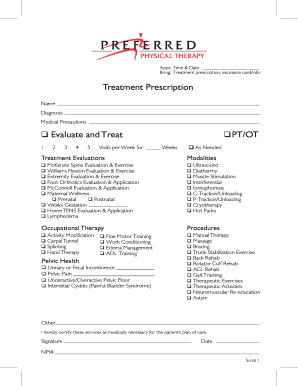
26198 Script Pad Front - Preferred Physical Therapy
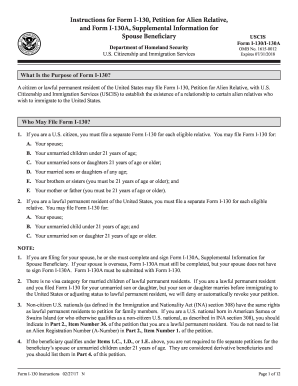
Form i 130 instructions pdf 2017
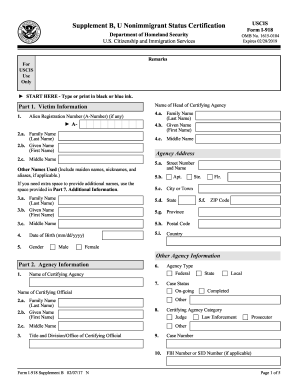
Form i 918 supplement b
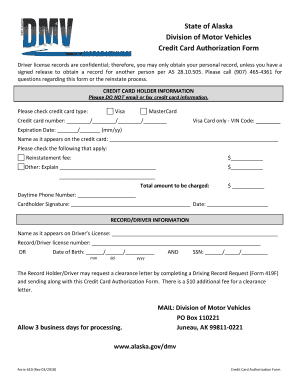
Ak dmv form

Quick phonics screener

Harris teeter educational leave
Benefit from the DocHub online library of fillable PDF forms
Searching the PDF forms doesn't have to be a tedious and time-consuming process. With the DocHub online library, it has become easier to find the fillable PDF forms and modify them in your browser. The service allows you to adjust the document to your needs using powerful editing tools.
You can use online document editing features to modify almost any type of document with ease. You just need to find the template of your choice, open it in the editor, and use the toolbar to make the necessary corrections.
Follow this guide to get your document done with DocHub:
- Find the PDF template you need.
- Click the Get Form button to open the file in the editor.
- Use the toolbar to fill out and edit the document.
- Easily add and highlight text, insert images, checkmarks, and symbols.
- Drop new fillable fields, and rearrange or delete pages from your file.
- Save changes and download your record.
DocHub empowers everyone to streamline document editing, signing, and distribution, and form completion. Create an account and benefit from our well-organized PDF Forms library and comprehensive editor.