
Get any PDF form from the DocHub library of ready-made templates - Page 1954
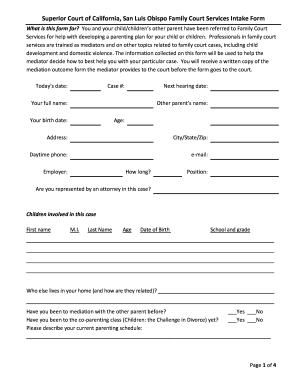
San luis obispo family court services
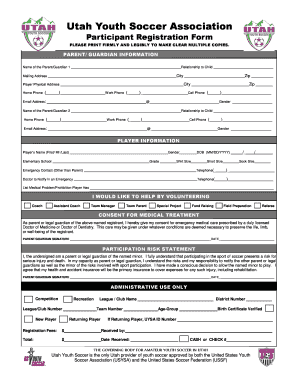
Uysa participation form

Dss 3139
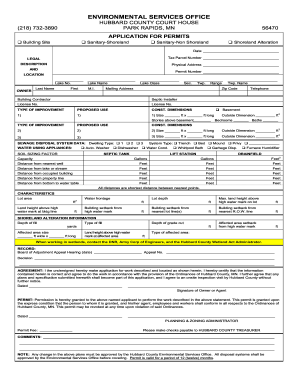
Hubbard county building permits

Functional behavior assessment example
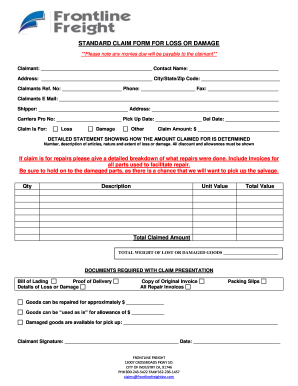
Frontline claim
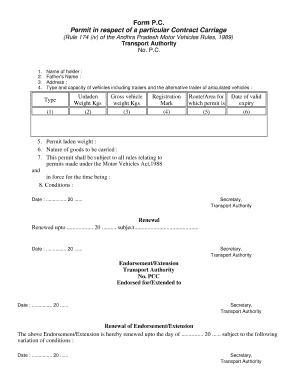
Contract carriage permit
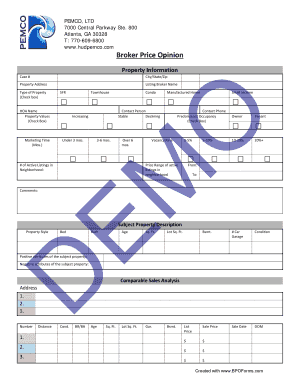
Broker price opinion template

RESIDENTIAL BROKER PRICE OPINION. NHS Broker Price Option Form
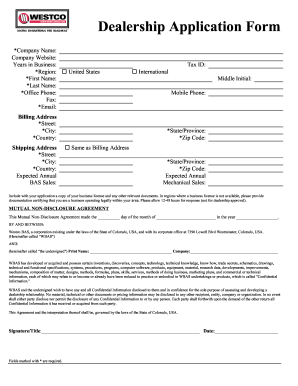
Download Dealer Application (PDF, 90K) - Westco BAS

Nkf registration form pdf
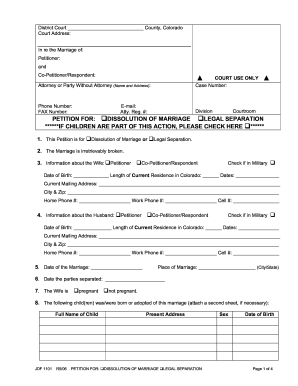
Jdf1101

FORM A: Application for Process Maintenance - ASPRI

Sheetz job application form
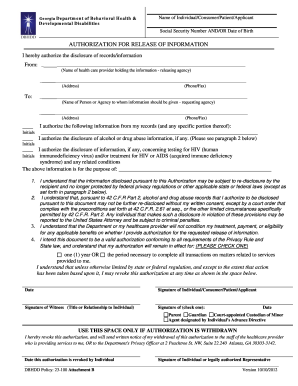
Dbhdd authorization
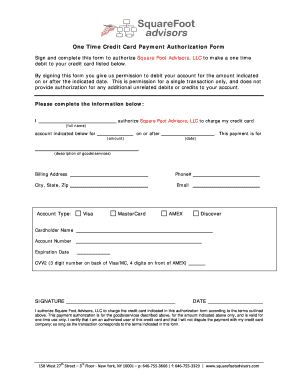
One time credit card authorization form
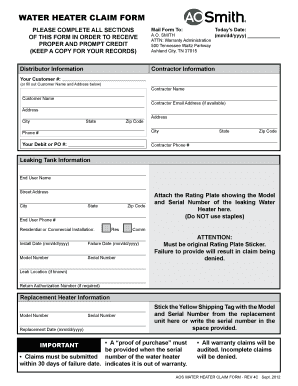
A o smith warranty claim form
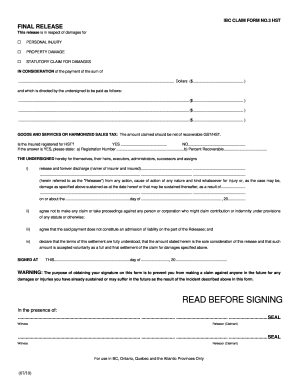
Ibc release form
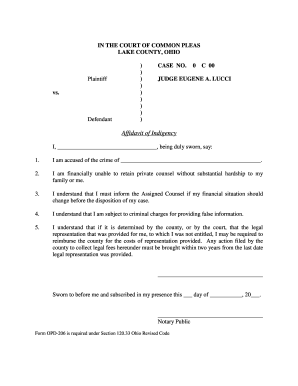
Affidavit of Indigency - Lake County Ohio gt Home
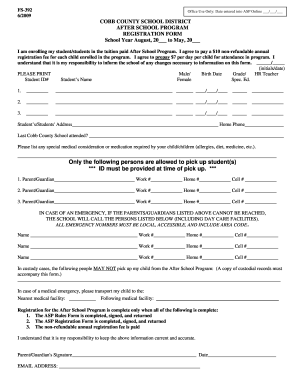
Cobb county school registration
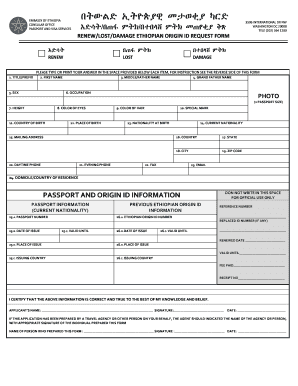
Ethiopian power of attorney sample in english

Legal guardianship form benilde

Dc verified real property

SL2-Diligent Search Form
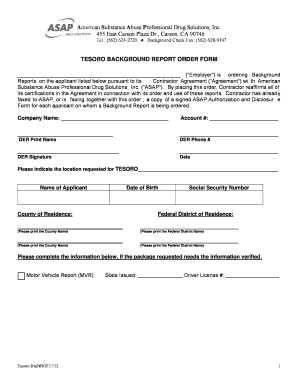
Asap form
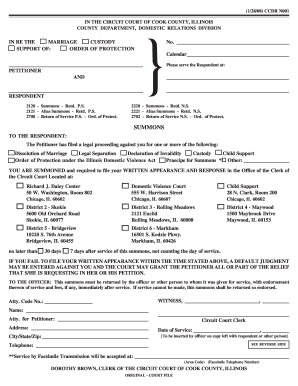
Summons - Circuit Court of Cook County - cookcountycourt
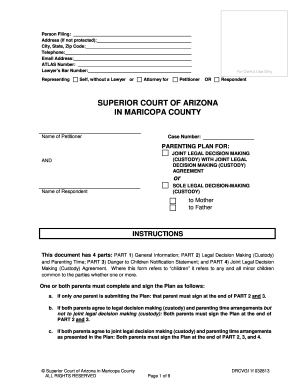
PATERNITY with LEGAL DECISION MAKING (Custody), PARENTING TIME, and CHILD SUPPORT THE COURT ORDER FOR PETITIONER OR RESPONDENT Part 4: Forms Only. PATERNITY - superiorcourt maricopa
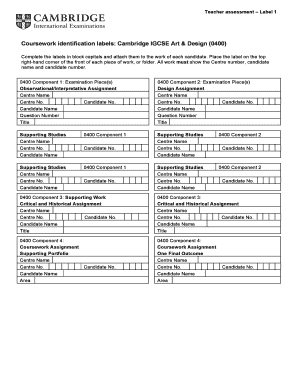
Igcse art and design textbook pdf
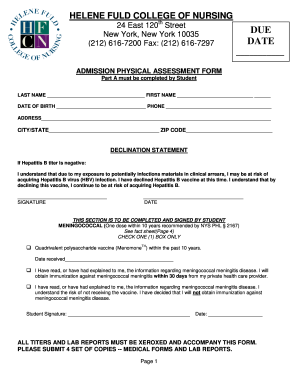
Fuld physical form
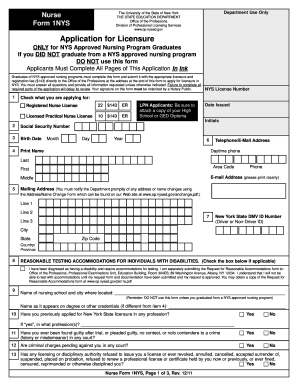
New york board of nursing application
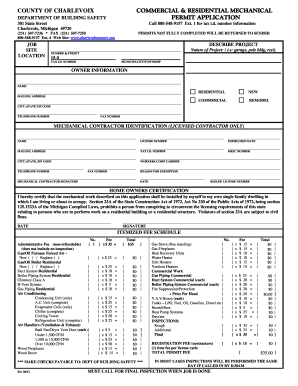
Charlevoix building department
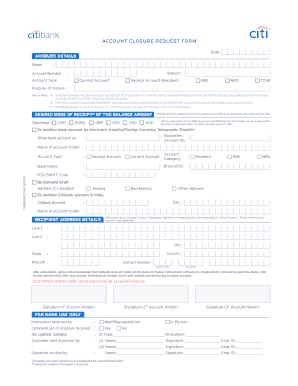
Citibank account closure form
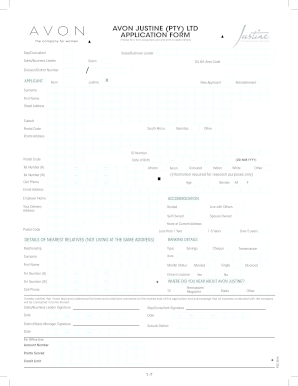
Avon registration form

Illinois department of correctionsreport of extraordinary or unusual occurrences
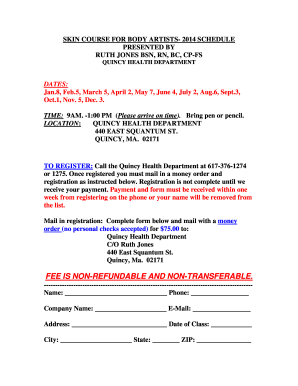
Skin course quincy
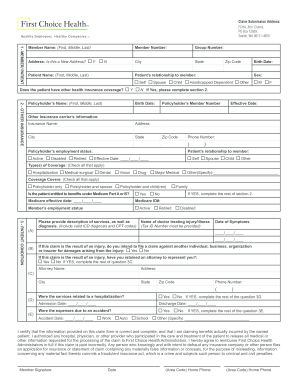
First choice claim form
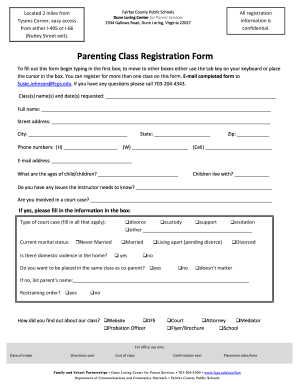
Registration form
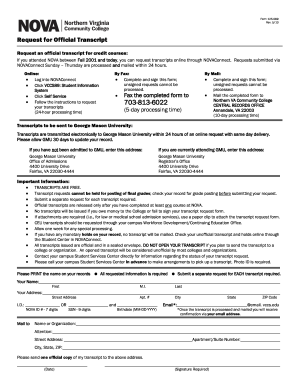
Form 125 089 form

Bert claim form
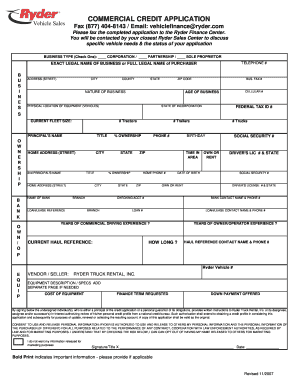
Ryder financing

Trec forms online
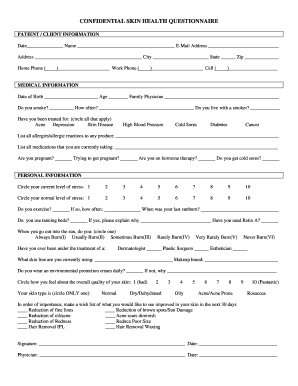
Skin questionnaire

School bus driver application form
Print order form
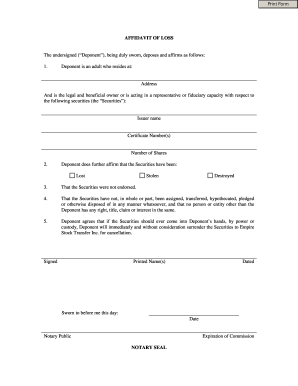
Lost marksheet affidavit
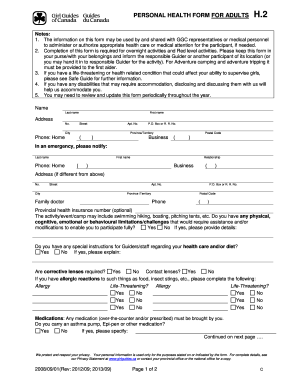
Safe guide forms
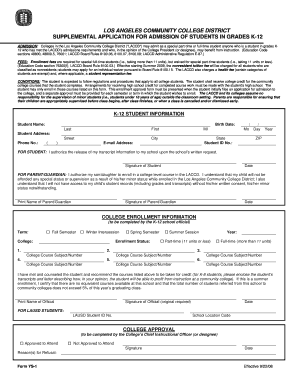
K 12 form

Frisco isd gt testing

Pilot bill of rights 8610 2

Cub cadet warranty

Games at twilight questions and answers pdf

Mandatory special necessities benefit request form

Form pc50318
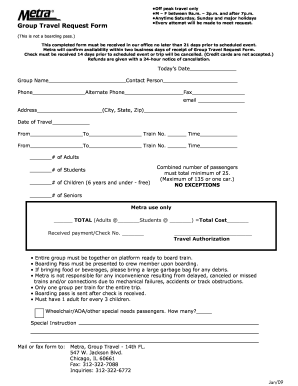
Metra group travel form

Rental agreement for self storage space - Mill Creek Self Storage

Bike rental agreement format india
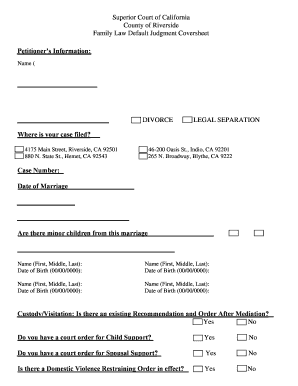
Divorce papers california

Quickstart ignition interlock

Martial arts programs pdf

Ushpa master rating application - US Hang Gliding and Paragliding ... - ushpa

Mbna income and expenditure form
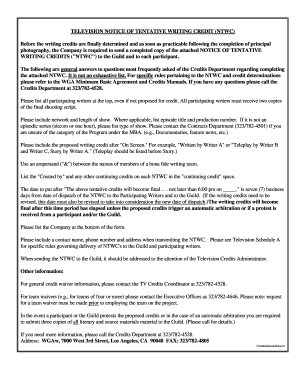
Notice writing credit form template

Pathmark charitable donations form

Chemical hazard assessment form
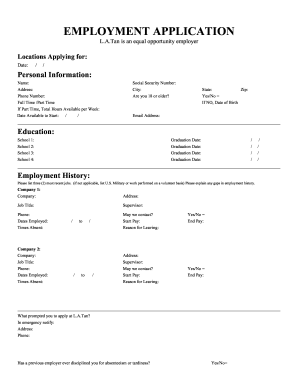
La tan application

Nh state employment application
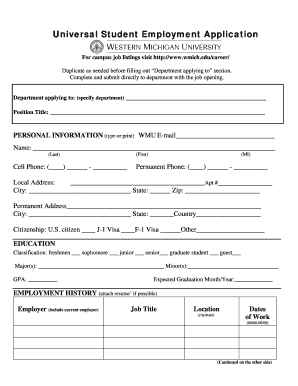
Western michigan university student employment application
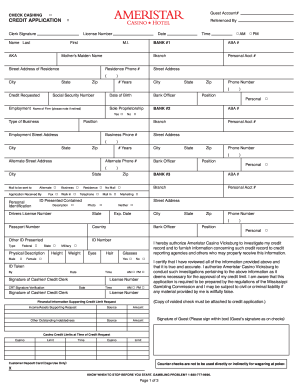
Harrah's check cashing policy

How to form ec1
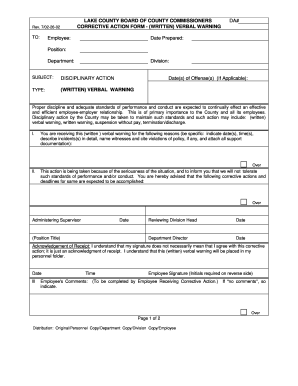
Verbal order form template
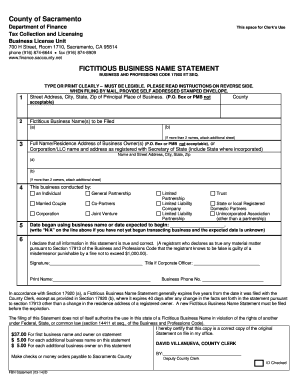
Fictitious business name statement sacramento

FORM: Duplicate score report - Association of Social Work Boards - aswb
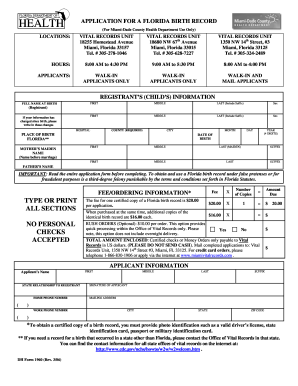
Certificado de nacimiento
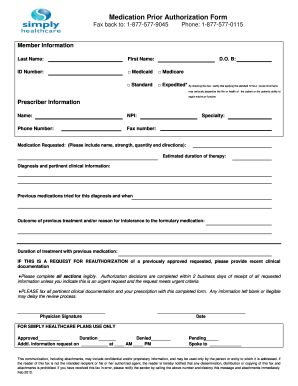
Simply authorization form
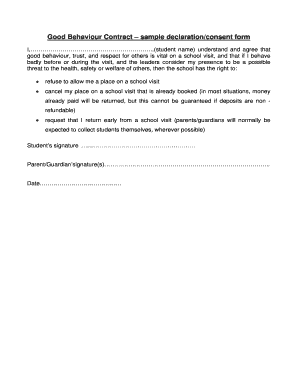
Declaration format
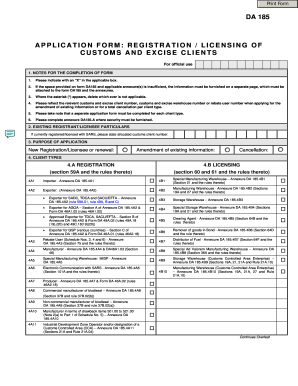
Da185
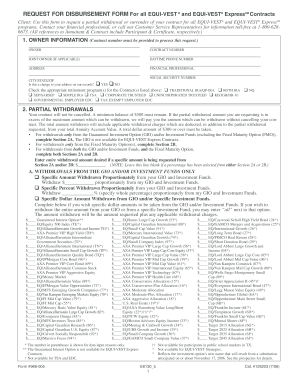
Equi vest disbursement form
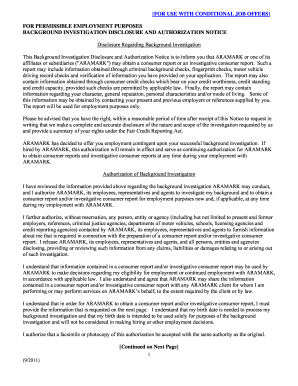
Aramark physical form

Duns number pte

Export declaration form

Affidavit caste certificate form 2 pdf
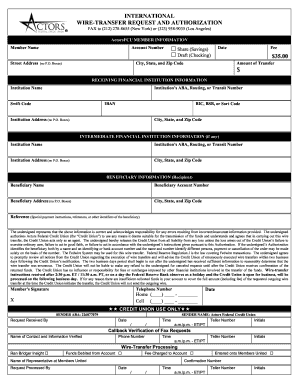
International wire transfer form template 2009
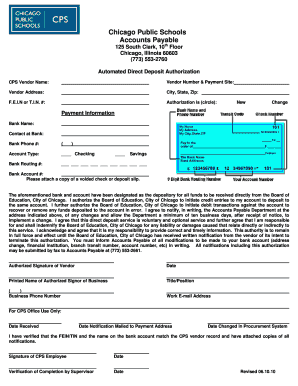
Cps direct deposit
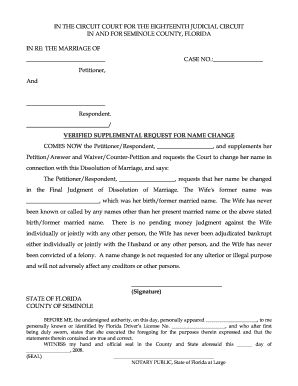
Name change aff

Bpi remittance client referral form

Cottage rental application form
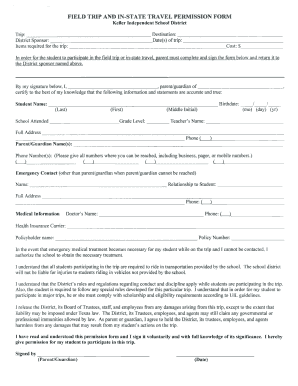
Keller trip permission
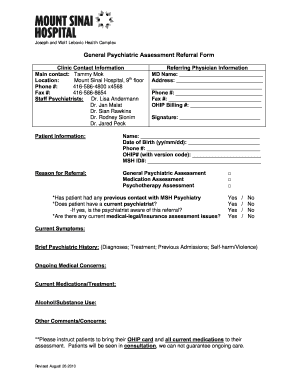
Psychiatric assessment template form

Form 82053

Examples of a cancer coaching intake form

Csbilling capecoral net
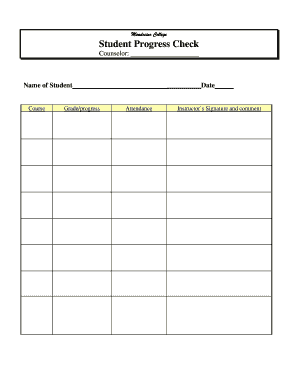
Form coh eeo29 form
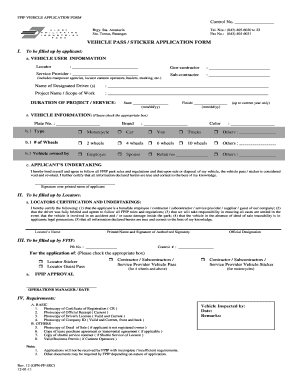
Parkadmin fpip com
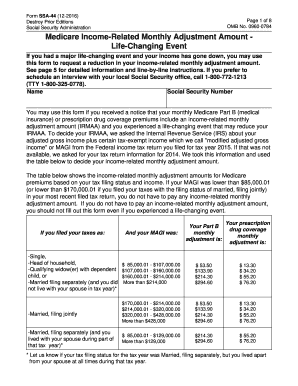
Social Security Form SSA-44: How to Fill It Out and Submit It ...
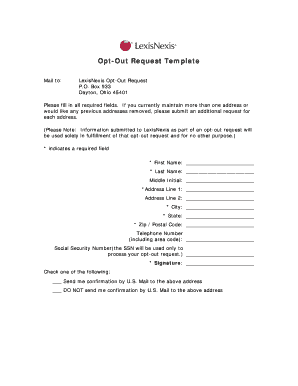
Lexisnexis opt out

Cid form

Biomedical waste permit
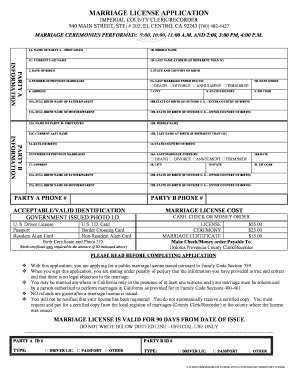
Marriage certificate application
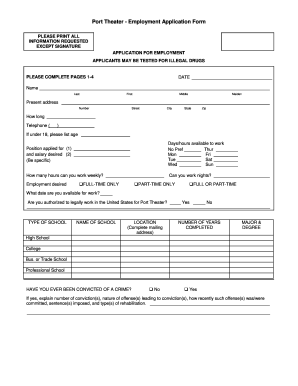
Port theater form sample

Chef application form
Benefit from the DocHub online library of fillable PDF forms
Searching the PDF forms doesn't have to be a tedious and time-consuming process. With the DocHub online library, it has become easier to find the fillable PDF forms and modify them in your browser. The service allows you to adjust the document to your needs using powerful editing tools.
You can use online document editing features to modify almost any type of document with ease. You just need to find the template of your choice, open it in the editor, and use the toolbar to make the necessary corrections.
Follow this guide to get your document done with DocHub:
- Find the PDF template you need.
- Click the Get Form button to open the file in the editor.
- Use the toolbar to fill out and edit the document.
- Easily add and highlight text, insert images, checkmarks, and symbols.
- Drop new fillable fields, and rearrange or delete pages from your file.
- Save changes and download your record.
DocHub empowers everyone to streamline document editing, signing, and distribution, and form completion. Create an account and benefit from our well-organized PDF Forms library and comprehensive editor.