
Get any PDF form from the DocHub library of ready-made templates - Page 1791
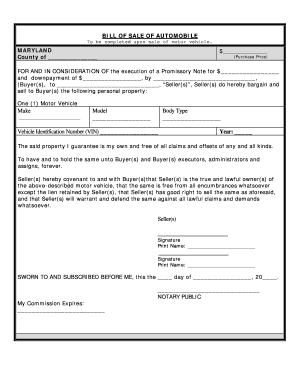
Bill of sale for car maryland

Oregon promissory note
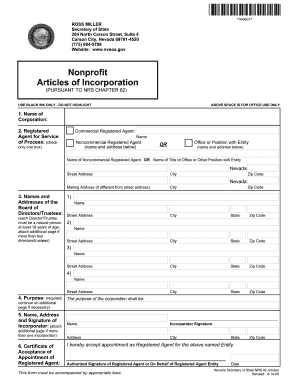
Nevada Articles of Incorporation for Domestic Nonprofit Corporation

Power of attorney georgia
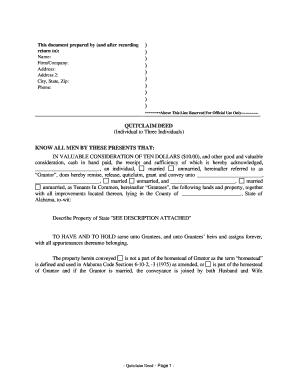
Quitclaim deed alabama pdf
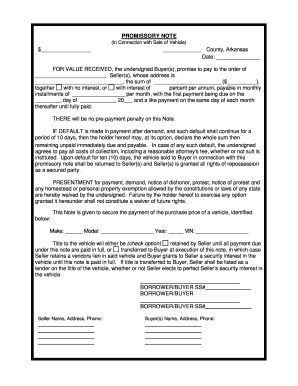
Arkansas Promissory Note in Connection with Sale of Vehicle or Automobile

Nj quit claim deed pdf

Grantor is the executor in nc deed
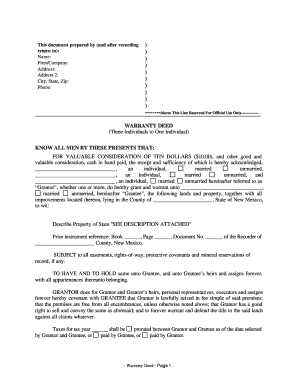
Warranty deed new mexico
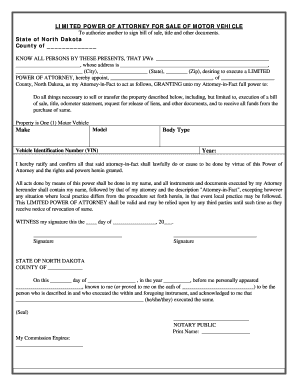
North Dakota Power of Attorney for Sale of Motor Vehicle
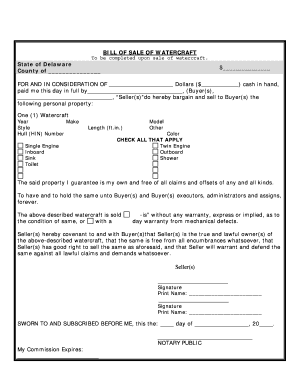
Delaware Bill of Sale for WaterCraft or Boat
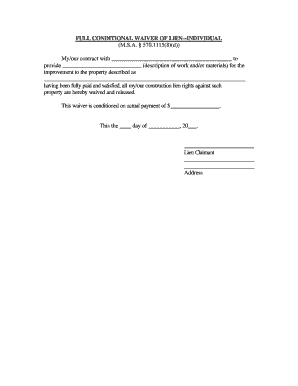
Waiver sample

Illinois Warranty Deed from Individual to Corporation
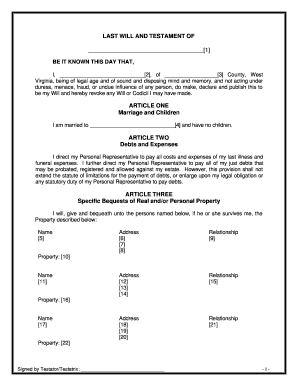
Simple will template virginia
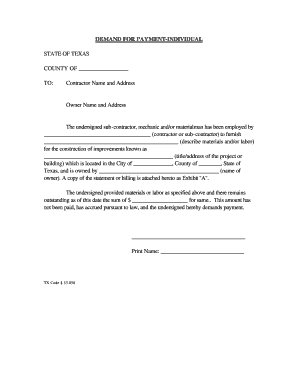
Demand letter texas
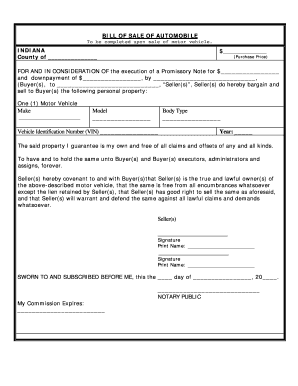
Automobile

Benton county arkansas quit claim deed

Purchase contract utah no brokerage form
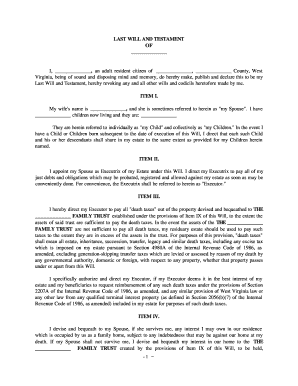
Being of sound and disposing mind, memory and understanding
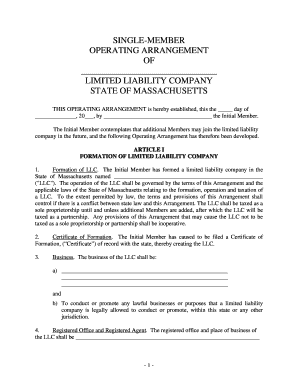
Massachusetts Single Member Limited Liability Company LLC Operating Agreement
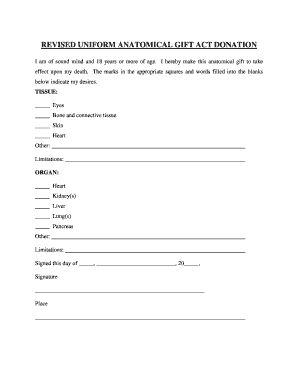
Nevada Revised Uniform Anatomical Gift Act Donation
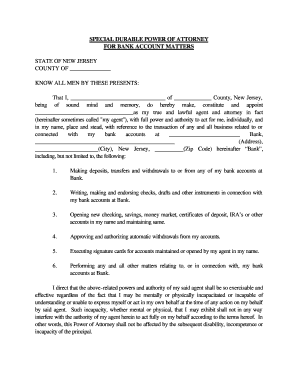
New Jersey Special Durable Power of Attorney for Bank Account Matters

Tennessee last will and testament

California Quitclaim Deed from Individual to LLC
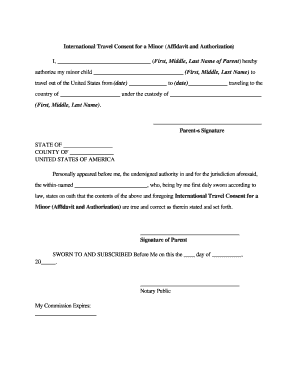
Travel document without parent

California company
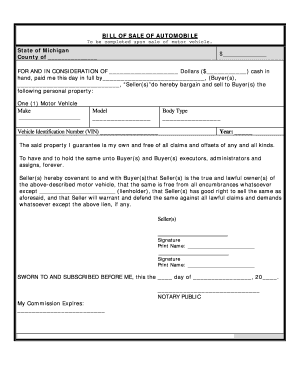
Mi bill download

Termination of contract for deed form
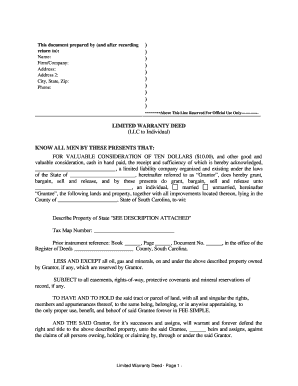
Limited warented deed
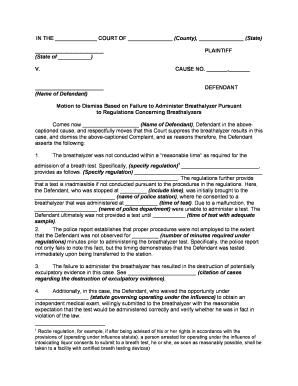
Motion to Dismiss Criminal Charges for Failure to follow Breathalyzer Protocols - DUI

Indiana Warranty Deed from Husband and Wife to Husband and Wife
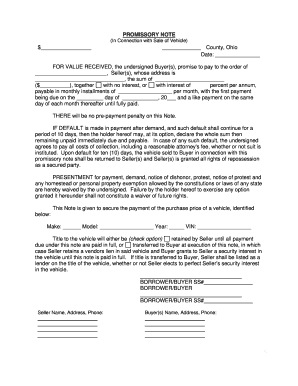
Promissory note for car pdf
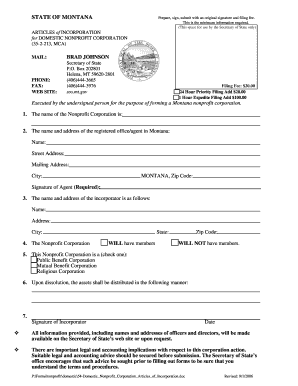
Montana articles of incorporation
Handicap placard application pennsylvania

Michigan legal will form
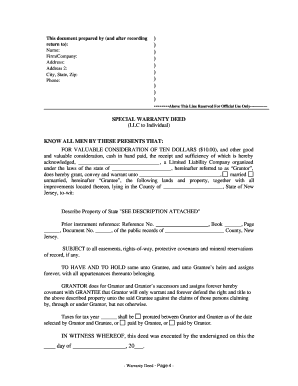
New jersey special warranty deed
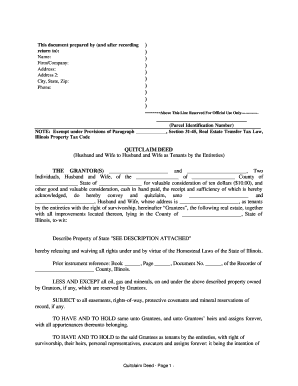
Deed from husband to husband and wife form
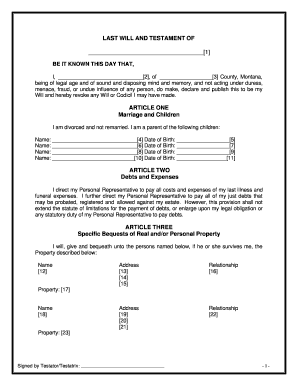
Template of a will

Quitclaim deed india
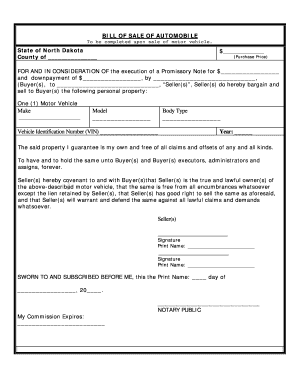
New jersey bill of sale car
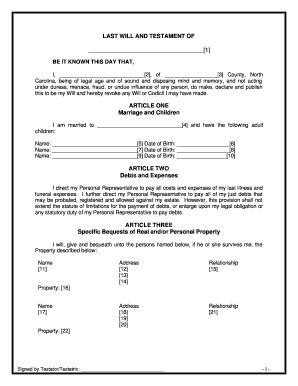
Blank will form to print
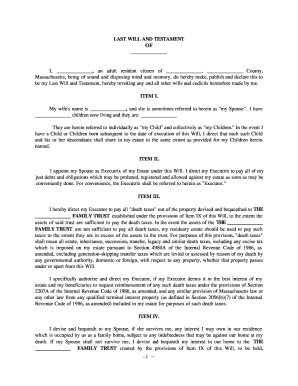
Credit shelter trust

Minnesota Well Disclosure Statement
Blank lease agreement
Montana Residential Rental Lease Agreement
TN-P0100.PDF
Print a blank quit claim deed pdf
Wisconsin llc operating agreement
Articles of incorporation texas template
California Legal Last Will and Testament Form for a Widow or Widower with Adult Children
Power of attorney form for new mexico
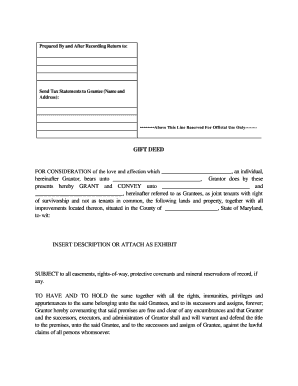
Maryland Gift Deed - One Individual to Two Individuals as Joint Tenants
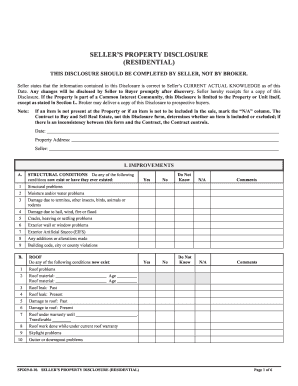
Real estate disclosure statement

Land contract ohio
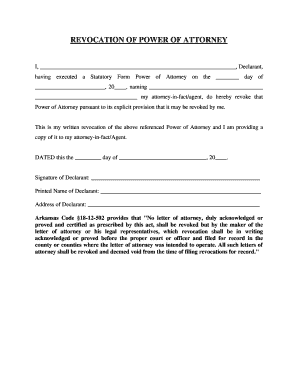
Arkansas Revocation Statutory Form Power of Attorney
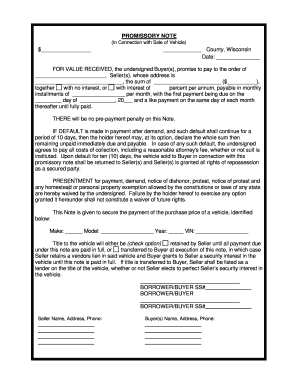
Vehicle promissory note
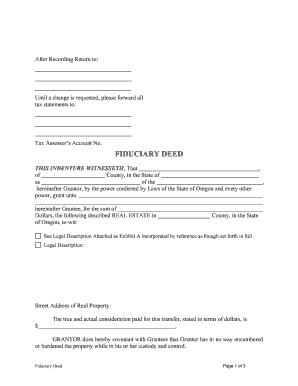
Executors deed oregon form
What is an administrators deed oklahoma form
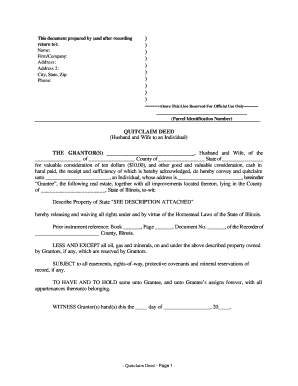
Illinois Quitclaim Deed from Husband and Wife to an Individual
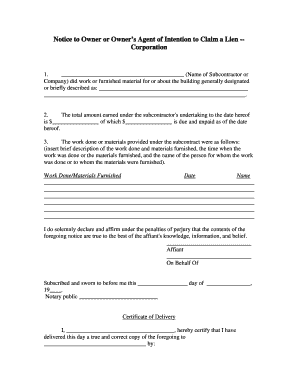
Claim of lien form
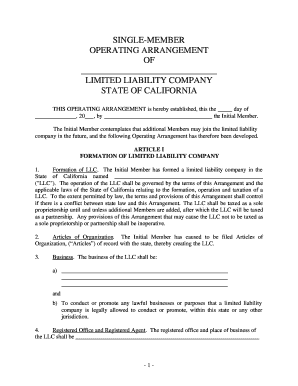
California single member llc operating agreement
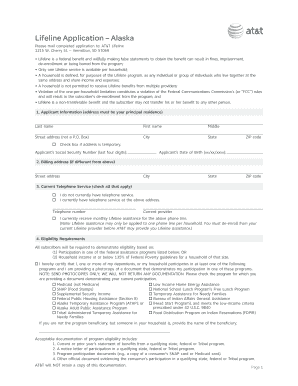
At t lifeline alaska
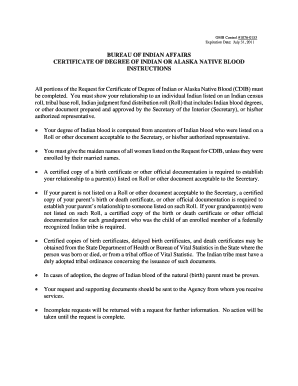
Bia request for certification of degree of indian or alaskan native blood form 2011
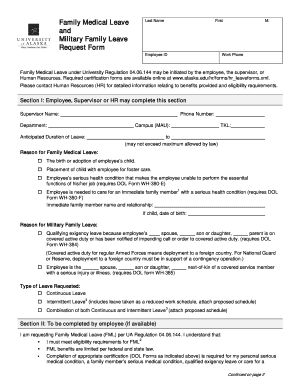
Alaska leave form
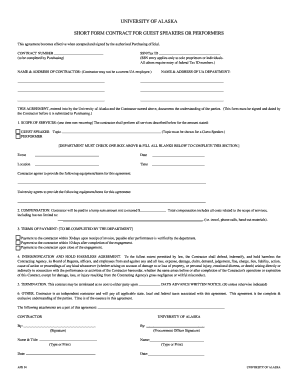
Honorarium agreement template
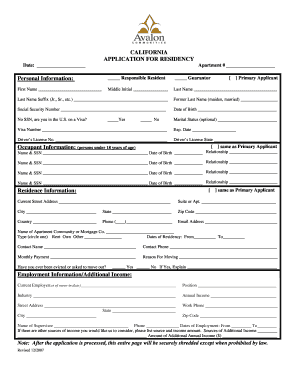
Residency verification form

Form 41 ls fillable 2010
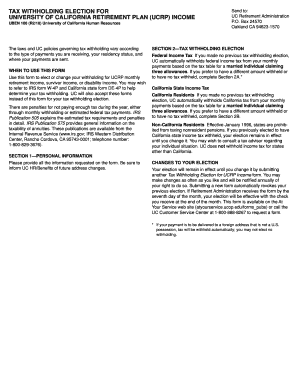
Ucop forms uben106 2010

Std 610 form
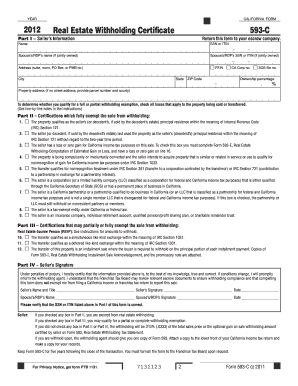
2012 form 593 c

Ffa degree application form
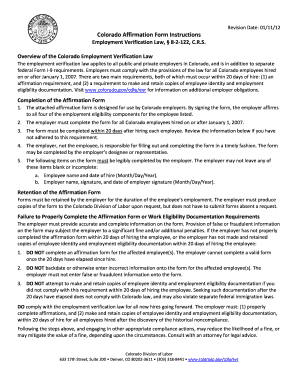
Colorado affirmation of legal work status 2012 form
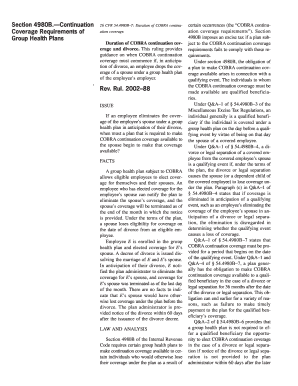
Revenue ruling 2002 88 form
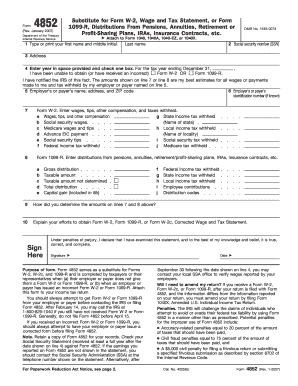
Indian post rd full fill form 2007
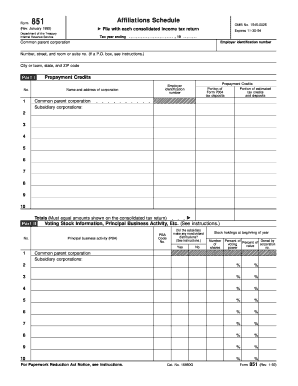
Form 851 affiliations schedule fillable 1992
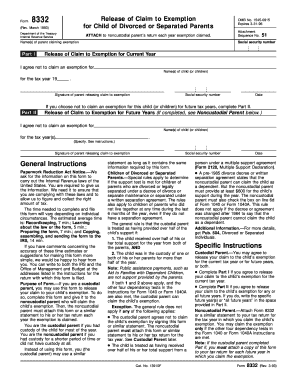
Form 8332
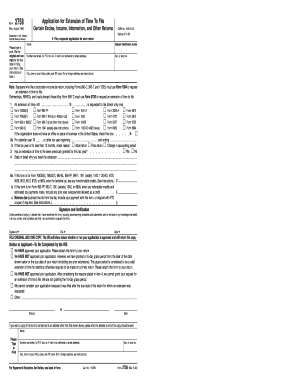
Irs form 2758 1992
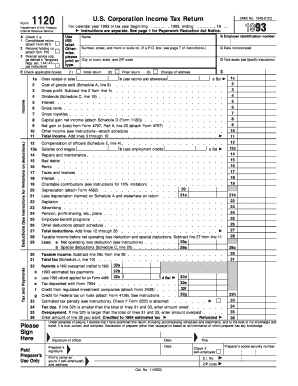
1993 form 1120
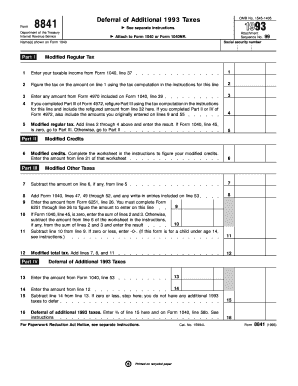
Form 8841

Irs form 56 where to email 1992

Form 4789
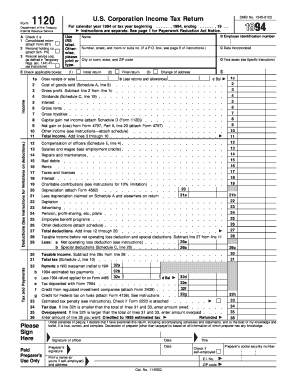
1994 form 1120
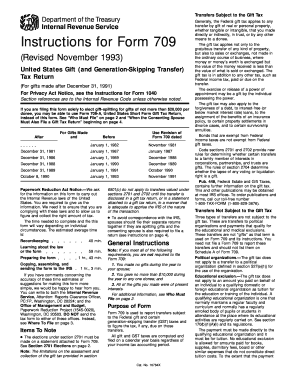
1994 form 709
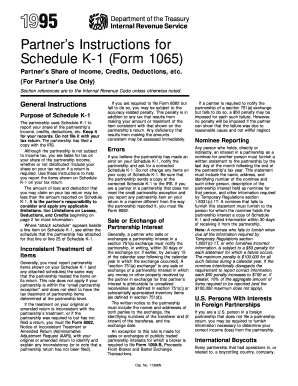
Updated l501 1995 form
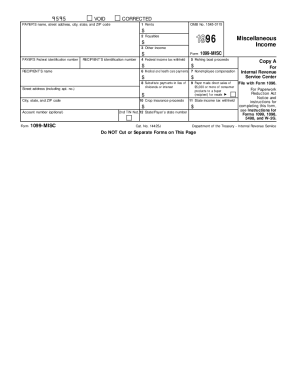
1996 1099 form

Form 3520 1995

1996 form 8606
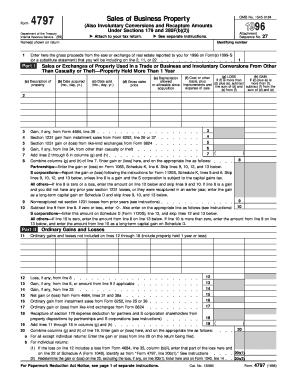
Form 4797 1996
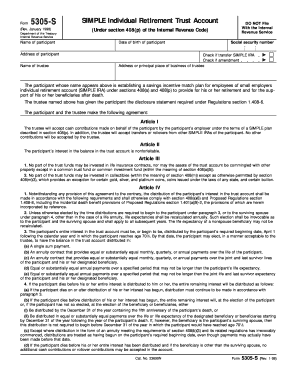
Form 5305 simple 1998
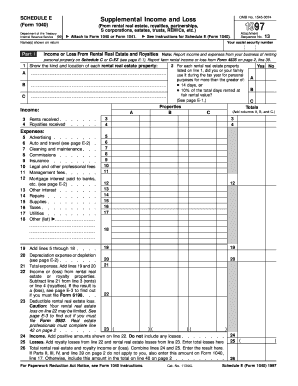
Schedule e 2013 form 1997
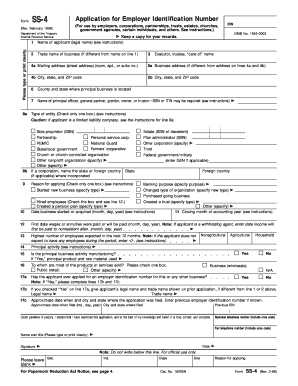
Ss4 98 1998 form
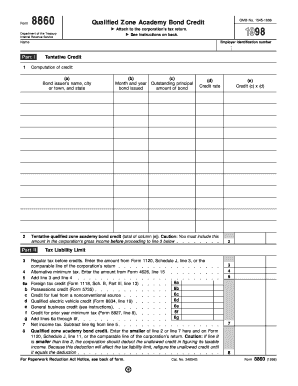
Form 8860
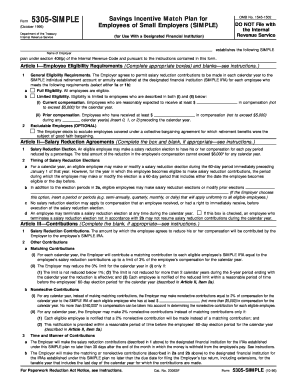
1996 5305 simple form
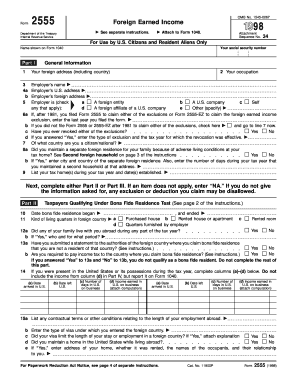
1998 2014 form 2555
1998 Instructions 1040A. Instructions for Preparing Form 1040A (and Schedules 1, 2 and EIC)
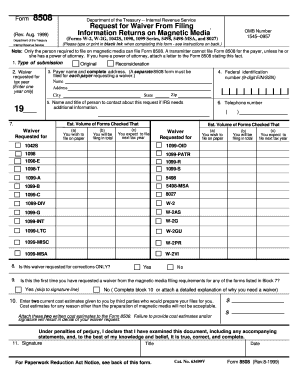
Form 8505

Irs publication 1244

1999 706 form

Form 8938 continuation sheet 2021
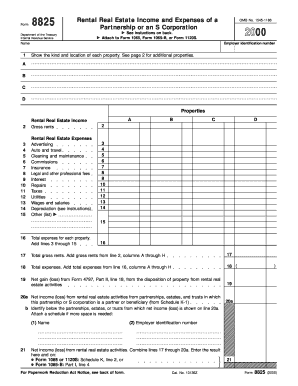
2000 form 8825 1120s
Benefit from the DocHub online library of fillable PDF forms
Searching the PDF forms doesn't have to be a tedious and time-consuming process. With the DocHub online library, it has become easier to find the fillable PDF forms and modify them in your browser. The service allows you to adjust the document to your needs using powerful editing tools.
You can use online document editing features to modify almost any type of document with ease. You just need to find the template of your choice, open it in the editor, and use the toolbar to make the necessary corrections.
Follow this guide to get your document done with DocHub:
- Find the PDF template you need.
- Click the Get Form button to open the file in the editor.
- Use the toolbar to fill out and edit the document.
- Easily add and highlight text, insert images, checkmarks, and symbols.
- Drop new fillable fields, and rearrange or delete pages from your file.
- Save changes and download your record.
DocHub empowers everyone to streamline document editing, signing, and distribution, and form completion. Create an account and benefit from our well-organized PDF Forms library and comprehensive editor.