
Get any PDF form from the DocHub library of ready-made templates - Page 1789

2018 wisconsin title application

1335 f a
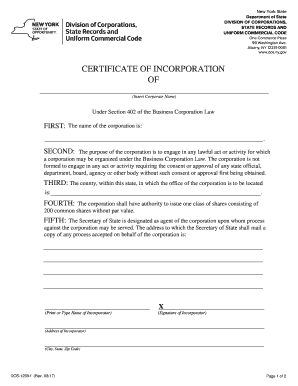
Dos 1239 f
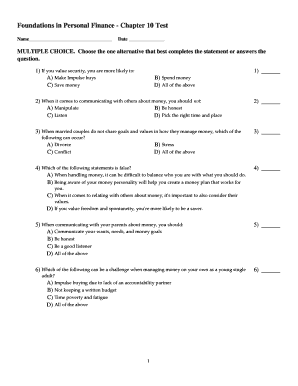
Chapter 10 personal finance answers

Irs tax form 1041 2016
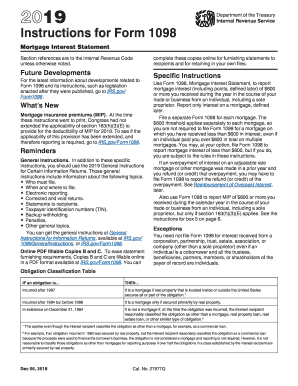
Form 1098 c

Imm 5507

Instructors documentation form

Medical documents pdf
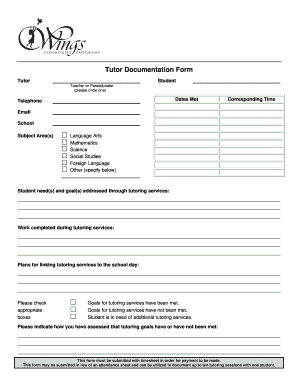
Tutor Documentation Form - Wings Community Programs
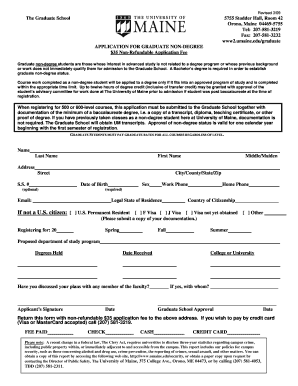
Graduate nondegree application/registration form - University of Maine - umaine
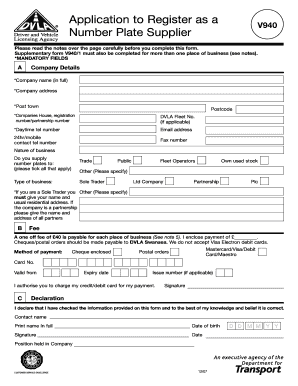
Application to Register as a Number Plate Supplier
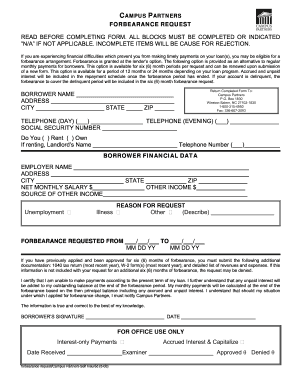
Sallie mae forbearance form pdf
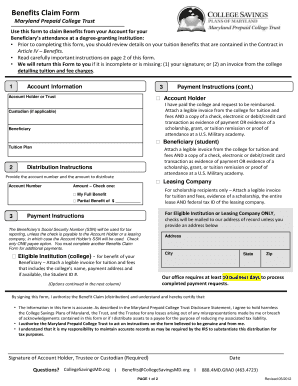
Maryland prepaid college trust benefits claim form
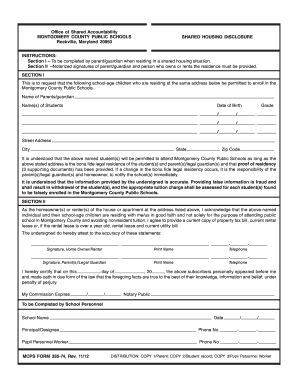
Shared housing form montgomery county 2012
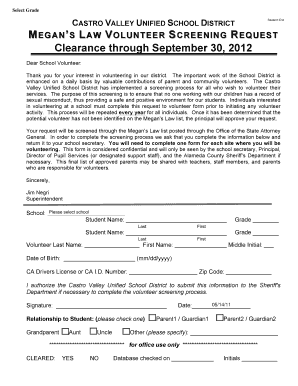
Megans law

Deeming waiver minnesota 2012 form

Mn service contract provider form

Form 6202
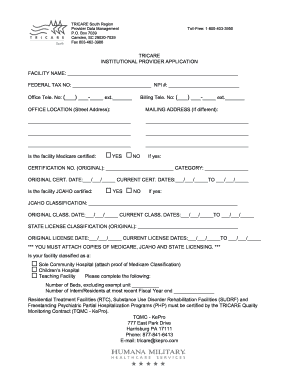
Tricare east provider application form

Dhs 4025 form 2013-2019

Carefirst provider inquiry resolution form
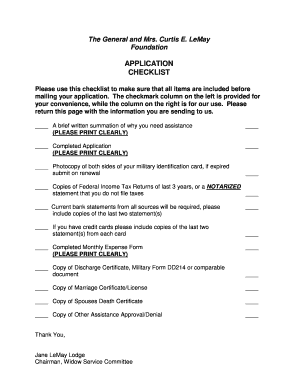
Lemay foundation
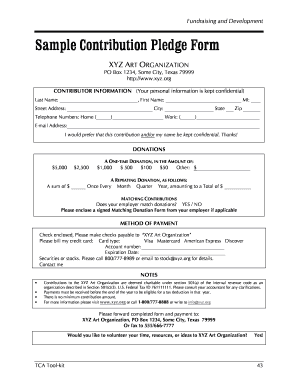
Pledge form
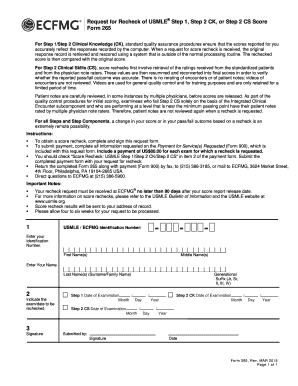
Usmle score recheck 2012 form
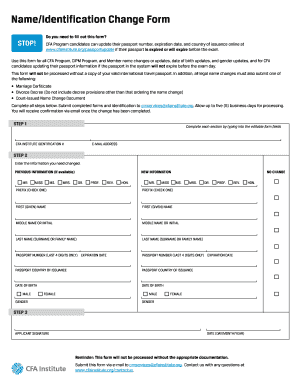
Identification change
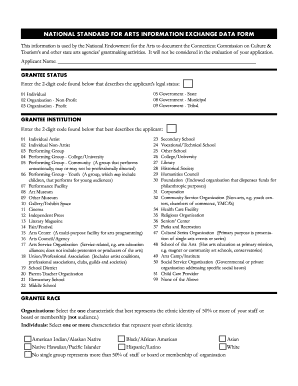
National standard arts information

Pec form louisiana

Adoption paperwork for mass printable 2007 form
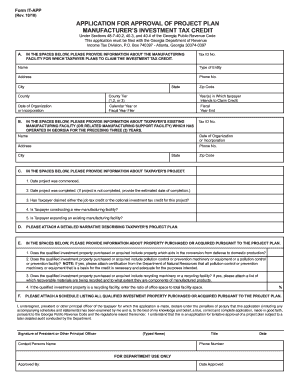
Georgia form app 2010
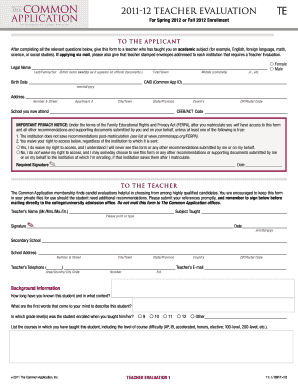
Common app application

Fund membership development

G6 form

Tennessee child support forms
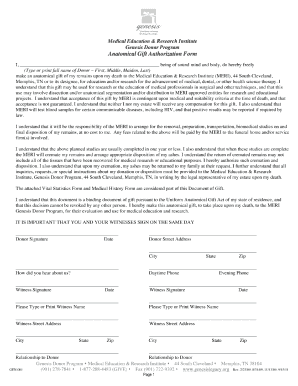
Medical education research institute
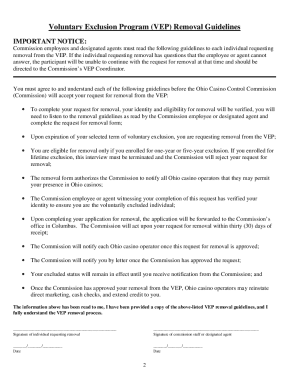
Application for Removal Voluntary Exclusion Program (Initial File) - codes ohio
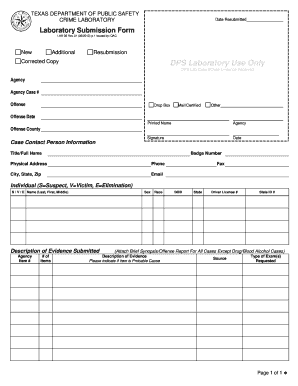
Forms used by dps

Nycers form f133

Blue exception tier form
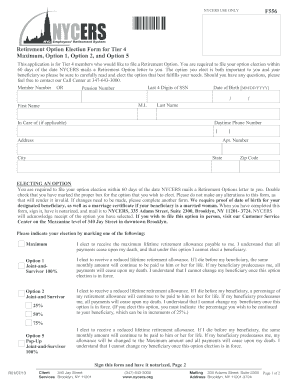
Nycers form f556 2013

Consent Form - Southern Tier HealthLink
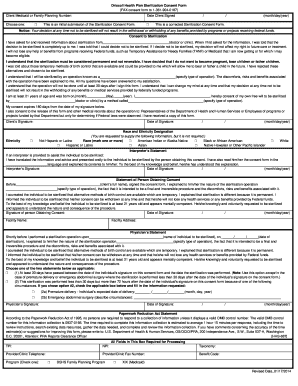
Sterilization Consent Form - English - Driscoll Health Plan
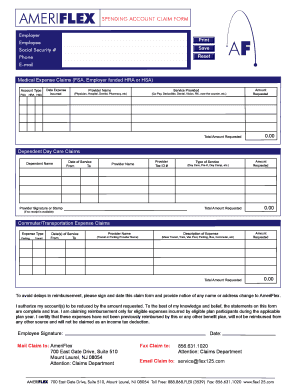
Ameriflex

Form 44954

2012 benefit

Vaccination record for dog form
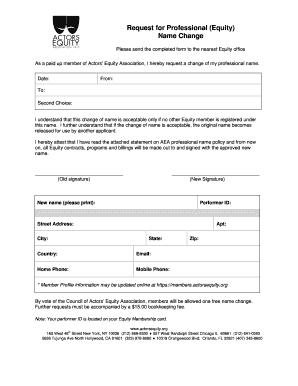
Actors equity change name

Southwest baptist university adjunct faculty application form
Cma recertification online form

The Greater Boston Food Bank Credit Application
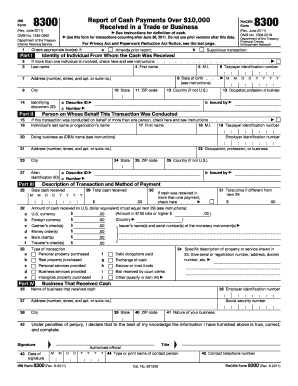
2011 8300 form
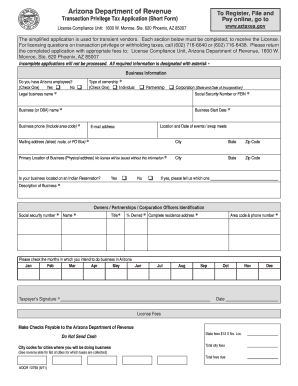
Arizona transaction privilege tax application short form 2011
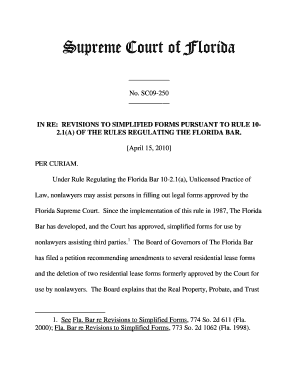
Sc09250

Maryland officer inclusion for workers compensation 2002 form

Infection control form

RESEARCH DESIGN PEER REVIEW FORM PEER REVIEW
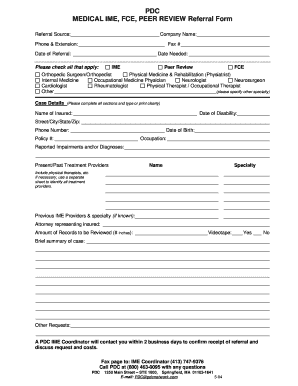
1800463 0095 form
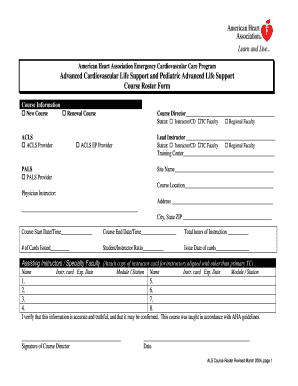
Life support course roster

Oregon lane county firewise

Foreign Visitor Request Form - at L-3ar
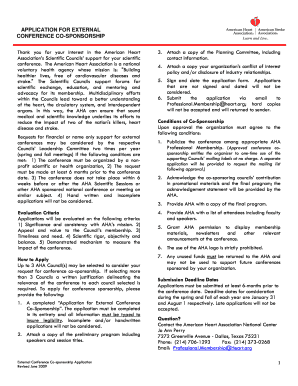
American heart association scientific councils application for external conference co sponsorship form
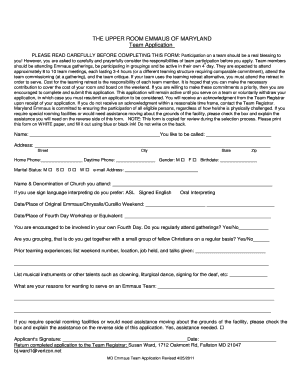
Seven mile walk with jesus
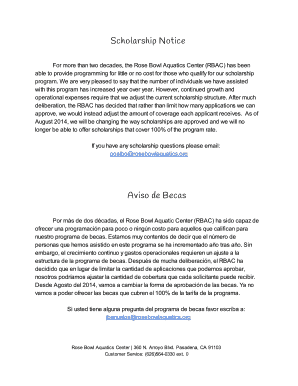
Rose bowl swim lessons
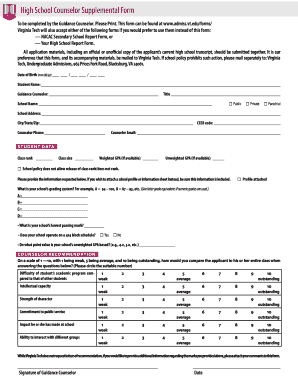
Counselor supplemental form
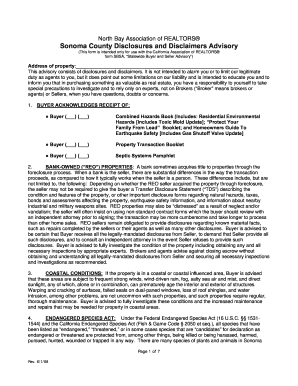
Napa county disclosure
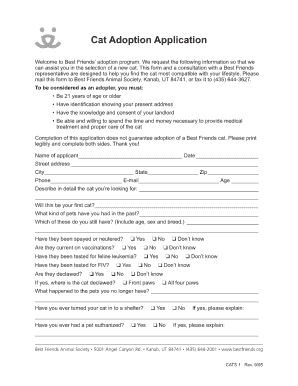
Cat adoption application template

Kids entertainer permit california 2010 form
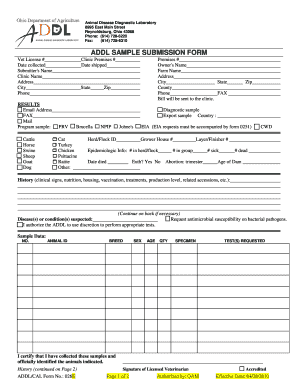
Oda addl
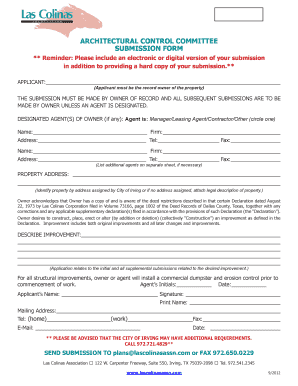
Las colinas association
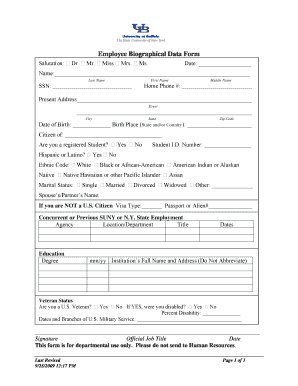
Employee biographical form

Vpsoa
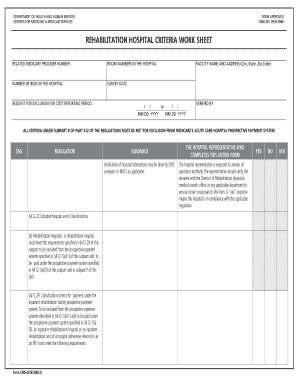
Hospital criteria

Please w2 requested

Ch 115

Clean slate program application 2011 form
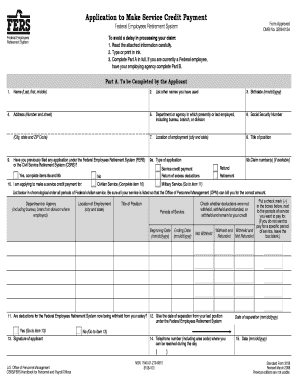
Standard form 3108
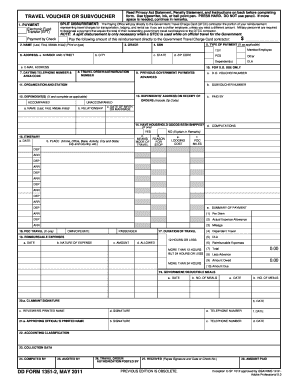
Fillable travel voucher

Sf 1199a example
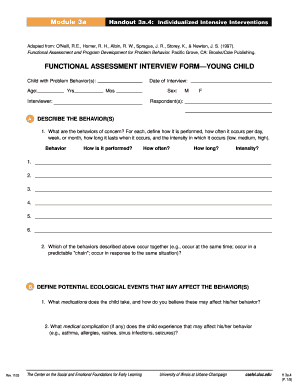
Functional assessment interview

NICHQ Vanderbilt Assessment Follow-up PARENT Informant D5
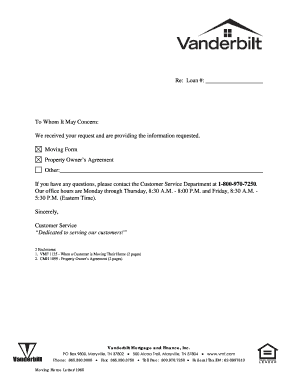
Vanderbilt mortgage and financeinc property owners agreement form
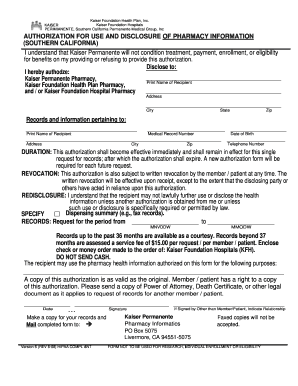
Perimianente authorization use

Verification child care center for fingerprinting form delaware

Form 10 012
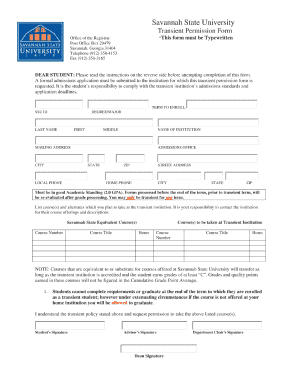
Transient savannah state

Athletic Participation Registration Form for Home Education Student ... - fhsaa

Hawaii a6 form 2010
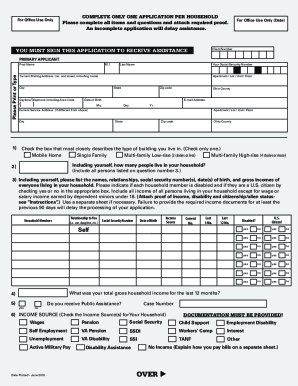
Heap application pdf

2011 763 form
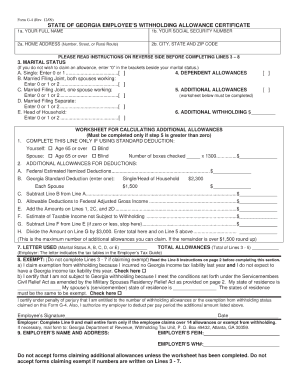
W4 form ga

Marriage license application form 2014
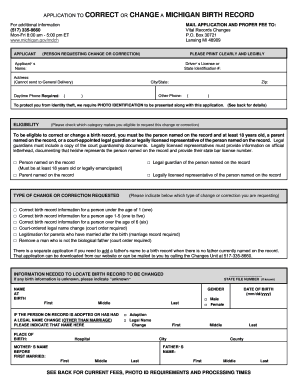
APPLICATION TO CORRECT OR CHANGE A MICHIGAN BIRTH ... - michigan

Illinois rules of the road review course workbook answers 2012 form
Roumicheduforms

Immunization exemption form
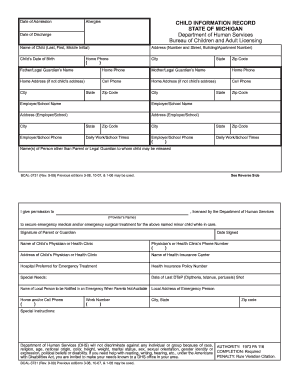
Child information record 2009
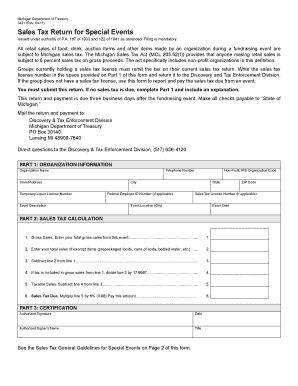
Mi sales tax form 3421

Inventory estate - crs
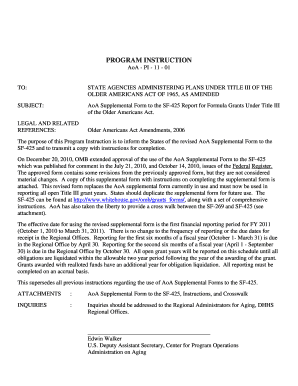
Sf 425 title form
Kaper 1
Benefit from the DocHub online library of fillable PDF forms
Searching the PDF forms doesn't have to be a tedious and time-consuming process. With the DocHub online library, it has become easier to find the fillable PDF forms and modify them in your browser. The service allows you to adjust the document to your needs using powerful editing tools.
You can use online document editing features to modify almost any type of document with ease. You just need to find the template of your choice, open it in the editor, and use the toolbar to make the necessary corrections.
Follow this guide to get your document done with DocHub:
- Find the PDF template you need.
- Click the Get Form button to open the file in the editor.
- Use the toolbar to fill out and edit the document.
- Easily add and highlight text, insert images, checkmarks, and symbols.
- Drop new fillable fields, and rearrange or delete pages from your file.
- Save changes and download your record.
DocHub empowers everyone to streamline document editing, signing, and distribution, and form completion. Create an account and benefit from our well-organized PDF Forms library and comprehensive editor.