
Get any PDF form from the DocHub library of ready-made templates - Page 1790
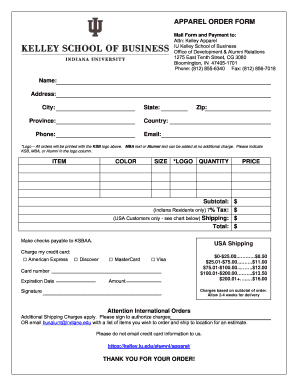
Apparel order form template

Combustion permit

Esperanza resort lip balm and form
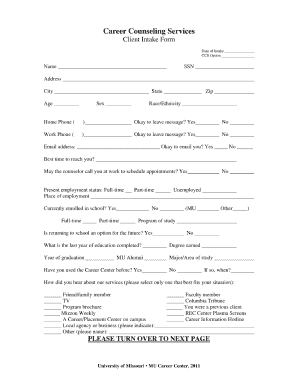
Career counselling form
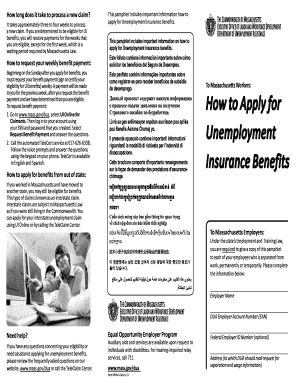
Form 0590 a 2013
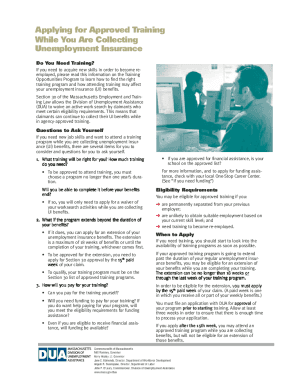
Section 30 unemployment
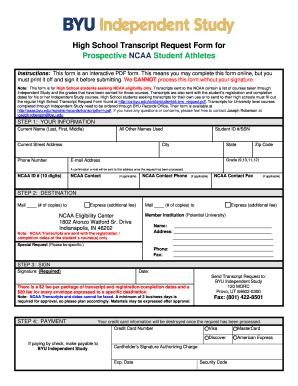
Transcript byu

School pin request
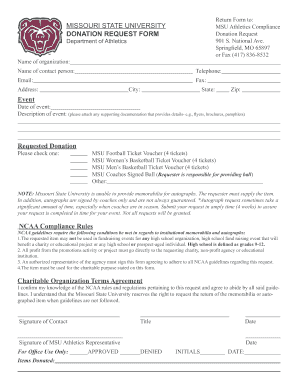
Missouri state donation request

Peegcom
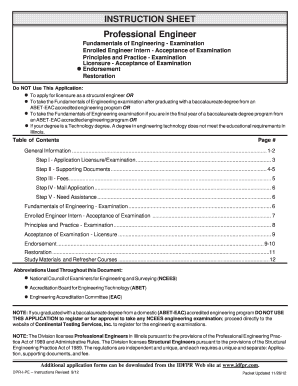
Il486 1536 2012 form
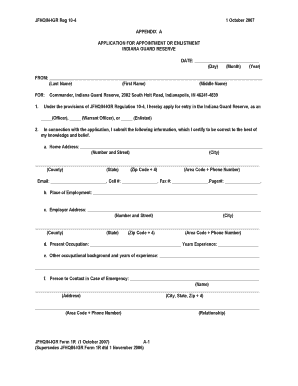
Indiana guard reserve uniforms jfhq igr regulation 10 4
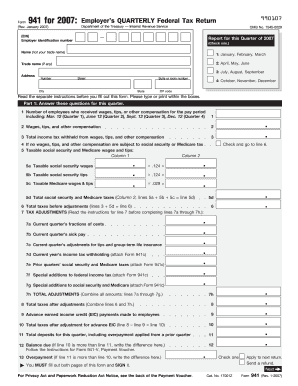
Form 941 (Rev. January 2007 ) - irs
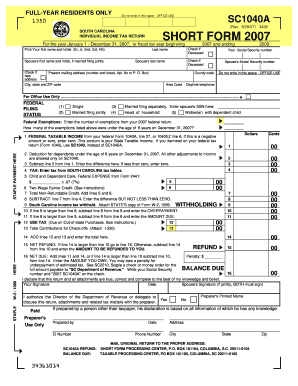
2008 sc1040a form
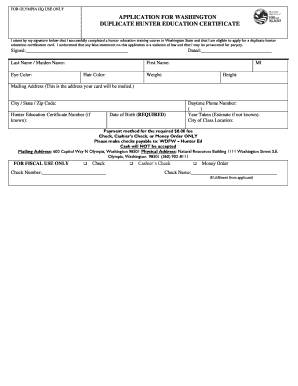
Hunter safety card form

Pharmacist preceptor application washington form
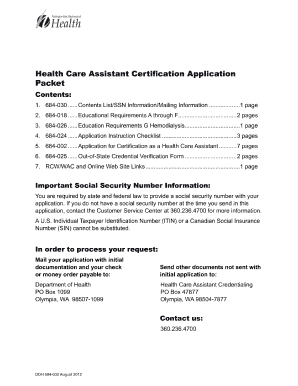
Doh report of sale

Bre washington rental application form
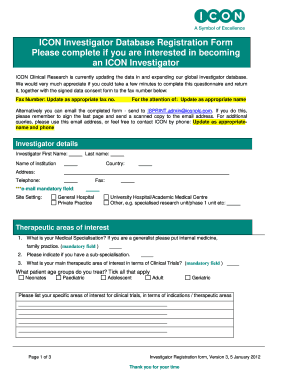
Investigator database form
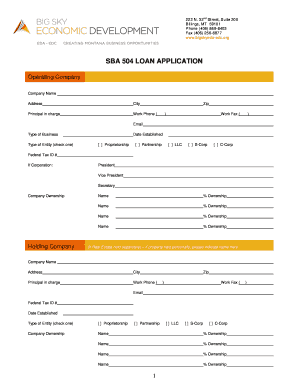
Sba 504 loan application pdf fillable form
Sba application over
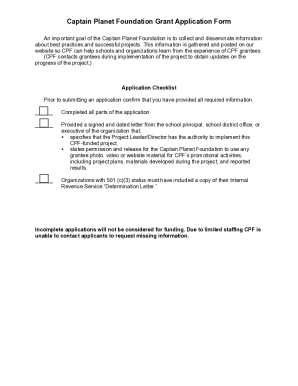
Foundation grant application form
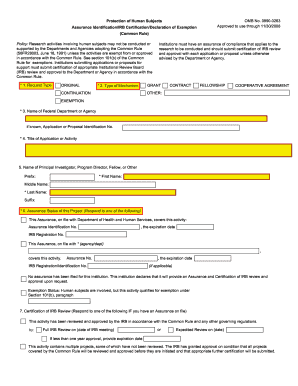
Omb 0990 0263 form
Usfda forms
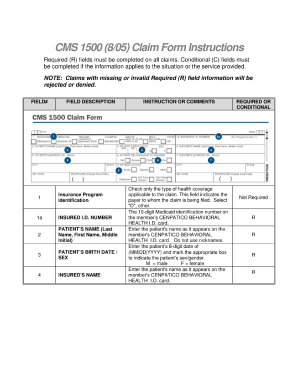
1500 805 hcfa
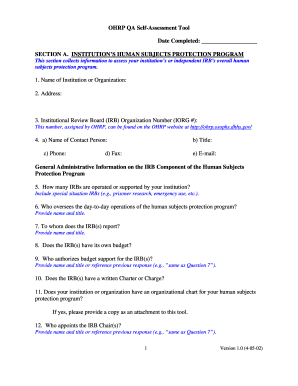
Ohrp self assessment tool
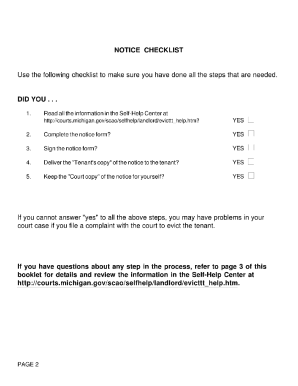
Dc100c
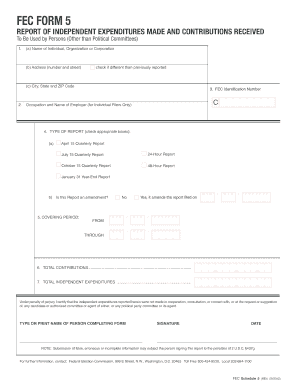
Fec form 5 fillable
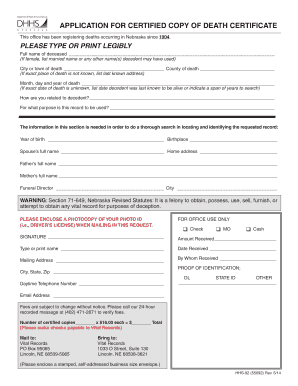
Nebraska birth certificate application pdf
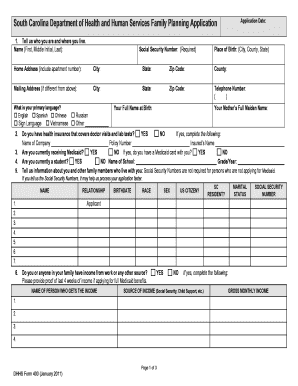
Family planning form pdf
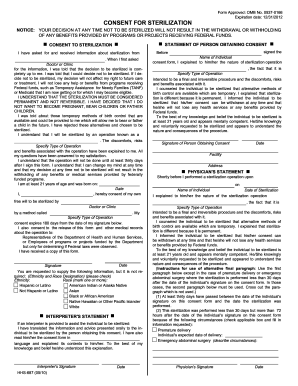
Sterilization consent form - Louisiana Medicaid
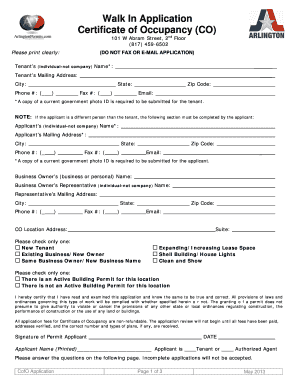
Certificate of occupancy arlington tx

Phs 4013 1 form

How do i request phs 1373 2002 form
Walsh college transcripts
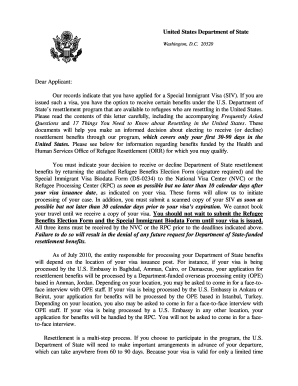
Blank bio data 2010 form

Rap sheet
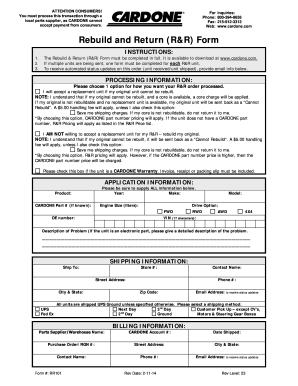
A1 cardone r r form
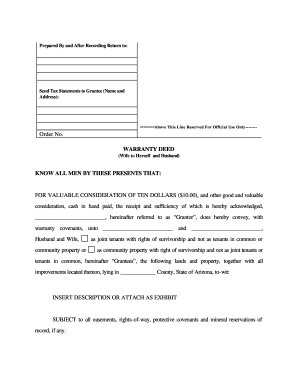
Online survivor deed form

Quitclaim deed louisiana pdf
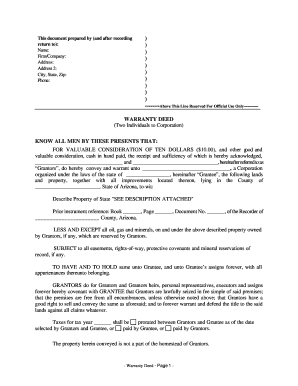
Arizona warranty deed form pdf
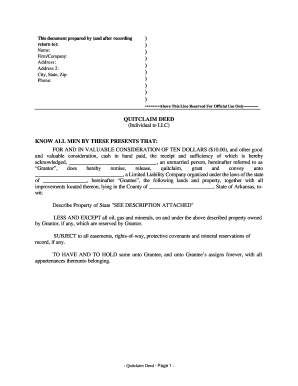
Quit claim deed arkansas
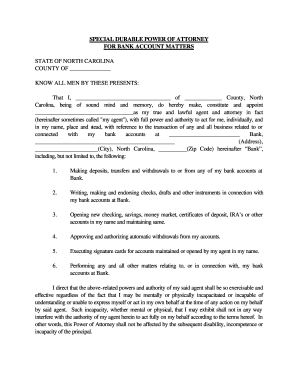
Power of attorney for bank account pdf
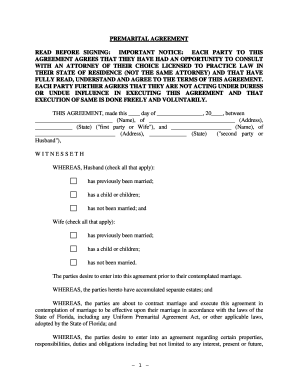
Fl 00590 form
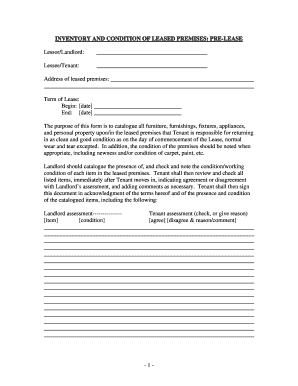
Virginia Inventory and Condition of Leased Premises for Pre Lease and Post Lease
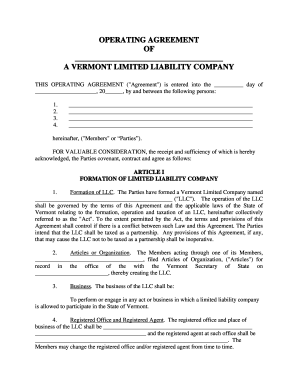
Vt limited

Oklahoma Quitclaim Deed from Individual to Husband and Wife
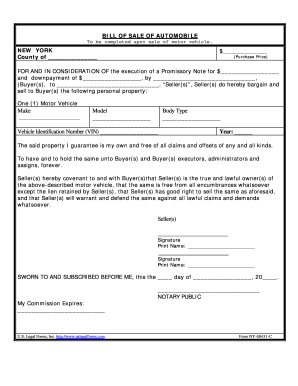
Nys bill of sale
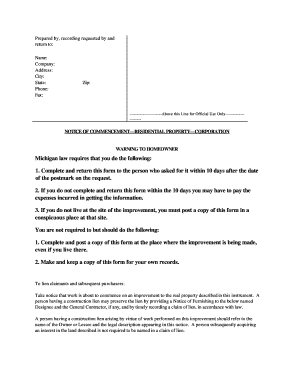
Notice of commencement michigan
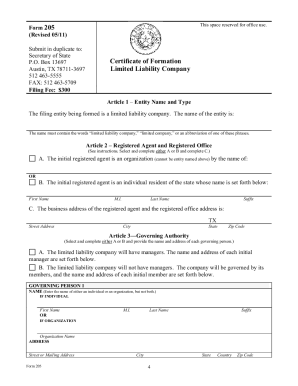
Articles of organization texas pdf
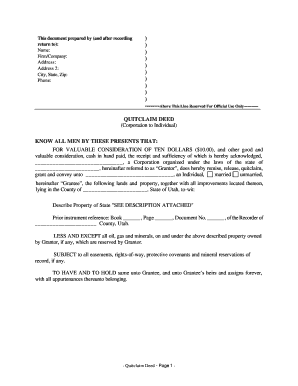
Utah quit claim deed
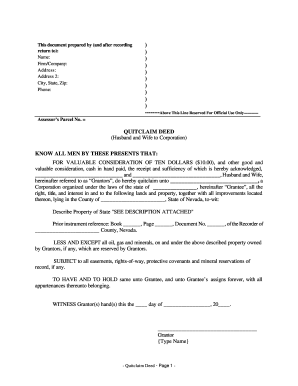
12997637966

Ndcc 23 065 17 form
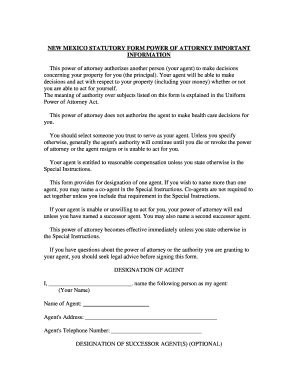
General power of attorney
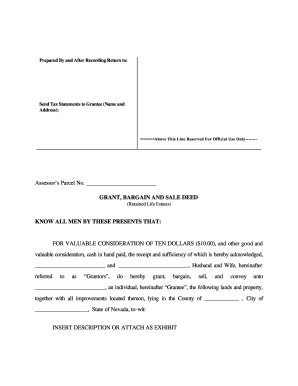
Nevada Warranty Deed to Child Reserving a Life Estate in the Parents

North Dakota Fiduciary Deed for use by Executors, Trustees, Trustors, Administrators and other Fiduciaries

Form us 864lt

Virginia Prenuptial Premarital Agreement - Uniform Premarital Agreement Act - with Financial Statements

Quit claim deed nc

Kentucky Special Durable Power of Attorney for Bank Account Matters

Colorado warranty deed
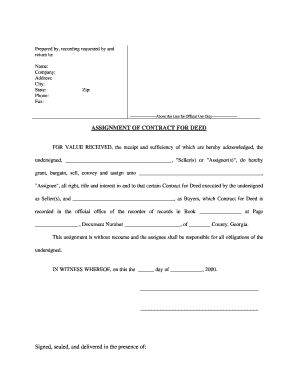
Georgia assignment for deed
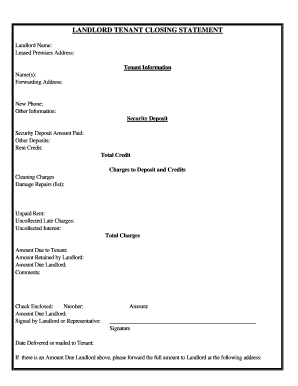
New York Landlord Tenant Closing Statement to Reconcile Security Deposit
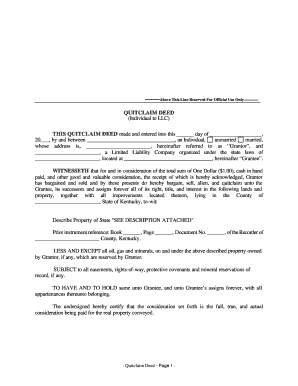
Quitclaim deed form kentucky
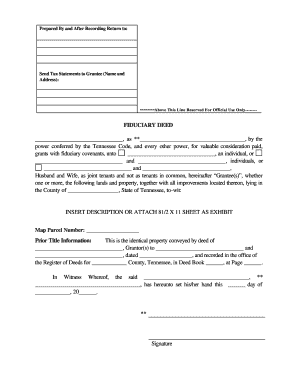
Executor's deed

Virginia Quitclaim Deed from Individual to Husband and Wife
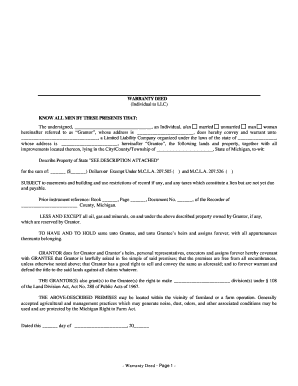
Warranty deed
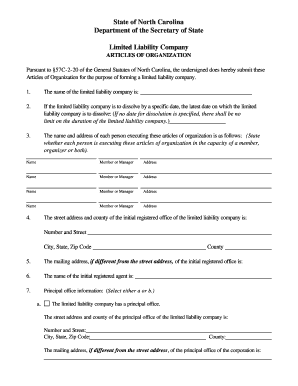
North Carolina Articles of Organization for Domestic Limited Liability Company LLC
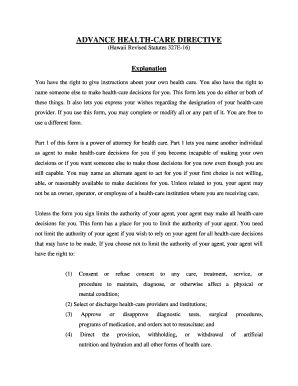
Living will hawaii form

Warranty deed oklahoma
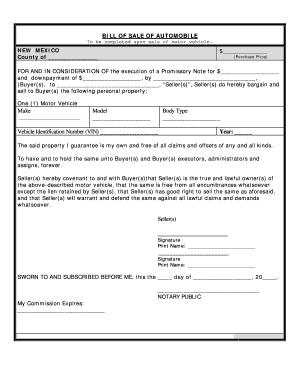
Bill of sale new mexico
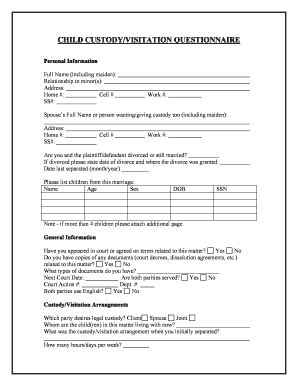
Child Custody and Visitation Questionnaire
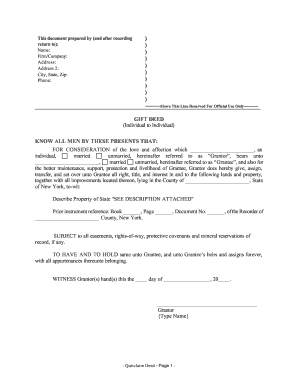
Gift deed
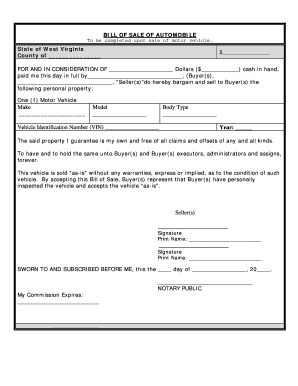
West Virginia Bill of Sale of Automobile and Odometer Statement for As-Is Sale
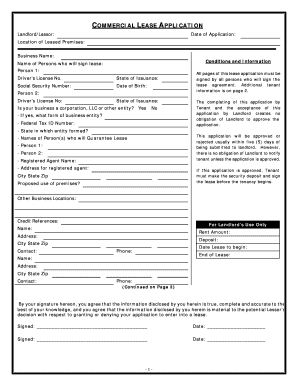
Minnesota Commercial Rental Lease Application Questionnaire

Iowa Closing Statement
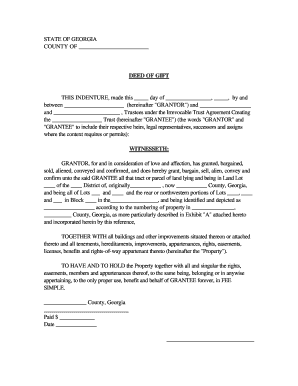
Georgia Deed of Gift
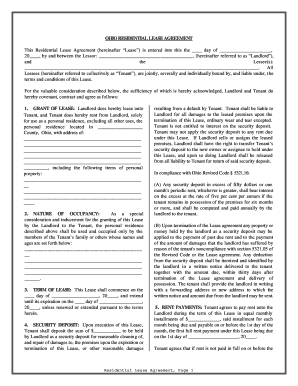
Oh residential agreement
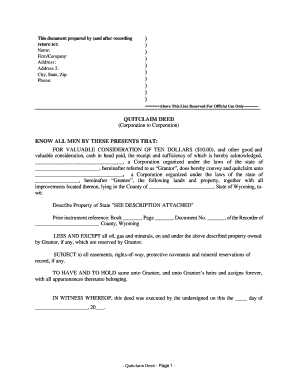
Quick deed

Kentucky Quitclaim Deed by Two Individuals to LLC

Florida Warranty Deed from Individual to a Trust
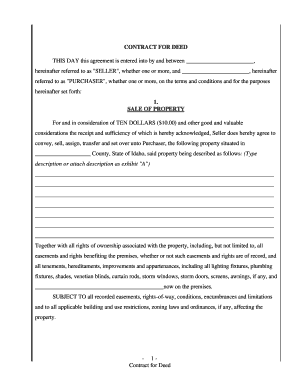
Idaho Agreement or Contract for Deed for Sale and Purchase of Real Estate a/k/a Land or Executory Contract

Boat bill of sale oklahoma
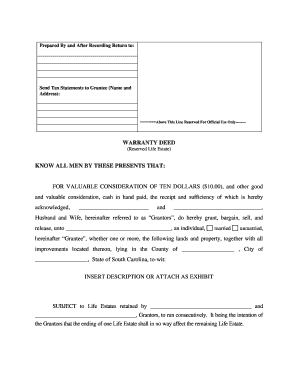
South carolina warranty estate

Construction contract
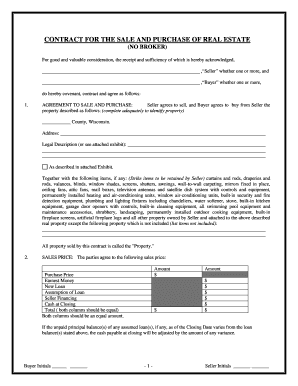
Wisconsin Contract for Sale and Purchase of Real Estate with No Broker for Residential Home Sale Agreement
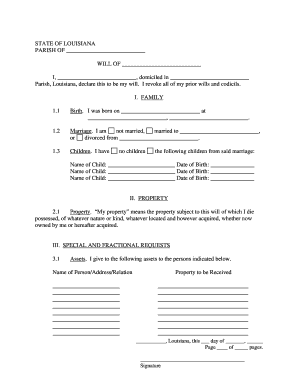
Printable will form louisiana

Auto promissory note
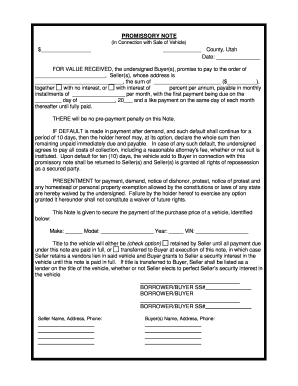
Promissory note template utah

Quitclaim deed nj
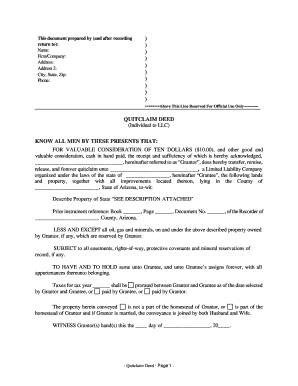
Quit claim deed to llc

Kentucky Limited Liability Company LLC Operating Agreement

30 day notice to landlord pdf
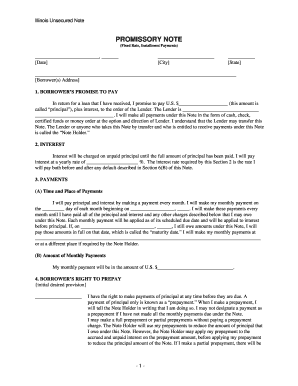
Promissory note template illinois
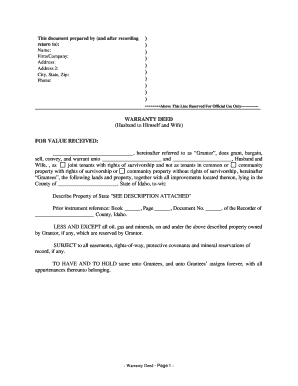
Idaho Warranty Deed from Husband to Himself and Wife

Online bill of sale oregon
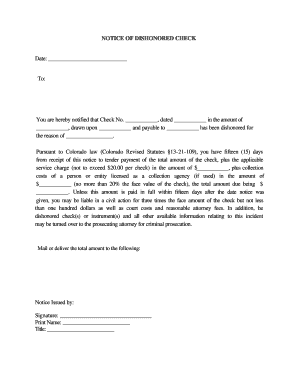
Crs 13 21 109
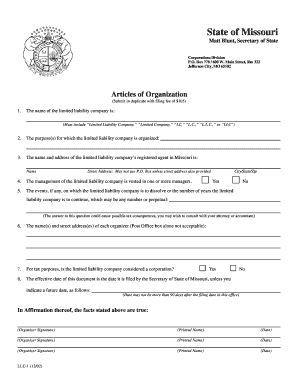
Missouri Articles of Organization for Domestic Limited Liability Company LLC
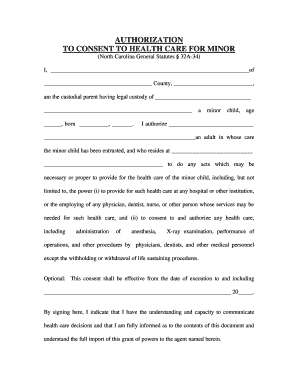
Authorization care form

Colorado Special Durable Power of Attorney for Bank Account Matters
Benefit from the DocHub online library of fillable PDF forms
Searching the PDF forms doesn't have to be a tedious and time-consuming process. With the DocHub online library, it has become easier to find the fillable PDF forms and modify them in your browser. The service allows you to adjust the document to your needs using powerful editing tools.
You can use online document editing features to modify almost any type of document with ease. You just need to find the template of your choice, open it in the editor, and use the toolbar to make the necessary corrections.
Follow this guide to get your document done with DocHub:
- Find the PDF template you need.
- Click the Get Form button to open the file in the editor.
- Use the toolbar to fill out and edit the document.
- Easily add and highlight text, insert images, checkmarks, and symbols.
- Drop new fillable fields, and rearrange or delete pages from your file.
- Save changes and download your record.
DocHub empowers everyone to streamline document editing, signing, and distribution, and form completion. Create an account and benefit from our well-organized PDF Forms library and comprehensive editor.