




01. Edit your 866 873 8279 online
Type text, add images, blackout confidential details, add comments, highlights and more.

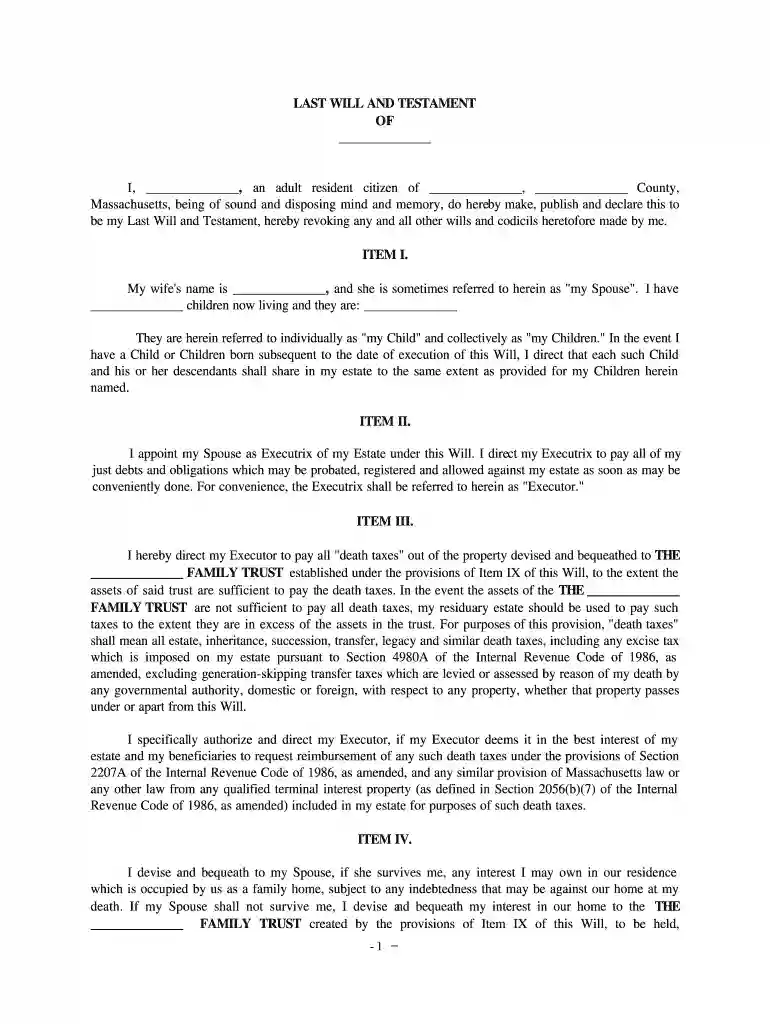
Type text, add images, blackout confidential details, add comments, highlights and more.

Draw your signature, type it, upload its image, or use your mobile device as a signature pad.

Send credit shelter trust via email, link, or fax. You can also download it, export it or print it out.

Start using our platform today for free to streamline your credit shelter trust completion!
At DocHub, your data security is our priority. We follow HIPAA, SOC2, GDPR, and other standards, so you can work on your documents with confidence.
A credit shelter trust (also called an AB trust or a bypass trust) is a technique which allows married couples to avoid estate taxes on transfers of wealth toRead more
Dec 14, 2018 Under Article VI, Credit Shelter Trust shall consist of the maximum pecuniary amount of Decedents estate which will not cause any more than theRead more


