




01. Edit your 1800463 online
Type text, add images, blackout confidential details, add comments, highlights and more.

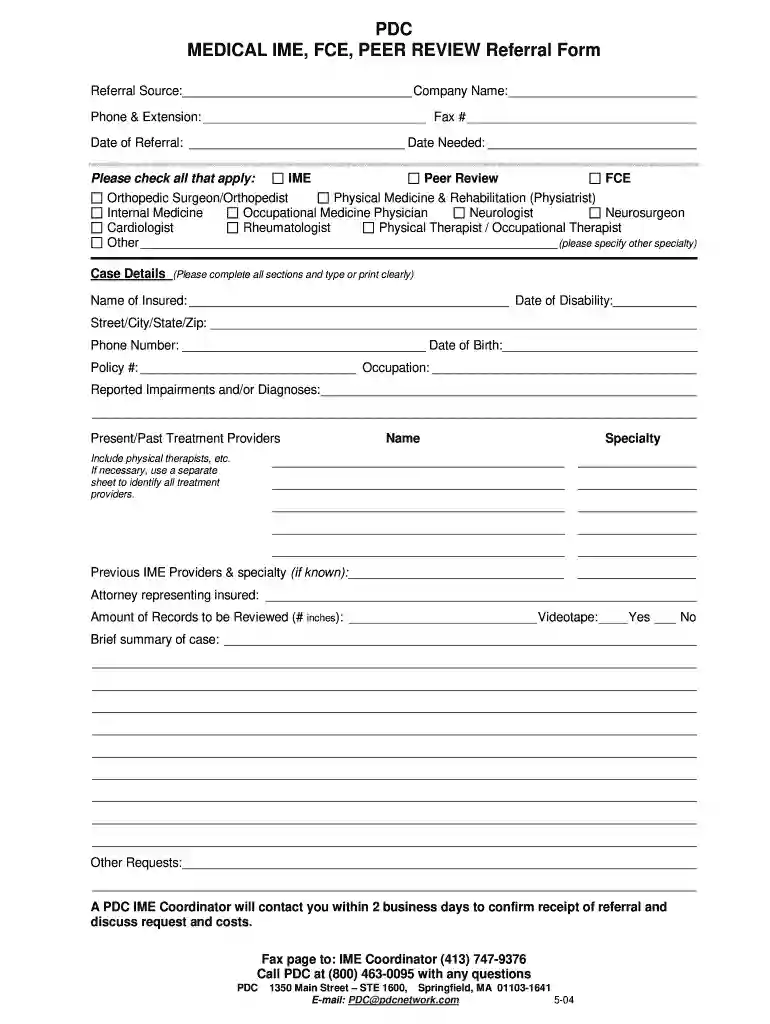
Type text, add images, blackout confidential details, add comments, highlights and more.

Draw your signature, type it, upload its image, or use your mobile device as a signature pad.

Send it via email, link, or fax. You can also download it, export it or print it out.

Start using our platform today to fill out your forms quickly and efficiently for free!
We've got more versions of the 1800463 form. Select the right 1800463 version from the list and start editing it straight away!
| Versions | Form popularity | Fillable & printable |
|---|---|---|
| 2004 | 4 Satisfied (44 Votes) |
If you often work with documents stored in your Google Drive, DocHub is a superb option for you to easily and quickly complete, edit, and approve them. This editor integrates well with Google apps, so you can export your 1800463 0095 form from your Google Drive to the editor without the need of downloading and re-uploading it. Right-click on your document, select Open With → DocHub PDF Sign and Edit. In our editor, add and assign Signature Fields for all people involved, then click on the Menu button above → Send → choose how you want to share your paperwork.
You may find and modify your 1800463 0095 form online by using DocHub. Its simple yet feature-rich design enables you to start effective work immediately after you sign up your account. Create your account and add your document, and then our interface will guide you through our stress-free form completion experience.
At DocHub, your data security is our priority. We follow HIPAA, SOC2, GDPR, and other standards, so you can work on your documents with confidence.


