
Get any PDF form from the DocHub library of ready-made templates - Page 1788
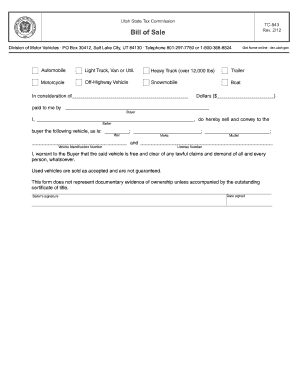
TC-843, Bill of Sale
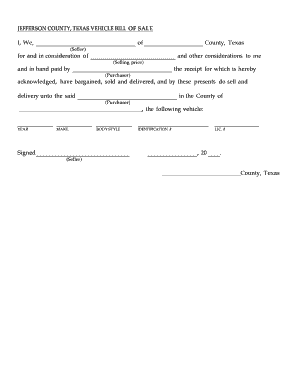
Texas bill of sale vehicle

Reporting Form For Coronavirus. Form shows data local health departments collect to report coronavirus cases to Washington State Department of Health
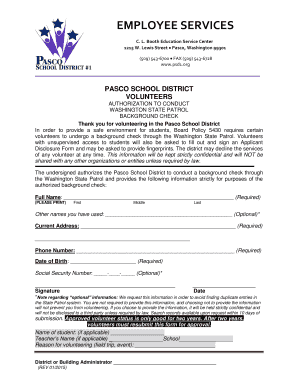
PASCO SCHOOL DISTRICT VOLUNTEERS

Amended ct
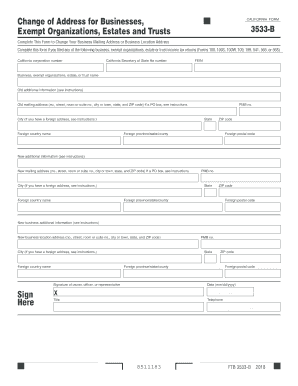
2020 form 3533 b

Training Attestation - mc.vanderbilt.edu
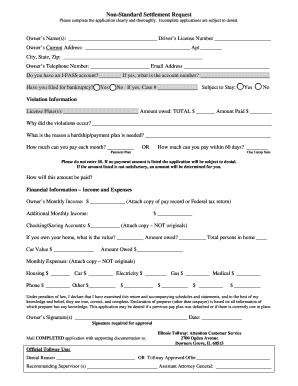
Illinois tollway non standard settlement form
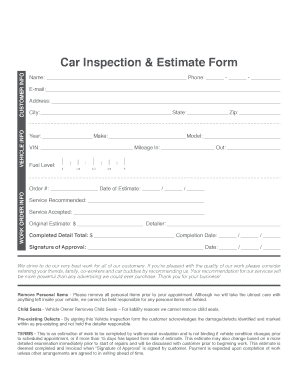
Autogeek Vehicle Inspection Forms

Well child visit checklist pdf

CONFIDENTIAL DOCUMENT FORM - luzernecounty.org

Employment - County of Alameda - Superior Court of California

Kearney saddle club

NOTICE OF SPECIAL ANNUAL ONE-TIME $12.25 RENT CHARGE
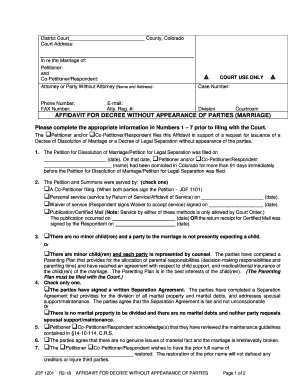
Colorado 1201
Mississippi sales tax return form 72 010
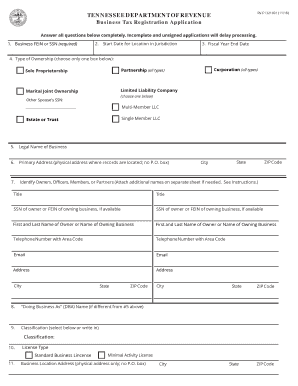
Business registration application form
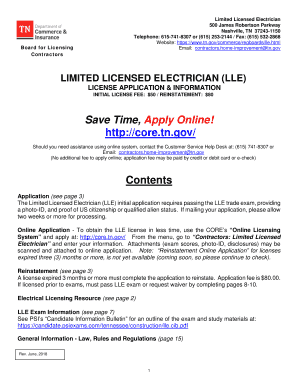
Core tn gove
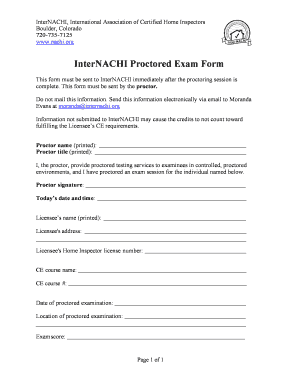
InterNACHI Proctored Exam Form
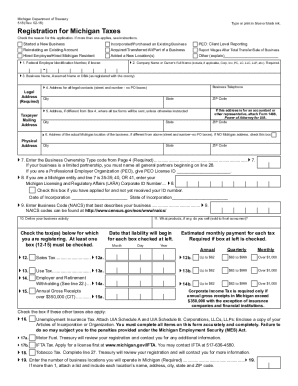
Form 518

California extension
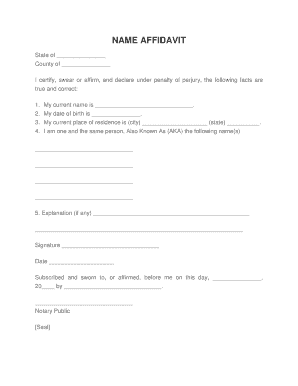
Aka affidavit

New patient registration - Vascular Center of Intervention
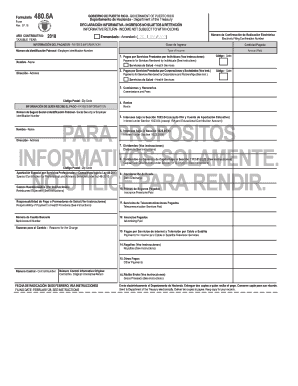
480 6a
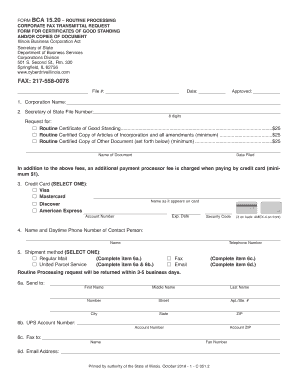
Corporate Fax Transmittal Request Form For Certificates Of Good Standing andor Copies Of Document - Routine Processing
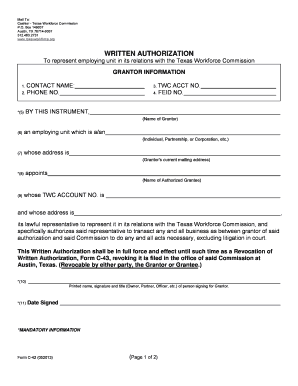
Texas c 42 form
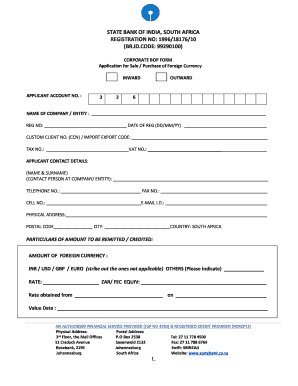
Sbi south africa bop form

Pticket fullerton
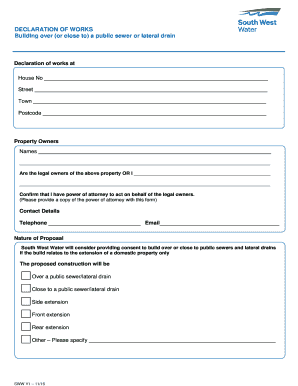
Declaration form united kingdom

Mc 383

Avats
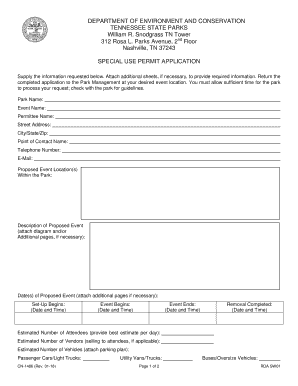
CN-1486 Special Use Permit Application - Tennessee State Parks
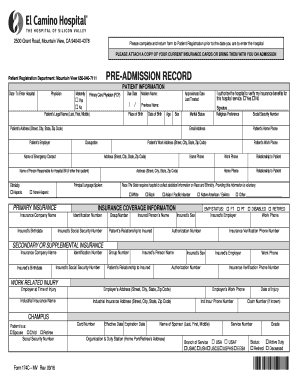
El camino hospital form pre admission
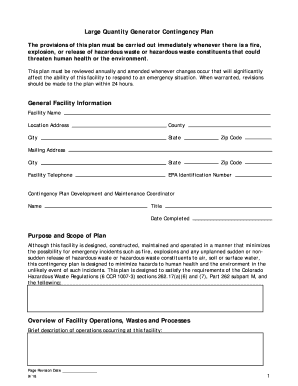
Large quantity generator contingency plan
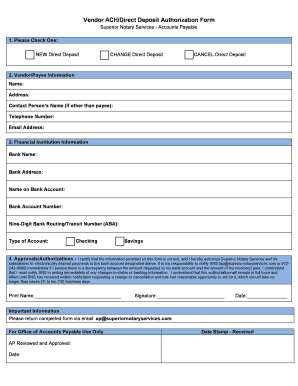
Vendor ACH/Direct Deposit Authorization Form

Royal bank digital direct banking

Uc47
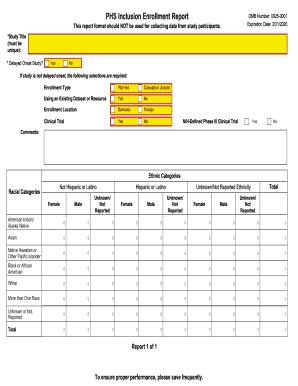
Nih inclusion enrollment report
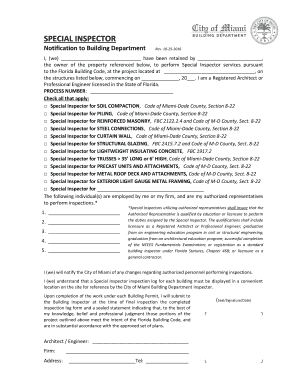
Special inspector form
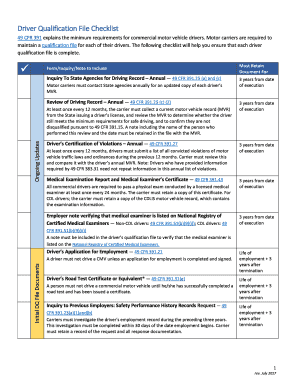
Part 391 Driver Qualification - Missouri Department of ...
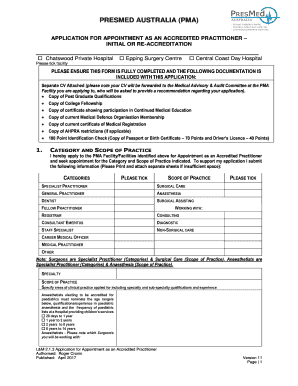
APPLICATION FOR APPOINTMENT AS AN ACCREDITED
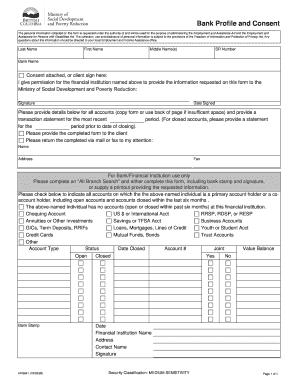
Bank profile and consent form
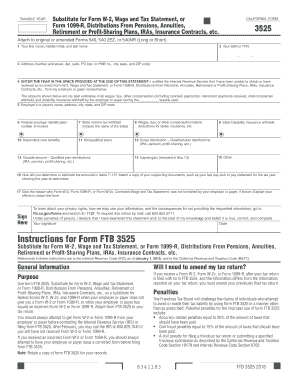
Where do i mail form 3525
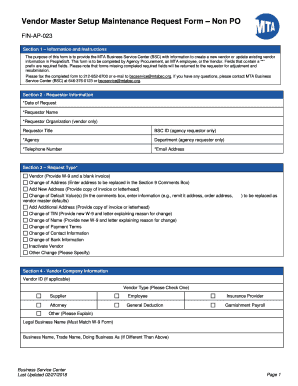
Ap 023
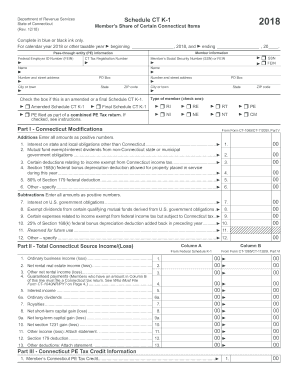
Schedule ct k 1 instructions 2019

Precision planting price list

MMPI-2-RF - Inventario Multifsico de Personalidad de Minnesota-2 Reestructurado Resultados de la pru

Field Scrap Authorization Form.pub
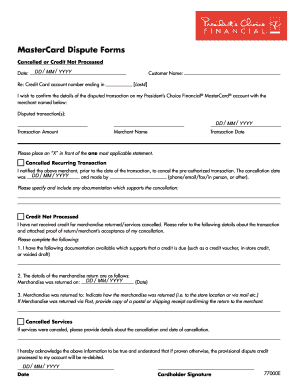
Pc mastercard chargeback
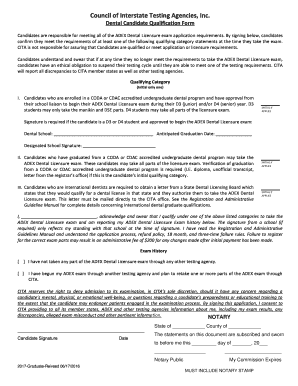
Dental Candidate Qualification Form
Gtar forms
Openreach pia pdf

BYLAWS - National Marine Corps League Auxiliary

Form 798 form

Application for Garage Policy CGZ-APP-6 (7-17)

Form 904
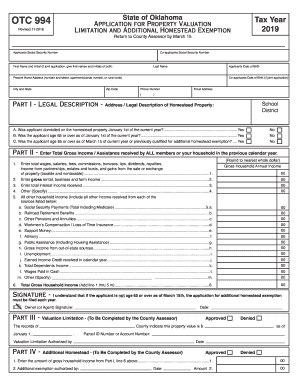
Otc form 994
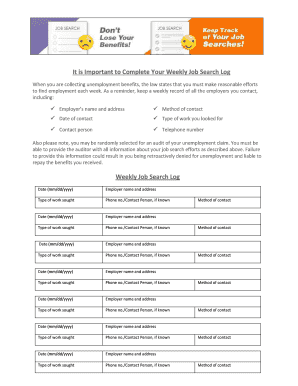
It is Important to Complete Your Weekly Job Search Log ...
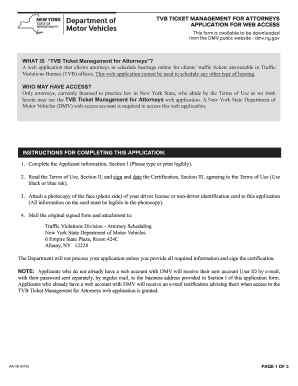
Ny dmv web access online
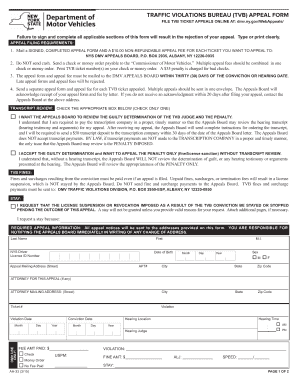
Dmv bureau form
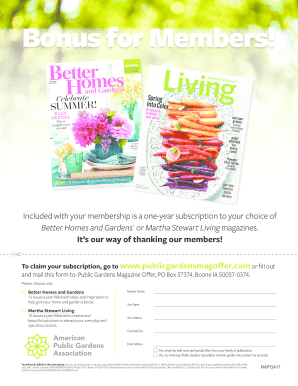
Publicgardensmagoffer

Roll off contract
Keystone Labs Sample Submission Chain of Custody Controlled Substances.doc
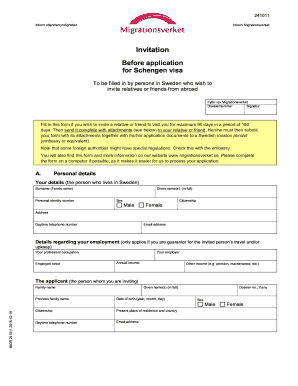
Migrationsverket invitation pdf

Pta payment form

Passport Application form - FSM Government

Public loan forgiveness form pdf

Tx 05
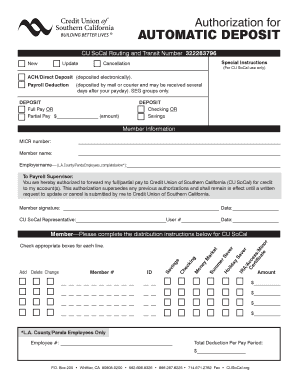
322283796
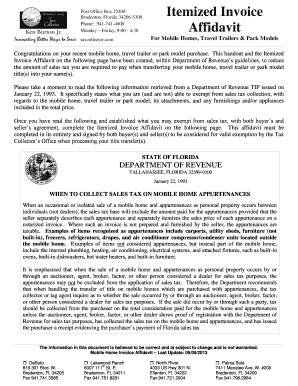
Mobile Home Itemized Invoice Affidavit
2016 nj

Modelo sc 6042
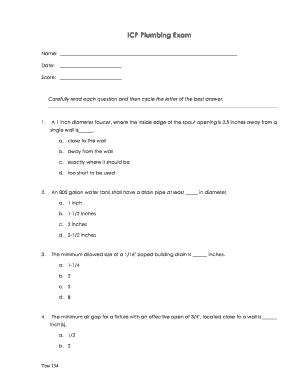
A guide to passing the plumbing exam - Energy Marketing Service
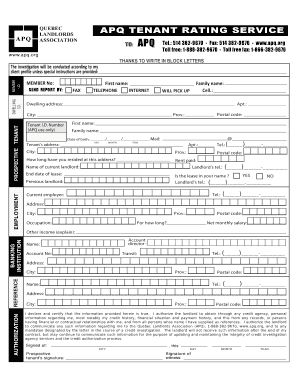
Apq tenant rating service
Tax clearance new orleans
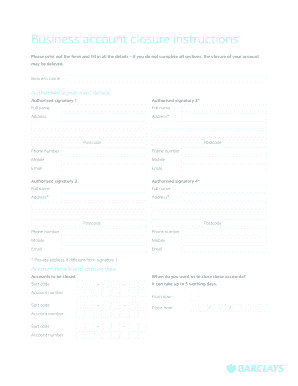
Business account closure instructions - barclays.co.uk
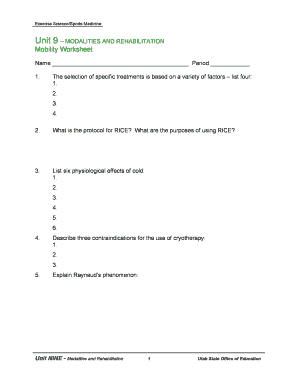
Unit 9 modalities and rehabilitation mobility worksheet
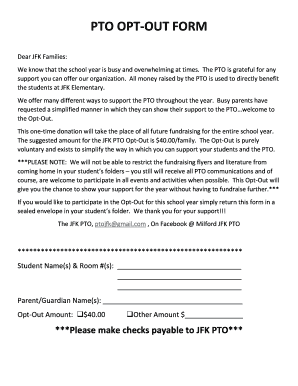
PTO OPT-OUT FORM - Milford Public Schools
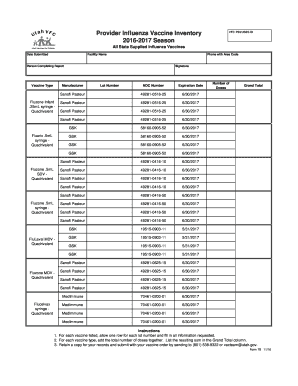
Vaccine inventory log sheet

Jd cv 96

Empanada Mama
Chippenham Hospital: adult volunteer application - HCA Virginia
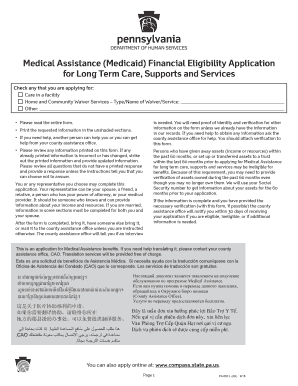
PA 600L - Pennsylvania Department of Human Services
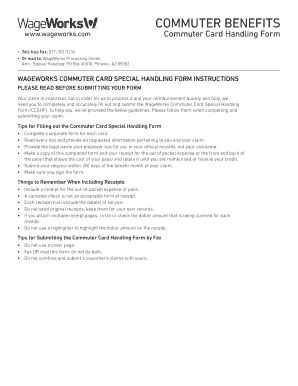
Commuter card handling form
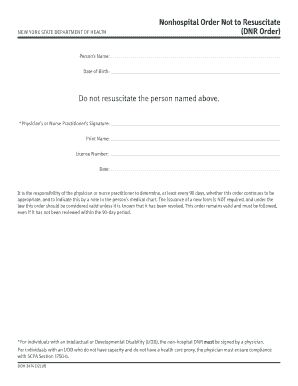
Dnr form new york

Pakistan Railways Quetta
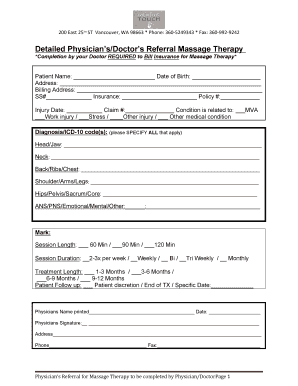
Detailed Physician's/Doctor's Referral Massage Therapy

City of westland roof letter

Highpoint health

Adem form 539

PS Form 1357-C, Customer Request for Web Access. PS Form 1357-C, Customer Request for Web Access

Rf microneedling consent form

Lovelady application
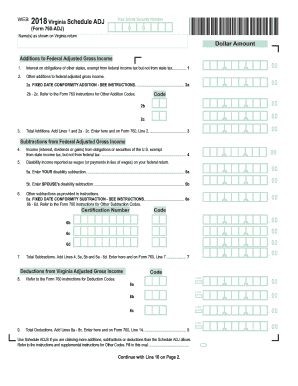
Va schedule adj 2018
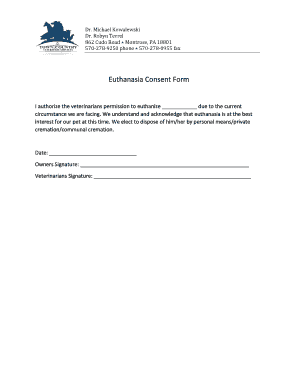
Euthanasia consent form
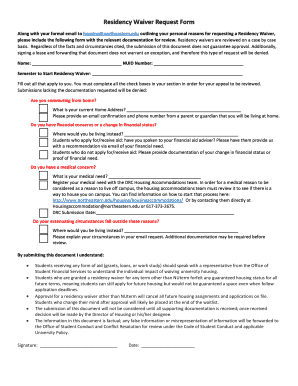
Residency Waiver Request Form - Northeastern University

Jfs 20100 form pdf
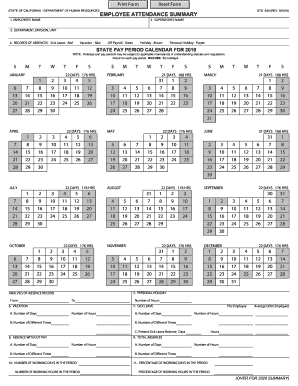
Std 640
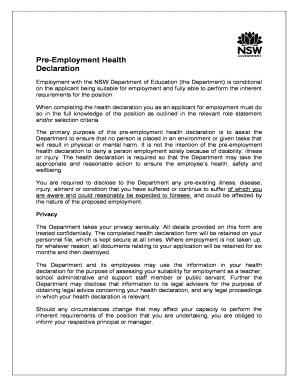
Pre employment health declaration form nsw
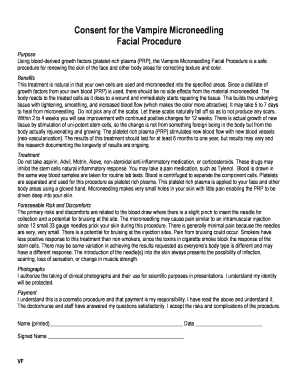
Vampire-Facial-Micro-Needling - Calista Skin & Laser Center
Benefit from the DocHub online library of fillable PDF forms
Searching the PDF forms doesn't have to be a tedious and time-consuming process. With the DocHub online library, it has become easier to find the fillable PDF forms and modify them in your browser. The service allows you to adjust the document to your needs using powerful editing tools.
You can use online document editing features to modify almost any type of document with ease. You just need to find the template of your choice, open it in the editor, and use the toolbar to make the necessary corrections.
Follow this guide to get your document done with DocHub:
- Find the PDF template you need.
- Click the Get Form button to open the file in the editor.
- Use the toolbar to fill out and edit the document.
- Easily add and highlight text, insert images, checkmarks, and symbols.
- Drop new fillable fields, and rearrange or delete pages from your file.
- Save changes and download your record.
DocHub empowers everyone to streamline document editing, signing, and distribution, and form completion. Create an account and benefit from our well-organized PDF Forms library and comprehensive editor.