
Get any PDF form from the DocHub library of ready-made templates - Page 1787

Great eastern bizsupreme

HARRIS COUNTY DEPARTMENT OF EDUCATION RECORDS MANAGEMENT ...
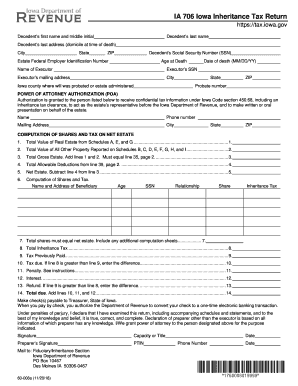
Ia 706 fillable form

Mobile Food Service Commissary Letter - Orange County, NY
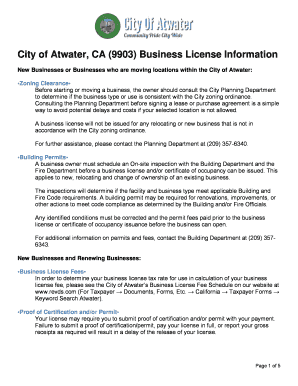
City of atwater business license

Ryc membership application packet - Richmond Yacht Club

Free Washington LLC Operating Agreement Forms - PDF Word ...

COMMERCIAL FILM PERMIT APPLICATION - City of San Clemente
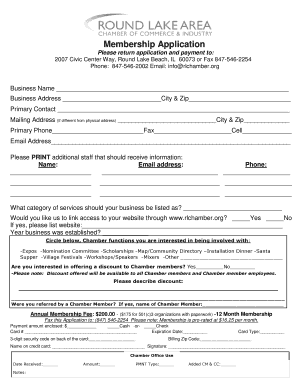
Membership Application - Round Lake Area Chamber of Commerce
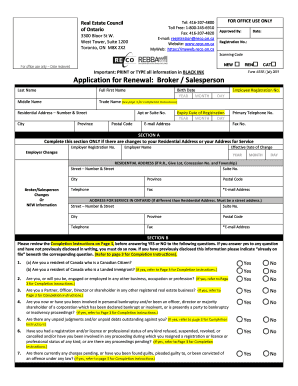
Reco renewal application

Building permit application construct
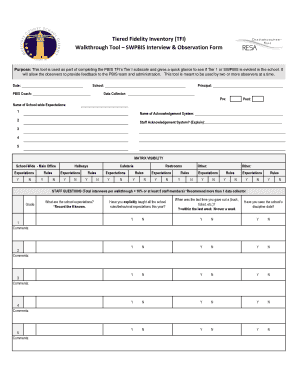
Observation form of interview

Domestic wire transfer form
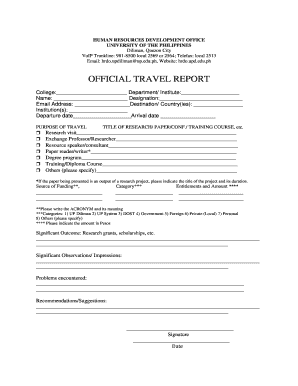
Official travel report - University of the Philippines Diliman
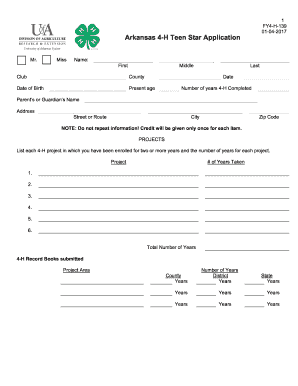
Arkansas 4-H Teen Star Application - UAEX.edu
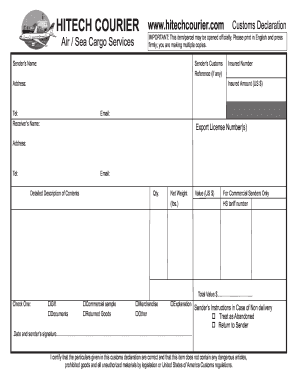
Hitech Customs Declaration Form.pdf - Hitech Courier
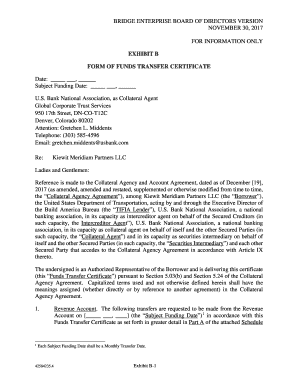
EXHIBIT B FORM OF FUNDS TRANSFER CERTIFICATE
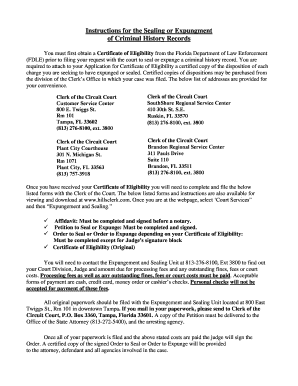
Petition to Seal and Expunge Packet - Hillsborough County Clerk of ...
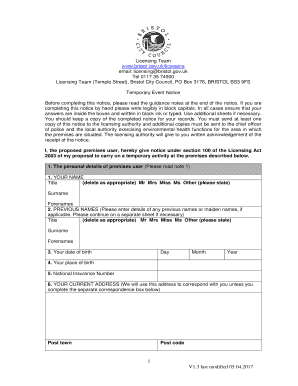
Application for a Temporary Event Notice - Bristol City Council

Gpi waiver
BUSINESS FUNDING APPLICATION Legal Name of Merchant (the ...

Coast ral
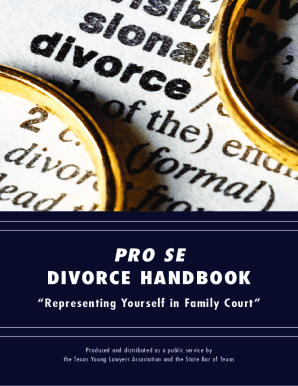
Pro se divorce handbook texas
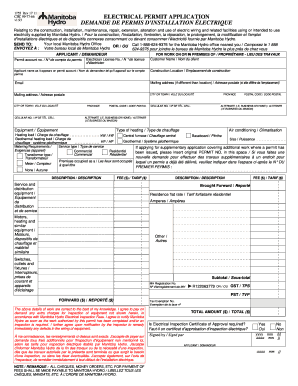
Manitoba permit application
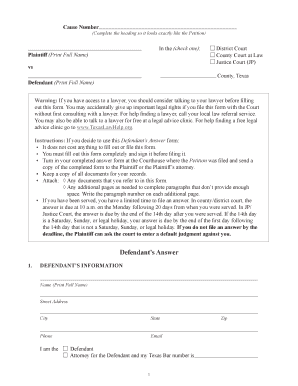
Defendants answer
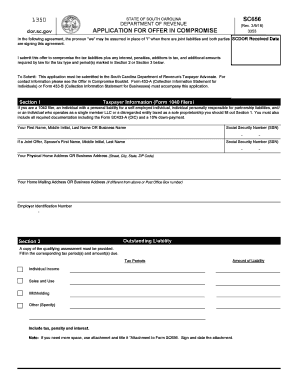
Sc 656
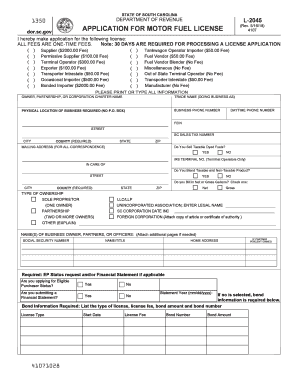
L 2045
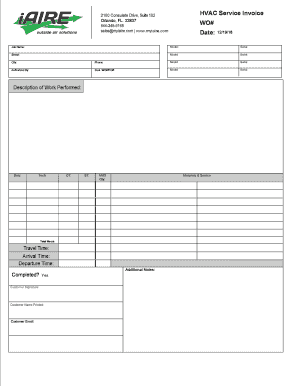
HVAC Service Invoice
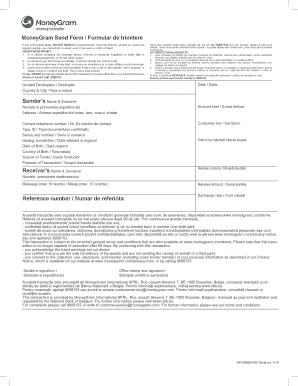
Moneygram formular pdf

G7 quarterly return for ga
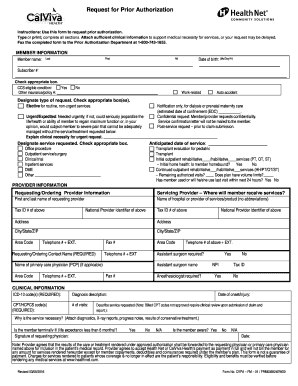
Calviva prior authorization form

Form pte
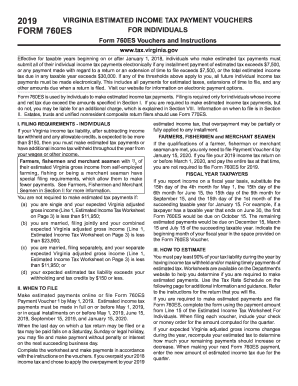
2019 form 760es
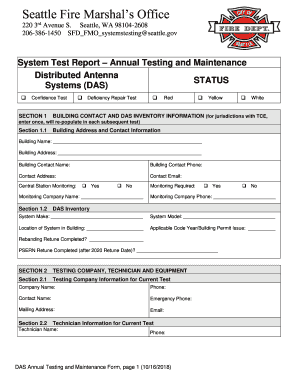
Letter from the Fire Marshal to BDA/DAS Installation and ... - Seattle.gov

My Earth Day Pledge My Earth Day Pledge My Earth Day Pledge My...

Mvv issue form example
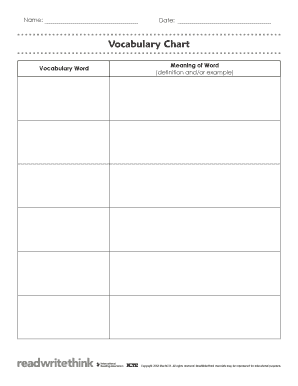
Vocabulary Chart - ReadWriteThink

Application for Restricted License (DMV 21) - Nevada DMV

2019 TX DSHS EF23-10618
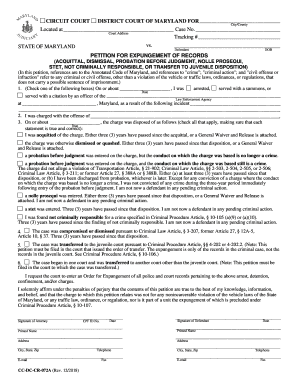
Cc dc cr 072a

FIFA REQUEST FORM

Backflow Prevention Assembly Test Report - Pasadena, TX
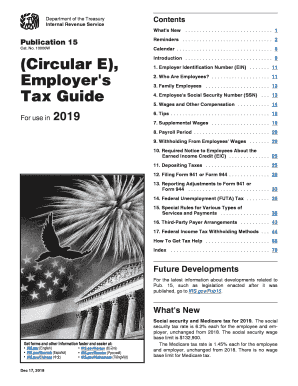
2018 irs publication
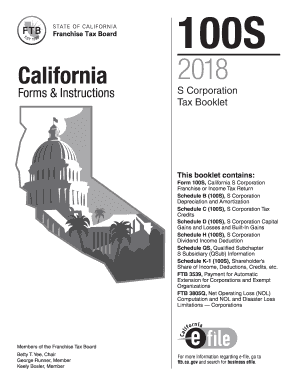
S tax california
Iowa notice intent

Pbctax com online forms
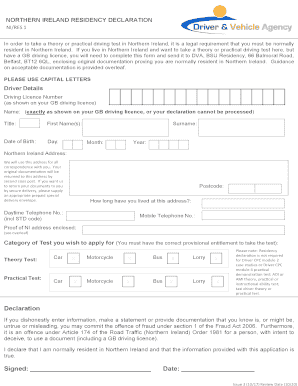
Driver vehicle agency ireland

Test tl2 form
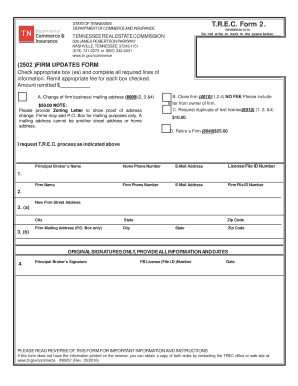
Form t r e c
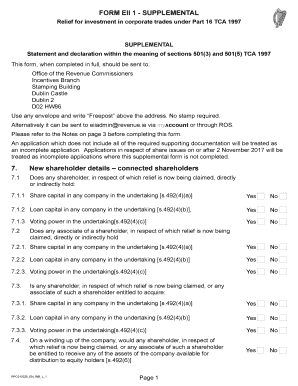
Ireland supplemental
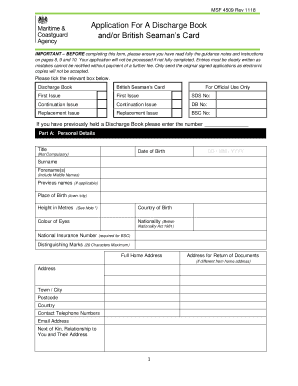
Msf 4509 rev 11 20

Letter of attestation of good character pdf
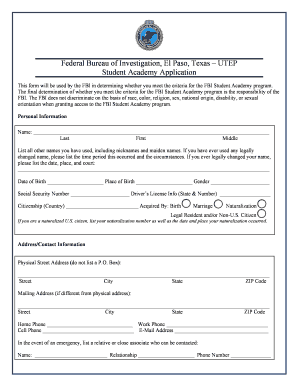
Fbi student academy
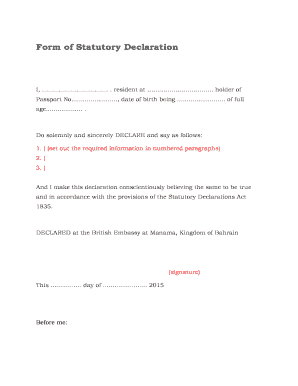
Statutory declaration form uk template
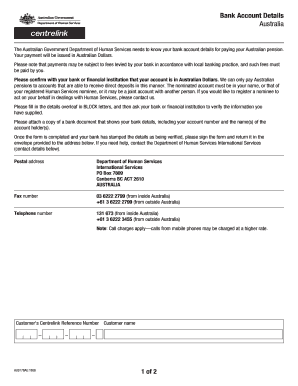
Australia bank details

Hw061
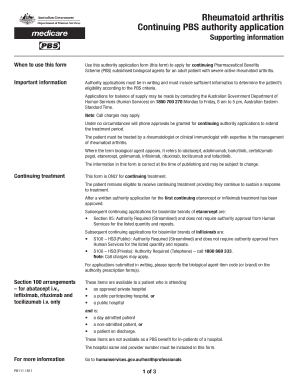
Rheumatoid arthritis - continuing PBS authority application form
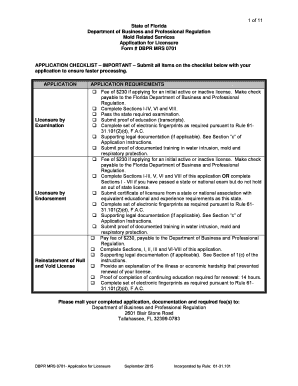
DBPR MRS 0701 - Application for Licensure
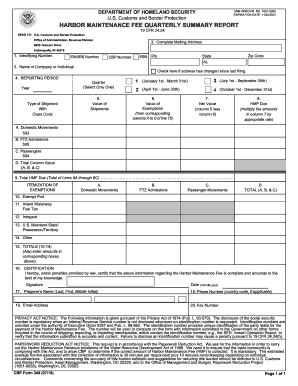
Cf-349-form
MGM Resorts International Mandatory Contribution Form
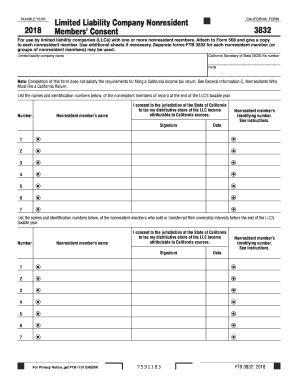
3832
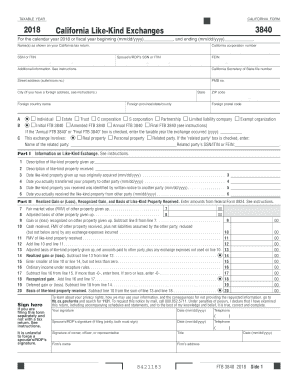
3840
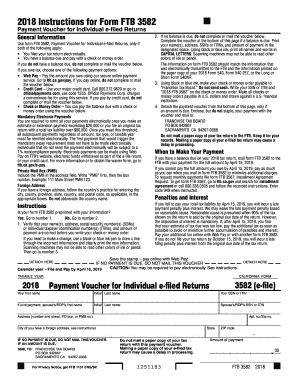
Form 3582
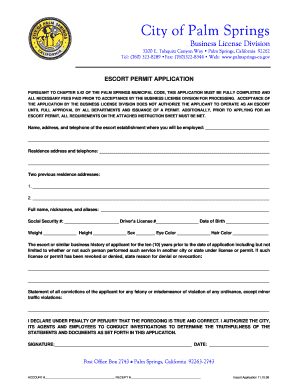
Escort service license
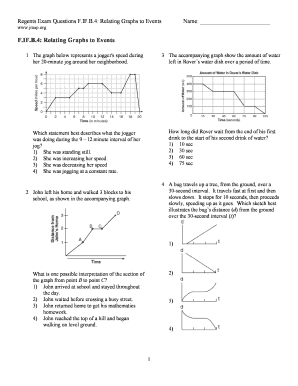
Relating graphs to events

Employment Termination Form - COMPASS HHS CMPHome

Franchise application form - Mang Inasal

Plantar Fibromatosis New Patient Form - PDLabs
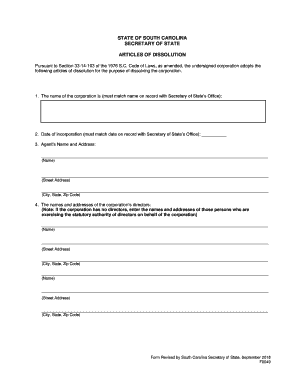
Sc dissolution
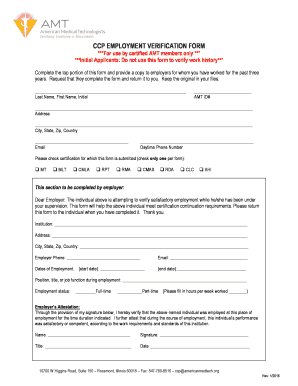
CCP EMPLOYMENT VERIFICATION FORM ***For use by
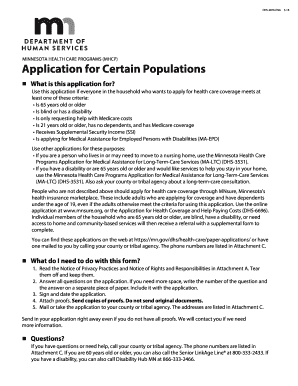
Dhs 3876 eng
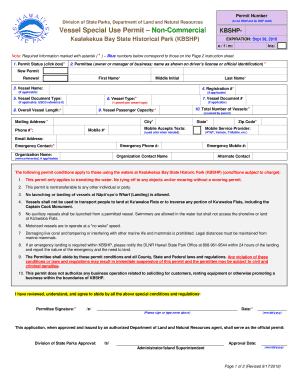
Vessel Special Use Permit Non-Commercial
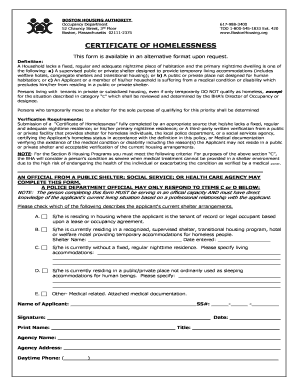
CERTIFICATE OF HOMELESSNESS - bostonhousing.org
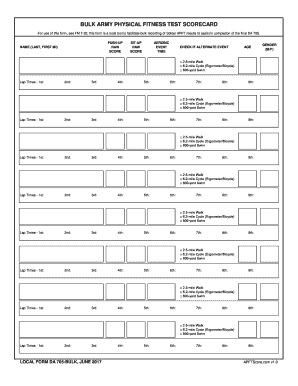
Bulk Army Physical Fitness Test Scorecard. LOCAL FORM DA 705-BULK

Patient Screening Form - CareNow

Walking permission slip template
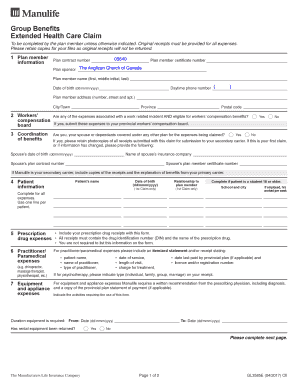
Manulife claim form
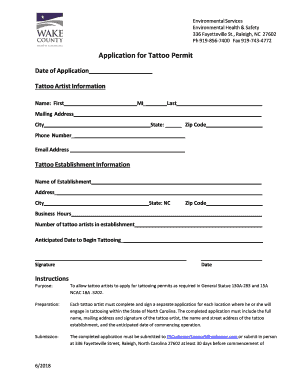
Wake county tattoo permit
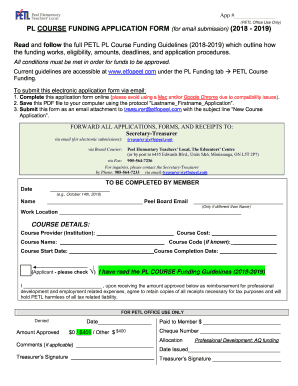
Petl funding
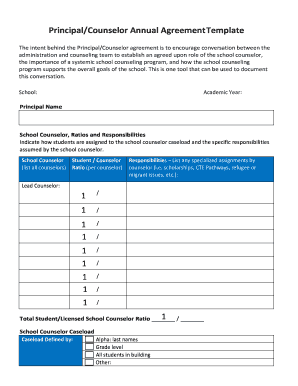
Principal/Counselor Annual Agreement Template

Application for taxpayer number parish of rapides - Louisiana ...

Osse staff health certificate

FMLA Application for FMLA and Medical Release - Washoe County
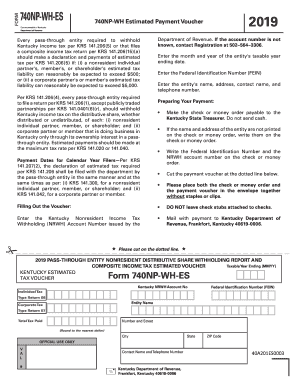
Ky form 740np wh instructions 2019

ANCILLARY PROVIDER ID REQUEST FORM Blue Cross and
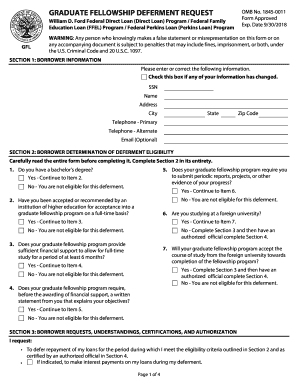
Graduate Fellowship Deferment Request - Brown University

W137a form

Usra license
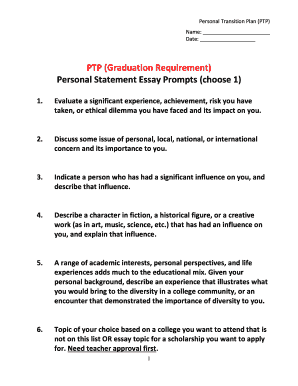
Personal statement outline

Re kyc diligence operationalizing in operative nri account
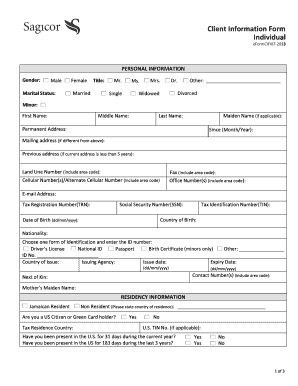
Client information form
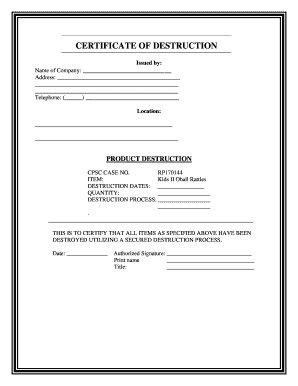
CERTIFICATE OF DESTRUCTION - mynavyexchange.com
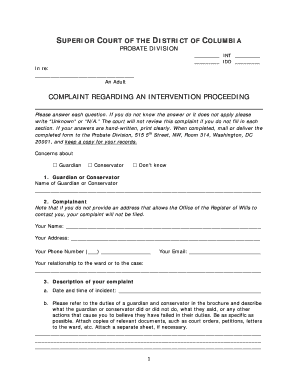
Complaint Regarding an Intervention Proceeding - DC Courts
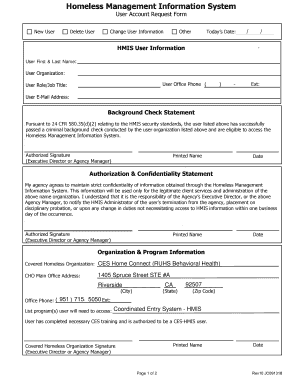
0New User
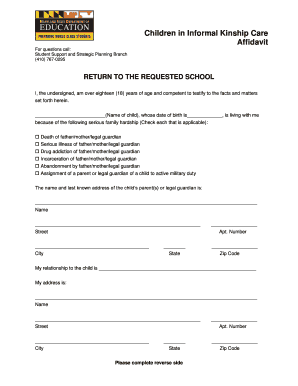
Maryland Kinship Care Affidavit
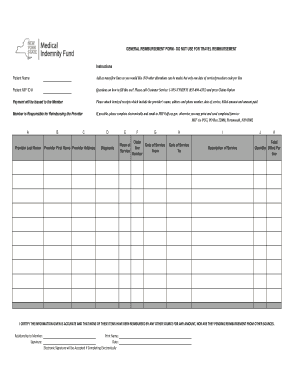
GENERAL REIMBURSEMENT FORM - DO NOT USE FOR
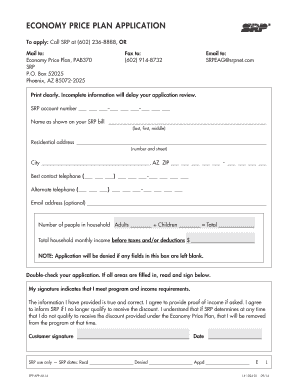
Srp net epp
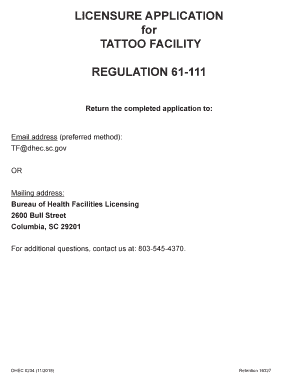
LICENSURE APPLICATION for TATTOO FACILITY
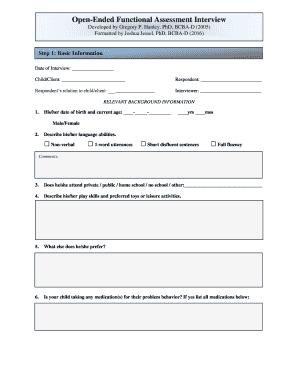
Open ended functional assessment interview pdf

Mmachs
Benefit from the DocHub online library of fillable PDF forms
Searching the PDF forms doesn't have to be a tedious and time-consuming process. With the DocHub online library, it has become easier to find the fillable PDF forms and modify them in your browser. The service allows you to adjust the document to your needs using powerful editing tools.
You can use online document editing features to modify almost any type of document with ease. You just need to find the template of your choice, open it in the editor, and use the toolbar to make the necessary corrections.
Follow this guide to get your document done with DocHub:
- Find the PDF template you need.
- Click the Get Form button to open the file in the editor.
- Use the toolbar to fill out and edit the document.
- Easily add and highlight text, insert images, checkmarks, and symbols.
- Drop new fillable fields, and rearrange or delete pages from your file.
- Save changes and download your record.
DocHub empowers everyone to streamline document editing, signing, and distribution, and form completion. Create an account and benefit from our well-organized PDF Forms library and comprehensive editor.