
Get any PDF form from the DocHub library of ready-made templates - Page 1785

Reggie behl drawing award - Department of Art - UNM.edu
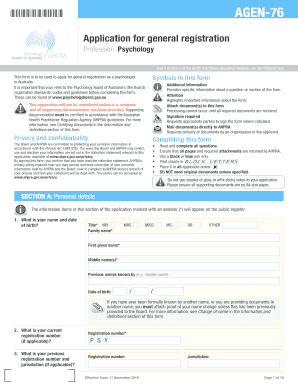
AGEN-76

L&Q: Home

Compliance Toolkit SOP Index NB REMMBER TO PRINT AND ... - ICPA

Jewson account application form

NASM new Appeal form.docx

Ma resident income tax form 1 instructions 2018

Louisiana commercial farmer

Decision-Making Scenarios - Iredell-Statesville

SHELBY COUNTY SCHOOLS TRAVEL AUTHORIZATION AND
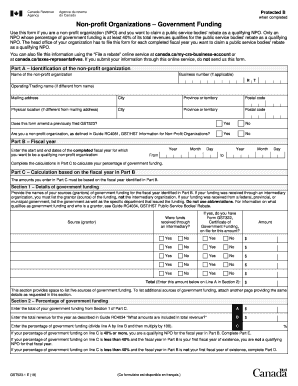
Gst523 1
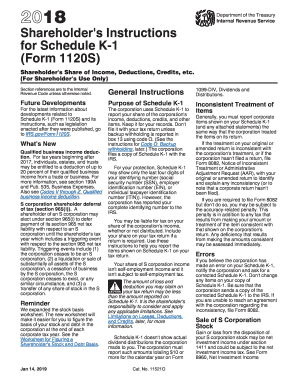
2015 k 1 form
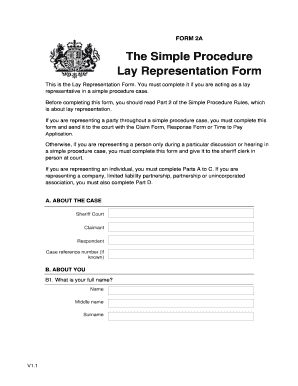
FORM 2A Lay Representation Form. Simple Procedure
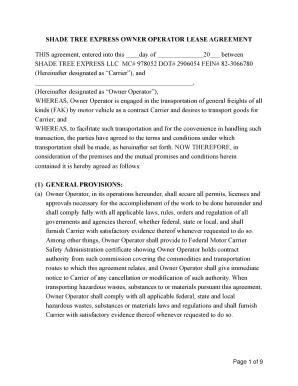
OO lease agreement template
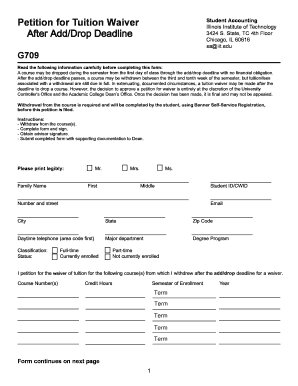
Illinois Institute of Technology (IIT) strives to provide its ...
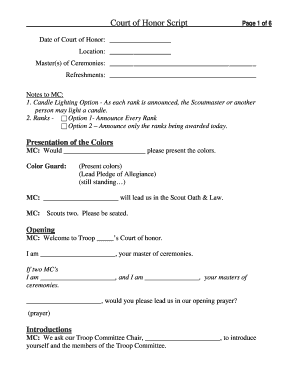
Eagle scout program template word

Housing allowance worksheet
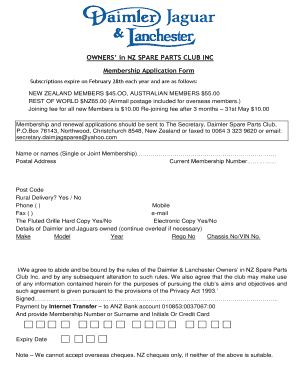
Membership application form - daimjag.nz
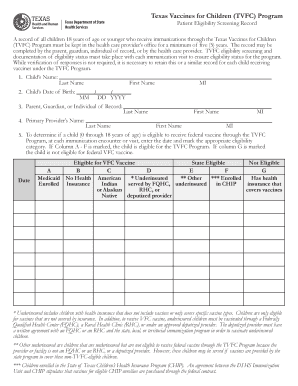
Patient screening record

Infection Prevention and Control Care Checklist Pulmonary ...
THRIVE NOT JUST SURVIVE GRANT CONSENT FORM
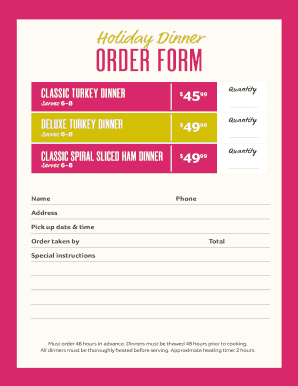
Holiday Dinner ORDER FORM - winndixie.com
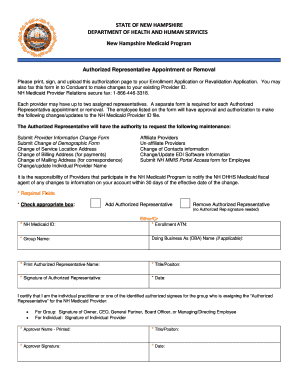
Authorized Representative Appointment or Removal Form
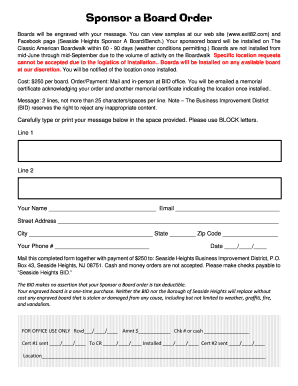
Sponsor a Board Order - Seaside Heights
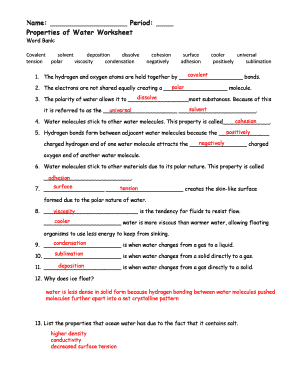
Properties of water worksheet pdf
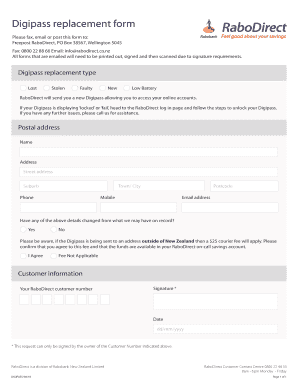
Digipass replacement form
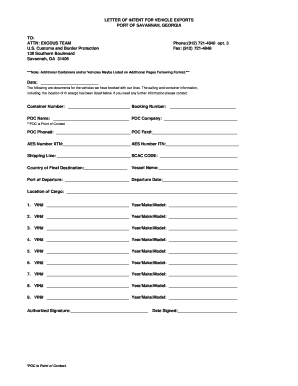
Letter of Intent - aclcargo.com
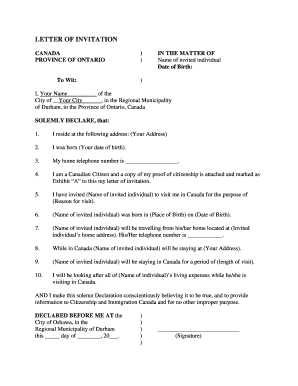
LETTER OF INVITATION - Community Legal Clinic

Evidence / Property Return Request
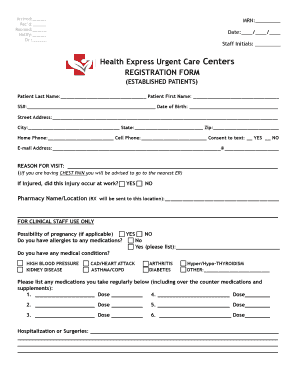
Health Express Urgent Care Centers REGISTRATION FORM

New jersey septic management group
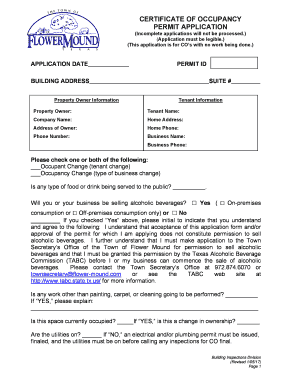
Certificate of occupancy permit application - Flower Mound, TX
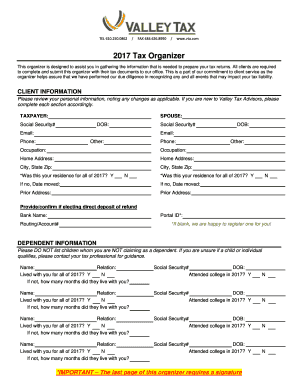
2017 tax organizer template
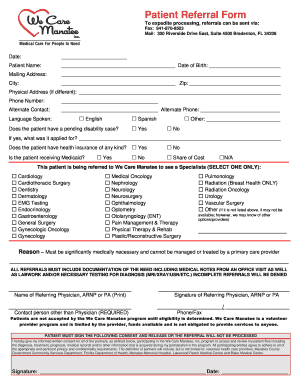
Patient referral form

Bank ozk overdraft protection
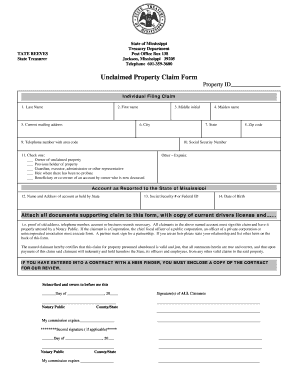
Unclaimed Property Claim Form .doc
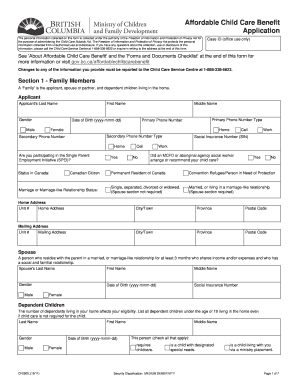
Cf2910
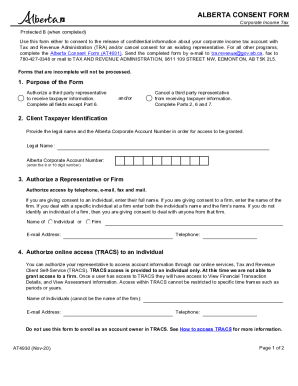
At4930
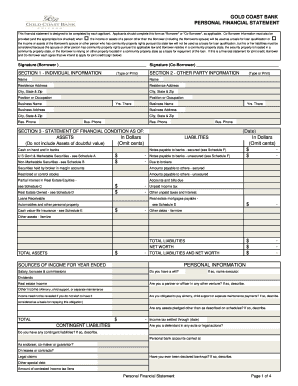
Gcb electronic payment paper
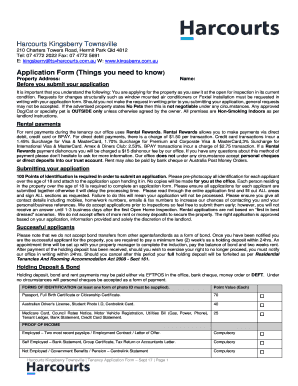
Application Form - Harcourts Kingsberry Townsville
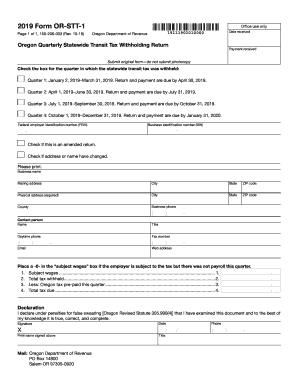
2019 form or stt 1
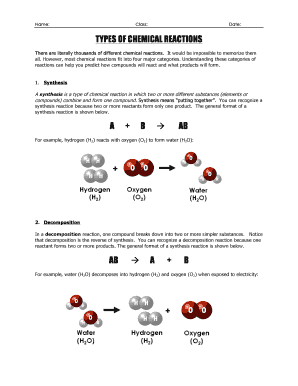
WS - READING - Types of Chemical Reactions 13-14.doc
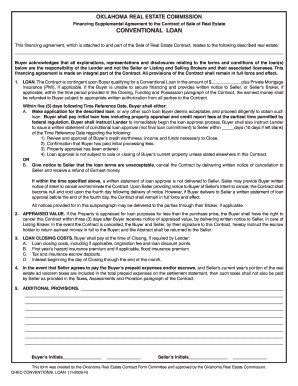
Orec supplemental
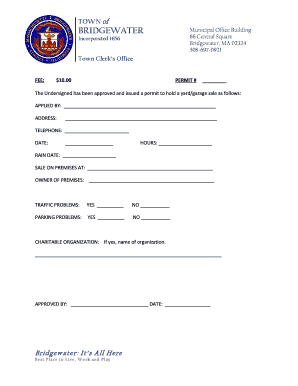
Yard sale application form
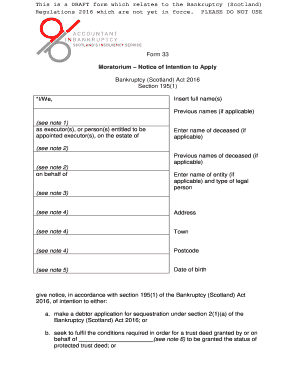
Moratorium form 33
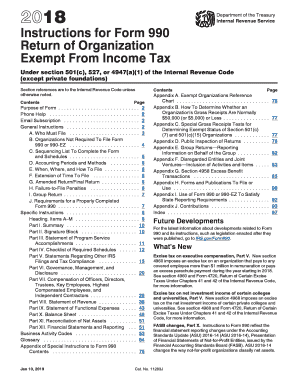
Counselormax
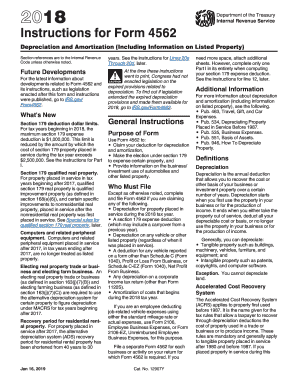
Form 4562
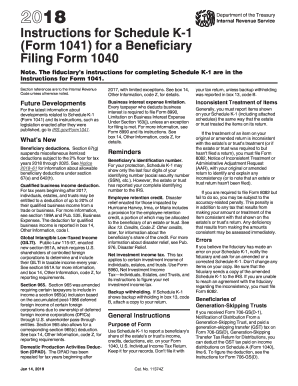
2017 k 1 instructions
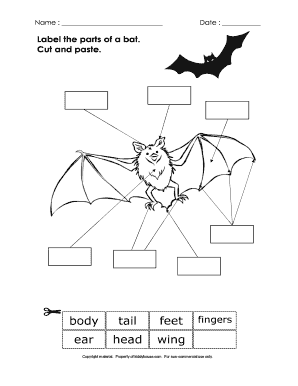
Label the parts of a bat. Cut and paste. - kiddyhouse.com
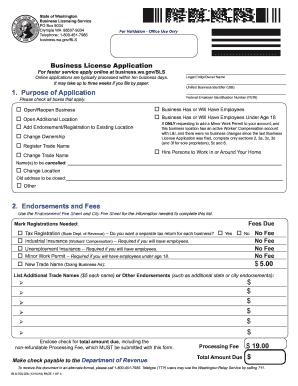
028 form
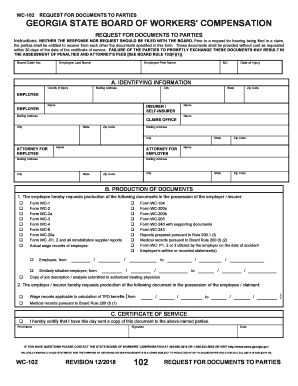
Ga wc documents form

The Faculty Manual - Eastern Nazarene College
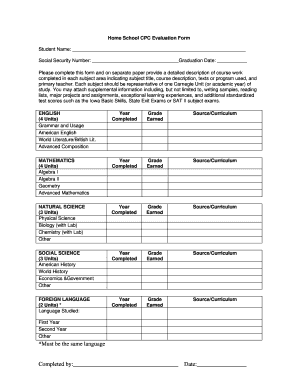
Home School CPC Evaluation Form.doc

On campus housing application - Haskell Indian Nations University
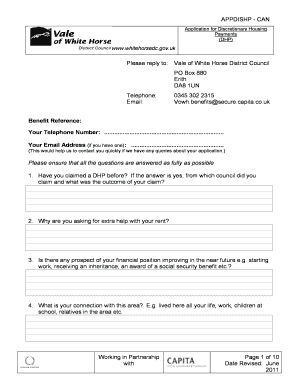
03453022315
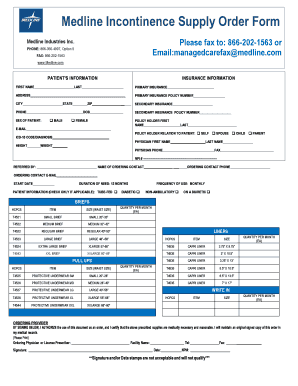
Medline order form
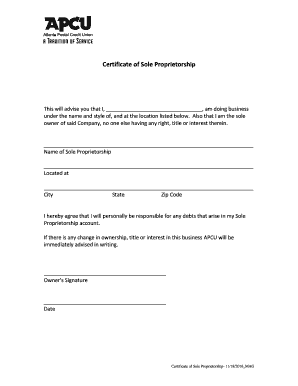
Certificate of Sole Proprietorship - apcu.com

A 0546 gf formulaire

CCP-0179 (Rev
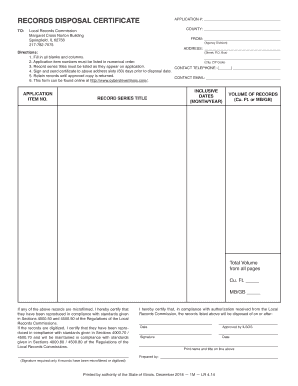
Records disposal certificate
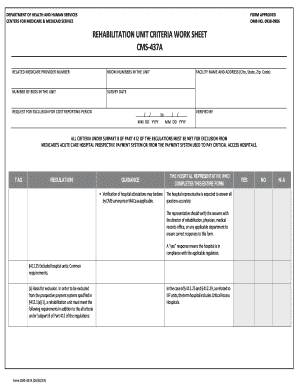
Cms criteria

Omh 11c
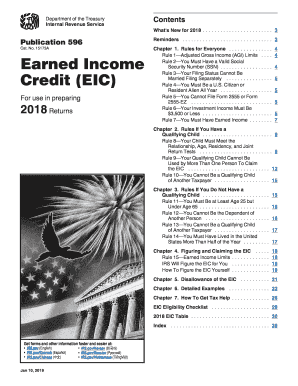
Fillable 2015 eic worksheet a
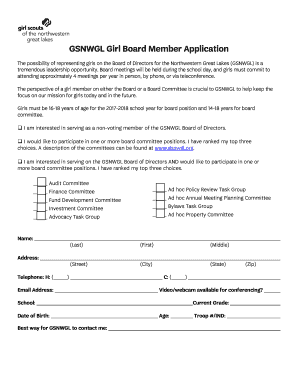
Board member application form

Police officer application - Plymouth Township
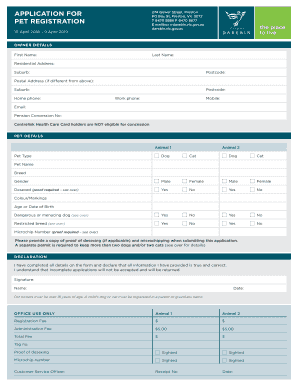
Dog registration darebin
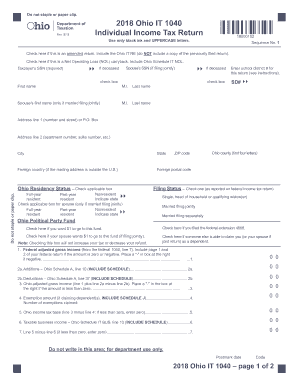
It 1040
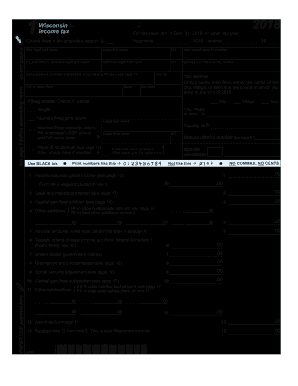
2017 state wisconsin fill in form

Nyc 245

Maine w3me

Mass dor form m8379

License abc virginia
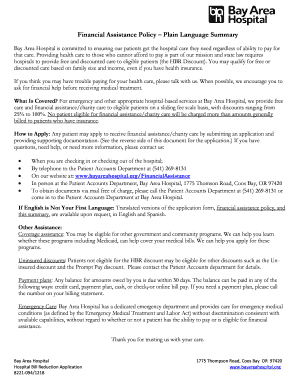
Bay Area Hospital is committed to ensuring our patients get the hospital care they need regardless of ability to pay for
South carolina state tax forms 2017

Cityfheps
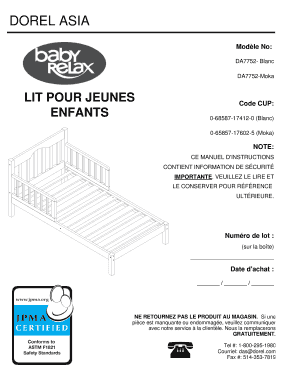
Modle No:
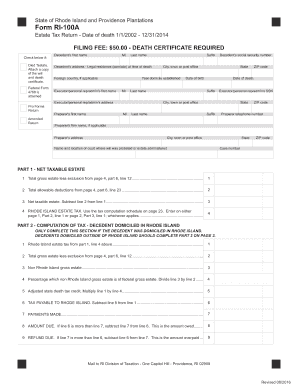
Ri form 100a 2016-2019
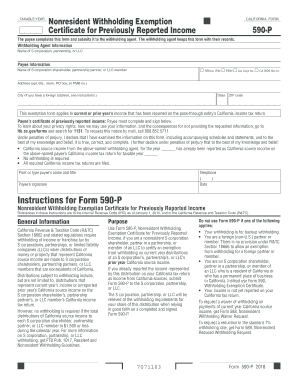
Ca 590 form 2021

Tc201 2018-2019 form

Clasim for new york city school tax credit nyc 210 2019 online no No Download Needed
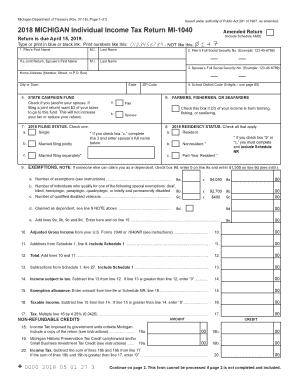
2019 michigan tax form 1040
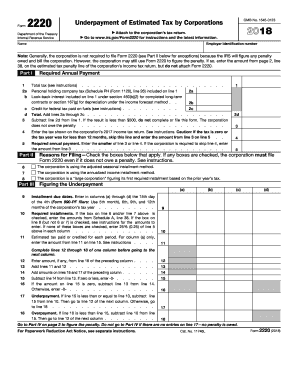
2017 form 2220
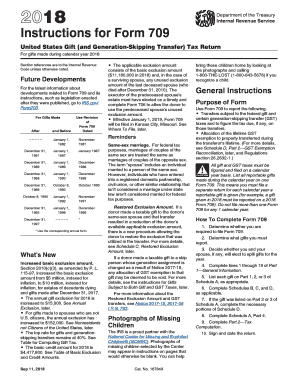
Form 709 instructions 2017

Form 1120 2018
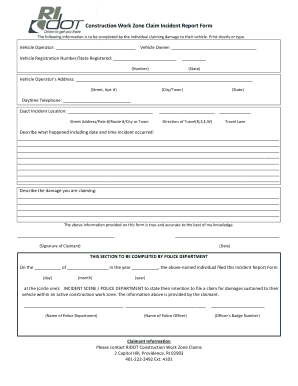
Construction Work Zone Claim Incident Report Form
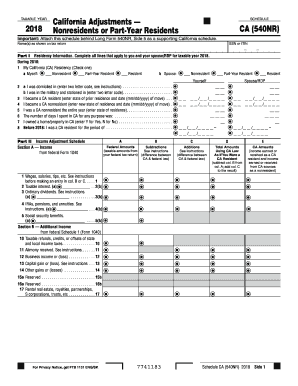
California form 540nr schedule ca

Psychological checklist
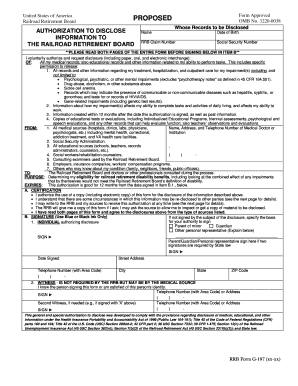
G-197 (xx-xx). Form Approved OMB No. 3220-0038
DocHub refund policy
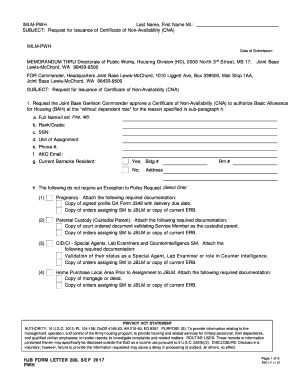
Hjb form 200
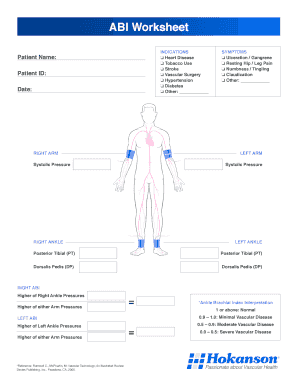
Abi worksheet pdf
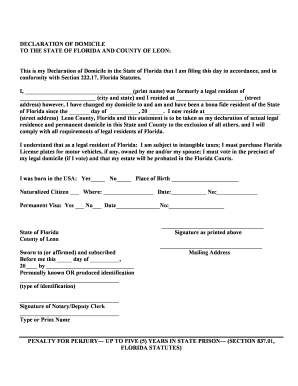
Declaration of domicile leon county
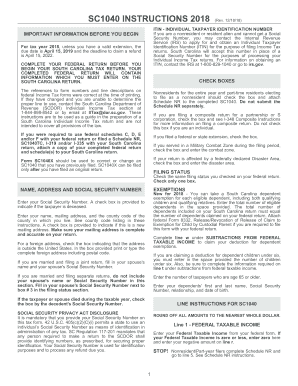
Sc1040 instructions

Massachusetts judgment debtor claims
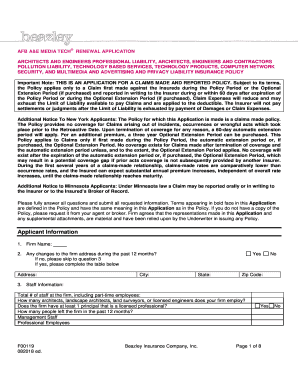
Beazley AFB A&E Media Tech Renewal application. Beazley A&E media tech renewal insurance application
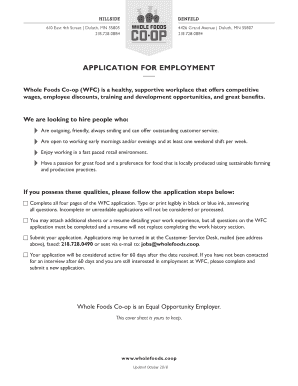
Whole foods job application

Colchester ct dog license
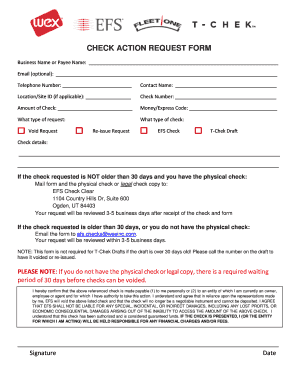
Void Check Form.doc
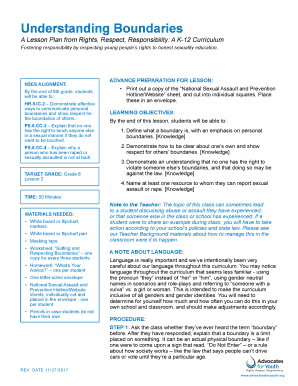
Understanding Boundaries - Advocates for Youth
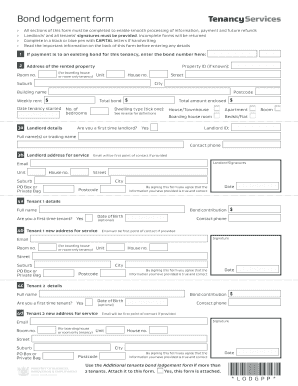
Bond lodgement form
Benefit from the DocHub online library of fillable PDF forms
Searching the PDF forms doesn't have to be a tedious and time-consuming process. With the DocHub online library, it has become easier to find the fillable PDF forms and modify them in your browser. The service allows you to adjust the document to your needs using powerful editing tools.
You can use online document editing features to modify almost any type of document with ease. You just need to find the template of your choice, open it in the editor, and use the toolbar to make the necessary corrections.
Follow this guide to get your document done with DocHub:
- Find the PDF template you need.
- Click the Get Form button to open the file in the editor.
- Use the toolbar to fill out and edit the document.
- Easily add and highlight text, insert images, checkmarks, and symbols.
- Drop new fillable fields, and rearrange or delete pages from your file.
- Save changes and download your record.
DocHub empowers everyone to streamline document editing, signing, and distribution, and form completion. Create an account and benefit from our well-organized PDF Forms library and comprehensive editor.