
Get any PDF form from the DocHub library of ready-made templates - Page 1783
Virginia department of alcoholic beverage control - Virginia ABC
Summit property management
Lions of North Dakota Sight 4 KIDZ FREE Eye Screening

Cebu city form
Form destruction food
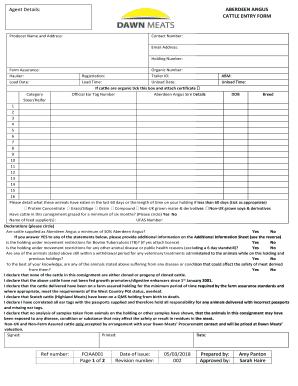
Dunbia cattle entry form
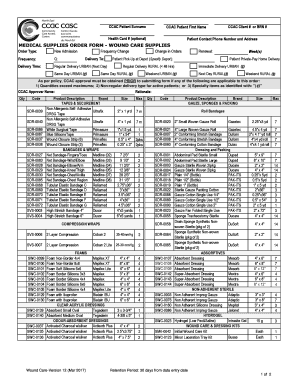
Medical supplies order form
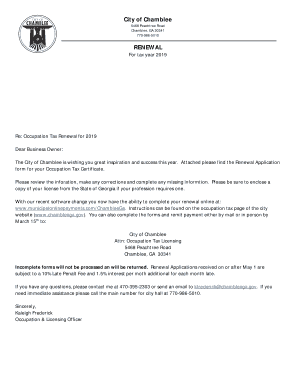
City of Chamblee RENEWAL
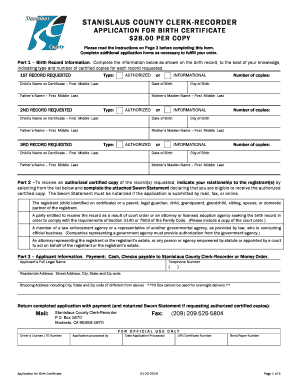
STANISLAUS COUNTY CLERK-RECORDER
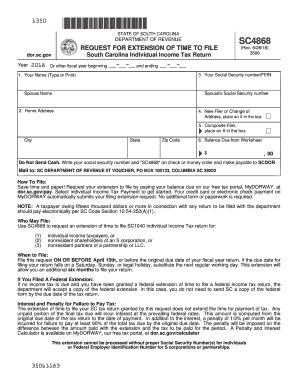
Sc extension form
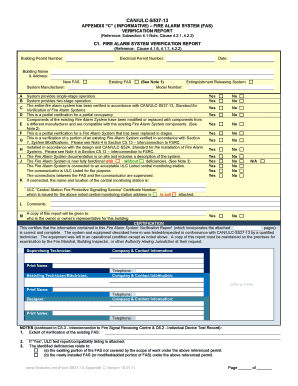
Can ulc s537 download

Grant Application - Elko

HELIERS MEDICAL PRACTICE,
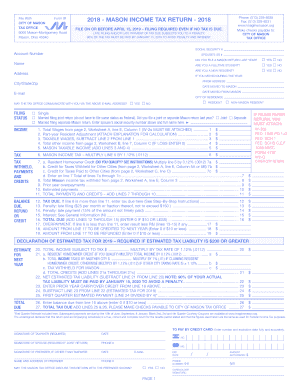
Mason ohio tax form
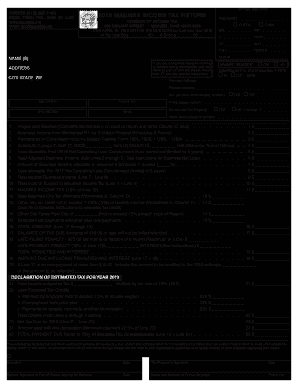
Maumee tax form
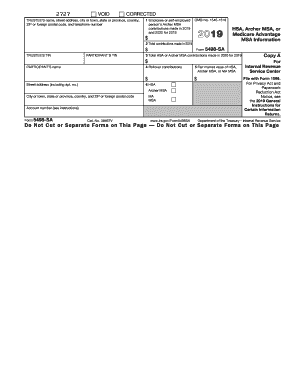
Irs 5498 sa tax form 2018

SIRCA - kent.edu

OPERS Forms - Help
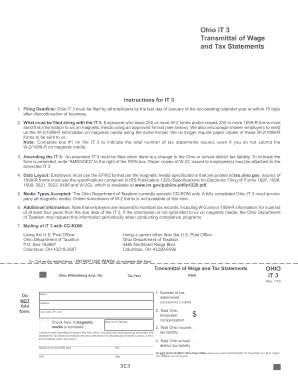
Ohio it 3 fill in form
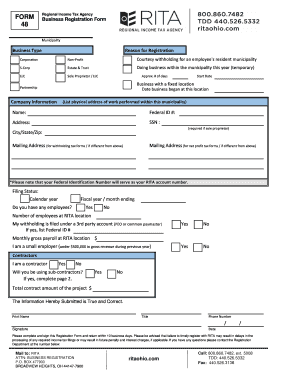
48 business registration form

Nys estimated tax forms
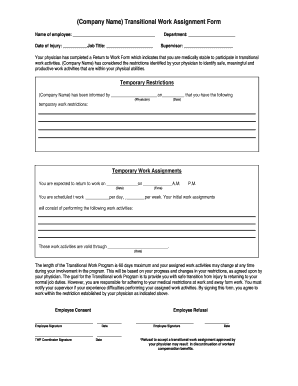
Work Assignment Form.doc
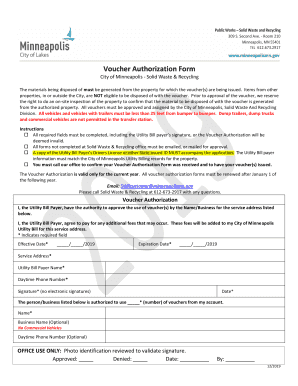
Mn voucher form minneapolis
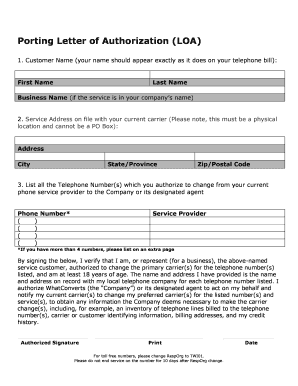
Loa letter of authorization
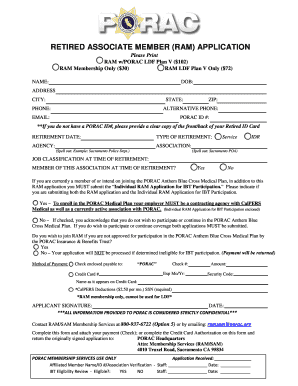
RETIRED ASSOCIATE MEMBER (RAM) APPLICATION - PORAC ...
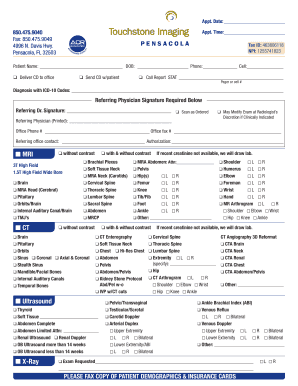
MRI CT Ultrasound X-Ray - Touchstone Medical Imaging

Delaware diligent effort form
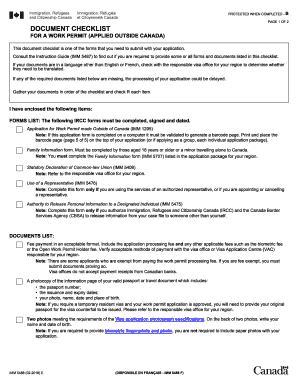
Imm 5488

OC Fair & Event Center Megan's Law Screening
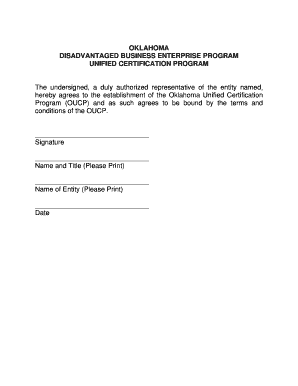
Definition of a Disadvantaged Business EnterpriseUS Department ...
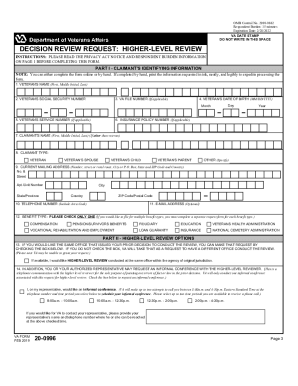
Va form 20 0996 fillable online

Staff evaluation form

Nsw health code of conduct agreement for students
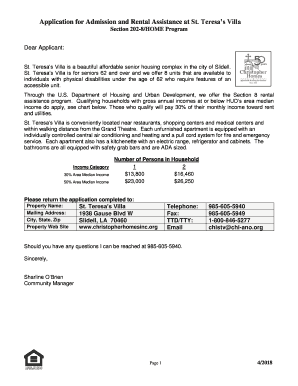
St therese villa
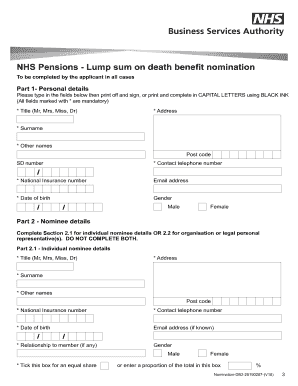
Db2 form

Cass County Indiana: Small Claims Forms - Cass County Government
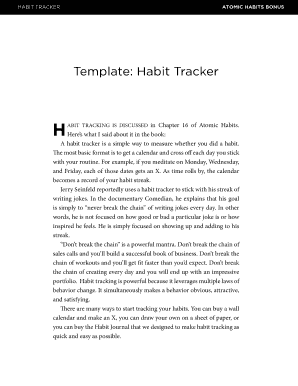
Atomic habits bonus material

Preparing Spirit of America Youth Leadership Program EDUCATE ...
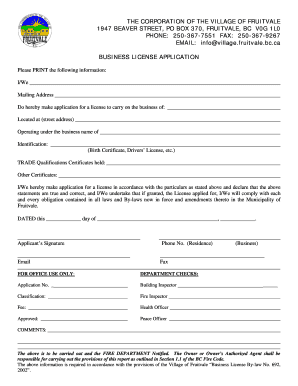
THE CORPORATION OF THE VILLAGE OF FRUITVALE
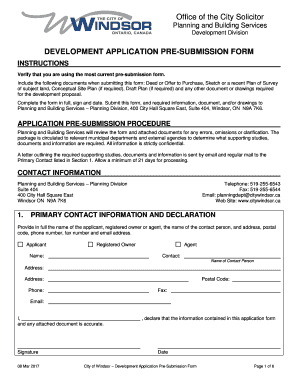
Development application pre-submission form - City Of Windsor

Blank writing paper online

Ringette practice plan template
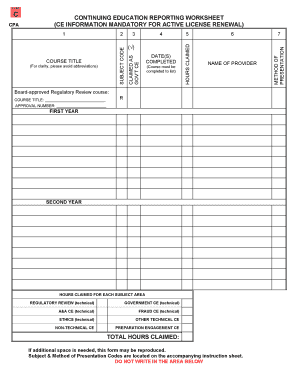
CE Reporting Worksheet - California Board of Accountancy. CE Reporting Worksheet - California Board of Accountancy
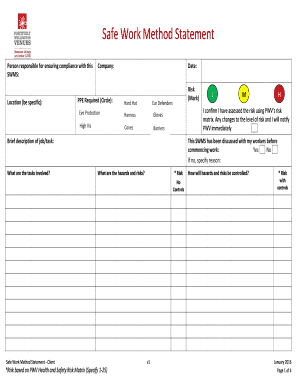
Safe work method statement
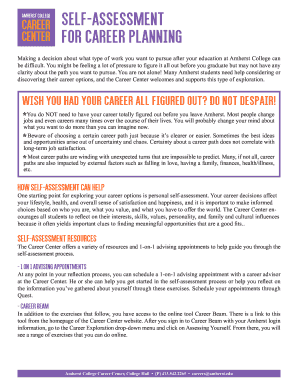
Self-Assessment for Career Planning - Amherst College
Privilege Club : Qatar Airways' frequent flyer programmeQatar ...

PRODUCT RESELLER AGREEMENT This Product Reseller ...
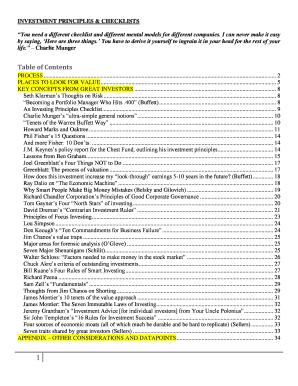
Charlie munger checklist pdf
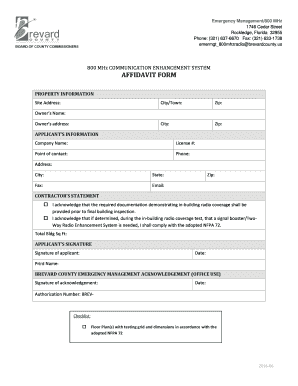
800mhz enhancement affidavit form brevard
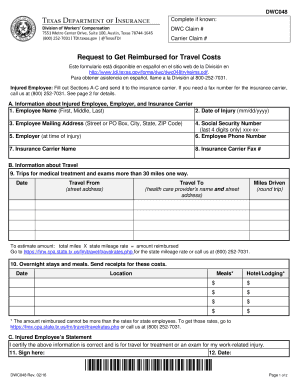
Dwc048
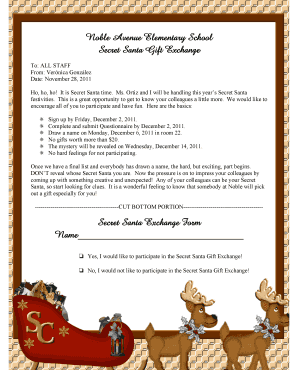
Secret santa email to staff
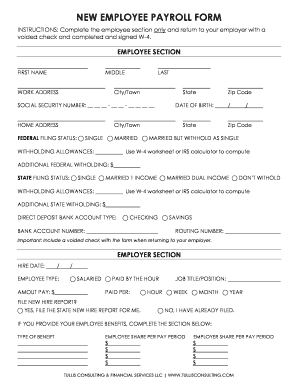
NEW EMPLOYEE PAYROLL FORM

Sc2 form

Hazard and Risk Assessment Form
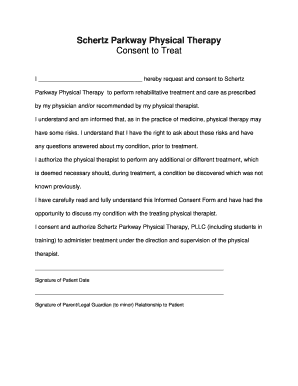
Physical therapy consent form template

Hr reviewer user's guide - Office of Human ResourcesOregon...
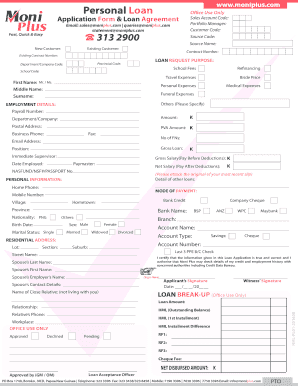
Moni plus loan statement
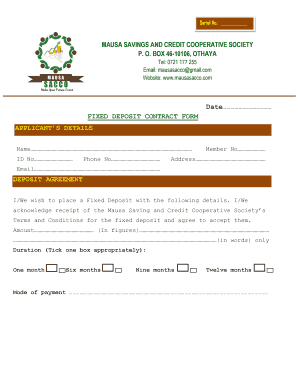
Fixed Term Deposit For Existing CustomersThe Co-operative Bank
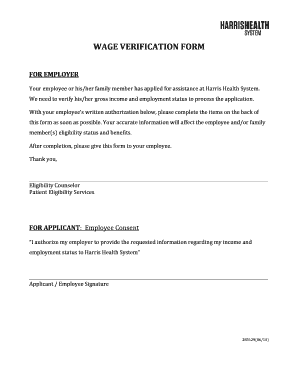
Wage verification form - Harris Health
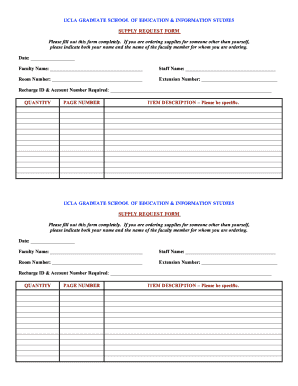
News Archives - Page 3 of 5 - Joe Fairless
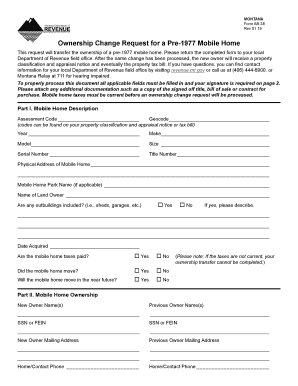
Montana form 2019
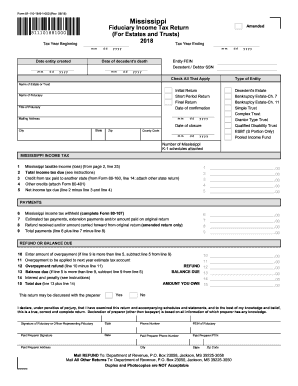
Ms dor forms 2018

Kansas city earnings tax form
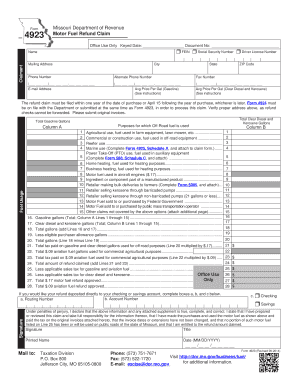
Missouri fuel refund claim
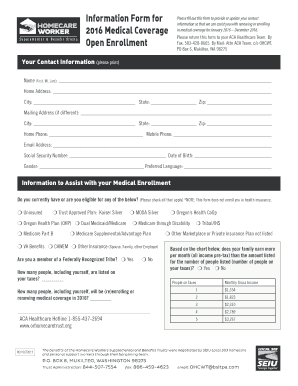
How to Use Form 1095-A, Health Insurance Marketplace Statement ...
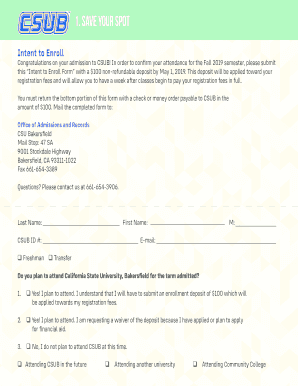
Csub intent to enroll form 2019
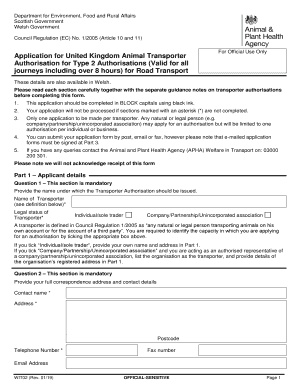
Application for United Kingdom Animal Transporter Authorisation for ...
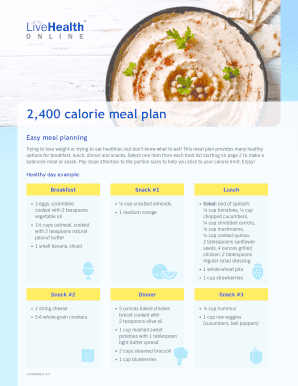
2400 calorie meal plan pdf

Application for bmv reinstatement fee amnesty initiative x
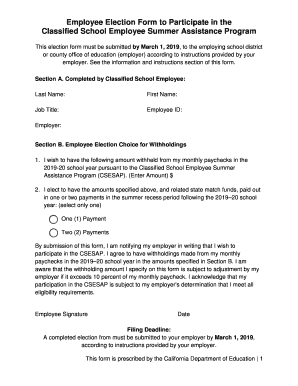
Csesap employee election form

Franklin county area tax bureau

Ma 97 forms downloadable
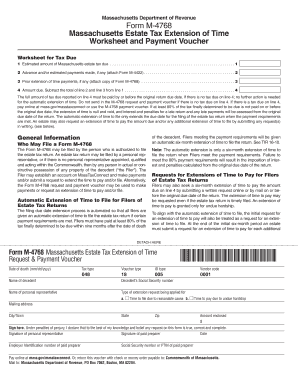
Extension massachusetts tax

Saln form 2022 pdf download
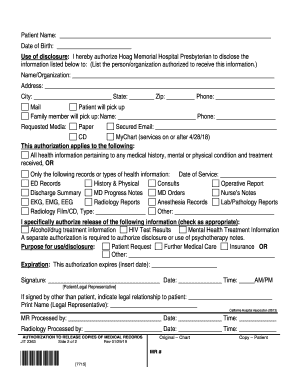
Mychart hoag hospital
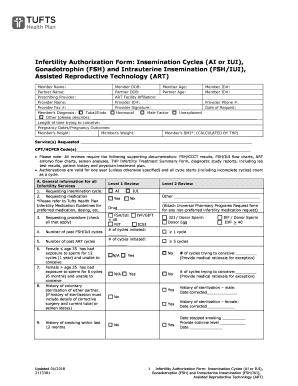
Infertility Authorization Form: Insemination Cycles (AI or IUI ...
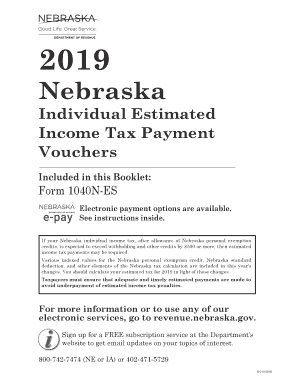
Ne form tax

Rw lampton
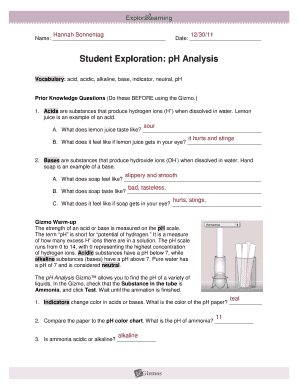
Gizmos student exploration ph analysis answer key

Cnusd transportation

Checkwriters direct deposit form
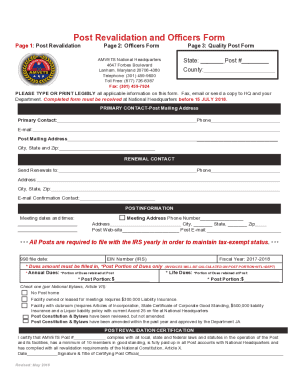
Revalidation form amvets

Permit livingston county
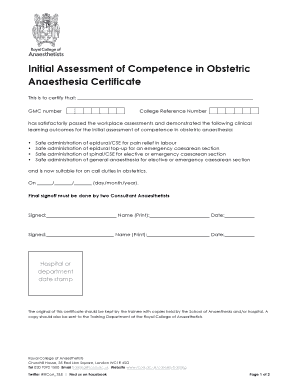
Initial assessment of competence in obstetric anaesthesia
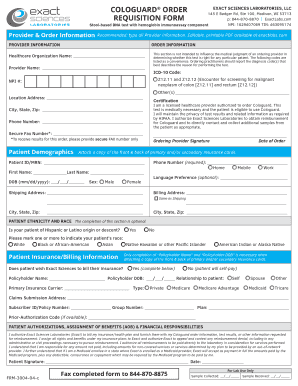
Cologuard order form
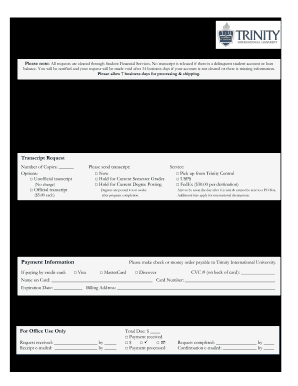
Trinity international university transcript request
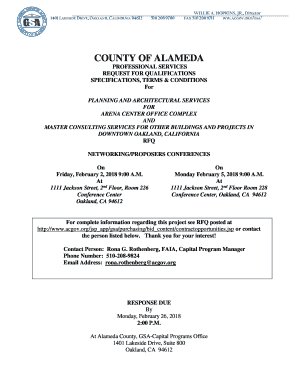
Willie hopkins jr
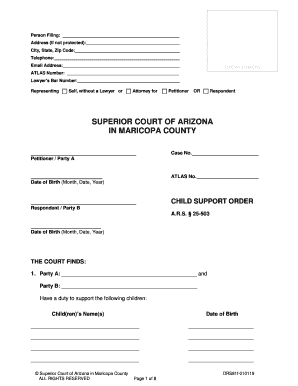
Ars 25 503
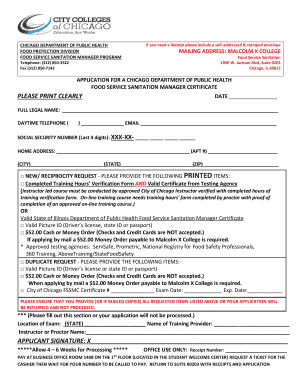
Malcolm x college food sanitation program
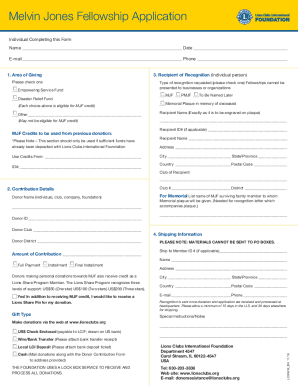
Melvin jones application form
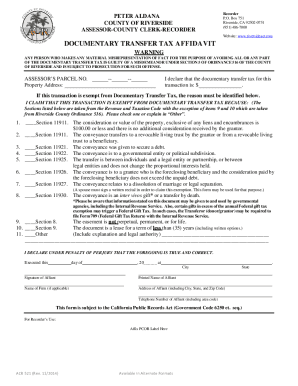
Transfer documentary riverside
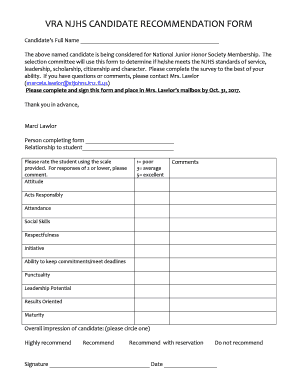
Njhs ceremony script
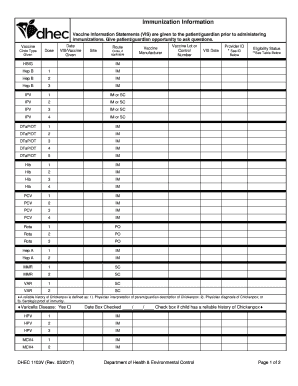
Sc form immunization health environmental control

Vaf4a appendix 1
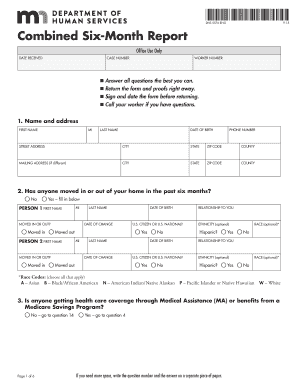
DHS-5576-ENG (Combined Six-Month Report). This form is sent to clients who have a six-month renewal for health care eligibility or a six-month report for the Supplemental Nutrition Assistance Program (SNAP) due. When used, this form also meets any mo
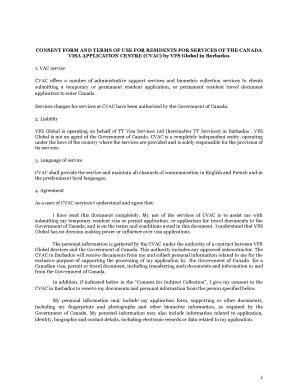
Vfs global barbados
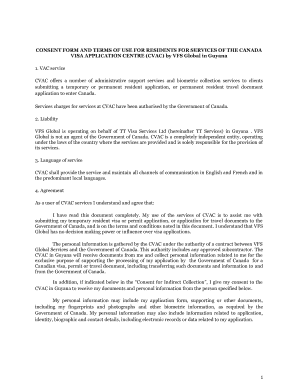
Tt services consent form
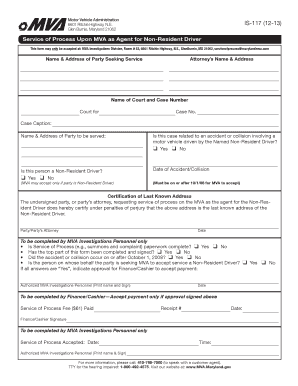
Service upon mva online
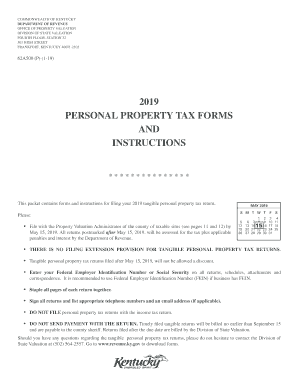
Ky form tangible property tax
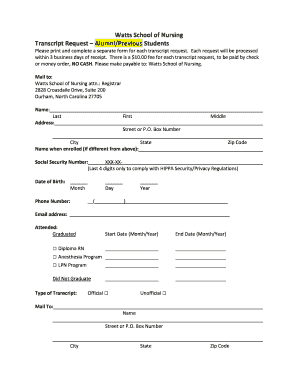
Watts School of Nursing Transcript RequestAlumni/Previous ...
Benefit from the DocHub online library of fillable PDF forms
Searching the PDF forms doesn't have to be a tedious and time-consuming process. With the DocHub online library, it has become easier to find the fillable PDF forms and modify them in your browser. The service allows you to adjust the document to your needs using powerful editing tools.
You can use online document editing features to modify almost any type of document with ease. You just need to find the template of your choice, open it in the editor, and use the toolbar to make the necessary corrections.
Follow this guide to get your document done with DocHub:
- Find the PDF template you need.
- Click the Get Form button to open the file in the editor.
- Use the toolbar to fill out and edit the document.
- Easily add and highlight text, insert images, checkmarks, and symbols.
- Drop new fillable fields, and rearrange or delete pages from your file.
- Save changes and download your record.
DocHub empowers everyone to streamline document editing, signing, and distribution, and form completion. Create an account and benefit from our well-organized PDF Forms library and comprehensive editor.