
Get any PDF form from the DocHub library of ready-made templates - Page 1786
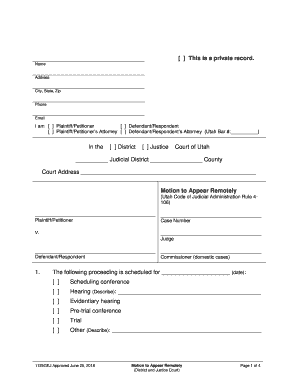
Utah Courts - Motion to Appear Remotely
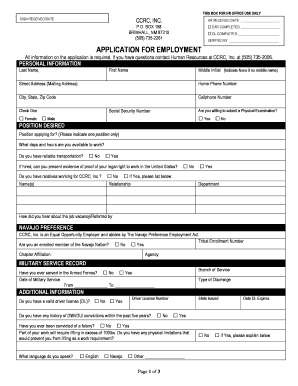
APPLICATION FOR EMPLOYMENT - ccrcnm.org

Chrome extension mhjfbmdgcfjbbpaeojofohoefgiehjai index html
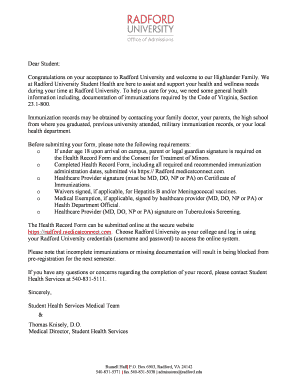
Student Health Services Letterhead for AD3 (002)
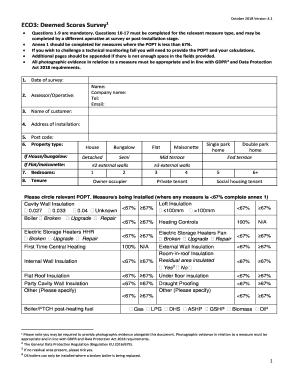
Deemed score survey
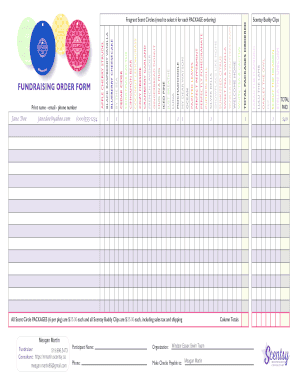
T U B AN E FUNDRAISING ORDER FORM B L I N A FARAH THE ...
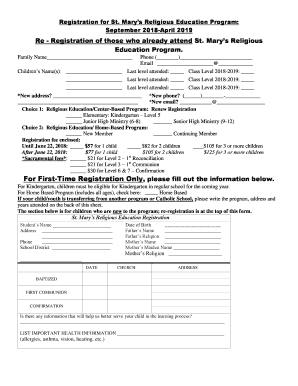
Re - Registration of those who already attend St. Marys ...

Texas comptroller form 167
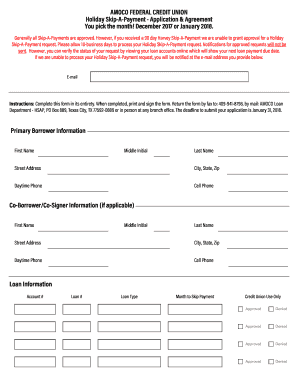
Amoco holiday skip a payment
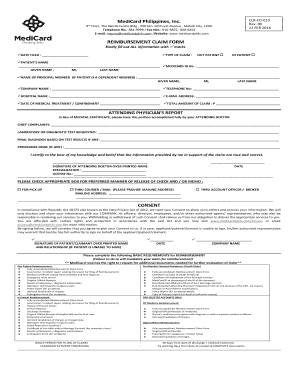
Medicard reimbursement
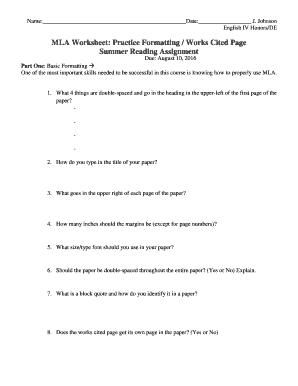
MLA Worksheet #2 - Zachary High School
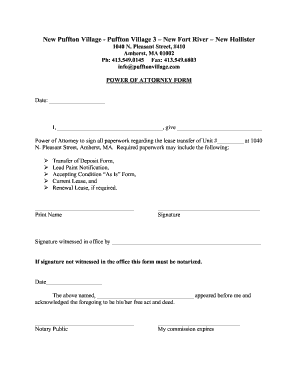
Power of Attorney Form - Puffton Village
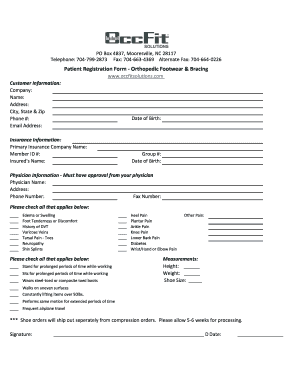
Occfit solutions
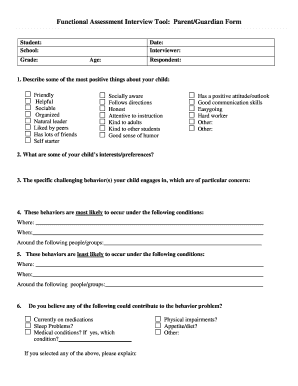
Functional assessment interview tool parent guardian form
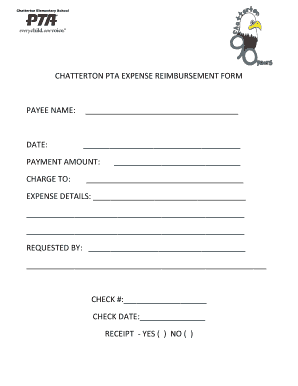
Chatterton pta expense reimbursement form payee name

3885l
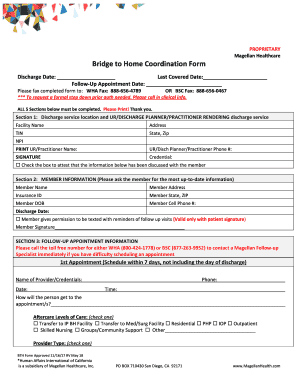
Last Covered Date:

Financial Aid Office 2017-2018 STATEMENT OF NON-FILING ...
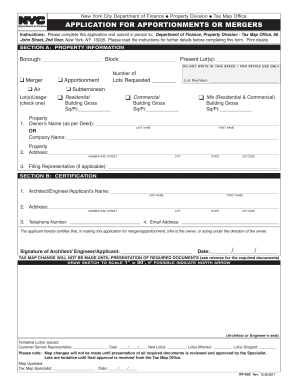
Rp602
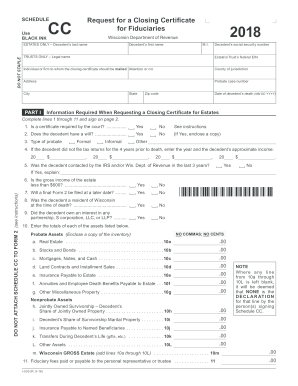
State of wisconsin form cc

Nevada modified business tax
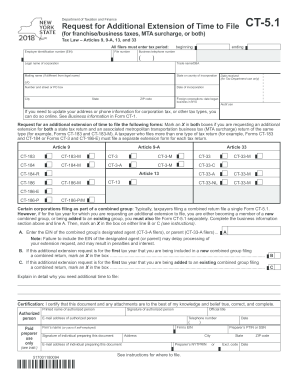
New york form ct 5 1

Nys annual st 101 form
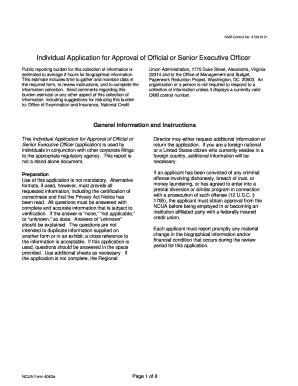
NCUA Form 4063
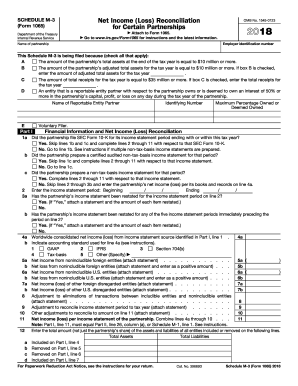
2017 schedule m 3
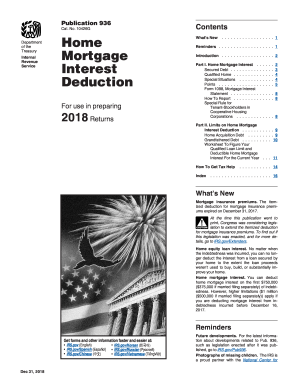
Irs publication 936 2017

Critical area report - King County
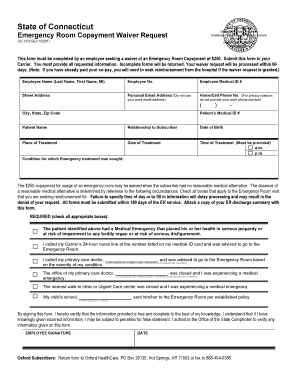
State of ct emergency room waiver

INFORMED CONSENT FORM For: Zumba Fitness With Xanthi ...

Ifta texas
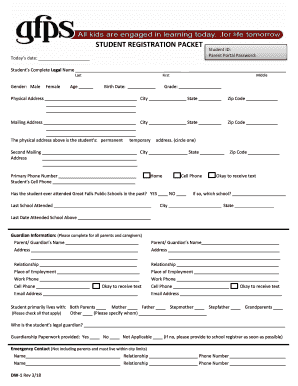
STUDENT REGISTRATION PACKET - gfps.k12.mt.us
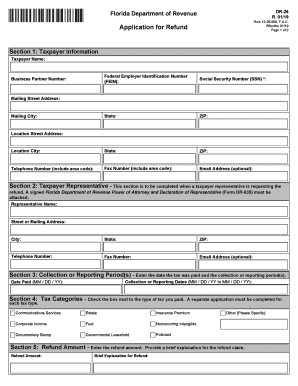
Dr 26
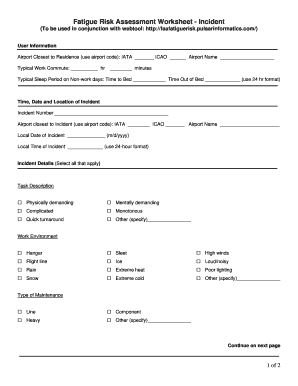
Fatigue risk assessment template

Sunnyside goldens utah
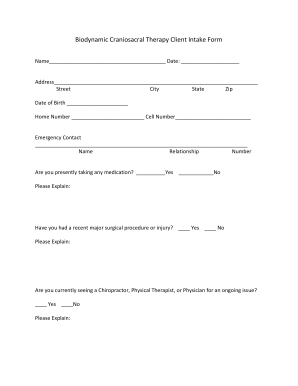
Biodynamic Craniosacral Therapy Client Intake Form
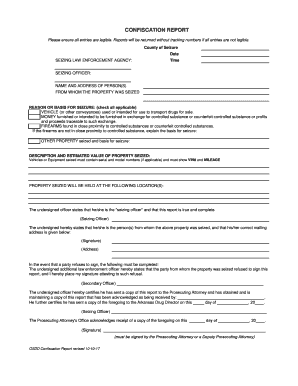
Confiscation Report rev. 10-17
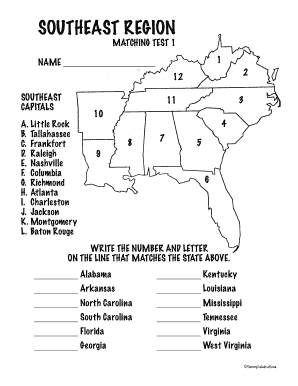
Southeast states and capitals quiz printable

Maryland injured spouse form
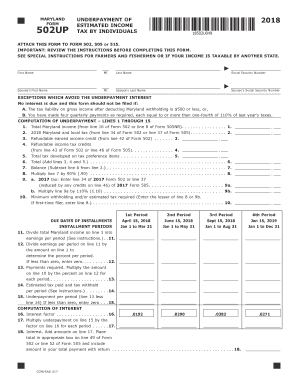
Md 502up form

Maryland Drivers License Fact Sheet.pdf - The Law Offices of Scott R ...
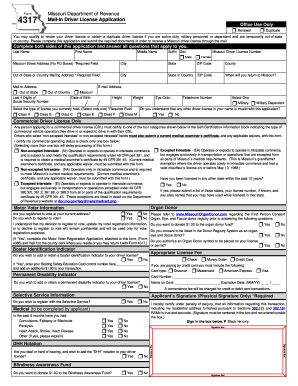
Form 4317 2018-2019
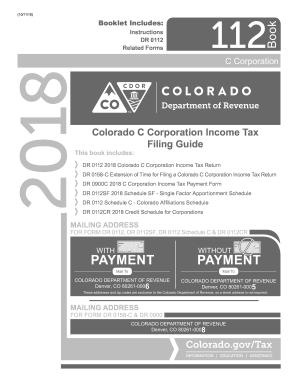
Colorado dept of revenue fillable form 112
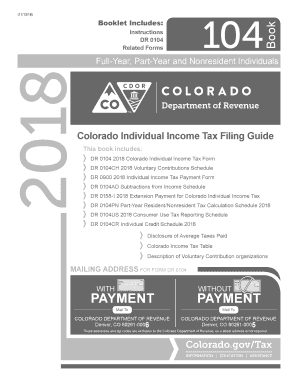
Colorado tax form
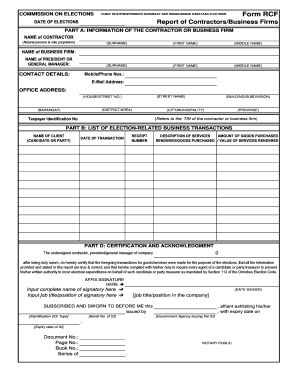
Rcf form
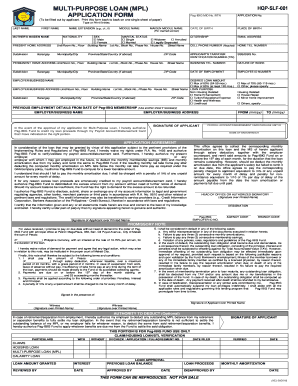
Mpl application form

Cbc consent form

How to fill gtbank reference form
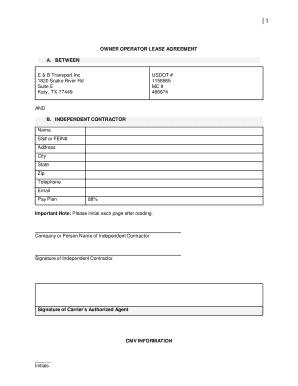
OWNER OPERATOR LEASE AGREEMENT
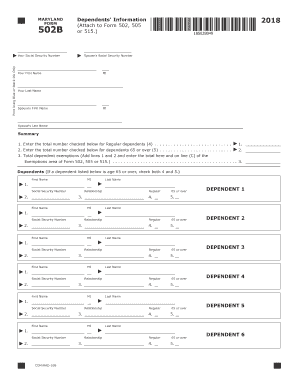
502b 2017
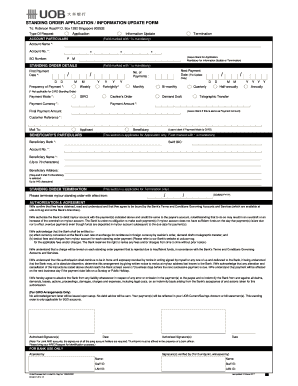
Uob telegraphic transfer form

AFFIDAVIT OF AVERAGE SETBACK - Oyster Bay

Ukc form
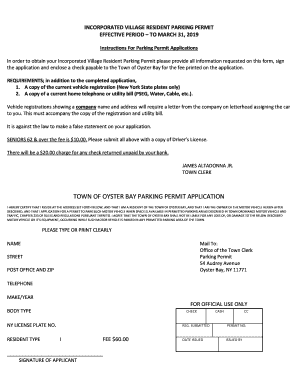
Town of oyster bay parking permit
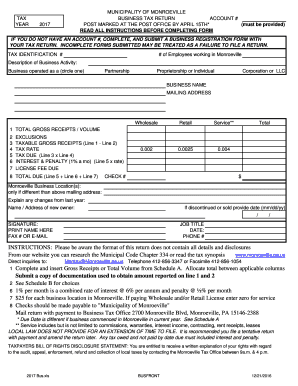
Monroeville business tax return
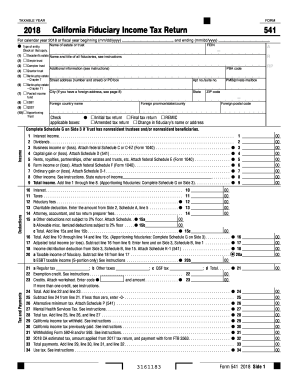
2018 541

Lcif grant application form
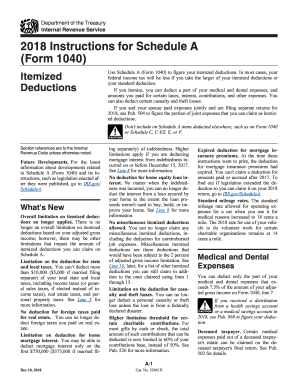
2014 schedule a instructions
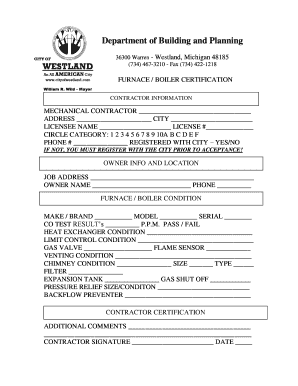
Furnace Certification - City of Westland
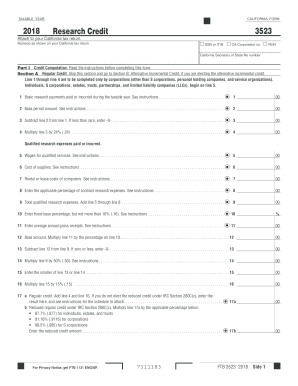
Ca form 3523 2019 pdf
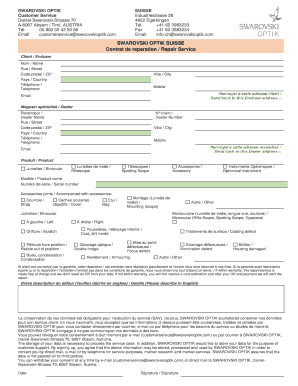
Swarovski reparation

Hazardco forms
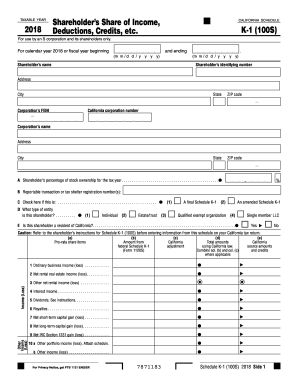
2017 100s form

Phoenix life change of address

Form 7001 report form

Doctoral Student Waiver Form - sonportal.sites.unc.edu
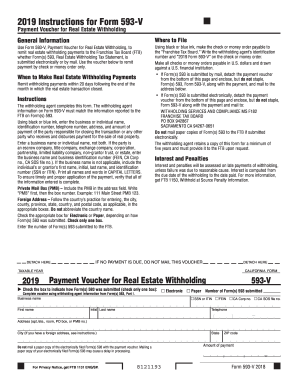
593 v 2019pdf
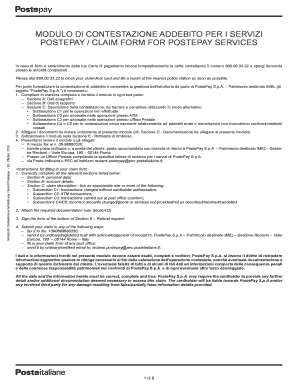
Modulo di contestazione addebito per i servizi postepay
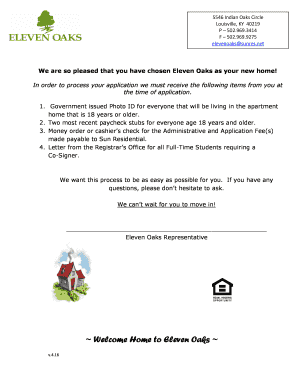
Eleven oaks apartments
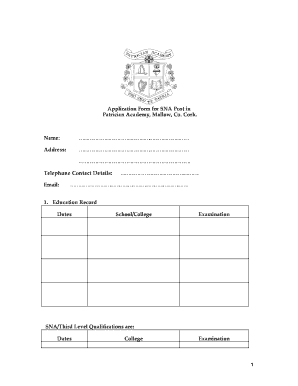
Application Form SNA Post1 - Patrician Academy
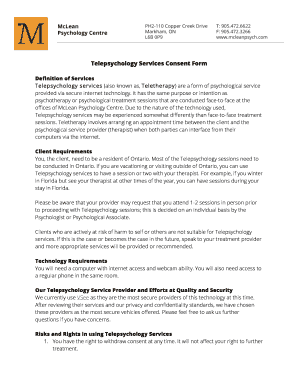
Teletherapy Consent Form (Online Version).doc
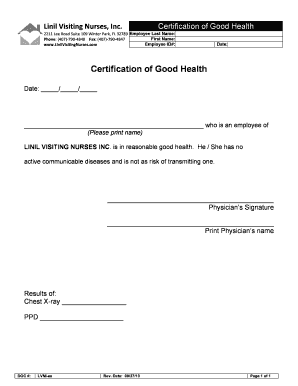
Certificate of good health

Koc medical records

Sagestream
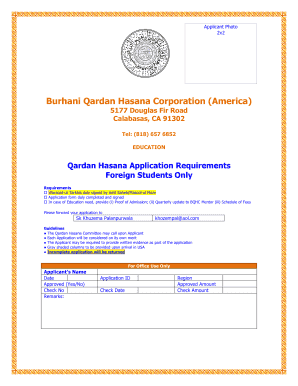
Burhani qardan hasana application
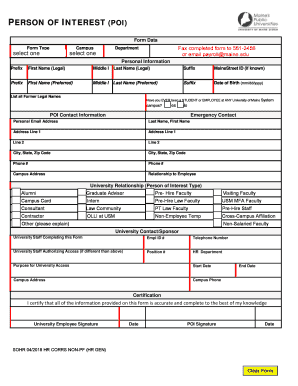
Person of interest (poi) - University of Maine

Hosted Homestay Affidavit - City of Redding
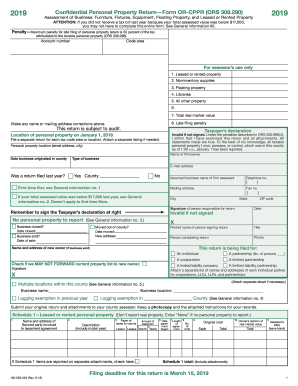
2018 form property

Weatherization Works QCI Final Inspection Checklist

Director disclosure form
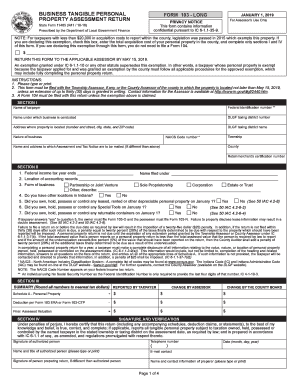
CACFP - Square Meals
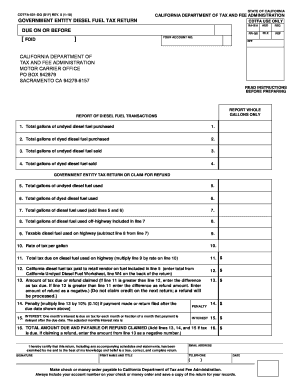
Cdtfa 501 dg

FORM H22 APPLICATION FOR FULL SALARY FOR A TEACHER

Cnmi os 3105 2021

Cdtfa 501 wg
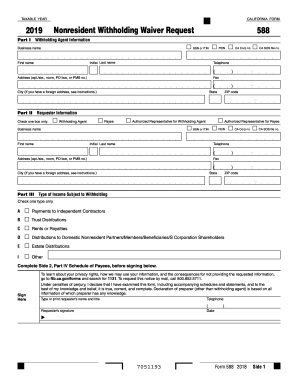
Ca form 588 instructions 2019
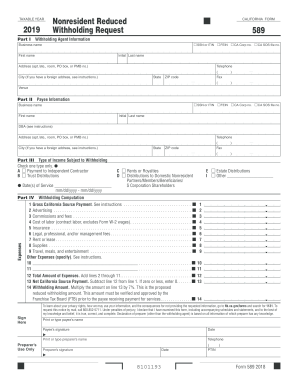
California state withholding form 2019
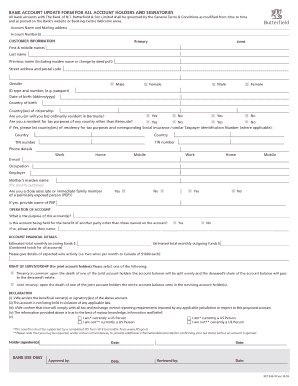
Bank account update form for all account holders ... - Butterfield Bank
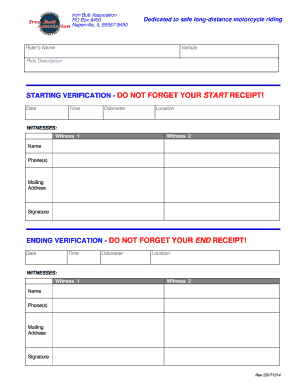
Iron butt association application
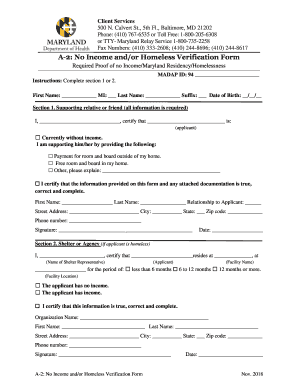
Homeless verification form

Comnavinst 6000 2 08jan2018 navy

Sa472 form

Navmed 6710/28 - Naval Forms Online

Natwest chaps form pdf
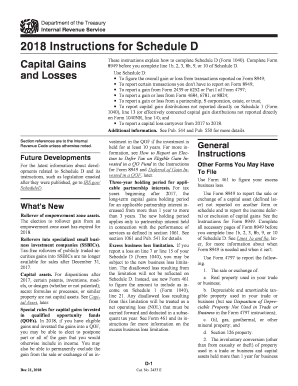
Schedule d
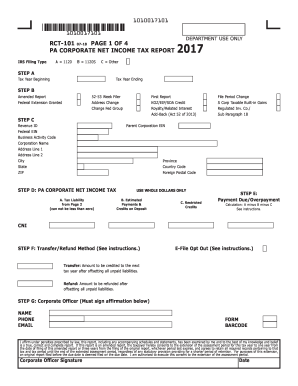
Rct 101

Mastercard travellers cheques
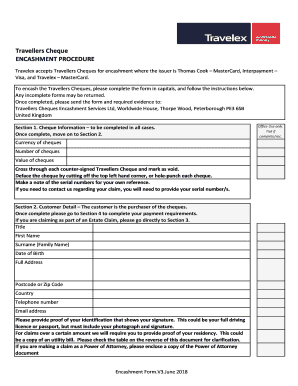
Travelex travellers cheque encashment procedure
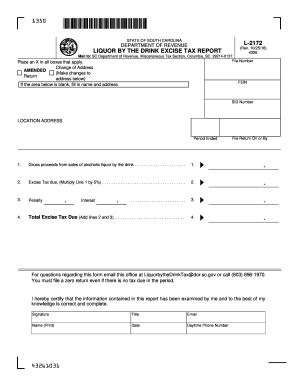
8130 6

Non-resident tax remitter registration form ... - CCH Site...

Chapter 6, Lesson 7 Exercise and Calories - mathlore.net
Benefit from the DocHub online library of fillable PDF forms
Searching the PDF forms doesn't have to be a tedious and time-consuming process. With the DocHub online library, it has become easier to find the fillable PDF forms and modify them in your browser. The service allows you to adjust the document to your needs using powerful editing tools.
You can use online document editing features to modify almost any type of document with ease. You just need to find the template of your choice, open it in the editor, and use the toolbar to make the necessary corrections.
Follow this guide to get your document done with DocHub:
- Find the PDF template you need.
- Click the Get Form button to open the file in the editor.
- Use the toolbar to fill out and edit the document.
- Easily add and highlight text, insert images, checkmarks, and symbols.
- Drop new fillable fields, and rearrange or delete pages from your file.
- Save changes and download your record.
DocHub empowers everyone to streamline document editing, signing, and distribution, and form completion. Create an account and benefit from our well-organized PDF Forms library and comprehensive editor.