
Get any PDF form from the DocHub library of ready-made templates - Page 1784
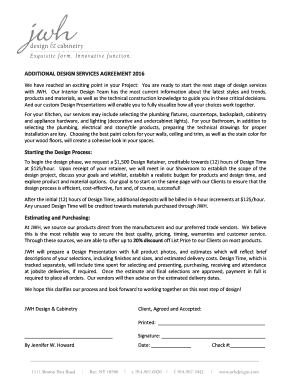
Interior design proposal template

Pa rct 101

Form g 26

Form cm 2
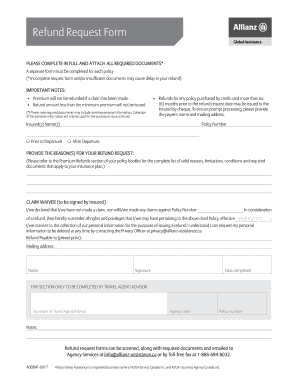
Refund canada
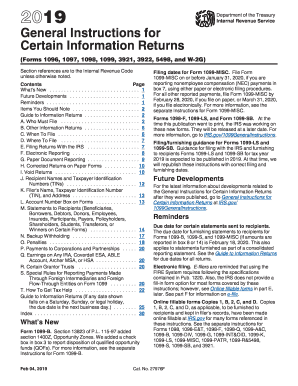
2020 general instructions for certain information returns
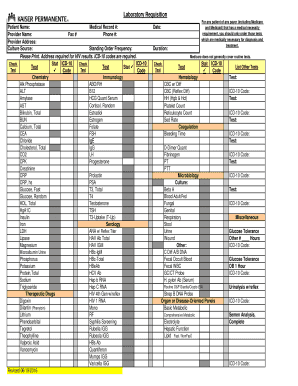
General laboratory requisition form
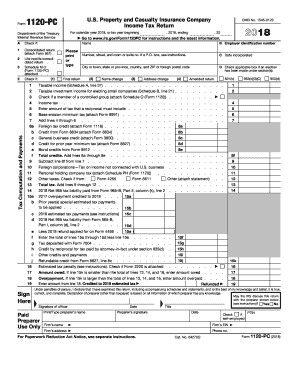
1120 pc 2017
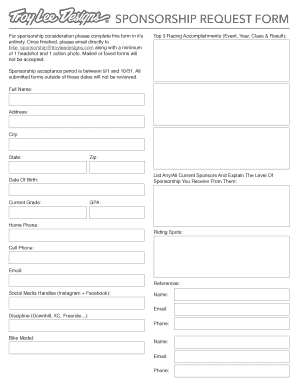
Troy lee designs sponsorship
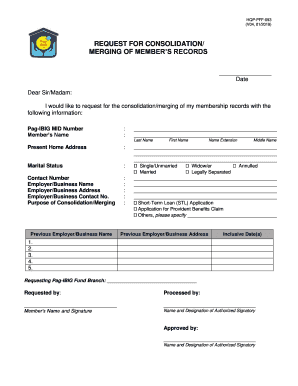
Pag ibig merging form
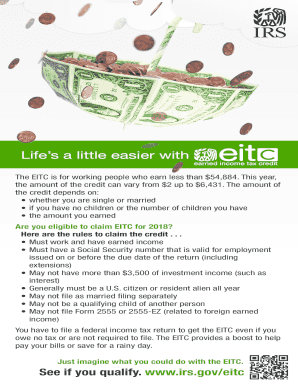
Stimulus irs gov
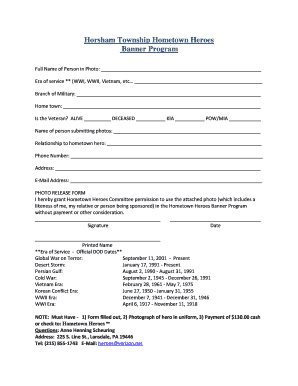
Hometown Hero Banner Request Form - Horsham Township
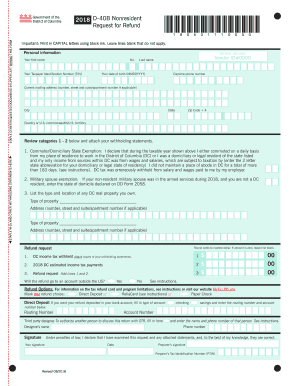
2018 d dc

Wilmington net profits tax return

Ny report guardian
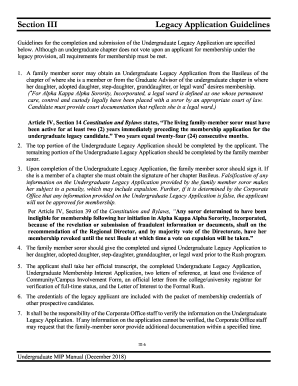
Aka mip schedule 2020
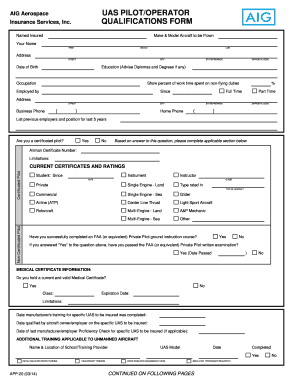
UAS Pilot-Operator Qualification Form - AIG
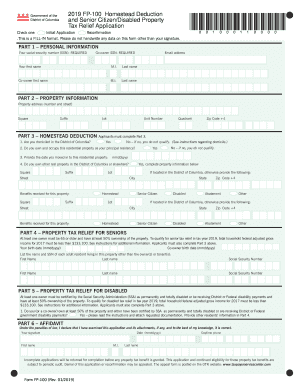
Fp 100 printable
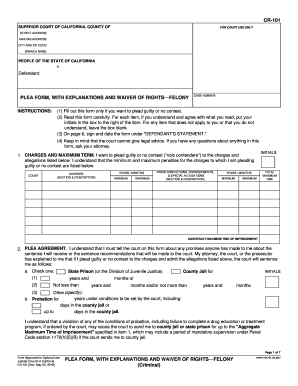
Cr 101 form

Uhc clinical and therapy request form
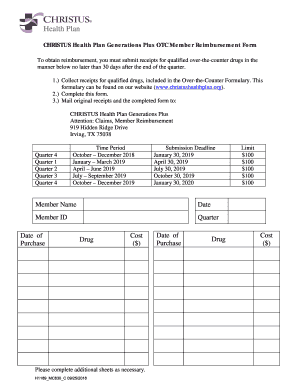
CHRISTUS Health Plan Generations Plus Member Reimbursement Form

Requirements for School District Contractors - The Texas Education ...
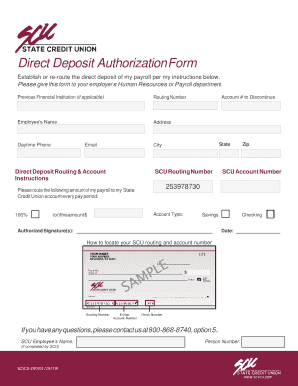
Direct Deposit Authorization Form - SC State Credit Union
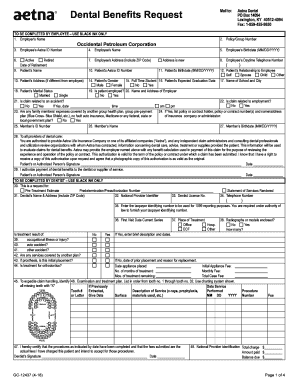
Dental benefits request form

Images for is it true KC1500 11/18 Application for Medical Assistance for the Elderly and Persons with Disabilities Who can use this application? Apply faster onlineThis application is for the elderly and persons with disabilities applying for medica
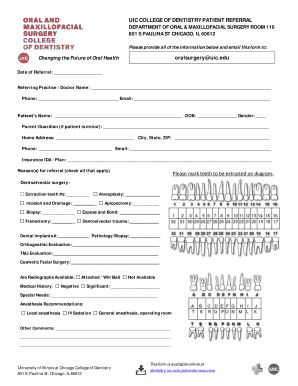
Uic oral surgery
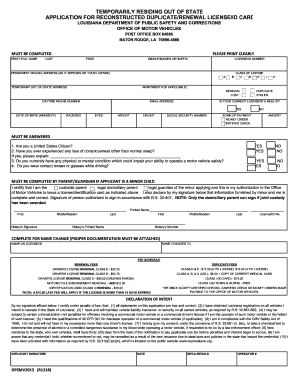
ExpresslaneLouisiana Office of Motor Vehicles What is the Office ...
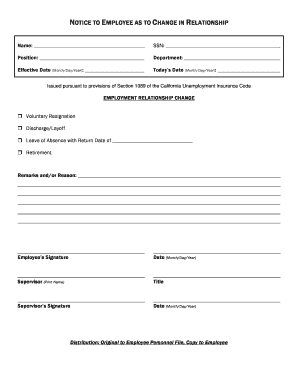
Change in relationship form

Make A Loan PaymentPay Loan - Frontwave Credit Union

British council atrf
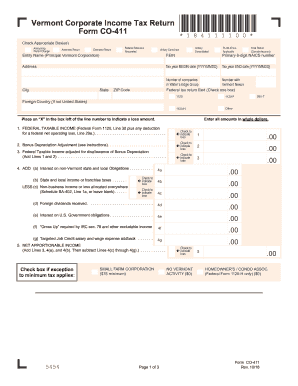
Fillable vt co 411
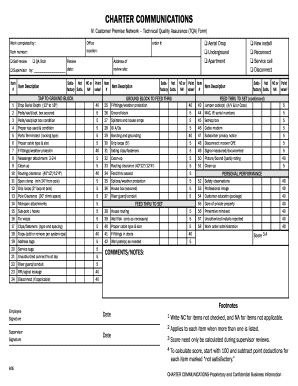
TQA Form.qxd
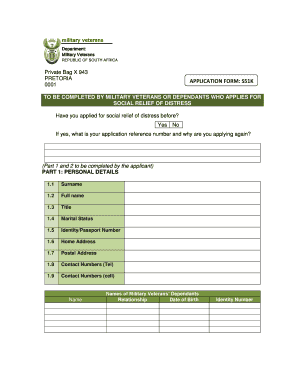
Srd application forms
Step 4: Develop an Education PlanBakersfield College
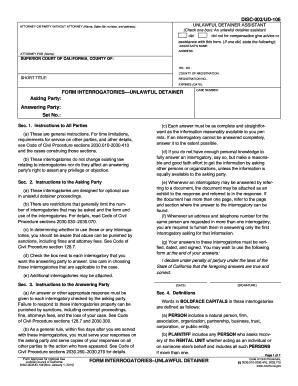
Ud 106 disc 003
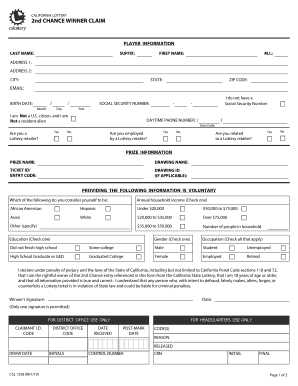
California lottery chance form
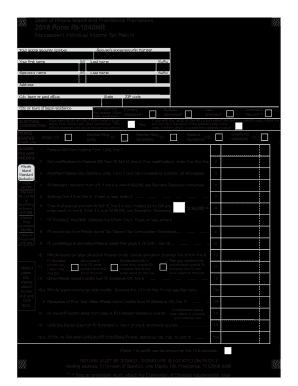
2018 ri

Lodge your application or certificateNSW Planning Portal

Wisconsin tax pass through entity
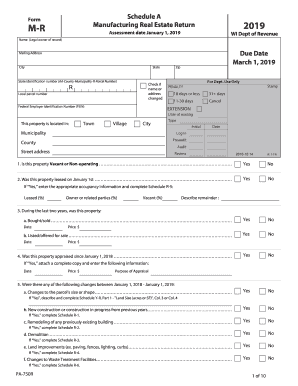
Wi form mr
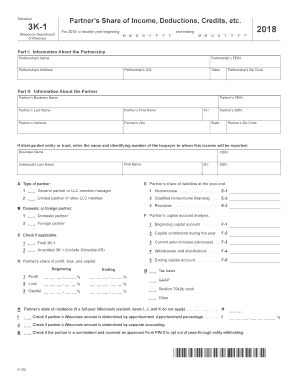
Wisconsin 3k 1 instructions

Printable homestead tax forms wisconsin 2017
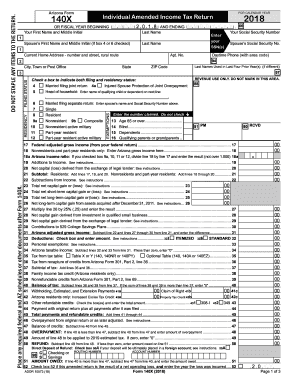
2018 arizona form 140x
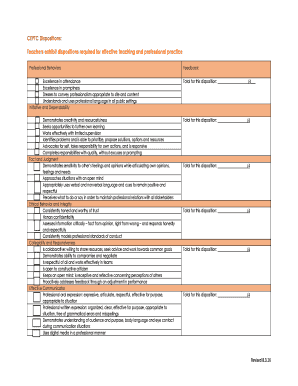
CEPTC Dispositions: Teachers exhibit dispositions required for...

Uniform measurement form

Gala Sponsor Payment form Updated PDF

How to print osmosis notes
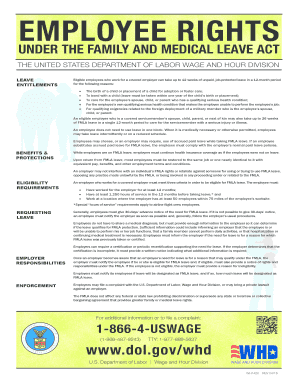
Employee family medical leave act
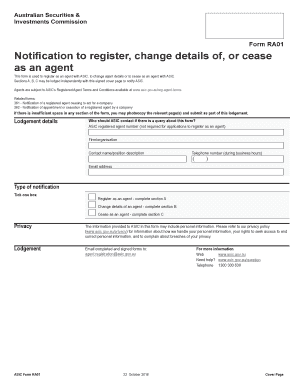
Form ra01

SOH-XDP100M-NW

Alabama form ppt 2020

Lake Anna Shoreline - Louisa County
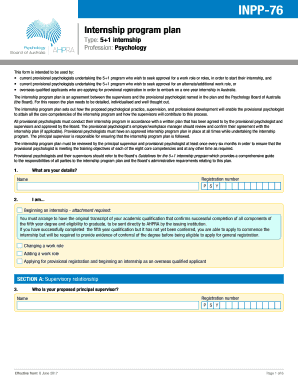
Inpp 76
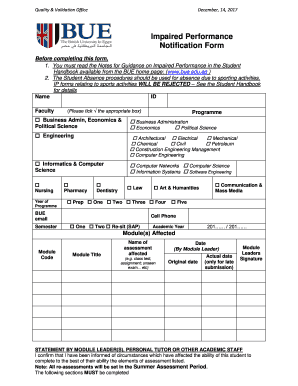
Ip form bue

Texas alarm permit stafford

Jv 466

Nyc 3l instructions 2018

Wv it 141 2018

COPCN Application - Polk County BoCC
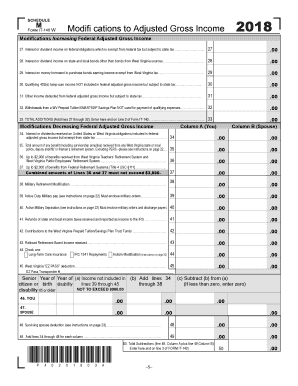
Wv it 140
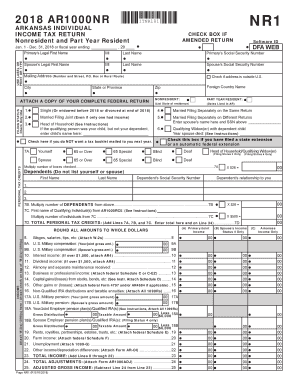
Ar ar1000nr

Form tc 842
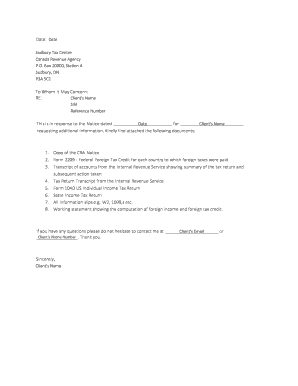
Sudbury tax center
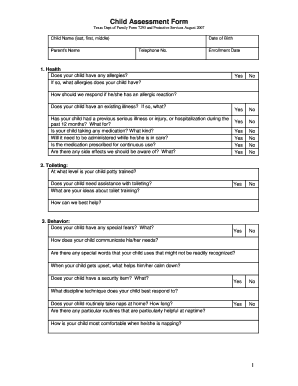
Form 7293
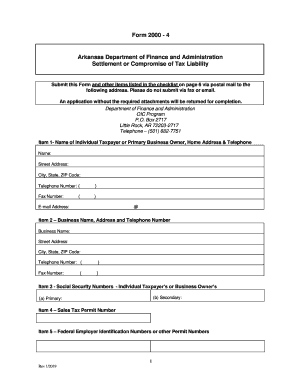
Form 2000 4

Nncc certification
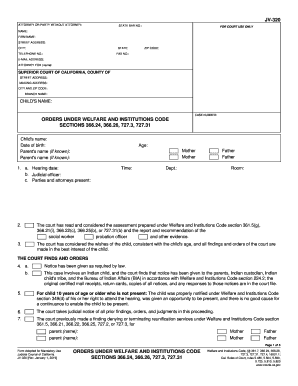
Jv 320
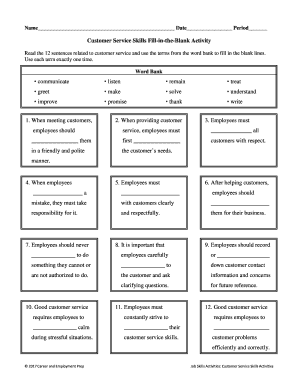
Customer service skills fill in the blank activity
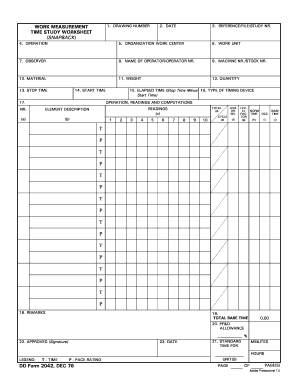
Time study worksheet

SAQ 3-4 Blank Template
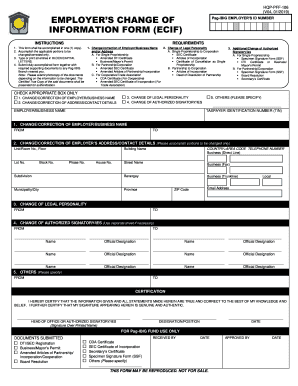
Ecif form 2020

Real estate tenancy application form
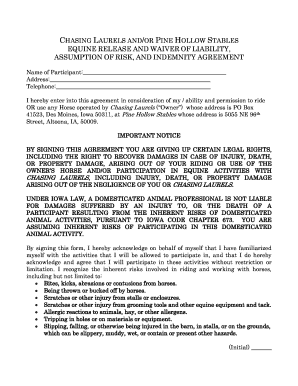
Equine release and waiver of liability, assumption of risk, and ...
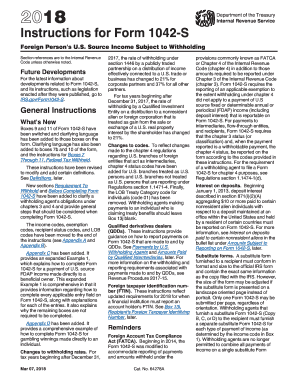
Online form 1042s 2018 instructions
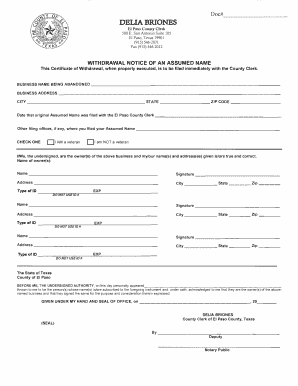
Assumed name certificate el paso
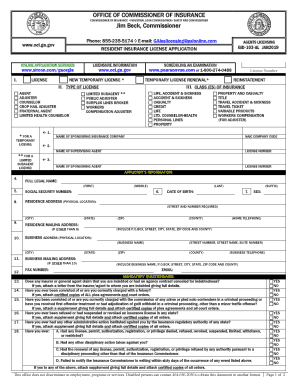
Georgia form license application

Pastoral reference
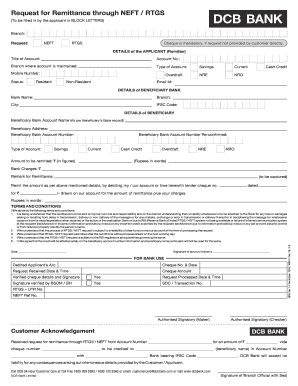
Dcb rtgs form

United kingdom change circumstances
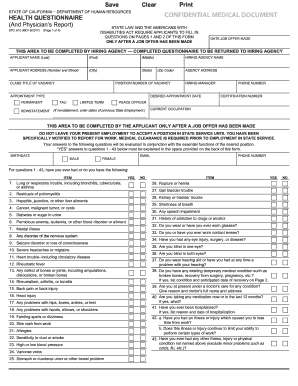
Std 610

Attorney general

Student Walker/Car-Rider Permission Form - Schools
COUPLE AND FAMILY THERAPY GRADUATE PROGRAMS
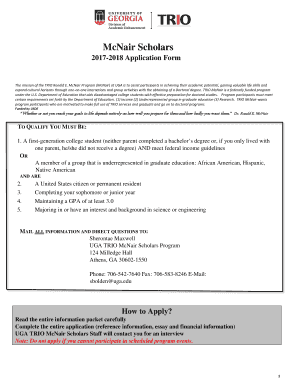
McNair Application Form - dae.uga.edu

Schedule pa tax
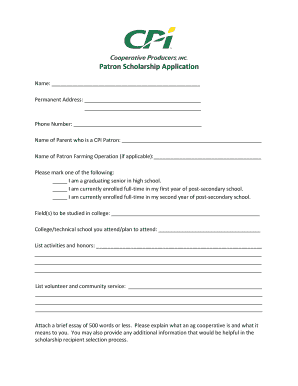
Patron Scholarship Application - CPI
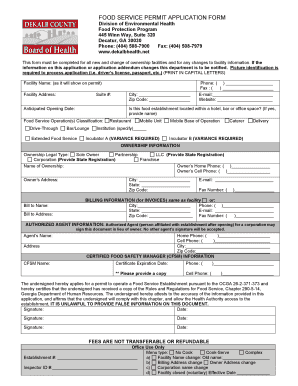
Food service permit application form - DeKalb County Board of Health
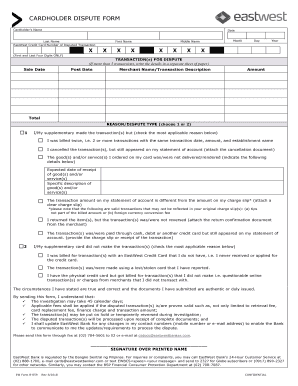
Eastwest dispute form

Toronto Fire Services / Emergency Patient Care Scenario ...
Texas 05 169

Distribution of estate form - online.swedbank.se
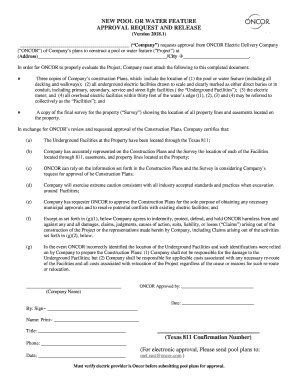
NEW POOL OR WATER FEATURE APPROVAL REQUEST AND

GAF Weather Stopper Silver Pledge Limited Warranty ...
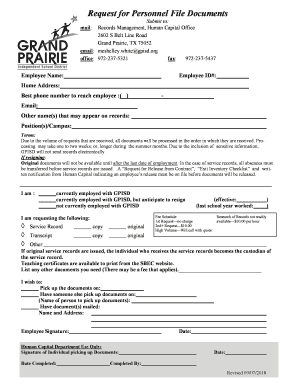
Request for Personnel File Documents - Grand Prairie ISD

Application at the Augsburg University of ... - Hochschule Augsburg
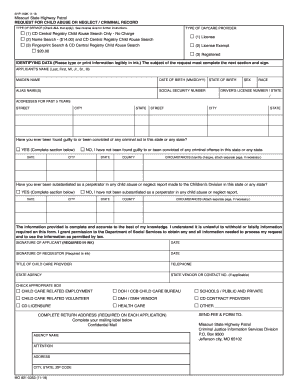
Missouri request patrol form

CFC BGS DATA COLLECTION FORM AFC/FADS ... -

Privacy incident form

Defy waiver
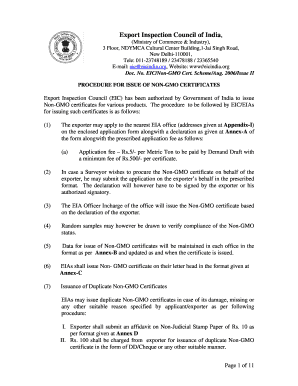
Non gmo certificate pdf
Benefit from the DocHub online library of fillable PDF forms
Searching the PDF forms doesn't have to be a tedious and time-consuming process. With the DocHub online library, it has become easier to find the fillable PDF forms and modify them in your browser. The service allows you to adjust the document to your needs using powerful editing tools.
You can use online document editing features to modify almost any type of document with ease. You just need to find the template of your choice, open it in the editor, and use the toolbar to make the necessary corrections.
Follow this guide to get your document done with DocHub:
- Find the PDF template you need.
- Click the Get Form button to open the file in the editor.
- Use the toolbar to fill out and edit the document.
- Easily add and highlight text, insert images, checkmarks, and symbols.
- Drop new fillable fields, and rearrange or delete pages from your file.
- Save changes and download your record.
DocHub empowers everyone to streamline document editing, signing, and distribution, and form completion. Create an account and benefit from our well-organized PDF Forms library and comprehensive editor.