
Get any PDF form from the DocHub library of ready-made templates - Page 1721
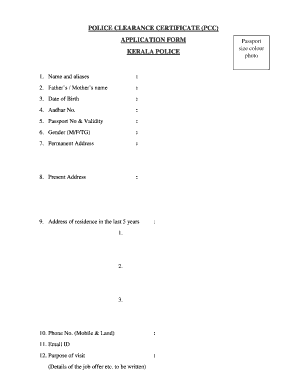
Police clearance certificate request letter in malayalam
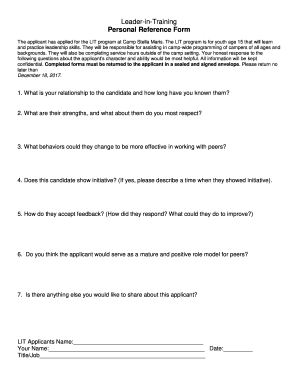
The applicant has applied for the LIT program at Camp Stella Maris

Yogi Hari's Ashram - Sampoorna Yoga - Application Form
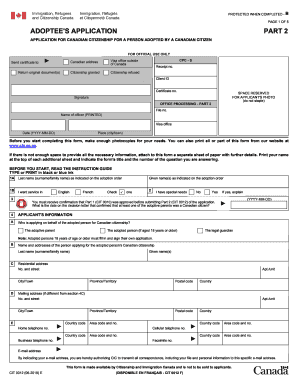
Cit 0012
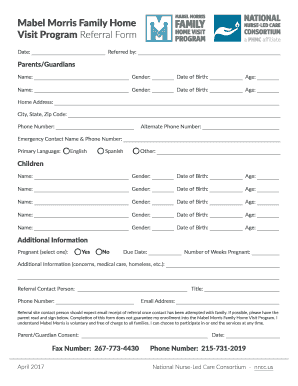
Inter-Agency Referral Form and Guidance Note
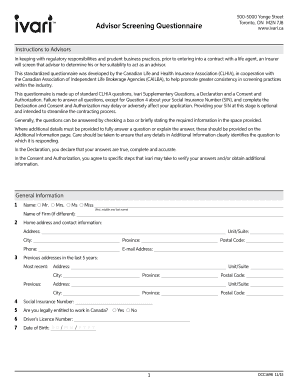
Toronto, ON M2N 7J8 Advisor Screening

Ca application marriage
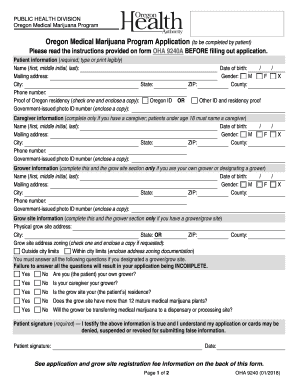
Medical marijuana application

Sa304 form
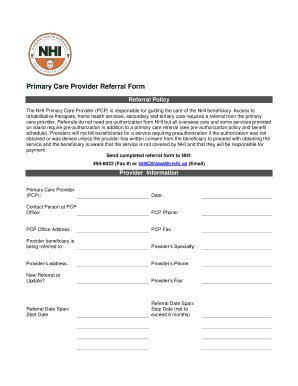
Nhi bvi forms
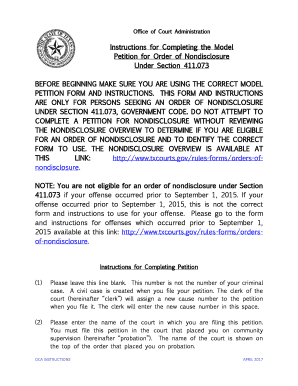
BEFORE BEGINNING MAKE SURE YOU ARE USING THE CORRECT MODEL
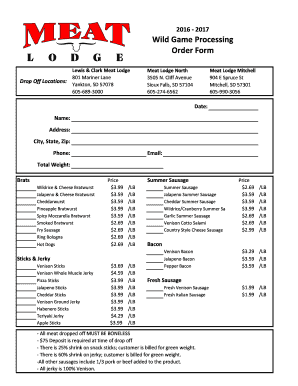
2016 - 2017 Wild Game Processing Order Form -
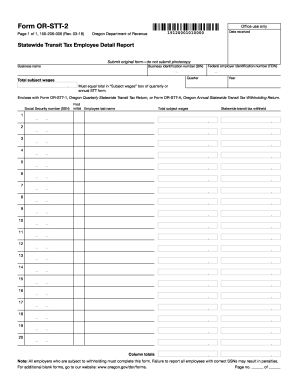
Form OR-STT-2, Statewide Transit Tax Employee Detail Report

Colorado Lead Based Paint Discosure Form LP46-05-04.pdf

Volunteer Time Sheet - Goodwill-Suncoast
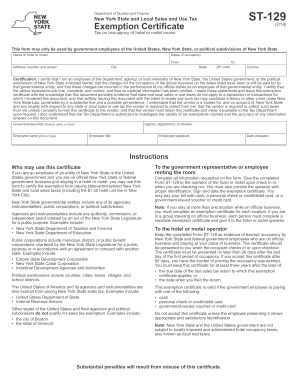
Government tax exempt form
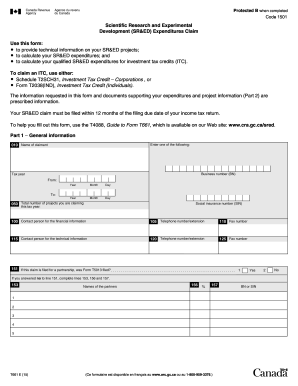
Latest version of t661
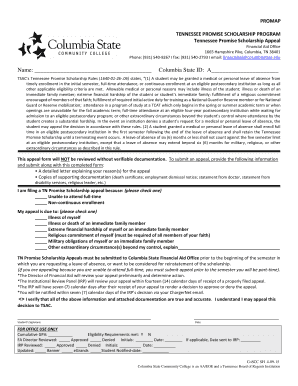
TN Promise Appeal Form - Columbia State Community College

Organization irs pub

Changa na mpesa
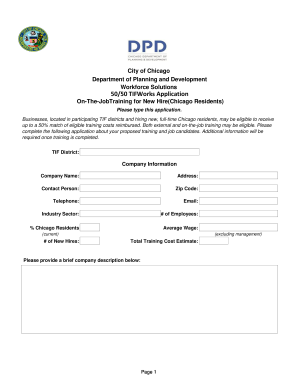
50/50 TIFWorks Application - North Branch Works

2017 Grape Processing Agreement Min Quantity -
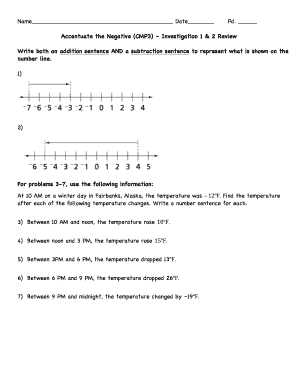
ATN - Inv. 1 & 2 Review

Nj intake

Baycorp client portal
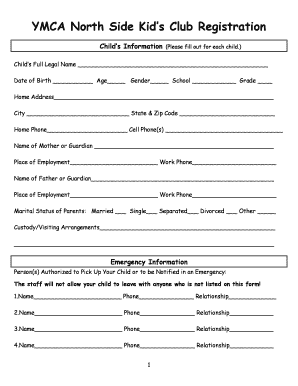
YMCA Kids Club Registration Form - Randolph County YMCA
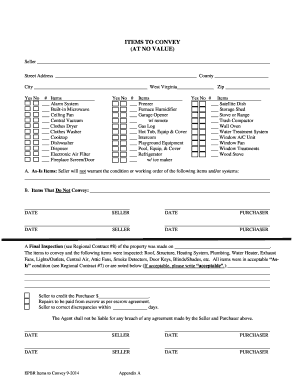
ITEMS TO CONVEY (AT NO VALUE)

2018 Gala Response Form - NYP.org
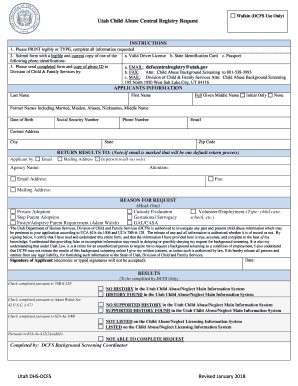
Utah Child Abuse Central Registry Request

LABC Bond Application Form v2 - LABC Warranty

Document tx
Registrations are by Appointment ONLY: AHSCounseling

Pcso application form for lotto outlet
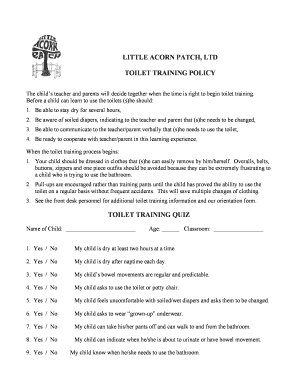
Potty-Toilet-Training-Questionnaire-and-Quiz.doc
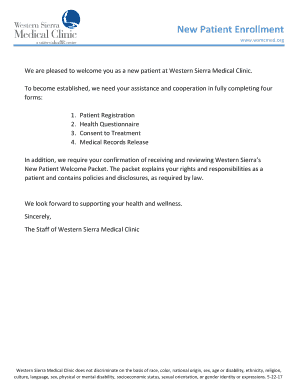
New Patient Enrollment - Western Sierra Medical Clinic

Ca garnishment form

Jv 224
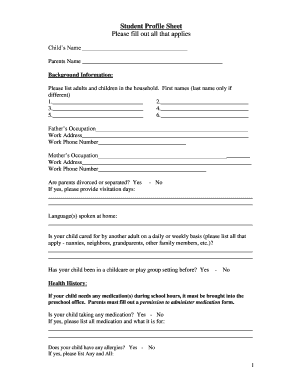
Student Profile Sheet - scpres.org
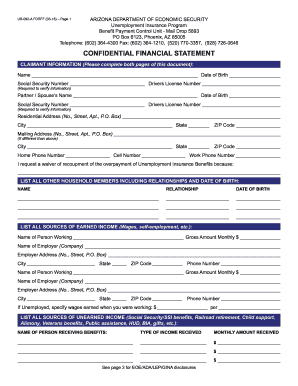
Forff

California restraining order after hearing
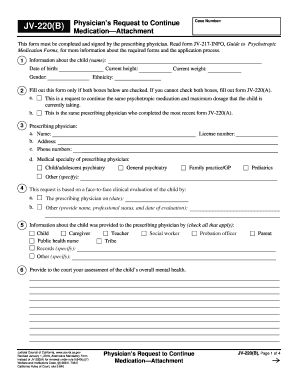
Continue medication
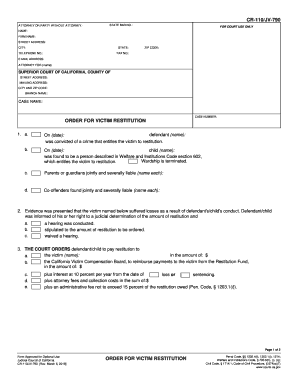
Cr 110
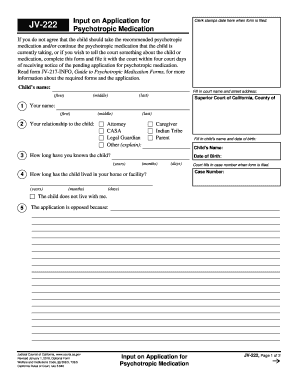
Jv 222

Serve small

App 104
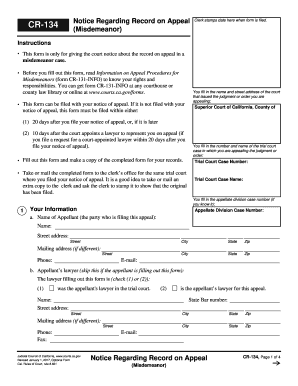
Cr 134
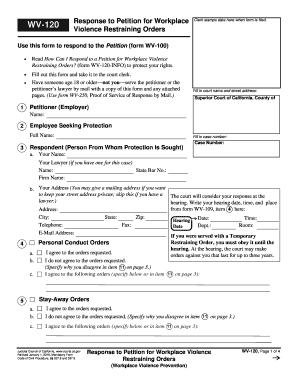
Wv 120 workplace violence form

Mc 010
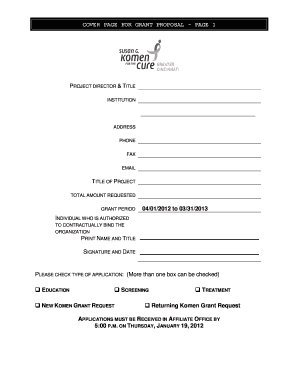
Grant proposal title page
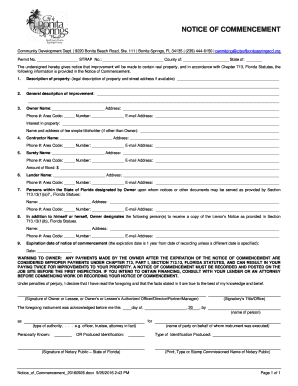
Bonita springs notice of commencement
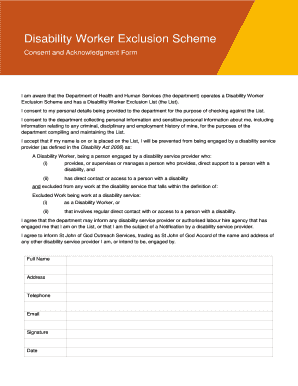
Exclusion scheme
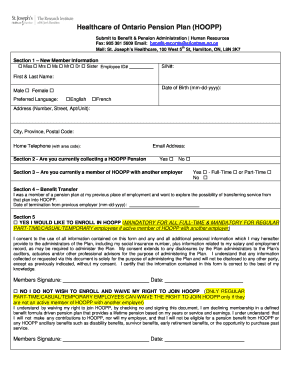
Joseph pension plan hoopp

Ellice swamp hunting
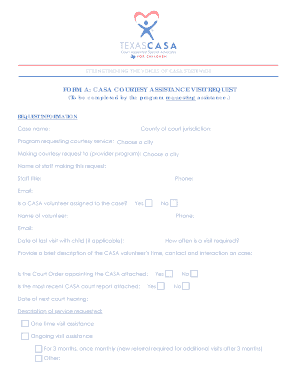
FORM A: CASA COURTESY ASSISTANCE VISIT REQUEST
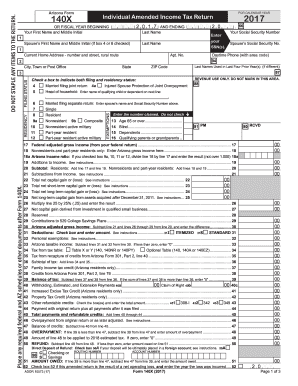
140X Individual Amended Income Tax Return 2017 DO ... - azdor.gov
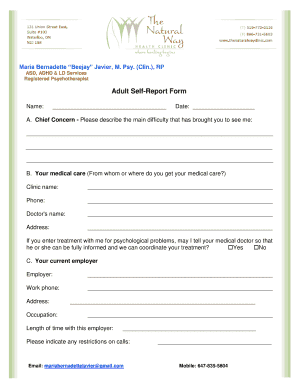
Adult disability checklist

Financial support application

Cameroon visa

Dp footprint plot
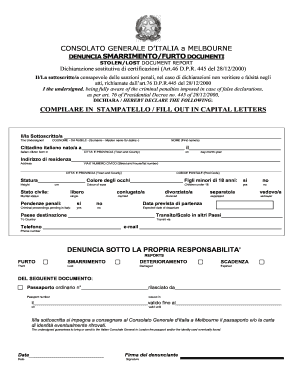
Denuncia di smarrimento o furto del passaporto - Consolato ...
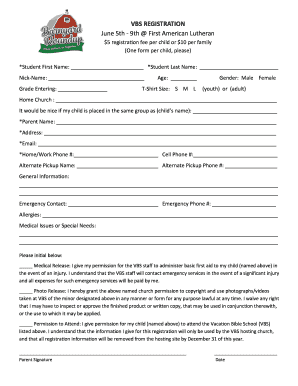
VBS REGISTRATION June 5th - First Presbyterian Church of Oconto ...
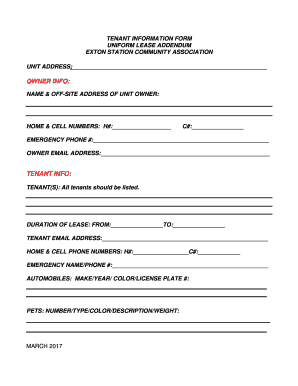
Tenant information form

Worship team commitment form
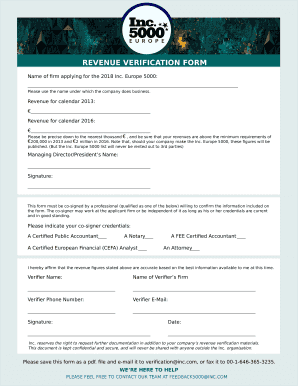
Revenue verification
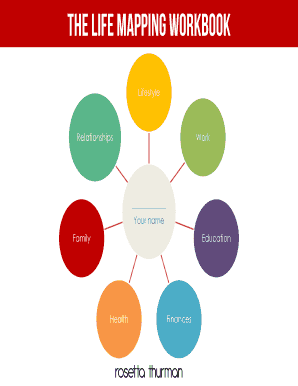
Rosetta thurman - Happy Black Woman
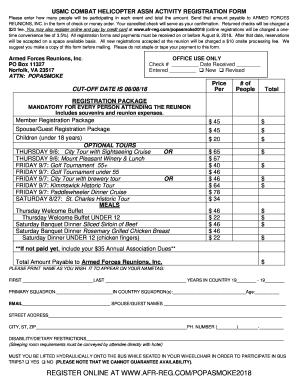
Usmc form
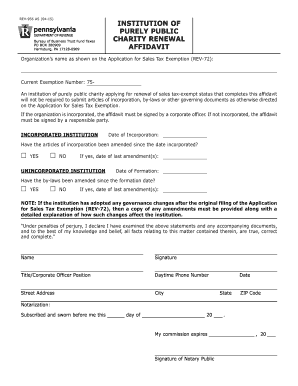
Rev 956

Application Form - Ashdale Care Ireland
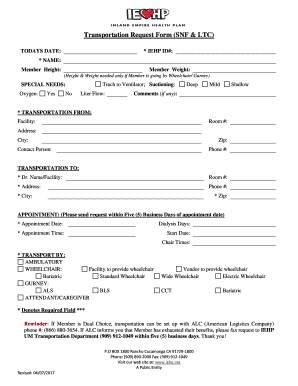
Iehp transportation request

Ma oil burner online

Fattura proforma pdf

Building horry form

Lutheran Church of the Cross Day School - LCC Day School
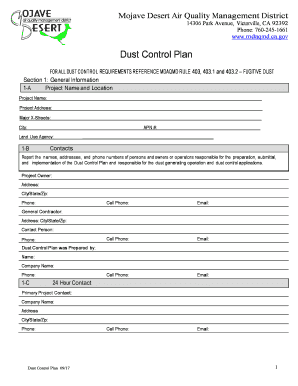
Dust Control Plan Submission Form
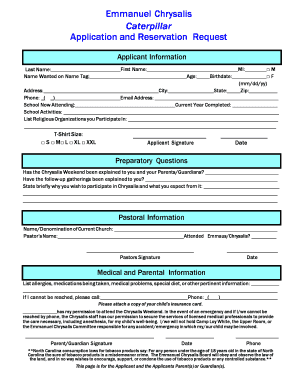
Emmanuel Chrysalis Caterpillar Application and Reservation Request

Money count sheet

Gold samil in

Reply Donor Form - Tear off-Rev1.1.1
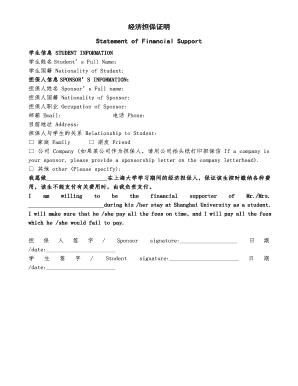
??????Statement of Financial Support - Shanghai University

Sherban spine institute

Express Scripts Prescription Fax Form - GuideStone Insurance

Sales Authorization and CPNI Consent Form Verizon
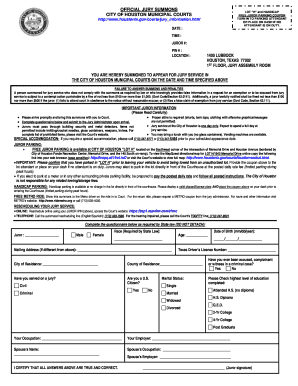
Esp1 espview com chmc

INTENTION TO EMPLOY/A1 - IN.gov
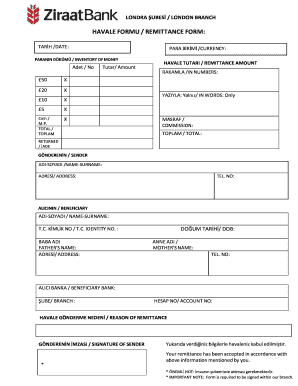
Havale formu / rem?ttance form - Ziraat Bank London

Cp600f

Texas form 05 164

Employee data form

POLK COUNTY PUBLIC SCHOOLS LEAVE OF ABSENCE REQUEST FORM
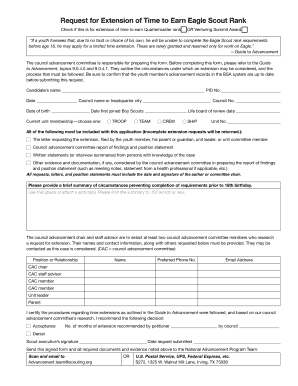
Request of time form
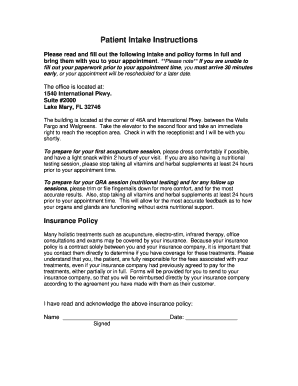
Initial Intake - Integrative and Holistic Medicine with Dr. Kathy Veon
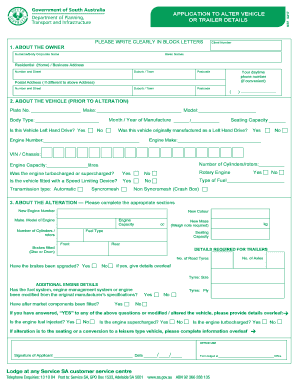
Mr7 form
Roadrunner bol
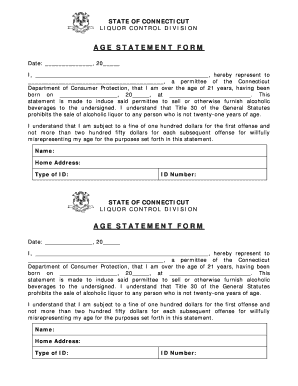
Age Statement Form - CT.gov
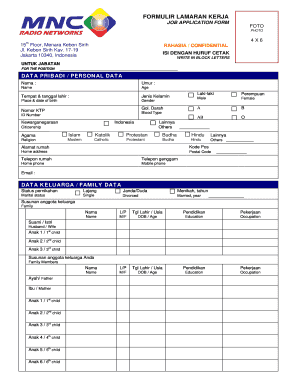
Formulir kerja
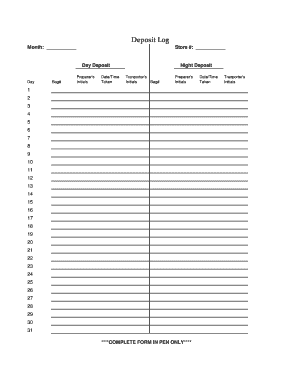
Deposit Log - Jeffrey Corp.
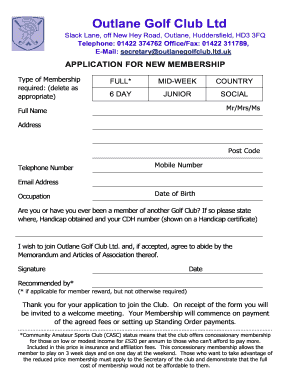
Outlane golf club membership
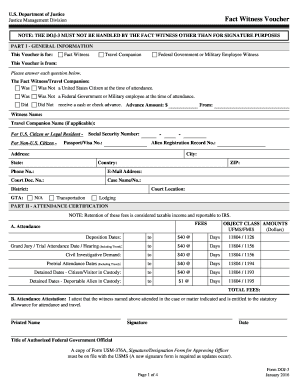
Fact witness voucher

West park building department
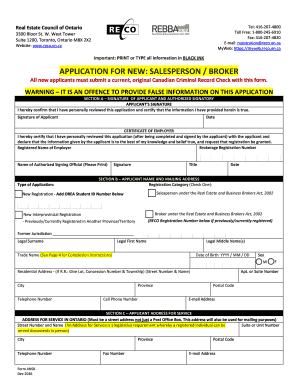
Reco application form
Benefit from the DocHub online library of fillable PDF forms
Searching the PDF forms doesn't have to be a tedious and time-consuming process. With the DocHub online library, it has become easier to find the fillable PDF forms and modify them in your browser. The service allows you to adjust the document to your needs using powerful editing tools.
You can use online document editing features to modify almost any type of document with ease. You just need to find the template of your choice, open it in the editor, and use the toolbar to make the necessary corrections.
Follow this guide to get your document done with DocHub:
- Find the PDF template you need.
- Click the Get Form button to open the file in the editor.
- Use the toolbar to fill out and edit the document.
- Easily add and highlight text, insert images, checkmarks, and symbols.
- Drop new fillable fields, and rearrange or delete pages from your file.
- Save changes and download your record.
DocHub empowers everyone to streamline document editing, signing, and distribution, and form completion. Create an account and benefit from our well-organized PDF Forms library and comprehensive editor.