
Get any PDF form from the DocHub library of ready-made templates - Page 1717
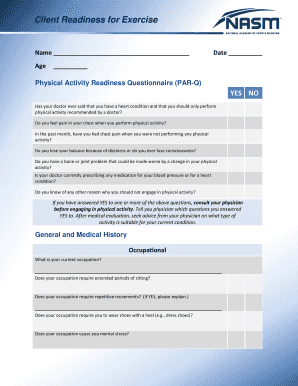
Nasm opt template

Canada visa application form

Wire transfer instructions (outgoing ) - Preferred Bank
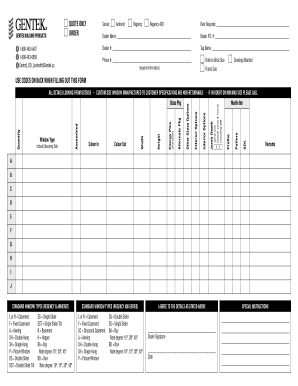
Lambeth Window Order Form - Gentek
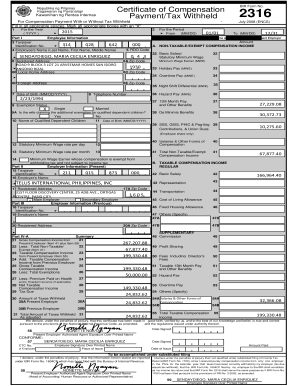
Payment/Tax Withheld

UOB MERCHANT APPLICATION FORM

Rube goldberg rubric
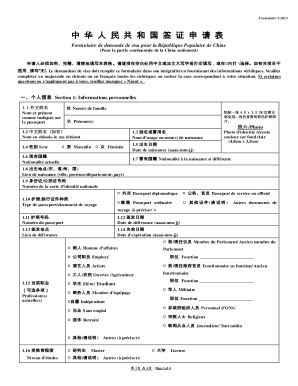
Remplissable Chinese Visa Application Service Center
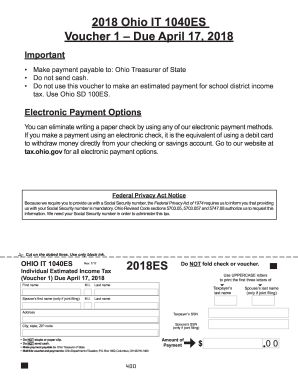
Ohio it 1040es
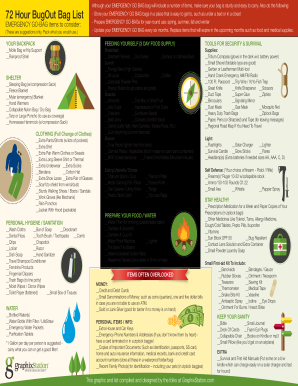
Here's What Disaster Preppers Pack to Survive for 72 Hours ...
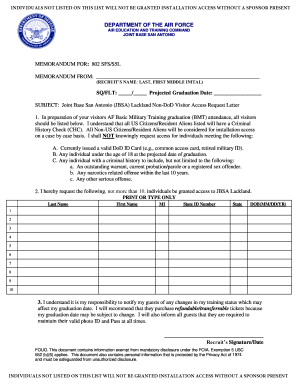
Airforcemomsbmt
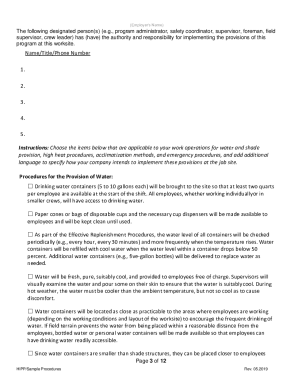
Sample heat illness prevention
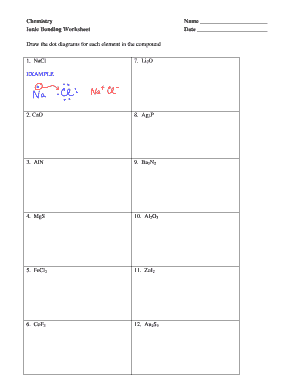
Science ionic bonding worksheet
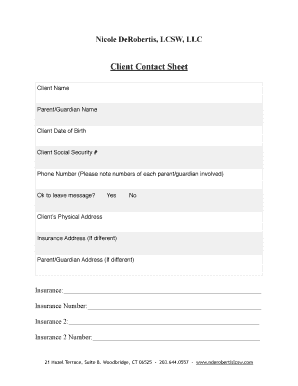
Client contact sheet
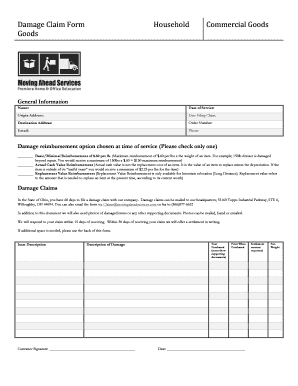
Damage Claim Form - New - Moving Ahead Services
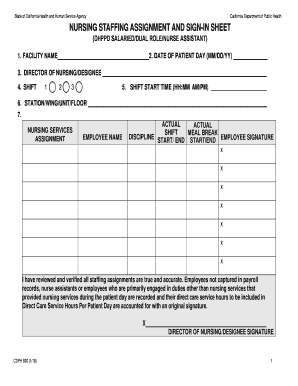
Nursing staff assignment sheets
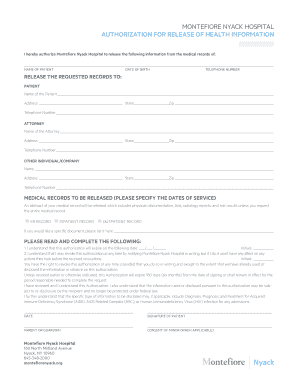
Nyack hospital medical records

Form 50-283 Property Owner's Affidavit of Evidence to the...
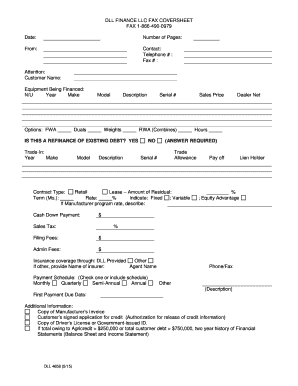
Dll finance llc credit form
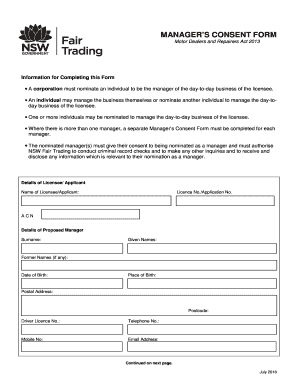
Manager consent form
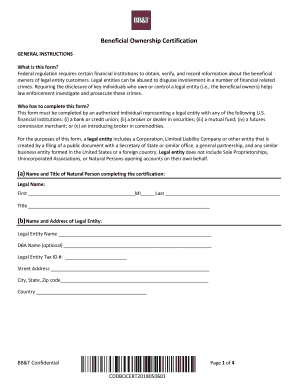
Beneficial ownership certification form sample
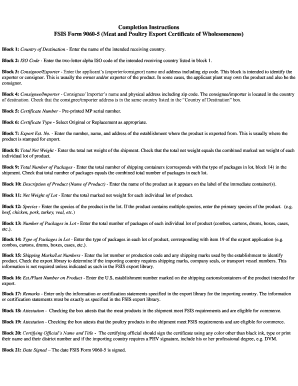
Form 9060 5
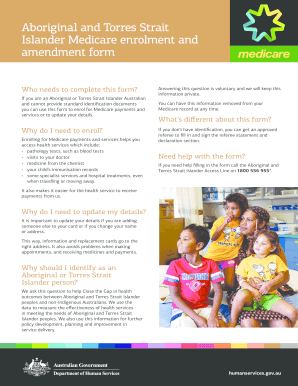
Aboriginal and Torres Strait Islander Medicare enrolment and amendment form
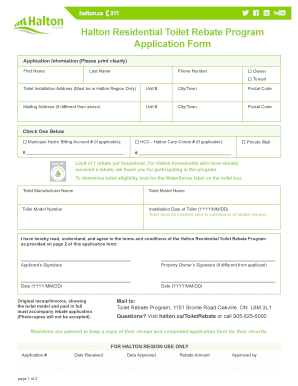
Rebate program canada
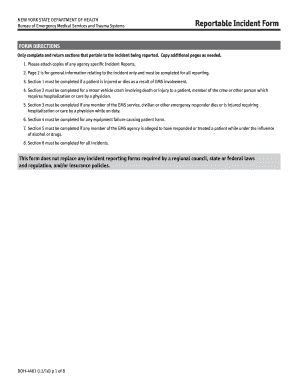
Form reportable incident
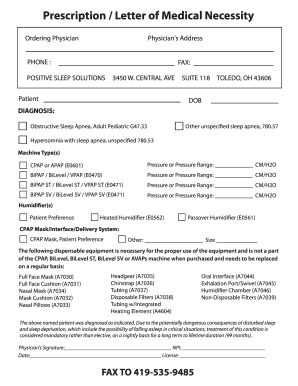
Prescription / Letter of Medical Necessity - Positive Sleep...

Missouri department of revenue form 1716
Publication NYS-50-T-NYS, New York State Withholding Tax Tables ...
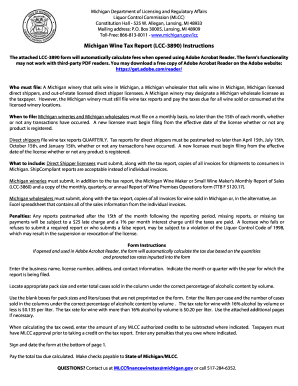
Lcc 3890
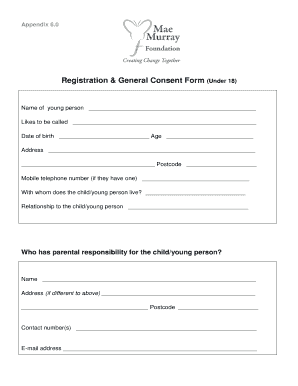
Registration & General Consent Form (Under 18)
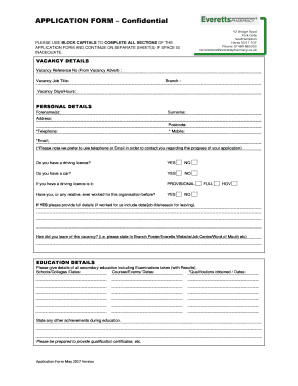
Park gate pharmacy

Virginia blanket hauling permit form

48thdistrictcourt us

Vfsglobal ca canada senegal pdf senegal consent form pdf
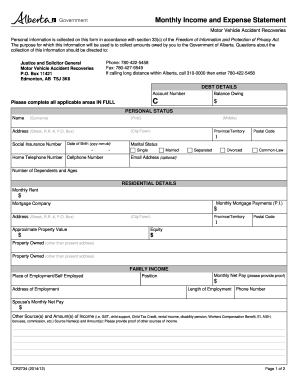
Monthly Income and Expense Statement. Form is used by all collection officers. It is sent out to all debtors for them to complete and for the collection officers to assess the ability of the debtor to pay. As well it gives information on
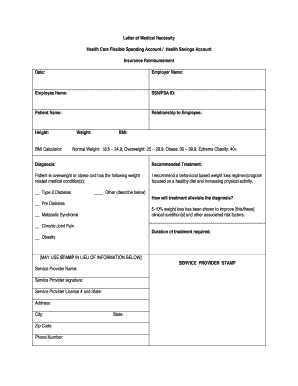
Letter of Medical Necessity Health Care Flexible
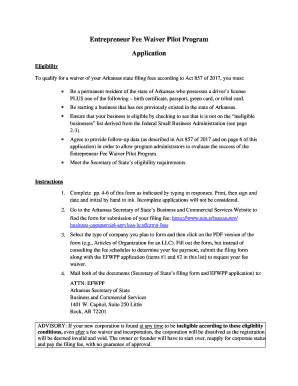
Entrepreneur Fee Waiver Pilot Program Application

North dakota indigent defense

Gst21
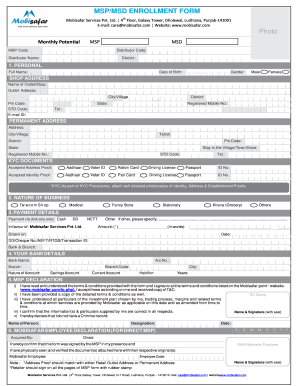
Mobisafar distributor pdf

IS790C (6/22/99) Cover Sheet

Vendor Demographics Form

Apsc capstone experience proposal - Animal and Poultry Sciences
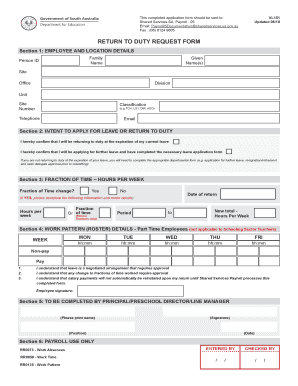
VL151 - Return to duty request form. HR form
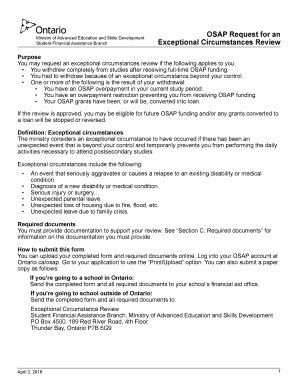
Osap request for an exceptional circumstances review

Mi uia form online

Michigan w4 forms 2019 printable
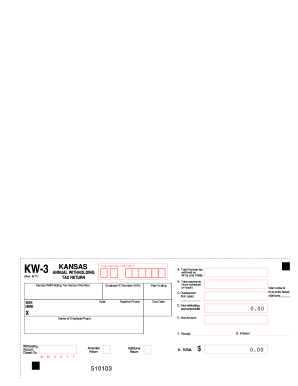
Form kw 3 2017-2019
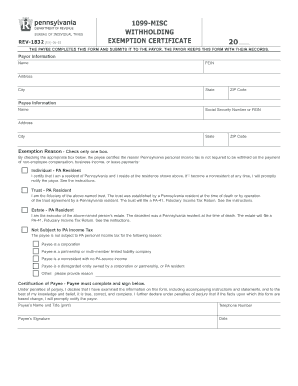
Exemption taxes
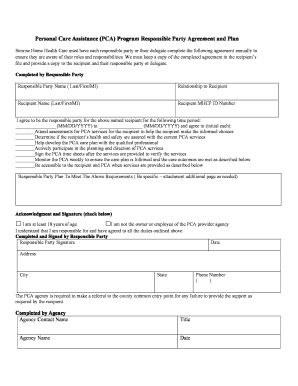
Personal Care Assistance (PCA) Program Responsible Party Agreement and Plan
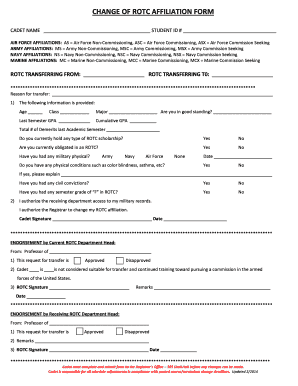
Change of ROTC Affiliation Form - VMI.edu
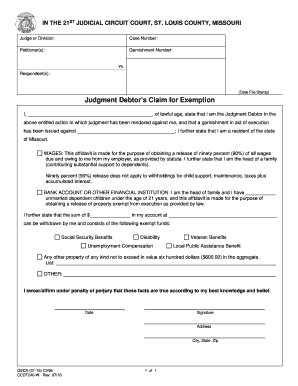
Judgment Debtors Claim for Exemption
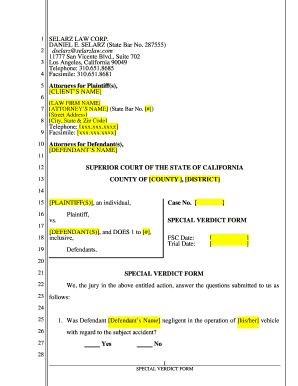
Special verdict form
Patient Information Packet - AZASC Arizona Surgical Specialists...
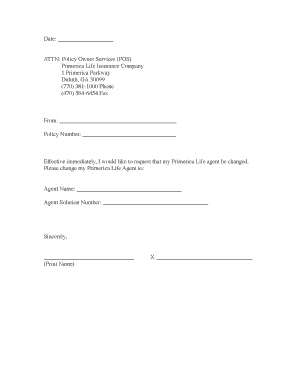
Primerica life insurance change form
Operator Manual - Trucut CNC
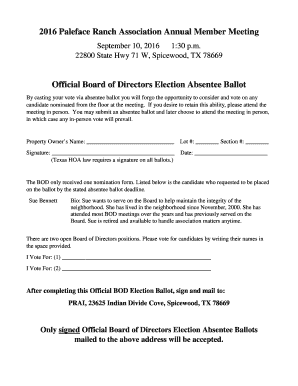
Board of directors vote template
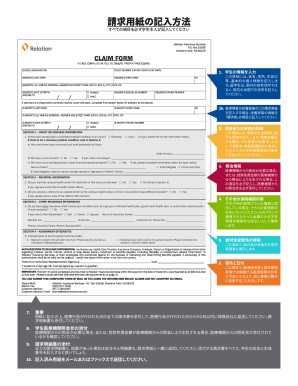
4studenthealth

Tuen Mun Hospital Request for Medical Record Copy / Data Access...
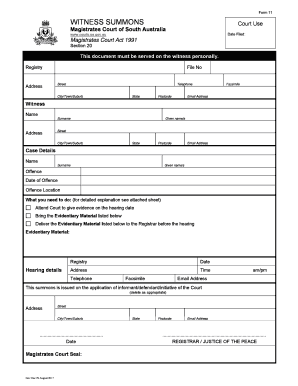
Magistrates court 11 witness
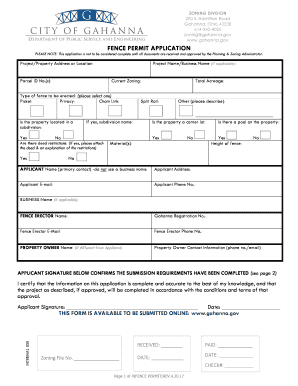
Gahanna fence permit

Brick By Brick Program Order Form - Harper Woods Public Library

MATERIAL SAFETY DATA SHEET 16 Sections - Biovante

Voluntary Surrender Request Form (FIS 2328)

Virginia dmv title

PET APPLICATION FORM 22-1-18
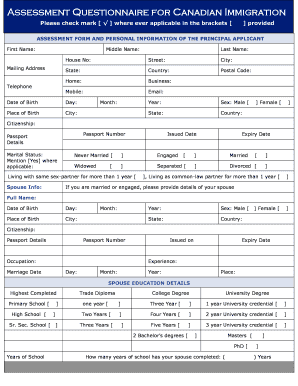
Assessment Questionnaire for Canadian Immigration - Chalo Canada
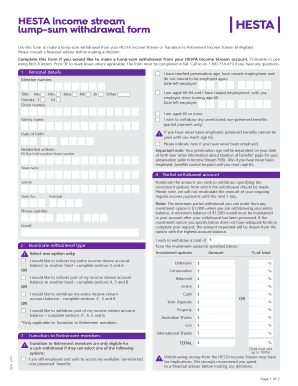
Hesta withdrawal form
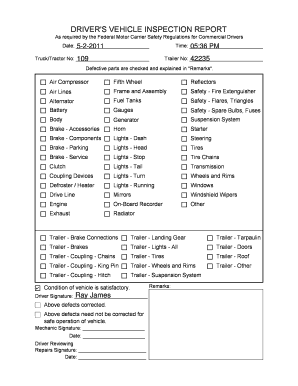
Driver vehicle inspection report
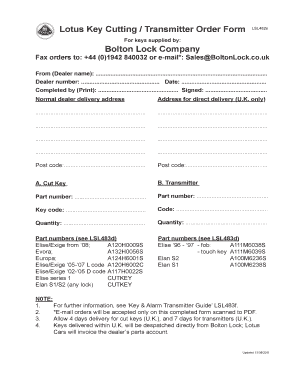
Bolton lock order form
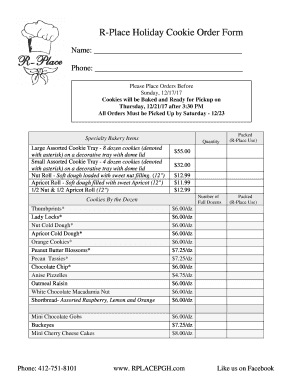
Christmas cookie order form
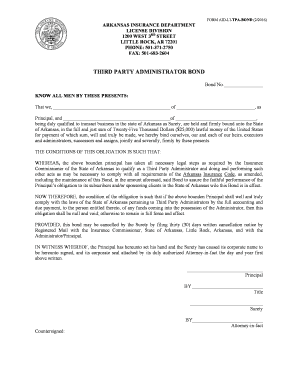
THIRD PARTY ADMINISTRATOR BOND - Arkansas Insurance ...

IN YEAR CASUAL ADMISSION FORM (IYCAF)
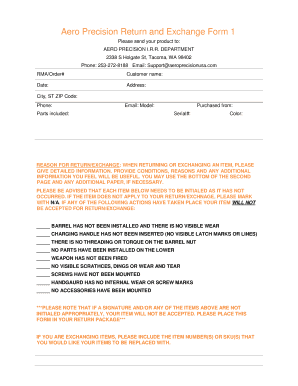
Aero precision returns
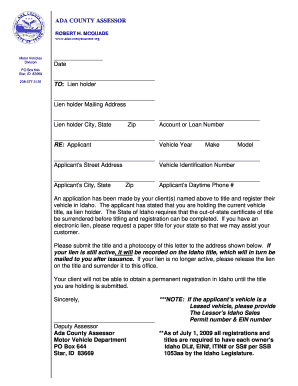
Hoe application form
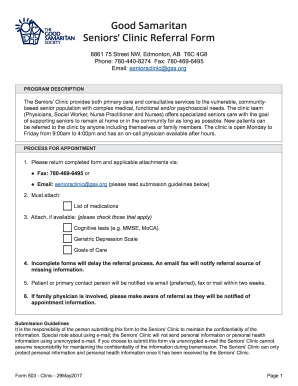
Good samaritan seniors clinic

Public pool and spa injury incident report form - Toledo Lucas ...
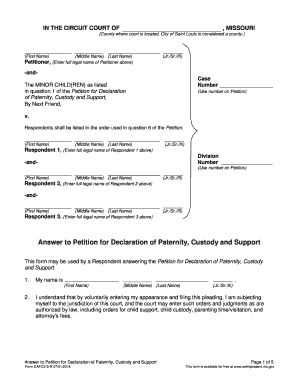
Answer to Petition for Declaration of Paternity, Custody and Support CAFC315-R Form
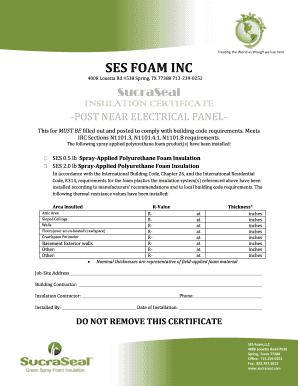
SES FOAM INC - SucraSeal
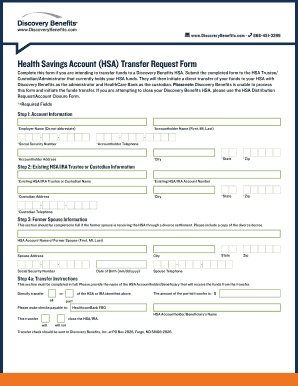
Discovery benefits hsa transfer
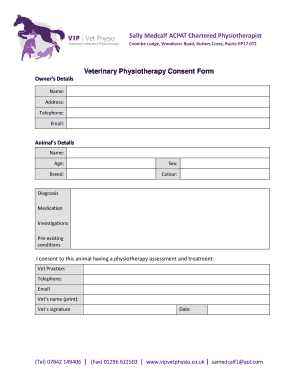
Veterinary referral form template
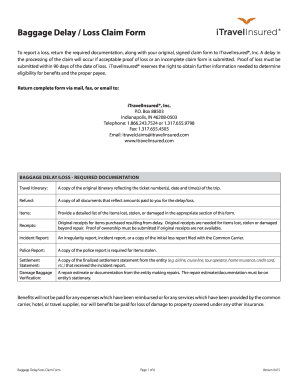
Baggage Delay/Loss Claims - Travelex Insurance
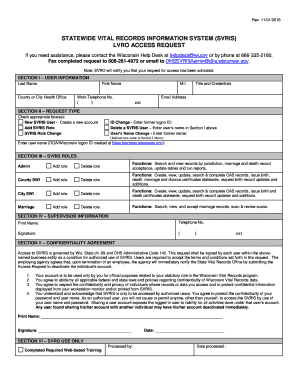
Svris wisconsin

DivorceSettle.doc
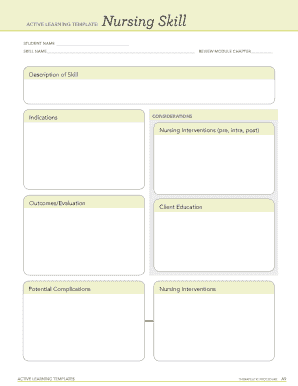
Ati medication template
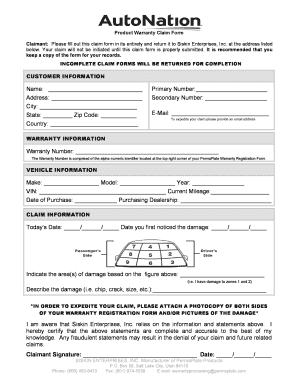
Siskin warranty
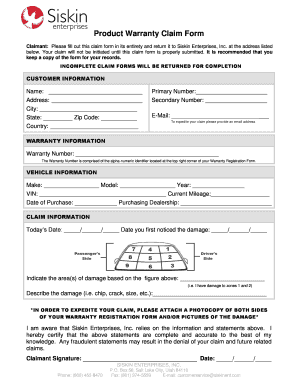
Siskinent

D-League LPT Player ReleaseEligibility Form 2006.doc

G1v form
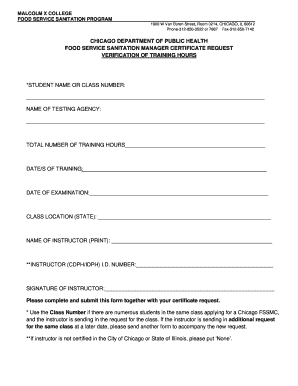
CITY OF CHICAGO Hours of Training Form.docx

New Scout Equipment List - BSA Troop 36

Mortgage Assistance Application Form 710 - Fannie Mae

California san luis yacht club
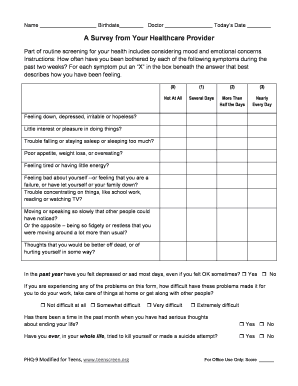
Phq 9 form pdf printable for teens

New client setup form
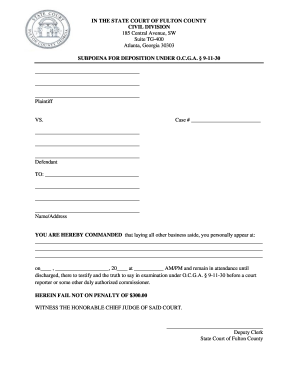
Subpoena for Deposition - State Court Fulton County

Dopa form
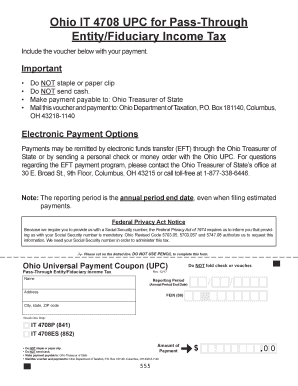
Ohio it 4708 upc
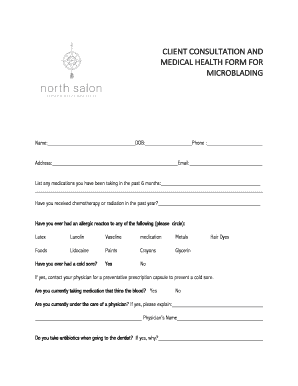
Microblading consent form template pdf
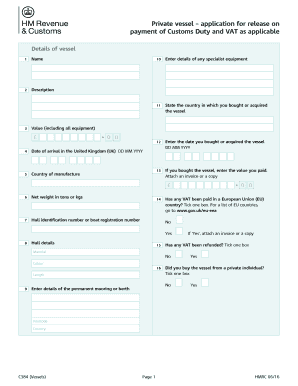
C384 form
Benefit from the DocHub online library of fillable PDF forms
Searching the PDF forms doesn't have to be a tedious and time-consuming process. With the DocHub online library, it has become easier to find the fillable PDF forms and modify them in your browser. The service allows you to adjust the document to your needs using powerful editing tools.
You can use online document editing features to modify almost any type of document with ease. You just need to find the template of your choice, open it in the editor, and use the toolbar to make the necessary corrections.
Follow this guide to get your document done with DocHub:
- Find the PDF template you need.
- Click the Get Form button to open the file in the editor.
- Use the toolbar to fill out and edit the document.
- Easily add and highlight text, insert images, checkmarks, and symbols.
- Drop new fillable fields, and rearrange or delete pages from your file.
- Save changes and download your record.
DocHub empowers everyone to streamline document editing, signing, and distribution, and form completion. Create an account and benefit from our well-organized PDF Forms library and comprehensive editor.