
Get any PDF form from the DocHub library of ready-made templates - Page 1716

Planet12sun
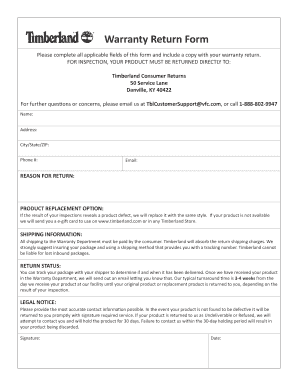
Timberland warranty claim form

Ir175
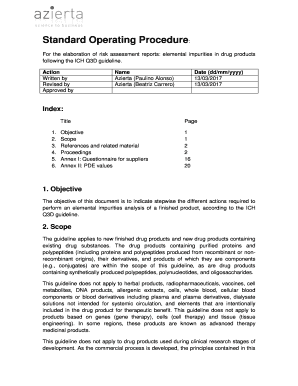
Elemental impurities risk assessment report pdf
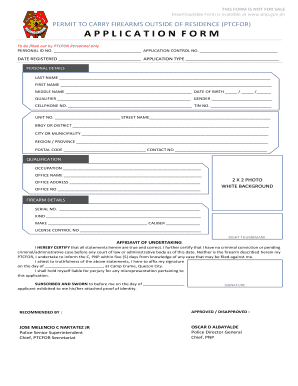
Ptc downloadable 2021
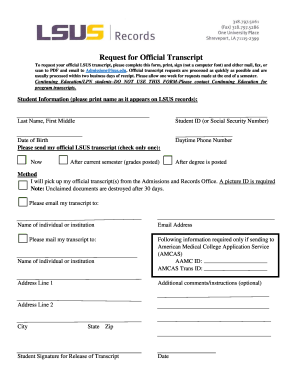
Lsus official
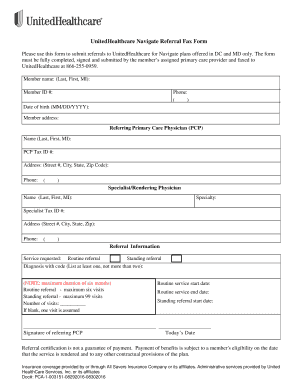
Healthcare fax form
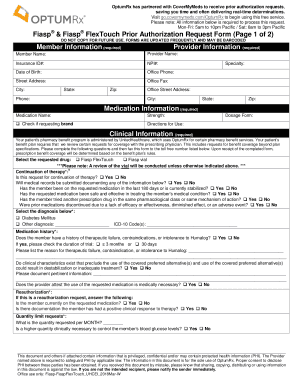
Fiasp & Fiasp FlexTouch Prior Authorization Request Form (Page 1 of 2)
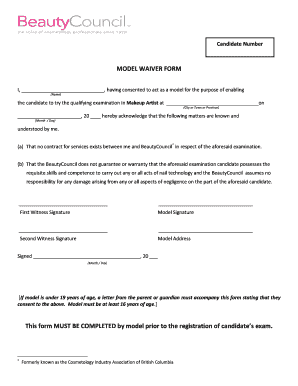
Makeup artist waiver form
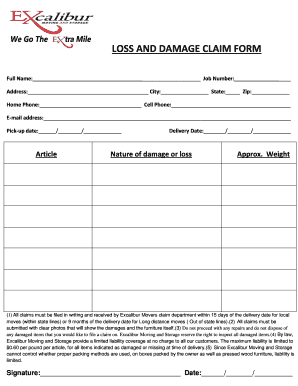
Moving company damage claim form
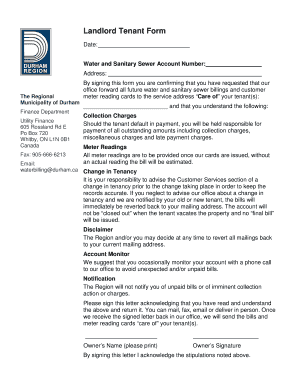
Canada finance

Will Planning Checklist - YourStyle Financial Inc.

() & Yuvafem Prior Authorization Request Form (Page 1 of 2)
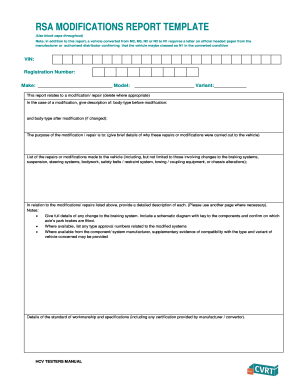
Rsa modification report

Nursing Timecard

Marine hull proposal form
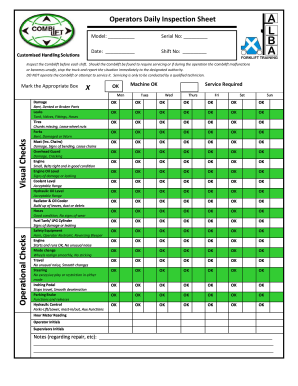
Combilift operators daily inspecion sheet

PGCEA Membership Application
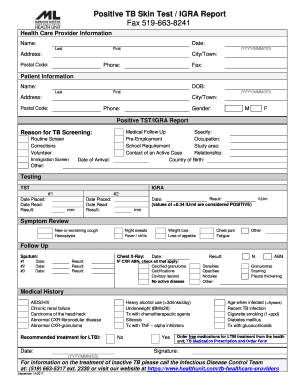
Fillable oklahoma tb test results

Parag parikh common application form
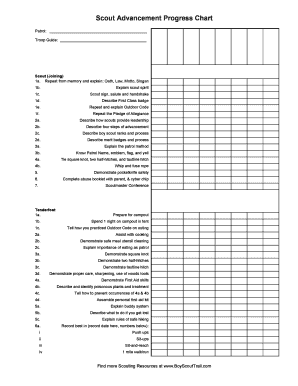
Boy scout advancement chart pdf
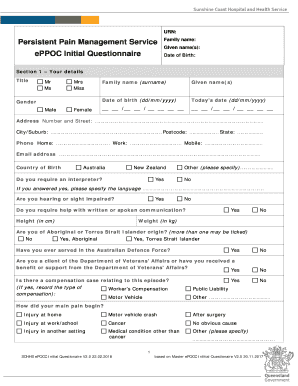
Eppoc questionnaire
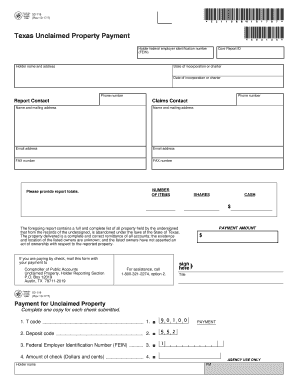
Texas unclaimed property payment
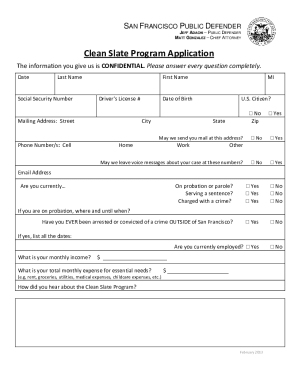
Clean slate program application
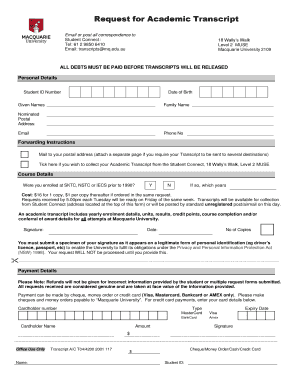
Transcript mq
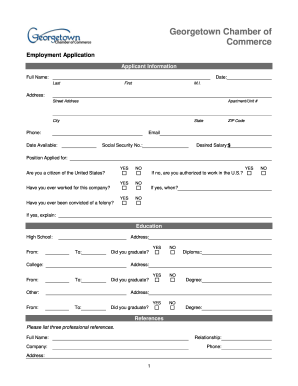
Employment application - Georgetown Chamber of Commerce

Stendra - MISTST-34100 Sample Request Form Document
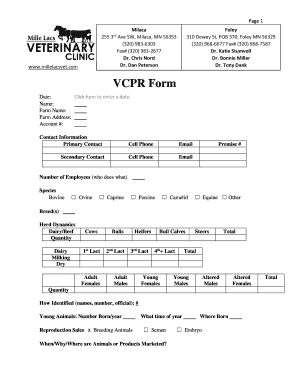
VCPR Form - Mille Lacs Veterinary Clinic
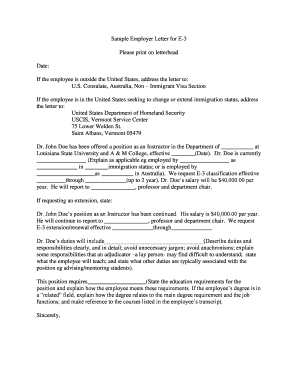
Sample Employer Letter for E-3
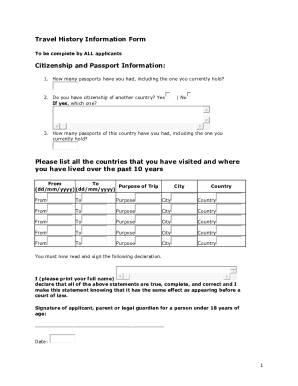
Imm 5856
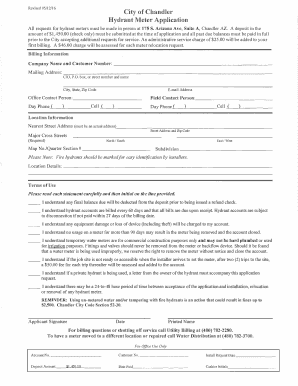
Hydrant meter application city
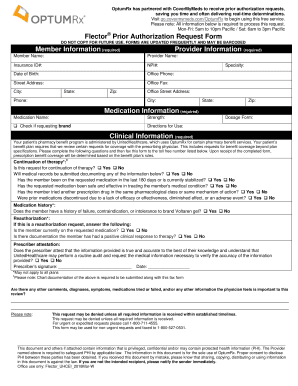
Flector Prior Authorization Request Form
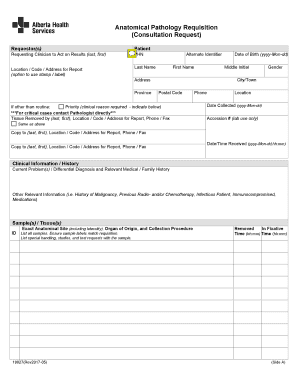
Anatomic pathology request form
Wyoming laramie county common intake

Credit Report Direct Dispute Form - DCU
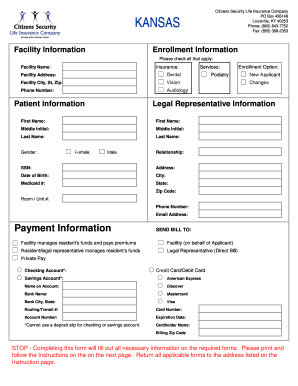
Facility Information Enrollment Information - 360care

Va form 0740 january 2019
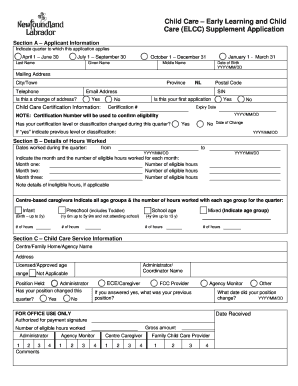
Child care application form

Nsw form change managing agent
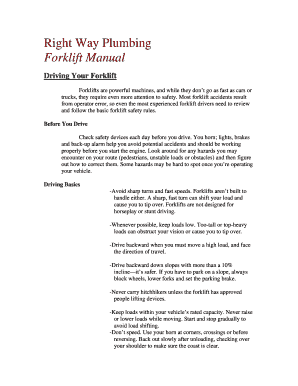
Javelin pdf reader review
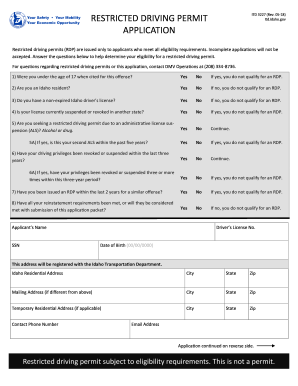
Itd 3227
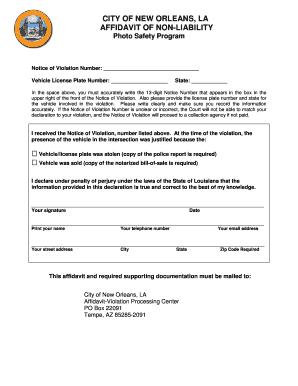
Affidavit of non responsibility
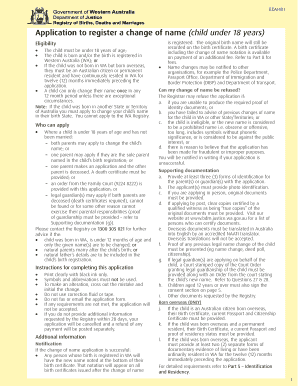
BDM401 - Register a Change of Name(child under 18 years)

Msa 0006
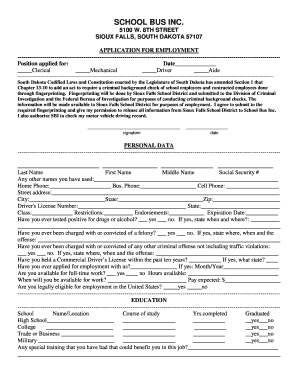
SCHOOL BUS INC
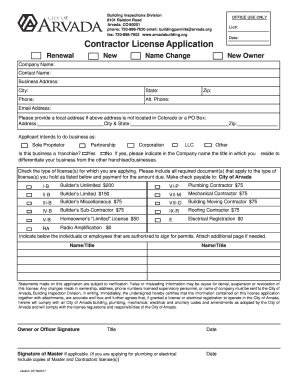
Contractor License Application - arvada.org
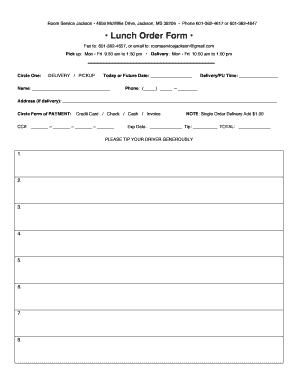
Room service order form

New patient telephone slip
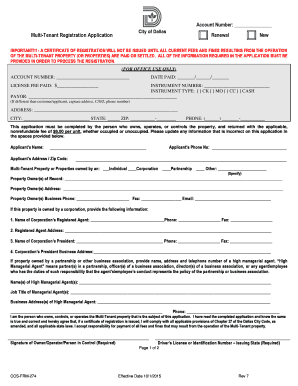
Ccs multi tenant application form

Final Disposition Form - Pasco County Clerk

Cphc horse show
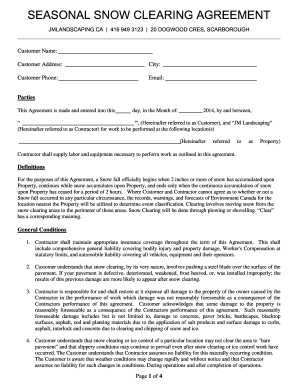
Snow Plowing Contract Template - 20+ Free Word, PDF Documents ...

Sba form 1624
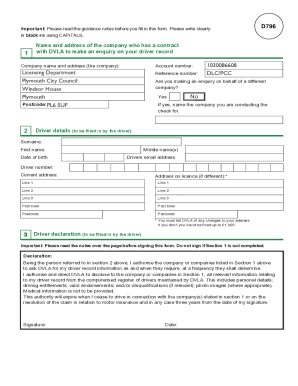
Employee driving licence check consent form template

Musical Instrument Consignment Agreement - Great Northwest Music

Win/Loss Statement - Remington Park

Electrical Permit - City of Bellaire

DAYCARE AND BOARDING REGISTRATION FORM

Franklin asset management company louisville ky
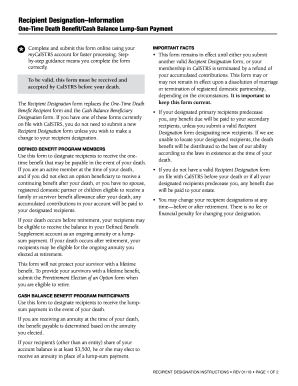
Calstrs recipient designation form

MINISTRY ACTIVITY PARTICIPANT (ADULT - 19 YEARS & OLDER)
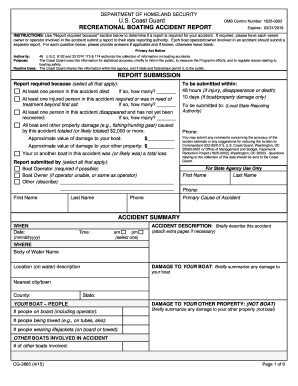
Cg 3865 2015-2019 form

Fema force labor

Iowa dnr bonding

Response to Initiating Application FORM

Indiana direct deposit
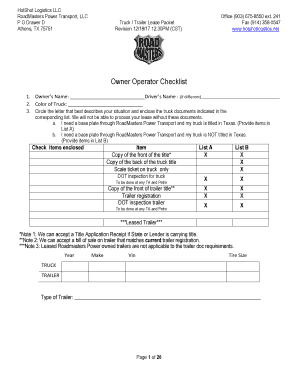
Owner Operator Checklist - roadmasterstrans.com

Fcc form 5631

Contractor Registration Application - Village of Glen Ellyn
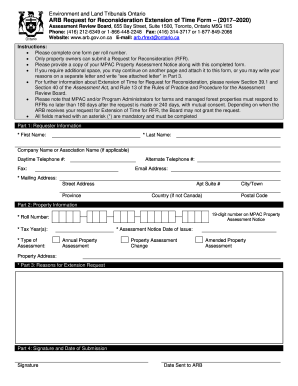
ARB Request for Reconsideration Extension of Time Form (20172020)
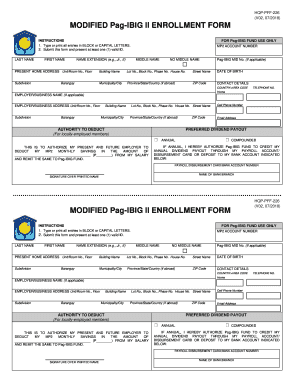
Mp2 enrollment
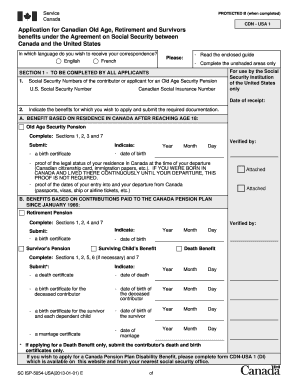
Canada pension application

Only nonimmigrant

Form national fire
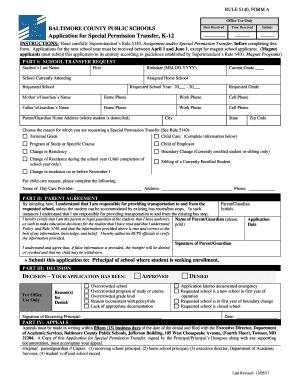
Bcps special permission

Basketball Officials Evaluation Form REV2016
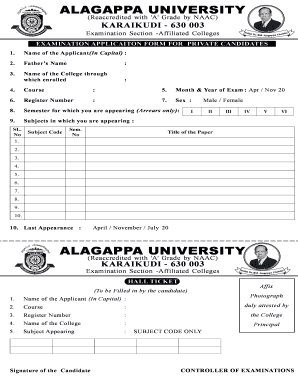
Alagappa university arrear exam application form

Vehicle Consignment Agreement - Miles Through Time Automotive ...
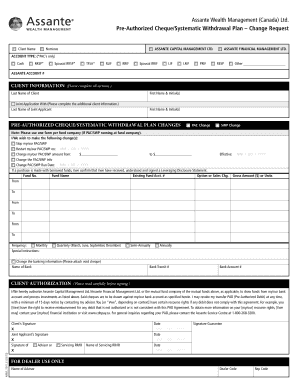
AFM - pre-authorized cheque/systematic withdrawal plan - change request - E
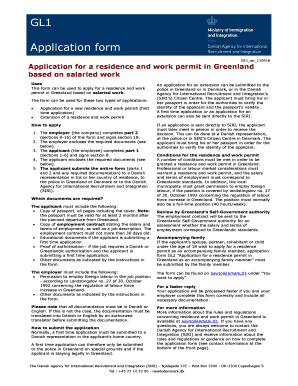
Gl1 form
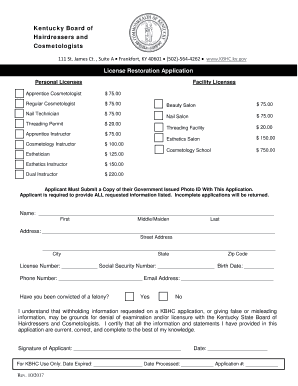
License application form kentucky
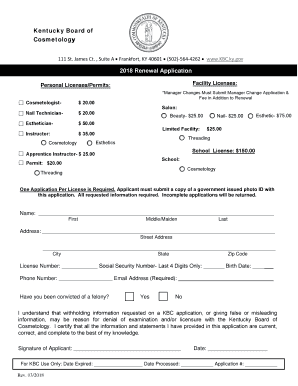
Renewal licenses
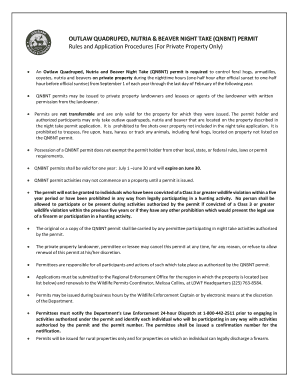
OUTLAW QUADRUPED, NUTRIA & BEAVER NIGHT TAKE (QNBNT) PERMIT
On Soil. - Seed Survivor

QSMM Dr. Taher Al-Jishi OBGYN Referral Form 2016-10-31. QSMM Dr. Taher Al-Jishi OBGYN Referral Form 2016-10-31
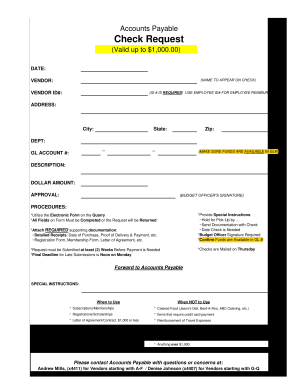
Copy of Check Request Form-DJ 06-02-17.xlsx
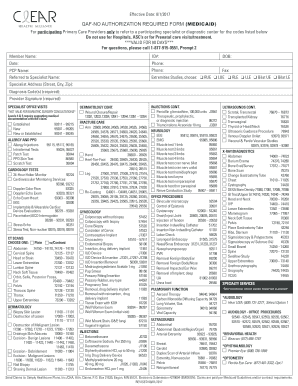
Qaf-no authorization required form (medicaid) - Clear Health Alliance
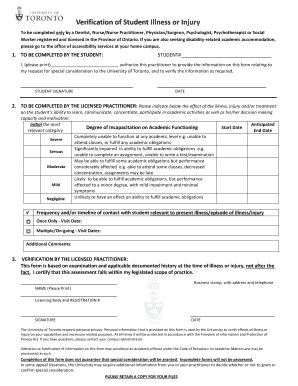
Canada verification

Arborfcu

Transport document for lithium batteries
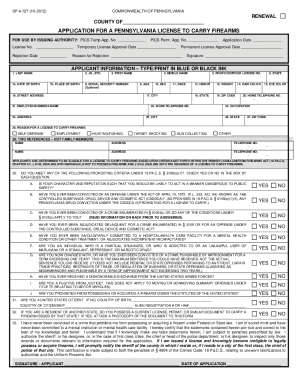
Dauphin county concealed carry permit
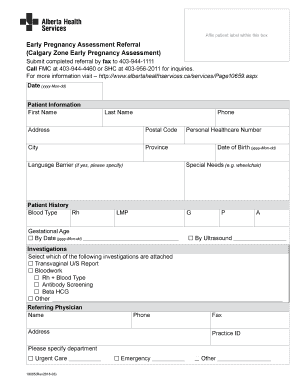
Assessment canada
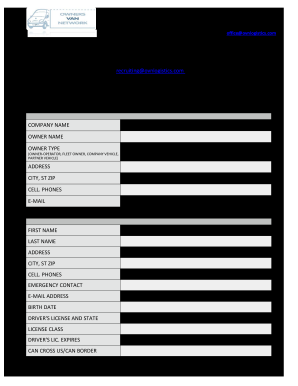
Ovn logistics

Carnival information

Student Assistance Program (SAP) Referral Form
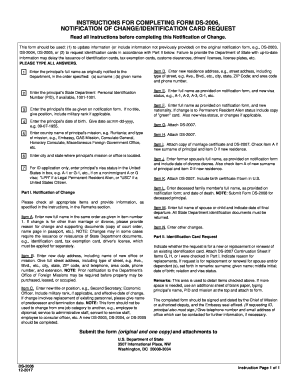
Ds 2006

Motor carrier permits nevada

Va cabo
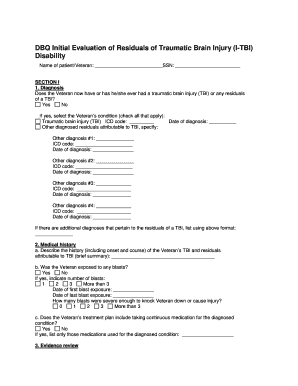
Tbi dbq 2021

Tr 321
Benefit from the DocHub online library of fillable PDF forms
Searching the PDF forms doesn't have to be a tedious and time-consuming process. With the DocHub online library, it has become easier to find the fillable PDF forms and modify them in your browser. The service allows you to adjust the document to your needs using powerful editing tools.
You can use online document editing features to modify almost any type of document with ease. You just need to find the template of your choice, open it in the editor, and use the toolbar to make the necessary corrections.
Follow this guide to get your document done with DocHub:
- Find the PDF template you need.
- Click the Get Form button to open the file in the editor.
- Use the toolbar to fill out and edit the document.
- Easily add and highlight text, insert images, checkmarks, and symbols.
- Drop new fillable fields, and rearrange or delete pages from your file.
- Save changes and download your record.
DocHub empowers everyone to streamline document editing, signing, and distribution, and form completion. Create an account and benefit from our well-organized PDF Forms library and comprehensive editor.