




01. Edit your form 50 283 online
Type text, add images, blackout confidential details, add comments, highlights and more.

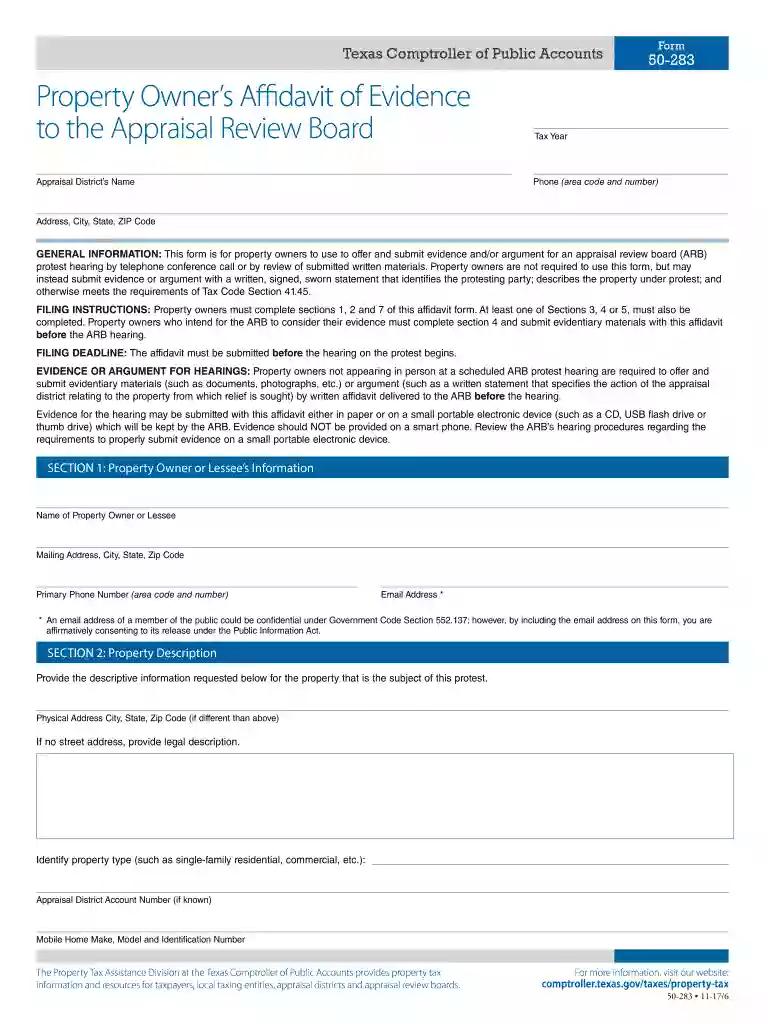
Type text, add images, blackout confidential details, add comments, highlights and more.

Draw your signature, type it, upload its image, or use your mobile device as a signature pad.

Send 50 283 via email, link, or fax. You can also download it, export it or print it out.

Start using our platform today for free to streamline your document editing and submission process!
We've got more versions of the form 50 283 form. Select the right form 50 283 version from the list and start editing it straight away!
Sure, and it’s really straightforward! DocHub is an online PDF editor with advanced document processing functions that allow you promptly modify your paperwork, fill out empty fields and add new ones for other people to fill out, and create electronic signatures in several ways. Add your property owner's affidavit of evidence, give information as requested, and decide how you want to eSign your template - by typing your name, drawing your signature, uploading its image, or utilizing a QR code.
You need only an internet connection and a web browser to fill out your 283 form by using an iOS phone. Open the DocHub website and authenticate. Then, add your file or choose it from the list in your dashboard. Then use our editing tools to fill out your form and preserve all your changes. You can also send it to a dedicated recipient straight away.
At DocHub, your data security is our priority. We follow HIPAA, SOC2, GDPR, and other standards, so you can work on your documents with confidence.
GENERAL INSTRUCTIONS: This form is for use by a property owner to offer and submit evidence and/or argument for an appraisal review board (ARB) protest.Read more
May 17, 2022 Form 50-283 Property Owners Affidavit of Evidence Form 50-218 Settlement and Waiver of Protest. These forms should also be available at theRead more


