
Get any PDF form from the DocHub library of ready-made templates - Page 1718
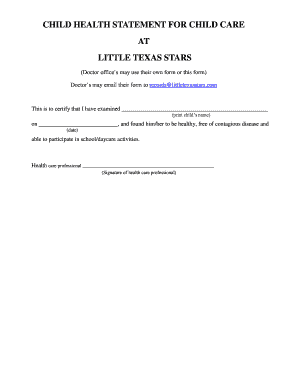
Health statement for daycare
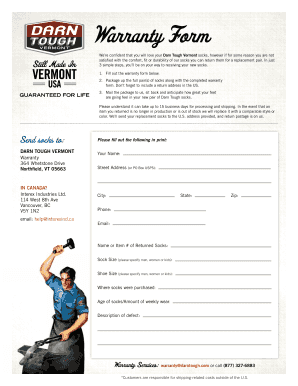
Darn tough warranty
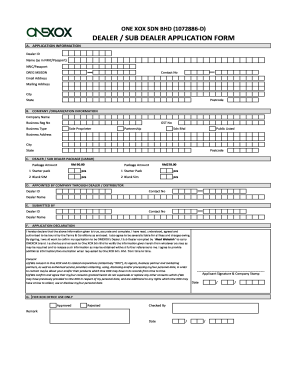
Onesys
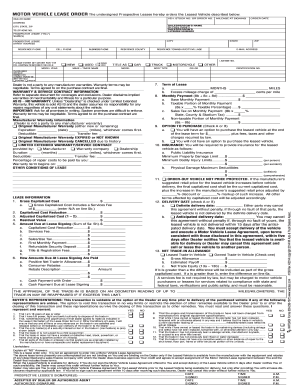
13B Motor Vehicle Lease Order Form - WATDA

Project questionnaire pdf
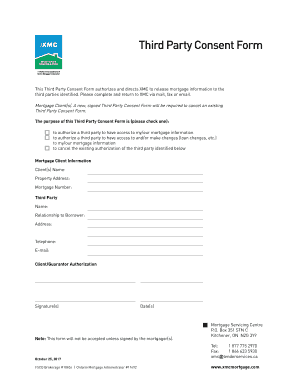
Party consent form
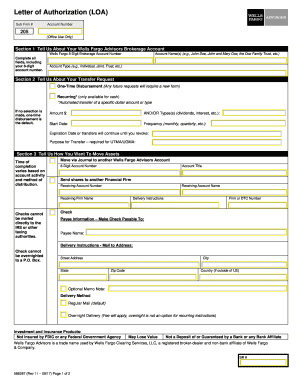
Letter of Authorization to Transfer Funds or Securities - Wells Fargo ...
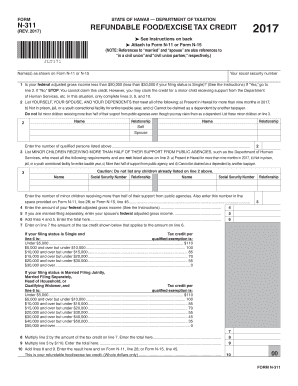
Hawaii form n 311
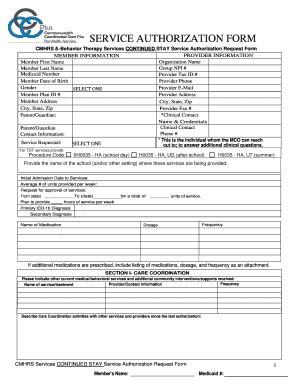
Cmhrs forms

Dhs 1503
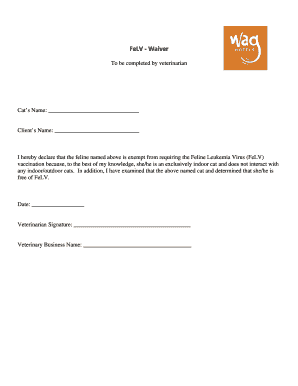
FeLV - Waiver - Wag Hotels
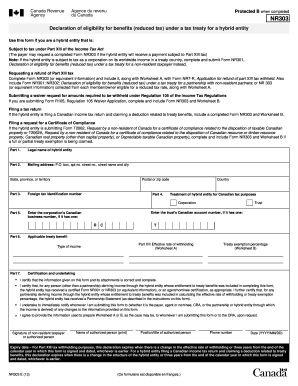
Nr303 form

Mva cs
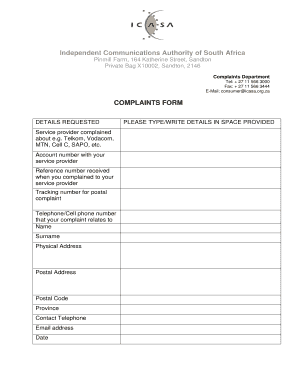
Icasa complaints form
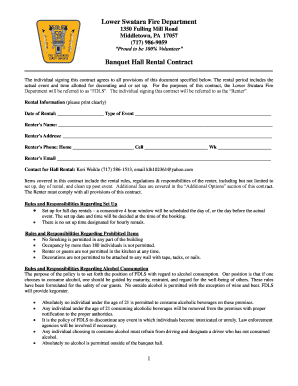
Lower Swatara Fire Department Banquet Hall Rental Contract

Form wit29 contingency search

Authorized agent affidavit form
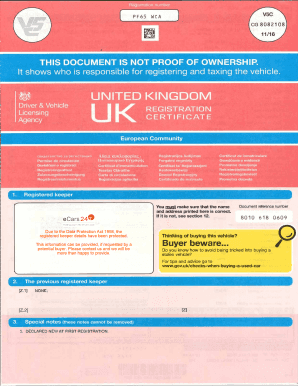
V5C - ecars247.com

Steve jobs article

Allthingstopics
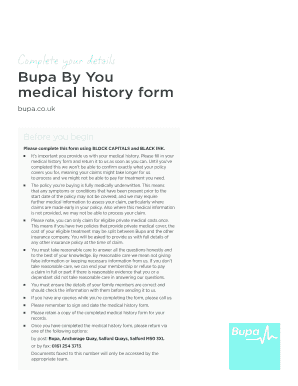
Bupa medical history form
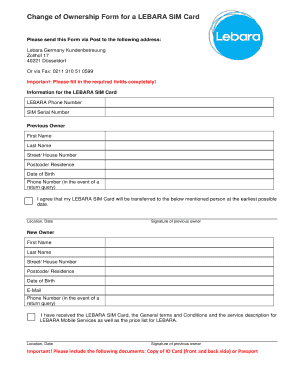
Lebara change address
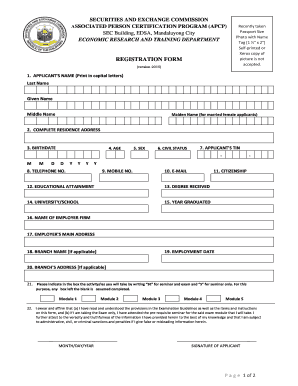
ASSOCIATED PERSON CERTIFICATION PROGRAM (APCP)

Map 900
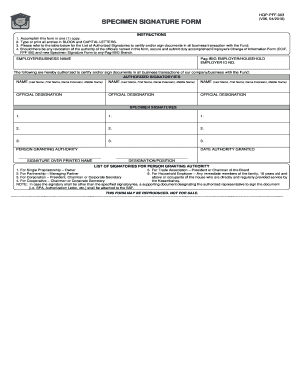
Pag ibig specimen signature form
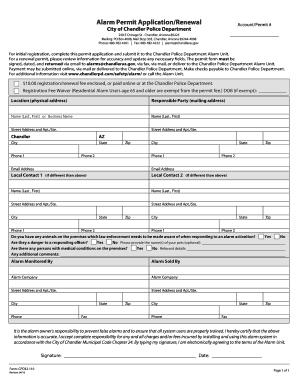
City of chandler alarm permit
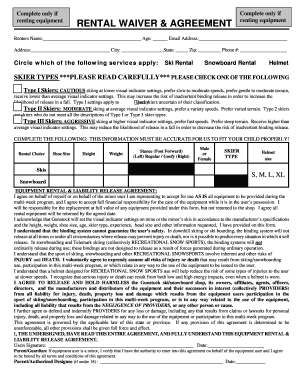
Gunstock rental waiver
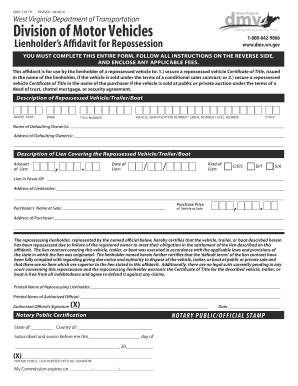
Dmv 178 tr
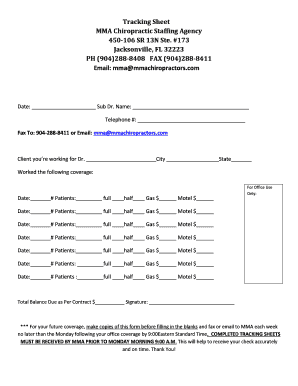
Tracking Sheet MMA Chiropractic Staffing Agency 450-106 SR 13N ...
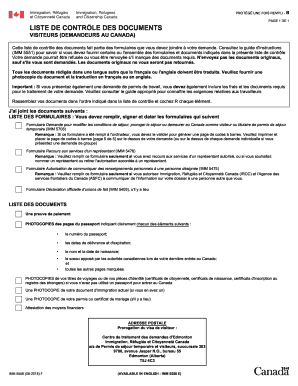
Imm 5558
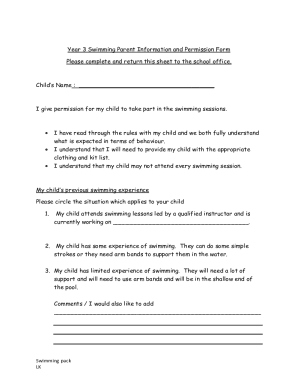
Consent letter for swimming classes
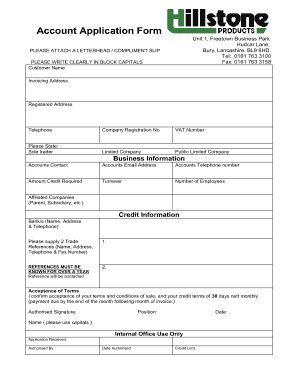
Account Application Form - Hillstone Load Banks

Pennsylvania declaration dli

Get the PCE Pre-Application Income and Expense Worksheet

Georgia real estate broker search

Manyame rdc
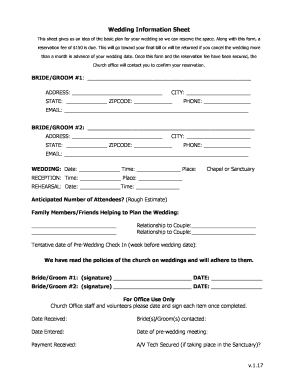
Wedding information form
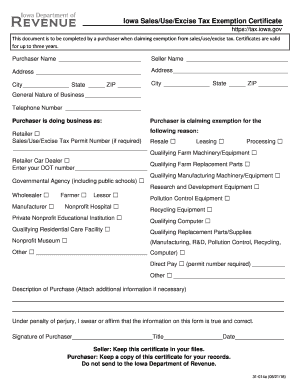
Use excise certificate iowa

190 45
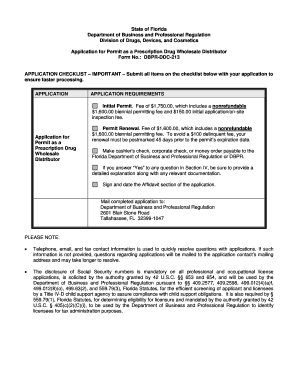
DBPR-DDC-227 - Florida Department of Business and Professional ...

Property one callala bay
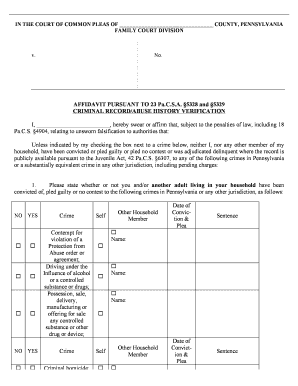
AFFIDAVIT PURSUANT TO 23 Pa.C.S.A. 5328 and 5329 ...
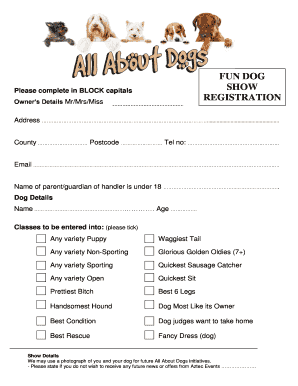
Dog show registration form
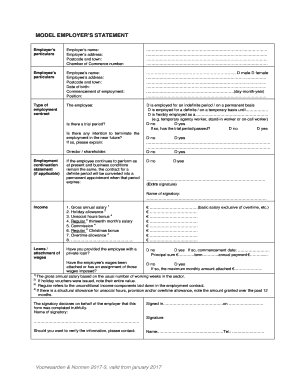
Model employer's statement

DSWD-RLA Form 10 Employees
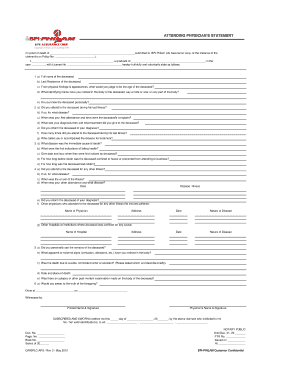
Attending physician's statement - BPI-Philam
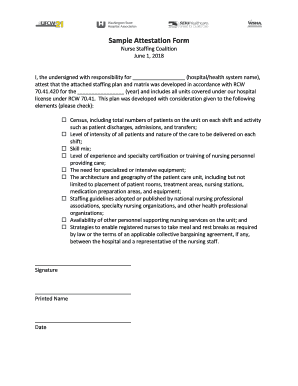
Fitness activity attestation
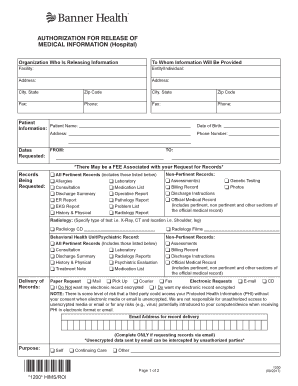
Authorization release hospital
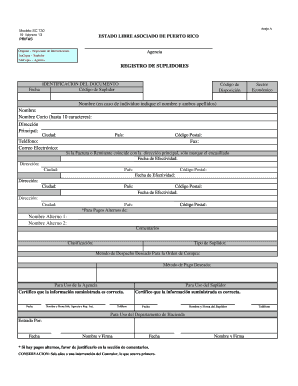
Registro suplidores

Sa103 2018 form
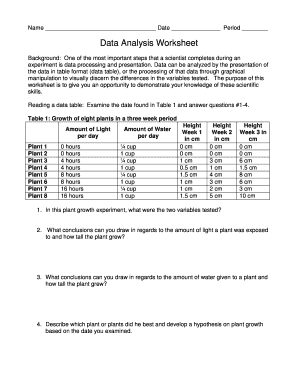
Data analysis worksheet

Spring extension form
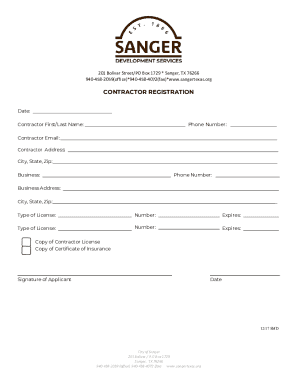
City of sanger tx permits
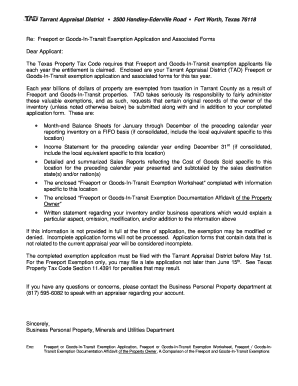
Exemption application tarrant

Tr25 form

Golf cart liability waiver - Lake Linganore Association

Receita de controle especial doc
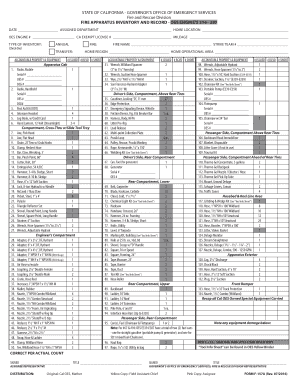
Fire department iso checklist
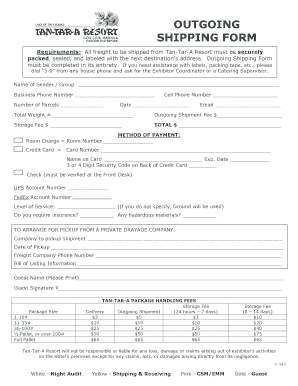
Shipping form

Dav transfer form
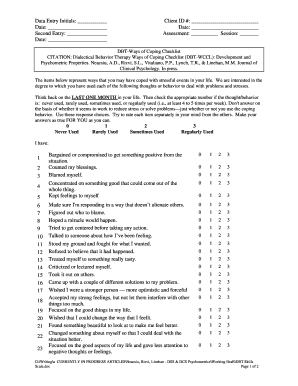
WCCL-93 DBT-nofooter. Ways of Coping with DBT items
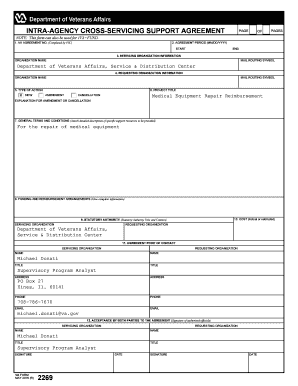
Va form 2269
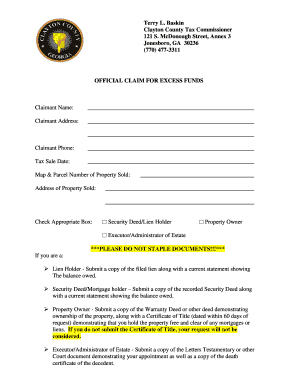
Clayton county excess funds list
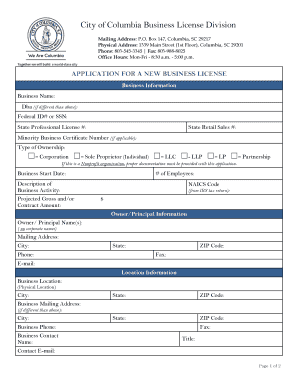
City of columbia business license

Consent for release of information - Scides

Mv 950

Ffata subrecipient reporting form
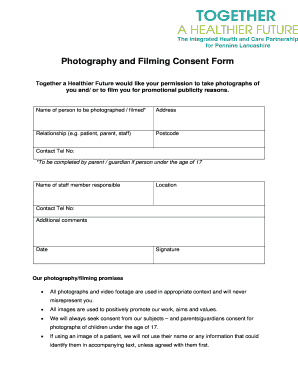
Filming consent form
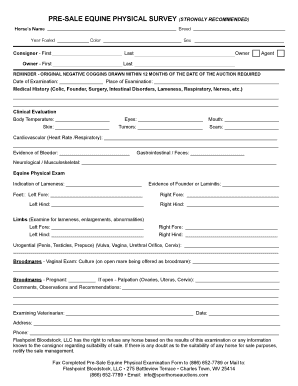
Pre-sale equine physical survey (strongly recommended)
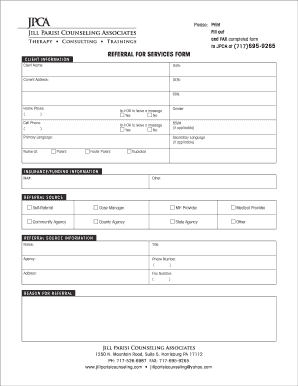
Referral for services form - Jill Parisi Counseling Associates
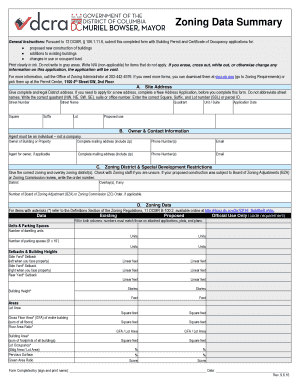
Zoning Data Summary sheet 9 6 16. Zoning Data Summary sheet 9 6 16
Agreement strata fee

Sfn 60688

Microblading consent form
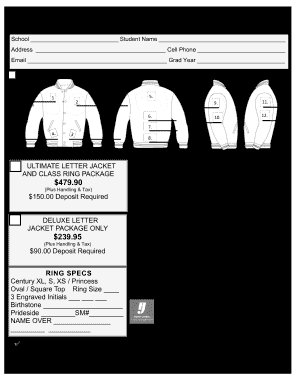
Herff jones prideside

Warranty claim form - Visionaire-inc
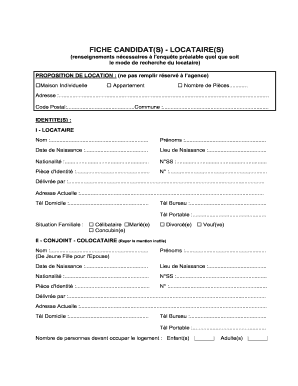
Remplissable FICHLOC.DOC
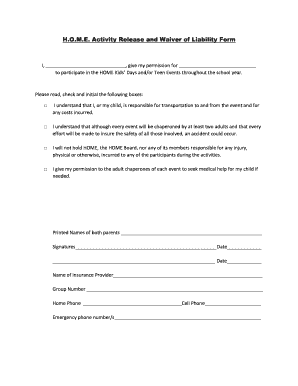
H.O.M.E. Activity Release and Waiver of Liability Form

Ae form 190 aa
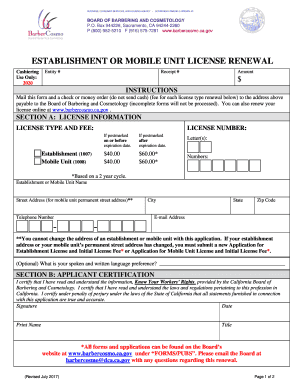
California renewal form cosmetology
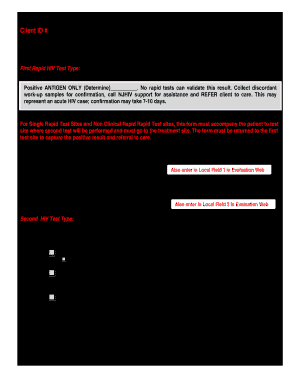
SECTION 1.5.1 Rapid HIV 1 & 2 Antibody by OraQuick.pdf - njhiv1.org

Veterinary clinic
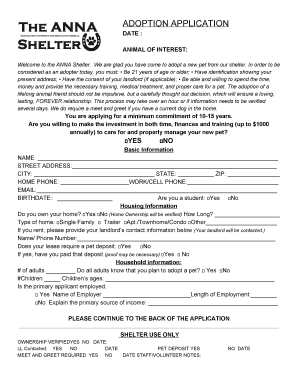
Anna shelter adoption
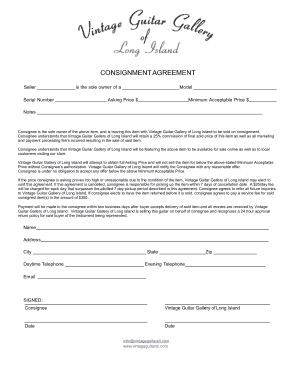
Consignment agreement with listing service fees
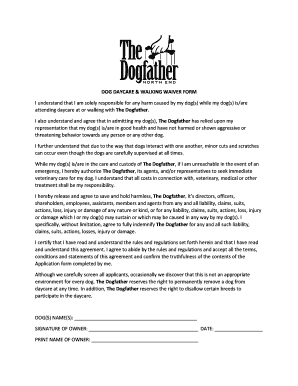
Dog waiver form
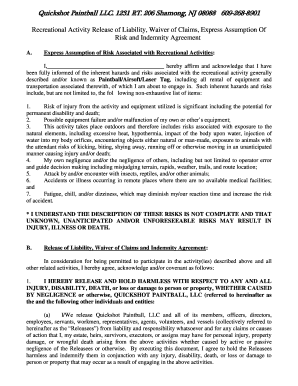
QuickShot Paintball

Notarized release form
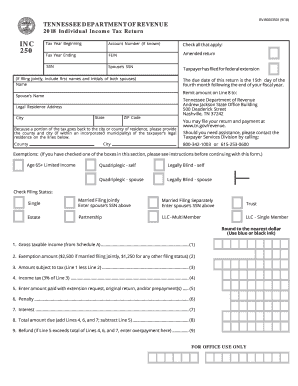
Tn form
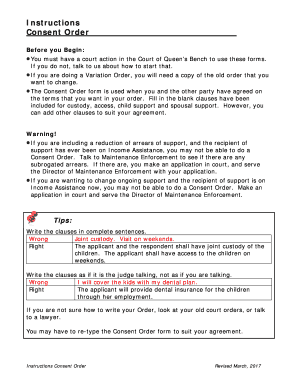
Canada consent order form
Cnpforms
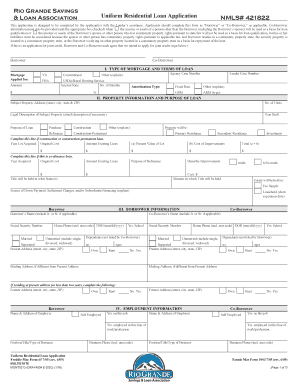
Rio Grande Savings & Loan Association NMLS# 421822 Uniform ...
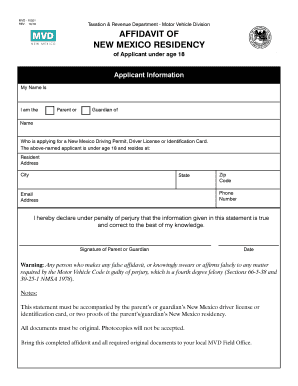
MVD - 10021 AFFIDAVIT OF NEW MEXICO
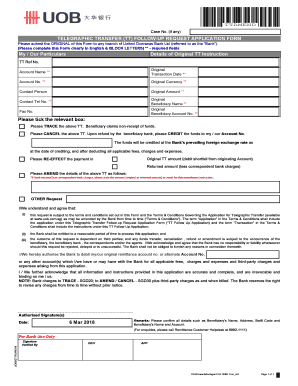
Telegraphic transfer request form pdf
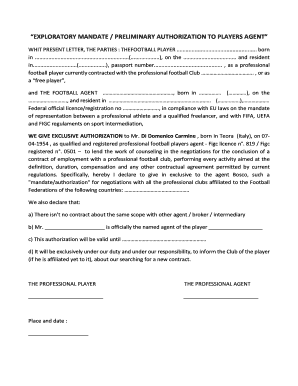
EXPLORATORY MANDATE-AUTHORIZATION AGENT + PLAYER TO OTHER AGENTS
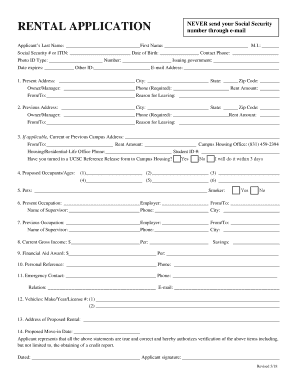
Ucsc rental application ca santa cruz
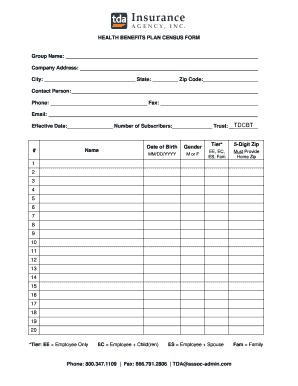
HEALTH BENEFITS PLAN CENSUS FORM Group Name: Company ...
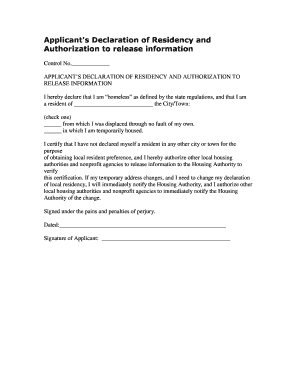
Declaration of residency

Animal Sanitation Form

Aha instructor monitor form

FILE: JSA-F2
Benefit from the DocHub online library of fillable PDF forms
Searching the PDF forms doesn't have to be a tedious and time-consuming process. With the DocHub online library, it has become easier to find the fillable PDF forms and modify them in your browser. The service allows you to adjust the document to your needs using powerful editing tools.
You can use online document editing features to modify almost any type of document with ease. You just need to find the template of your choice, open it in the editor, and use the toolbar to make the necessary corrections.
Follow this guide to get your document done with DocHub:
- Find the PDF template you need.
- Click the Get Form button to open the file in the editor.
- Use the toolbar to fill out and edit the document.
- Easily add and highlight text, insert images, checkmarks, and symbols.
- Drop new fillable fields, and rearrange or delete pages from your file.
- Save changes and download your record.
DocHub empowers everyone to streamline document editing, signing, and distribution, and form completion. Create an account and benefit from our well-organized PDF Forms library and comprehensive editor.