
Get any PDF form from the DocHub library of ready-made templates - Page 1719
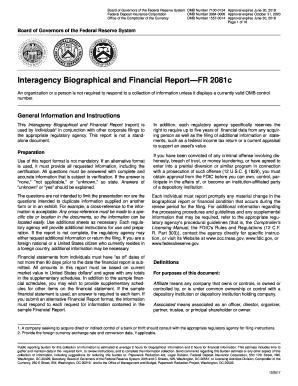
Interagency Biographical and Financial ReportFR 2081c - Federal ...

Hnl aoa badge
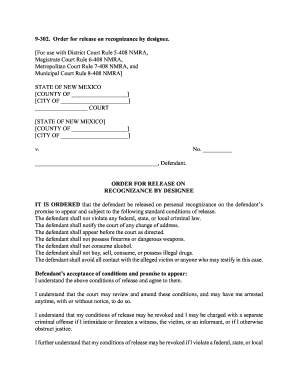
Order for release on recognizance by designee

Higher unit 15 topic test answers

Vtr 265 m
Bundy hill waiver
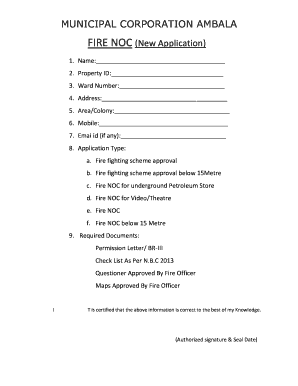
Municipal noc format
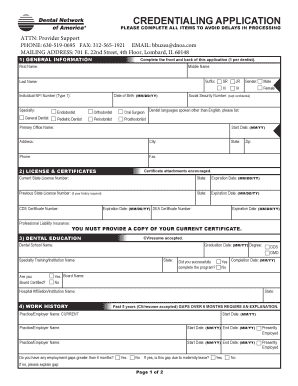
Credentialing application - Dental Network of America
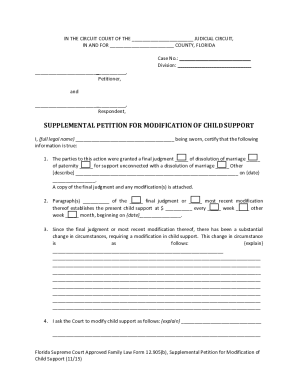
Instructions for Florida Supreme Court Approved Family Law Form 12.905(b), Supplemental Petition for Modification of Child Support. Florida Supreme Court Approved Family Law Form 12.905(b

Abc supply account application
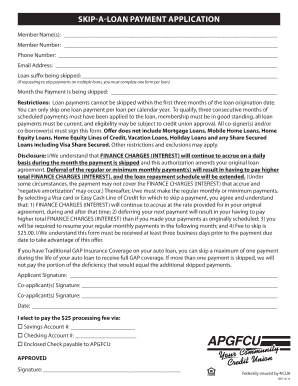
Apgfcu skip a pay

Texas Termite Pre-Construction Disclosure. TX

2018 Miromoda Entry Form.docx
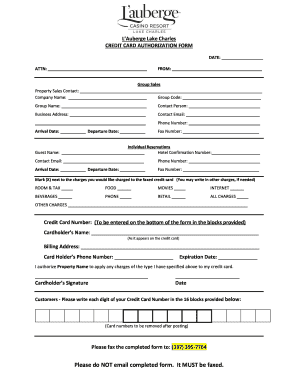
Credit & Activity Requests - L'Auberge Casino Resort Lake Charles

Infinity Assurance Insurance Company - Infinity Auto Insurance
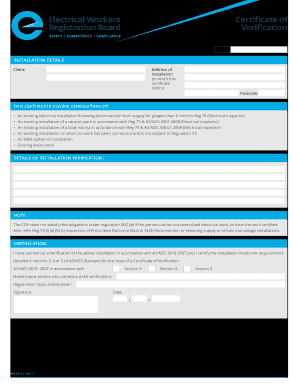
Ewrb coc
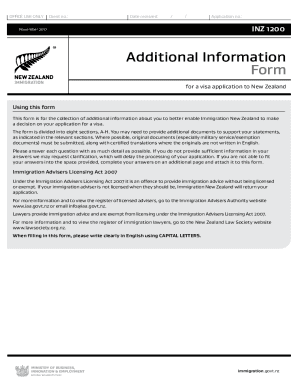
Inz 1200

RABIES SEROLOGY CERTIFICATE
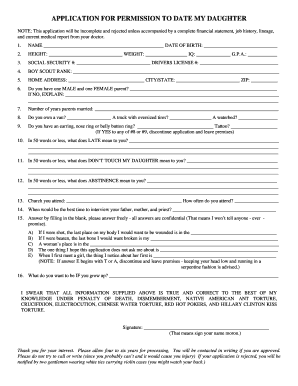
Application date daughter form
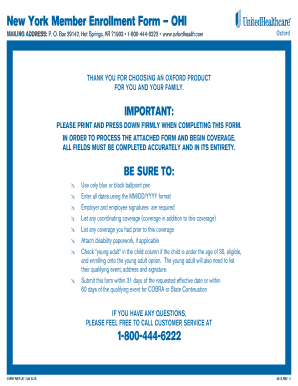
Ny enrollment form

Umatilla chl
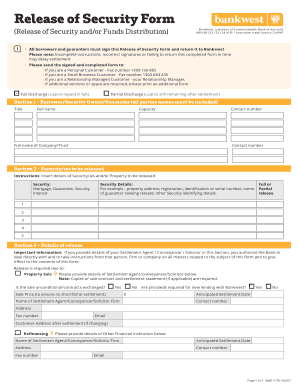
Bankwest discharge authority

General explosives permit

Client Tax Organizer with Engagement Letter.xlsx
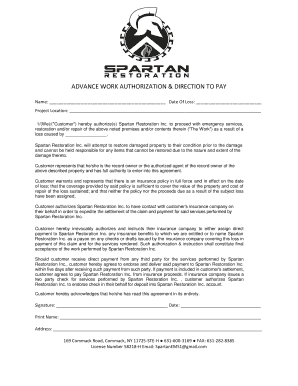
Restoration work authorization

Toyota business credit application
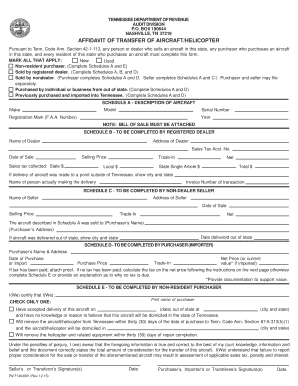
Tn affidavit transfer
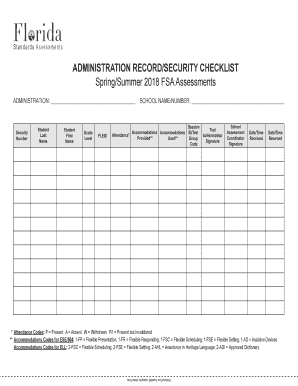
ADMINISTRATION RECORD/SECURITY CHECKLIST
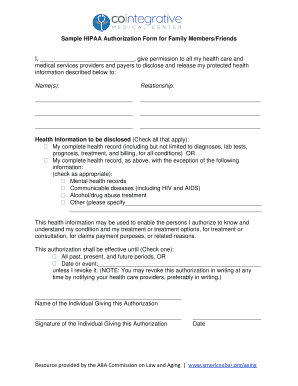
Sample HIPAA Authorization Form for Family Members/Friends
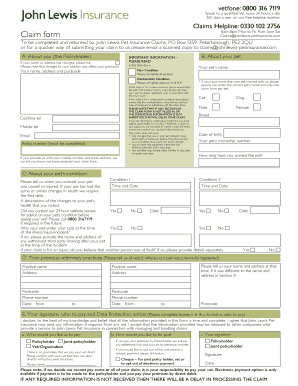
John lewis pet insurance claim form pdf
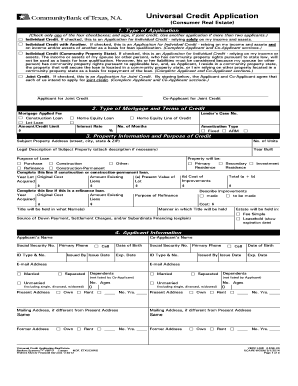
UCA-RE-WOGM. UNIVERSAL CREDIT APPLICATION-REAL ESTATE
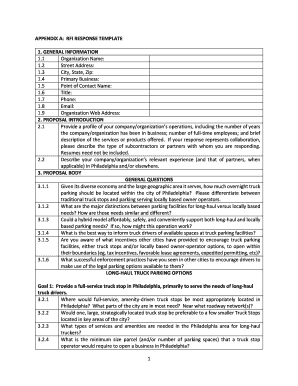
Rfi response template

Budget Information for Non-Construction Programs (SF-424A) Form Instructions. Grant application form instructions for applicants
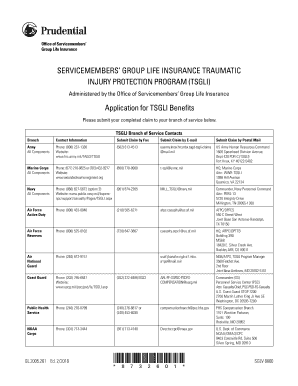
Tsgli application
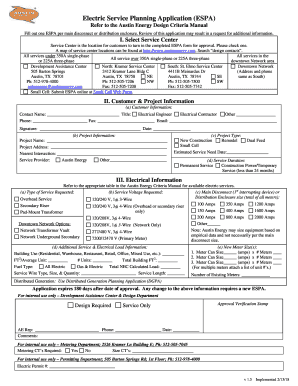
Espa austin energy
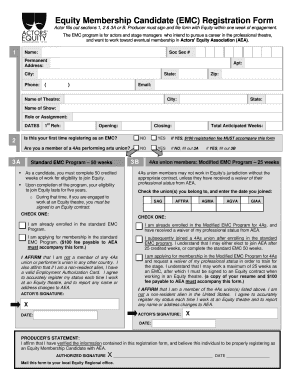
Emc form
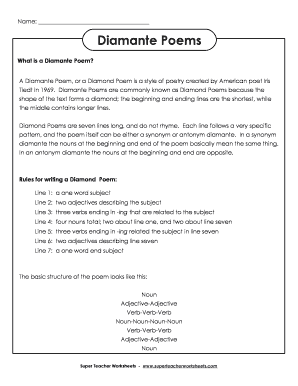
Diamante Poems - Super Teacher Worksheets
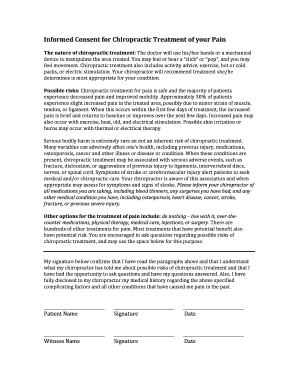
Informed Consent for Chiropractic Treatment of your Pain
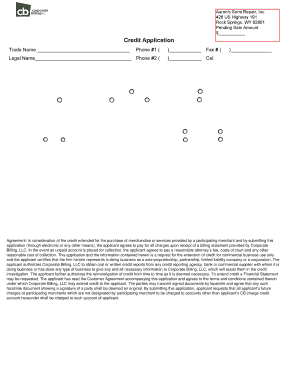
Aarons credit application
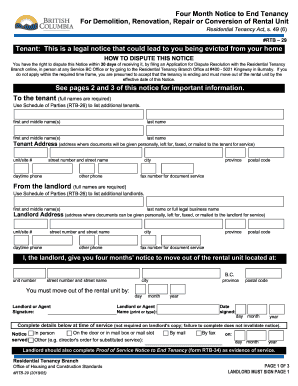
Notice to end tenancy bc

Uscg form 2692b
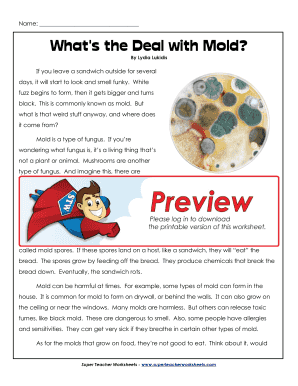
What's the deal with mold answer key

Sponsorship Form - acc.org
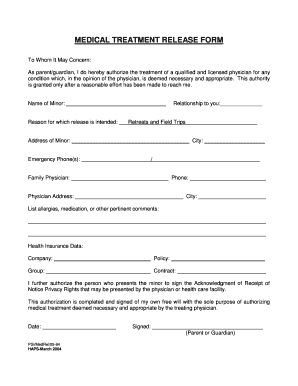
Medical treatment release form

Oticon return for credit form
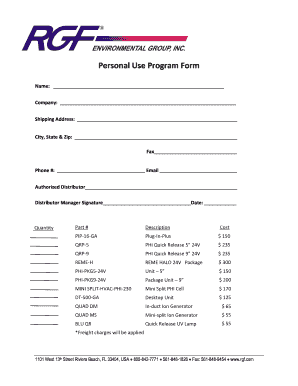
Rgf credit
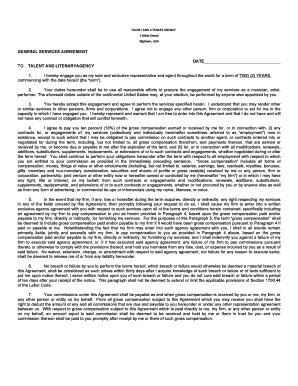
6. TALENT AND LITERARY AGENCY AGREEMENT 2018.docx
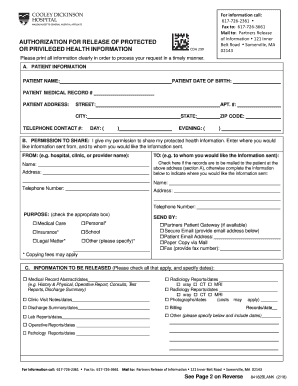
Cooley dickinson hospital medical records

Opinion writing checklist grade 4
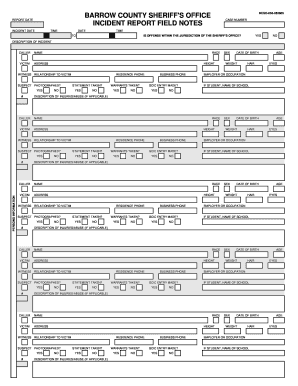
Barrow county sheriff incident reports
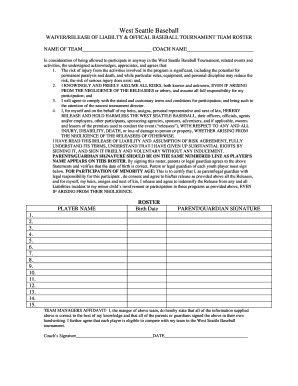
Tournament Liability Form
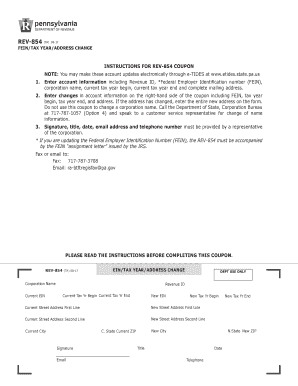
Address change form pa

California Competes - Base Year Annual Full-time Equivalent Worksheet. California Competes - Base Year Annual Full-time Equivalent Worksheet
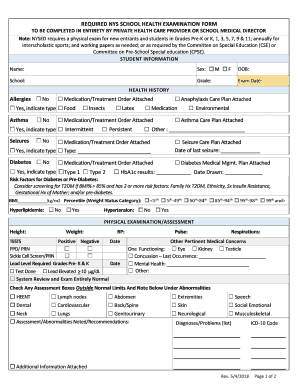
Examination form medical
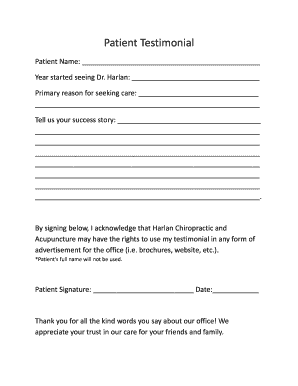
Patient Testimonial - Harlan Chiropractic & Acupuncture

2018 Canada INTER 83-168E

Nail inn lemont
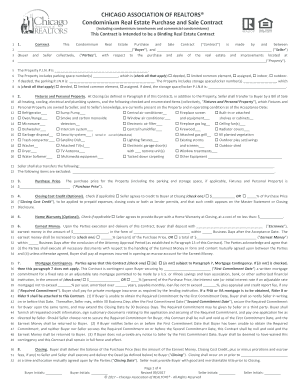
Car real estate contract

DISBURSEMENT AUTHORIZATION FORM ESCROW BROKER ...
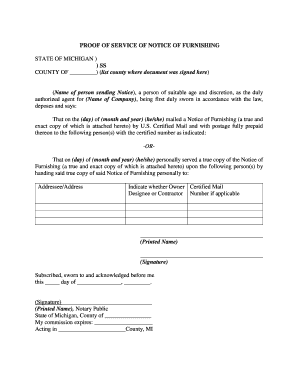
Proof of Service Notice of Furnishing - Hilger Hammond

Texas title transfer form
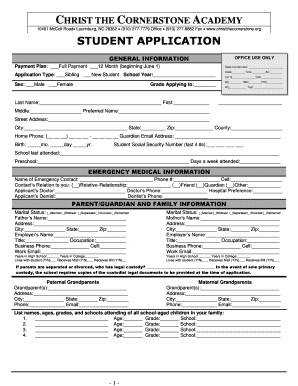
Cornerstone academy application

Ftb pub 1001 2016 form
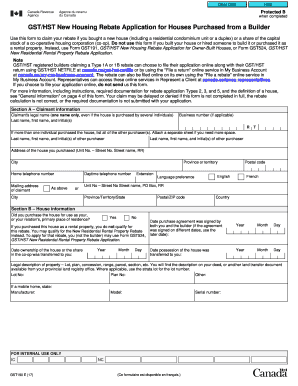
Gst190
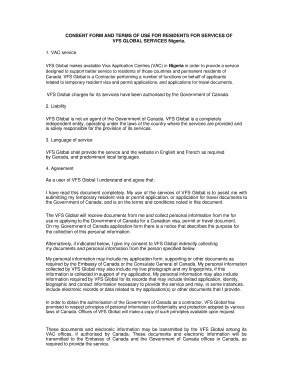
VFS GLOBAL SERVICES Nigeria
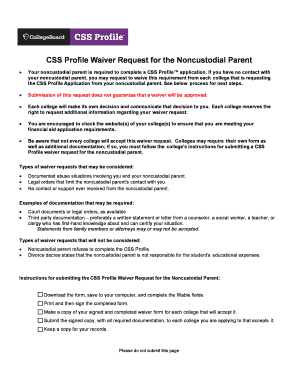
Columbia non custodial parent waiver
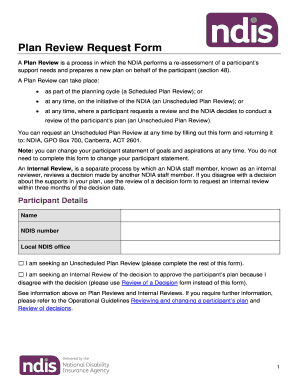
Plan Review Request form
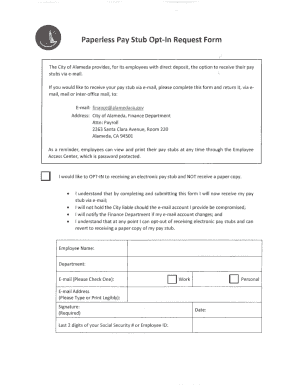
Paperless Pay Stub Opt-In Request Form

Bill nye light and color worksheet
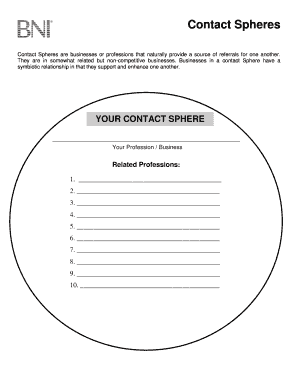
Bni contact sphere worksheet
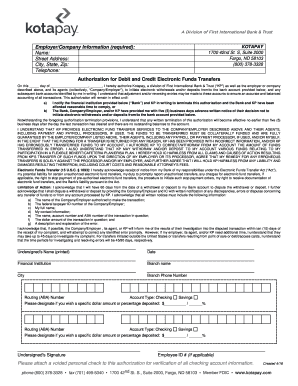
Credit electronic funds transfer

California request investigation

Quadrilateral proofs
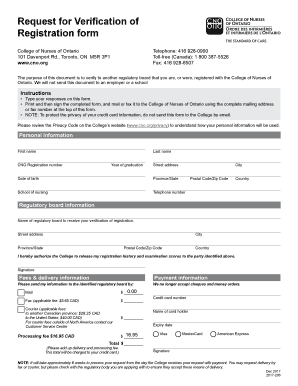
Cno canada
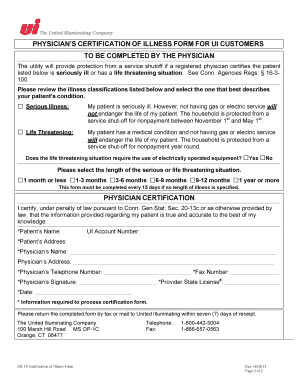
Customer Care - The United Illuminating Company
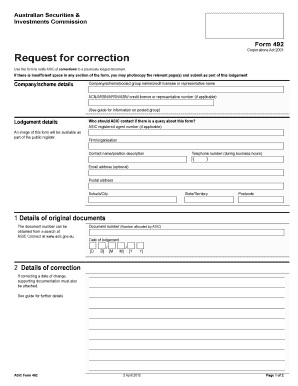
Asic form 492

Massachusetts rs gic
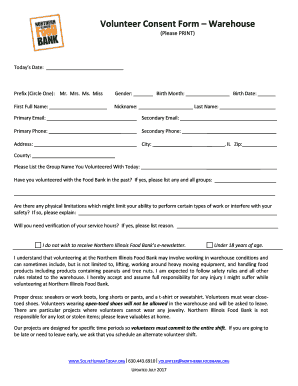
Volunteer Consent Form - Northern Illinois Food Bank

CPA Ontario - Transcript Assessment Form. CPA Ontario - Transcript Assessment Form

Arizona resale certificate
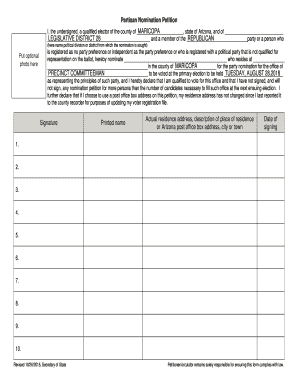
Partisan Nomination Petition - azld28gop.org

Whirlyball waiver
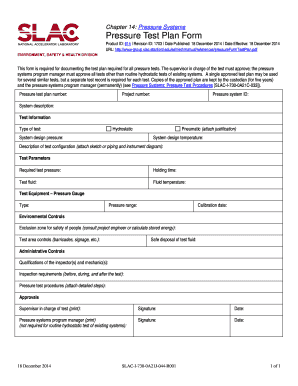
Pressure test form
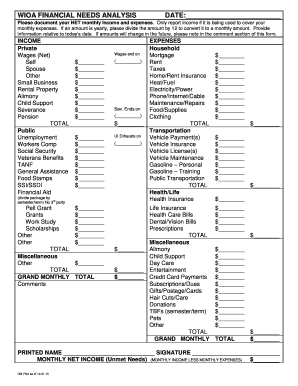
Financial need analysis form
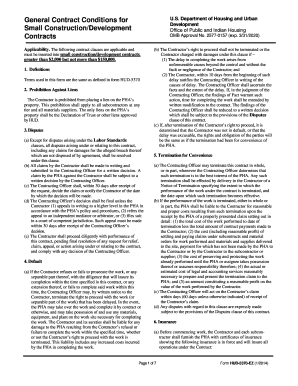
Hud 5370 ez
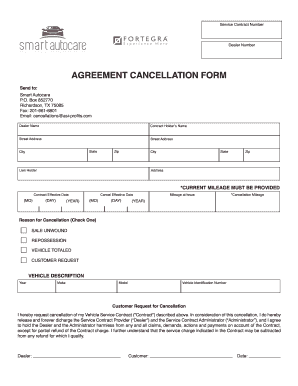
Smart auto care cancellation form
Whole soldier counseling
Chiropractic intake forms
Aztec home schooling
Whitman county probation

BUSINESS FORMATION INTAKE FORM
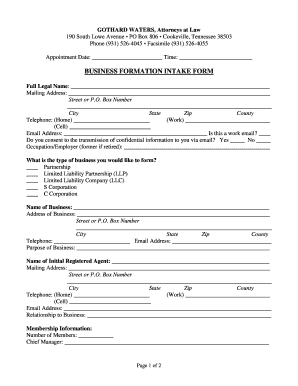
Business formation intake form - Gothard Waters
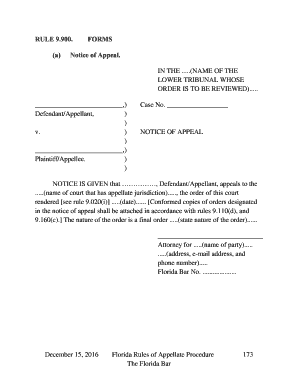
9 900
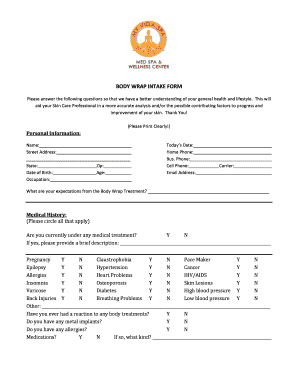
Body wrap intake form - My Vida Spa

Dbpr cilb 6 certified general
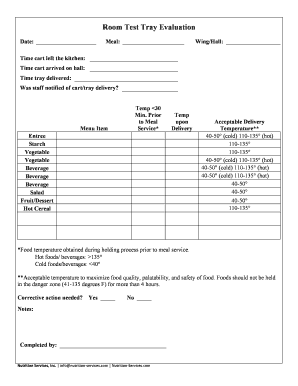
Test tray evaluation form
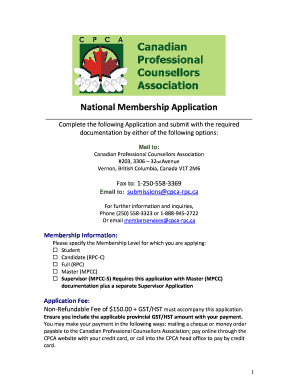
CPCA National Membership Application - Canadian Professional ...
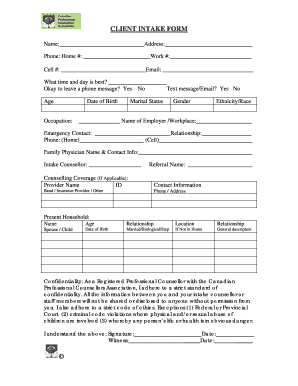
Counselling intake form template canada
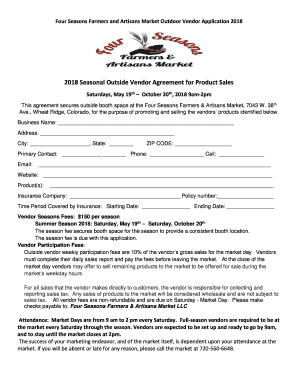
Outdoor Farmers Market Vendor Application - Four Seasons ...
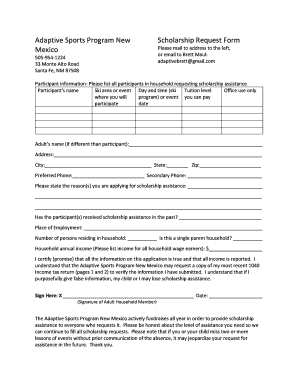
Adaptive Sports Program New Mexico Scholarship Request Form
Benefit from the DocHub online library of fillable PDF forms
Searching the PDF forms doesn't have to be a tedious and time-consuming process. With the DocHub online library, it has become easier to find the fillable PDF forms and modify them in your browser. The service allows you to adjust the document to your needs using powerful editing tools.
You can use online document editing features to modify almost any type of document with ease. You just need to find the template of your choice, open it in the editor, and use the toolbar to make the necessary corrections.
Follow this guide to get your document done with DocHub:
- Find the PDF template you need.
- Click the Get Form button to open the file in the editor.
- Use the toolbar to fill out and edit the document.
- Easily add and highlight text, insert images, checkmarks, and symbols.
- Drop new fillable fields, and rearrange or delete pages from your file.
- Save changes and download your record.
DocHub empowers everyone to streamline document editing, signing, and distribution, and form completion. Create an account and benefit from our well-organized PDF Forms library and comprehensive editor.