
Get any PDF form from the DocHub library of ready-made templates - Page 1663
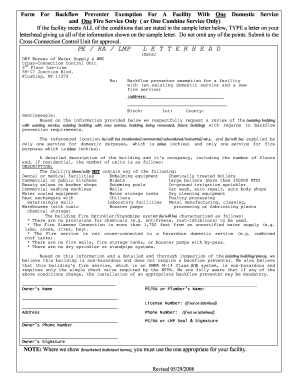
Nyc dep cross connection
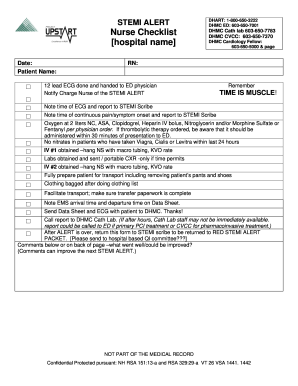
Stemi checklist
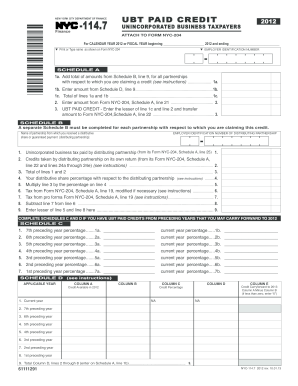
Nyc 1147 2012 form
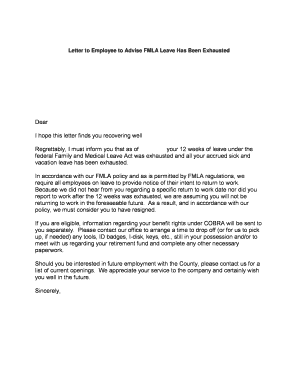
Medical leave letter for employee pdf
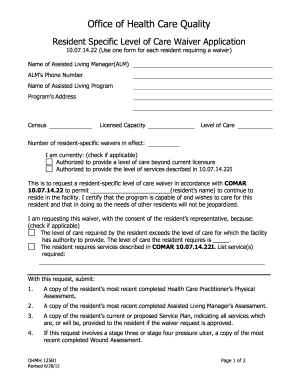
Resident specific care application printable
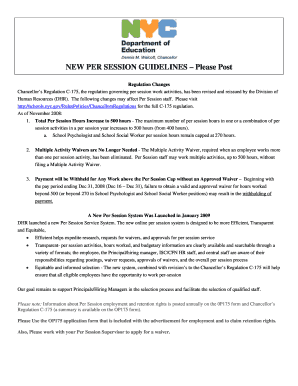
0p175 form
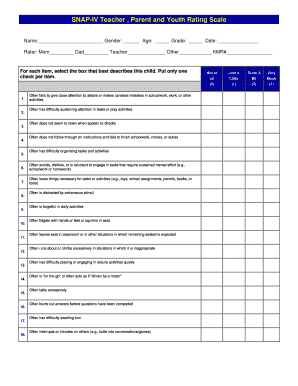
Pdf testing form for adhd
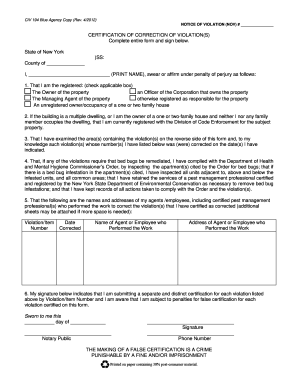
Ohp form 194 civ

Mass agency disclosure form
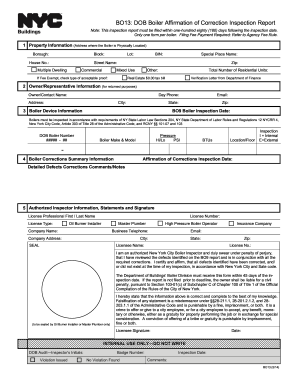
Affidavit of correction nyc boiler 2014 form
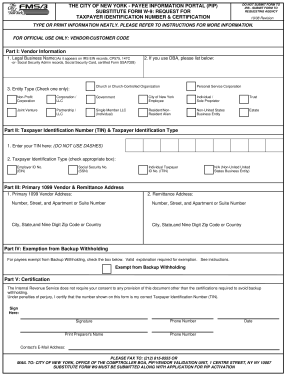
Pip form 2008
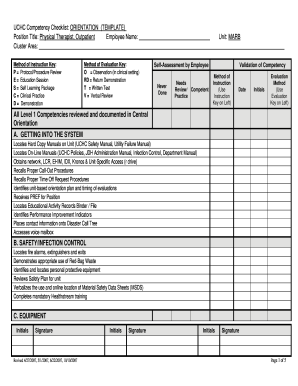
Competency checklist template 2007 form

Pain management contracts at unmc form
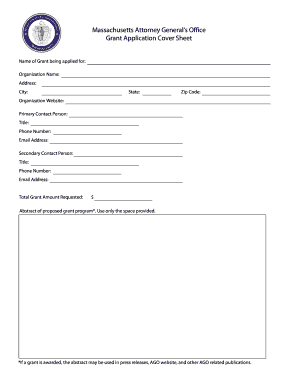
Us military leave form
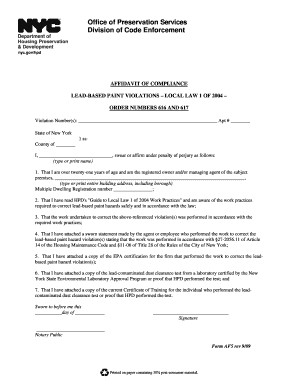
Hpd online

Njdep individual well search questionnaire form

University of louisville replacement diploma form
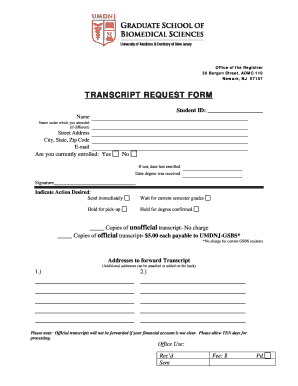
Umdnj transcript request

Banner health anesthesia form
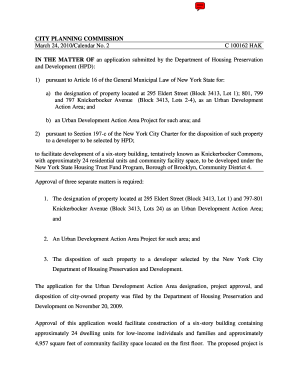
Ny c hak commons
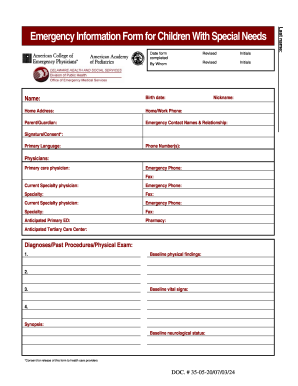
Emergency form special
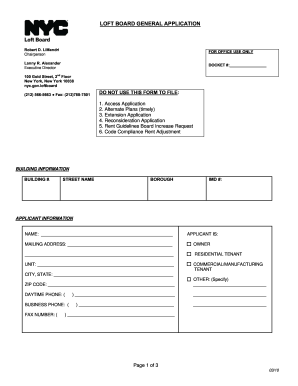
Loft Board General Application Form - NYC . gov - nyc
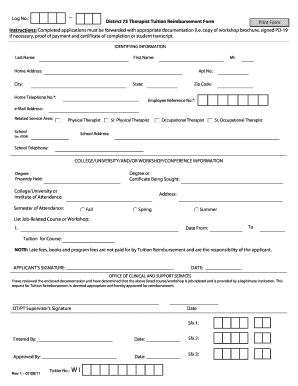
D75 pd
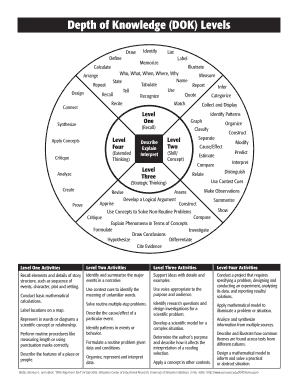
Dok chart pdf
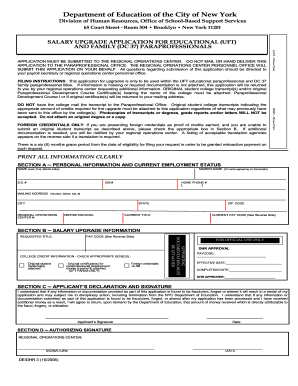
Uft paraprofessional salary upgradeDocHubcom 2006 form

Day care addendum form california
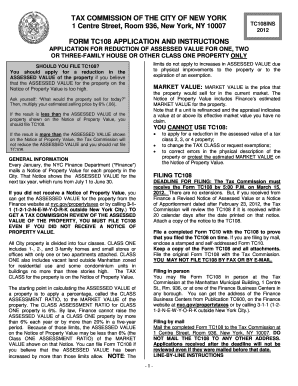
Tc108
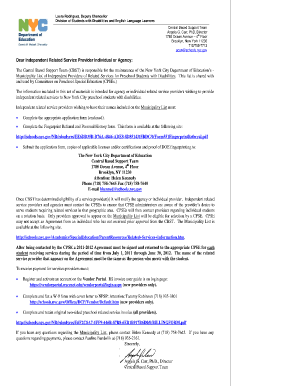
Printable preschool progress reports

Blue Coats Scholarship App.pdf - University of Louisville - louisville
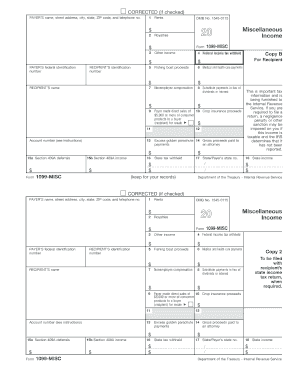
Omb no 1545 0115
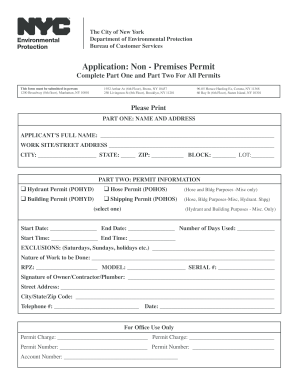
Application for permit nyc
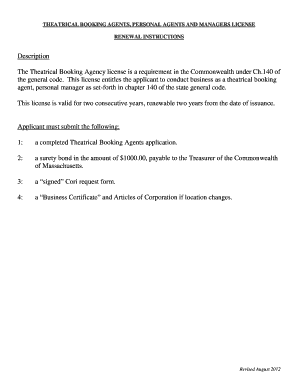
Theatrical Booking Agent RENEWAL Application - Mass.Gov - mass
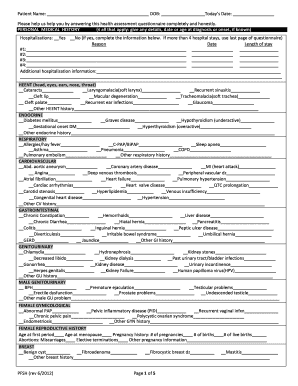
Complete Adult Health History FormTrailhead Clinics

Va memorandum template
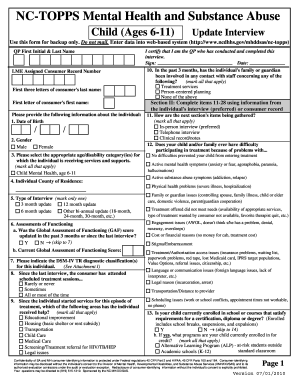
NC-TOPPS Mental Health and Substance Abuse Child (Ages 6-11 ... - ncdhhs
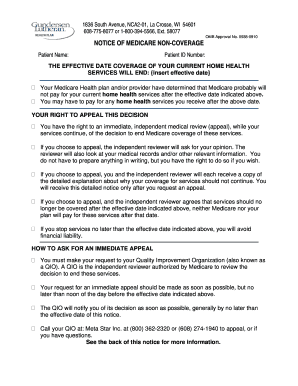
Notice of non coverage forms
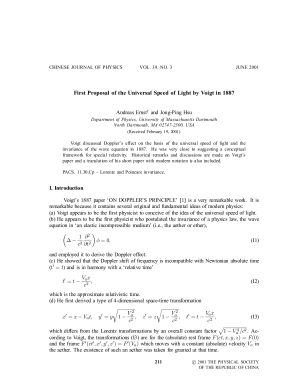
Voigt lorentz transformation
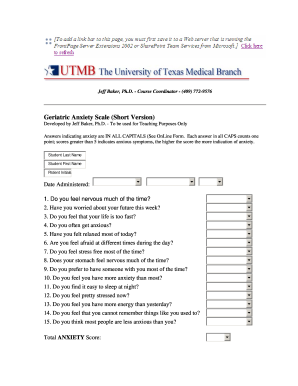
Geriatric anxiety inventory short form pdf
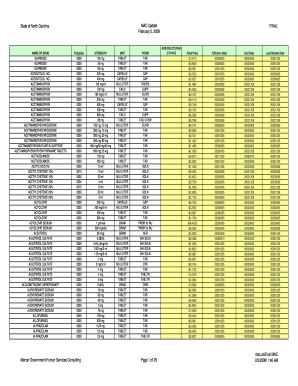
NC DMA - MAC Update - ncdhhs
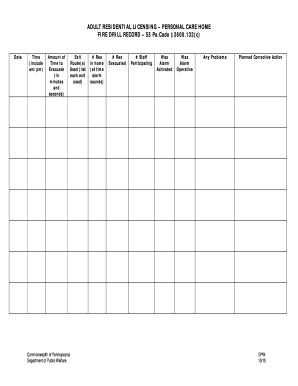
Adult residential licensing
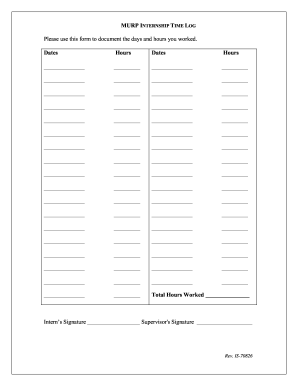
Internship Time Log Form - has vcu
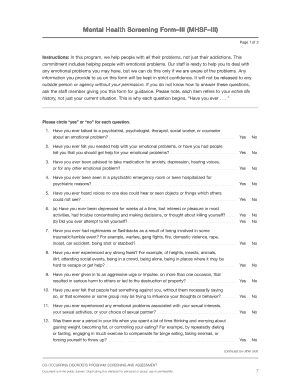
Mental health screening form
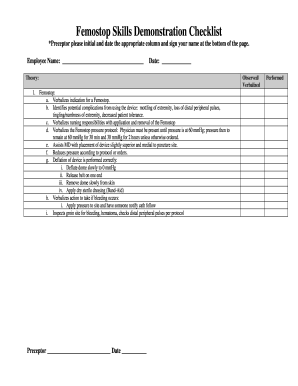
Femostop checklist
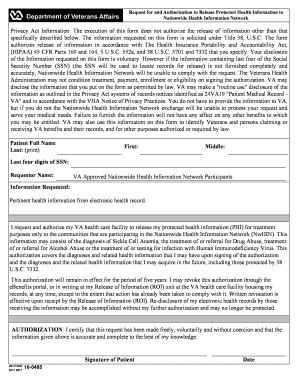
Va form 10 0485
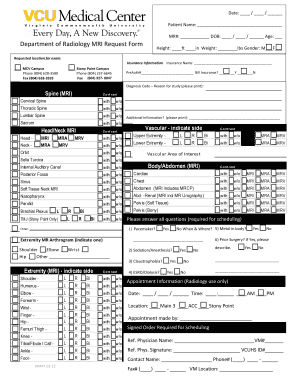
Mri requisition form
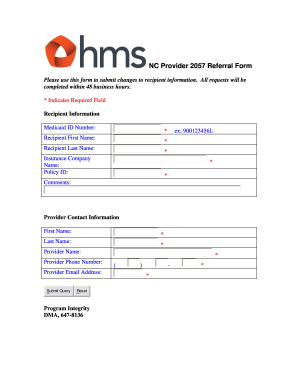
Hms referral form
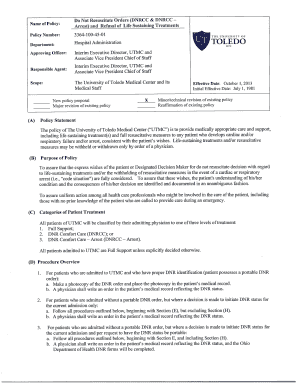
What is dnrcca
Palmetto ccrn pccn
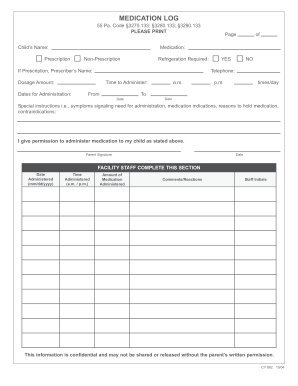
Medication form for daycare
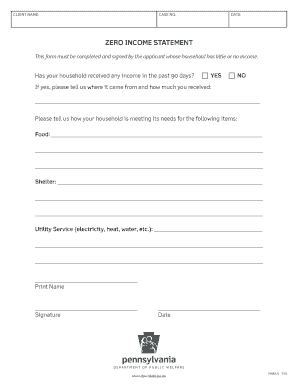
No income statement form

Pennsylvania 162 notice

Pa 162
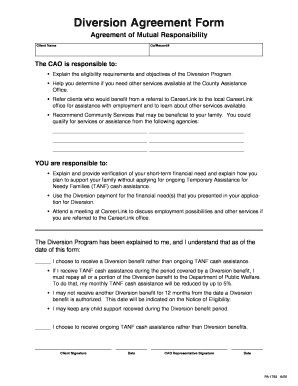
Diversion agreement

Cleveland clinic authorization
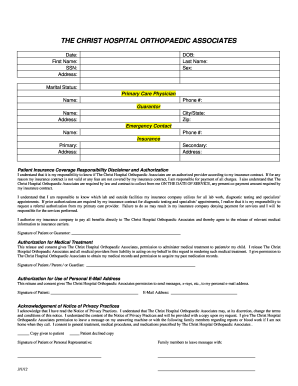
Hippa christ hospital form
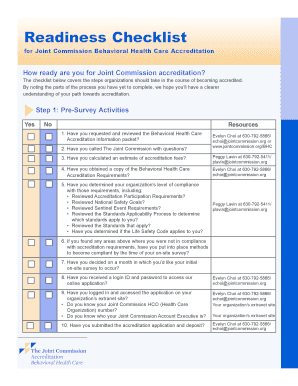
Joint commission survey readiness checklist 2021
6500 licensing instrument scoresheet

Short and simple clinic intake sheet

Life insurance application
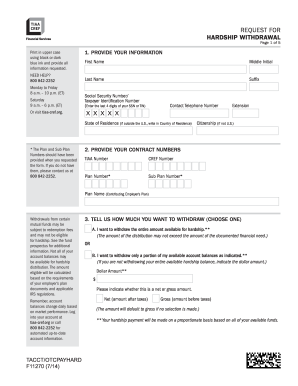
Tiaa tacct
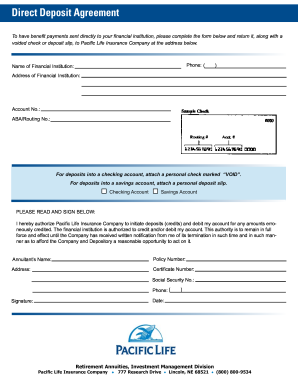
Pacific life direct deposit form
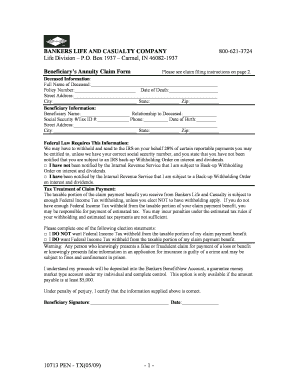
Bankers life forms

Aaa trip interruption
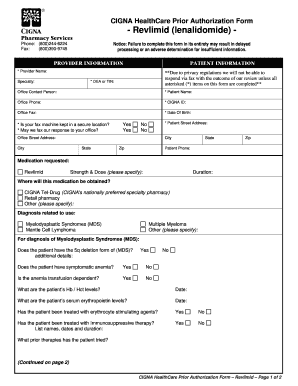
Form lenalidomide

Tax forms h&e 2011

Wv motor carrier annual report
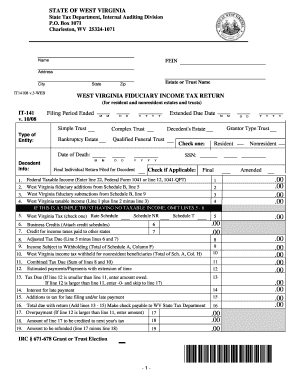
Wv state tax department fiduciary estate tax return forms 2008
Franchise Tax Board Homepage - State of California Franchise ...
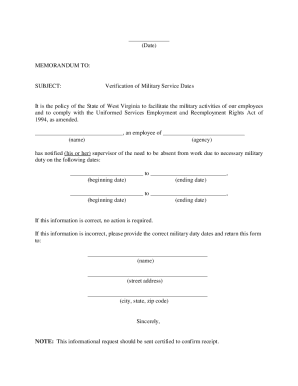
What do military orders look like

Judith A Herndon Fellowship Program
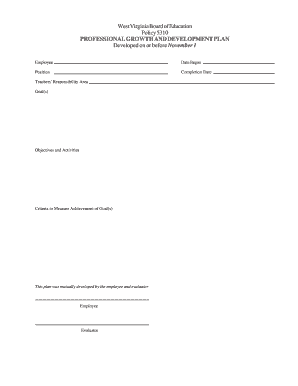
Where can i find a copy of wvde policy 5310 form
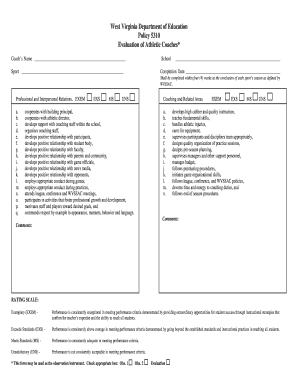
Wvssac uns
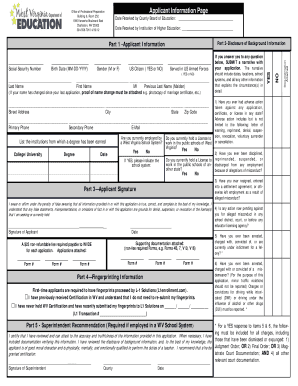
Wvde form 12
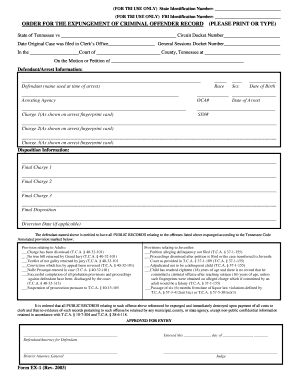
Pdf fillable order for the expungement of criminal offender record tennessee
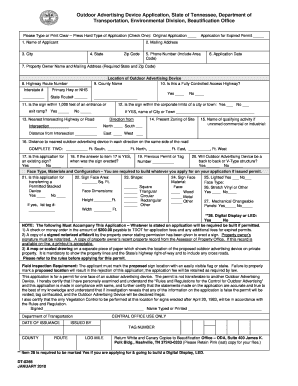
Tennessee outdoor advertising device

Tennessee intake referral form

Ss1109 fillable
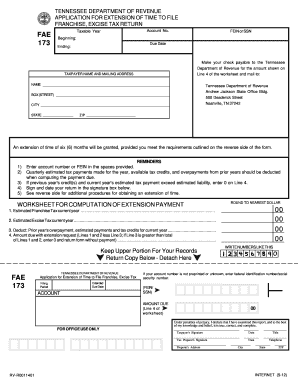
Fae 173 2012 form

Tn fae 170 fillable form 2009
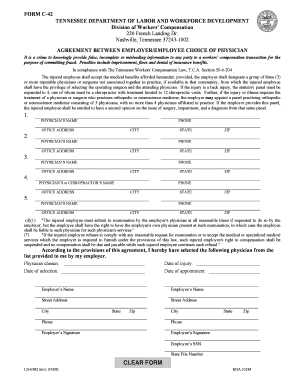
Tn unemployment 1099 for 2021

Tngovlabor wfd c40a form 2012
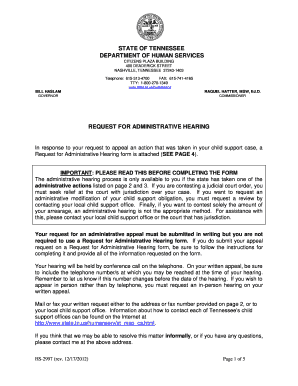
How to apply child support in tennessee 2012 form
Resource packet language impairment

Tennessee dental license verification 2012 form
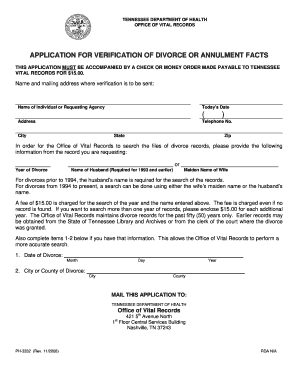
Divos paper 2008 form

Rda certificate sample 2008 form
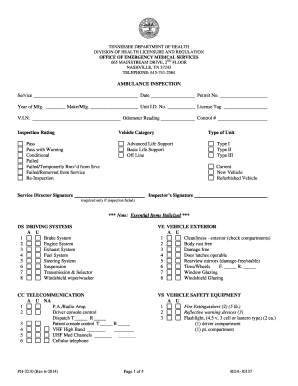
State of tennessee ambulance requirements

Ph 1600 printable
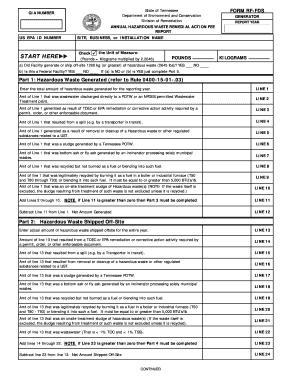
Form rf fds
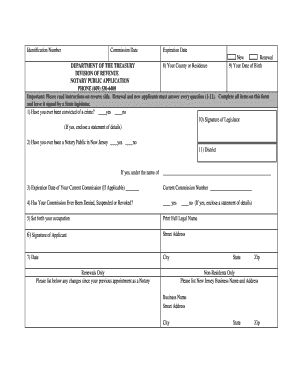
Notary public application

Nj state hiv consent form

How to njpdes form
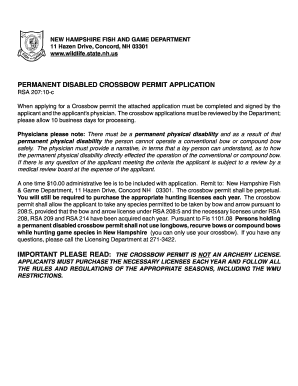
New hampshire fishing game permanent crossbow permit form
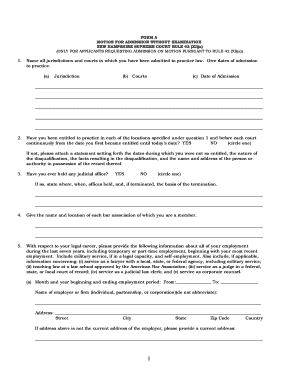
FORM A MOTION FOR ADMISSION WITHOUT EXAMINATION NEW HAMPSHIRE SUPREME COURT RULE 42 (X)(a) (ONLY FOR APPLICANTS REQUESTING ADMISSION ON MOTION PURSUANT TO RULE 42 (X)(a)) 1 - courts state nh

Local Ordinance Violation Citation / Summons - New Hampshire ... - courts state nh

Nhjb 2609 p
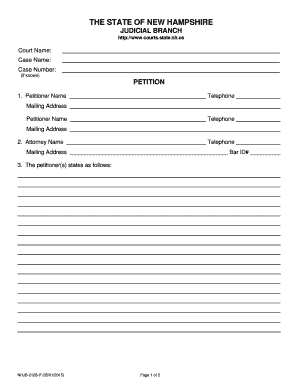
Appearance or Withdrawal - New Hampshire Judicial Branch

Judicial Branch Employment Application - New Hampshire Judicial ... - courts state nh

Massachusetts sewer discharge permit
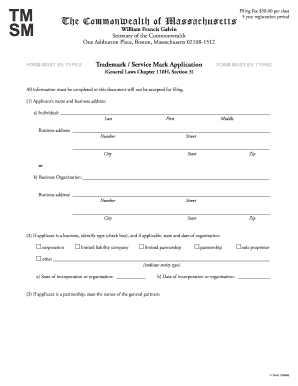
Massachusetts trademark
Benefit from the DocHub online library of fillable PDF forms
Searching the PDF forms doesn't have to be a tedious and time-consuming process. With the DocHub online library, it has become easier to find the fillable PDF forms and modify them in your browser. The service allows you to adjust the document to your needs using powerful editing tools.
You can use online document editing features to modify almost any type of document with ease. You just need to find the template of your choice, open it in the editor, and use the toolbar to make the necessary corrections.
Follow this guide to get your document done with DocHub:
- Find the PDF template you need.
- Click the Get Form button to open the file in the editor.
- Use the toolbar to fill out and edit the document.
- Easily add and highlight text, insert images, checkmarks, and symbols.
- Drop new fillable fields, and rearrange or delete pages from your file.
- Save changes and download your record.
DocHub empowers everyone to streamline document editing, signing, and distribution, and form completion. Create an account and benefit from our well-organized PDF Forms library and comprehensive editor.