
Get any PDF form from the DocHub library of ready-made templates - Page 1662
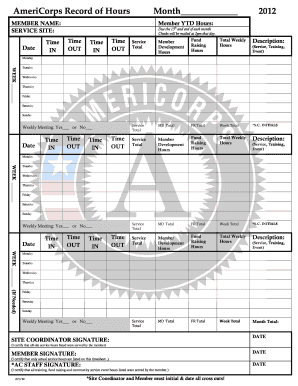
Americorps timesheet fillable form

NATIONAL TSING HUA UNIVERSITY Application Form For International Applicants
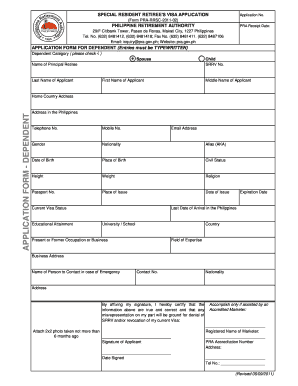
PRA Application Form 2011 - Philippine Retirement Authority

Roehampton form
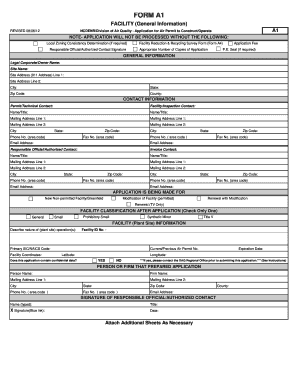
A1 form
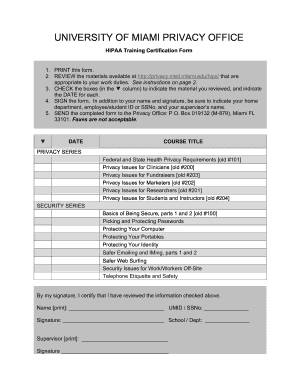
Hipaa training certification form
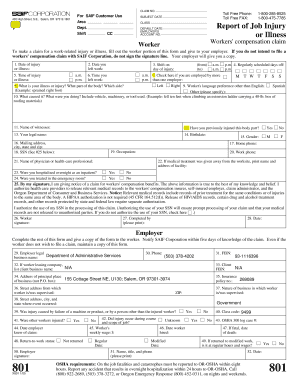
Fillable 801 form
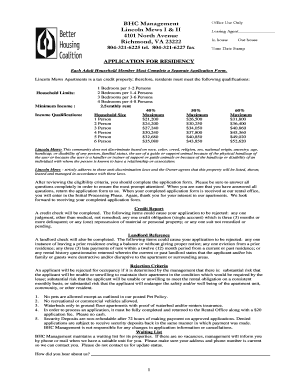
Lincoln mews apartments

PA Accessibility Advisory Board Appeal Form - Business Services ... - business phila
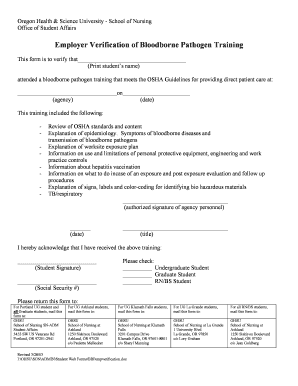
Printable bloodborne pathogens handouts

Voluntary overtime form 2012

J743 form
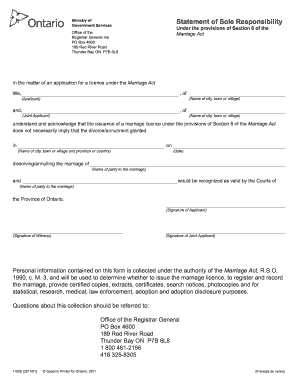
How to fill out statement of sole responsibility form
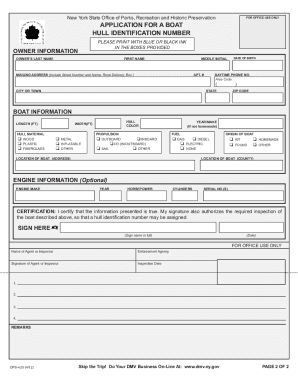
Ops 420 form

Oakland County Fiscal Services Vendor Registration Packet

Football clearance certificate form
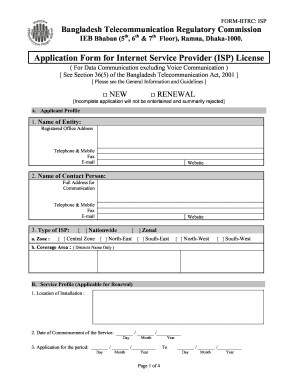
Btrc isp license fee 2021
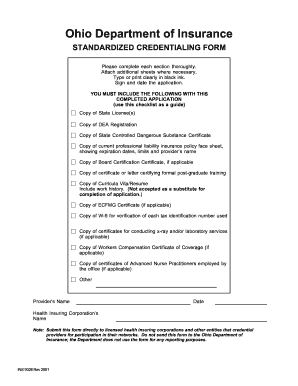
Ohio form standardized credentialing
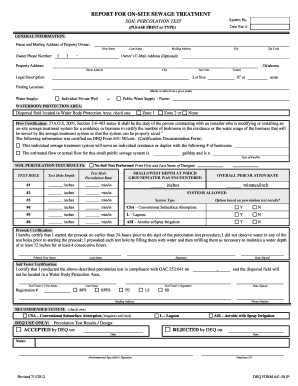
Perc test oklahoma
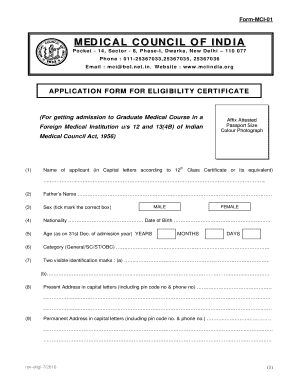
Mci eligibility certificate
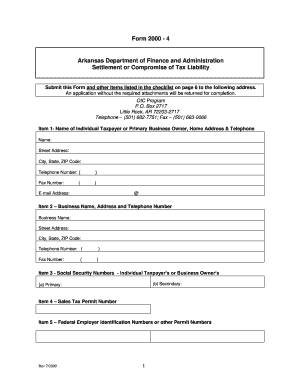
AR3MAR 20 - Arkansas.gov
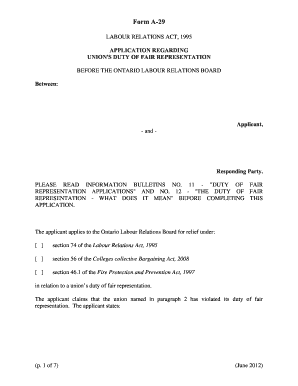
Canlii olrb on dfr form
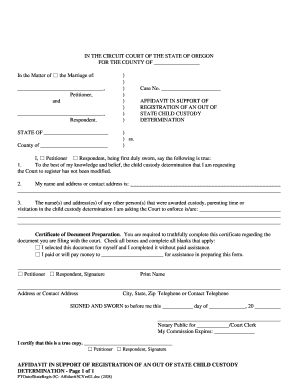
Oregon affidavit support

Oregon summons forms

Well newborn in

Sc emp55352012 03 001e form
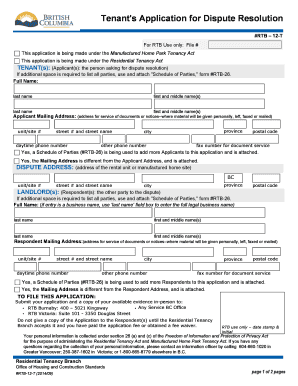
Tenants application for dispute resolution form
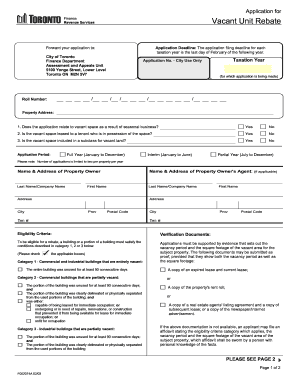
Toronto vacant
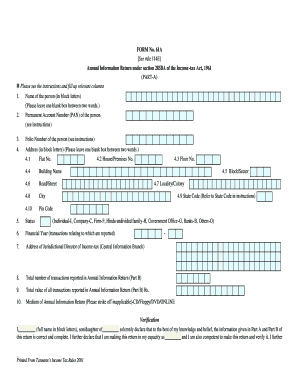
Form 61a pdf
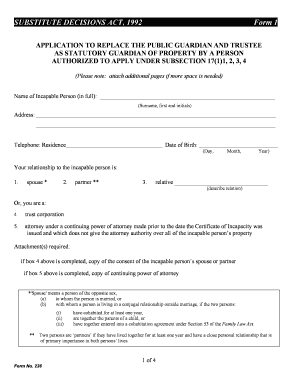
Service ontario forms
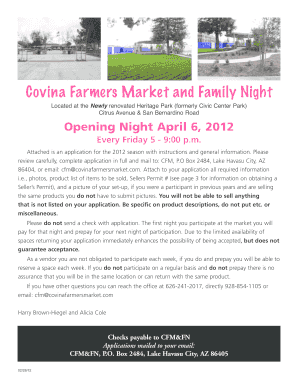
Az covina farmers market

Referral ridge counseling template

(DNR) CONSENT FORM - Central State Hospital - centralstatehospital
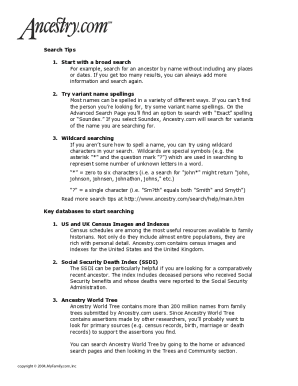
Family tree template printable
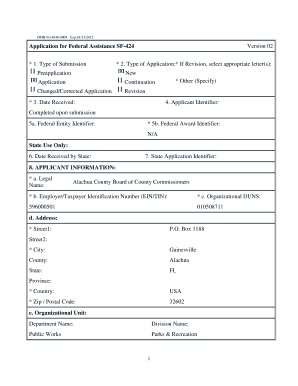
Alachua county unlawful detainer form
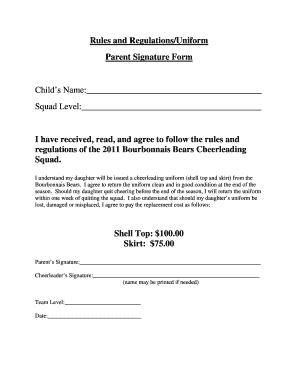
Cheerleading forms
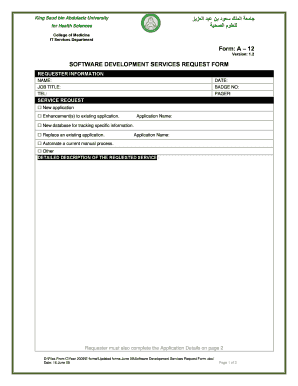
Software Development Services Request Form - ????? ????? ???? ?? ...
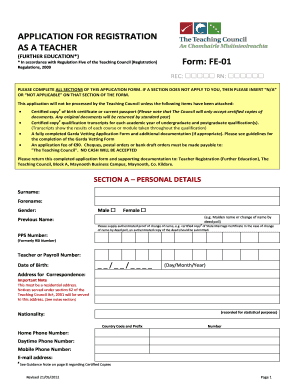
Teacher registration form
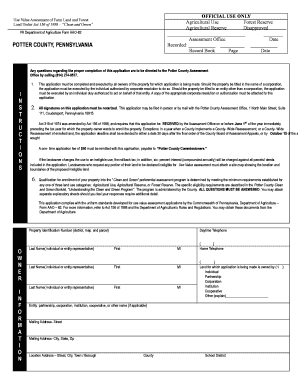
Pennsylvanika form aao 82
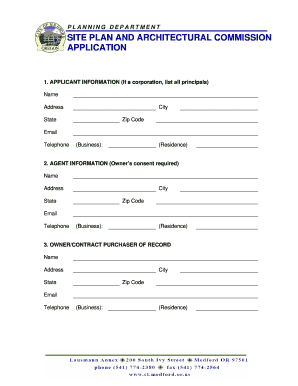
Medford spac application

Rx3 form
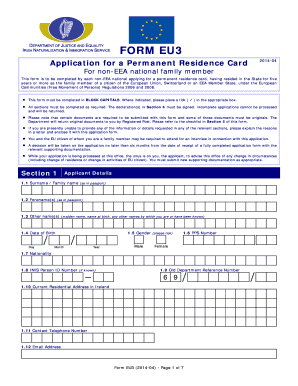
Inis
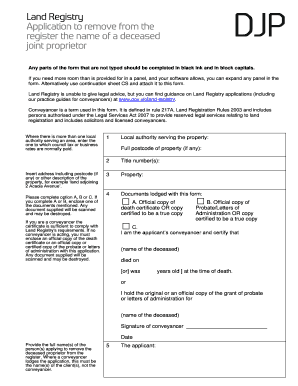
Djp form
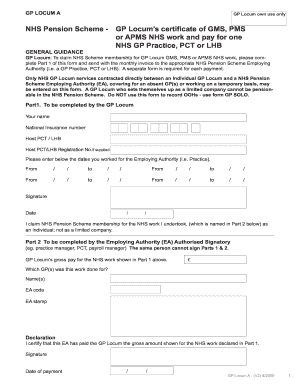
Editable gp pension form a 2009

Housing voucher form

Colorado ccar

Incident report template qld
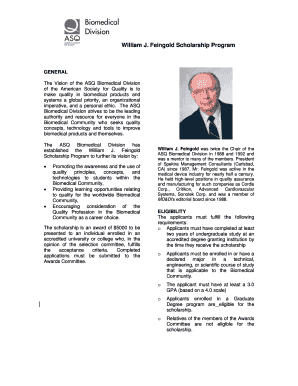
William j feingold scholarship program form
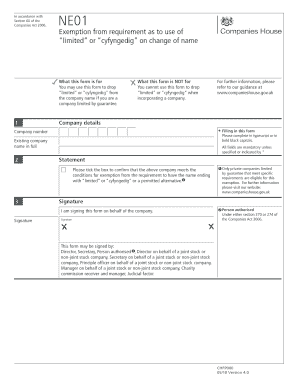
Ne01 form
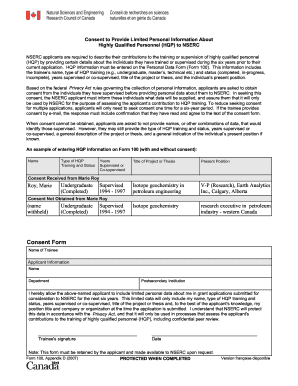
Consent to provide limited personal information about highly qualified personel to nserc
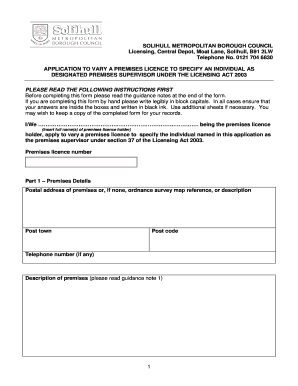
Solihull council online application to vary dps form

Confidential address form c8 2008
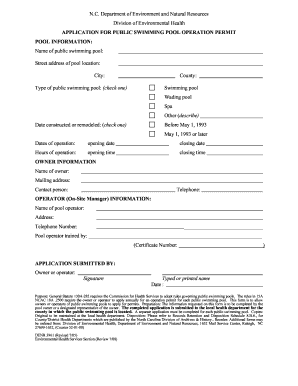
Cwr application form

Ruc online
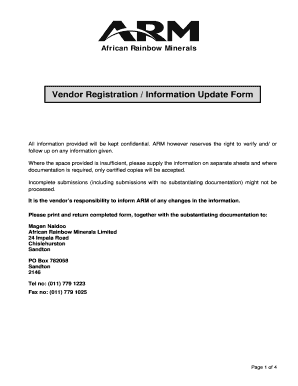
Xstrata vendor application form
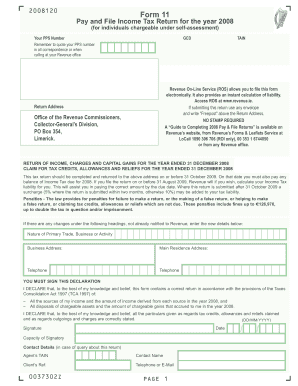
2005 form 11 2008
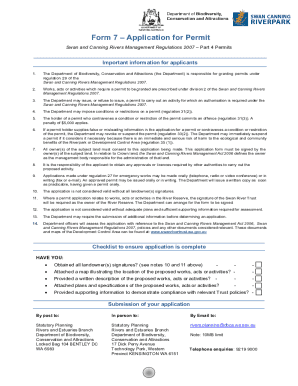
Form swan application permit
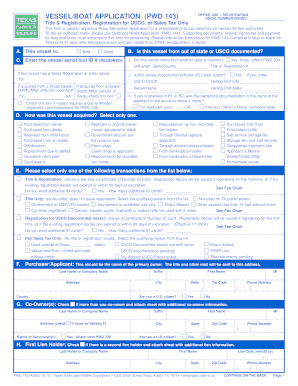
Pwd 143 144 application
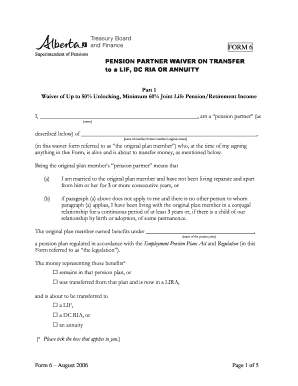
Form 6 alberta

Green shield claim form for ltc 2006
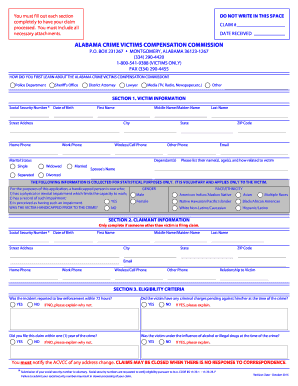
Al crime victims application

Name signed date

Witness certificate format 2011
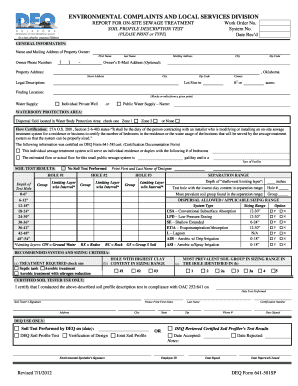
Deq form 641 581sp

Order of protection 4 965 nm form
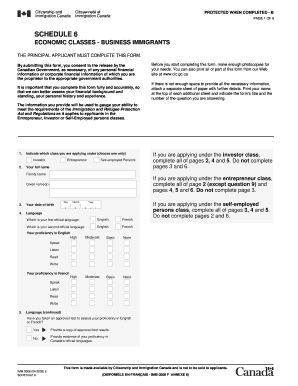
Imm 0008

Dpa2 form
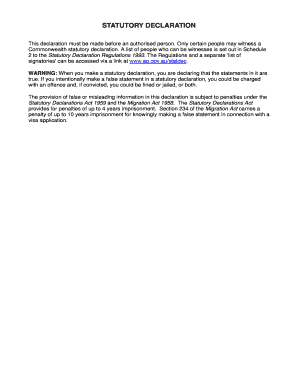
Minnesota statutory declaration form
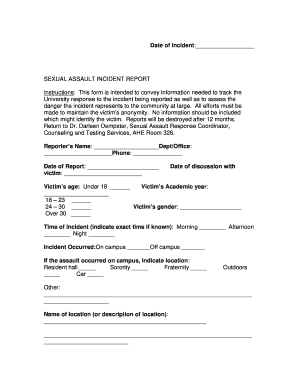
Sexual assault incident report fillable form
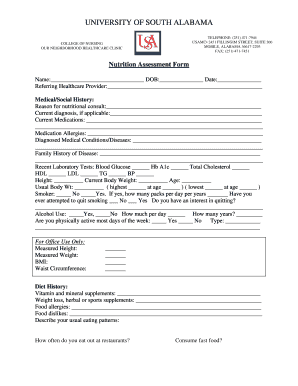
Nutrition screening form

Ambulance signature form version 18
Fillable cashiers check
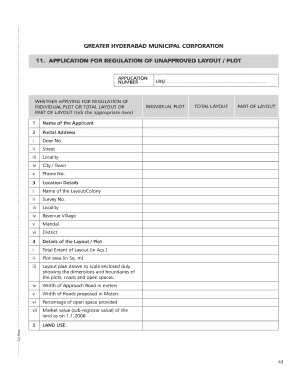
Hmda lrs
Firefighter observation report form

Employment Application - City of St. Robert
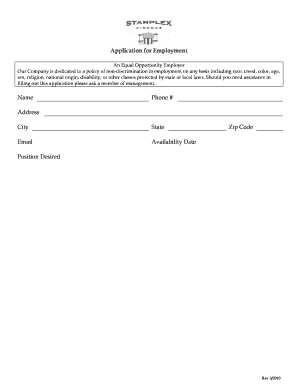
Starplex application
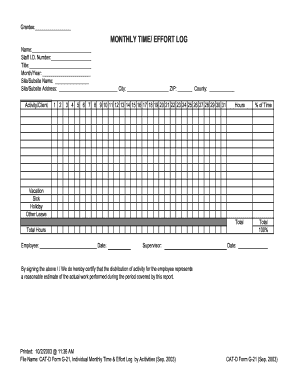
Time and effort reporting templates
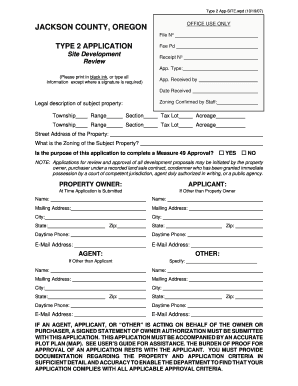
JACKSON COUNTY, OREGON TYPE 2 APPLICATION - co jackson or
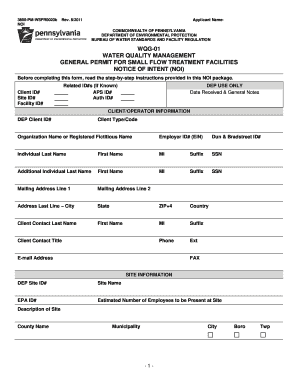
Wqg 01 pa protection application small flow 2011 form

Visitor Applicant - State of Oregon

Rc form 251 2
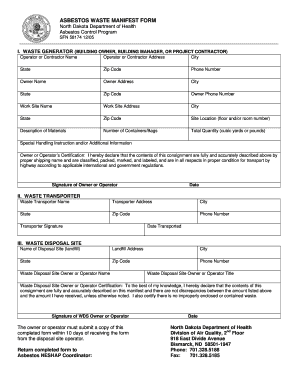
Asbestos manifest forms
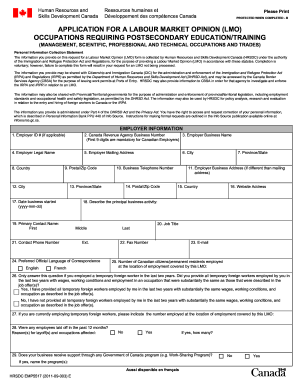
Canada lmo form image 2011

City of houston access management form
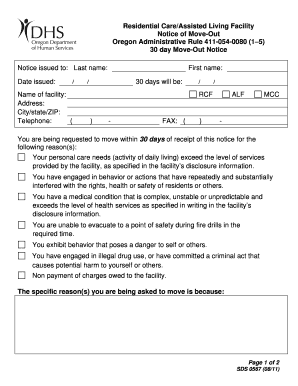
Oregon 30 day move notice alf form

Nbcot verification

Returning Patient Welcome Letter - Advocate Health Care

Human resources employee incident report form

Volunteer Photo Release Form - Johns Hopkins Medical Institutions - hopkinsmedicine

HANDGUN LICENSE APPLICATION LICENSE DIVISION ... - NYC . gov - nyc
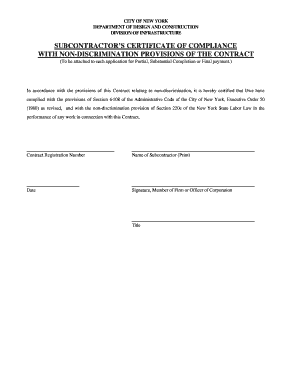
Eeo compliance letter nyc
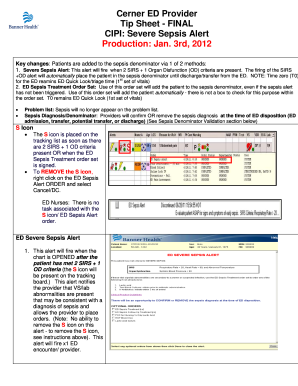
Provider tip sheet sepsis
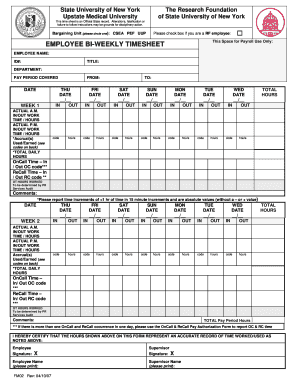
Biweekly timesheet template google sheets
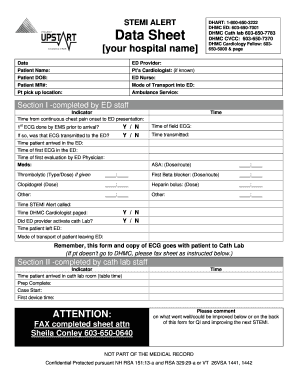
Stemi worksheet form

Umass radiology requisition form
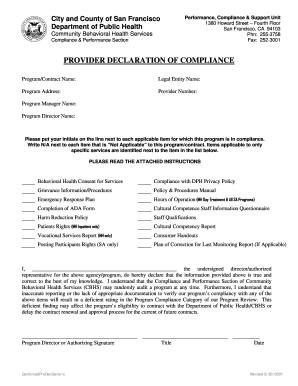
Report of marriage original form download
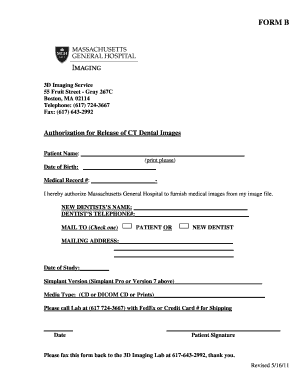
Massachusetts general hospital w 9 form

Application discretionary awards
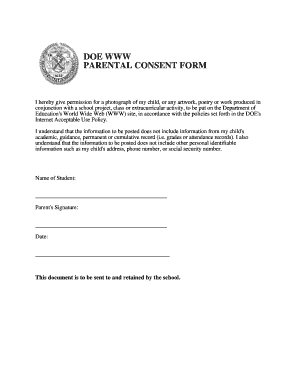
Parent consent letter
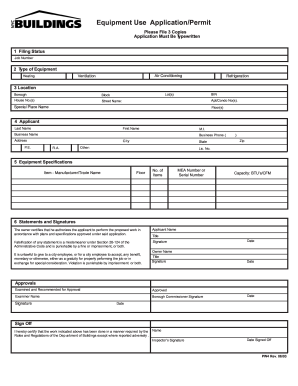
PW4 - Equipment Use Application/Permit - NYC.gov - nyc
Benefit from the DocHub online library of fillable PDF forms
Searching the PDF forms doesn't have to be a tedious and time-consuming process. With the DocHub online library, it has become easier to find the fillable PDF forms and modify them in your browser. The service allows you to adjust the document to your needs using powerful editing tools.
You can use online document editing features to modify almost any type of document with ease. You just need to find the template of your choice, open it in the editor, and use the toolbar to make the necessary corrections.
Follow this guide to get your document done with DocHub:
- Find the PDF template you need.
- Click the Get Form button to open the file in the editor.
- Use the toolbar to fill out and edit the document.
- Easily add and highlight text, insert images, checkmarks, and symbols.
- Drop new fillable fields, and rearrange or delete pages from your file.
- Save changes and download your record.
DocHub empowers everyone to streamline document editing, signing, and distribution, and form completion. Create an account and benefit from our well-organized PDF Forms library and comprehensive editor.