
Get any PDF form from the DocHub library of ready-made templates - Page 1665
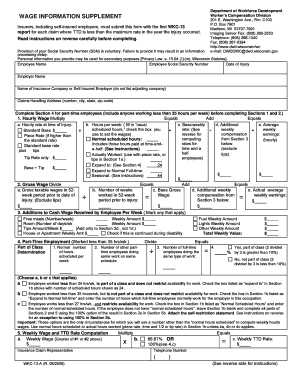
Wkc 13 printable form
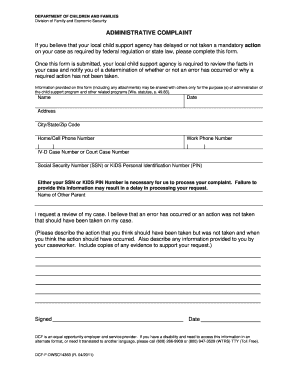
Dcf complaint wisconsin form

Wisconsin foster care home inspection checklist
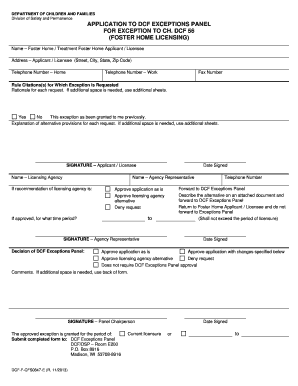
Dcf f cfs0847 e
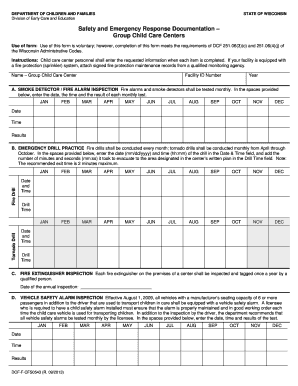
Safety and emergency response documentation
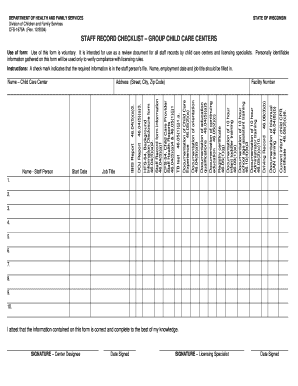
Staff records checklist nj for children 2004 form

Dcf f cfs2344
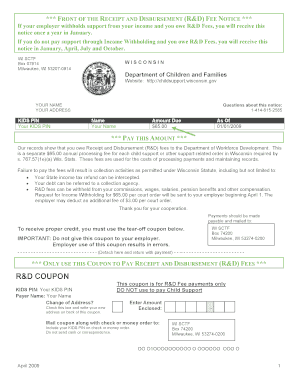
Fillable wi child support coupon

Cii ssi non disclosure form

Virginia dnr form
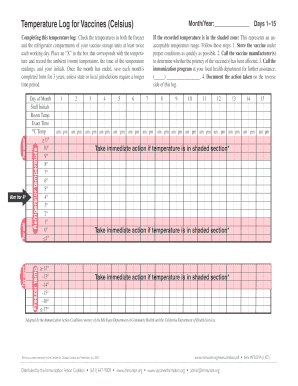
Printable temperature log sheet for daycares
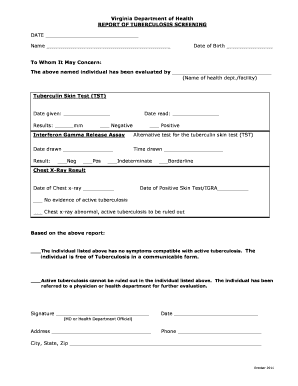
Virginia Department of Health REPORT OF TUBERCULOSIS ... - vdh virginia
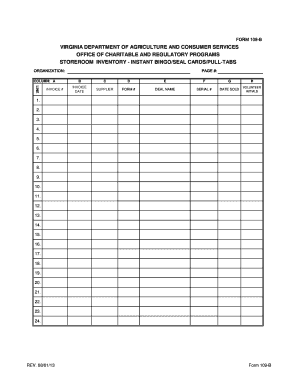
Virginia department of agriculture consumer services office of charitable and requlatory programs storeroom inventory instant bingo seal cards pull tabs form 109 b

Ap 2 form
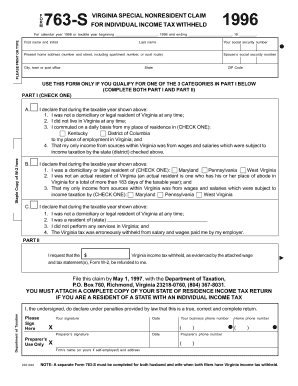
Form 763 s virginia 1996
Form vm 2 virginia vending machine dealers sales tax return

Va intent to file form
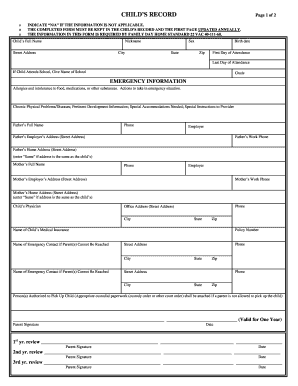
Child record
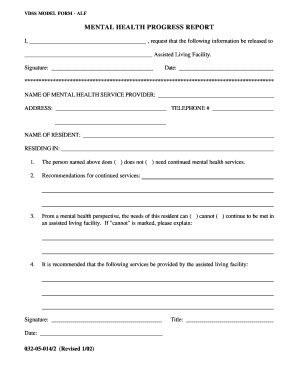
Vdss forms alf

Recover fund fill form
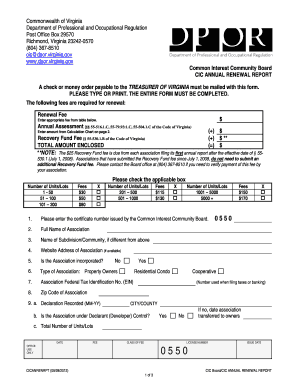
Virginia annual renewal report
Tattoo license virginia

Va dpor
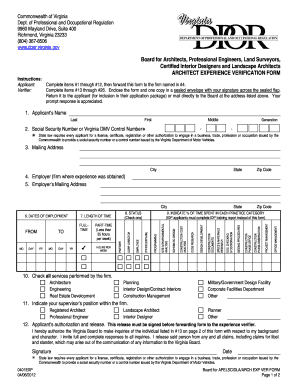
Virginia architect verification
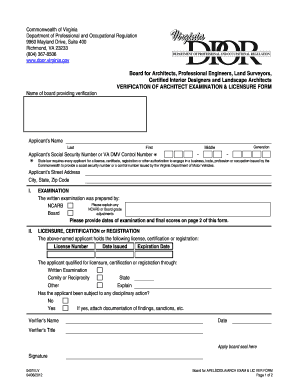
Board for Architects, Professional Engineers, Land Surveyors - dpor virginia
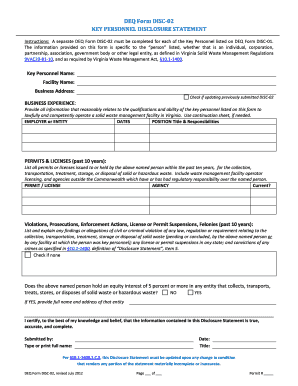
Deq form disc 02
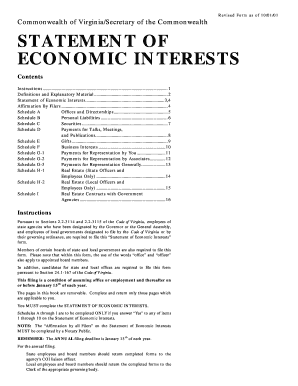
Va code of ethics statement of economic interests form
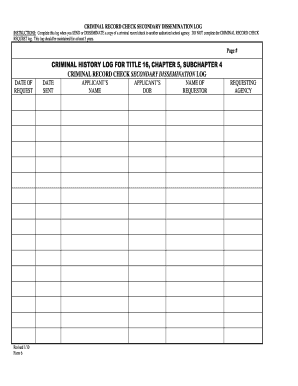
Secondary dissemination
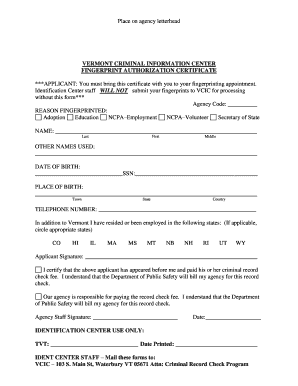
Fingerprint authorization form

Vermont fire complaint
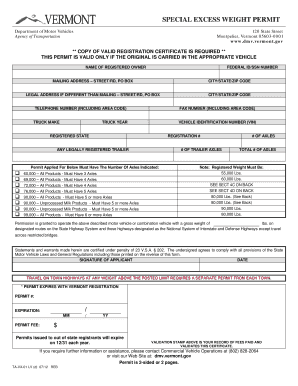
Special Excess Weight Permit - Vermont Department of Motor Vehicles - dmv vermont
Dmv montpelier vt
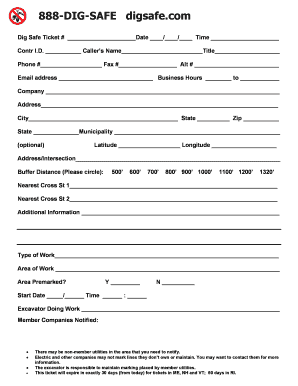
811 update forms
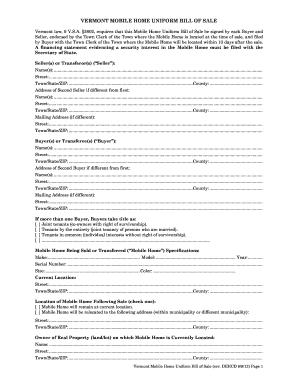
Bill of sale vermont
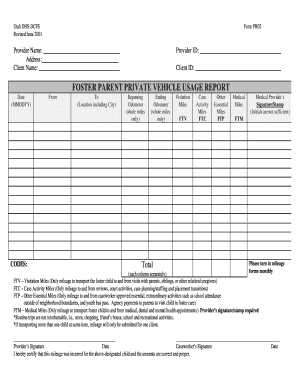
FOSTER PARENT PRIVATE VEHICLE USAGE REPORT - hsdcfs utah

W f f l

Renewal of expired license pharmacist utah form
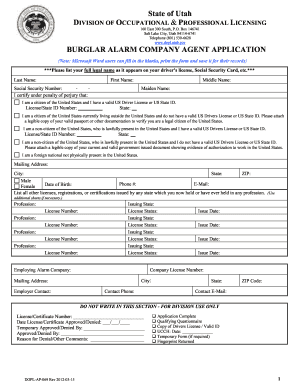
Dopl united states

SANDY CITY SUBCONTRACTOR PERMITS - sandy utah
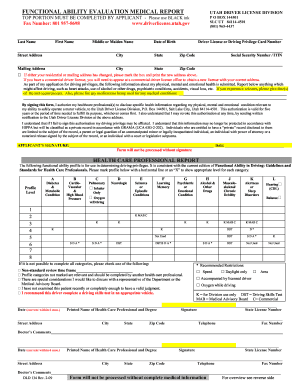
Functional ability evaluation medical report 2009 form

PT-021 - Property Tax Division - propertytax utah
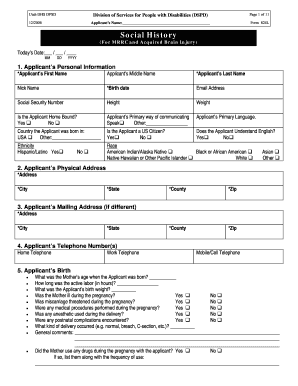
Social history update form
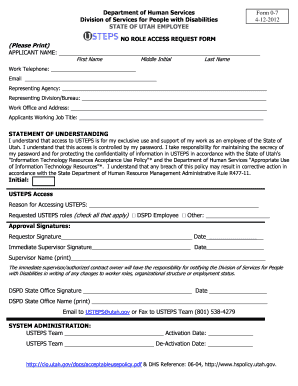
Usteps utah login

Sentinel event form 2007

Trampoline permission slip
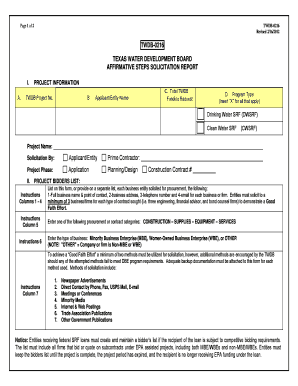
Water form

Form 10 10cg veterans
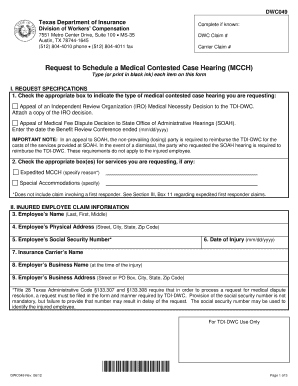
Tdi texas gov forms form20employee html

Texas liability insurance
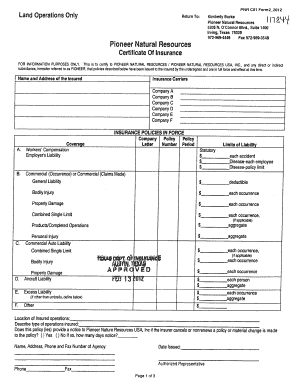
Tx pnr certificate printable
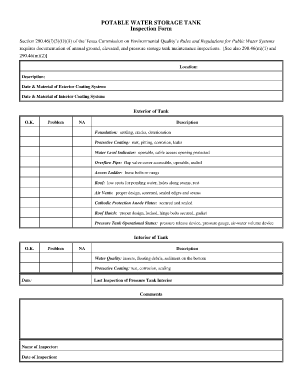
Water tank cleaning checklist

Sample pollution prevention plan
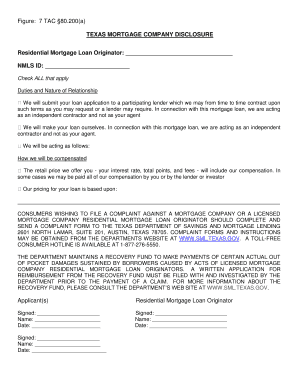
Texas mortgage company disclosure
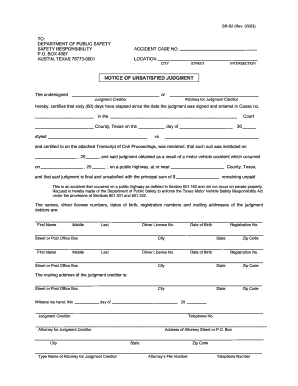
Judgment form texas
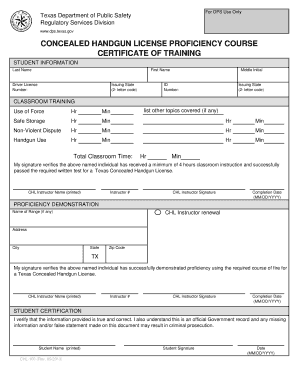
Tx dps
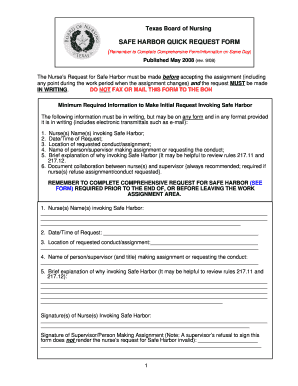
Texas safe harbor form
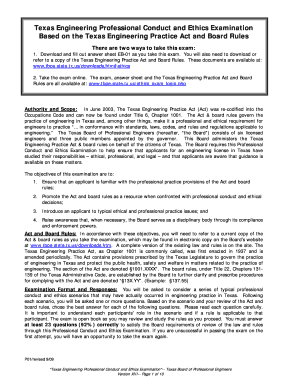
Texas pe ethics exam answers
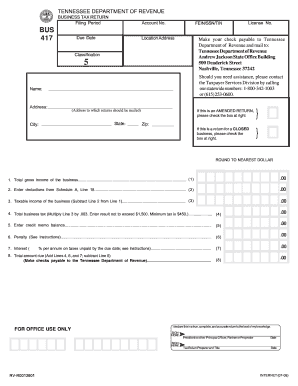
Tn bus417 when necessary form
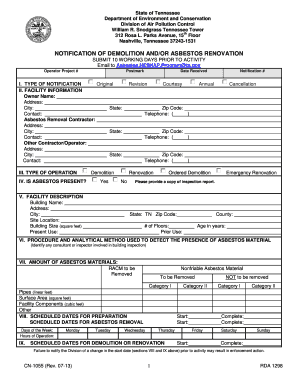
Form cn 1055 tennessee

TENNESSEE APPLICATION FOR INCENTIVES - TN.gov - tennessee
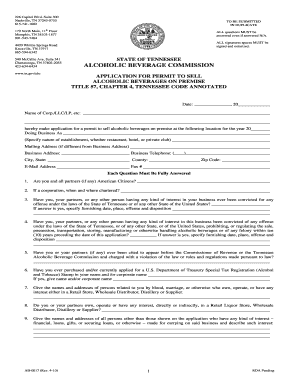
Tennessee abc form ab 0017 - tennessee

Department of education complaint form
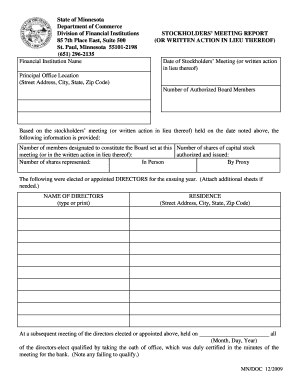
Stockholders meeting report or written action in lieu thereof form
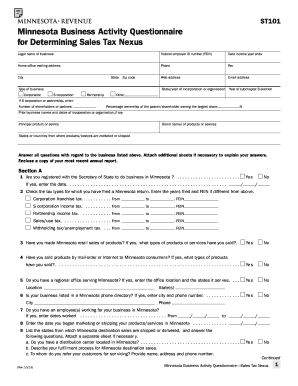
Mn st101
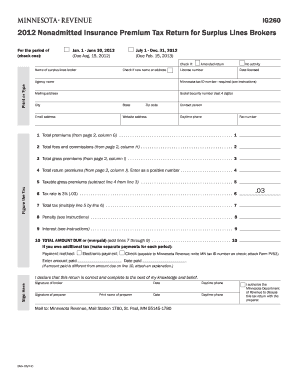
Minnesota dept of revenue tax ig260 form

2008 M4, Corporation Franchise Tax Return. Includes 2008 Forms M4, M4I, M4A and M4T

M4np 2004 form

Mn board of pharmacy variance
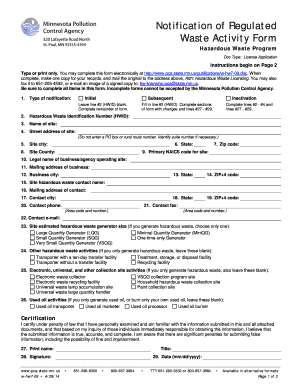
Hw licensingpcastatemnus form
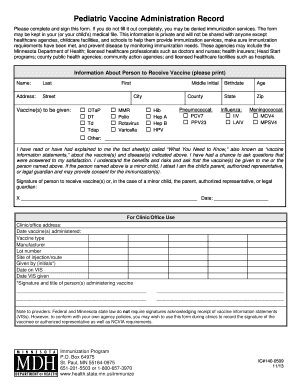
Dd form 2766c vaccine administration record
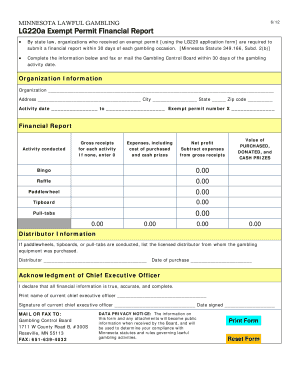
From lg220a
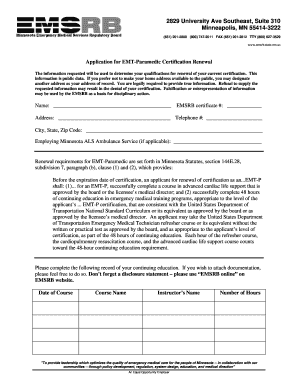
Emsrb
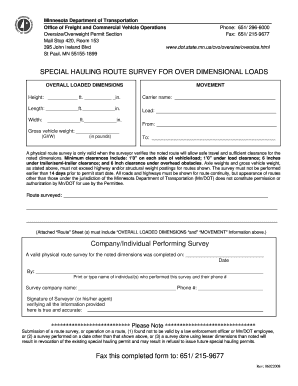
Route survey mn
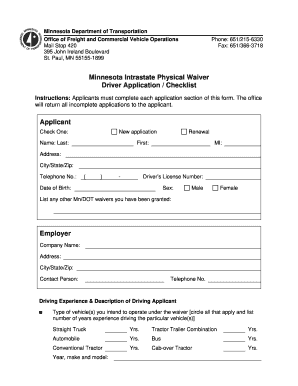
Driving waiver form
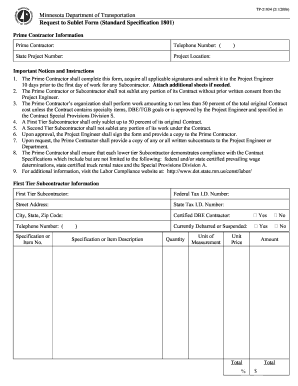
Minnesota Department of Transportation Request to Sublet Form ... - dot state mn

Certificate of Compliance Minnesota Workers' Compensation Law - doli state mn
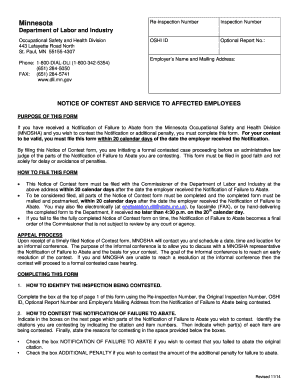
Department of labor

Adoption home study online forms

Mn dhs background study form
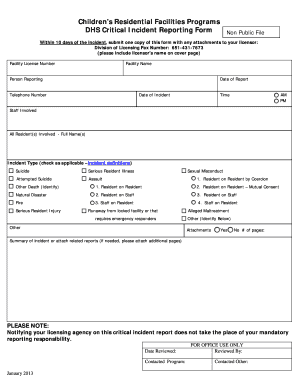
Minnesota incident reporting form
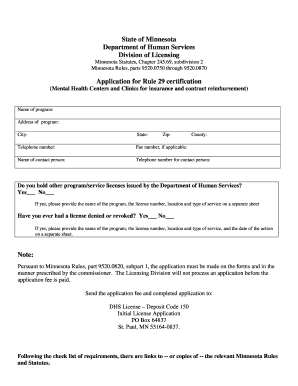
Rule 29 in minnesota

Dhs form 3417b
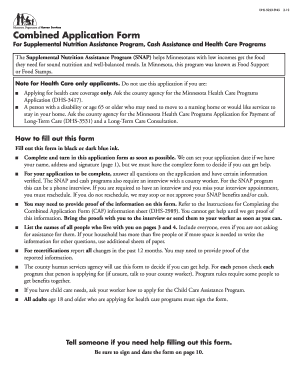
Combined application form mn

Mn repossession title application
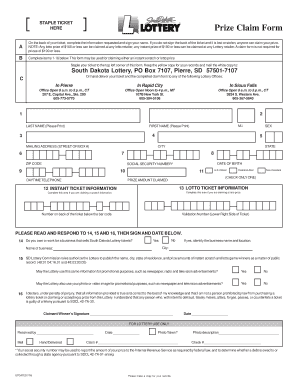
Ny lottery claim form

Ujs 261 form
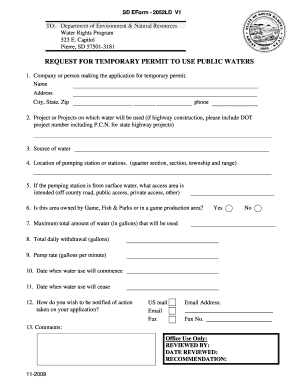
Denrsd gov sd eform 2052ld v1

Sd well completion report
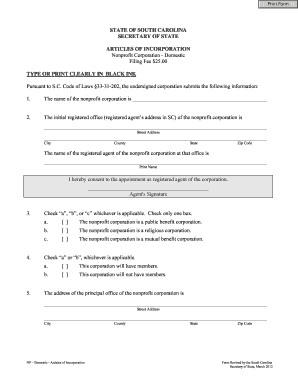
Articles of Incorporation - South Carolina Secretary of State: Error ... - sos sc

Pond i responsibilities make
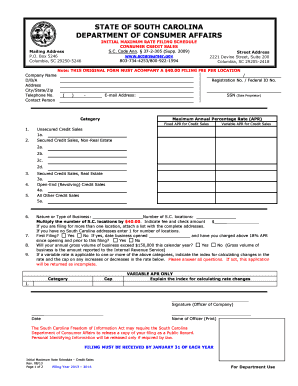
How to fill out attorney insurance preference form

Dss monitoring forms
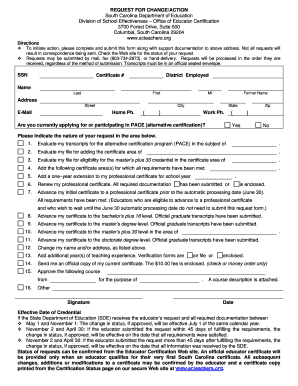
Change for action form sc department of education

Dss form 2901

Retail sales permit ri

Rhode island physical capitol police

Personal choice ri
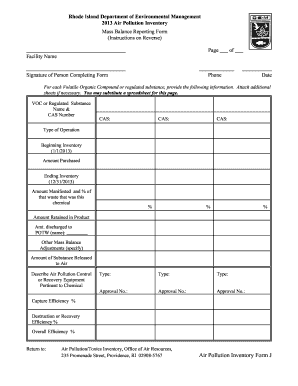
Ri dem air pollution inventory mass balance reporting forms 2013

I amendment form for bar application - Rhode Island Judiciary - courts ri
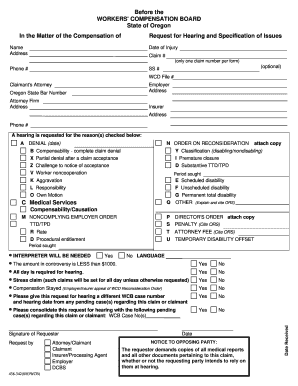
Workers compensation board request
Benefit from the DocHub online library of fillable PDF forms
Searching the PDF forms doesn't have to be a tedious and time-consuming process. With the DocHub online library, it has become easier to find the fillable PDF forms and modify them in your browser. The service allows you to adjust the document to your needs using powerful editing tools.
You can use online document editing features to modify almost any type of document with ease. You just need to find the template of your choice, open it in the editor, and use the toolbar to make the necessary corrections.
Follow this guide to get your document done with DocHub:
- Find the PDF template you need.
- Click the Get Form button to open the file in the editor.
- Use the toolbar to fill out and edit the document.
- Easily add and highlight text, insert images, checkmarks, and symbols.
- Drop new fillable fields, and rearrange or delete pages from your file.
- Save changes and download your record.
DocHub empowers everyone to streamline document editing, signing, and distribution, and form completion. Create an account and benefit from our well-organized PDF Forms library and comprehensive editor.