
Get any PDF form from the DocHub library of ready-made templates - Page 1664
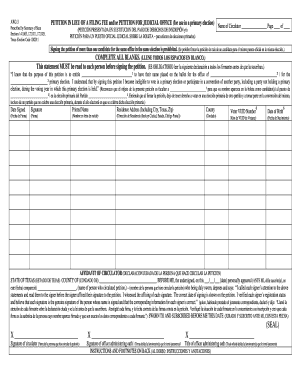
Aw2 16 prescribed by secretary of state sections 141063 142007 texas election code 209 2011 form
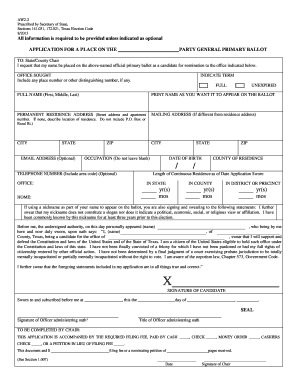
Texas aw2 form
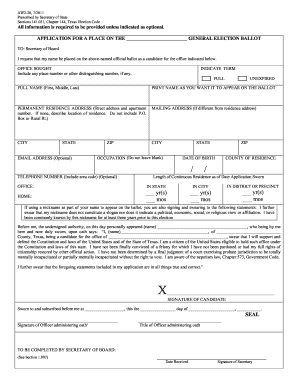
Texas aw2 20 state
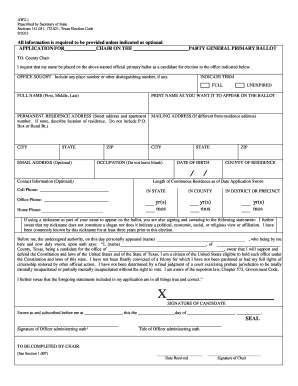
A2-2W, Prescribed by Secretary of State, Sections 141 - Texas ... - sos state tx
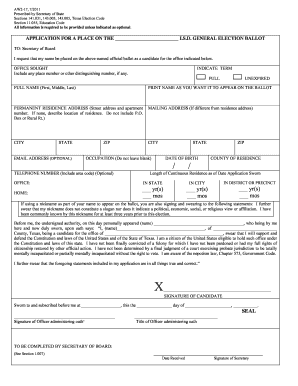
Aw2 17

Aw2 15
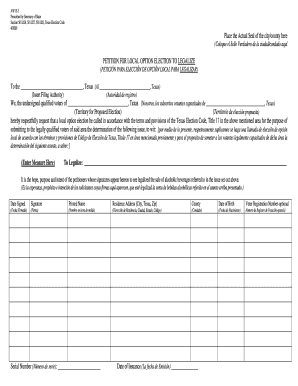
Election area capacitados template
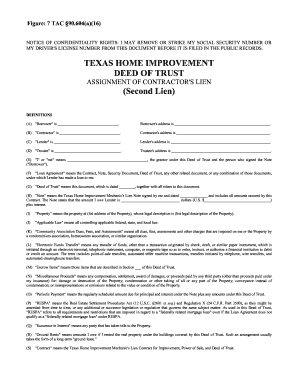
Home improvement ldeed of trust form

Form 6 i
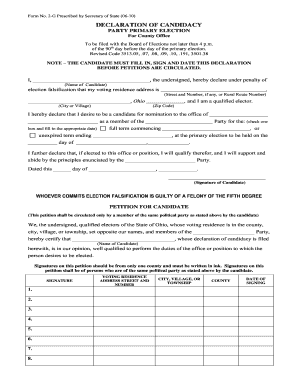
Form 2 g

California of secretary of state amendment of a joint powers agreement form 2010

Mortgage virginia made form
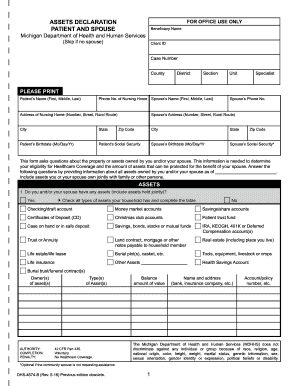
Dhs 4574 b fillable 2013 form

Fcc form 1088d

Alaska board of nursing license verification
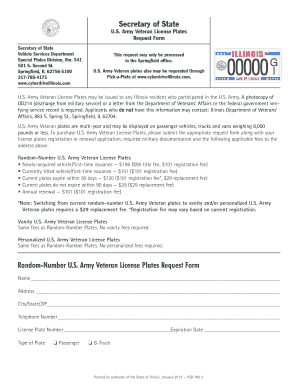
Order new license plate illinois
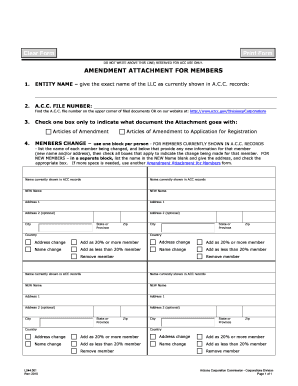
APPLICATION FOR RESERVATION - Arizona Corporation ... - azcc
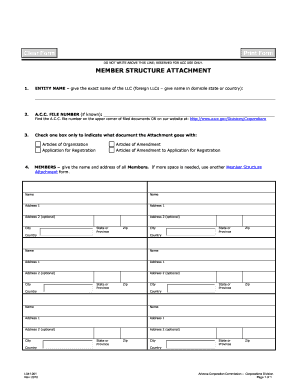
Az form l041
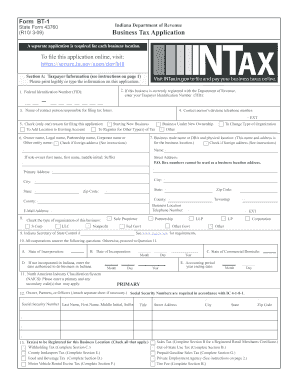
Bt 1 form 43760 2009
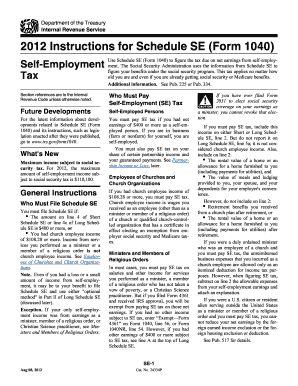
2012 se form
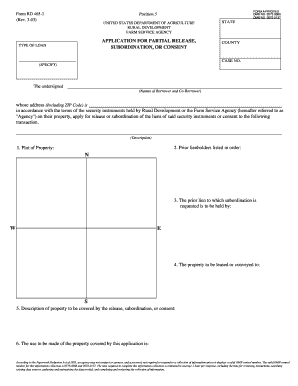
Application for partial release subordination or consent form
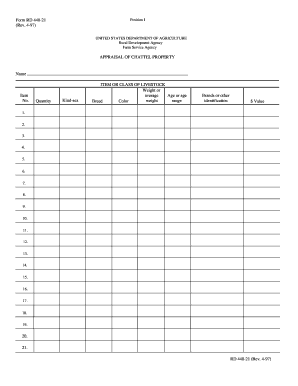
Form RD 440-21 (Rev. 4-97) APPRAISAL OF CHATTEL ... - Forms - forms sc egov usda
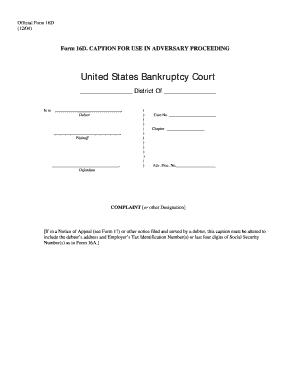
How to form 16d

Wdny pauperis form
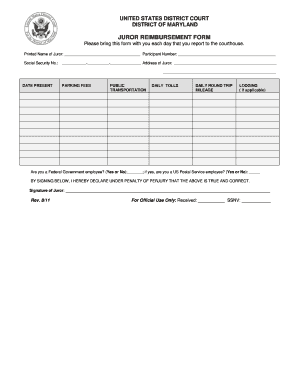
Juror reimbursement form - US District Court District of Maryland - mdd uscourts
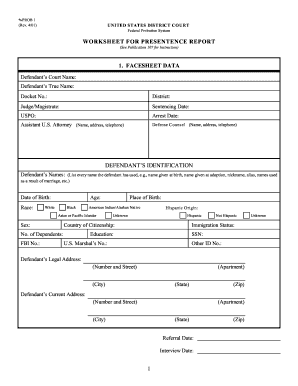
Presentence investigation report
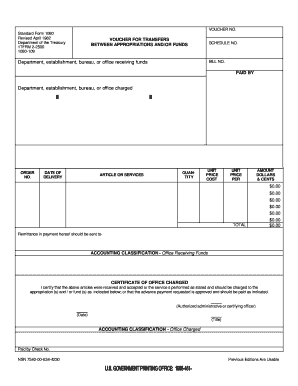
Form 1080

Cg 5527
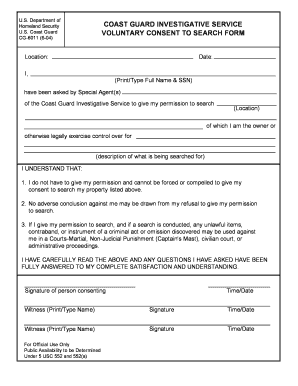
Cg6011
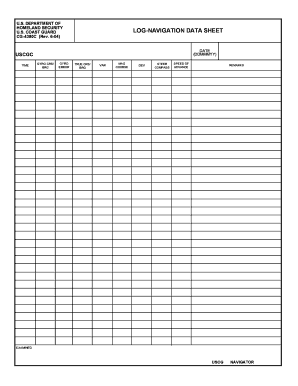
Nav data sheet
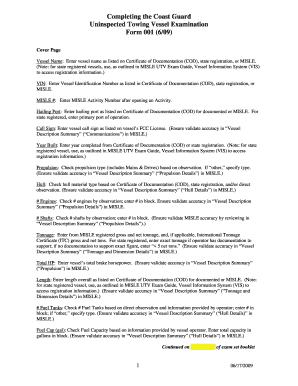
Towing vessel inspection checklist
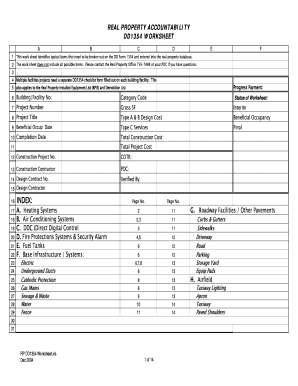
Dd form 1354 excel format

Elective Cosmetic Surgery Superbill - Tricare - tricare

Business registration in nj form l108
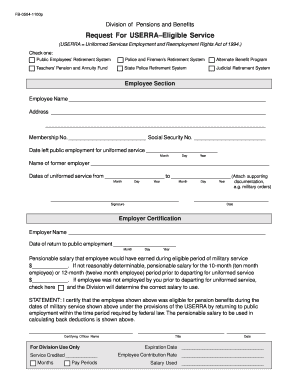
Request for USERRA-Eligible Service Form - state nj
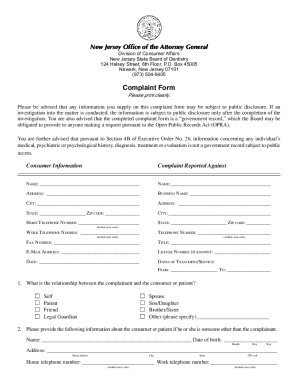
Nj board of dentistry complaints

CONSENT FOR ARTIFICIAL INSEMINATION - State of New Jersey - state nj
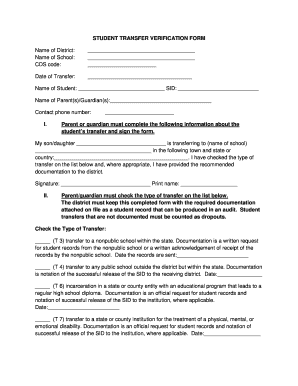
School transfer card

72 hour waiver form for marriage new jersey

Nj online bc 502r 10 13 form
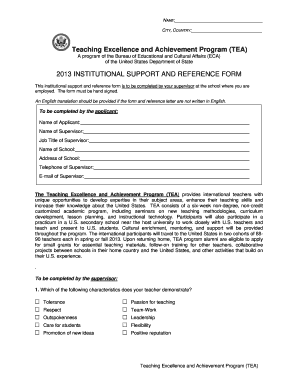
Completed reference form

Important Information - Social Security Administration - secure ssa

Barbara privacy release form
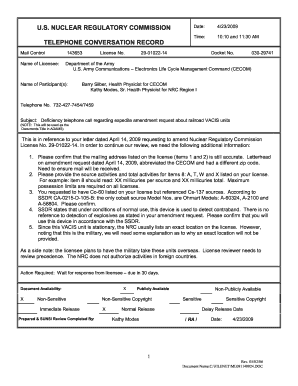
Record of conversation form
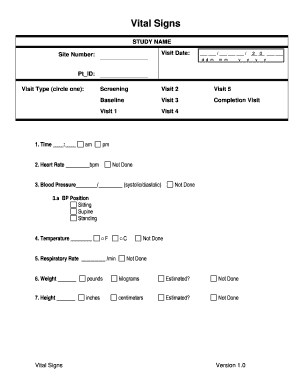
Vital signs forms to print

Resource extension request form
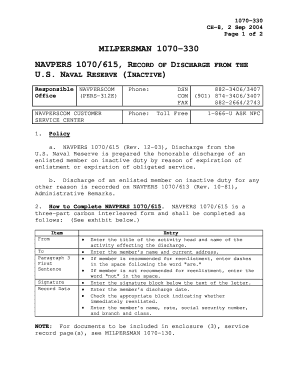
Navpers 1070 602 pdf fillable download

Naval legal service command standardized will worksheet 2012 form
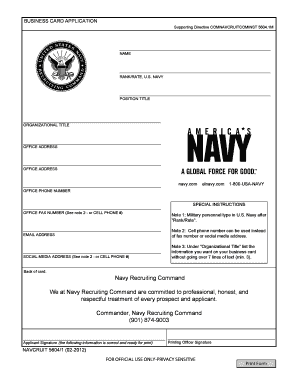
Navpers 13363 form
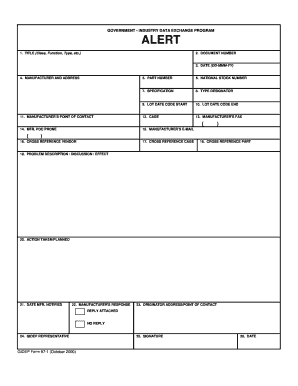
Gidep form 97 1

Administration oath confirmation form
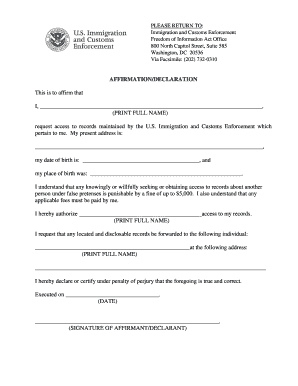
Affirmation declaration
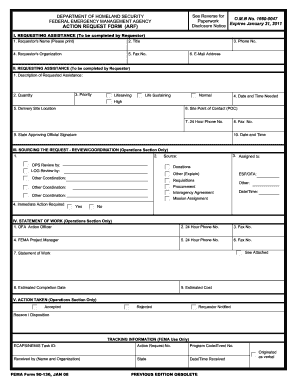
Form omb no 0917 0030
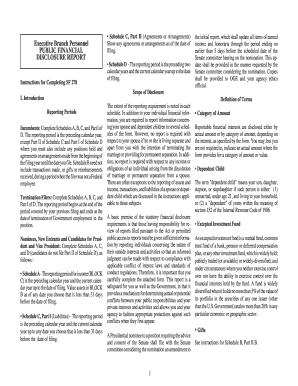
Sf 278
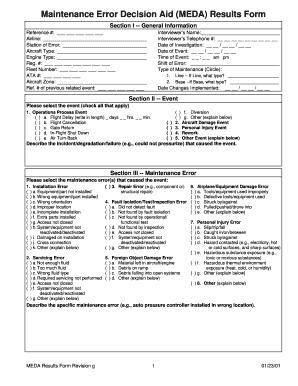
Boeing meda form
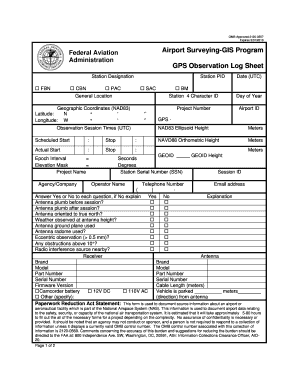
GPS Observation Log Sheet - FAA Airports GIS Program - Federal ...

Amp mccarthy tmdl download
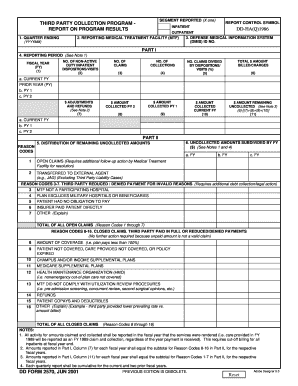
Dnd 2570 fillable form
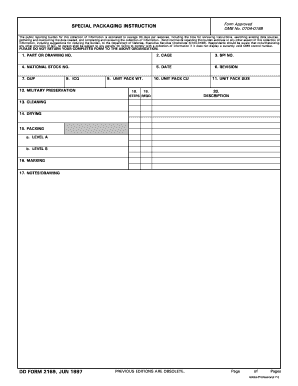
How to fill out a dd 2169 form
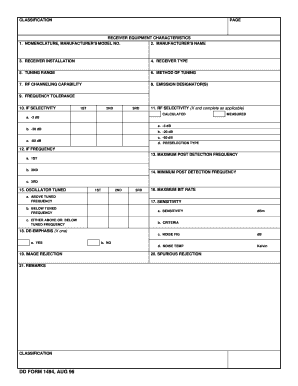
Dd form 1494 fillable

Dd form 314
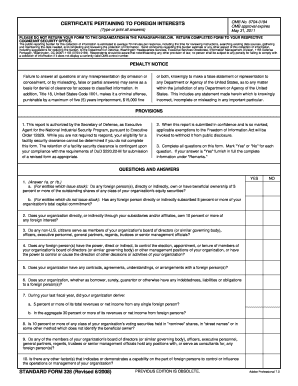
Omb form 328
Blank 1348
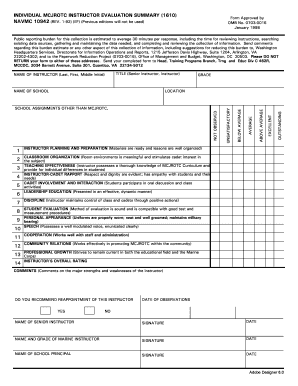
INDIVIDUAL MCJROTC NSTRUCTOR ... - Naval Forms Online

Chicago census criteria form
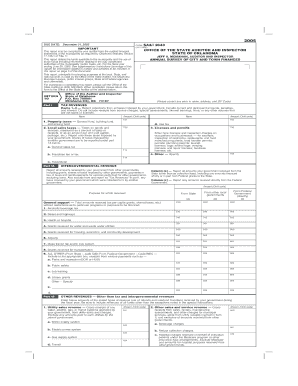
Sa&i 2643 fillable 2005 form
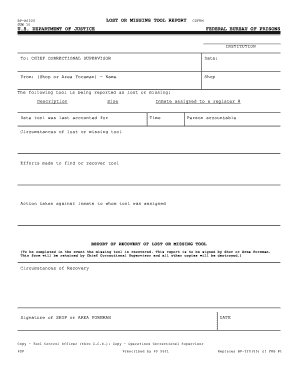
Lost missing tool forms
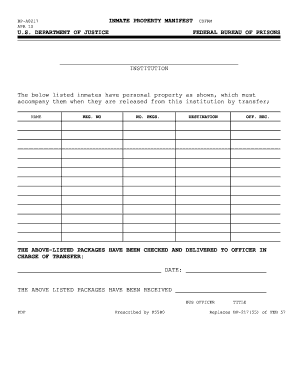
Inmate property form
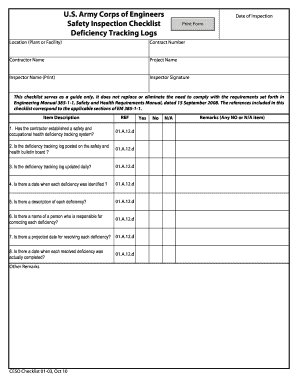
Deficiency tracking log
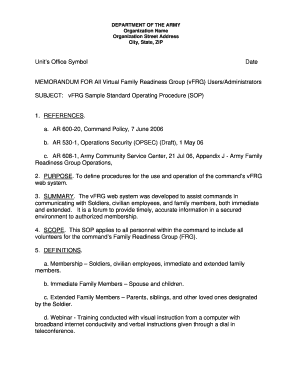
Army sop template
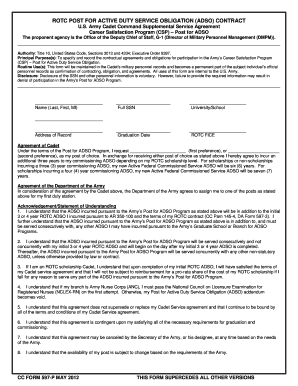
Post adso

Inventory of materials form
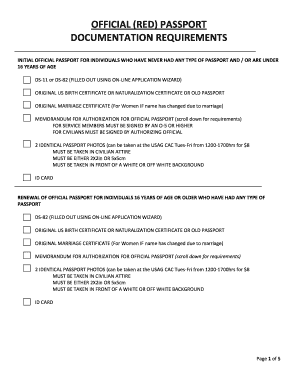
Ae 600 77a

Ae form 55 46a
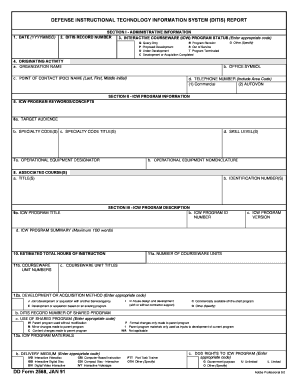
Af form 422
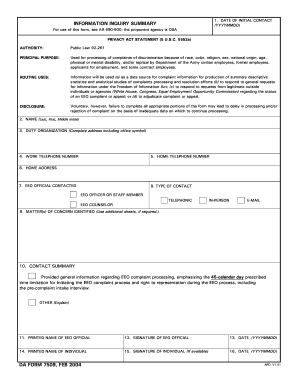
Da form 7509

Ups daily checklist pdf
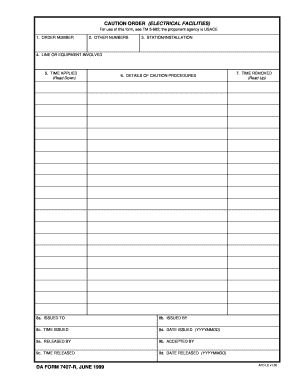
Da form 1999
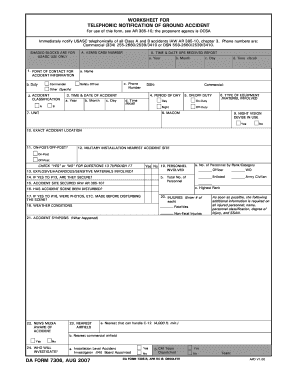
Orange County School of the Arts Emergency Procedures ... - Ocsa

RECORD OF FIRE. DA FORM 4504, 1 OCT 1978 - armypubs army
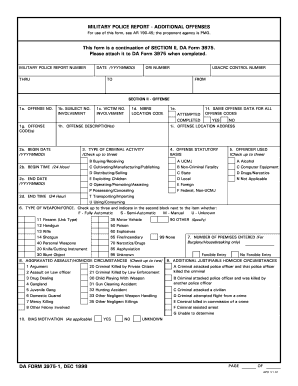
Da form 3975
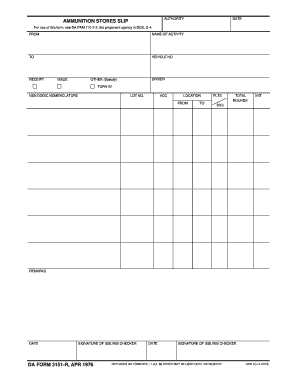
Da form 3151

Da 2946 form

2408 19

Da form 1712 r writable
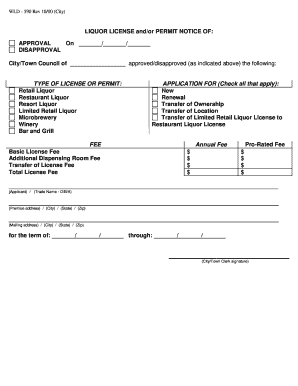
Blank liquor license form
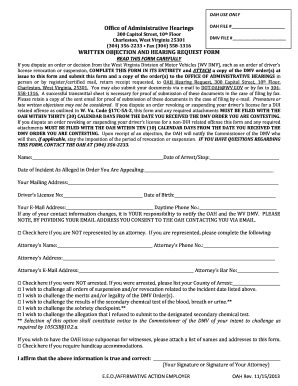
Dmv hearing request forms wv

Dmv 1 s
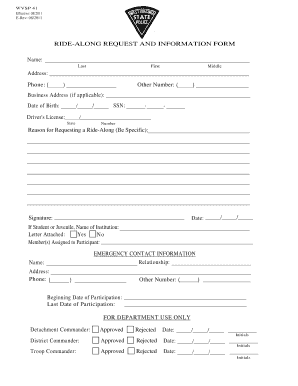
Blank ride along form template
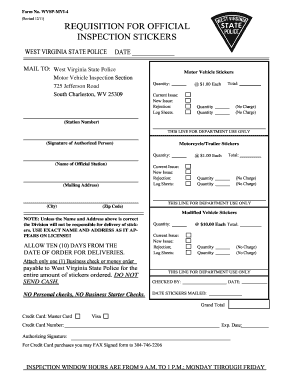
Buy wv inspection sticker online
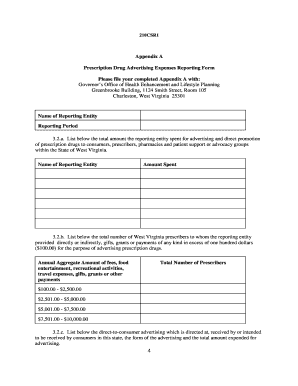
210csr1 form

Form bioterrorism exposure

Mv2855 2006 form
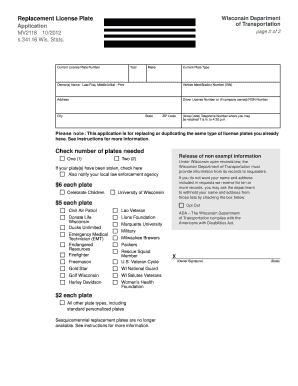
Mv2118 2012 form
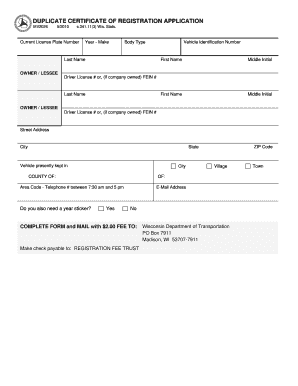
Dmv form mv 2026

F 04002
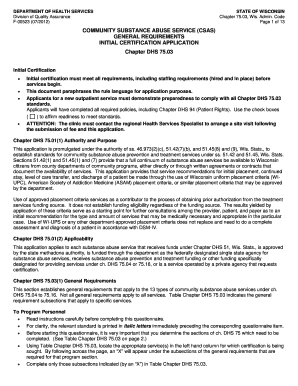
Dhs wisconsin telehealth application

State of wisconsin fill in form f62607

Dhs f 62548 2009 form
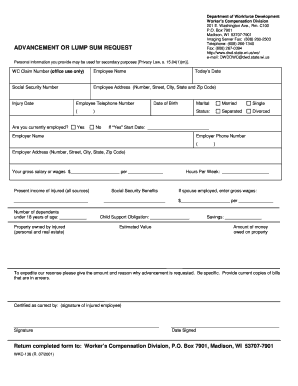
Wkc 136 advancement or lump sum request form
Benefit from the DocHub online library of fillable PDF forms
Searching the PDF forms doesn't have to be a tedious and time-consuming process. With the DocHub online library, it has become easier to find the fillable PDF forms and modify them in your browser. The service allows you to adjust the document to your needs using powerful editing tools.
You can use online document editing features to modify almost any type of document with ease. You just need to find the template of your choice, open it in the editor, and use the toolbar to make the necessary corrections.
Follow this guide to get your document done with DocHub:
- Find the PDF template you need.
- Click the Get Form button to open the file in the editor.
- Use the toolbar to fill out and edit the document.
- Easily add and highlight text, insert images, checkmarks, and symbols.
- Drop new fillable fields, and rearrange or delete pages from your file.
- Save changes and download your record.
DocHub empowers everyone to streamline document editing, signing, and distribution, and form completion. Create an account and benefit from our well-organized PDF Forms library and comprehensive editor.