
Get any PDF form from the DocHub library of ready-made templates - Page 1661
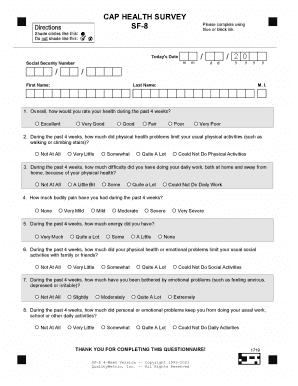
Sf 8 form

Jefferson dependent form
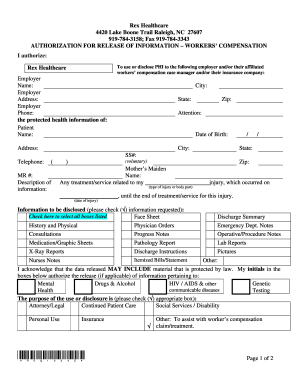
Rex hospital medical records
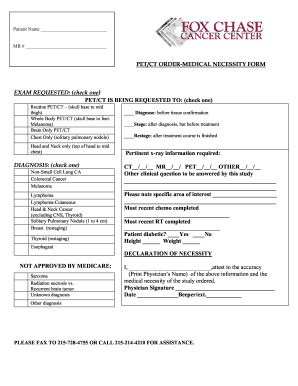
PET Order Form - Fox Chase Cancer Center - fccc

Telemetry competency
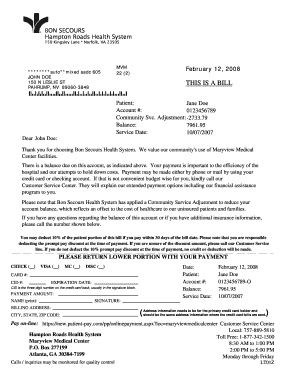
150 kingsley lane bon secours hampton roads health system form
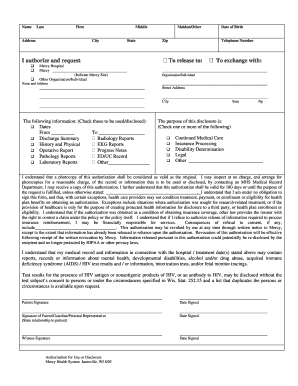
Mercy hospital chicago medical records
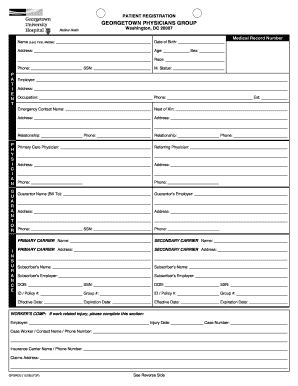
Georgetown physicians
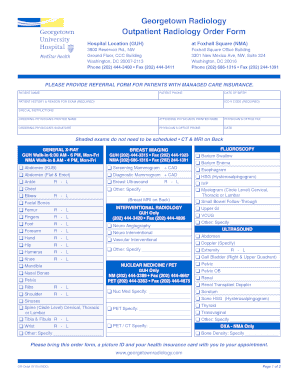
Radiology order form editable
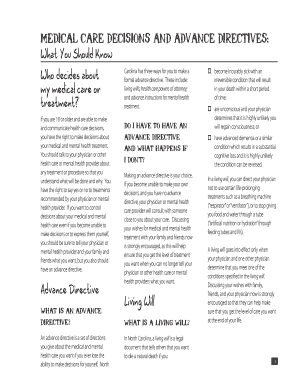
Medical care decisions advance directives
Ob gyn policy and procedure manual

Patient Registration INSURANCE ... - INTEGRIS Health

APPLICATION FOR FINANCIAL ... - CAMC Health System - camc
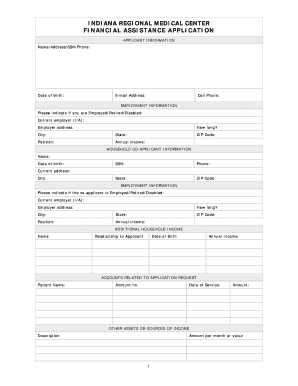
Icare indiana pa

PD/POP 1.2.1 Release of Information/Confidentiality - tdcj state tx
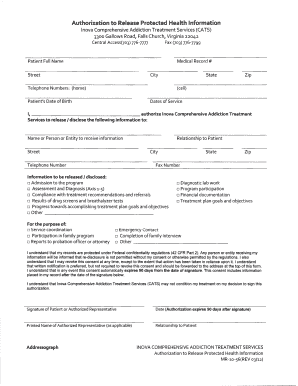
Inova release form
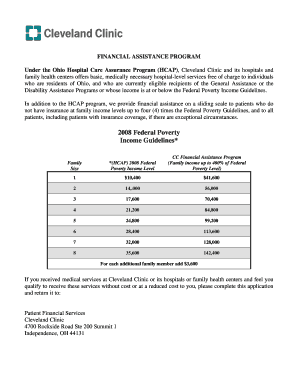
Cleveland clinic former employee w2
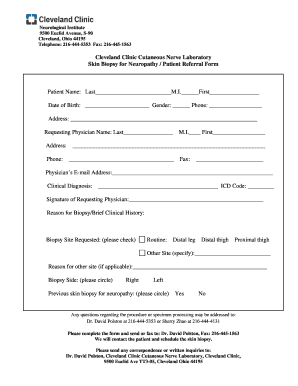
Biopsy request form

Blank reference form pdf

Vcdq pdf
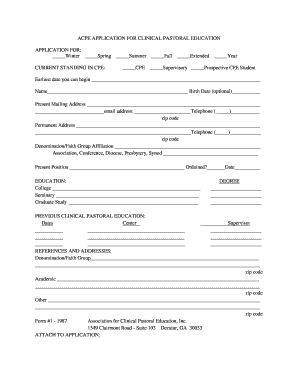
Acpe application fillable form
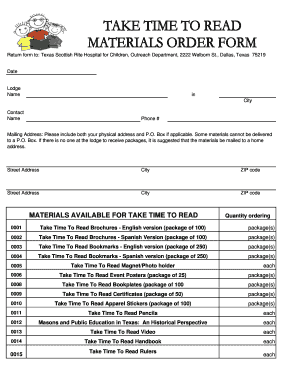
Grand lodge of texas forms
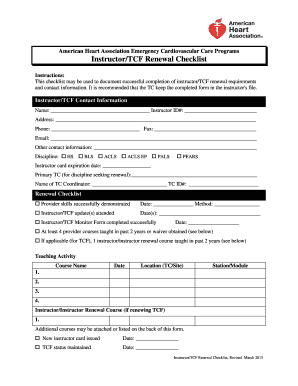
Aha instructor renewal checklist
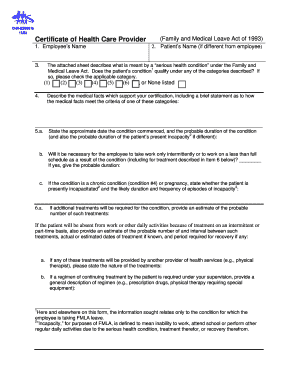
Certification of health care provider form
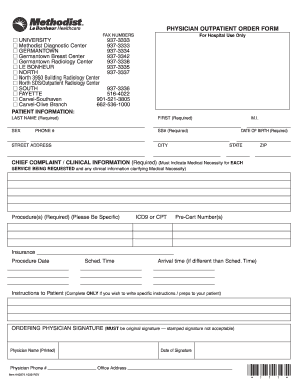
Methodist north outpatient order form 2009
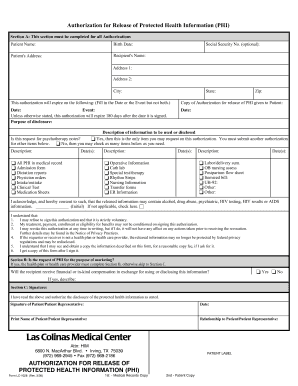
Form lc 1028 authorization

Pre placement health assessment form

Advance directive form

Consent Template: Combined HIPAA - The Children's Hospital of ... - research chop
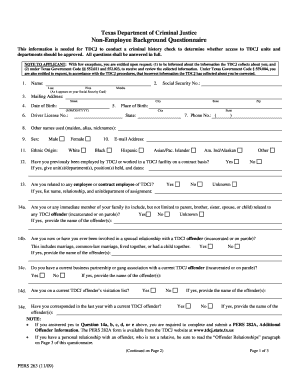
Tdcj pers 263 form

I 163 application fill
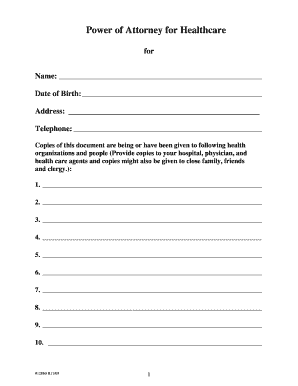
12860 attorney
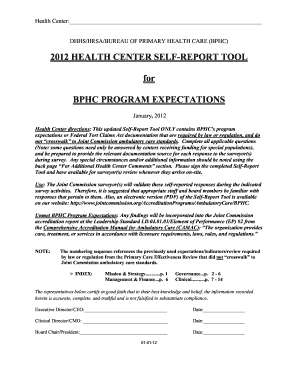
Health self report bphc

Get - chop
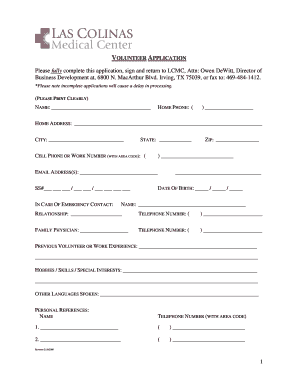
Baylor scott and white doctors note

Simonmed imaging order form pdf
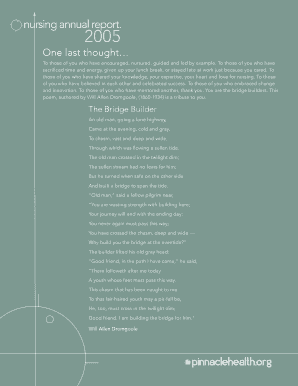
Nursing annual report. - PinnacleHealth System

Promedia st lukes hospital financial assistance application form
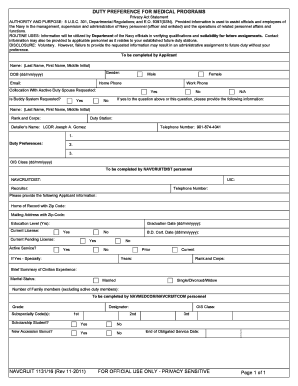
Navy ncp form
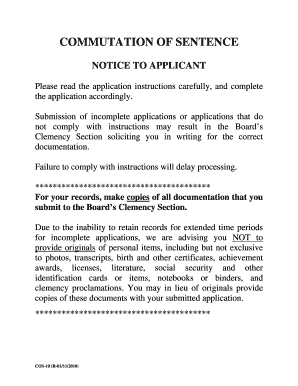
BPP Commutation of Sentence Notice to Applicant - Texas ... - tdcj state tx

How doni print out application for welfare in pa 2009 form
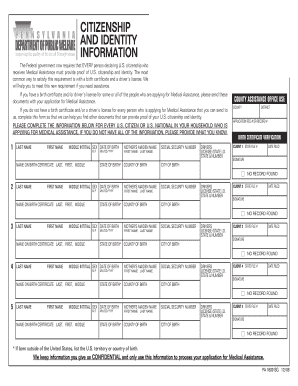
What is pa 1809 2006 form

Navmed 6120 4
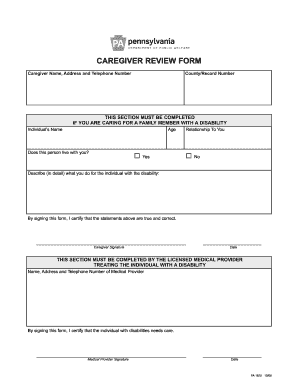
Caregive review form
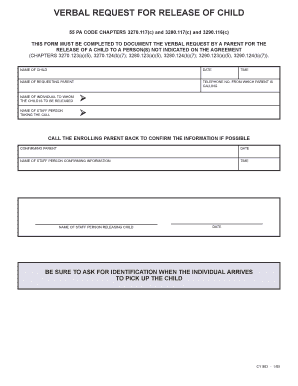
Verbal request for release of child form

Form pa 635 2009
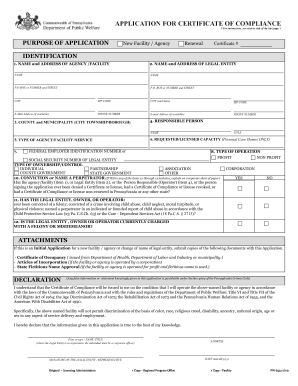
Pw 633 application for certificate of compliance in pa
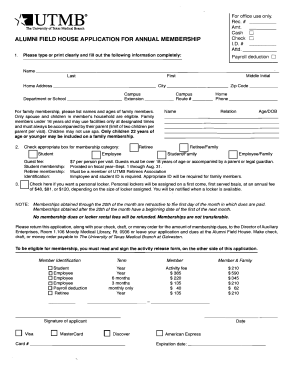
Utmb field house
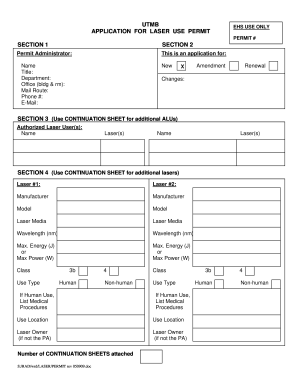
Laser use permit form

Person centered plan template nc

Cms medical staff bylaws
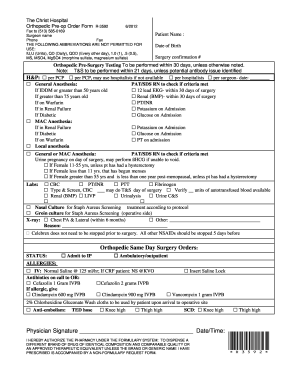
Orthopedic doctorsp form
Fiscal 101 dss form

HIPAA Authorization Form, Cincinnati Children's Hospital Medical ...

Health bayless form
Certification drug workplace
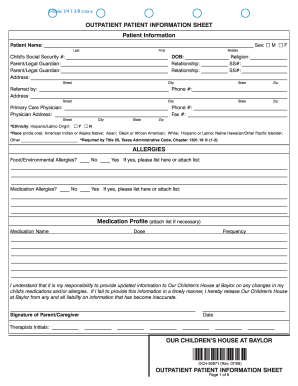
Printable information sheet
Your Resource Guide to Patient Navigation - Fox Chase Cancer ... - fccc
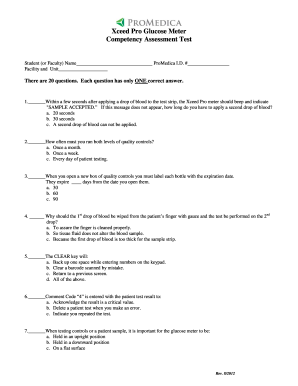
Within a few seconds after applying a drop of blood to the test strip ... - promedica
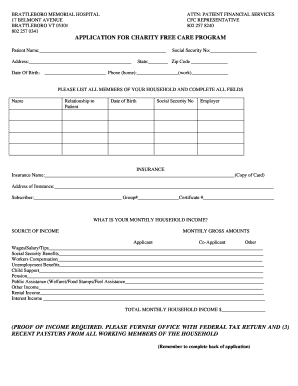
APPLICATION FOR CHARITY FREE CARE PROGRAM (PROOF OF ...

ADDITIONAL INFORMATION REQUEST CLIENT ... - Sentara.com
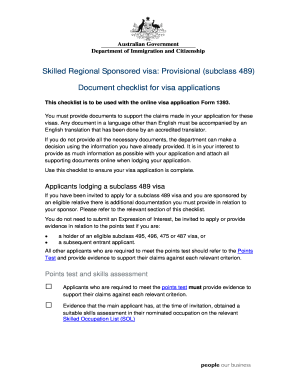
489 form document

Sec registration form for partnership pdf

Police check form

Jamaica fire brigade application form

SITE PLAN APPLICATION (MINOR) Single ... - City of Vero Beach
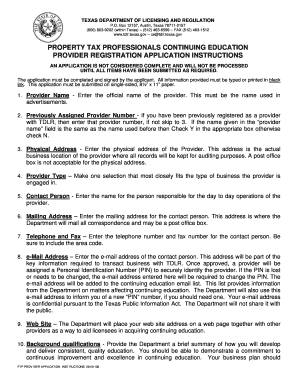
Writ of possession texas pdf

Aha fillable heartsaver first aid roster form
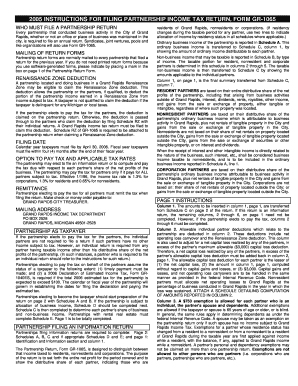
INSTRUCTIONS FOR GR-1065-2005.doc. Short Form Return of Organization Exempt From Income Tax
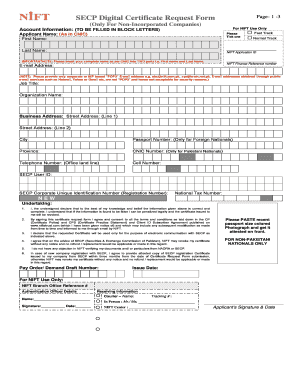
Secp nift signature
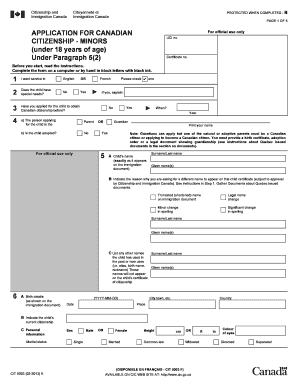
Application for canadian citizenship under 51 form

Registry return receipt form no 1548 a
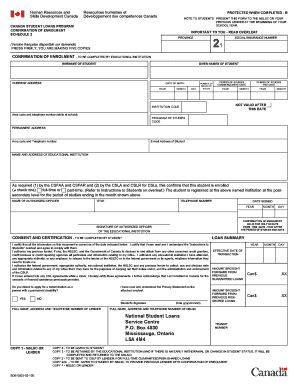
Enrolment canada
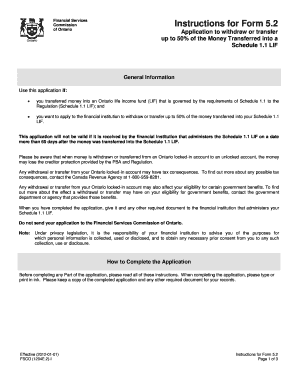
Fsco 1204e2
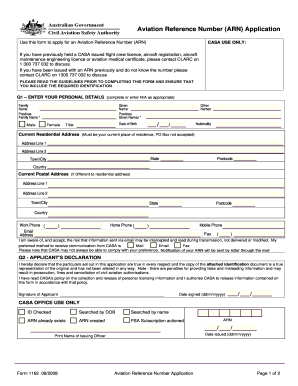
Aviation reference numberarn form 1162

Example of statement of truth land registry
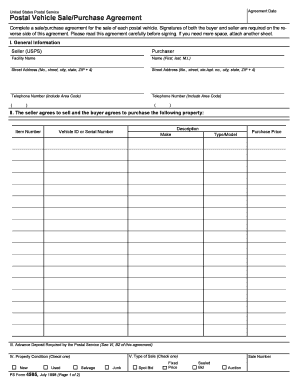
Ps4595

Land registry form ut1
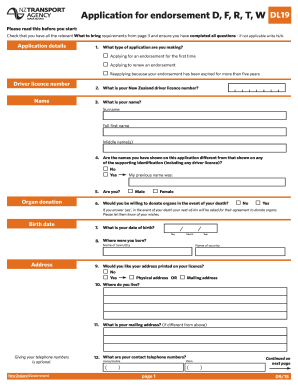
Dl9 medical form
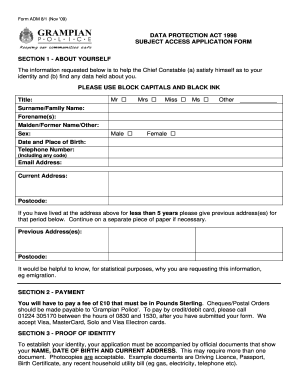
Form adm subject access
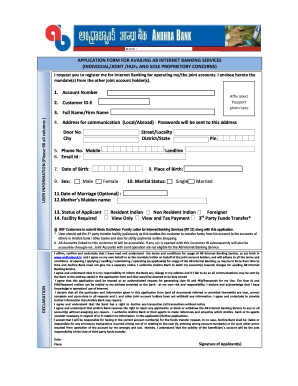
Andhra bank kyc form
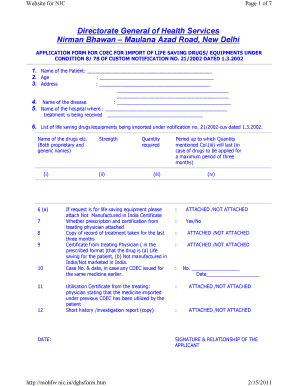
Application form for life saving drugs cghs pdf

Inz 1190 2011 form

Request for Approval in Principle (INZ 1112). to recruit overseas workers under Essential Skills Work Instructions

Cpp application form online 2012
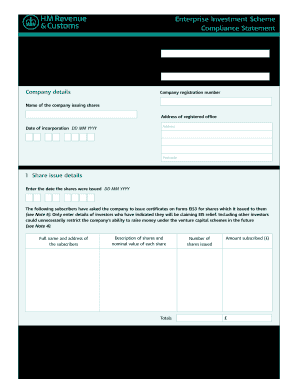
Eis1 form 2012

United kingdom form
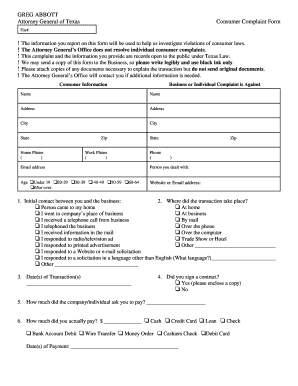
Edit consumer complaint attorney general texas form
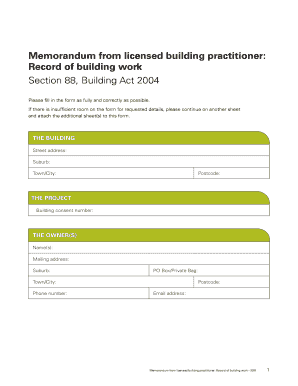
Building work form

Form for cessation of employment
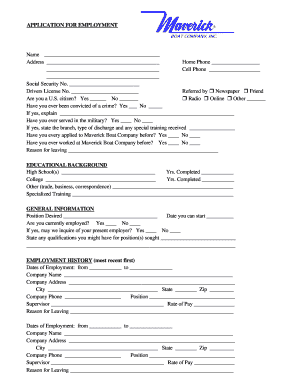
Maverick gas station employment application
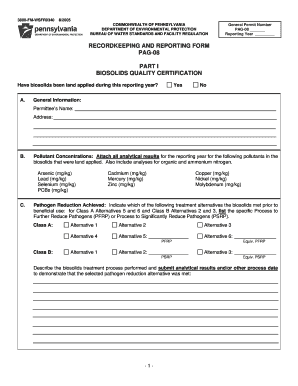
3800 fm wsfr0340
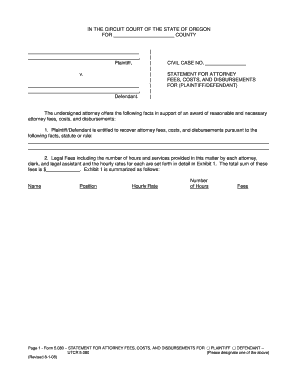
Oregon disbursements
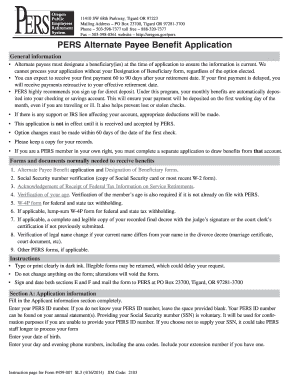
Oregon pers application
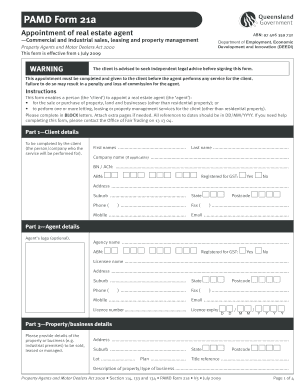
Form pamd 21a agent editable
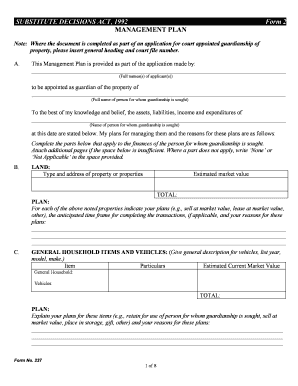
Management plan form 2
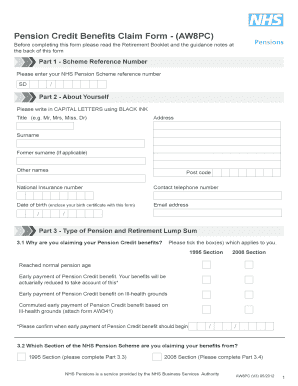
Aw8pc form
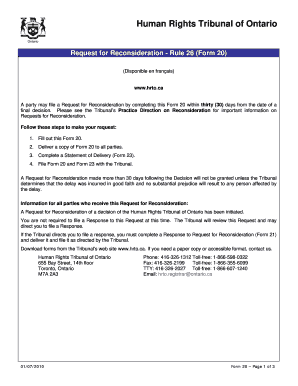
Form 20.pdf - The Human Rights Tribunal of Ontario
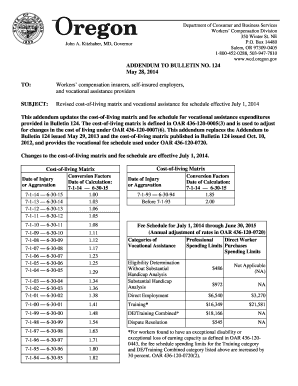
State compensation for caregivers in oregon
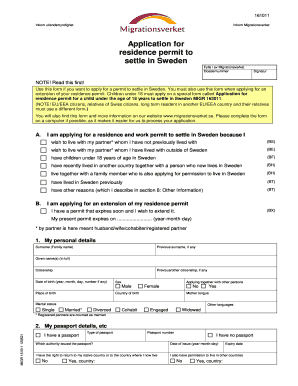
Sweden form
Benefit from the DocHub online library of fillable PDF forms
Searching the PDF forms doesn't have to be a tedious and time-consuming process. With the DocHub online library, it has become easier to find the fillable PDF forms and modify them in your browser. The service allows you to adjust the document to your needs using powerful editing tools.
You can use online document editing features to modify almost any type of document with ease. You just need to find the template of your choice, open it in the editor, and use the toolbar to make the necessary corrections.
Follow this guide to get your document done with DocHub:
- Find the PDF template you need.
- Click the Get Form button to open the file in the editor.
- Use the toolbar to fill out and edit the document.
- Easily add and highlight text, insert images, checkmarks, and symbols.
- Drop new fillable fields, and rearrange or delete pages from your file.
- Save changes and download your record.
DocHub empowers everyone to streamline document editing, signing, and distribution, and form completion. Create an account and benefit from our well-organized PDF Forms library and comprehensive editor.