
Get any PDF form from the DocHub library of ready-made templates - Page 1589

Affidavit of survivorship form

(Form 5) Divorce Agreement

Dwc 19 form

Skeletal inventory form

Af form 860a
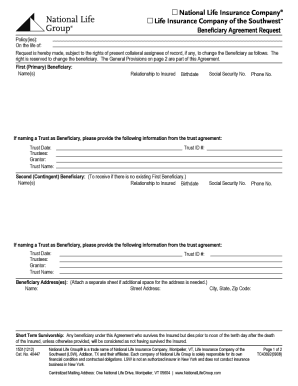
Change of Beneficiary form - National Life Group

Statutory notice of worthless check

Change form philadelphia 2008
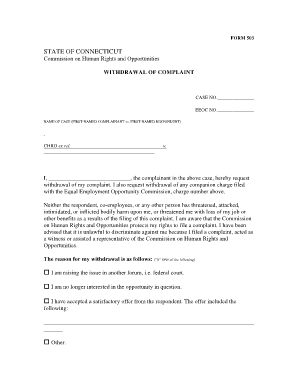
Withdrawal of Complaint Form 503 - CT.gov - ct
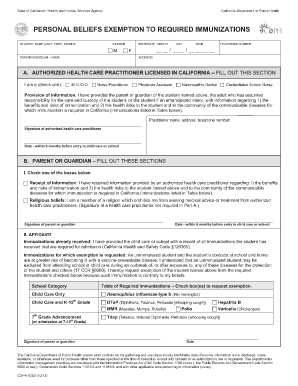
State of CaliforniaHealth and Human Services Agency California Department - eziz

BALLOON NOTE (Fixed Rate) THIS LOAN IS PAYABLE IN FULL AT MATURITY
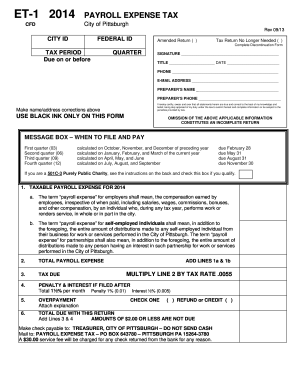
2014 et 1 form

Guam jobs

Citibank rtgs form

Printable dentical hld form
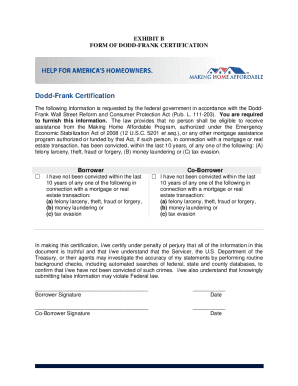
2010 sd10 11 dodd frank

Official meat inspection certificate fsis forms 9135 3 example

Certificate of fact

Form ST-124: (2/12): Certificate of Capital Improvement: ST124
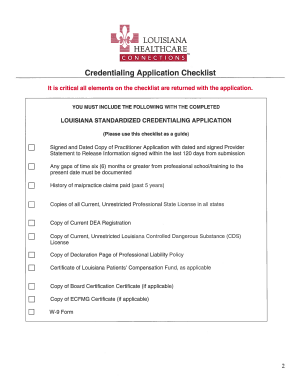
Old louisiana standardized credentialing application
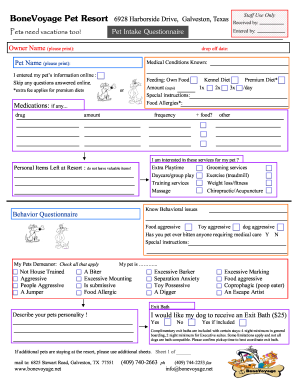
Bonevoyage pet resort
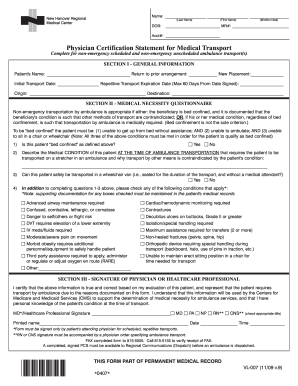
Nhrmc certification
Certification statement sample
Form 103-Long - Hendricks County Government
Pre op checklist template
Notice of stipulation
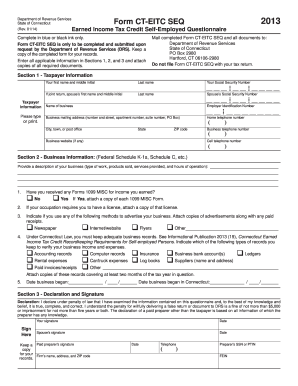
Ct eitc seq 2013 form
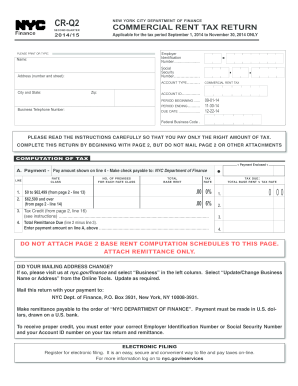
CR-Q 2013-14 Commercial Rent Tax 2nd Quarter Return - NYC.gov - nyc
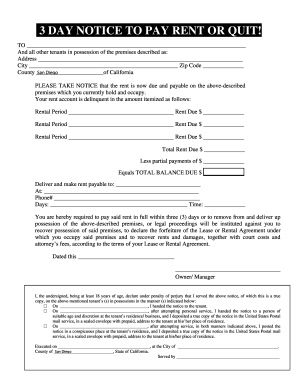
Pay rent or quit notice
Scouts eagle project workbook

Lender services household form
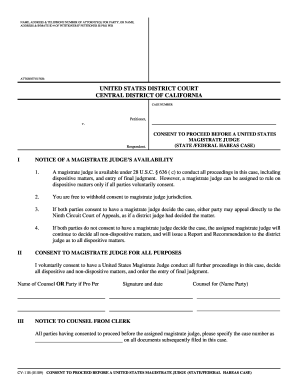
Habeous corpus writ aplication form california

Nsnp50

Form 51a159
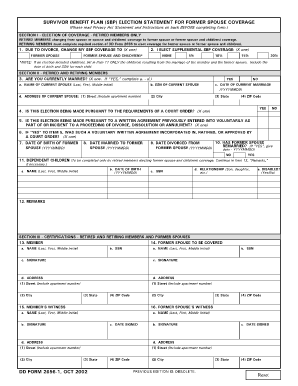
Dd form 2656 1 printable

Ga 4 workers comp

2014 Architect Application (DRAFT).docx. AUTHORITY FOR RELEASE OF INFORMATION
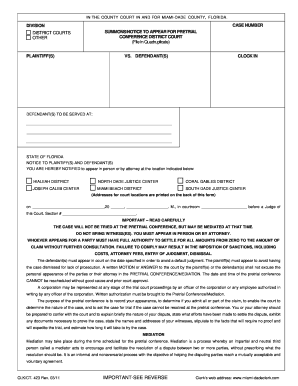
Summons pretrial
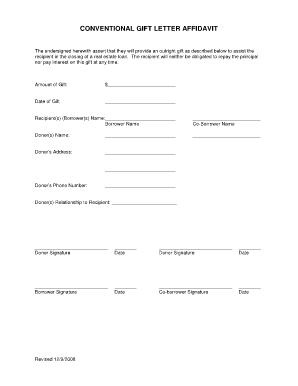
Gift affidavit form

Challan 280 in excel

I-134, Affidavit of Support - UNAM Chicago
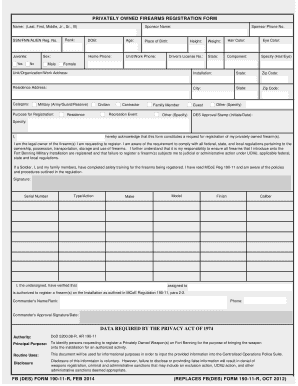
Fb form 190 11 r fillable
Fdacs 16008
Southport realty rentals
2013 rpie form

RI- 025 - Superior Court, Riverside - riverside courts ca

Va hpm 589a4 359

Form CAFCO4O - Property and Debt Statement and Proposed - courts mo
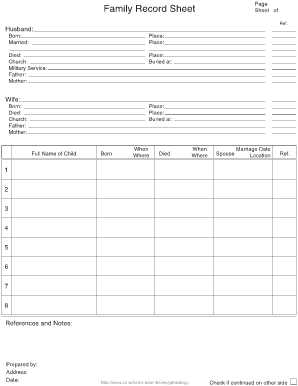
Family Record Sheet
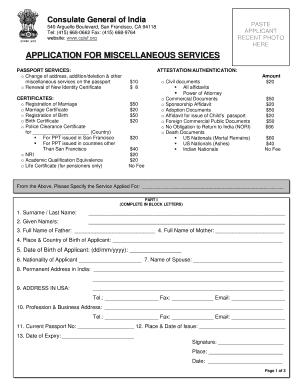
Indian embassy power of attorney sample
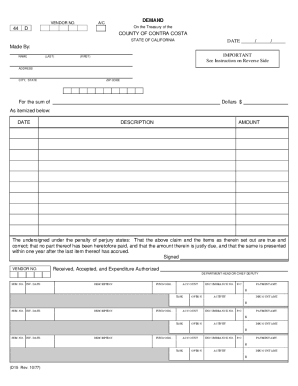
D15 form
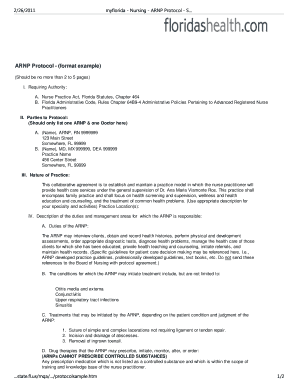
Nurse practitioner protocol template
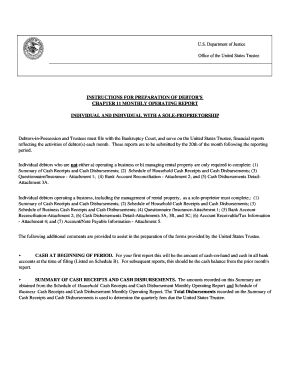
Operating monthly template form

What is 12931a florida 2011 form

Da form 5305
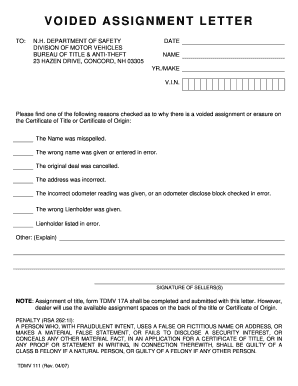
Voided assignment letter nh who fills it out form
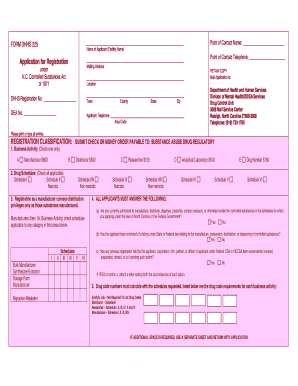
Form dhhs 226 d
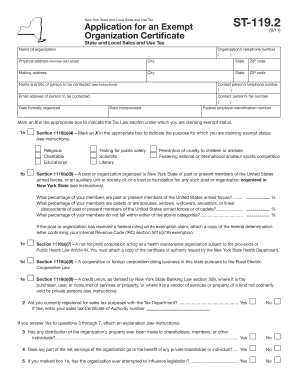
Tax Exempt Form (PDF) ST119 - Non-Profit - CC Rental
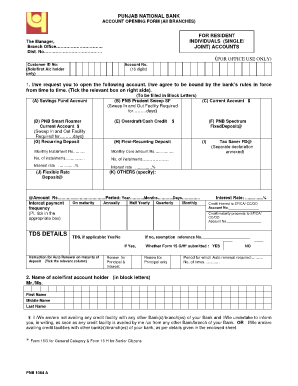
Punjab national bank forms pdf
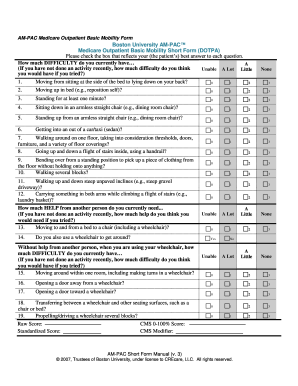
Ampac basic mobility outpatient short form
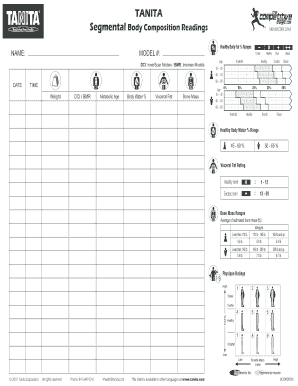
Tanita body composition readings pdf

Uscis form no 7 2013
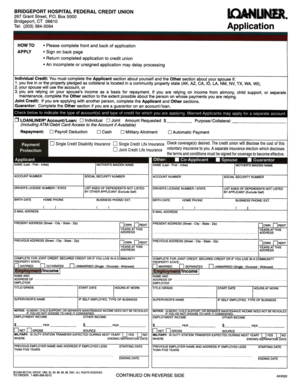
Loanliner application
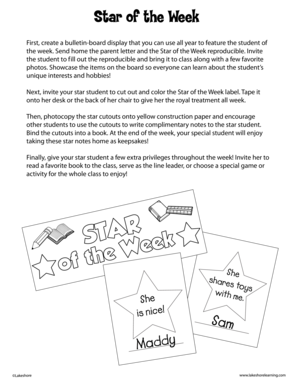
Star of the Week - Lakeshore Learning Materials

Form M-433(B) - Mass.Gov - mass
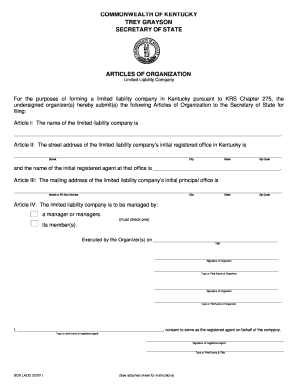
LLC Articles of Organization form for Kentucky Secretary of State
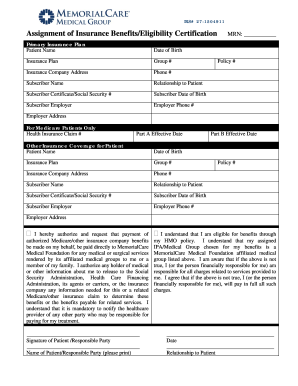
Insurance eligibility certification
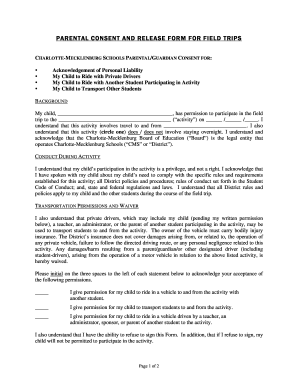
Parental Consent and Release Form for Field Trips - Charlotte ... - schools cms k12 nc
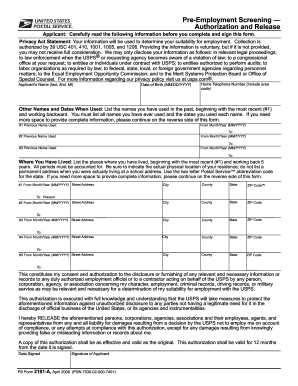
Standard form 2181 a 2006
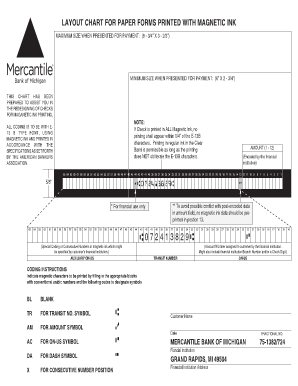
Micr sheet

St vincent de paul housing application
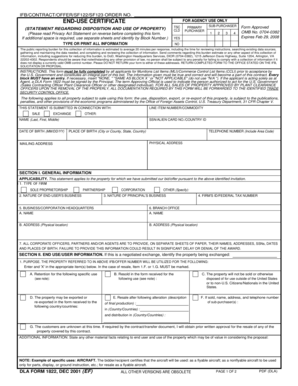
Dla form 1822 end use certificate
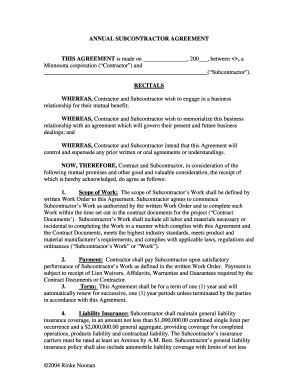
ANNUAL SUBCONTRACTOR AGREEMENT THIS ... - Rinke Noonan
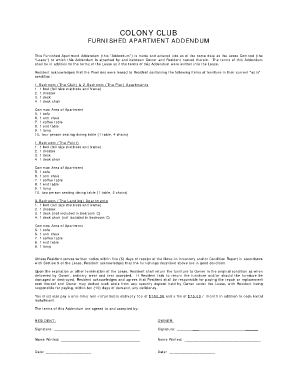
Furnished apartment addendum example
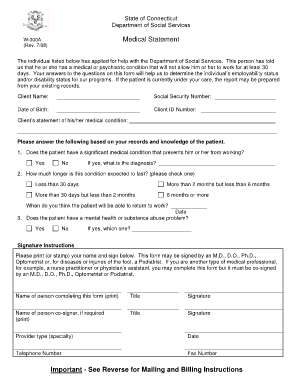
Saga application form
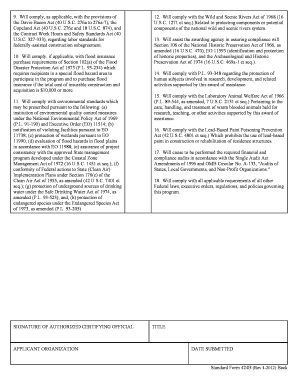
Environmental protection agency
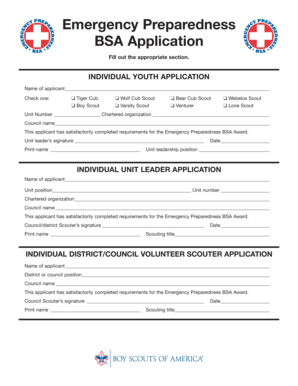
Bsa emergency preparedness
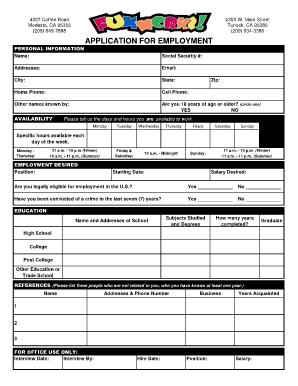
Funworks application
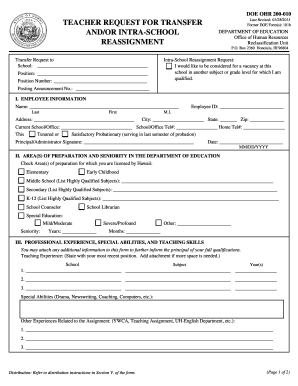
Hi doe 200 form
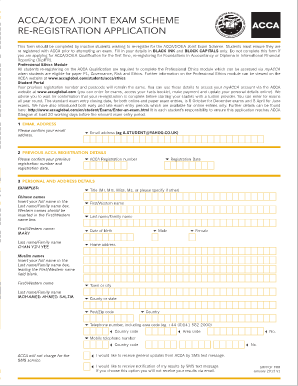
Acca re registration process
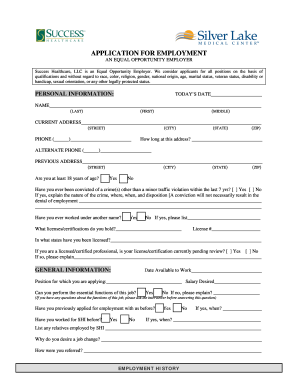
Silverlake medical center carrers
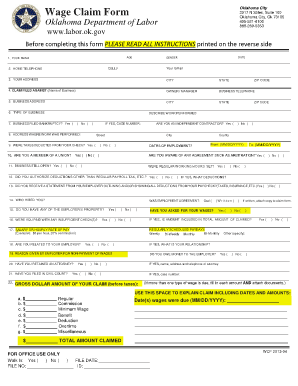
Oklahoma labor board complaints
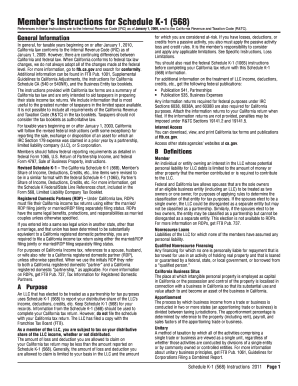
Schedule k 1 form 568 2011
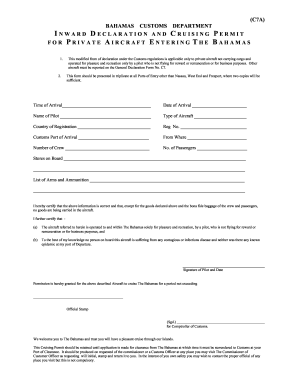
Customs officer application form 2021
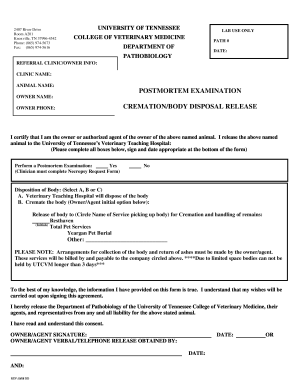
Post mortem report sample pdf

Soap narrative
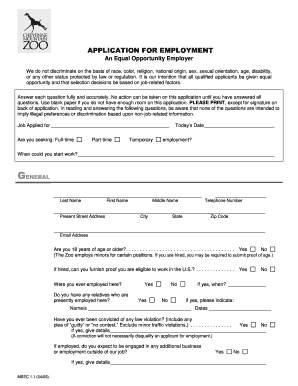
Cheyenne zoo msec

Wb 42
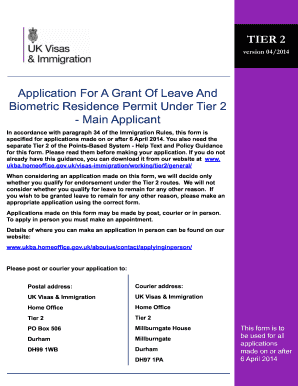
Tier 2 application form version 042014
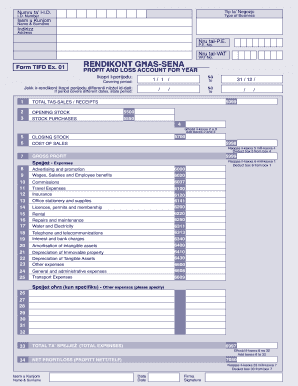
Ex 01 form in english
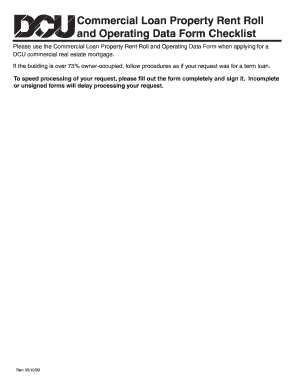
Commercial Loan Property Rent Roll and Operating Data Form - DCU - dcu
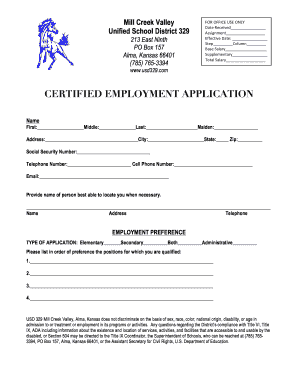
Unified usd 329 certified online

Page 1 of 5 F.C.A.651, 652 General Form 40 Custody/Visitation ...

Multiple States - Where To File - TurboTax Tax Tips & Videos - Intuit
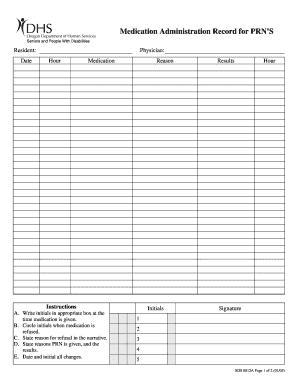
Prn sds

Salvage certificate ca

2013 new mexico fid 1 form
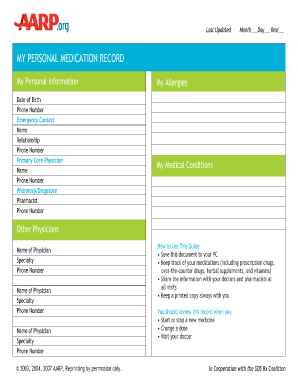
Aarp printable medication list forms
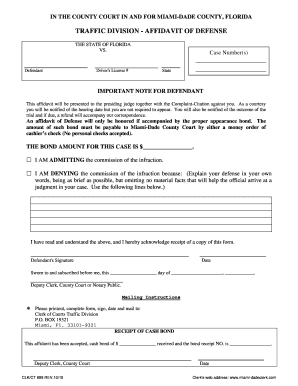
Affidavit defense florida
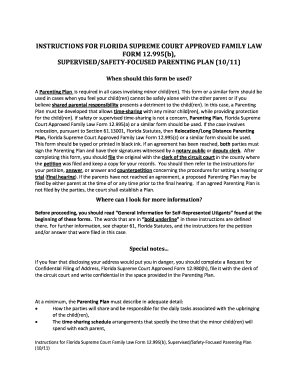
2011 FL 12.995(b)
Benefit from the DocHub online library of fillable PDF forms
Searching the PDF forms doesn't have to be a tedious and time-consuming process. With the DocHub online library, it has become easier to find the fillable PDF forms and modify them in your browser. The service allows you to adjust the document to your needs using powerful editing tools.
You can use online document editing features to modify almost any type of document with ease. You just need to find the template of your choice, open it in the editor, and use the toolbar to make the necessary corrections.
Follow this guide to get your document done with DocHub:
- Find the PDF template you need.
- Click the Get Form button to open the file in the editor.
- Use the toolbar to fill out and edit the document.
- Easily add and highlight text, insert images, checkmarks, and symbols.
- Drop new fillable fields, and rearrange or delete pages from your file.
- Save changes and download your record.
DocHub empowers everyone to streamline document editing, signing, and distribution, and form completion. Create an account and benefit from our well-organized PDF Forms library and comprehensive editor.