
Get any PDF form from the DocHub library of ready-made templates - Page 1591
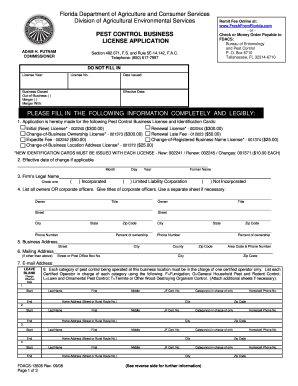
2008 Dacs 13605 form

Statement of non performance 2022
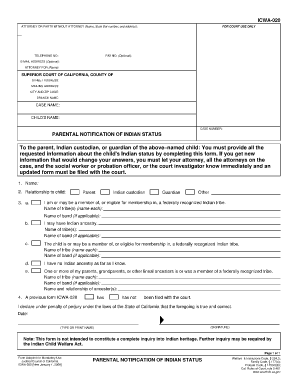
Icwa 020
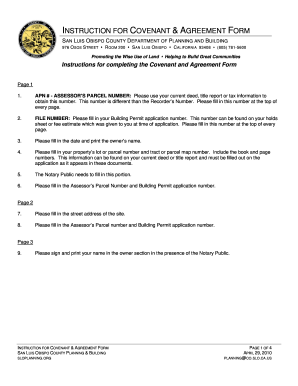
Covenant agreement instructions form

To Download the Credit Card Authorization Form - US Spiritleaders
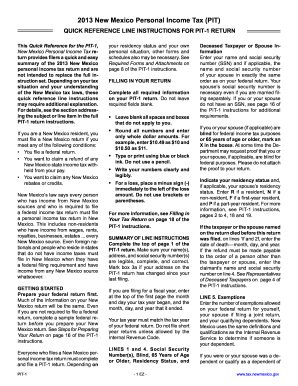
New mexico 8453 2013 form
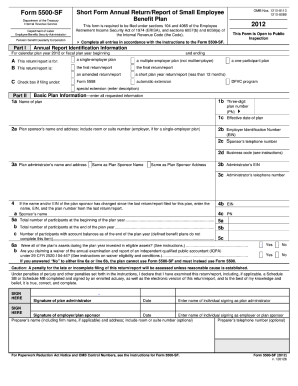
Form 5500-SF 2012 - Lockheed Martin
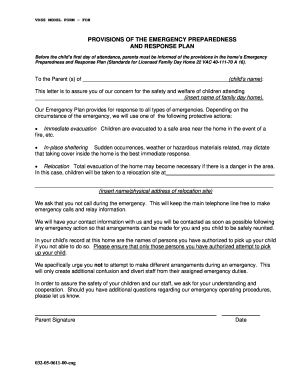
Provisions plan virginia get

Dd form 1300
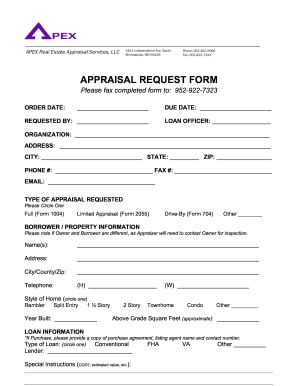
Appraisal request form

Form 1943
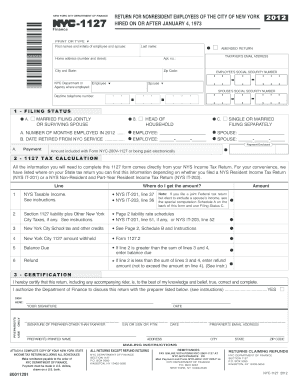
2012 form nyc 1127

2004 subpoena fillable form

Is he a robber baron or captain of industry answer key pdf
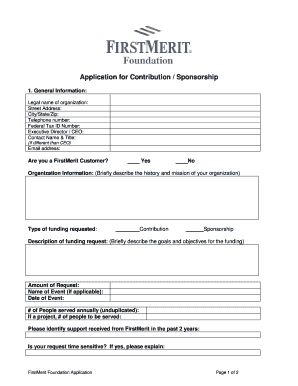
Trustmart paperwork
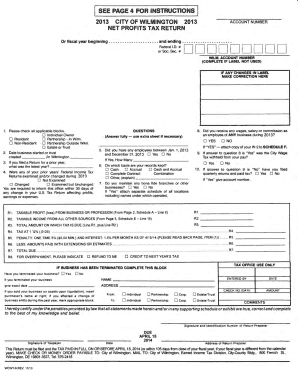
Wcwt 6 2013 form

Vsa 12 form
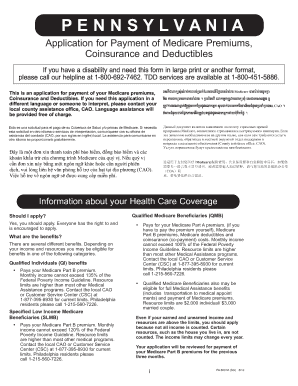
Pennsylvania form 600 m 2012
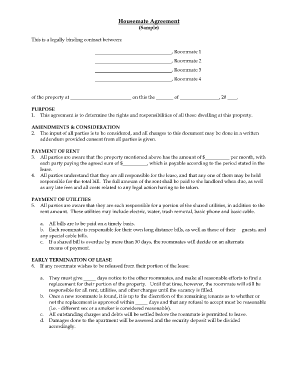
Housemate agreement
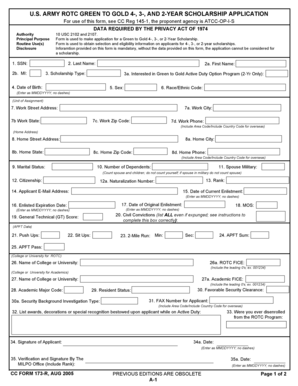
2 year scholarship form

Permission to treat

Durable power of attorney

Permanent tax declaration form
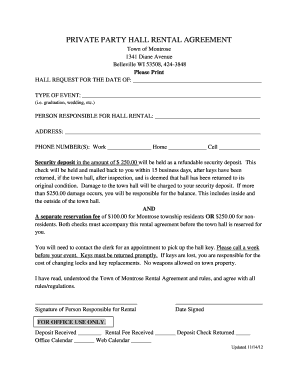
Event hall form
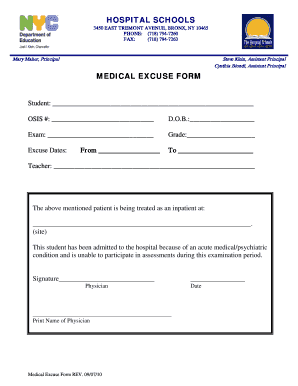
Hospital form
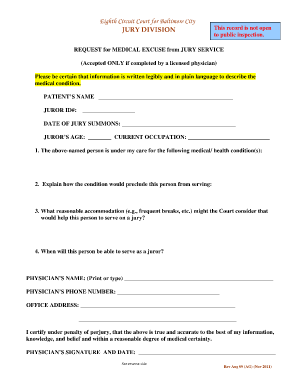
Baltimore city jury duty questionnaire

Manitoba settlement plan sample answers
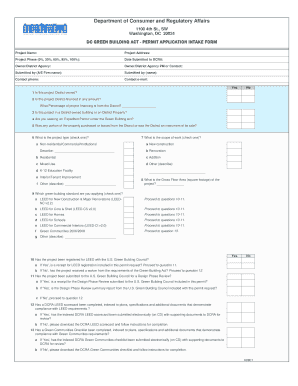
Dc universal paid leave act application
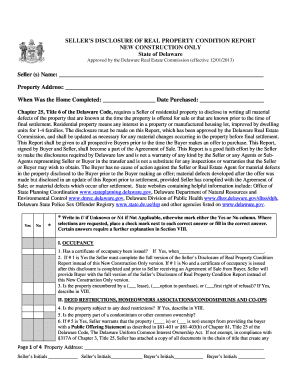
Delaware seller disclosure

Hot tub addendum rental agreement
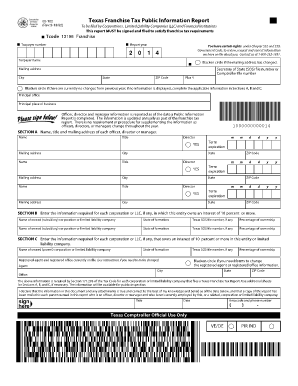
Texas form 05 102 instructions 2020

French passport application form pdf
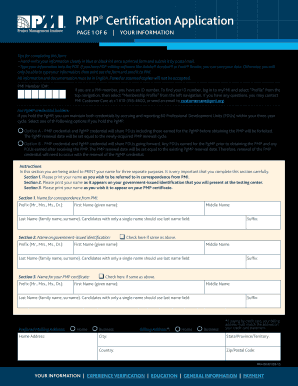
PMP Certification Application - Project Management Institute - pmi
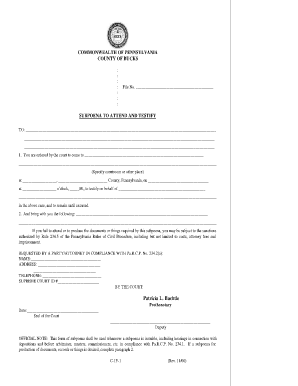
Prothonotary allegheny county
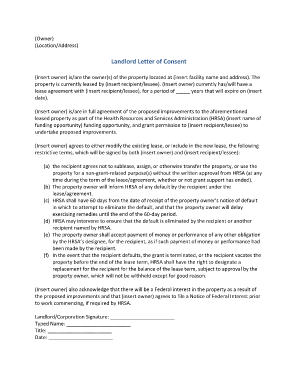
Landlord consent letter

Casting sheet template pdf

Form 1235
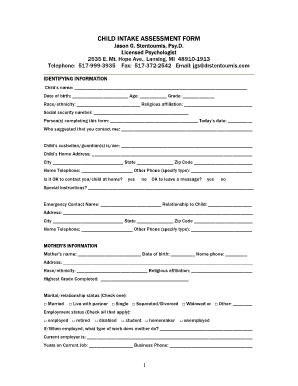
Intake assessment example

Mass gov pca program re evaluation
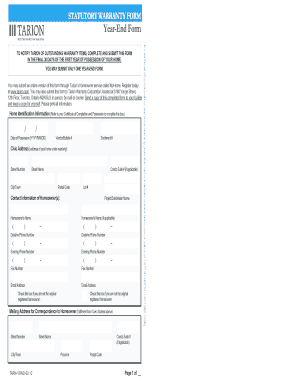
Canada yrnd year get
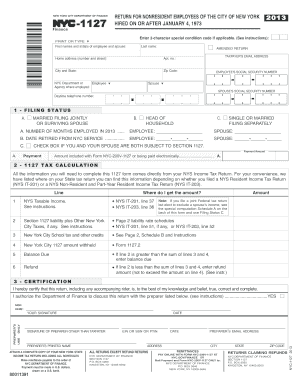
Nyc 1127 form 2013
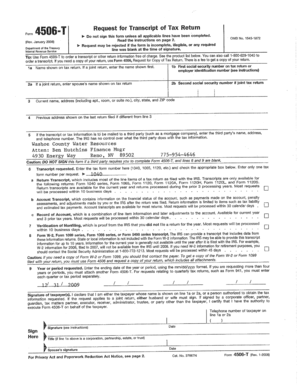
4596t form
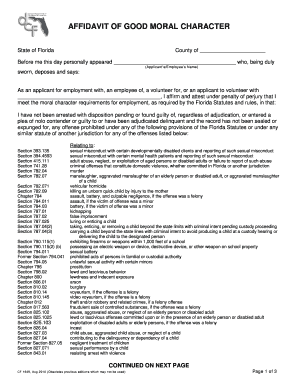
What is notarized dcf affidavit of good moral character 2010 form
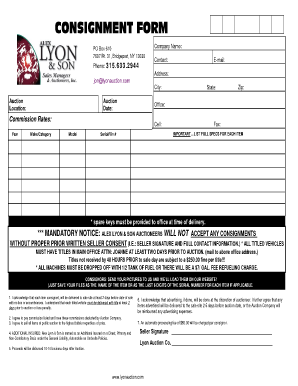
CONSIGNMENT FORM - Alex Lyon & Son
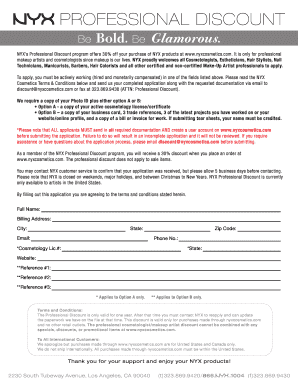
Nyx professional

Housing pathways medical assessment form
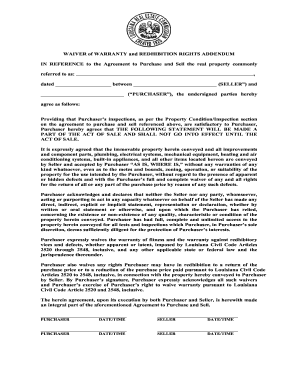
Warranty waiver template
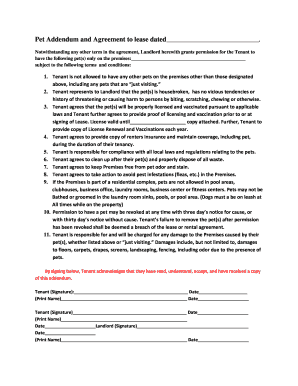
Pet addendum
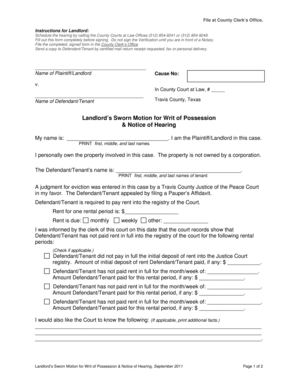
FORM 11 WRIT OF POSSESSION This document ... - The Florida Bar - traviscountylawlibrary
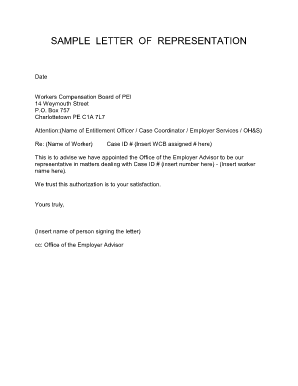
Sample of representation letter for government department
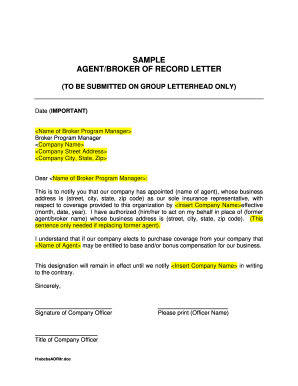
Bor letter template
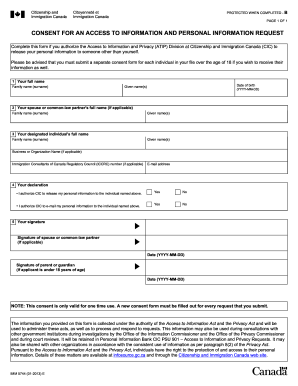
IMM 5744E: Consent for an Access to Information and Personal ...
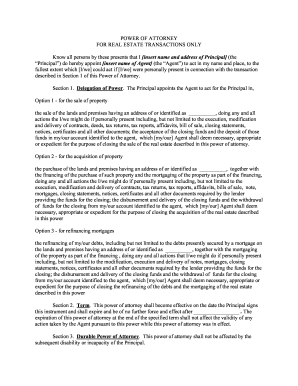
Power of attorney real
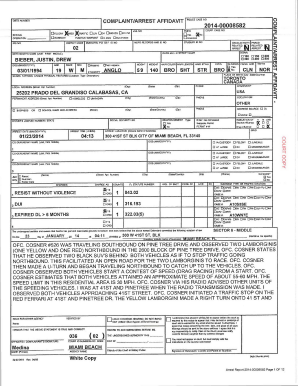
Arrest Report - Miami - Miami Herald
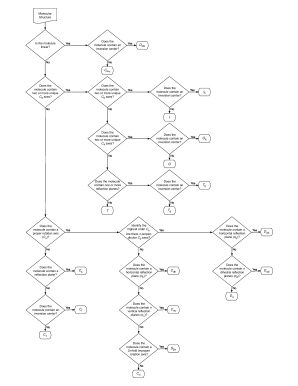
Point group determination chart
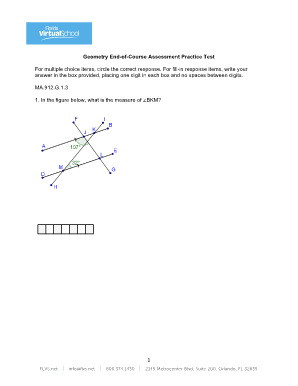
Geometry eoc texas
2012 Tax Federal Tuition and Fees Deduction - FreeTaxUSA
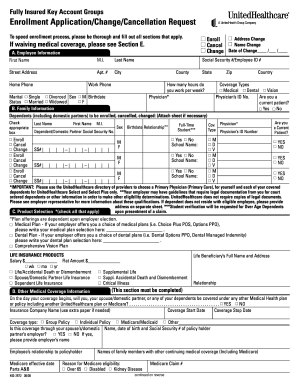
To speed enrollment process, please be thorough and fill out all sections that apply
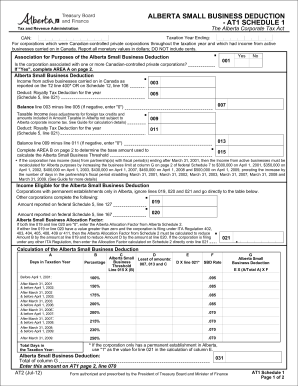
Alberta small business deduction - at1 schedule 1 - Alberta Finance ... - finance alberta
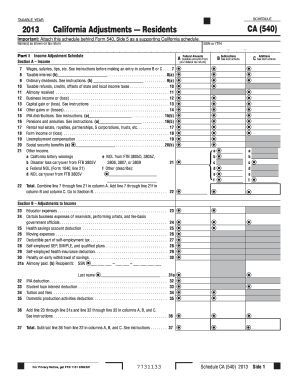
2013 schedule ca 540 form
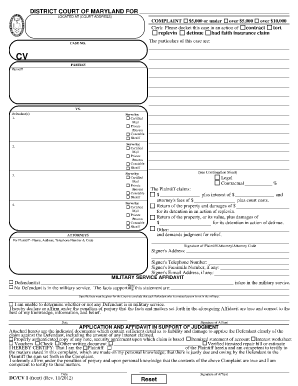
Complaint form - Maryland Courts - courts state md

How to File a Small Claim in the District Court of ... - Maryland Courts - courts state md
Tax Organizer 2013 - Duane A. Stephens, CPA

Certificate of no impediment to marriage sample

Affidavit of resignation

2007 UK RT3187
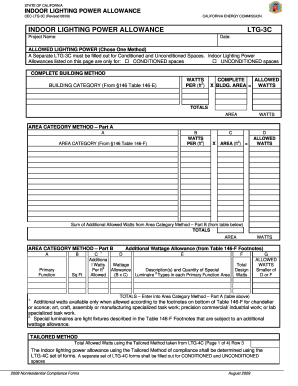
Allowance ltg indoor make
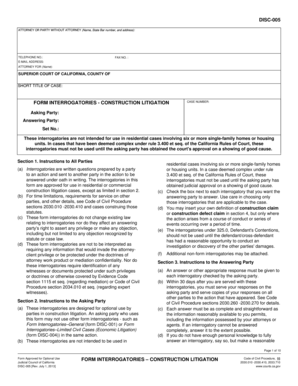
Form construction litigation
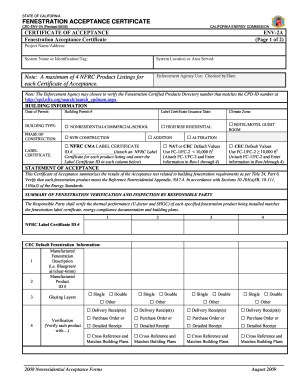
Ca env 2a
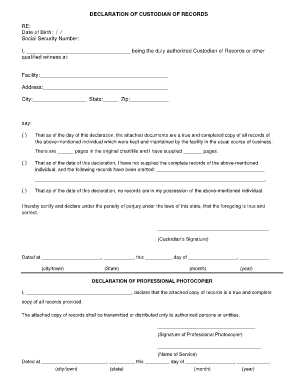
Declaration of custodian of records california form
Asa scra servicemembers relief act

Tripler lasik
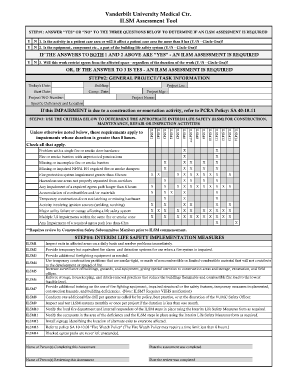
Ilsm form

Sample disability letter from family member

Legal guardianship california
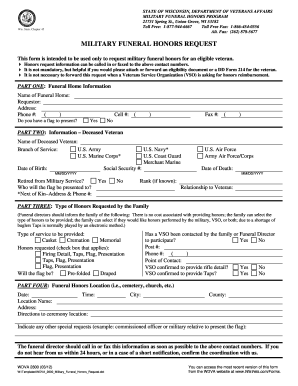
Wi 2800

Sbar full form

Agreement contractor owner construction create
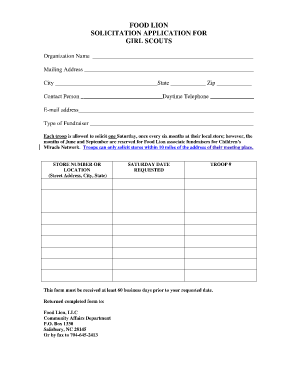
Food lion application pdf
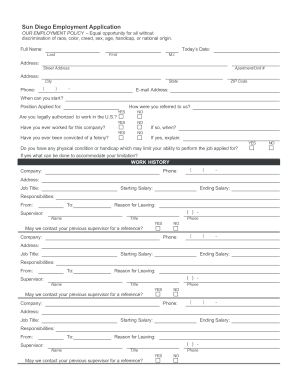
Sun Diego Employment Application
Sowela transcript request
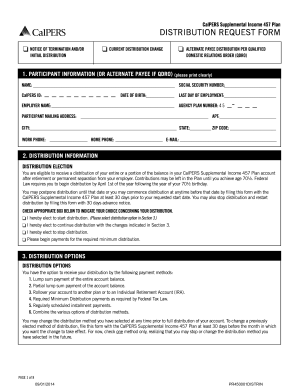
Suplemental securtiy income application in california

Cg 718a

Form 06 005

Fixed term lease agreement - SA gov au - sa gov

Criminal procedure law section 30301 manual 2013 form
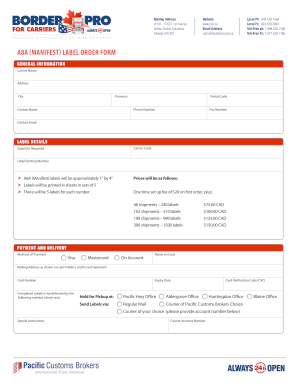
A8a
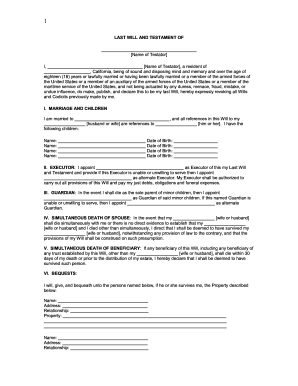
Print a will form

Ghana embassy visa application form pdf

NOTICE OF CLAIM AGAINST SECURITY DEPOSIT - Florida R.E.I.
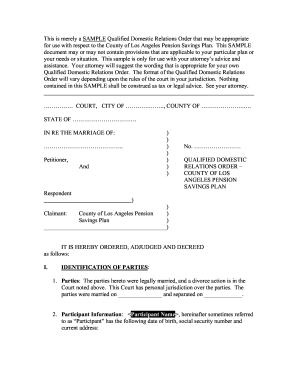
Qualified domestic relations order

Privilege form
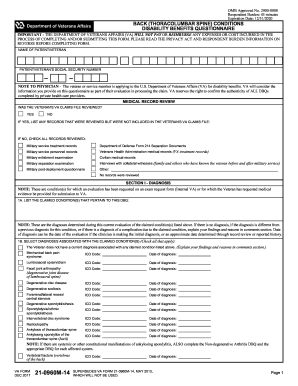
Va form 21 0960m 14

Fl 342 a
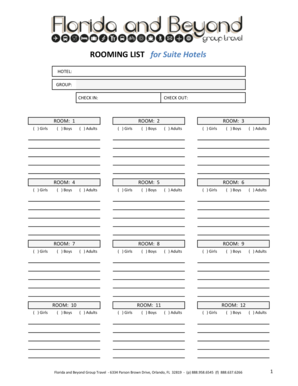
Onlinerooming

Unemployment tax form
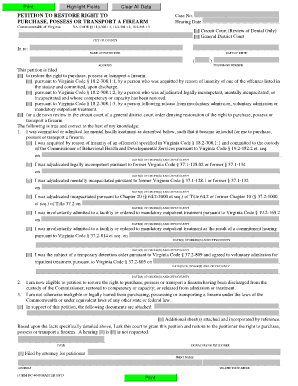
Dc 4040

Franklin county area tax bureau form 541

Rp5217
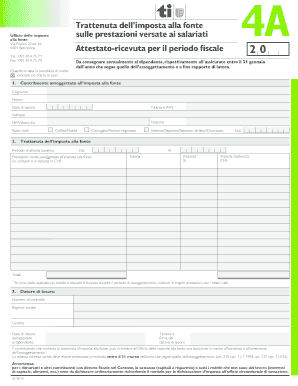
Trattenuta dell'imposta alla fonte sulle prestazioni versate ai salariati
Benefit from the DocHub online library of fillable PDF forms
Searching the PDF forms doesn't have to be a tedious and time-consuming process. With the DocHub online library, it has become easier to find the fillable PDF forms and modify them in your browser. The service allows you to adjust the document to your needs using powerful editing tools.
You can use online document editing features to modify almost any type of document with ease. You just need to find the template of your choice, open it in the editor, and use the toolbar to make the necessary corrections.
Follow this guide to get your document done with DocHub:
- Find the PDF template you need.
- Click the Get Form button to open the file in the editor.
- Use the toolbar to fill out and edit the document.
- Easily add and highlight text, insert images, checkmarks, and symbols.
- Drop new fillable fields, and rearrange or delete pages from your file.
- Save changes and download your record.
DocHub empowers everyone to streamline document editing, signing, and distribution, and form completion. Create an account and benefit from our well-organized PDF Forms library and comprehensive editor.