
Get any PDF form from the DocHub library of ready-made templates - Page 1588
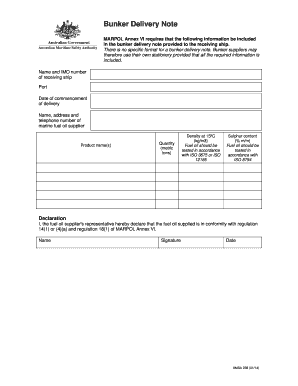
Bunker delivery note

Spider map
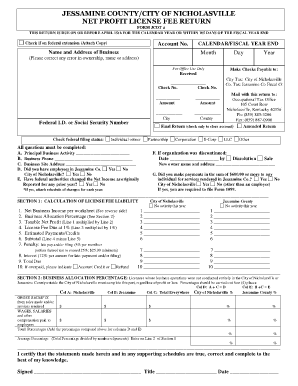
Jessamine county city of nicholasville net profit license fee return

Mike ferry scripts pdf

HOMEOWNER INTAKE FORM

US Club Soccer Player Loan Form

Declaration of paternity form california
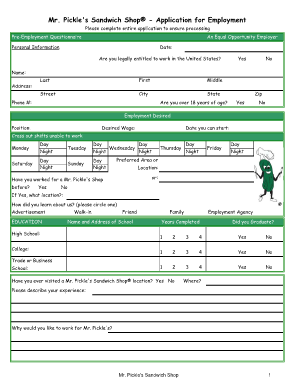
Mr pickles job application
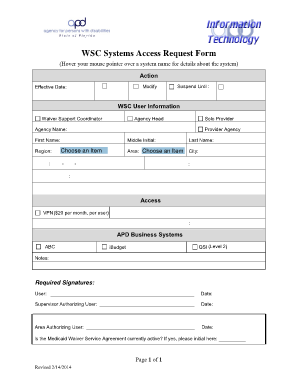
System access request form template
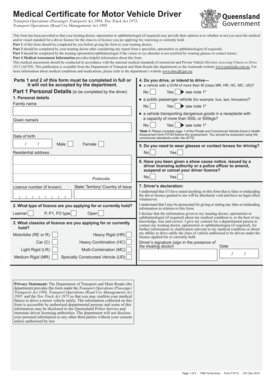
Medical certificate for motor vehicle driver
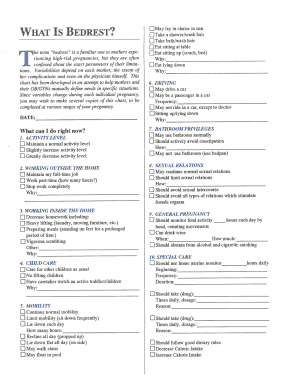
Oinp checklist

Pittsburgh ls 1 2014 form

Dol financial assistance application
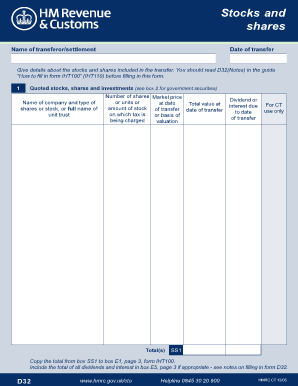
Iht d32
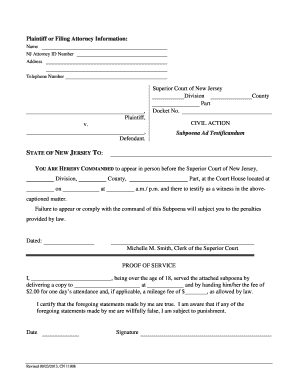
New jersey subpoena action form
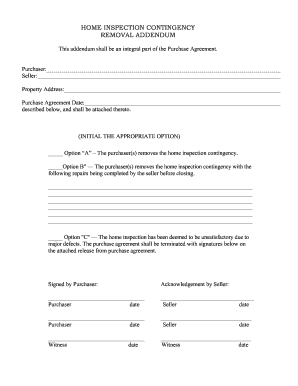
Home inspection contingency
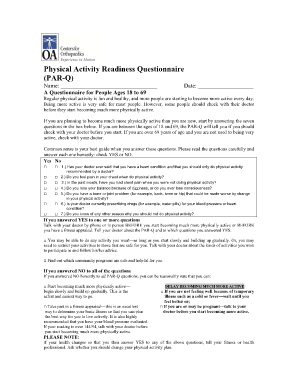
Physical Activity Readiness Questionnaire.doc

General contractor license chicago
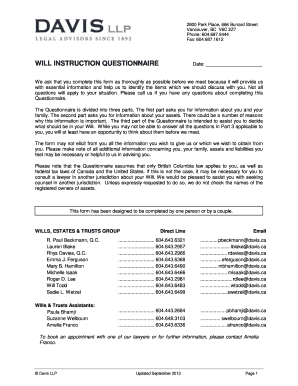
How to write a liing will

Continued benefits
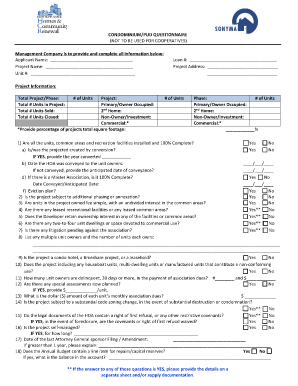
CONDOMINIUM/PUD QUESTIONNAIRE (NOT TO BE USED FOR ... - nyshcr
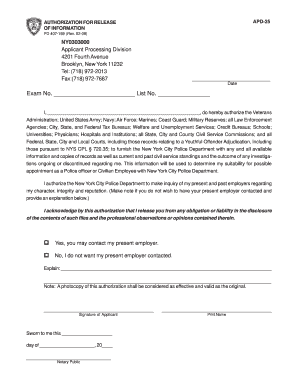
Apd 25

Az form 5010
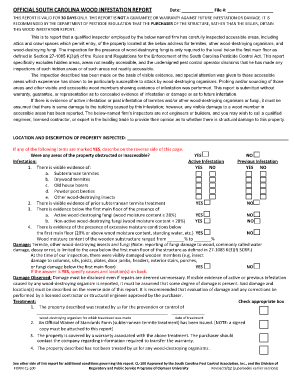
Infestation report
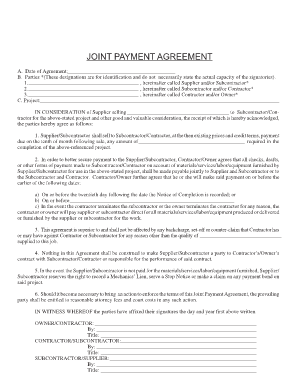
Example letters for a joint checks
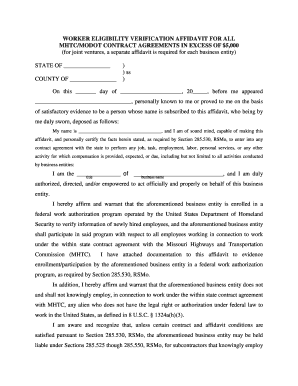
WORKER ELIGIBILITY VERIFICATION AFFIDAVIT FOR ALL MHTC ... - library modot mo

Editable form tdf 62 035 2003

Irtisanoutuminen lomake

Certificate of trust form
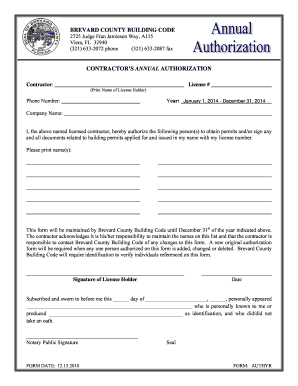
Brevard county annual authorization form
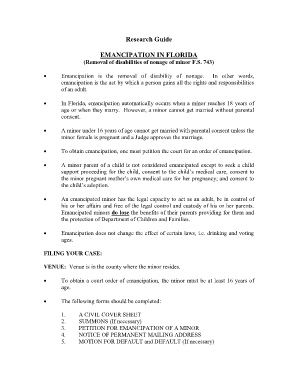
Printable emancipation forms

396 Vehicle-Brake Inspector Qualifications.doc - dot ny
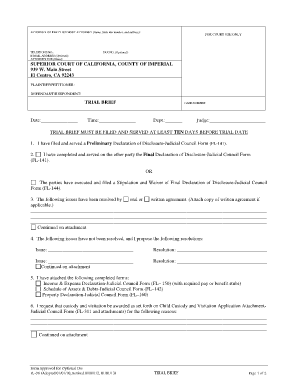
Fl 08 trial brief
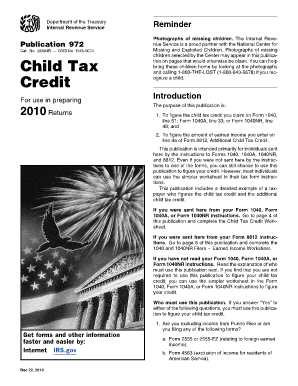
Pub 972 worksheet 2020

Forms claimant outof pocketexpenses

Declaration of Health Coverage HBD-12A - calpers ca
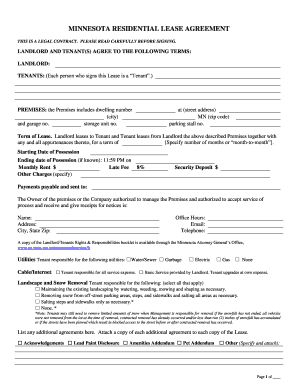
MINNESOTA RESIDENTIAL LEASE AGREEMENT - RentMSU

Arizona joint tax application 2011 form
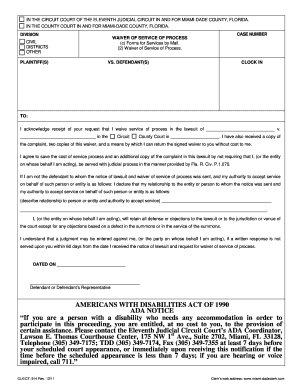
Waiver of prosecution florida
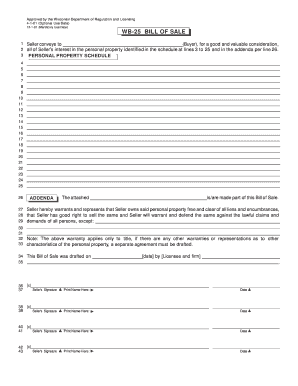
Wb 25 bill of sale
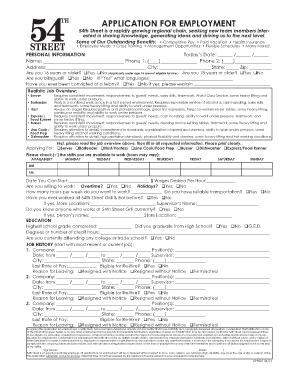
54th street application
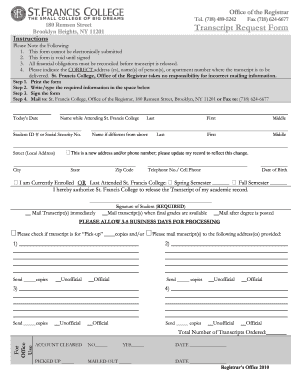
Transcript form
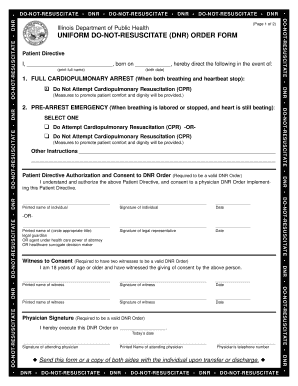
Download Uniform Do Not Resuscitate (DNR) Order form
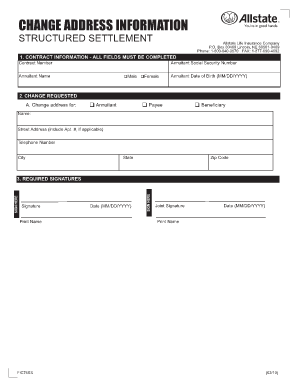
CHANGE ADDRESS INFORMATION
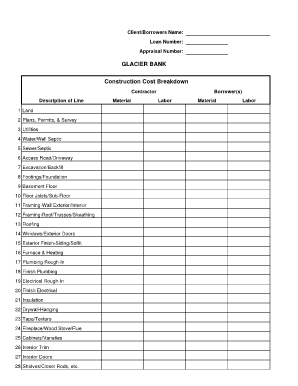
Construction cost breakdown pdf
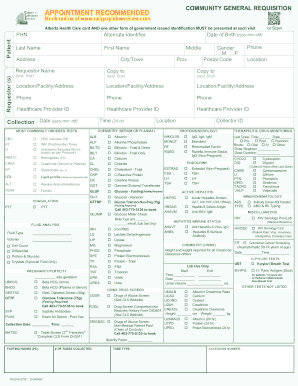
Calgary lab services
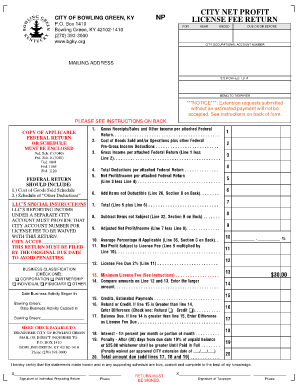
Bowling green net profit license fee return
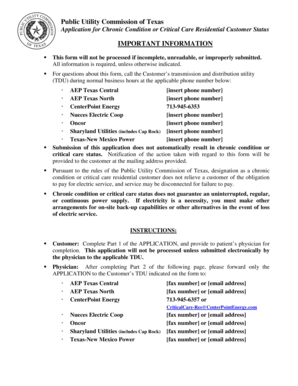
Centerpoint critical care form
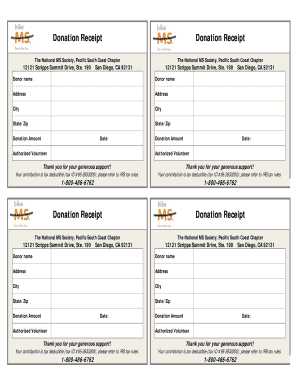
Ms society donation receipt
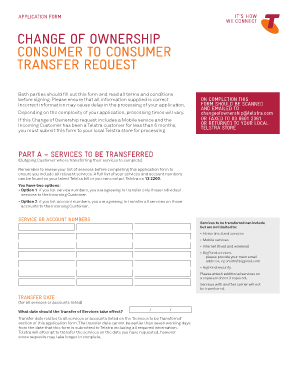
Chown telstra

Phyciscians certification statement
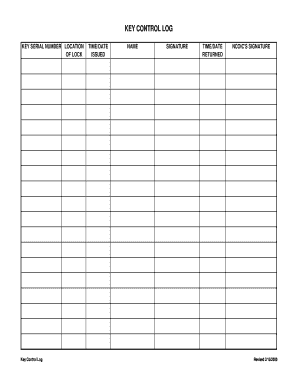
Key register
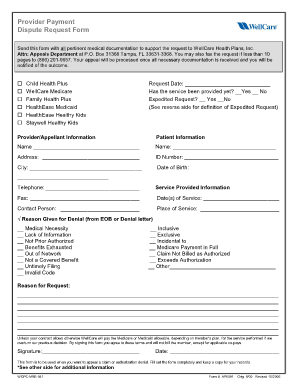
Wellcare dispute form

Paycheck received form
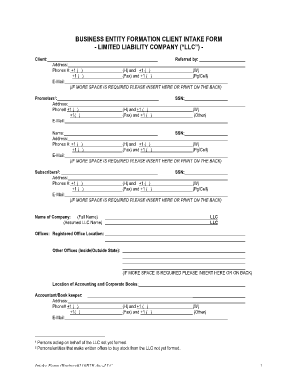
(LLC) Client Intake Form

Hsi medical questionnaire physician

Navmc 631

Employee Warning Report - HRmarketer.com

Teacher report form pdf
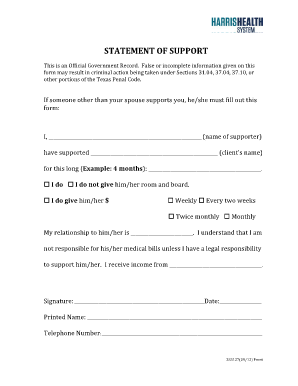
Harris health support form
Softball scorebook printable

Work order form for computertelephone
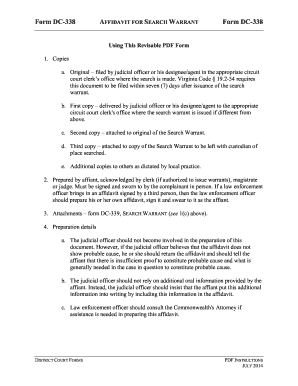
Virginia form dc 339
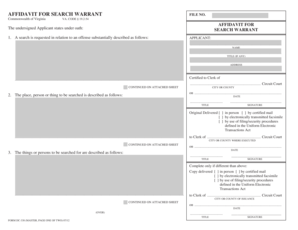
AFFIDAVIT FOR SEARCH WARRANT - courts state va
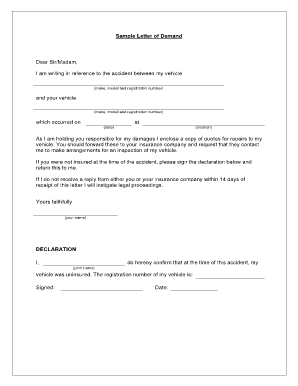
Dear sir madam letter sample
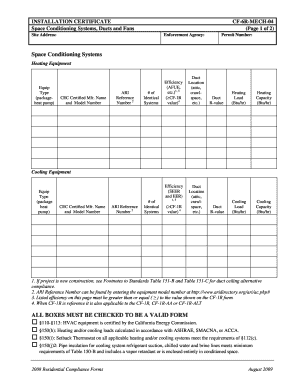
Installation certificate form
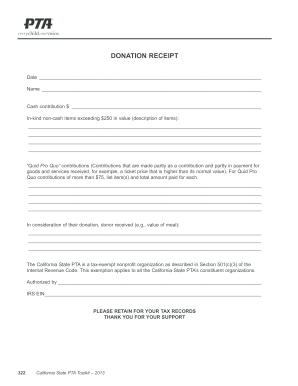
Ca pta donation
Financial projections
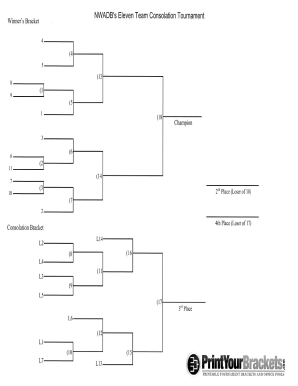
Nwadbs print brackets printable
The Vendor Manual - Arkansas Department of Finance and ... - dfa arkansas
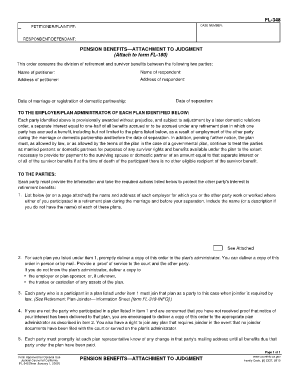
Fl 348
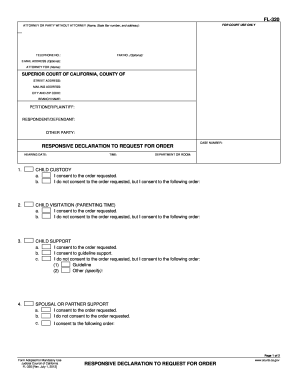
Fl 320
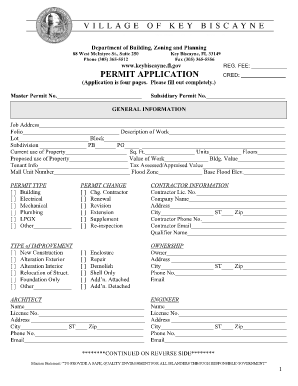
Village of key biscayne permit application

Nc post separation affidavit
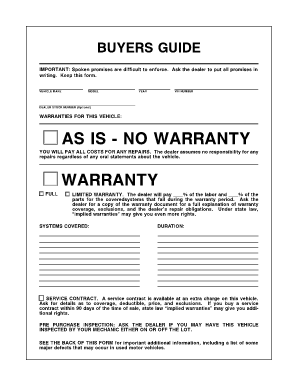
Trade commission form

Completing the square worksheet
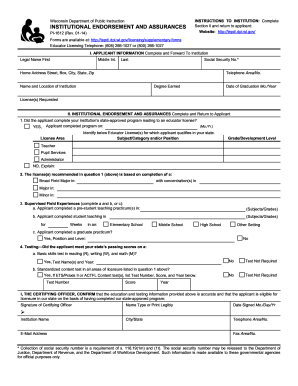
Pi 1612
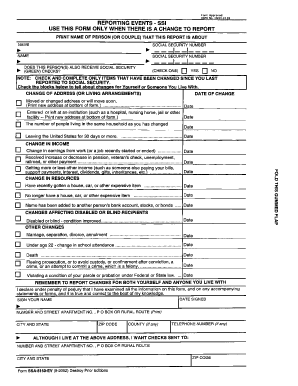
Ssa 8150 ev

14039
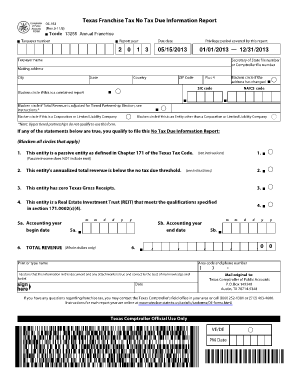
05-163 Texas Franchise Tax Annual No Tax Due Information Report - window state tx
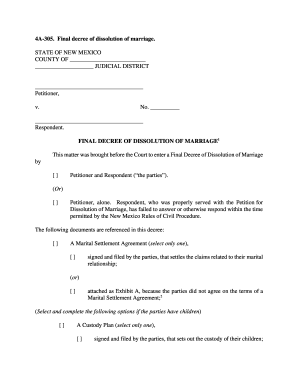
4a 305 form

W2 chicago form

AFFIDAVIT OF EXEMPTION - Silver Spring Township - silverspringtwp-pa
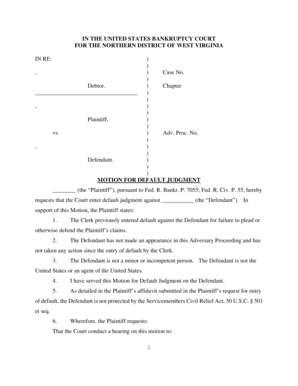
Motion for default judgment
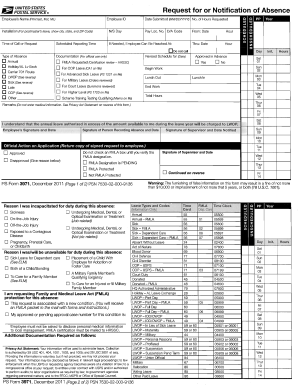
3971
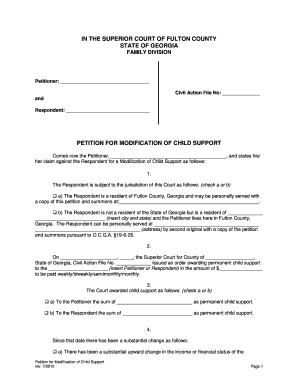
Fulton county ny modification of support printable form
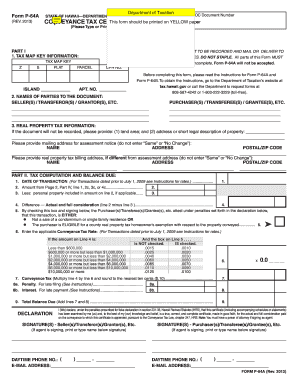
Form p 64a 2013
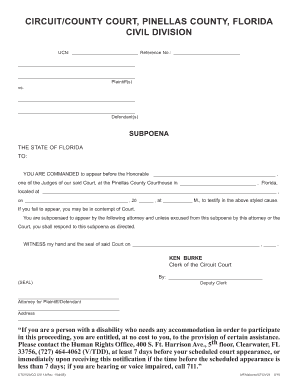
Subpoena pinellas county
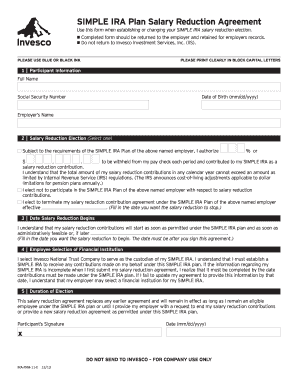
Wa usapl form
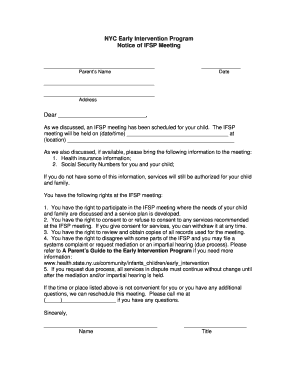
IFSP Packet for Printing - NYC.gov - nyc
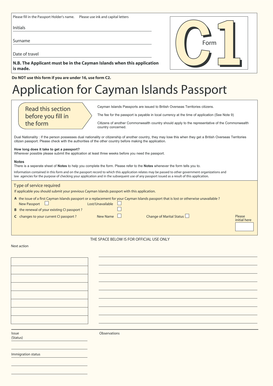
Cayman islands passport application form c1

11 team double elimination bracket

Volvo vehicle condition report
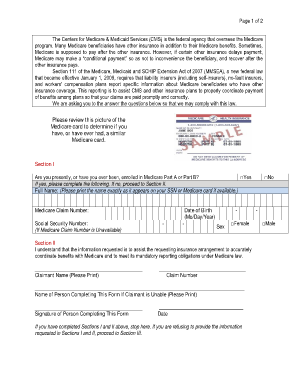
Please review this picture of the medicare card

American kennel club form claim

MOTION TO CONTINUE (RESCHEDULE) HEARING I am ... - Forms

The 7538
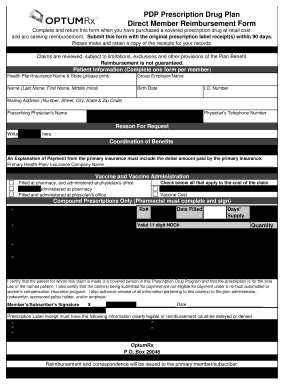
Direct member reimbursement form
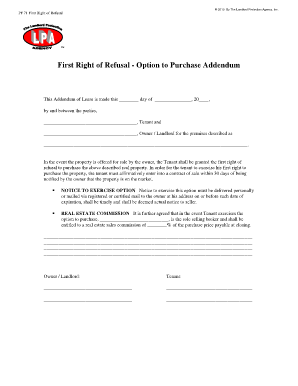
First right of refusal
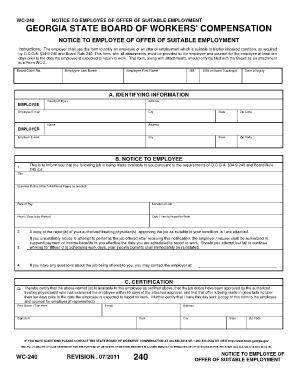
Wc 240a fillable form
Benefit from the DocHub online library of fillable PDF forms
Searching the PDF forms doesn't have to be a tedious and time-consuming process. With the DocHub online library, it has become easier to find the fillable PDF forms and modify them in your browser. The service allows you to adjust the document to your needs using powerful editing tools.
You can use online document editing features to modify almost any type of document with ease. You just need to find the template of your choice, open it in the editor, and use the toolbar to make the necessary corrections.
Follow this guide to get your document done with DocHub:
- Find the PDF template you need.
- Click the Get Form button to open the file in the editor.
- Use the toolbar to fill out and edit the document.
- Easily add and highlight text, insert images, checkmarks, and symbols.
- Drop new fillable fields, and rearrange or delete pages from your file.
- Save changes and download your record.
DocHub empowers everyone to streamline document editing, signing, and distribution, and form completion. Create an account and benefit from our well-organized PDF Forms library and comprehensive editor.