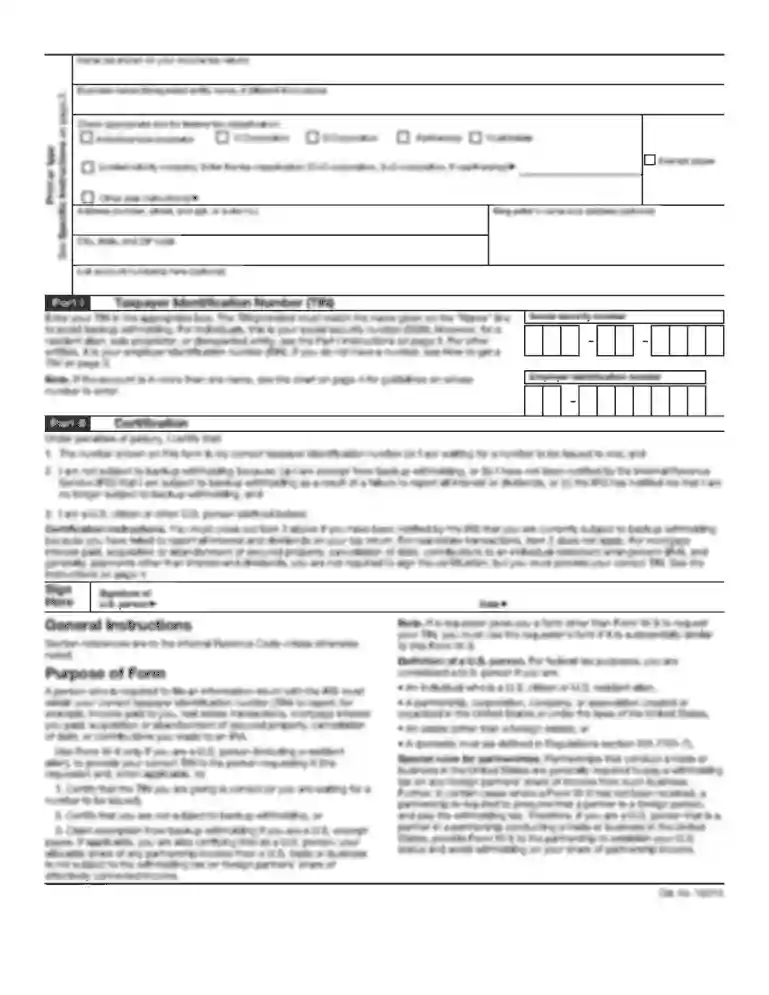
dla form 1822 Preview on Page 1

Dla form 1822 end use certificate-2026

Here's how it works

  • 01. Edit your dla form 1822 online

    Type text, add images, blackout confidential details, add comments, highlights and more.

  • 02. Sign it in a few clicks

    Draw your signature, type it, upload its image, or use your mobile device as a signature pad.

  • 03. Share your form with others

    Send dla cert via email, link, or fax. You can also download it, export it or print it out.

How to use or fill out DLA Form 1822 End Use Certificate with Our Platform

Form edit decoration
9.5
Ease of Setup
DocHub User Ratings on G2
9.0
Ease of Use
DocHub User Ratings on G2
  1. Click ‘Get Form’ to open the DLA Form 1822 in the editor.
  2. Begin by filling out the 'Primary Purchaser' and 'Sub-Purchaser' sections. Ensure you provide accurate names and details as this information is crucial for compliance.
  3. In Section I, General Information, specify your business type (Sole Proprietorship, Corporation, etc.) and provide your Firm's ID/Federal Tax Number. This section establishes your identity as a purchaser.
  4. Proceed to Section II, End Use/User Information. Clearly indicate the purpose of the property by checking the appropriate boxes. If reselling, ensure you mark items related to resale accurately.
  5. Complete Section III by acknowledging understanding of U.S. laws regarding export and disposition of property. This ensures you are aware of legal responsibilities.
  6. Finally, sign and date the certification statement in Section IV to validate your submission. Make sure all information is true and complete before submitting.

Start using our platform today for free to streamline your document editing and form completion!

See more dla form 1822 versions

We've got more versions of the dla form 1822 form. Select the right dla form 1822 version from the list and start editing it straight away!

VersionsForm popularityFillable & printable
20134.5 Satisfied (28 Votes)
20014.8 Satisfied (126 Votes)

be ready to get more

Complete this form in 5 minutes or less

Got questions?

We have answers to the most popular questions from our customers. If you can't find an answer to your question, please contact us.

You should use only reliable software solutions with strong security compliance to approve your paperwork electronically. DocHub is just the type of service you need! It stores data on Amazon Web Servers and complies with all necessary security requirements and eSignature regulations, so it’s a reliable way to eSign your dla form 1822 end use certificate or other documents with this tool.

You can find the latest and most relevant version of the dla form 1822 end use certificate in our DocHub forms library. Browse it by categories or utilize the search field to get the exact template that suits your situation. You can open this form for editing after you find it.

All individuals wanting to acquire Department of Defense surplus property, identified as USML or CCL items, are required to complete the End-Use Certificate (EUC), DLA Form 1822. It is your responsibility to fully and accurately complete this form.
In broader terms, an End-User Certificate (EUC) is a document used in the international purchase or transfer of prohibited products like explosives, firearms and ammunition. The EUC certifies that the buyer is the end-user of the products and does not intend to transfer the product to someone else.

Security and compliance

At DocHub, your data security is our priority. We follow HIPAA, SOC2, GDPR, and other standards, so you can work on your documents with confidence.

Related links

Curriculum Vitae: Raymond Y. Kwong

May 20, 2020 The results have implications to the growing use of this form or immunotherapy as cancer treatments. 126. Reynolds HR, Shaw LJ, Min JKRead more

Learn more
If you believe that this page should be taken down, please follow our DMCA take down process here