
Get any PDF form from the DocHub library of ready-made templates - Page 1587

130 u form
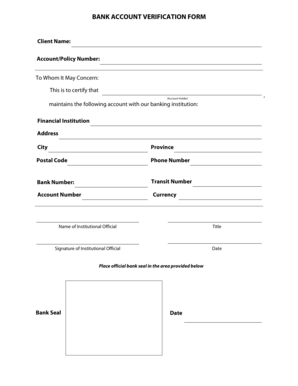
Bank verification form

Request for excused absence for educational reasons

Release form - NBCUniversal Careers

Form pa 1795
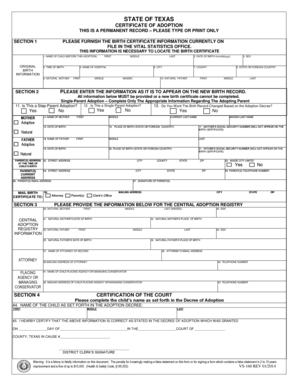
Certificate of Adoption - Texas Department of State Health Services - dshs state tx
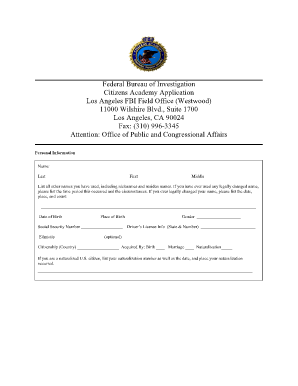
Federal Bureau of Investigation Citizens Academy Application ... - FBI - fbi

Claim for a Commonwealth Seniors Health Card - Department of ... - humanservices gov
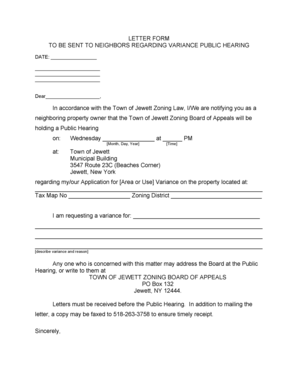
Sample variance letter to neighbors
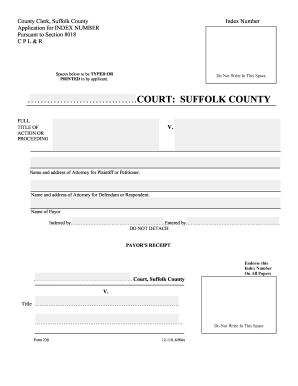
Suffolk county index number application
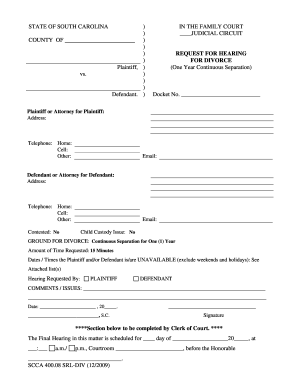
Acrobat - sccourts
Chemactivecom form
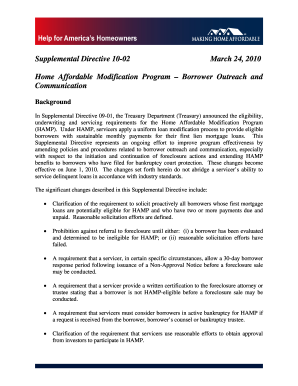
Supplemental directive 10 02
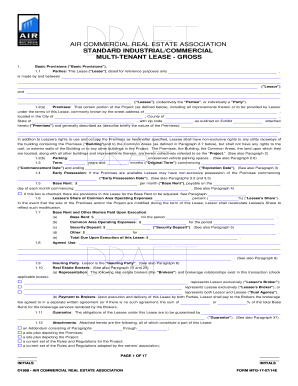
Sample Industrial Lease for Argus-1 - AIR COMMERCIAL REAL ...

Maine assumed name
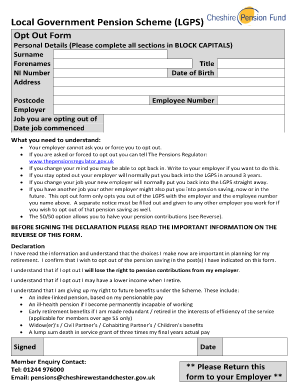
Pension opt out letter template
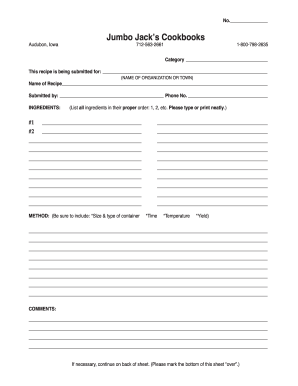
Recipe Form - Jumbo Jacks

Nurse manager inventory tool
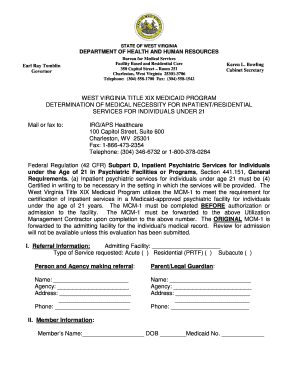
Mcm1 form
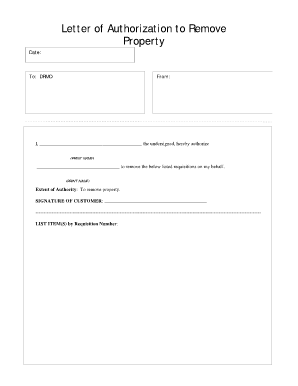
Letter of authorization form
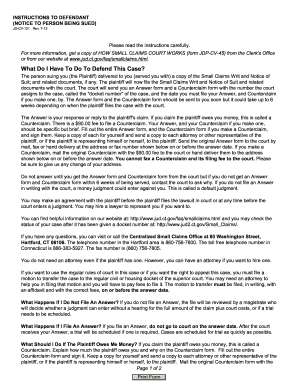
Jd cv 121

EX660 Court request for information to the Home Office - Family Law - familylaw co

Va 22 1995 2002 form

Fp 57
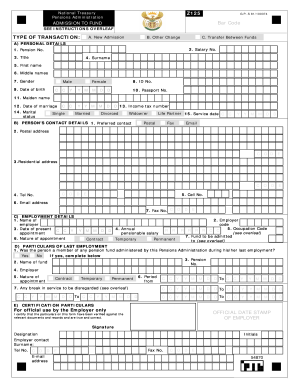
Z125 form

WOOD-DESTROYING INSECTS INSPECTION REPORT ADDENDUM
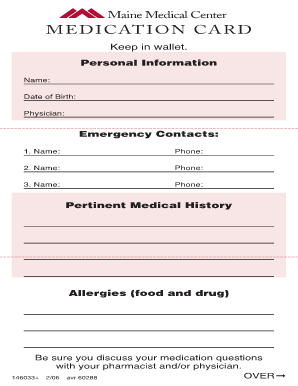
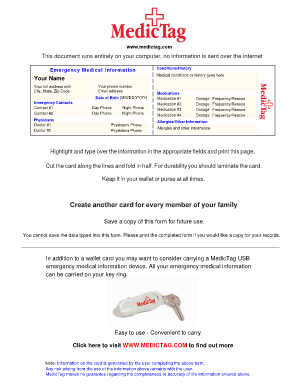
Emergency Medical Information Wallet Card - MaineHealth - mainehealth
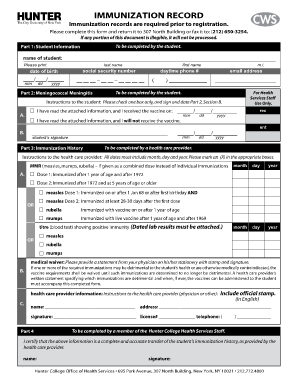
IMMUNIZATION RECORD - Hunter College - CUNY - hunter cuny
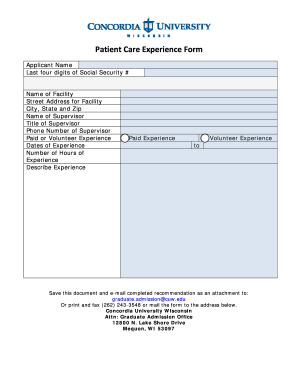
Patient experience document
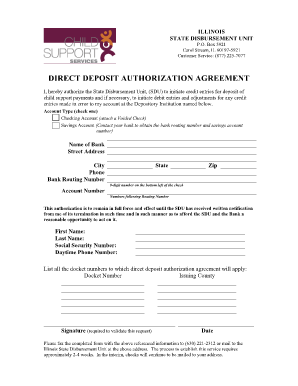
Illinois state disbursement unit
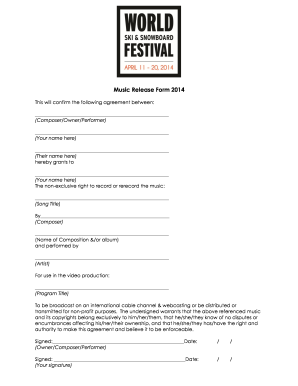
Music Release Form 2014
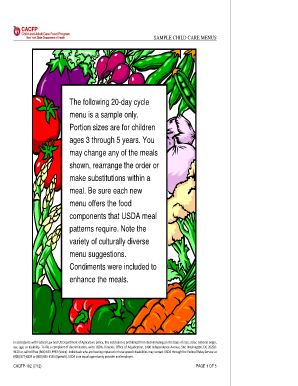
Cacfp 182
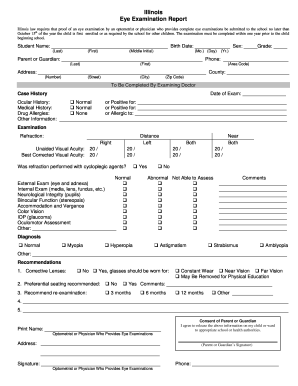
Eye exam form
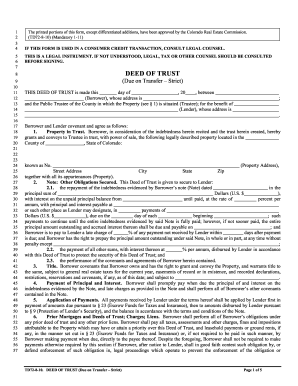
Td72
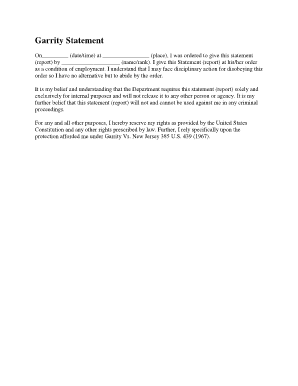
Garrity warning

Medicaid hysterectomy form
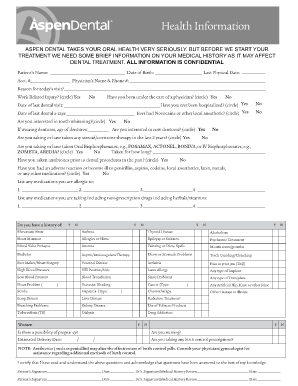
Health Information - Aspen Dental
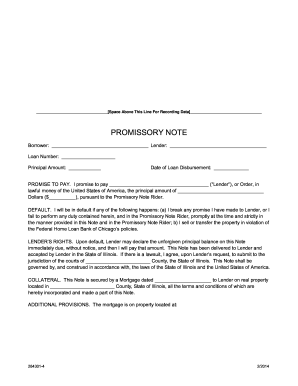
Master Promissory Note: Instructions to Complete Student Loan ...
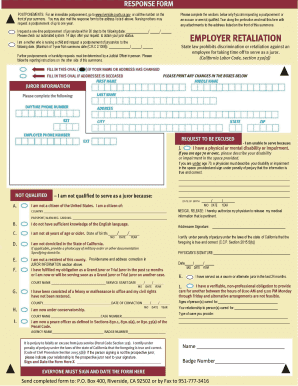
Jury duty form california
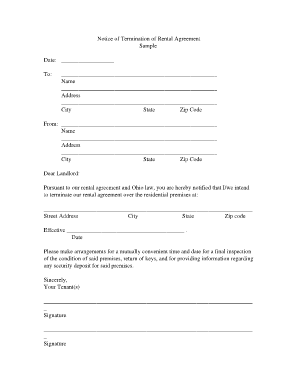
Notice of Termination of Rental Agreement - Medina County, Ohio - co medina oh

Twelve Month Profit and Loss Projection Template - e-Merge West ...

HEALTH CARE PROVIDER CERTIFICATION OF ELIGIBILITY PIP .doc
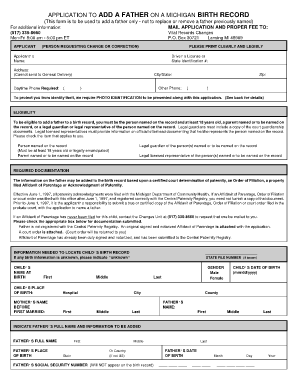
APPLICATION TO ADD A FATHER ON A ... - State of Michigan - michigan
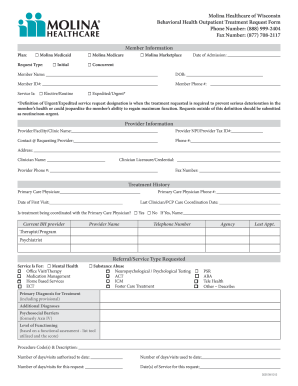
Wisconsin behavioral health form
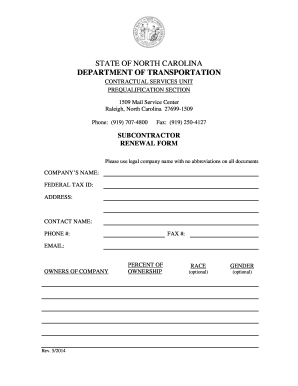
Nc renewal form transportation
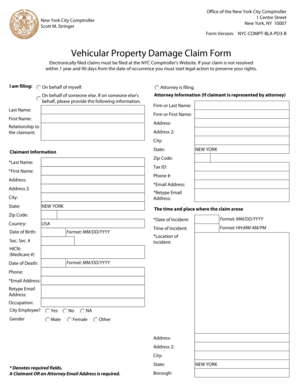
Vehicular property damage claim form
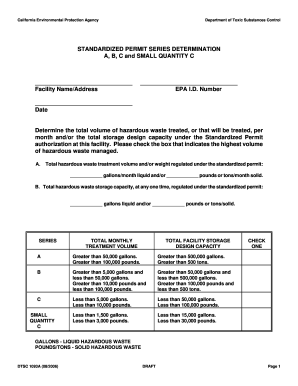
Series Determination A, B, C and Small Quantity C - Form 1093A - dtsc ca
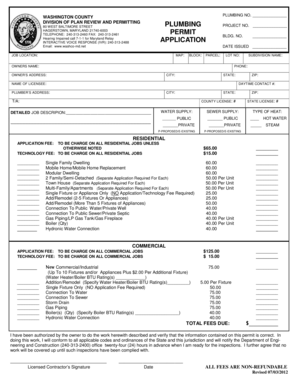
Plumbing Permit Application - Washington County, Maryland ... - washco-md

Credit Card Expense Report - Pomfret School

07-2005) Department of Revenue Motor Vehicle Division Homemade Trailer Affidavit Personally appeared before me, the undersigned, who being duly sworn, states that he and/or she is the legal and rightful owner(s) of the trailer described

Vaf4a appendix 4

Standard form 1436
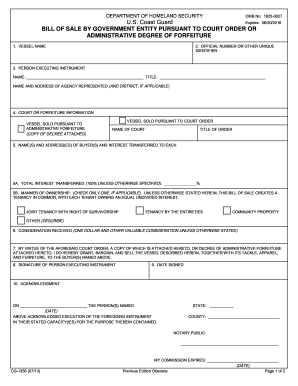
Uscg bill of sale form

Settlement agreement release california
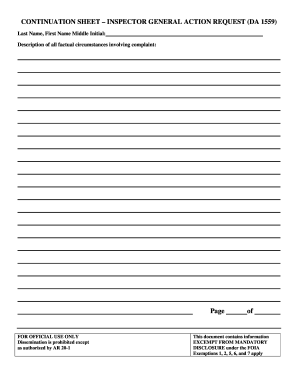
1559 continuation sheet form
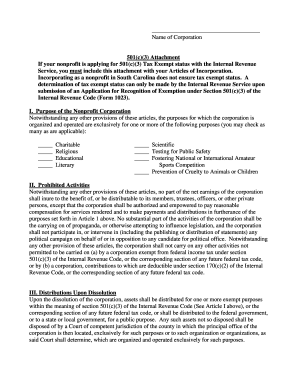
Sc 501c3
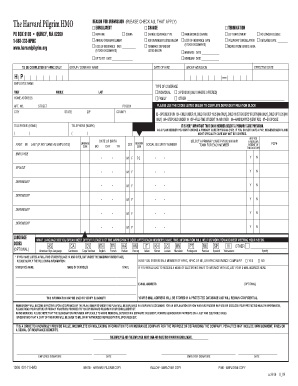
Hmo application form
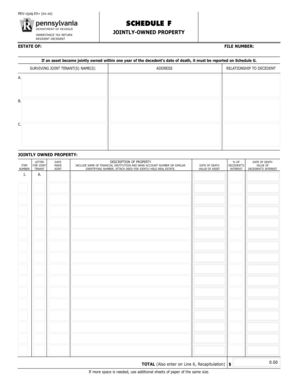
Pa rev 1509 schedule f

Dl 14a

Cs 42

Irc3111a 2013 form
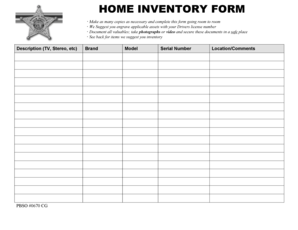
HOME INVENTORY FORM - pbso
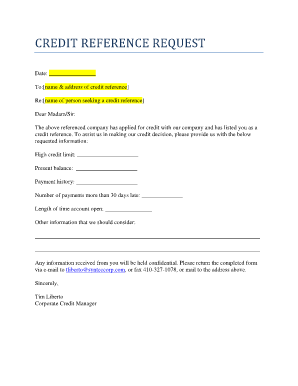
Credit references
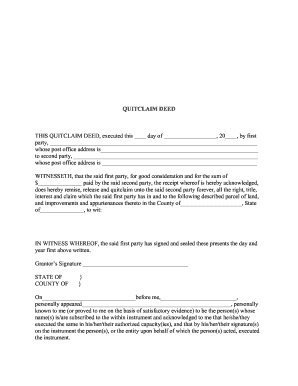
Deed - Quitclaim - Franklin County Law Library

PSYCHIATRIC REVIEW TECHNIQUE - ProjectEcho LA

Center grant proposal template
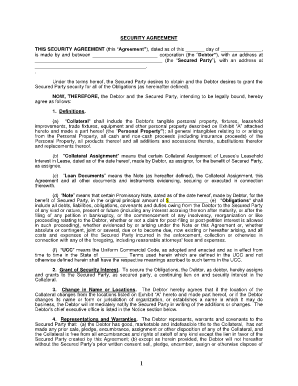
Security agreement

Dd form 2718

Mega cavern waiver
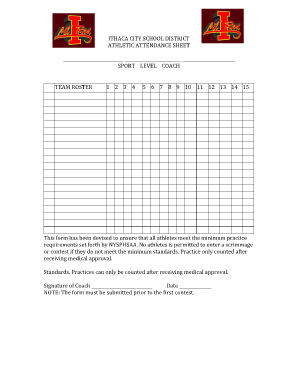
Sports attendance sheet
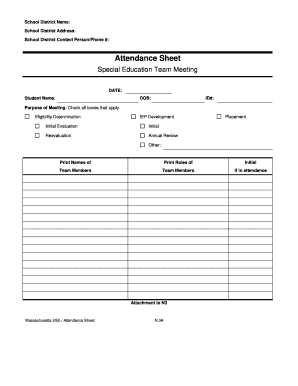
Ma sheet form
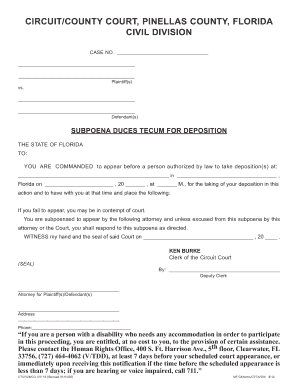
Fl duces tecum pinellas
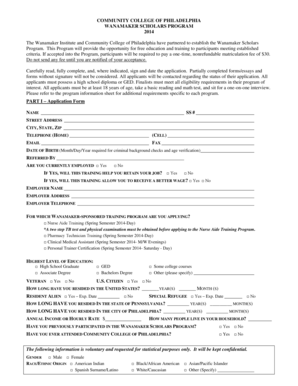
Wanamaker Scholars Program - Community College of Philadelphia - ccp
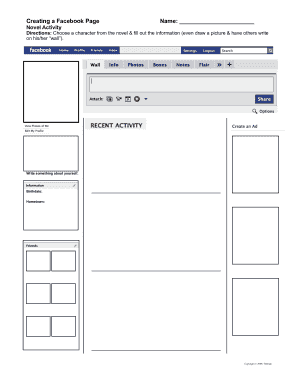
Creating a Facebook Page Name - slcschools

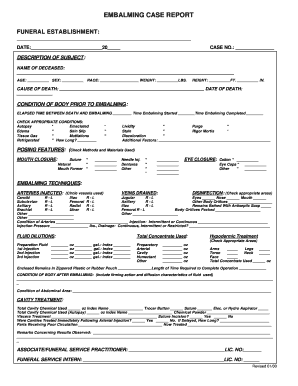
Embalming report template
62695510b5a1f70035fe4217

Where do i get application for passport
Medictag
241011

Ga ged transcript
Credit application insurance form
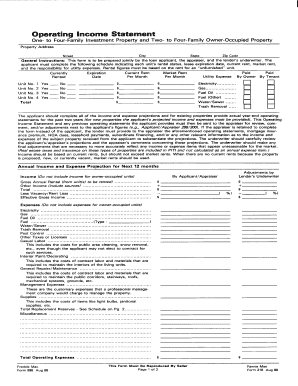
Form 998
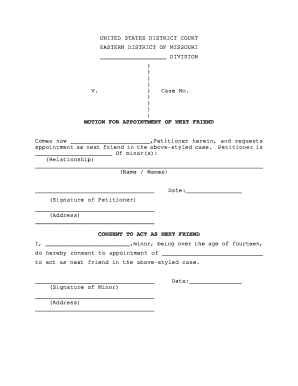
Next friend missouri
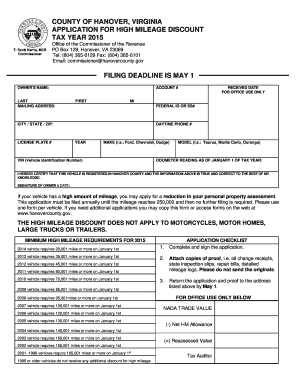
High Mileage Discount Application Form - Hanover County
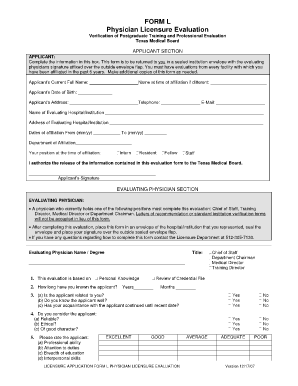
Tmb form l

First american sworn

2014 wellcare form
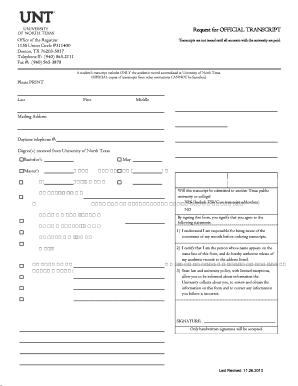
Unt email

VISA DEBIT CARD DISPUTE FORM - JSC Federal Credit Union - langleyfcu
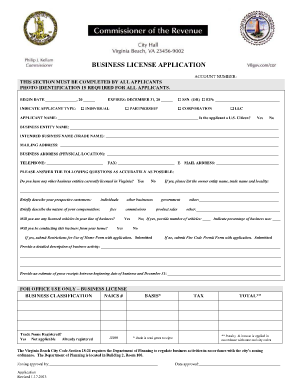
Va business license application
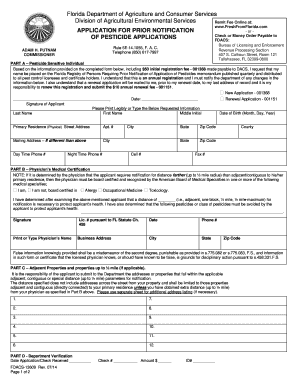
13609 form
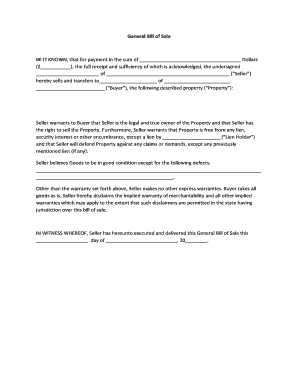
General Bill of Sale BE IT KNOWN, that for payment in ... - FormsTool

Sheet musva bme create
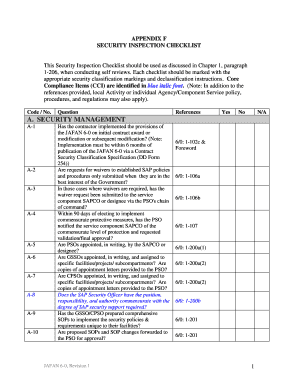
Door security audit form sample
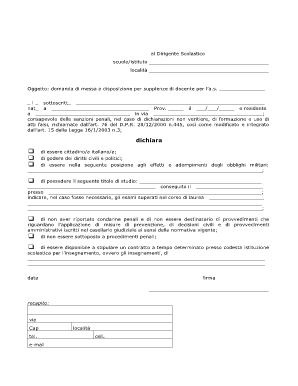
Domanda messa a disposizione no No Download Needed needed

Oregon business change in status form
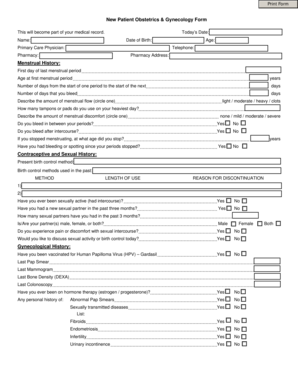
Triage printable forms ob gyn
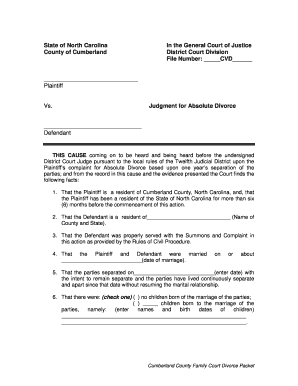
Divorce in nc

High school very fication

Donkin donut resume
Benefit from the DocHub online library of fillable PDF forms
Searching the PDF forms doesn't have to be a tedious and time-consuming process. With the DocHub online library, it has become easier to find the fillable PDF forms and modify them in your browser. The service allows you to adjust the document to your needs using powerful editing tools.
You can use online document editing features to modify almost any type of document with ease. You just need to find the template of your choice, open it in the editor, and use the toolbar to make the necessary corrections.
Follow this guide to get your document done with DocHub:
- Find the PDF template you need.
- Click the Get Form button to open the file in the editor.
- Use the toolbar to fill out and edit the document.
- Easily add and highlight text, insert images, checkmarks, and symbols.
- Drop new fillable fields, and rearrange or delete pages from your file.
- Save changes and download your record.
DocHub empowers everyone to streamline document editing, signing, and distribution, and form completion. Create an account and benefit from our well-organized PDF Forms library and comprehensive editor.