
Get any PDF form from the DocHub library of ready-made templates - Page 1590
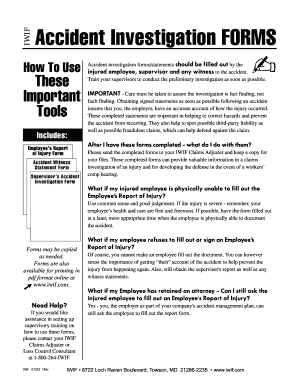
Investigation forms
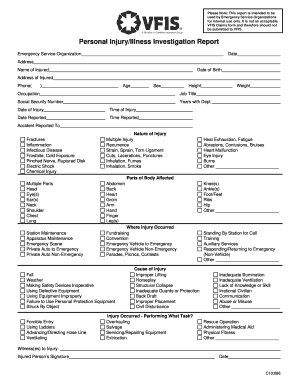
Injury illness investigation report
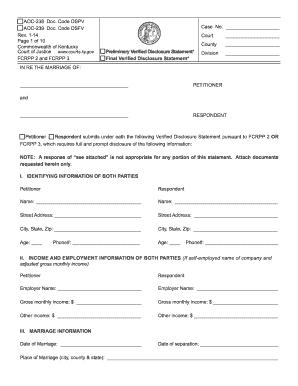
Aoc 238
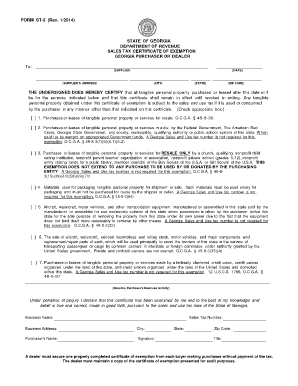
FORM ST-5 (Rev. 1/2014) - Georgia Department of Revenue - etax dor ga
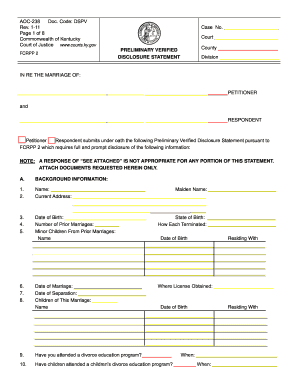
2018 background disclosure form seattle washington
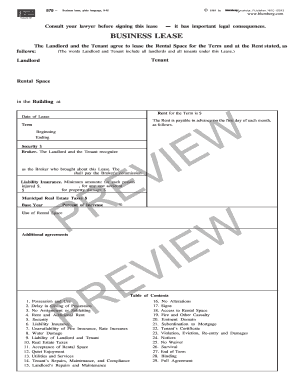
BUSINESS LEASE - Blumberg Legal Forms Online
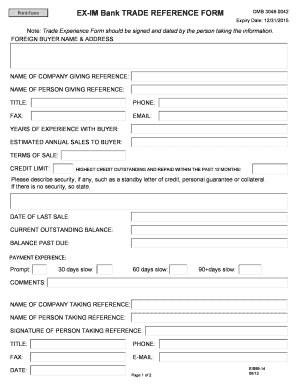
Trade reference form
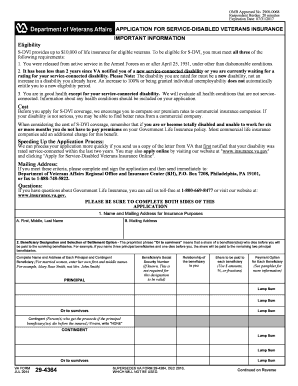
29 4364

Hughesnet change of ownership form
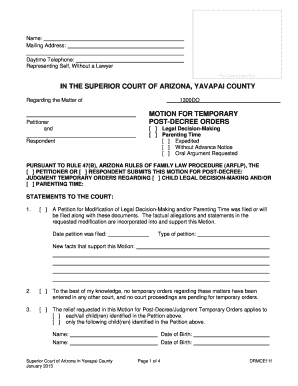
Motion arizona county form
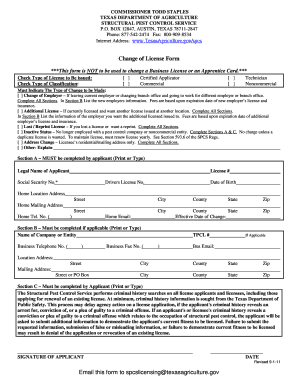
Texas change license structural get
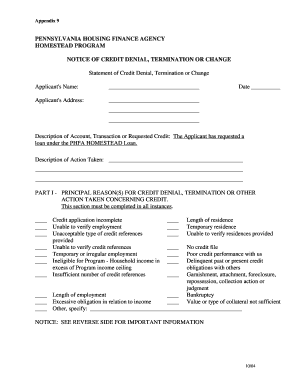
Phfa statement denial termination
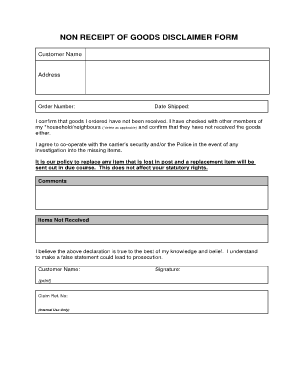
Receipt of goods
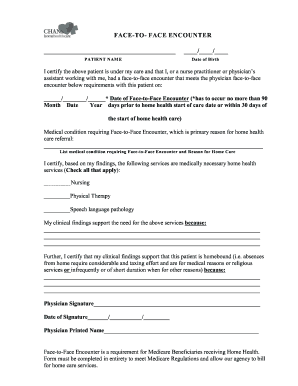
Face to face page for home heath care
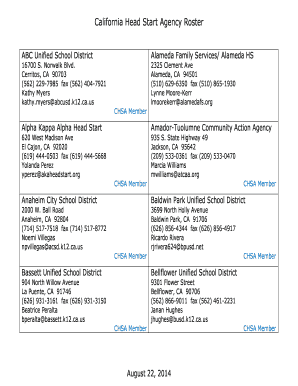
Head Start Agency List - California Head Start Association
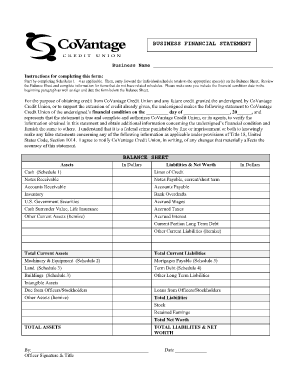
Business financial statement - CoVantage Credit Union - covantagecu

Ma affidavit surviving spouse

Connecticut notification bidders

Resolution statement maricopa county

Blumberg b69
Prink hcopa photo com form
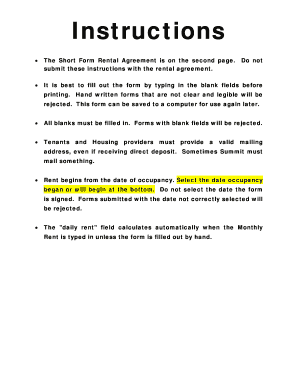
Sps summit payee service

Prescribing Physician's
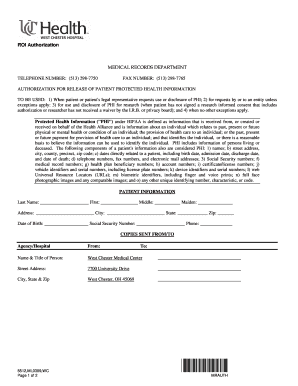
Authorization for Release of Health Information form - UC Health
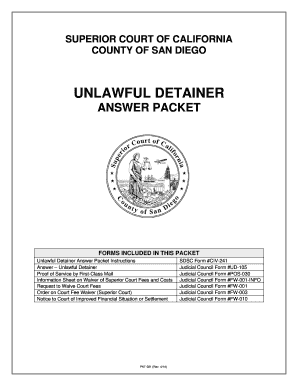
Answer packet 2013 form
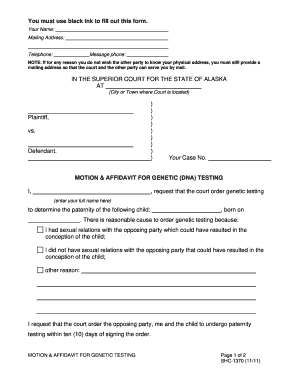
Alaska pfd 2022
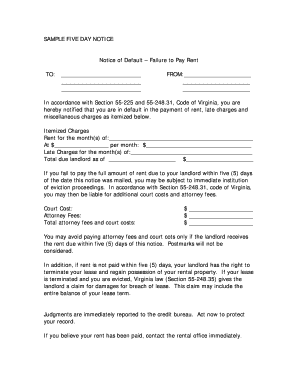
Notice failure pay

Offering prophylaxis
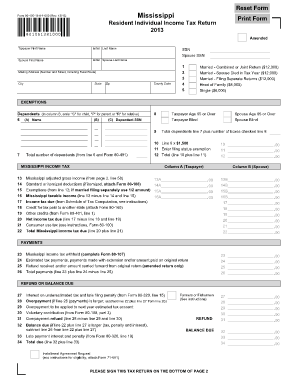
Form 80 105
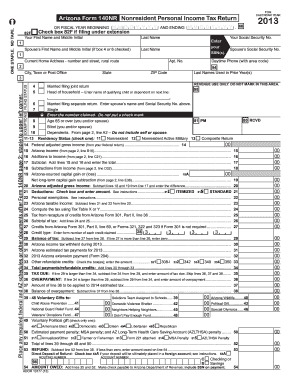
2013 arizona 140nr form
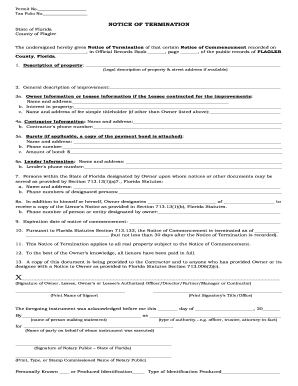
Notice of Termination of Notice of Commencement Form
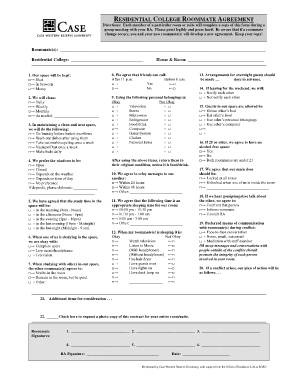
Residential college roommate agreement - Case Western Reserve ... - case
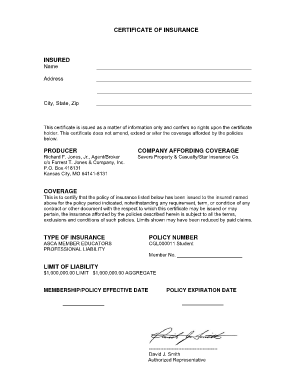
CERTIFICATE OF INSURANCE INSURED Name Address City, State, Zip This certificate is issued as a matter of information only and confers no rights upon the certificate holder - schoolcounselor
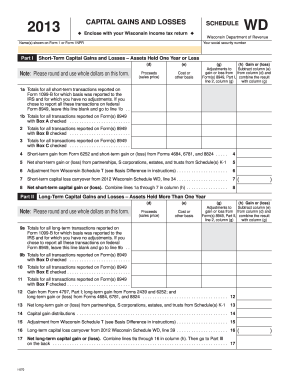
2013 wd form

Pa schedule sp 2021

Fl ers 4cp listing property
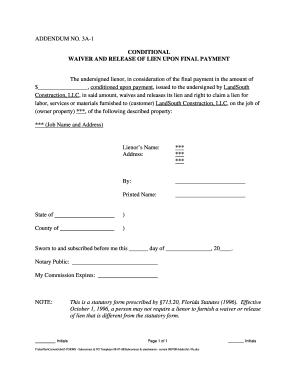
Labor release form
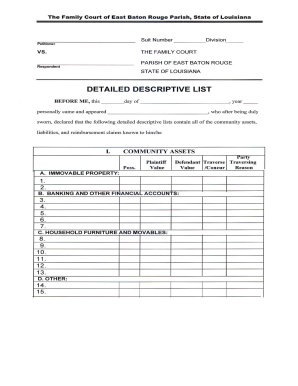
Parish descriptive list
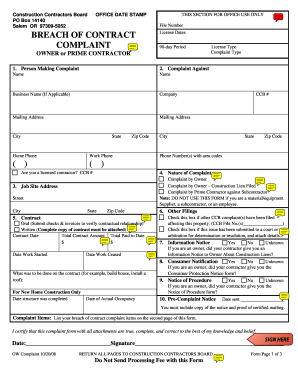
Claim Form Instructions. FS 24.1p65 - ccbed ccb state or
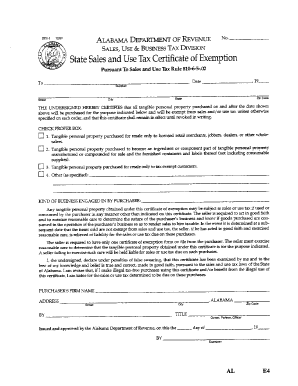
Sales tax permit oklahoma
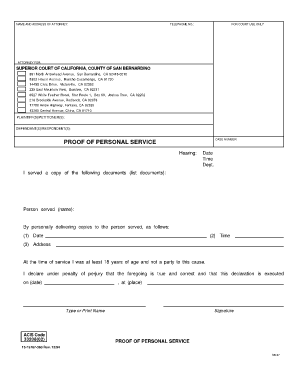
Fillable 37a
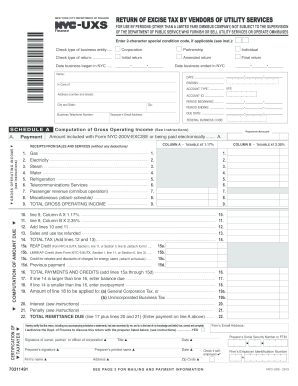
NYC-UXS - NYC.gov - nyc
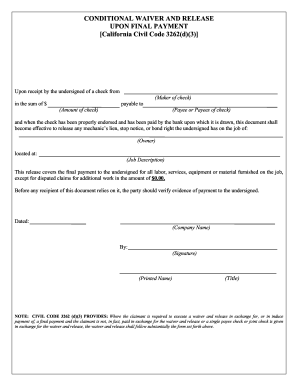
California inheritance tax waiver form
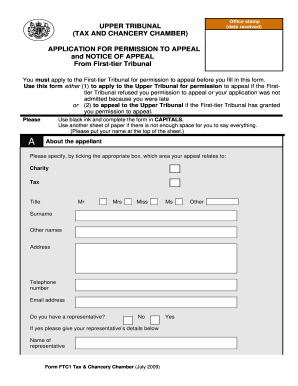
Download form UT1-FTC from the Tribunals ... - tribunals.gov.uk
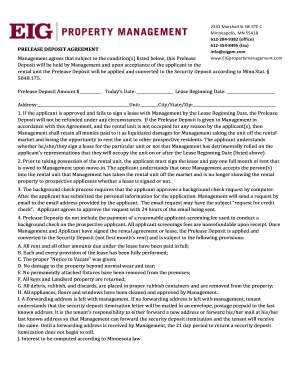
Eig property management agreement
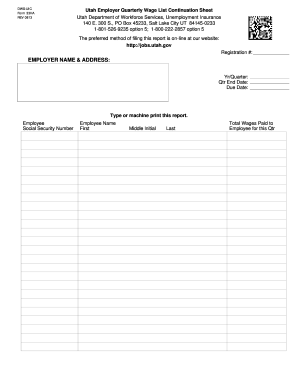
Utah wage sheet

Da 3294
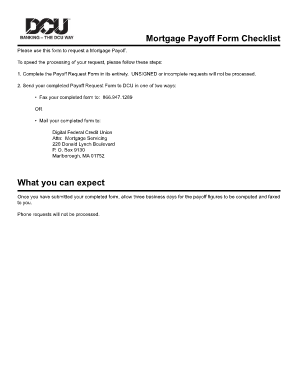
Dcu payoff request
Enf 6
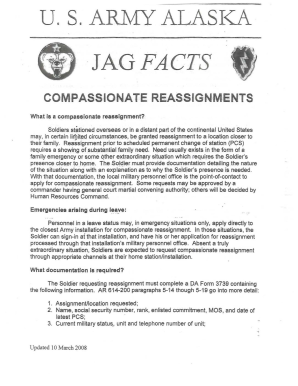
Alaska facts compassionate
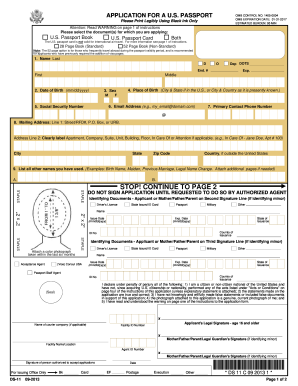
Ds 82 form printable 2020 pdf
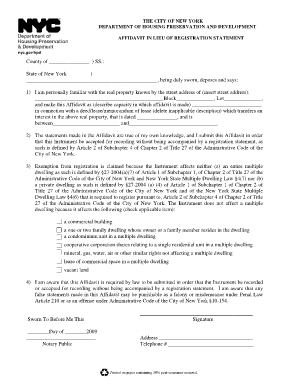
Nyc dept of housing preservation and development affidavit
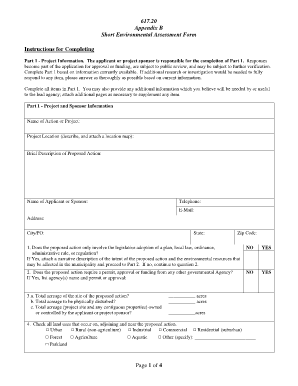
Short environmental assessment form
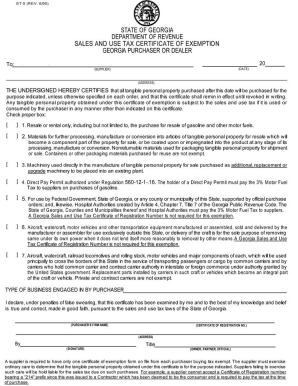
Resellers certificate georgia
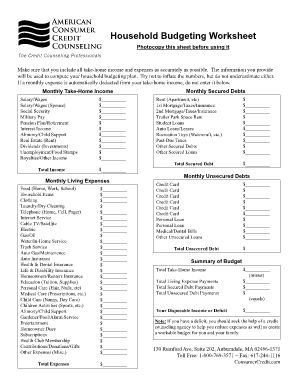
Household budgeting worksheet

Job fair sign in sheet
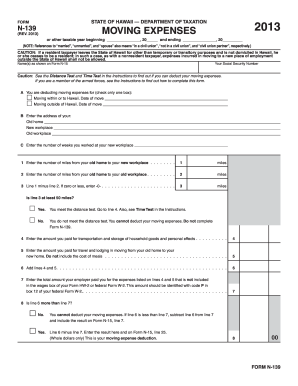
Form N-139, Rev 2013, Moving Expenses - Hawaii.gov
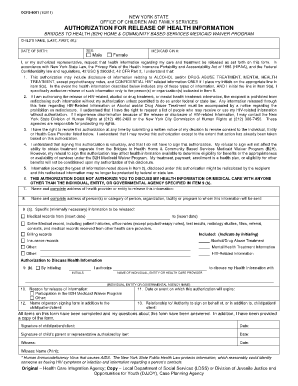
OCFS-8001: Authorization for Release of Health Information - ocfs ny
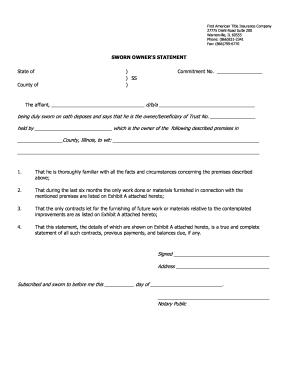
Kaufvertrag vorlage
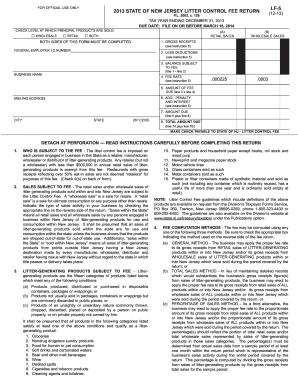
LF-5 -State of New Jersey Litter Control Fee Return - state nj

Mvd 10124 rev 0613 2013 form
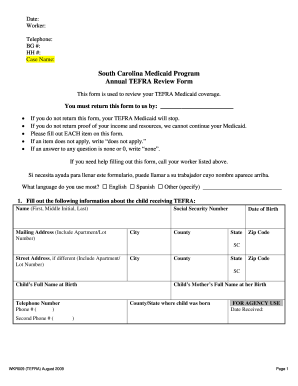
Sc billing tefra medicaid
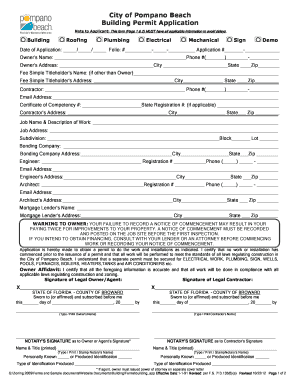
Pompano beach permits

It 213 instructions 2014 form

Doh 2557
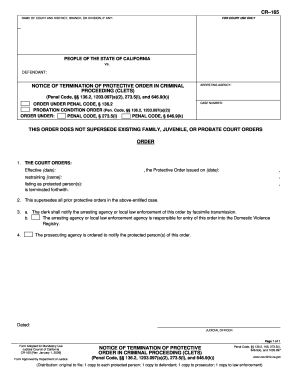
Cr 165 2009 form
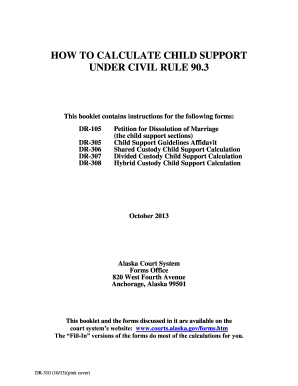
DR-310 How to Calculate Child Support Civil Rule 90.3 (10/13). Domestic Relations Forms - courts alaska
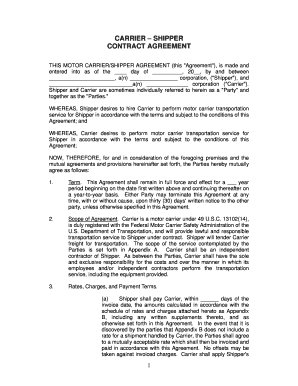
CARRIER SHIPPER - Sunco

Gms1 form example
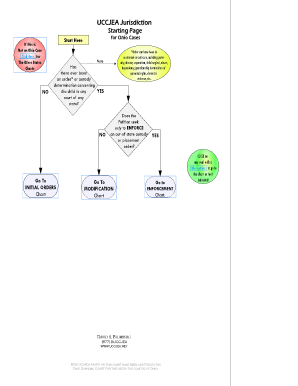
Uccjea flowchart
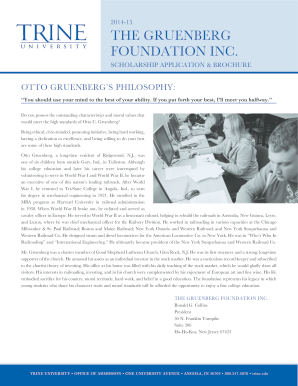
Trine gruenberg scholarship form

Pico worksheet and search strategy
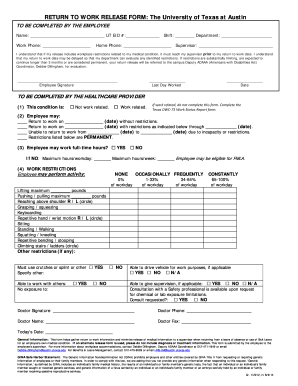
Work release form
Personal firearms record
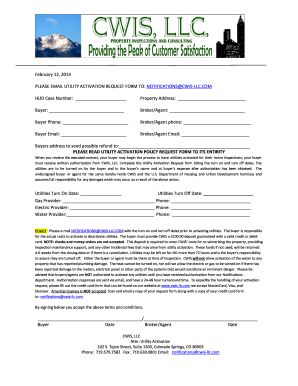
Cwis llc request
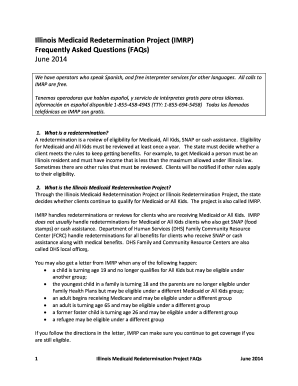
Medicaid redetermination 2014 form

Fasfa form
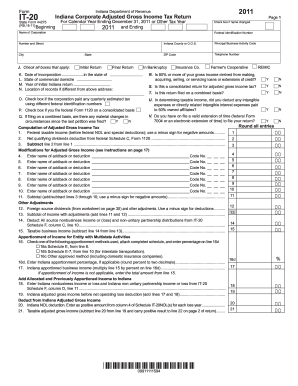
Indiana tax forms it 20 2014

Sc dss form 3800 2012

NR LTG-2-A Part 1 of 2 - energy ca
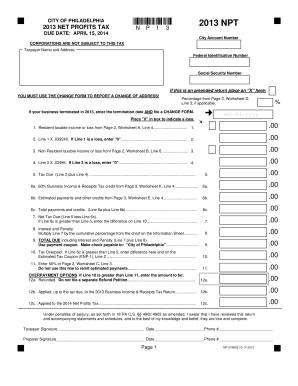
2013 npt form

Mit financial aid
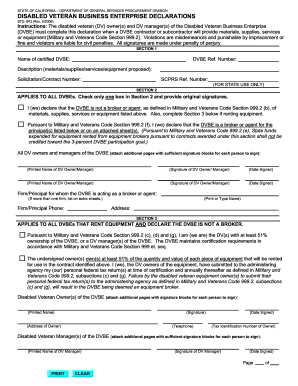
Std 843
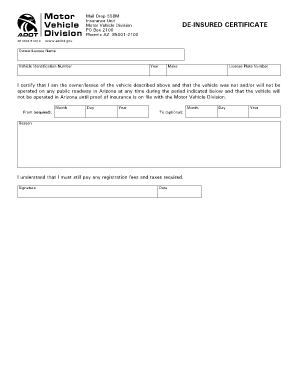
De-Insured Certificate - azdot
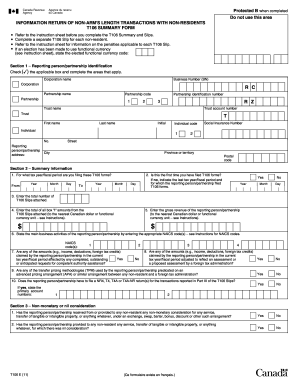
INFORMATION RETURN OF NON-ARM'S LENGTH TRANSACTIONS WITH NON-RESIDENTS T106 SUMMARY FORM. Download a free printable March 2014 calendar. Find more free calendars, planners, and templates on Vertex42.com - cra-arc gc
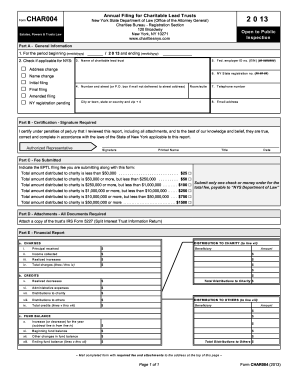
Char004
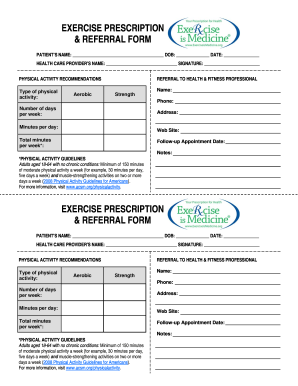
Exercise prescription template

06/04/2013 Prior Authorization AETNA BETTER HEALTH OF PENNSYLVANIA Non -Formulary Medications (PA88) This fax machine is located in a secure location as required by HIPAA regulations
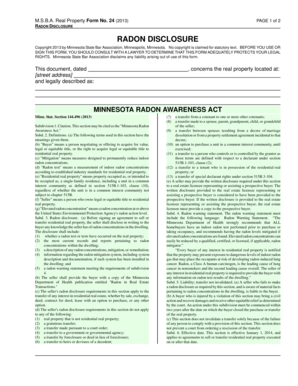
Msba real property forms

Third party credit authorization
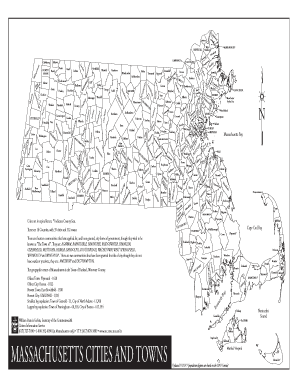
Editable map of massachusetts towns
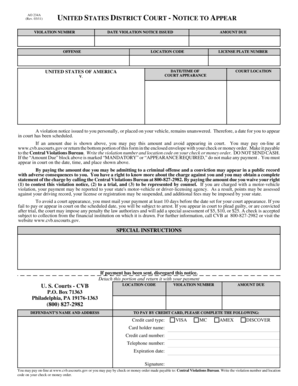
Gamd uscourts
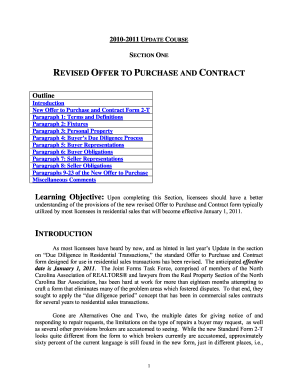
Revised offer purchase
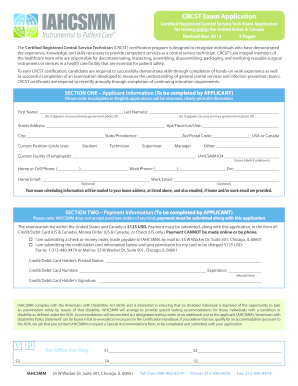
Crcst mobile application 2013 form

Dhcs 5050 2013 form

83 a272a 2013 form

Az form
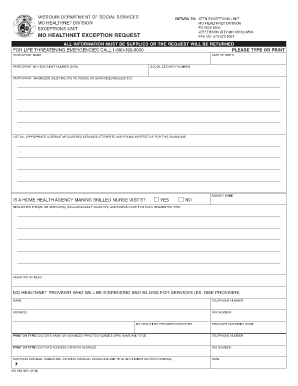
Mo healthnet exception request form

Tax commission expense 2015 form
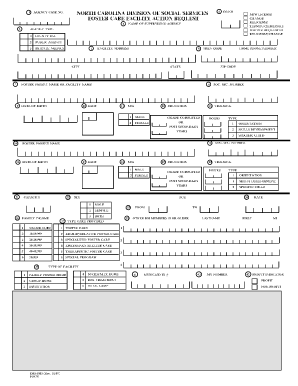
Dss 5015
Benefit from the DocHub online library of fillable PDF forms
Searching the PDF forms doesn't have to be a tedious and time-consuming process. With the DocHub online library, it has become easier to find the fillable PDF forms and modify them in your browser. The service allows you to adjust the document to your needs using powerful editing tools.
You can use online document editing features to modify almost any type of document with ease. You just need to find the template of your choice, open it in the editor, and use the toolbar to make the necessary corrections.
Follow this guide to get your document done with DocHub:
- Find the PDF template you need.
- Click the Get Form button to open the file in the editor.
- Use the toolbar to fill out and edit the document.
- Easily add and highlight text, insert images, checkmarks, and symbols.
- Drop new fillable fields, and rearrange or delete pages from your file.
- Save changes and download your record.
DocHub empowers everyone to streamline document editing, signing, and distribution, and form completion. Create an account and benefit from our well-organized PDF Forms library and comprehensive editor.