
Get any PDF form from the DocHub library of ready-made templates - Page 1564

Prerequisite Clearance Form - Sierra College - sierracollege

Verification of benefits dpss
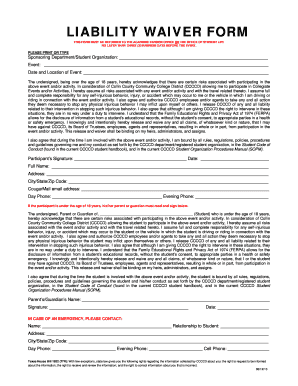
LIABILITY WAIVER FORM - Collin College - collin

Forest park community college transcript request
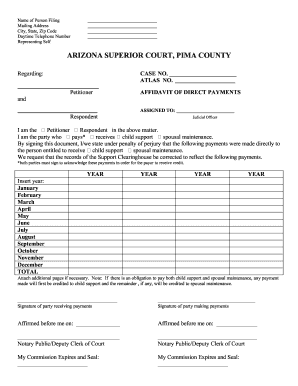
Arizona affidavit direct

DIVORCE WITHOUT CHILDREN PETITION Packet #5 - sc pima

Ucla financial aid office

Certificate use miami dade

500 broad street section 8
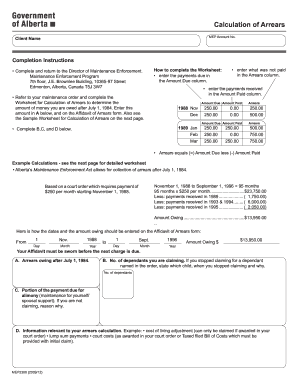
Mep2388 download
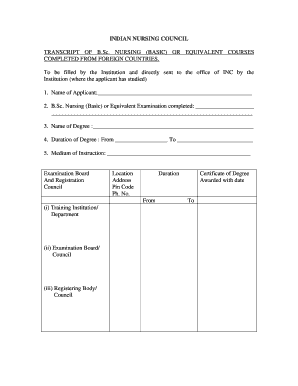
Transcript certificate for nursing gnm
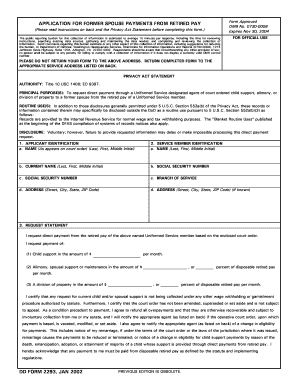
D D Form 22 93, Application for Former Spouse Payments from ...
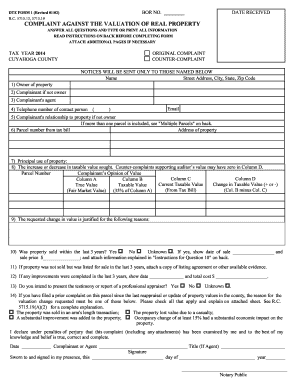
DTE FORM 1 (Revised 4/96) BOR NO - Cuyahoga County Board of ... - bor cuyahogacounty
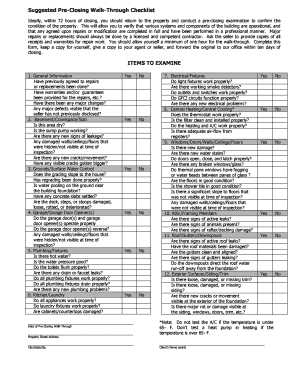
Walk through checklist pdf

Arapahoe county concealed carry permit
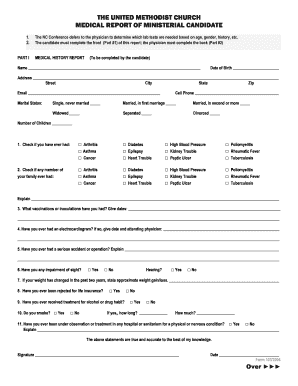
Medical Report - NCCUMC - nccumc
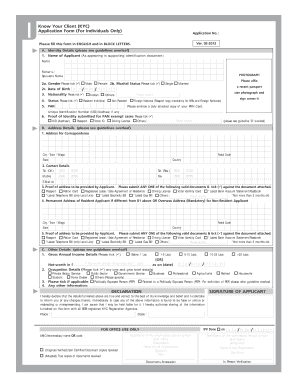
How to do kyc in zerodha
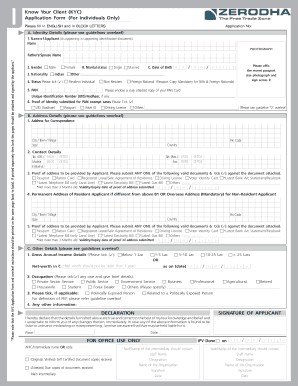
Zerodha form
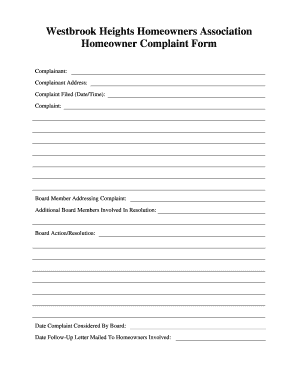
Hoa complaint form

Lp157
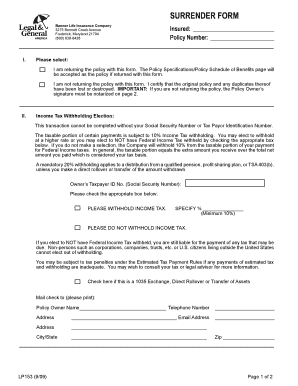
Banner life insurance forms

Affidavit of Guardianship - Penn Manor School District
Contractor Responsibility Program Package - Los Angeles World ... - lawa
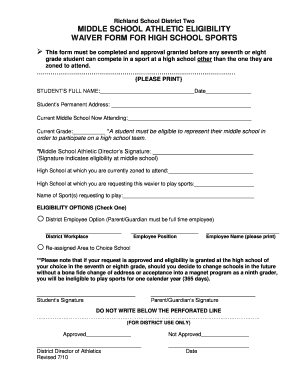
Eligibility form for sports
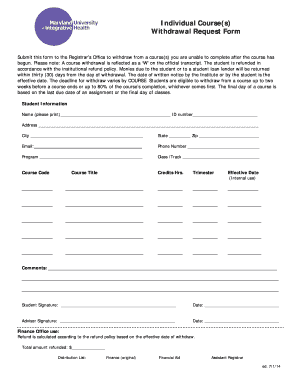
Individual withdrawal form

Consent forms back check

Florida eeo aa

Registration form for kid's sake seminar - Galveston County

Oregon permit application clackamas county

14-317 Affidavit of Motor Vehicle Gift Transfer - Galveston County

Illuminati join application form
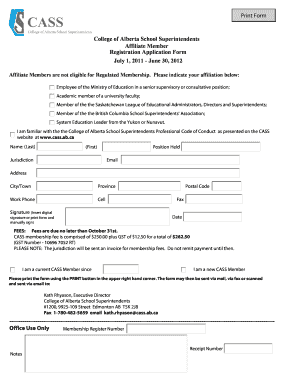
School affiliate form
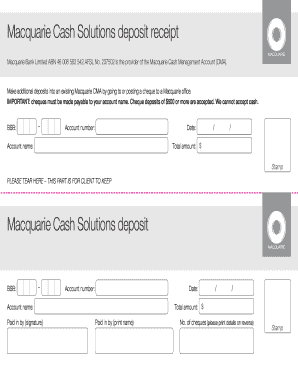
Macquarie deposit slip
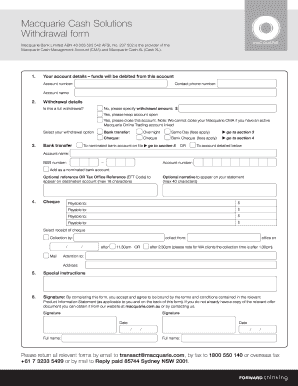
Macquarie form
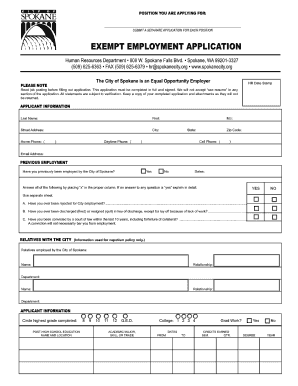
Exempt Employment Application - City of Spokane

Maternity Care Management Notification Form - Providers ...
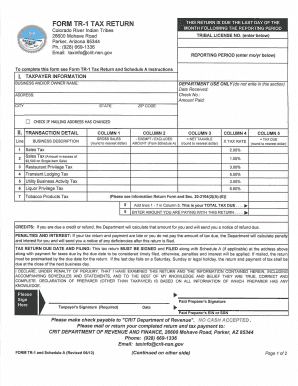
Colorado river indian tribes 2012 form
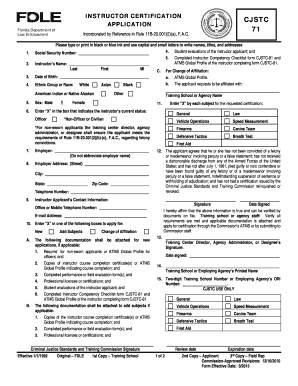
Cjstc 71
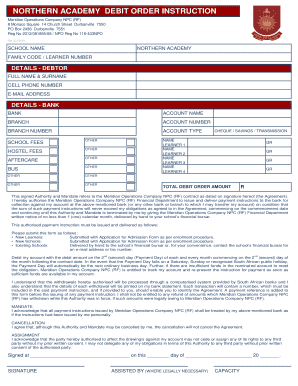
Northern academy application forms for 2018
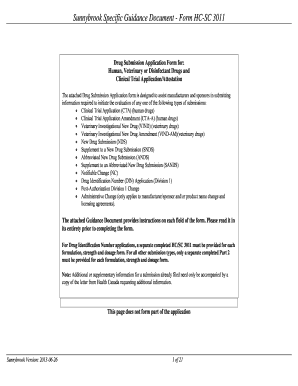
Hc 3011 form
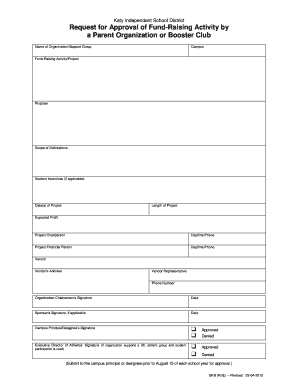
Fundraising Form Booster Club - Katy ISD - katyisd
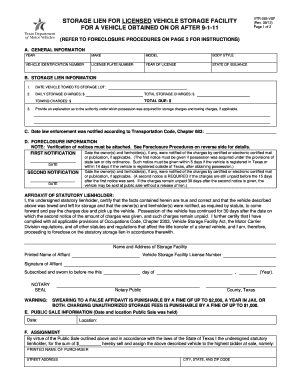
Vtr265vsf 2012 form
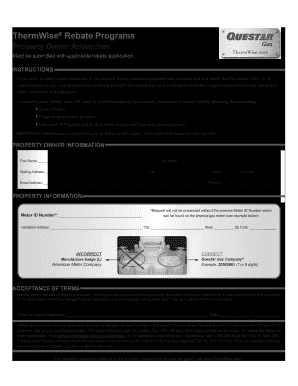
Questar thermwise form

Questar information program search
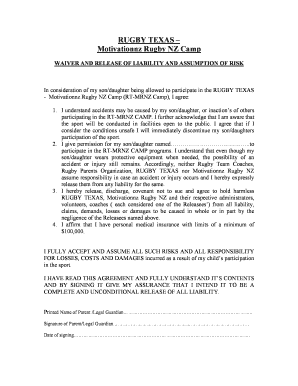
Waiver of liability form texas
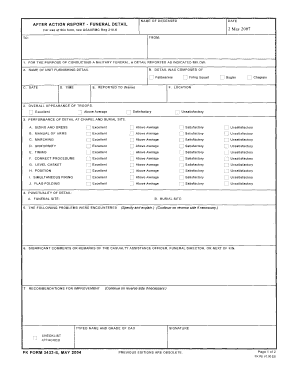
Army aar template pdf
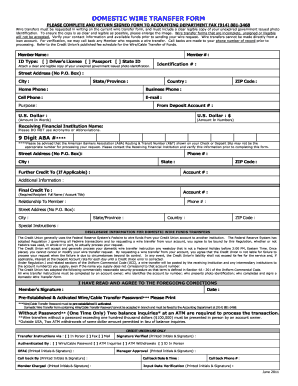
Domestic wire transfer form - USAlliance Federal Credit Union - usalliance

Saskatchewan Health Services Card Application - eHealth ...
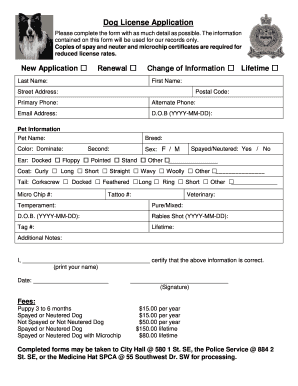
Medicine hat dog license
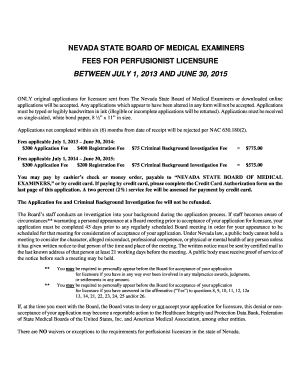
Perfusionist Application for Licensure - Nevada Board of Medical ... - medboard nv
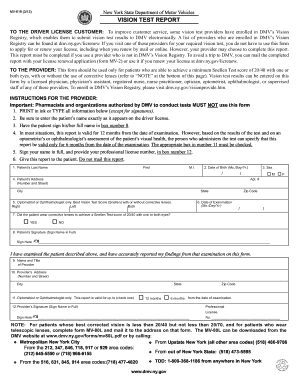
Dmv eye test form

(PWD 388) This form is used to request the Texas Parks and Wildlife ...

Mv 82
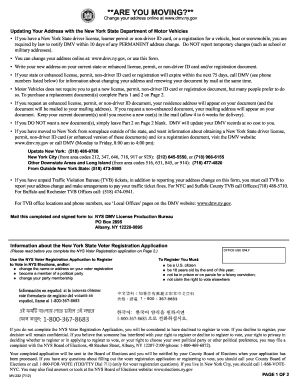
Dmv ny address 2012 form

Form mv82 intransit permit
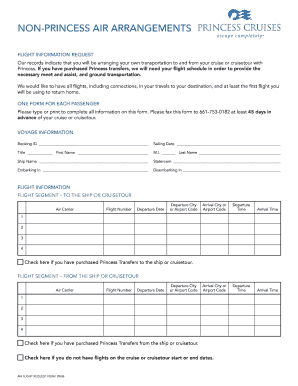
Air request non princess
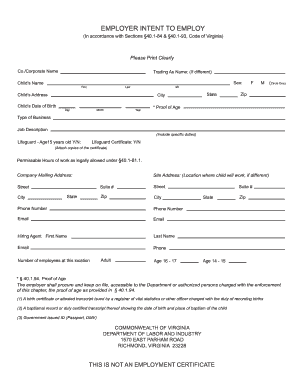
Employer intent employ
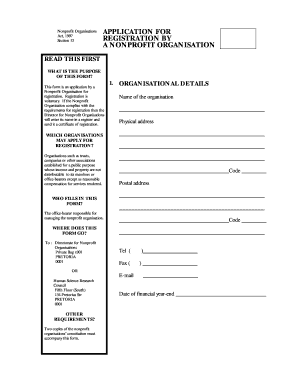
Npo registration form 2021 pdf
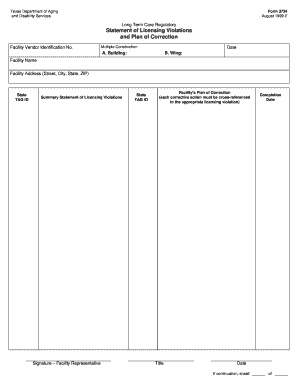
Statement of Licensing Violations and Plan of Correction. Form 3724 - dads state tx

Ft 946 1046

Tasc attachment a 2014 form

Statement of facts form
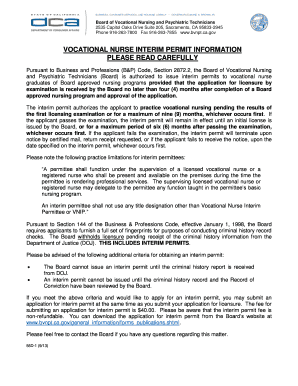
What is interim permit
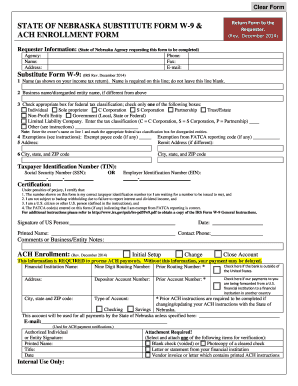
State of nebraska substitute form w-9 & ach enrollment form
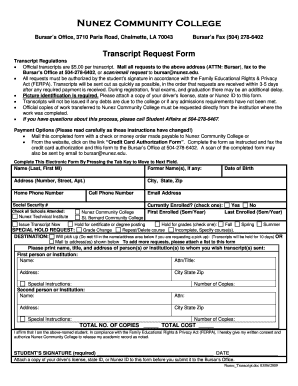
Nunez community college transcript request

Form 14 general request
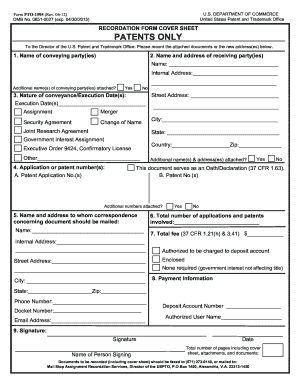
Cover patents 2012-2019 form
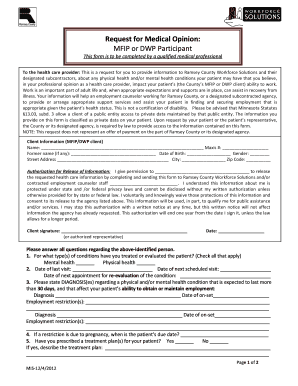
Medical opinion form

Philip morris coupon redemption form
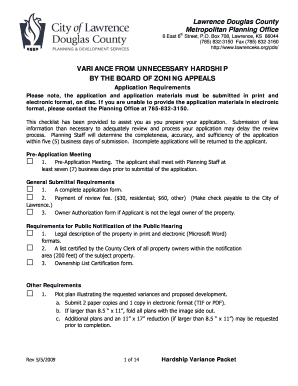
Variance from Unnecessary Hardship - City of Lawrence - lawrenceks
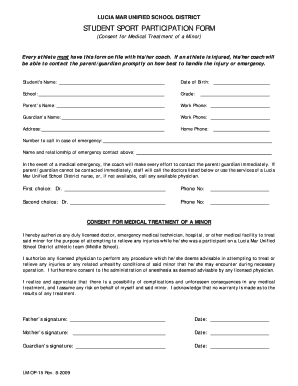
Lucia mar unified school district
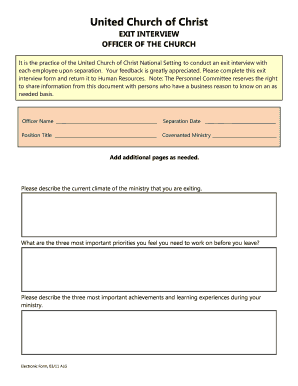
Exit Interview Form - United Church of Christ - ucc
Pre retirement counseling 2012 form
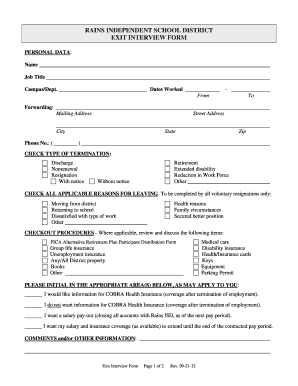
Exit interviews independent school form
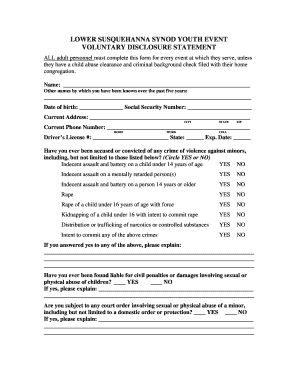
Child Abuse Disclosure Statement - Lower Susquehanna Synod - lss-elca

C2 form
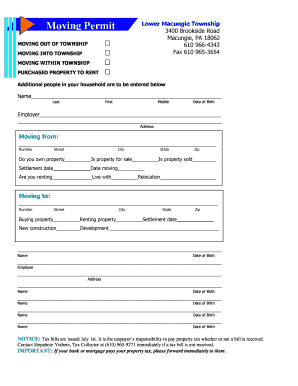
Moving Permit.pdf - Lower Macungie Township
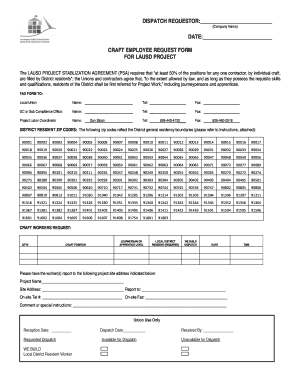
Lausd craft online
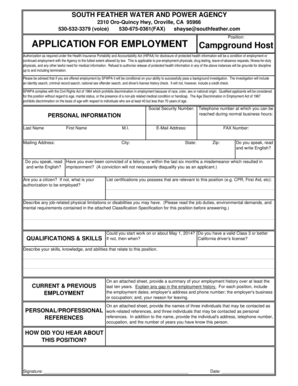
South feather water power
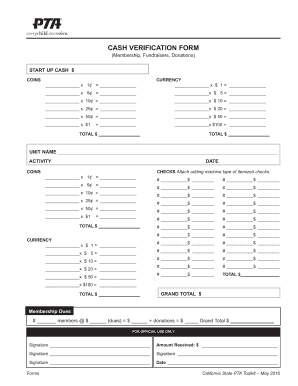
Pta cash verification form

Gro 185 form

FORM LA1 Your Queries Answered Who should ask for the re-registration - bathnes gov
Medical Waste Management Plan - psbweb co kern ca
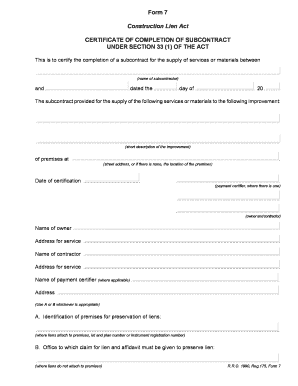
Form 7 completion certificate
Essay contest judging rubric
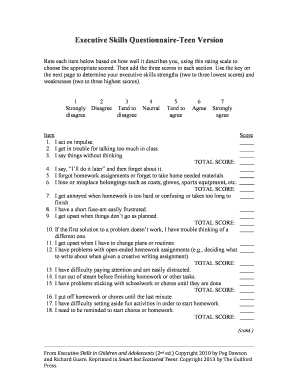
Executive skills questionaire online form

Premiere select ira national financial services
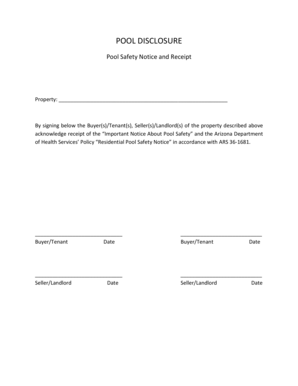
Pool safety notice

Acumen new employee packet

Apph1 07 life
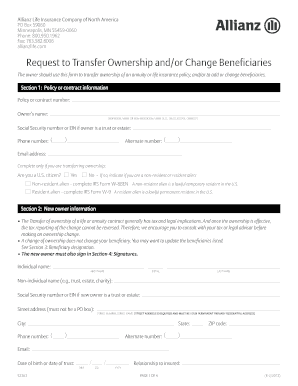
Gauteng city region academy unemployment database form 2013

Monthly Report Form - Pottawatomie County - pottcounty
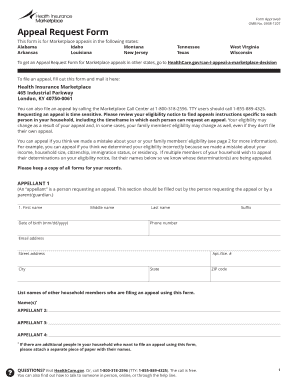
Marketplace Appeal Request Form D - Affordable Health Insurance ...

Sdsu lost official
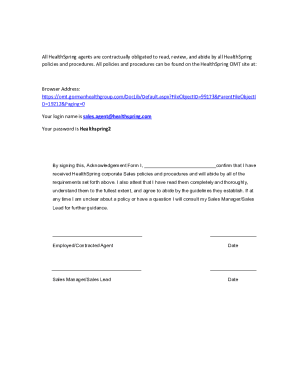
Policy sign off sheet template
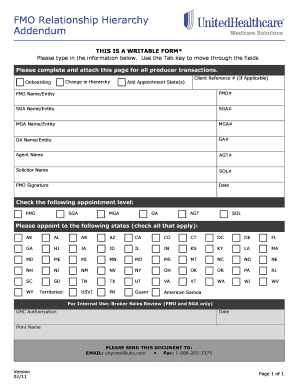
FMO Relationship Hierarchy Addendum - Wehelpinsurance.com
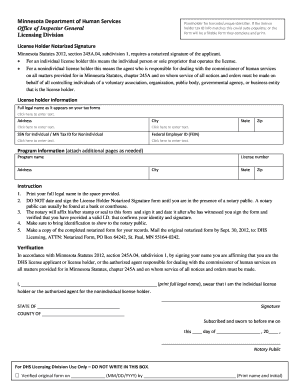
License holder notarized signature form

What is a birf
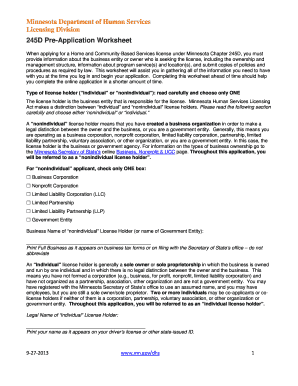
245d pre application worksheet
Vmi personal statement
Benefit from the DocHub online library of fillable PDF forms
Searching the PDF forms doesn't have to be a tedious and time-consuming process. With the DocHub online library, it has become easier to find the fillable PDF forms and modify them in your browser. The service allows you to adjust the document to your needs using powerful editing tools.
You can use online document editing features to modify almost any type of document with ease. You just need to find the template of your choice, open it in the editor, and use the toolbar to make the necessary corrections.
Follow this guide to get your document done with DocHub:
- Find the PDF template you need.
- Click the Get Form button to open the file in the editor.
- Use the toolbar to fill out and edit the document.
- Easily add and highlight text, insert images, checkmarks, and symbols.
- Drop new fillable fields, and rearrange or delete pages from your file.
- Save changes and download your record.
DocHub empowers everyone to streamline document editing, signing, and distribution, and form completion. Create an account and benefit from our well-organized PDF Forms library and comprehensive editor.