
Get any PDF form from the DocHub library of ready-made templates - Page 1563
July 17-19, 2011 Grand Cayman Marriott Beach Resort Grand Cayman, Cayman Islands Mtg - aaae

Square root 123 3a 2f 2fwww bing com 2f 3fform 3dvdmhhp
Idfpr address change

Public Records Request - Washington State Department of Financial ... - dfi wa
Business Card Employee Change Form - US Bank
Travel Request Form - CUNY - laguardia
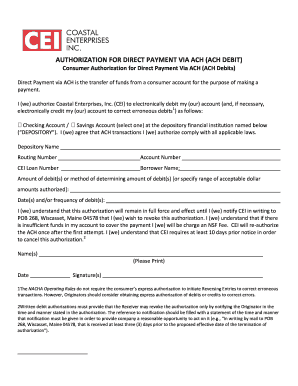
Cei ach form sample

Fry9 blank federal reserve form

K 120 kansas form 2013
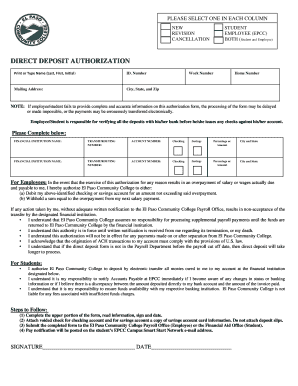
Epcc direct deposit
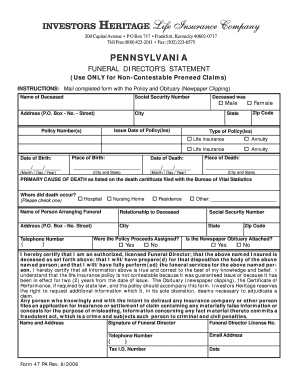
Form 47 pa
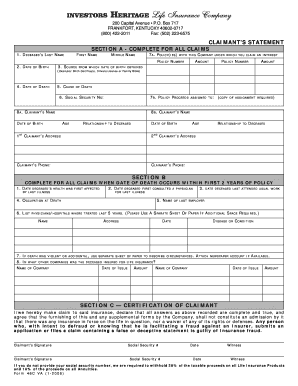
Investors heritage death claim form
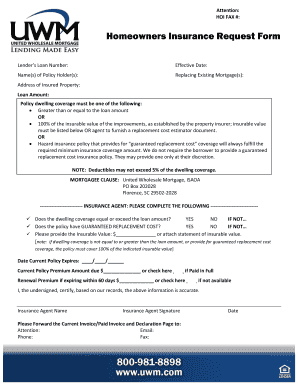
Hoi request
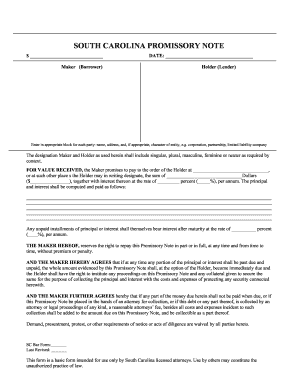
Sc bar association

Opening account fight form
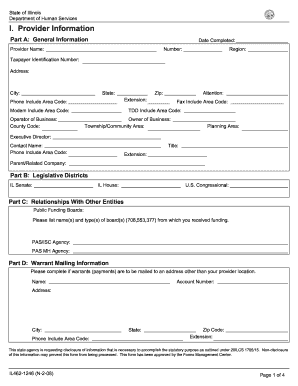
State of Illinois Department of Human Services I - dhs state il
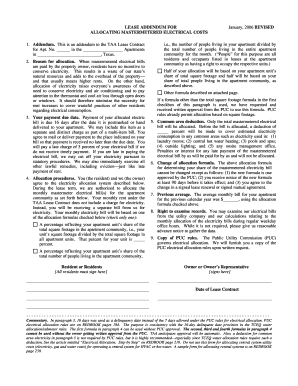
Lease Addendum for Allocating Mastermetered Electrical Costsdoc
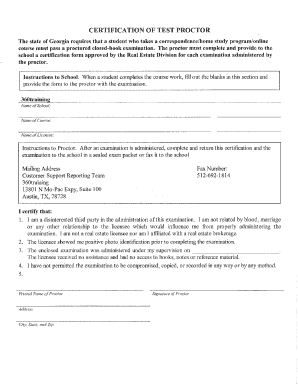
Ga proctor license print
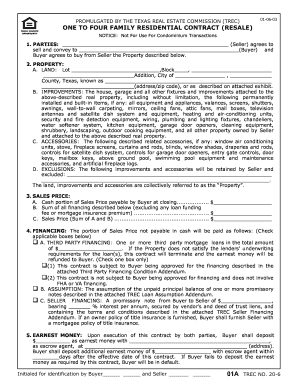
Form no 20 6

Genesee rental form

Ps 1 application

Permanent Renewal LXMO Permit Form - Oregon.gov
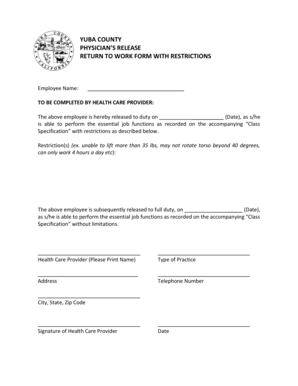
YUBA COUNTY PHYSICIAN'S RELEASE RETURN TO WORK FORM - yuba
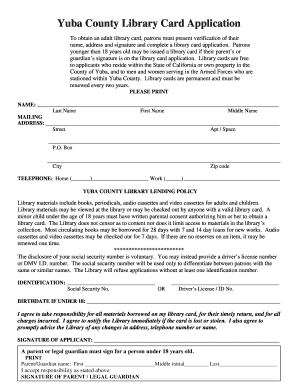
Library card application form pdf
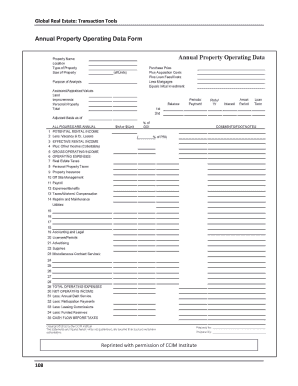
Property data form
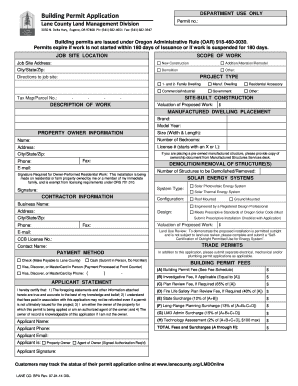
Lmdonline

Form 35r
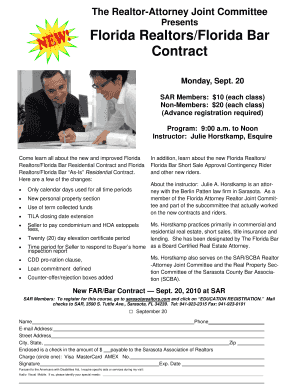
Florida Realtors/Florida Bar Contract - Sarasota Association of ...

Aetna reimbursement form
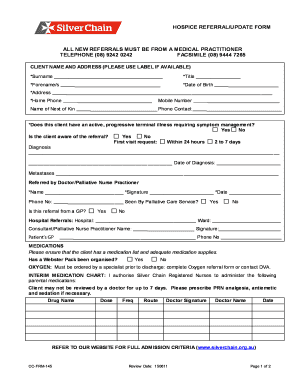
Hospice referral/update form all new referrals must be ... - Silver Chain - silverchain org
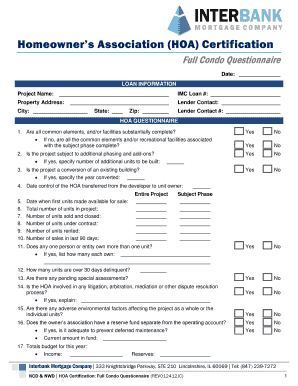
Homeowners association clearance certificate sample

2013 d 40 form

Cfs119 form

Certificate of hecm counseling form

Kinecta direct online

Mgic rental income worksheet

Sres you please

Credit tpfcu deposit
Qnb community
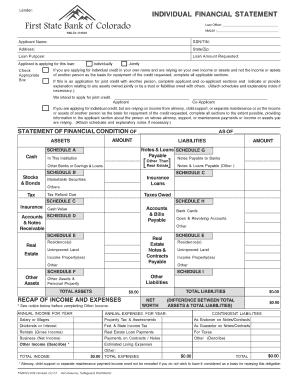
First bank statement of account pdf

Charlotte county florida notice of commencement form
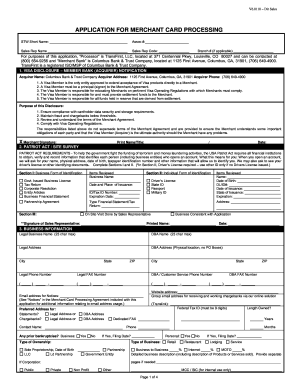
Merchant application form

Parent observation form
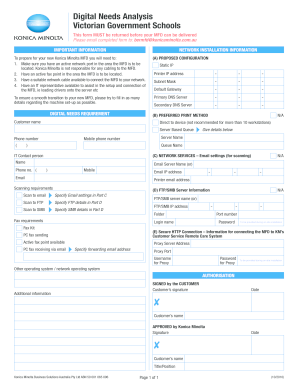
Au dna konica download
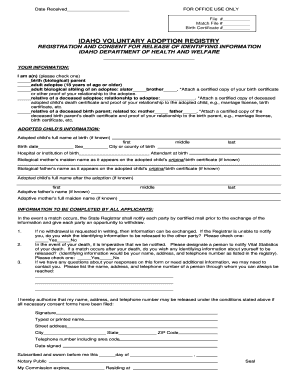
Adoption Registry Form - healthandwelfare idaho
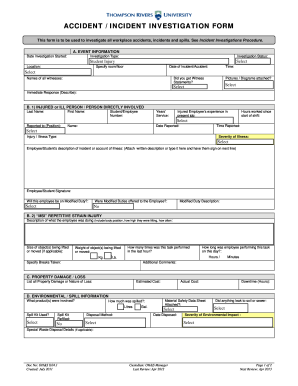
ACCIDENT / INCIDENT INVESTIGATION FORM - tru
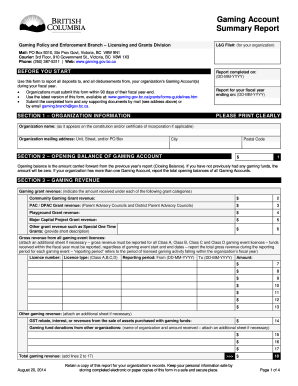
Gaming account summary report form
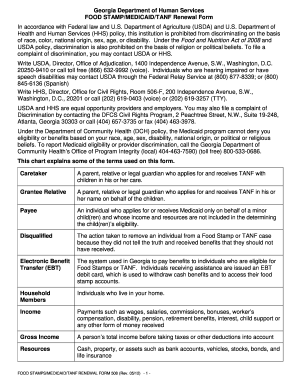
Ga food stamps application 2012 form

Ca fin credit release form fadv ca pdf
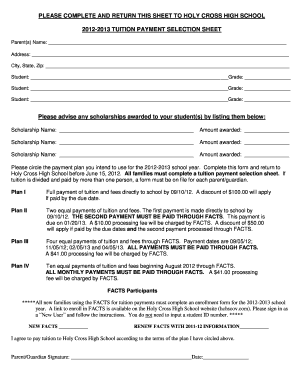
School payment plan form
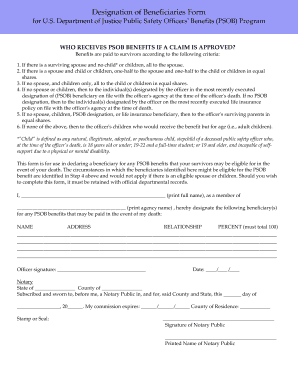
Psob beneficiary form
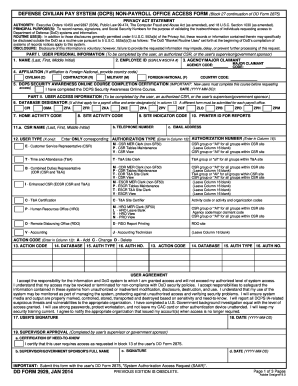
Dd2929
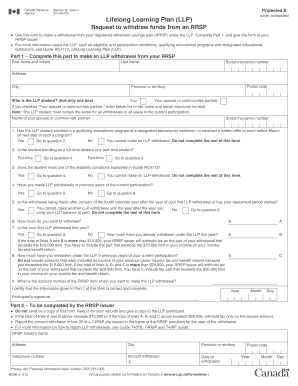
Rc96
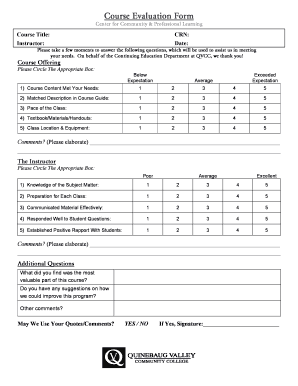
Qvcc commnet

Yy traveler card
Interview consent form
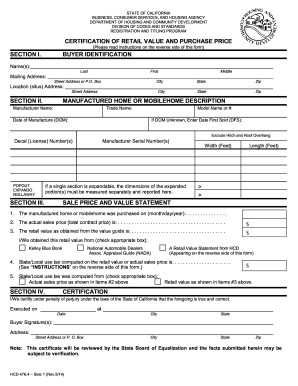
Ca hcd certification

Public service commission marshall islands
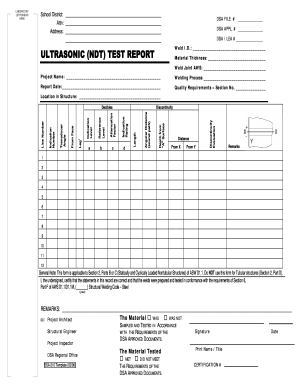
ULTRASONIC NDT TEST REPORT - California - documents dgs ca

Reasonable suspicion documentation form
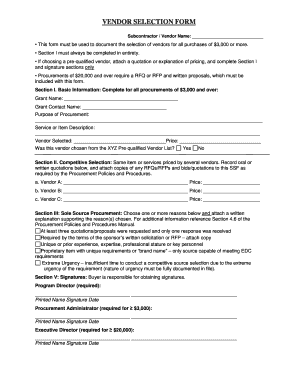
Vendor selection form
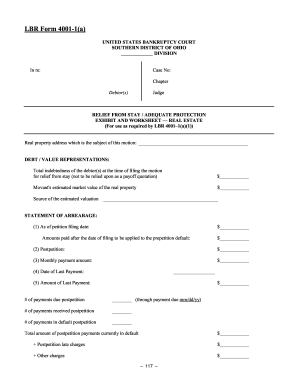
Form 4001 1
Intermediate duplicate marks memo online 2013 form
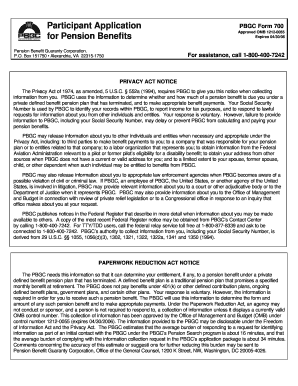
Pbgc form 700
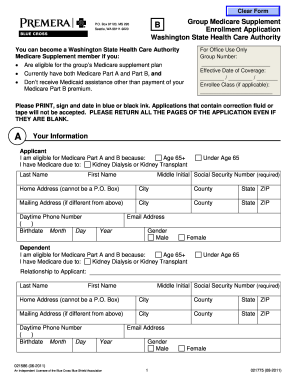
Medicare Supplement Plan F (Form B) - Health Care Authority - hca wa
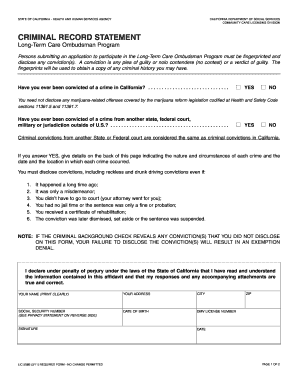
Criminal record statement - California Department of Social Services - cdss ca
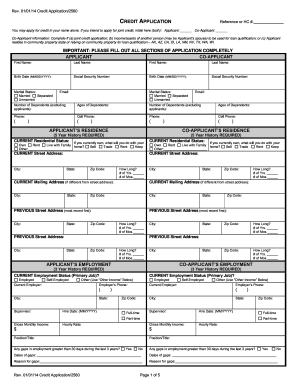
CREDIT APPLICATION APPLICANT APPLICANT'S RESIDENCE ...
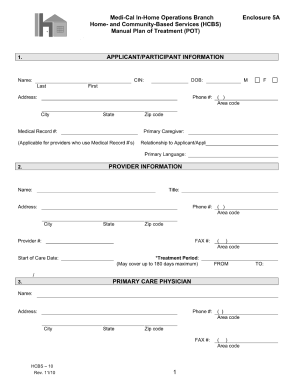
Medi-Cal In-Home Operations Branch Enclosure 5A Home- and ... - dhcs ca
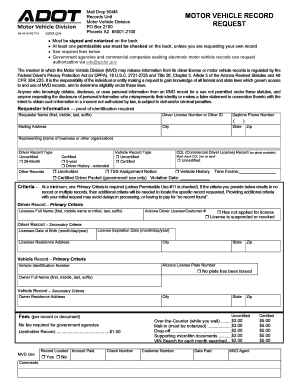
Motor vehicle record
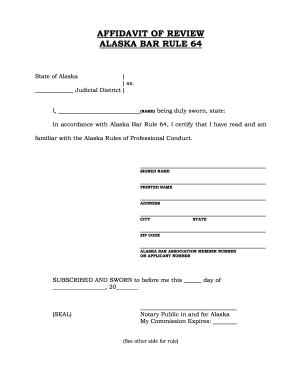
Alaska of rule 64

Mcamigrationt mobilesupport com

Fs 6100 17
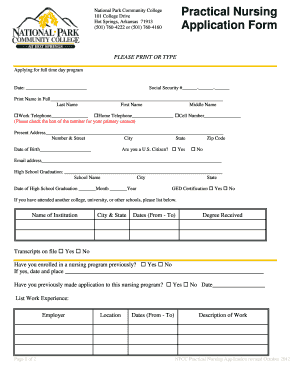
Nursing school application form format
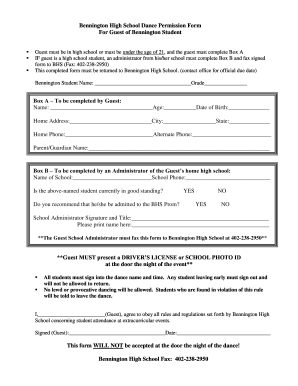
High school dance guest form
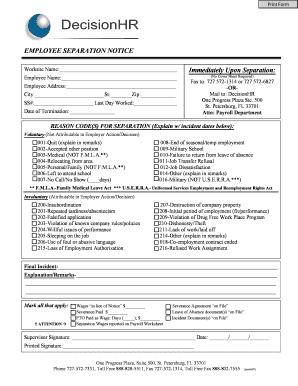
EMPLOYEE SEPARATION NOTICE Immediately bb - DecisionHR

Zmerge
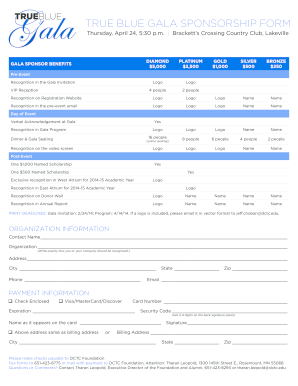
TRUE BLUE GALA SPONSORSHIP FORM - dctc

Form I-9, Employment Eligibility Verification - Montgomery County ... - mcps

Alabama judicial form c 34

Performance Evaluation - Non-Exempt Employees
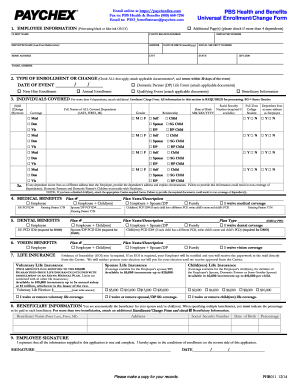
Paychex direct deposit form
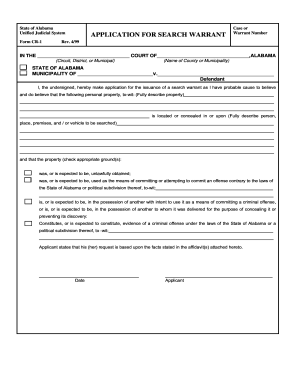
Alabama search warrant
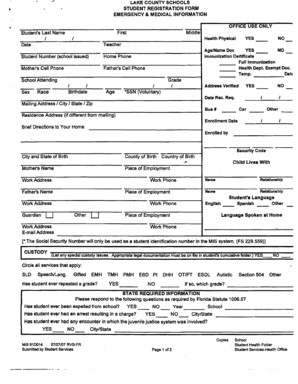
Lake county school registration

Exeter school form
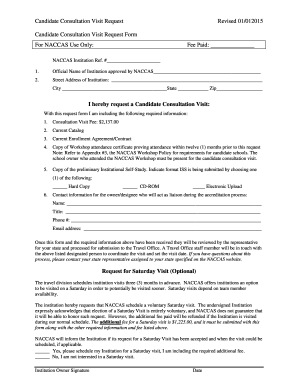
Younggirllesb 2015 form

Alabama death certificate pdf
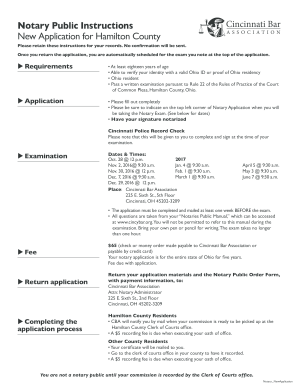
Notary hamilton county
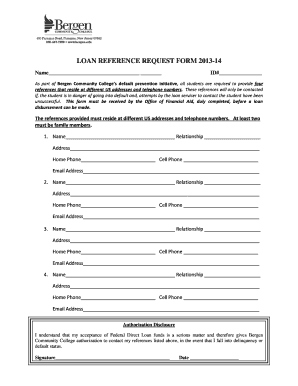
Reference request form
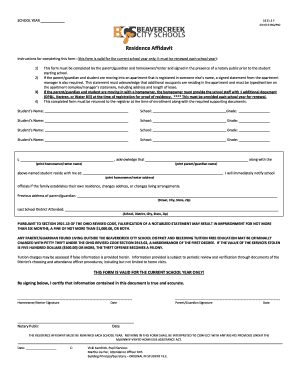
Residence Affidavit - Beavercreek City School District

Wilson community college transcript request
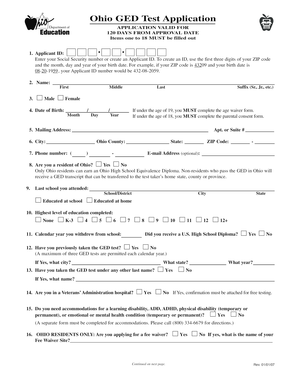
GED Test Application - owens
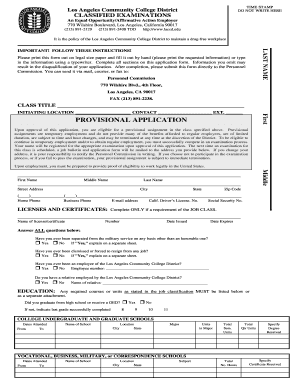
Provisional Application - Los Angeles Community College District - laccd
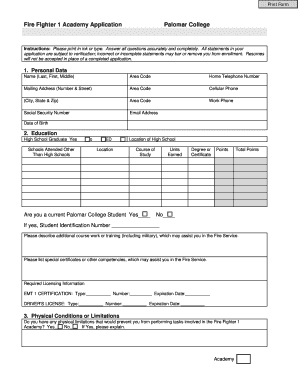
Palomar fighter

Transcript tufts
Environment rating scale self assessment readiness checklist
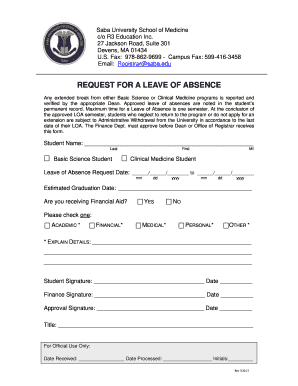
Of absence saba
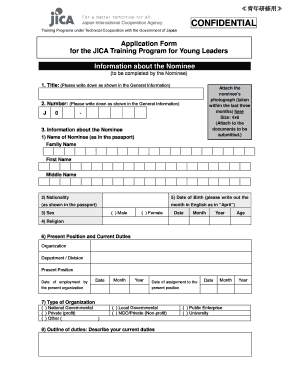
Young Leaders Program (Application Form) (PDF/127KB) - JICA - jica go
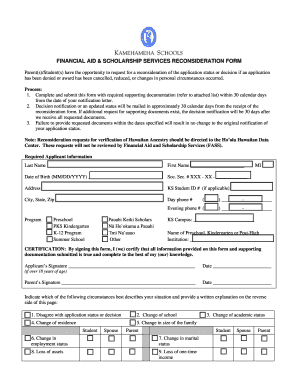
FINANCIAL AID APPEAL FORM - Kamehameha Schools - apps ksbe
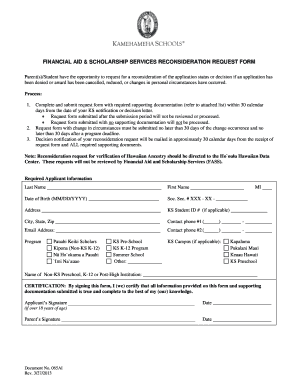
FINANCIAL AID APPEAL FORM - Kamehameha Schools - apps ksbe
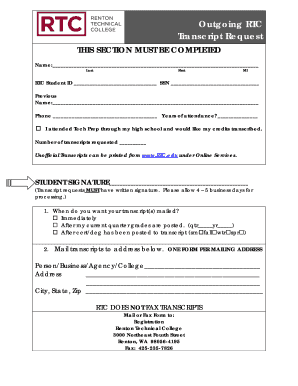
Renton technical college transcript
Benefit from the DocHub online library of fillable PDF forms
Searching the PDF forms doesn't have to be a tedious and time-consuming process. With the DocHub online library, it has become easier to find the fillable PDF forms and modify them in your browser. The service allows you to adjust the document to your needs using powerful editing tools.
You can use online document editing features to modify almost any type of document with ease. You just need to find the template of your choice, open it in the editor, and use the toolbar to make the necessary corrections.
Follow this guide to get your document done with DocHub:
- Find the PDF template you need.
- Click the Get Form button to open the file in the editor.
- Use the toolbar to fill out and edit the document.
- Easily add and highlight text, insert images, checkmarks, and symbols.
- Drop new fillable fields, and rearrange or delete pages from your file.
- Save changes and download your record.
DocHub empowers everyone to streamline document editing, signing, and distribution, and form completion. Create an account and benefit from our well-organized PDF Forms library and comprehensive editor.