




Here's how it works

01. Edit your gro form online
Type text, add images, blackout confidential details, add comments, highlights and more.

02. Sign it in a few clicks
Draw your signature, type it, upload its image, or use your mobile device as a signature pad.

03. Share your form with others
Send gro 185 form via email, link, or fax. You can also download it, export it or print it out.
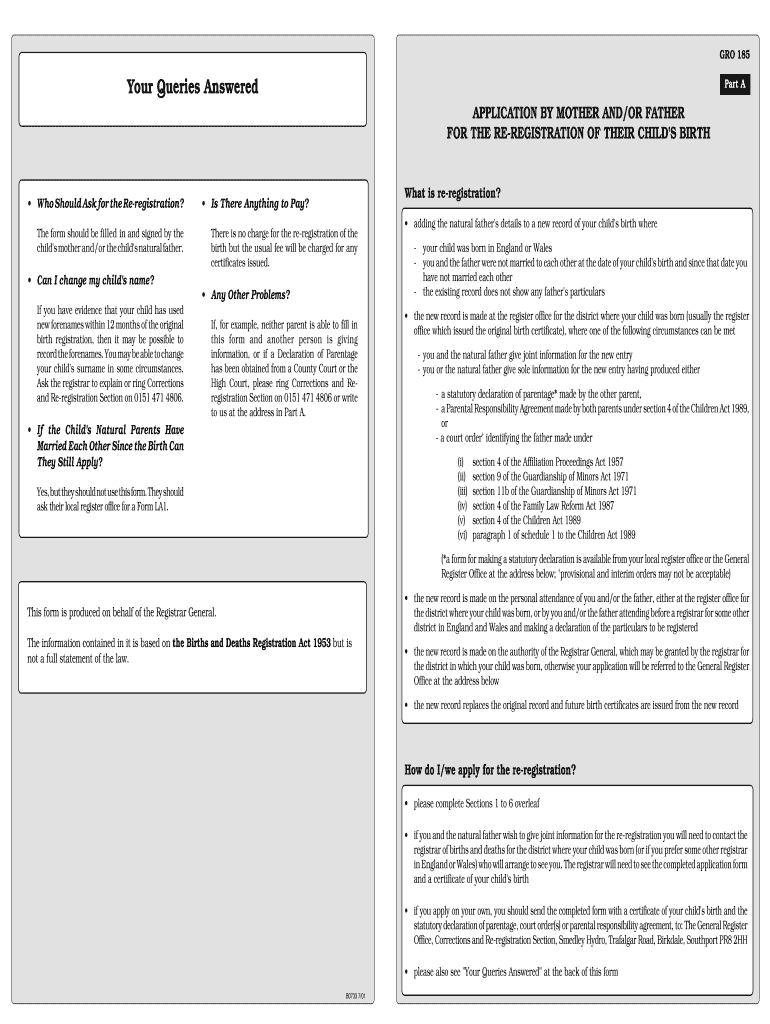
How to use or fill out gro 185 form with our platform

- Click ‘Get Form’ to open the gro 185 form in the editor.
- Begin with Section 1, where you will enter the child's details including their full name, date of birth, and place of birth. Ensure accuracy as this information is crucial for re-registration.
- Proceed to Section 2 to indicate whether both parents will attend the register office together or if one parent will go alone. Select the appropriate option based on your situation.
- In Section 3, provide details about the child's mother, including her current surname and any previous surnames at the time of birth. This section also requires information about her marital status with the child's father.
- Complete Section 4 by answering questions regarding any court decisions related to the child. If applicable, attach any relevant court orders.
- Finally, review Sections 5 and 6 for declarations and signatures from both parents. Make sure all fields are filled accurately before submitting.
Start using our platform today for free to simplify your gro 185 form completion!
Fill out gro 185 form online
It's free
It's free
Security and compliance
At DocHub, your data security is our priority. We follow HIPAA, SOC2, GDPR, and other standards, so you can work on your documents with confidence.
Learn more




