
Get any PDF form from the DocHub library of ready-made templates - Page 1566

Hilco vision catalog
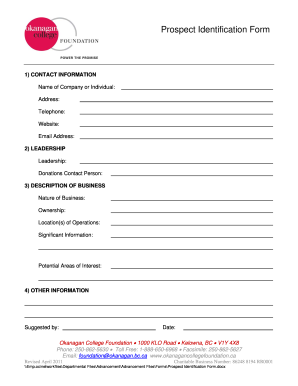
Prospect identification form
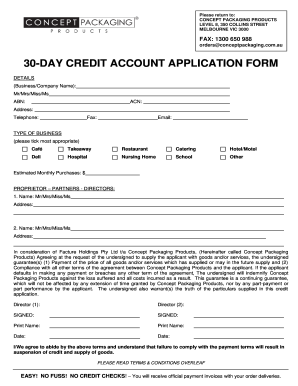
30-DAY CREDIT ACCOUNT APPLICATION FORM - Concept ...
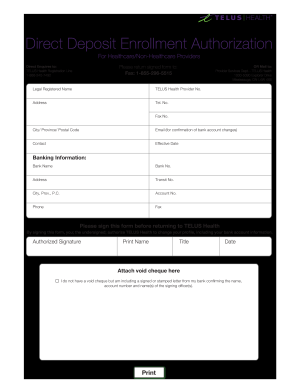
Wsib direct deposit
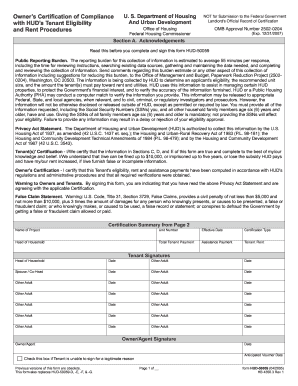
Form HUD-50059 - MultiSite Systems, LLC

Kroger imf
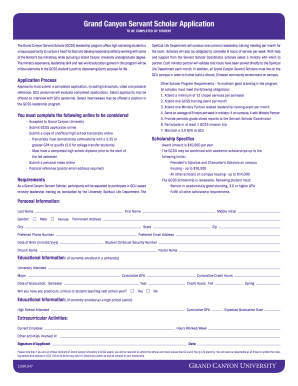
Servant scholar application

Form ita 4133p

Aetna authorized representative form
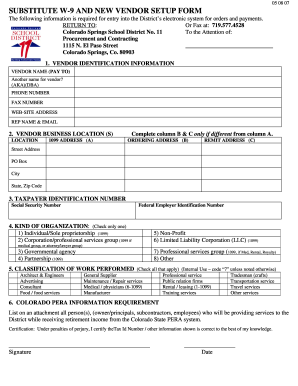
D11 form
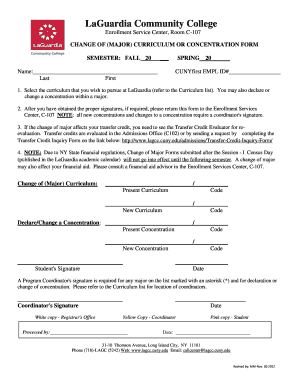
Cunyfirst lagcc

Mass property transfer notofication form pdf

Form 3207(1) - Federal Way Public Schools - fwps

Uk request information subject
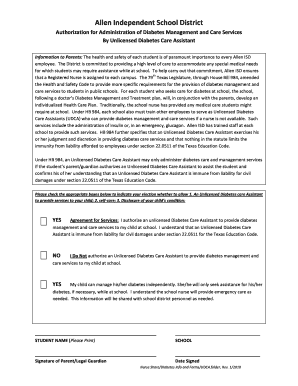
Authorization of administration for udca form
Akc ez reg
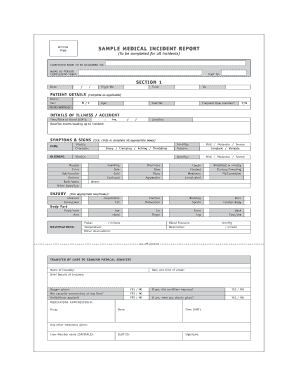
Medical incident report
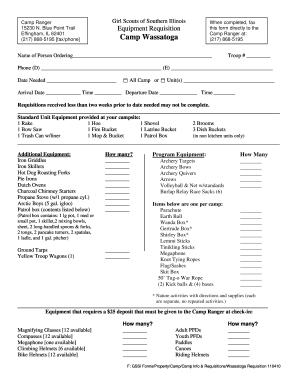
Camp wassatoga effingham il
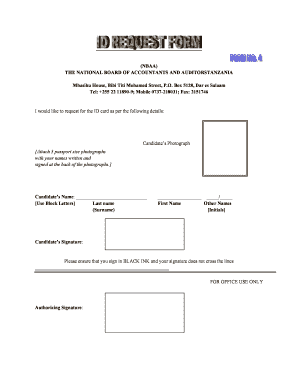
Nid psd file
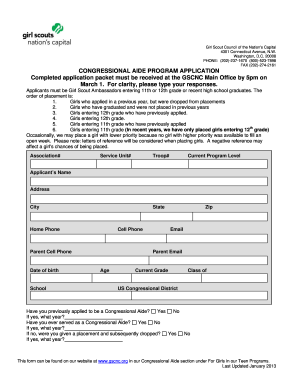
CONGRESSIONAL AIDE PROGRAM APPLICATION Completed ... - gscnc
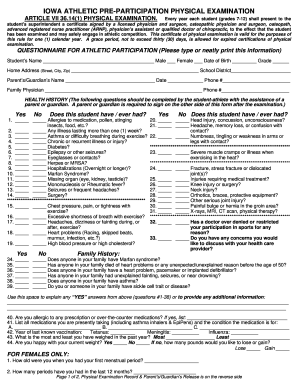
Iowa pre participation physical form 2012
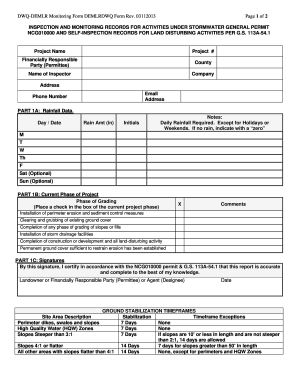
Demlr monitoring form

Peterbilt inspection forms
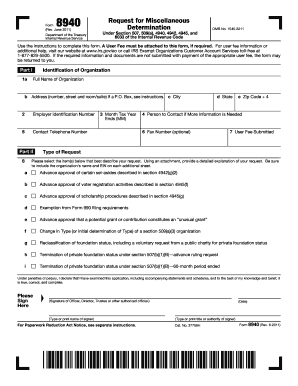
Form 8940
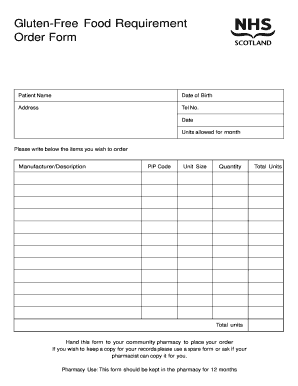
Food order form
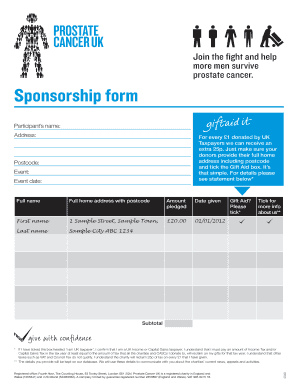
Sponsorship form - Prostate Cancer UK
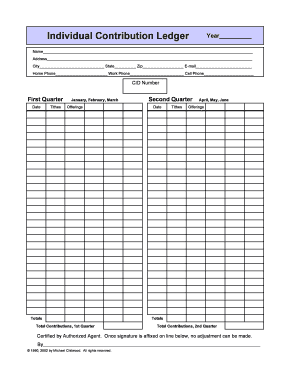
Editable employee attendance calendar template
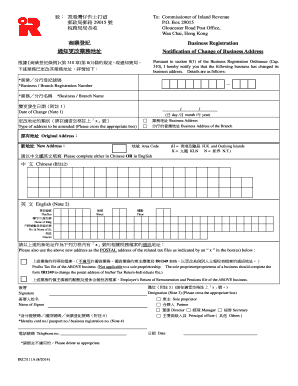
Irc3111a
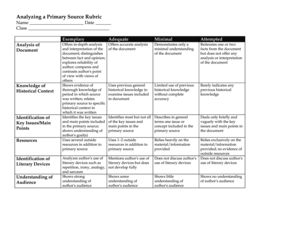
Analyzing a Primary Source Rubric - CyberBee
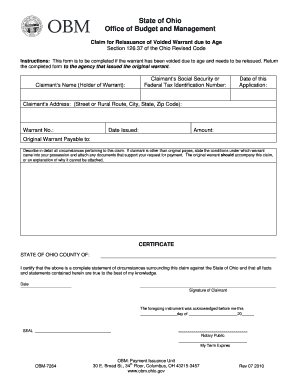
SIGNATURE WARRANT AUTHORIZATION FORM - State of Ohio
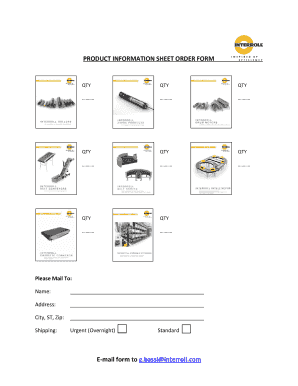
PRODUCT INFORMATION SHEET ORDER FORM E-mail ... - Interroll
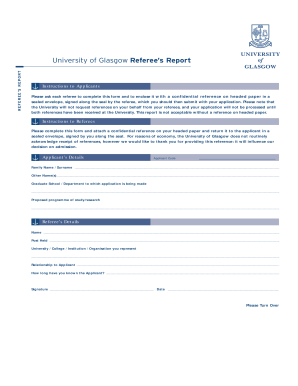
University of glasgow editable referee form
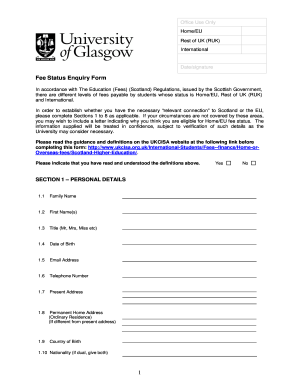
Status enquiry form
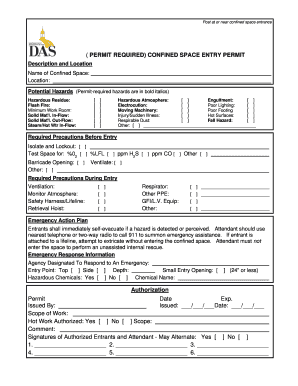
Confined space entry form
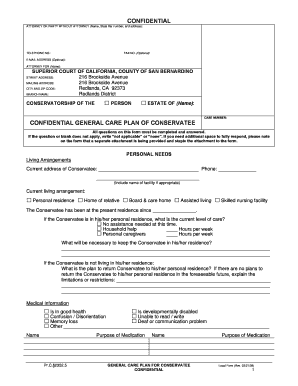
SB-10120 - Superior Court, San Bernardino - sb-court

Tic application form
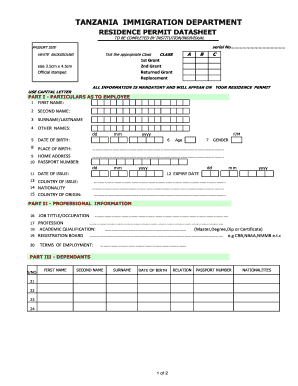
Tanzania residence permit form
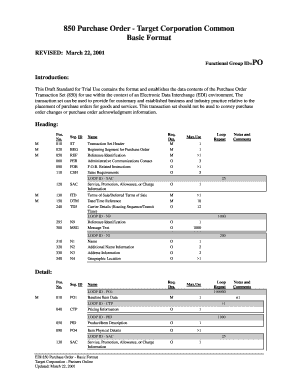
Motion edi 850 spec
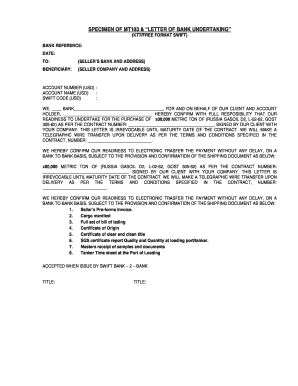
Bank payment undertaking letter
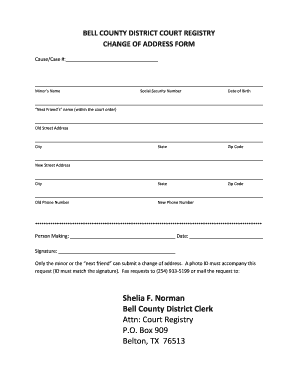
Court Registry PO Box 909 Belton, TX 76513 - Bell County
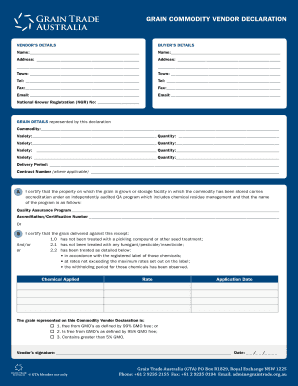
Grain vendor declaration

Kbcc academic appeal

Peer review checklist
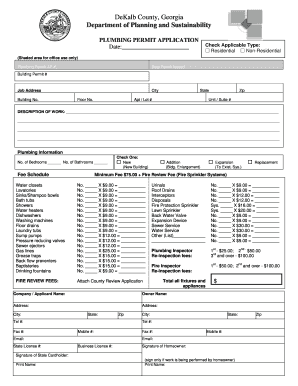
Plumbing Permit - DeKalb County Planning

Utla self nomination
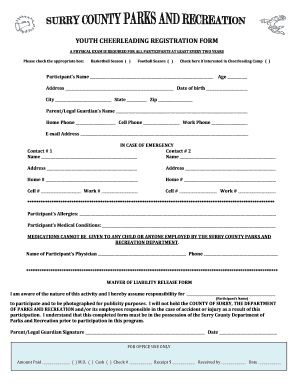
Cheerleading registration form

Epwp application form tshwane
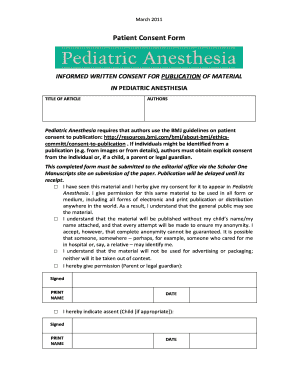
INFORMED WRITTEN CONSENT FOR PUBLICATION OF MATERIAL
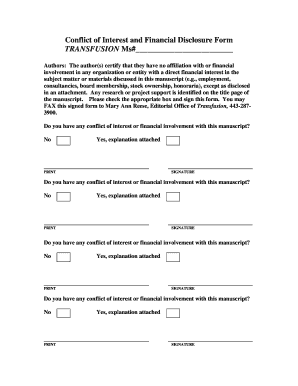
Conflict financial disclosure
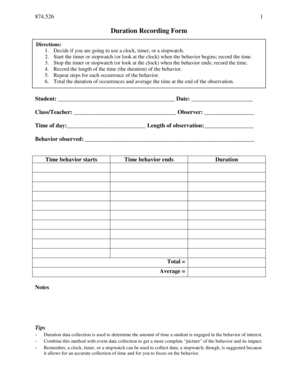
Duration recording form

Petsmart job application pdf
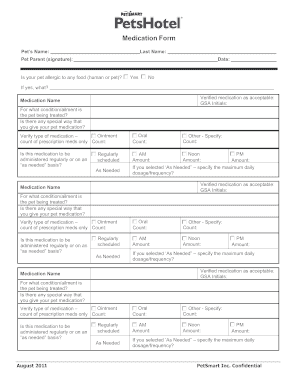
Petsmart medication form

Petsmart return without receipt
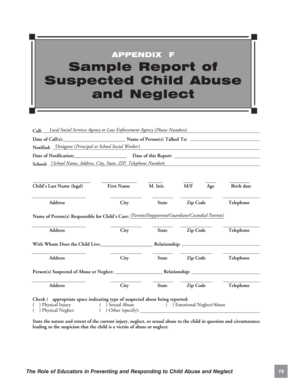
Appendix F: Sample Report of Suspected Child Abuse and Neglect - childwelfare
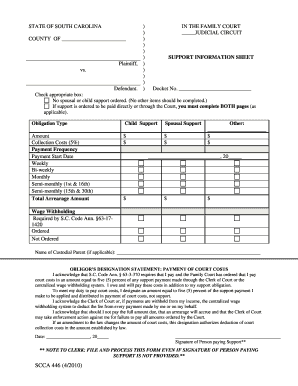
Scca 446

SCRCP Form 4F (10/2011) 1 of 2 This action came to trial, hearing ... - sccourts

University oxford application form

Filled schengen visa application form 2020
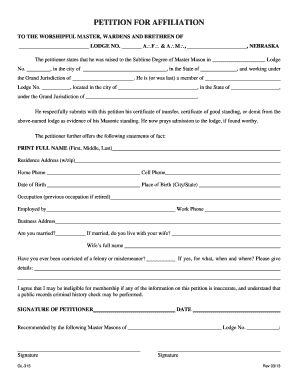
Masonic membership information sheet pdf
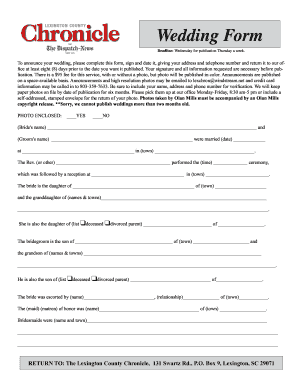
Chronicle wedding form
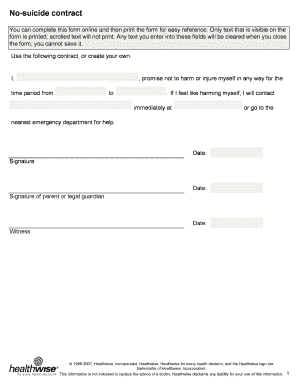
No-suicide contract
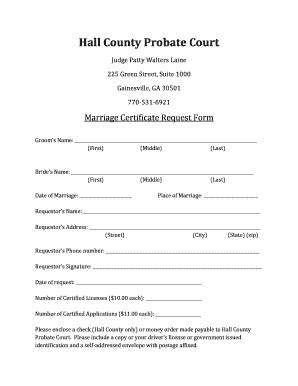
Hall county marriage certificate request form

Grassroots leadership institute - Clayton County Government. - claytoncountyga
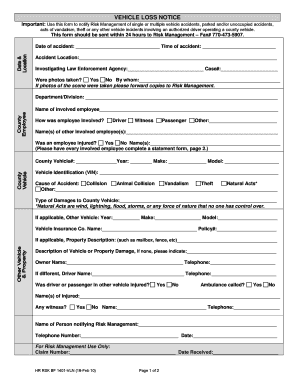
VEHICLE ACCIDENT NOTIFICATION FORM - Clayton County - claytoncountyga
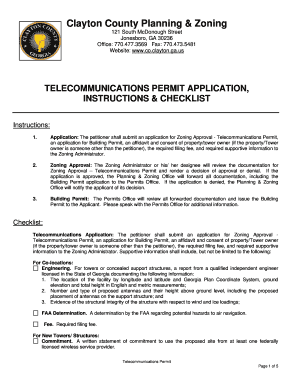
Clayton county firearms permit

TRAINING ANNOUNCEMENT Peer Specialist bCertificationb Training - gahsc
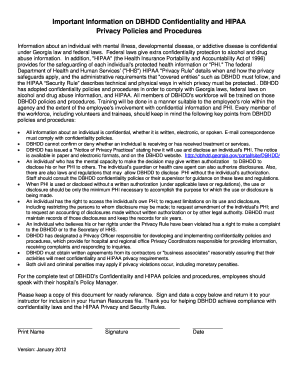
Hipaa employee acknowledgement form
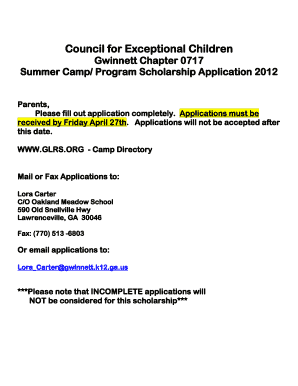
Gwinnett application cec
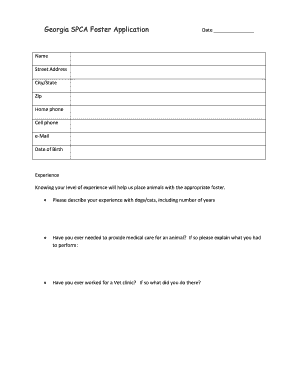
Georgia aspca

Holiday participatin letter
Fulton assessment bank online
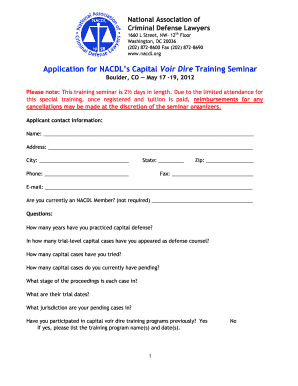
Application for NACDL's Capital Voir Dire Training Seminar - schr
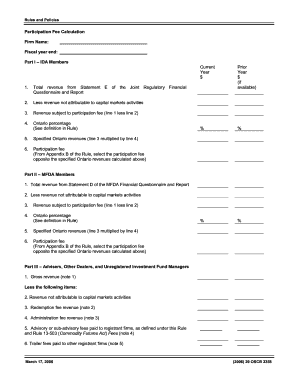
Form 13 502f4

502f4 form

Huber packet
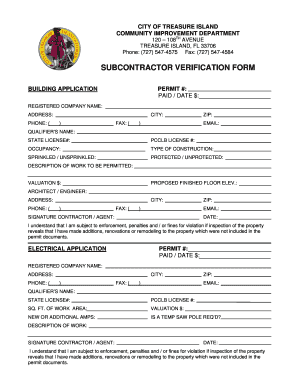
Subcontractor verification form
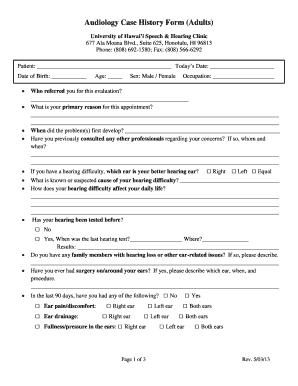
Arthur oderrell franklin florida
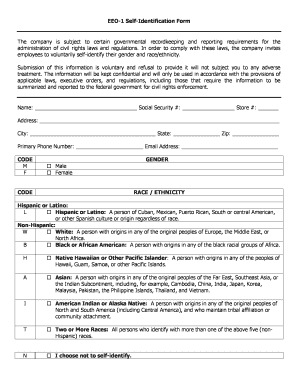
Eeo self identification form
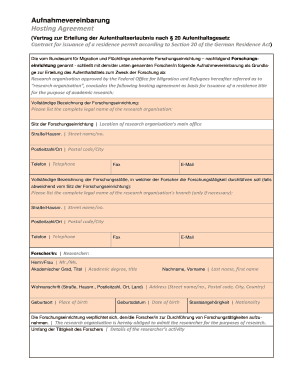
Aufnahmevereinbarung
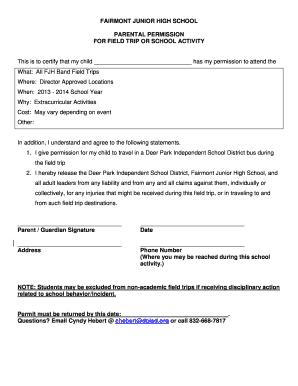
Permission slip from wife

Uwi referee report form

Exemption site alteration
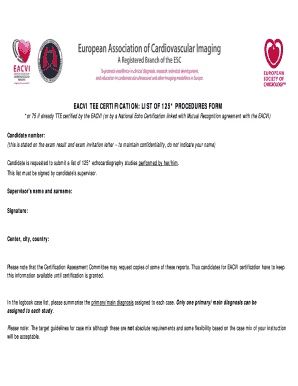
EACVI TEE CERTIFICATION: LIST OF 125* PROCEDURES FORM - escardio

Gurnick Academy of Medical Arts Transcript Request Form - gurnick

Mvt 8 3
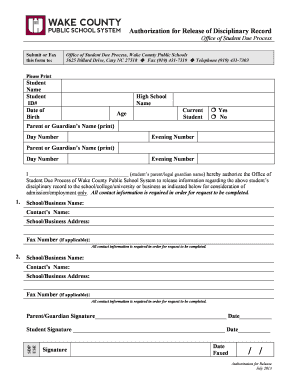
Authorization for Release of Disciplinary Record form - Wake County ... - wcpss
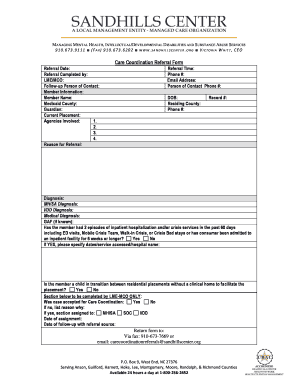
Care Coordination Referral Form - Sandhills Center - sandhillscenter
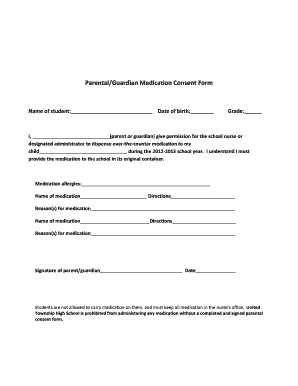
Medication consent form template

Cheerleading application template
Md medical form 2013
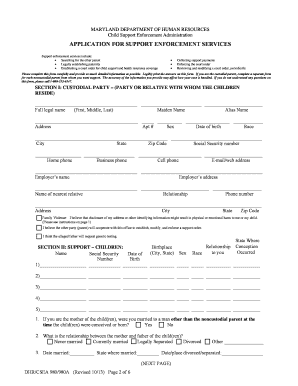
Dhr csea 980 980a
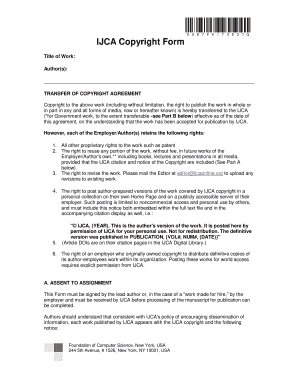
Copyright transfer form
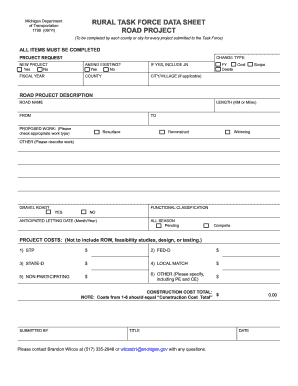
Transportation form 1799 road
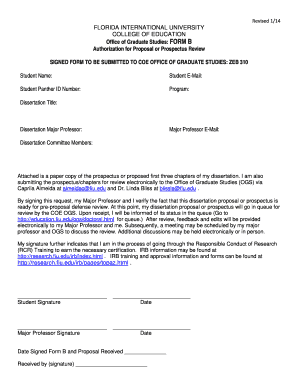
FORM B Authorization for Proposal or Prospectu - College of ...

Document tracking form
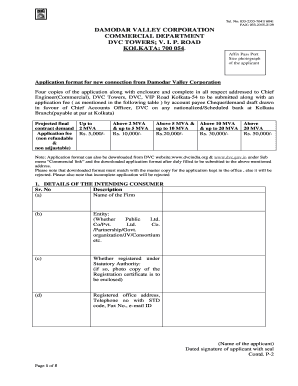
Dvc form

Psns 5512 127 pdf

Nic quarterly final progress sample
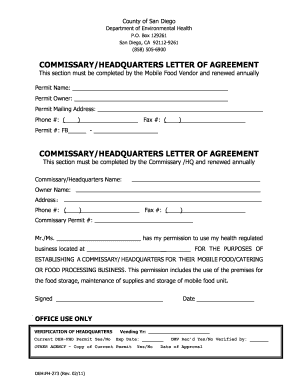
Commissary letter of agreement
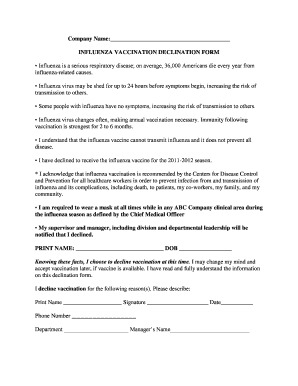
INFLUENZA VACCINATION DECLINATION FORM Influenza is a ...
Benefit from the DocHub online library of fillable PDF forms
Searching the PDF forms doesn't have to be a tedious and time-consuming process. With the DocHub online library, it has become easier to find the fillable PDF forms and modify them in your browser. The service allows you to adjust the document to your needs using powerful editing tools.
You can use online document editing features to modify almost any type of document with ease. You just need to find the template of your choice, open it in the editor, and use the toolbar to make the necessary corrections.
Follow this guide to get your document done with DocHub:
- Find the PDF template you need.
- Click the Get Form button to open the file in the editor.
- Use the toolbar to fill out and edit the document.
- Easily add and highlight text, insert images, checkmarks, and symbols.
- Drop new fillable fields, and rearrange or delete pages from your file.
- Save changes and download your record.
DocHub empowers everyone to streamline document editing, signing, and distribution, and form completion. Create an account and benefit from our well-organized PDF Forms library and comprehensive editor.