
Get any PDF form from the DocHub library of ready-made templates - Page 1144

Tsp 3 fillable 2011 form
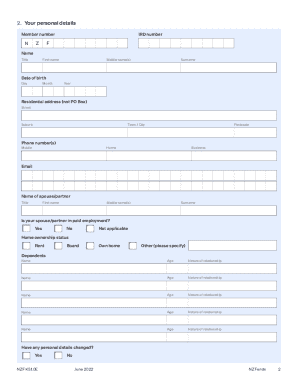
KiwiSaver Significant financial hardship withdrawal form
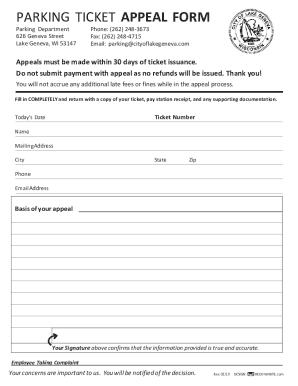
PARKING TICKET APPEAL FORM
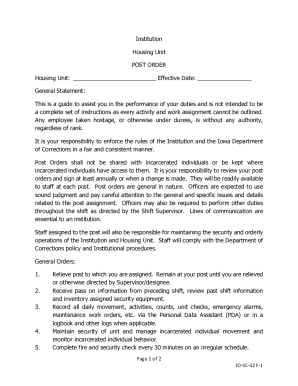
Post order template
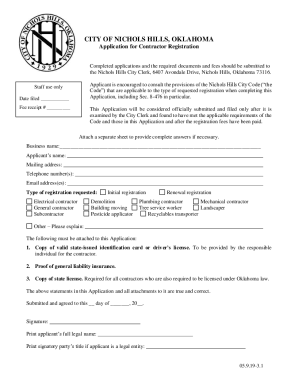
Application for Contractor Registration - City of Nichols Hills
Scuml registration forms
Written Respiratory Protection Program Template Respiratory Protection Program
Green shield custom

Wi immunization record
Prbs ph
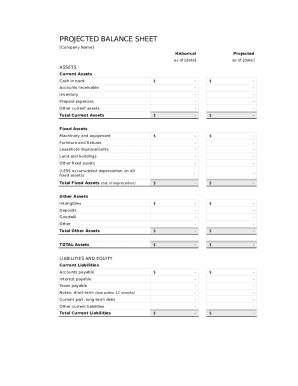
Balance sheet template fillable
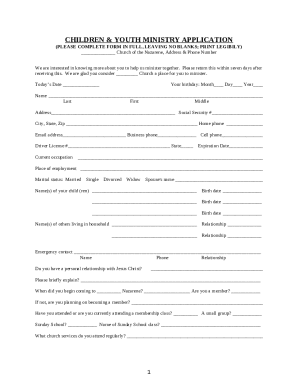
Children's ministry application template

Fda form 4035

One45 scfhs
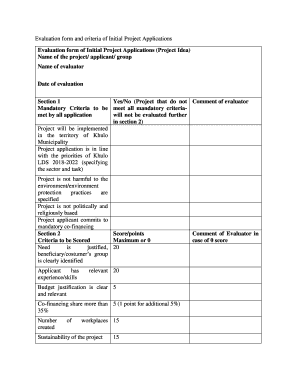
Project Evaluation Template - 7+ Free Word,PDF Documents Project Evaluation Planning: The General Gu
Health Care Consultant Agreement - Recreational camps for children
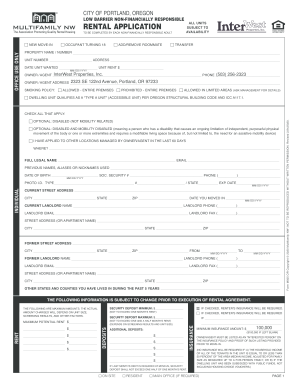
Oregon Sample Forms - Multifamily NW
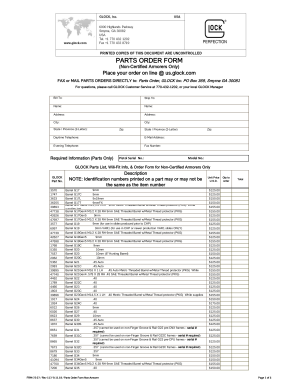
Glock parts order form
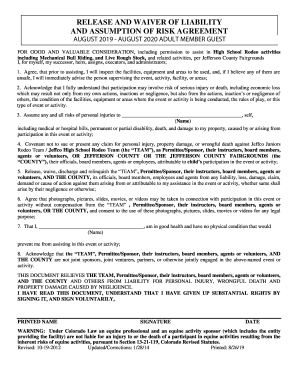
Urban air waiver

Straightforward Pre-Intermediate Progress Test 1
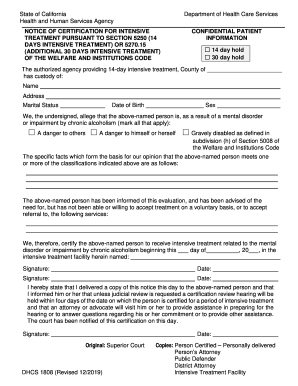
5250 form
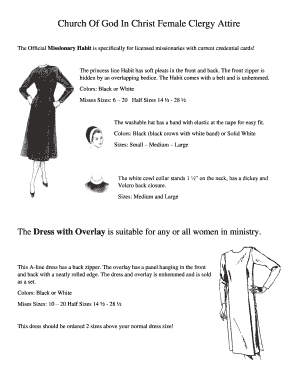
Cogic habits 2022

Affidavit of shared residence form

Blank bill of sale
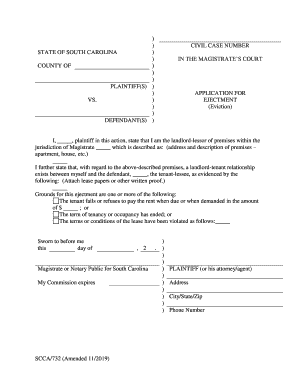
STATE OF SOUTH CARLINA ) COUNTY OF ) IN THE MAGISTRATES

Mpa medical form
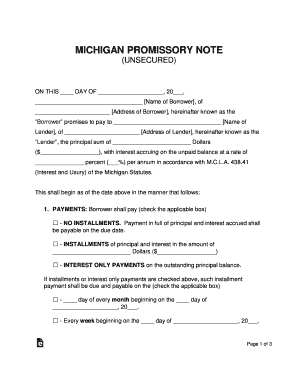
Michigan Standard Promissory Note Template - eForms
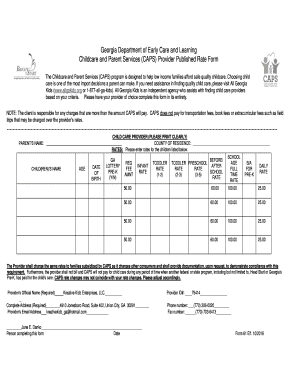
Provider rate sheet
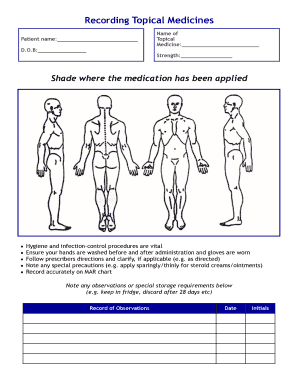
Topical mar chart template
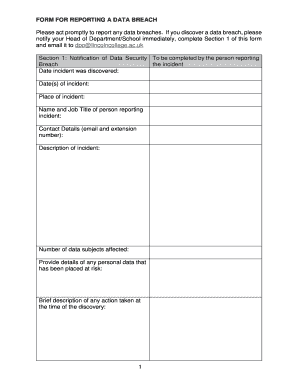
Data breach form
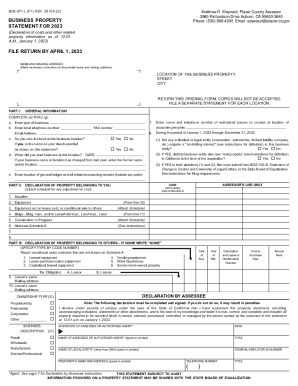
571 l form

Morning health check poster

INFORMATIONAL LETTER NO 2035 - Iowa Department of Human
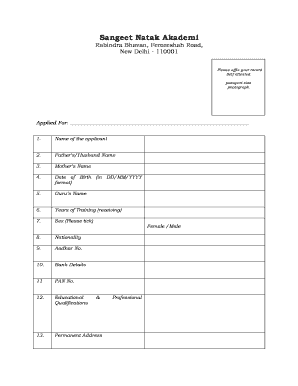
Sangeet natak akademi award application form

Ia divorce

Drug testing

Oregon Residential Lease or Rental Agreement for Month to Month

Alabama administration estates
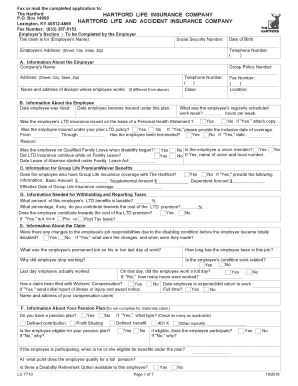
Hartford ltd claim

Navedtra 43901

Fishing tournament template
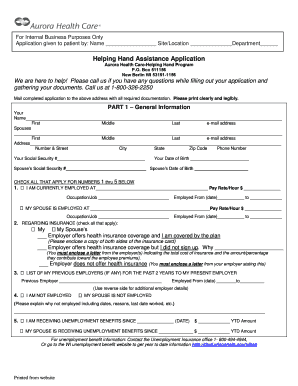
Helping hand application

Franklin covey planner excel template
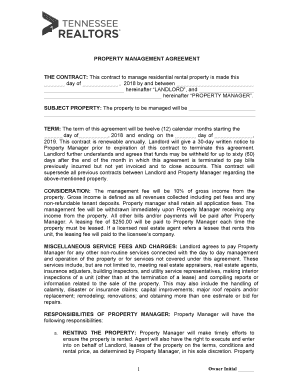
Property management proposal template

Form prenatal intake
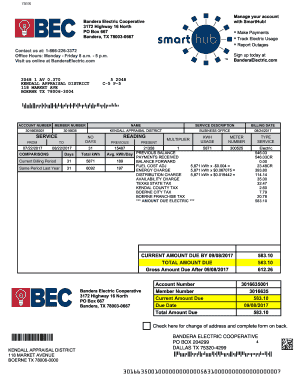
Payment Options - Bandera Electric Cooperative
Blank nevada car title
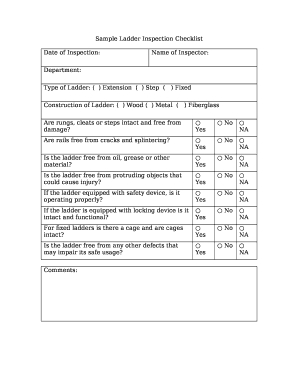
Ladder safety checklist pdf
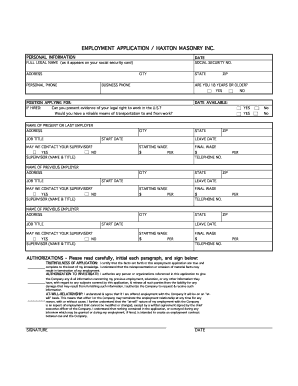
EMPLOYMENT APPLICATION HAXTON MASONRY INC
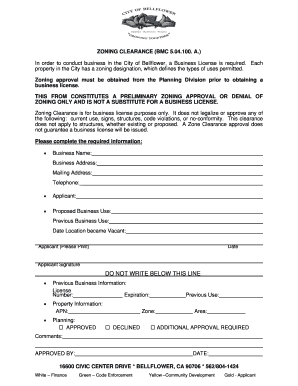
Zoning Clearance Form doc
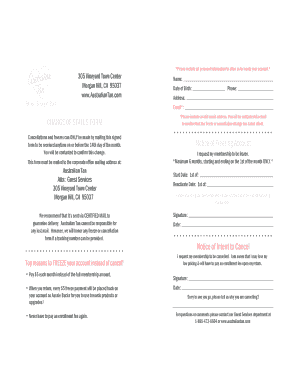
Australian tan cancel membership
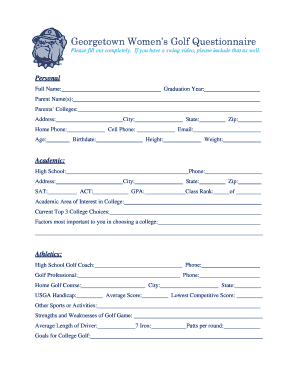
Georgetown Women's Golf Questionnaire
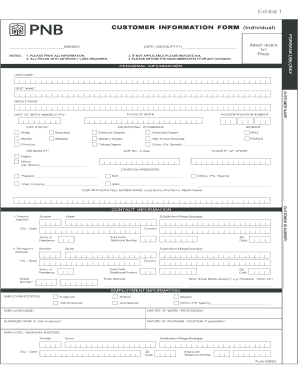
Online customer update form pnb
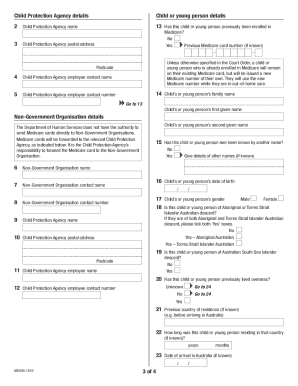
Medicare enrolment or new Medicare number request For use by Child Protection Agencies
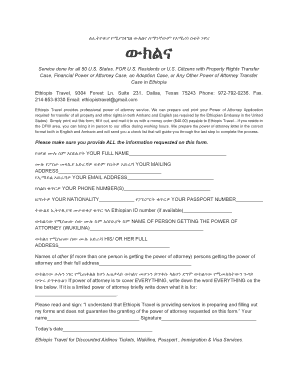
Ethiopian power of attorney sample in amharic

Kentucky articles amendment
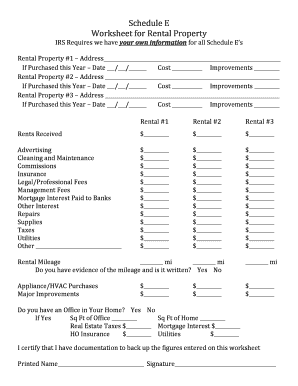
Schedule e rental income worksheet

Choctaw pace

PHQ-4: Validated Screening Tool for Anxiety and Depression
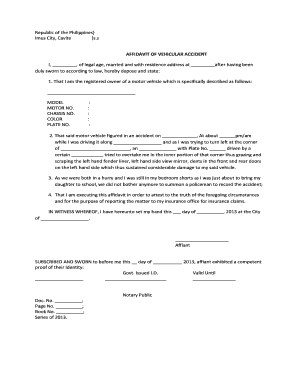
Affidavit of accident pdf
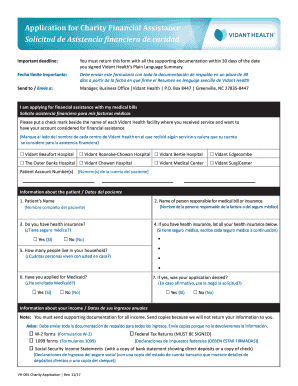
Vidant financial assistance
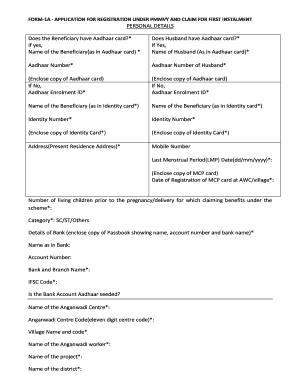
Pmmvy form 1 a in gujarati pdf

Neisd consent

Fillable auto insurance id card texas

Hypodermoclysis Competency Skills Checklist - Shalom Village

Renaltab ii

Bcal 4591

Broker Renewal Application (RE 208) - California Department of

Sharps injury form
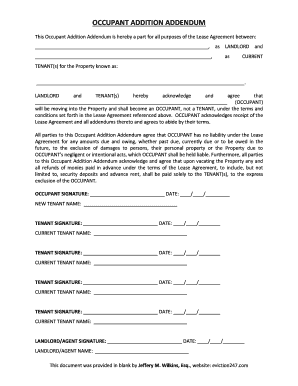
Blank addendum pdf
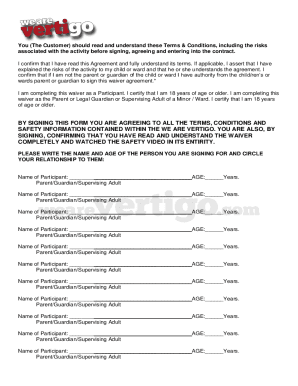
We are vertigo waiver

Common wall agreement format
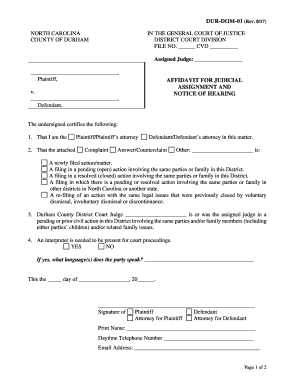
DUR-DOM-01 Affidavit For Judicial Assignment And Notice Of
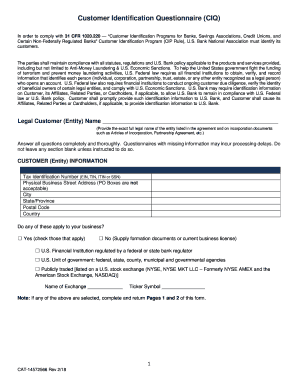
FORM CIQ: Conflict of Interest Questionnaire - Texas Ethics
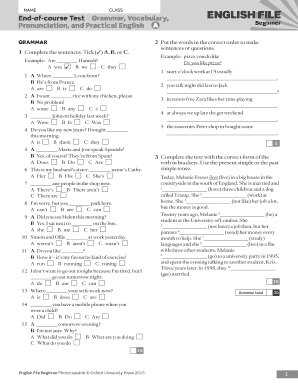
English file beginner tests
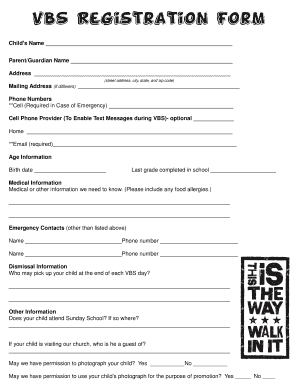
VBS Registration Form - Ridgedale Baptist Church

Miami-dade corrections and rehabilitation department annual

Vps bunker sample collection

Weekly language review answer key
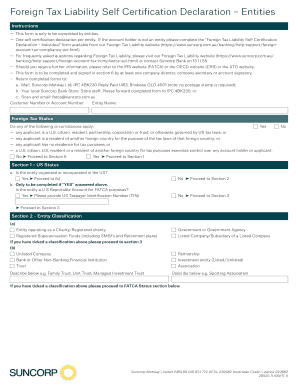
Australia liability

Essentials of treasury management
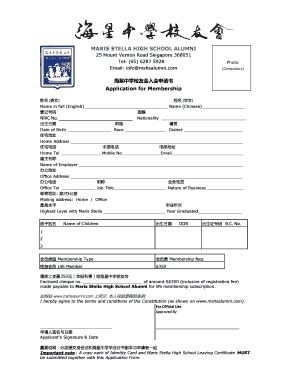
Maris stella alumni
Dbs ideal file upload format
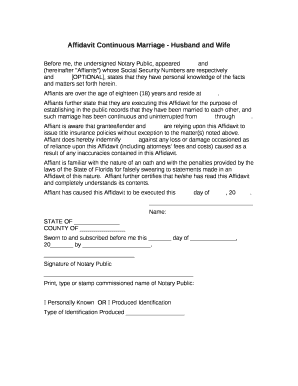
Affidavit of continuous marriage florida
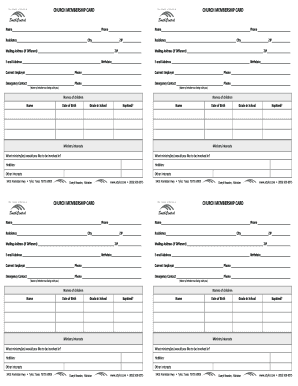
CHURCH MEMBERSHIP CARD
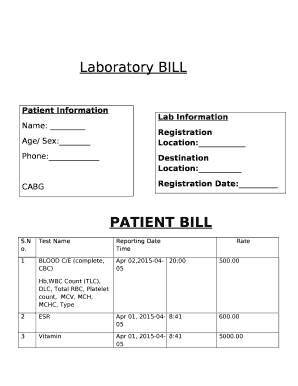
Pathology lab bill format in word

New jersey id template
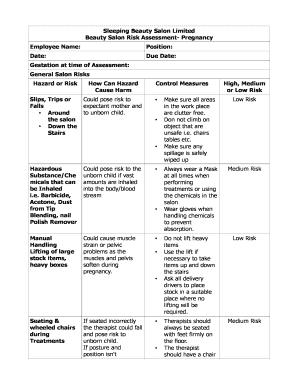
Beauty Salon Risk Assessment- Pregnancy
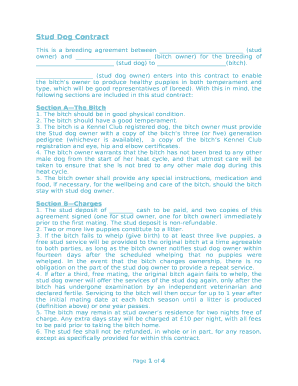
Stud Dog Contract
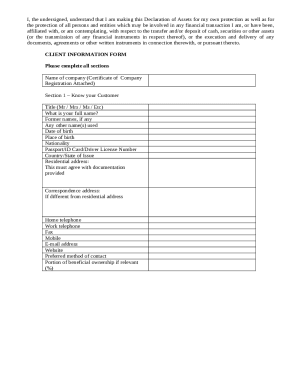
Cis banking form
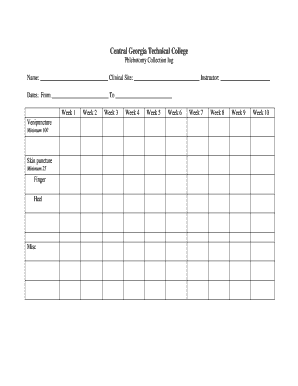
Venipuncture log sheet
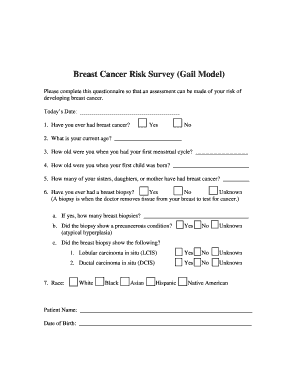
Breast Cancer Risk Survey (Gail Model)
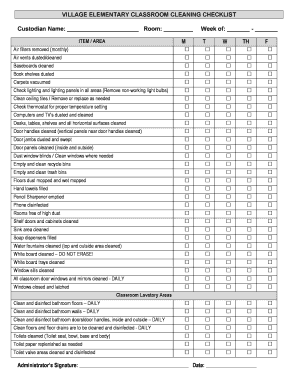
School cleaning checklist pdf

YMCA Summer Camp Rules
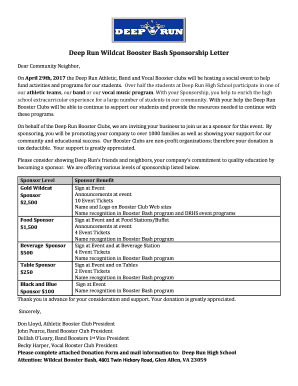
Booster club sponsorship letter
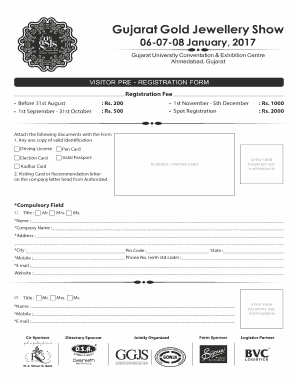
Gold registration
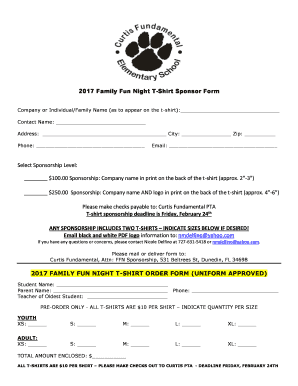
Shirt sponsor template
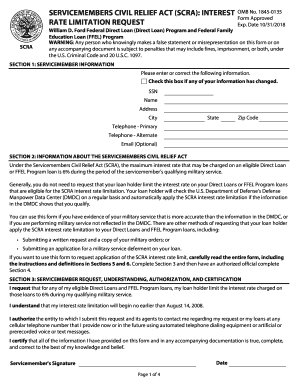
Servicemembers Civil Relief Act You may use this form to request that your loan holder limit the int
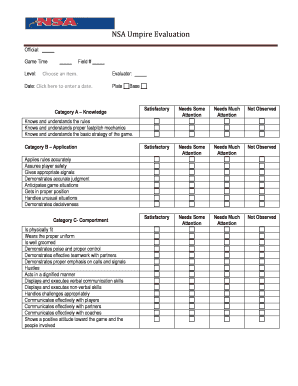
NSA Umpire Evaluation Form - NSA California Umpires
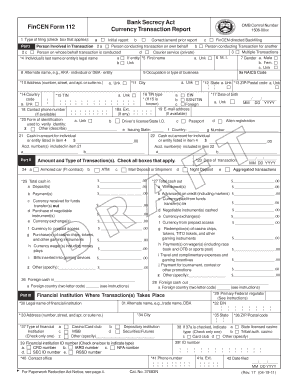
FinCEN Suspicious Activity Report (FinCEN SAR) Electronic Filing
Benefit from the DocHub online library of fillable PDF forms
Searching the PDF forms doesn't have to be a tedious and time-consuming process. With the DocHub online library, it has become easier to find the fillable PDF forms and modify them in your browser. The service allows you to adjust the document to your needs using powerful editing tools.
You can use online document editing features to modify almost any type of document with ease. You just need to find the template of your choice, open it in the editor, and use the toolbar to make the necessary corrections.
Follow this guide to get your document done with DocHub:
- Find the PDF template you need.
- Click the Get Form button to open the file in the editor.
- Use the toolbar to fill out and edit the document.
- Easily add and highlight text, insert images, checkmarks, and symbols.
- Drop new fillable fields, and rearrange or delete pages from your file.
- Save changes and download your record.
DocHub empowers everyone to streamline document editing, signing, and distribution, and form completion. Create an account and benefit from our well-organized PDF Forms library and comprehensive editor.