




Here's how it works



How to use or fill out morning health check poster with our platform

- Click ‘Get Form’ to open the morning health check poster in the editor.
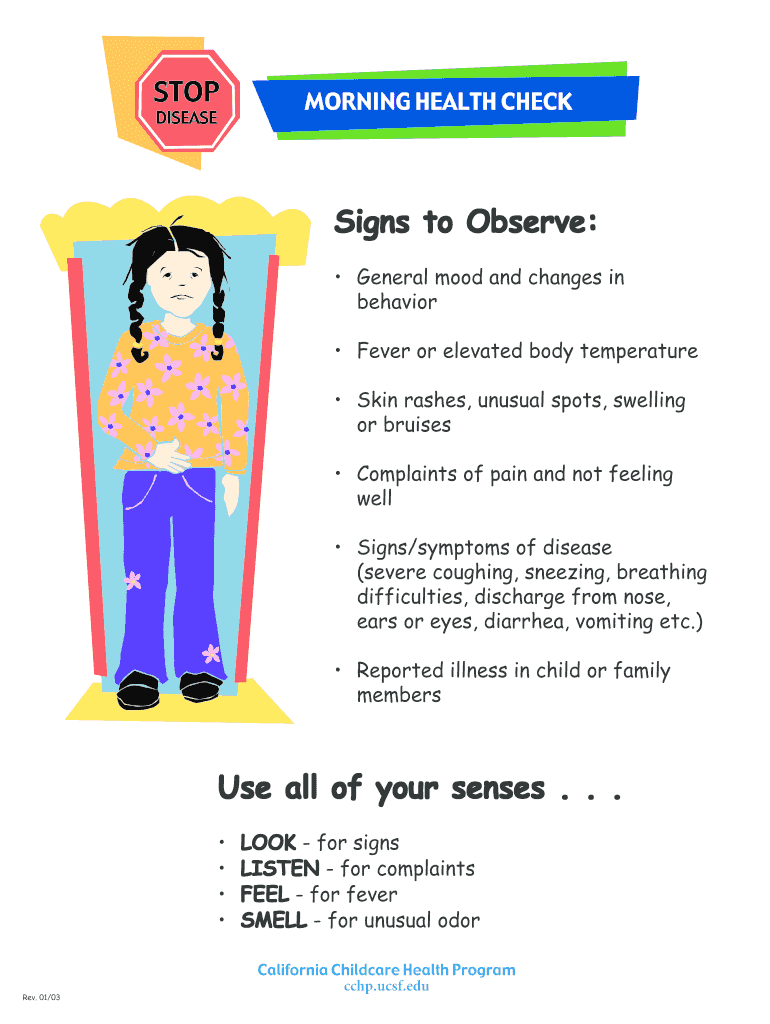
- Begin by observing the signs listed, such as general mood changes and any physical symptoms like fever or rashes. Use your senses to assess each child's condition.
- In the designated fields, record any observations regarding the child's behavior and physical state. Be specific about any complaints of pain or reported illnesses.
- Ensure that you document handwashing procedures as outlined in the form. This includes steps for proper hand hygiene before and after interacting with children.
- Review the section on when to wash hands and ensure all relevant instances are checked off, such as after diapering or before preparing food.
- Once all sections are filled out accurately, save your changes and share the completed form with relevant staff members for further action.
Engage with our platform today to streamline your health check processes effortlessly!
It's free
See more morning health check poster versions
| Versions | Form popularity | Fillable & printable |
|---|---|---|
| 2017 | 4.5 Satisfied (34 Votes) |
Got questions?
Can I sign my daily health check form for daycare with my phone?
Sure, it is possible with DocHub. This trustworthy and compliant online solution features a phone-based signing option. Once you log in to your DocHub account and add your daily health check form for daycare to our editor, complete all necessary areas and utilize the Sign tool on the top barf. Click on Create your signature and select Phone from the available options. Here, you scan a QR code with your smartphone and draw your signature on your phone display, as you normally do when approving hard copies. If you access DocHub right from your mobile device, you can electronically sign your document by drawing your electronic signature, uploading its picture, or simply with a typed name.
How do you edit body check form for daycare online?
With DocHub, there are several convenient methods to edit your body check form for daycare online. You can drag and drop the form and edit it straight at the DocHub website or use our browser extension to fill out your form immediately. On top of that, you can edit your PDF on your phone, as DocHub is compatible with all the accessible mobile platforms.
What are daily health checks?
Which symptom would cause you to send a child home following a daily health check?
What signs should they be watching out for while performing the daily quick health check?
Security and compliance
At DocHub, your data security is our priority. We follow HIPAA, SOC2, GDPR, and other standards, so you can work on your documents with confidence.
Learn more




